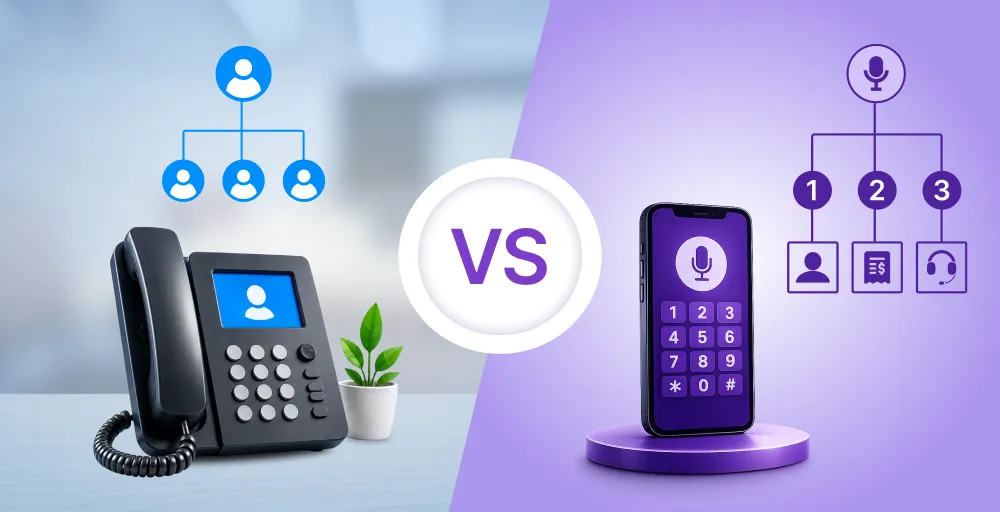
Outdated contact center workflows are slowly draining productivity and creating stress for both agents and customers.
According to Zippia’s Customer Experience Statistics, U.S. businesses lose $75 billion annually due to poor customer service, representing an 18% increase in just two years. It is caused by increased churn, long handle times, and agent burnout due to poor customer service.
Therefore, it is essential to enhance your contact center workflow. A well-designed workflow improves your call center’s efficiency and frees up hours of lost productivity each week.
In this blog, we’ll break down exactly what a contact center workflow is, why it matters in modern operations, and its key components.
What is a contact center workflow?
A contact center workflow is a structured sequence of steps that guides agents in handling customer interactions, from initial contact to final resolution. It ensures consistency across every customer touchpoint, improves operational efficiency, and delivers optimal customer experiences.

The contact center workflow diagram typically includes the following stages:
- Customer initiates contact: Every customer service workflow begins when a customer contacts your business. In a multichannel contact center, customers reach out through calls, chat, email, and social media.
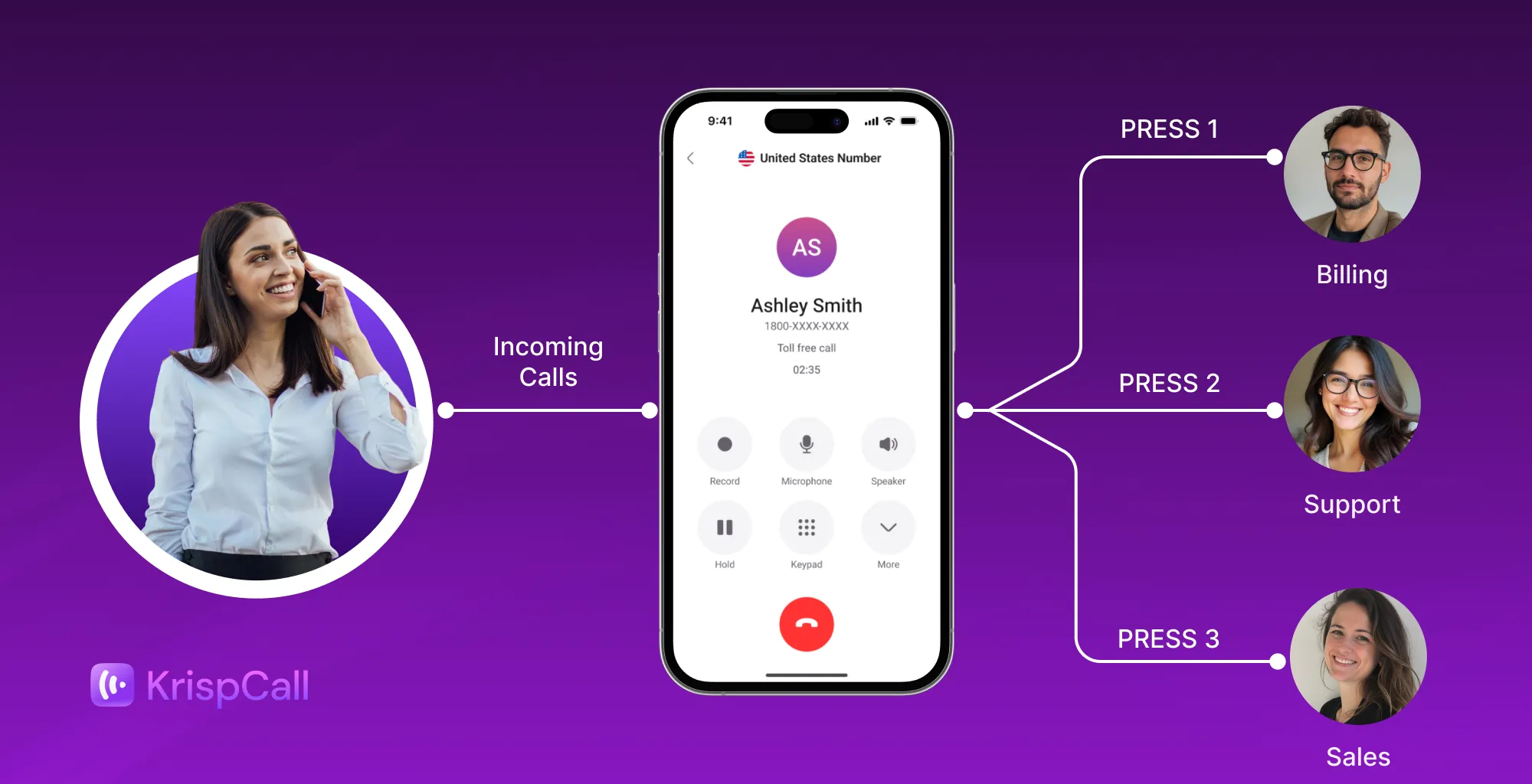
- Call routing: An IVR system or AI-powered routing identifies the reason for contact. Then directs the customers to appropriate agents or departments using pre-recorded menus.
- Agent interaction: The agent engages with the customer, accesses relevant information, and works to resolve the issue. They handle conversations using tools such as knowledge bases, prewritten responses, and integrated customer histories.
- CRM entry: All relevant information is logged into the CRM integration to update customer records and documents. Many systems now utilize AI-generated summaries to reduce manual data entry and expedite the wrap-up process.
- Follow-up actions: Not all the issues are solved at once. The system sets automated follow-ups such as confirmation emails, ticket escalations, or satisfaction surveys.
- Resolution: Once the issue is resolved, it is marked complete. Then, the metrics are logged for reporting and analysis, including first contact resolution and customer satisfaction.
Why workflows matter in modern contact centers?
In modern contact centers, having a clear and well-structured workflow is not only beneficial but also essential. It helps to improve response times, reduce errors, control customer frustration, and enhance the overall customer experience. Let’s explore why workflow matters in modern cloud contact centers in detail:
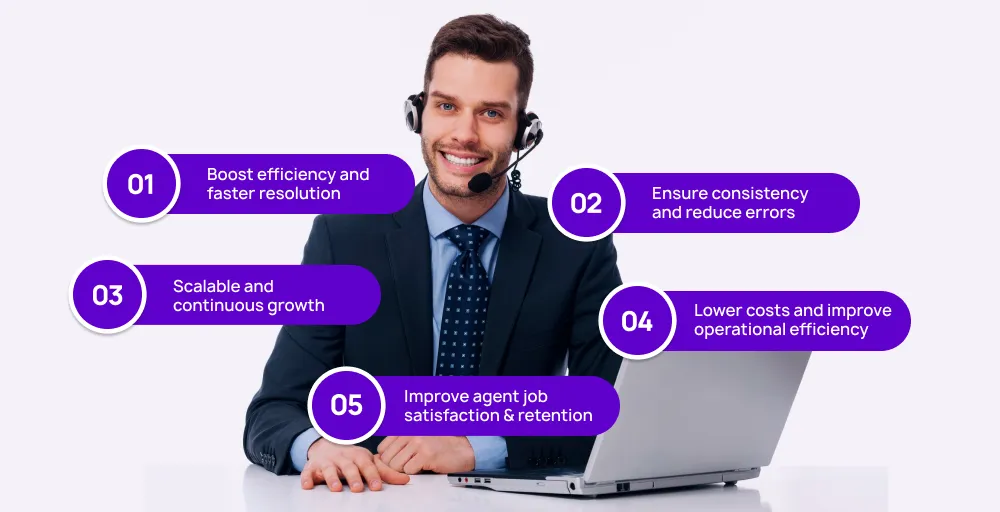
1. Boost efficiency and faster resolution
A clear workflow helps agents know exactly what steps to follow during each interaction. When agents follow a structured workflow, they can solve customer inquiries and issues quickly and confidently.
Faster resolution not only benefits customers, but it also frees agents to help more people in a short time without compromising quality. This directly improves the overall service experience of the virtual call center operations.
2. Ensure consistency and reduce errors
With a defined workflow, every customer receives the same level of service with greater accuracy, regardless of the agents. This consistency builds trust and eliminates guesswork during calls.
When processes are uniform, agents follow the same steps to handle customers, thereby eliminating the chances of mistakes. Over time, this results in improved data, fewer callbacks, and increased customer satisfaction.
3. Scalable and continuous growth
As your hosted contact center grows, a defined workflow makes it easier to scale without losing control. You can onboard new agents and scale up the call center turnover rate with a clear process from day one.
Workflow provides a framework that keeps everyone aligned as demand increases. Since workflows are flexible, they support new tools, agents, channels, and services without disturbing your daily operation.
4. Lower costs and improve operational efficiency
Efficient workflows help eliminate unnecessary steps, reducing wasted time and effort. Tasks like routing calls, assigning tickets, or sending follow-ups can be automated to run smoothly.
When every step runs efficiently, your team can manage higher volumes without needing more staff or resources. This operational efficiency directly reduces call center pricing without sacrificing service quality.
5. Improve agent job satisfaction and retention
Workflows give agents clarity and structure, which reduces stress and improves their confidence. This structure helps them focus on solving problems rather than navigating confusion.
When agents feel supported, they’re more satisfied with their jobs. This can lower the turnover and keep a team of more experienced agents, leading to better customer service.


Key components of a contact center workflow (with visuals)
Below is a breakdown of the key components of a contact center workflow along with their subcomponents:
| Key components | Sub-components |
| Inbound call routing | IVRACDSkill-based routingTime-based routing |
| Agent availability and queueing | Agent status managementQueue managementCallback option |
| Ticketing and management | Automated ticket generationCollaboration toolsSLA-based routing |
| Knowledge management and agent support | Centralized knowledge baseAgent scripts AI-powered assistant tools |
| Escalation and workflow automation | Automatic callbacks and follow-upsPriority escalation rules |
| Reporting and analytics | Real-time dashboardsCustomer feedback collectionPerformance metrics and trend analysis |
| Omnichannel communication integration | Phone and VoIP supportUnified CRM viewSocial media integration |
| Workforce management and scheduling | Shift planningReal-time agent monitoringForecasting |
| Self-service | FAQsChatbotsPredefined responses and template |
| Quality management and training | Call recordingCoaching modulesPerformance view |
1. Inbound call routing
Inbound call routing is the system that directs customers to the appropriate agents or departments. For an effective call center workflow, you must ensure each customer reaches the right agents and departments and gets answers to their questions.
Here are several ways for routing inbound calls:
- Interactive voice response (IVR): Collects the caller’s input and guides them via pre-recorded menus and voice prompts. For example, press 1 for sales, 2 for support.
- Automatic call distribution (ACD): Distributes incoming calls to the next available or most appropriate agent. For example, during peak hours, ACD software can prioritize VIP customers.
- Skill-based routing: Calls are routed to agents on the basis of specific skills such as language proficiency, product expertise, or technical knowledge.
- Time-based routing: Calls are routed as per business hours and agent shifts. For example, routing calls to voicemail or an outsourced source after working hours.
2. Agent availability and queueing
Once a call is routed, the system checks agent availability in real-time to connect the calls. If no agent is immediately available, the customer is placed in a queue, often with estimated wait times or callback options.
Here are key sub-components of managing agents availability and queuing:
- Agent status management: Tracks the real-time status of each agent, whether they are available, busy, offline, or on break. Then, route call only to agents marked as “available.”
- Queue management: Organizes incoming interactions in a logical order based on priority and predefined rules, such as wait time. For example, high-value customers may be prioritized in the queue or offered a callback before others.
- Call back options: Enable customers to leave their phone number to receive a return call when an agent becomes available.
3. Ticketing and management
Tickting ensures that every customer interaction is logged, tracked, or resolved systematically, whether via phone, chat, or email.
Sub-component of the ticketing and management includes:
- Automated ticket generation: Instantly creates a support ticket for each customer interaction with relevant details, such as the customer’s ID, channel, issue types, and interaction history. When support records include lengthy reports or manuals, teams often extract pages from large PDFs to simplify lengthy documents before attaching only the relevant sections to the ticket.
- Collaboration tools: These tools let agents communicate with each other and handle issues as a team. They can tag teammates, leave internal notes, or loop in different departments.
- SLA-based routing: Service Level Agreements (SLAs) help prioritize tickets based on their urgency or the customer’s type. This ensures higher-priority customers are addressed quickly, which improves response time and increases the chances of first call resolution.
4. Knowledge management and agent support
Knowledge management tools enable agents to find the correct answers quickly. It helps agents deliver consistent service and reduces time spent searching for solutions.
Key sub-elements of agent support and knowledge:
- Centralized knowledge base: It is a searchable library of articles, FAQs, product details, and troubleshooting tips that agents can access during live call monitoring. For example, when a customer inquires about product features, the agent can quickly retrieve the necessary information and provide it.
- Agent scripts: Scripts are consistent and structured responses for customer interactions. It is helpful for handling common issues or sensitive situations such as cancellations, renewals, or complaints.
- AI-powered assistant tools: AI tools suggest answers in real time based on the customer queries. For instance, if a customer requests a password reset, the AI call center can help trigger automated actions to resolve the issue without human intervention
5. Escalation and workflow automation
Some customer issues can’t be solved right away. That’s why it’s essential to have call center automation that quickly sets follow-ups.
- Automatic callbacks and follow-ups: If an issue isn’t resolved right away, the system can automatically schedule a callback or send a follow-up message.
- Priority escalation rules: Escalation rules help to identify cases such as repeated complaints, technical failures, or VIP customer issues and move them to senior agents or a supervisor.
6. Reporting and analytics
To keep up with the contact center trends, you need to track what works and what doesn’t. Reporting and analytics provide valuable insights to enhance agent performance, customer satisfaction, and overall operational efficiency.
Here are the key components of contact center reporting and analytics:
- Real-time dashboards: Provide live data on call volumes, wait times, and agent availability so supervisors can make quick and informed decisions.
- Customer feedback collection: Collect post-call feedback from your customers through post-interaction surveys, ratings, or follow-up questions to measure customer satisfaction levels and highlight common issues.
- Performance metrics and trend analysis: Tracks call center metrics such as average handle time, first-call resolution, and customer satisfaction. This helps update training programs, improve staffing, and enhance service quality.
7. Omnichannel communication integration
Modern customers expect to connect with businesses on their preferred channels, such as phone, email, social media, and live chat. Omnichannel communication integration brings all these channels into a single place.
With this, agents can respond quickly without needing to switch between multiple tools. Here are the key subcomponents of omnichannel communication integration:
- Phone and VoIP support: With VoIP support, agents can receive, log, and track call activities. It automatically records the customer’s profile to facilitate fast and smooth follow-ups.
- Unified CRM view: A unified CRM view pulls together customer data and communication history across all channels. Agents can view past emails, calls, SMS, chats, and social media history in one place.
- Social media integration: Social media integration combines all messages and mentions from various social media platforms, including Facebook, Instagram, and Twitter, into your helpdesk.
8. Workforce management and scheduling
A productive contact center depends on well-planned staffing and accurate scheduling. Workforce management helps you to plan shifts, monitor agent performance, predict and hire staffing needs based on call volume and customer demand.
- Shift planning: It ensures that the right number of agents are scheduled throughout the day to handle each customer interaction. A well-planned schedule reduces wait times and ensures customers get timely support.
- Real-time agent monitoring: This involves 24/7 customer support, whether they are on a call, idle, on break, or available. With this data, the supervisor can use this data to assign tasks to free agents.
- Forecasting: Forecasting uses historical data and trends to predict future call volumes, chat loads, or ticket volumes. It ensures a sufficient number of agents are available to handle the incoming calls.
9. Self-service
Self-service channels empower customers to find the answers on their own without talking to human agents. It can reduce call volume for common queries and free agents for complex queries, which speeds up issue resolution, improves customer experiences, and increases employee job satisfaction.
- FAQs: It is a section on the website that contains searchable solutions to common issues. It may include the answers to the questions, such as how to reset a password, track an order, or update account details.
- Chatbots: Chatbots provide quick answers to common customer queries. It integrates with websites, databases, and CRM systems to offer quick support and personalized suggestions.
- Predefined responses and templates: These are ready-made replies for FAQs and standard situations. These prewritten responses help to respond faster and maintain consistency across interactions.
10. Quality management and training
The contact center must review the agent performance and provide ongoing training to deliver consistent support.
Here is how you can offer call center quality assurance:
- Call recording: Recording calls enables supervisors to review actual conversations between agents and customers. This helps them identify areas for improvement, the need for training, and guides the agents.
- Coaching modules: These are structured training programs that may include video lessons, quizzes, feedback sessions, and simulated interactions. It helps new agents ramp up quickly and supports ongoing development for experienced teams.
- Performance review: Regular performance reviews track each agent’s progress, highlight strengths, and identify areas for improvement. You can use metrics such as average handle time, CSAT scores, customer feedback, and call quality for evaluation.
Simplify complex contact center operations with KrispCall
A significant benefit of a contact center workflow is that it is efficient. A well-defined workflow enhances agent productivity, minimizes errors, reduces response times, and fosters improved customer experiences.
However, managing customer interactions across multiple channels can be chaotic, especially when working with outdated tools. Traditional contact centers often rely on manual processes and reactive support, resulting in delays, overstaffing or understaffing, and inconsistent service.
That’s why it’s essential to establish, review, and refine your contact center workflow management to ensure long-term success.
As a cloud contact center solution, KrispCall centralizes customer interactions in one place and streamlines call center operations from end to end.
With KrispCall, you get a unified call center platform with the following features to enhance and automate contact center workflow:
- Unified Callbox: View all customer interactions in one dashboard.
- Multi-level IVR: Guide customers to the right agents or departments while handling high call volume
- Call barging: Join an ongoing call to monitor agent performance
- Call analytics: Provide comprehensive call metrics in real-time, including duration, volume, and inbound/outbound call information.
- Call recording: Record phone calls to document the details
- CRM & tool integrations: Integrate with CRM and other business tools to reduce manual data entry and sync information
- Auto reply for missed call: Send replies for missed calls and prompt them on how to reach your business even when you are unavailable
- Call queuing: Prevent losing calls by controlling the call flow
- Global number support: KrispCall offers a virtual number (local, toll-free, or vanity) in 100+ countries
- Custom caller ID: Hide your real number and protect your privacy by displaying a business number.
If you want to make your call center workflow, you can rely on KrispCall. Book a demo now to see it yourself!