KrispCall x Nutshell


Nutshell Integration Overview


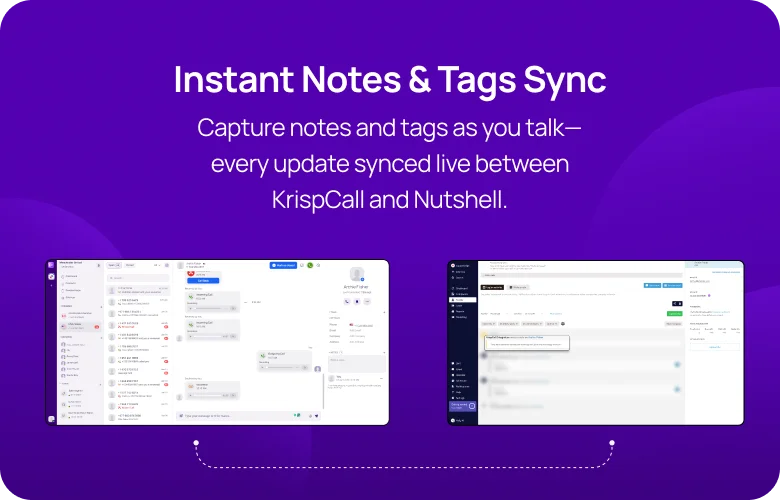
Nutshell Integration for Increased Functionality of KrispCall Call Center
Unify customer management and telephony with Nutshell and KrispCall integration

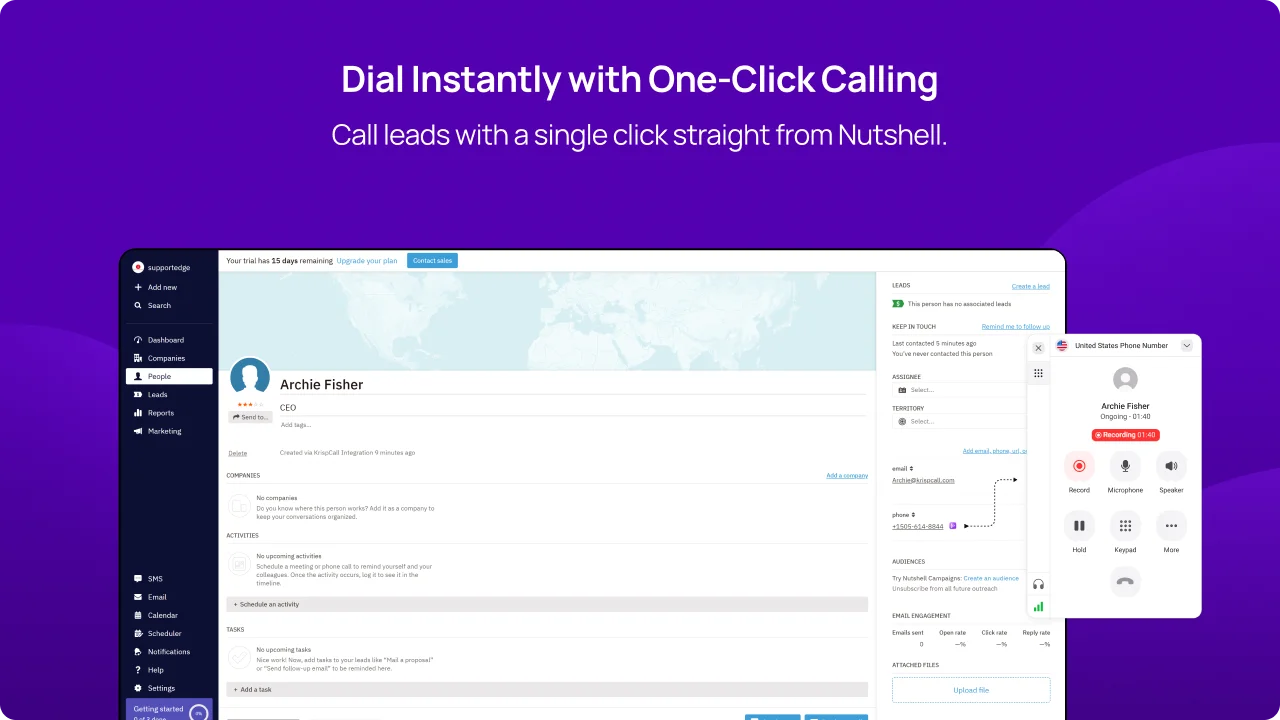
Click-to-Call Functionality

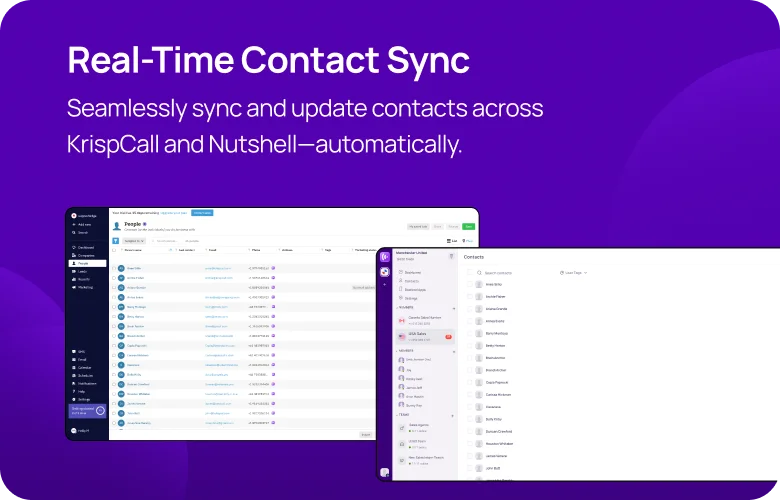
Contact Synchronization

Comprehensive Analytics and Reporting

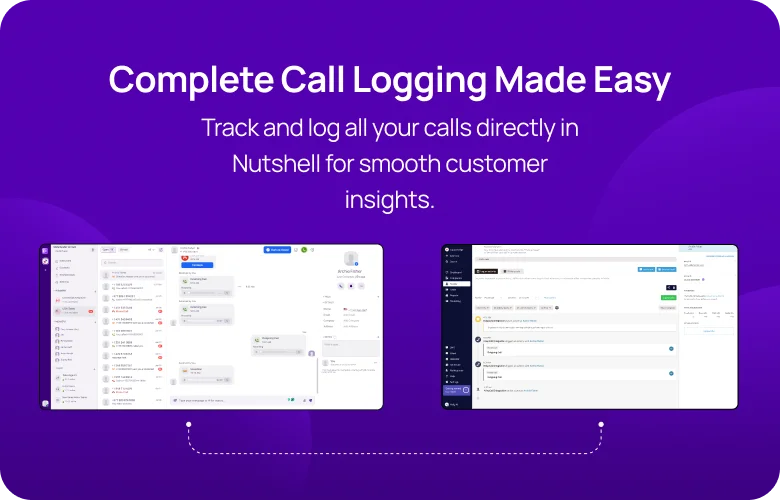
Note Syncing
Install KrispCall Browser Extension to Enable Click-to-Call Functionality
Install the KrispCall Browser Extension to enable Click to Call functionality from within Nutshell.
This extension integrates directly with Nutshell, allowing users to make calls without leaving the platform, improving workflow efficiency and communication.

Seamless Phone Calls Through a Single Click
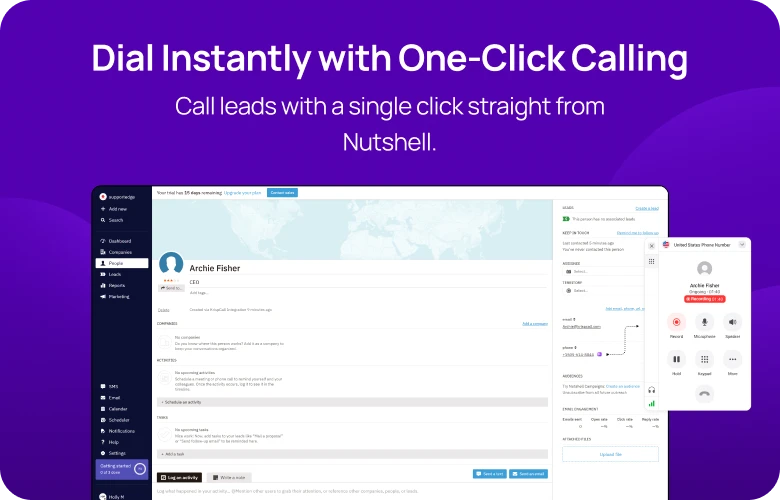
By integrating KrispCall with Nutshell, you can enjoy the convenience of a click-to-call feature. This feature allows you to initiate calls directly from the Nutshell interface with just one click, eliminating the need to dial numbers for each call and switch between tabs manually.
Additionally, this integration provides you with access to a range of call management features during calls. These features include call notes, call transfers to other departments or agents, call recording for future reference, and many other to keep conversations organized.
Easy Call Recording & Voicemail Access Within Nutshell
The integration of KrispCall with Nutshell enables users to access call recordings and voicemails from all contacts seamlessly within the Nutshell interface. This functionality allows your team to retrieve and review any conversations with any customers conveniently.
By having these recordings and voicemails readily available, your team can listen back to any conversations whenever needed, ensuring they capture essential details for improved follow-up and reference in future engagements.
Call Note Sync
With the integration of KrispCall and Nutshell, you can unlock the feature of call note synchronization. This feature ensures that every note saved in KrispCall is seamlessly transferred to your Nutshell account and vice versa.
This simplifies the process of accessing crucial information from one central location, saving your team from switching back and forth between the tabs. With all notes readily available in Nutshell, your team can easily retrieve key details, enabling more informed discussions and fostering stronger customer relationships.
Two-way Contact Syncs
Integrating KrispCall with your Nutshell account enables seamless contact synchronization. With this feature, any updates or additions to contact details made in one platform (KrispCall or Nutshell) are automatically reflected in the other.
This reduces errors and eliminates the risk of duplicate contacts, ensuring agents always have access to accurate and up-to-date information.
Boosting Sales, Marketing, and Remote Work
Sales Team

Marketing Team

Remote Team


Integrate Nutshell With KrispCall Easily With Our Guide
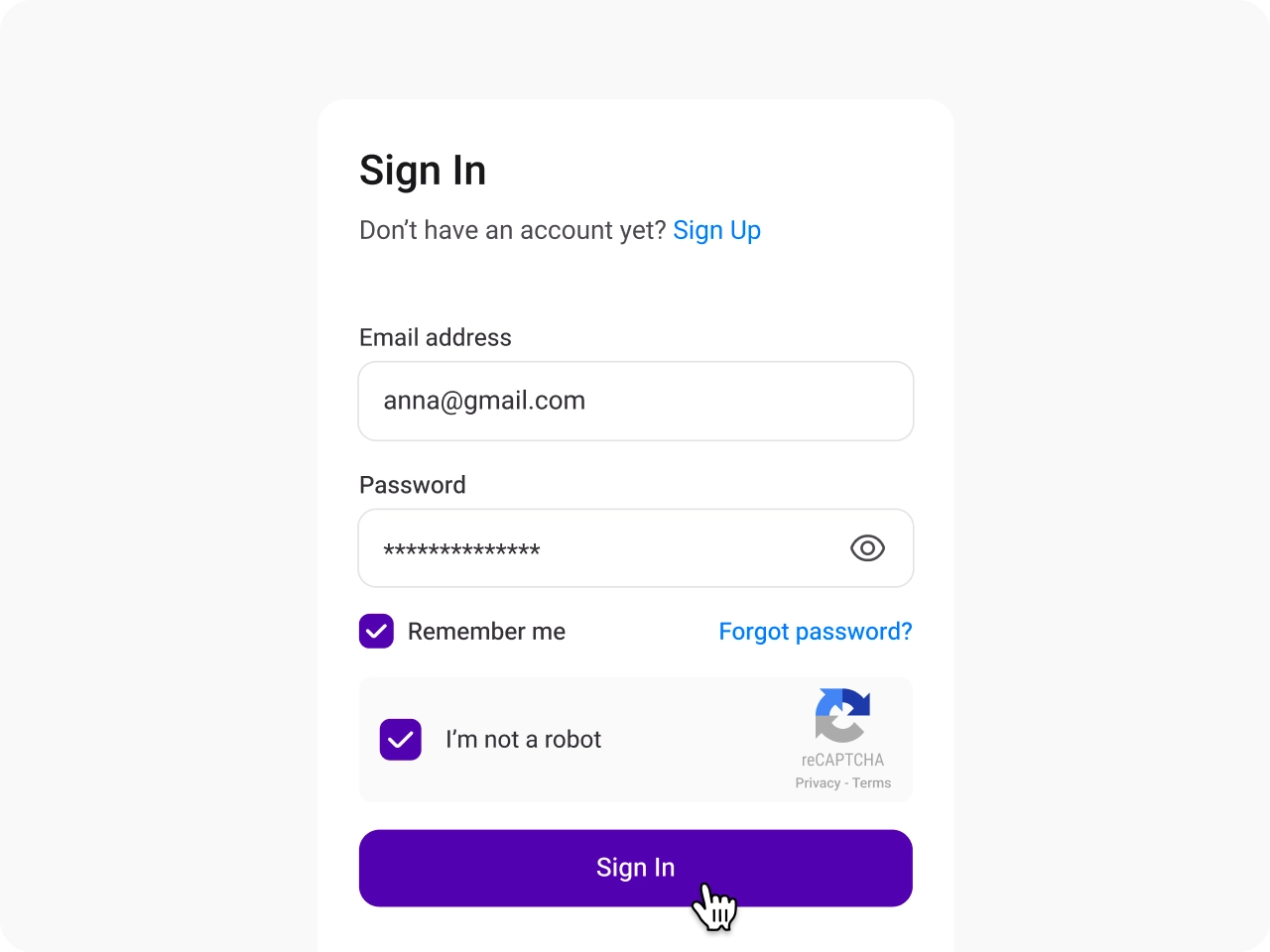
Sign in to KrispCall
Access your KrispCall account and navigate to Settings to begin the integration.
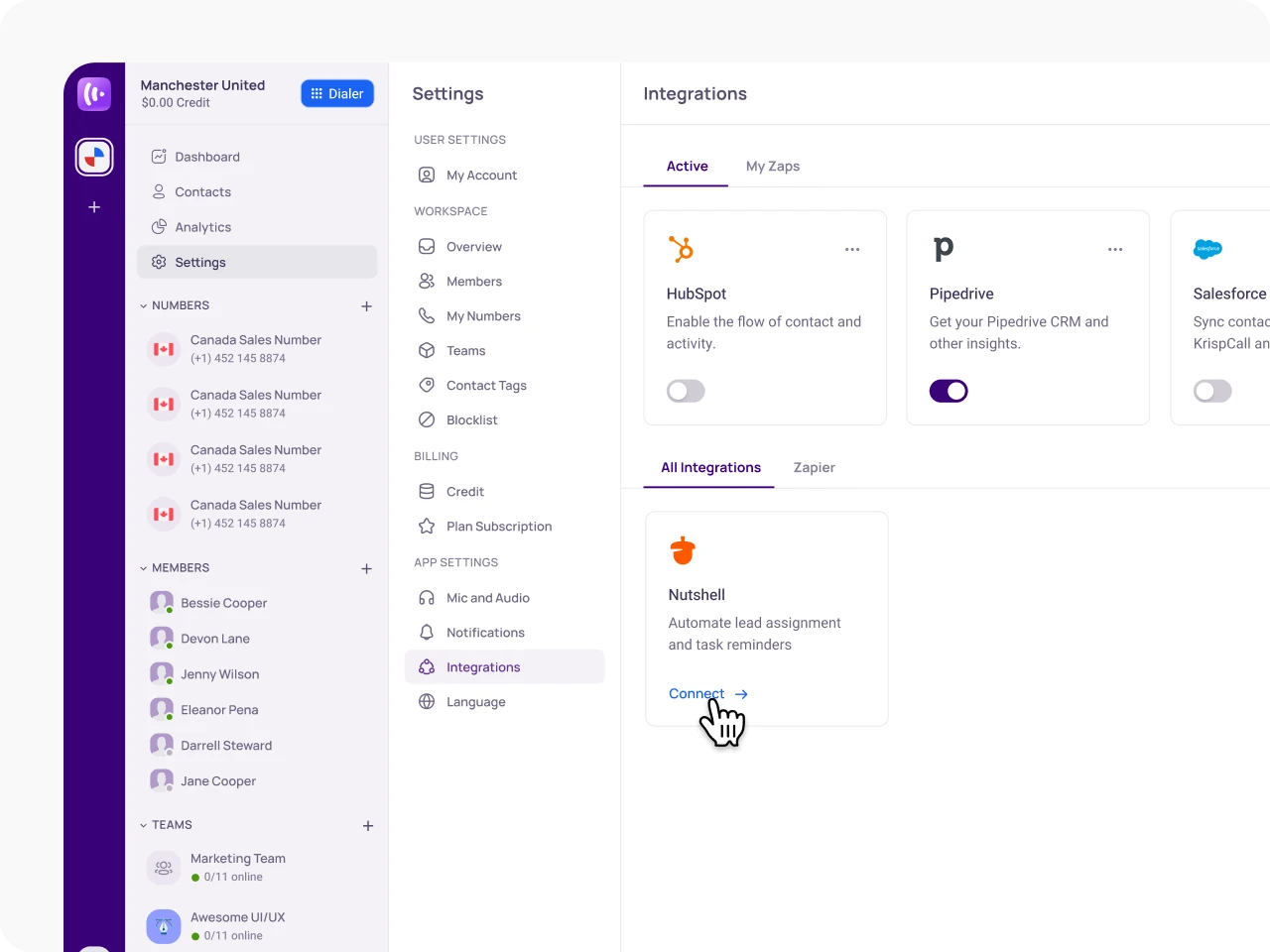
Open the Integration Menu and Select Nutshell
In the Settings menu, click on Integrations under App Settings to continue and find Nutshell in the list for integration.
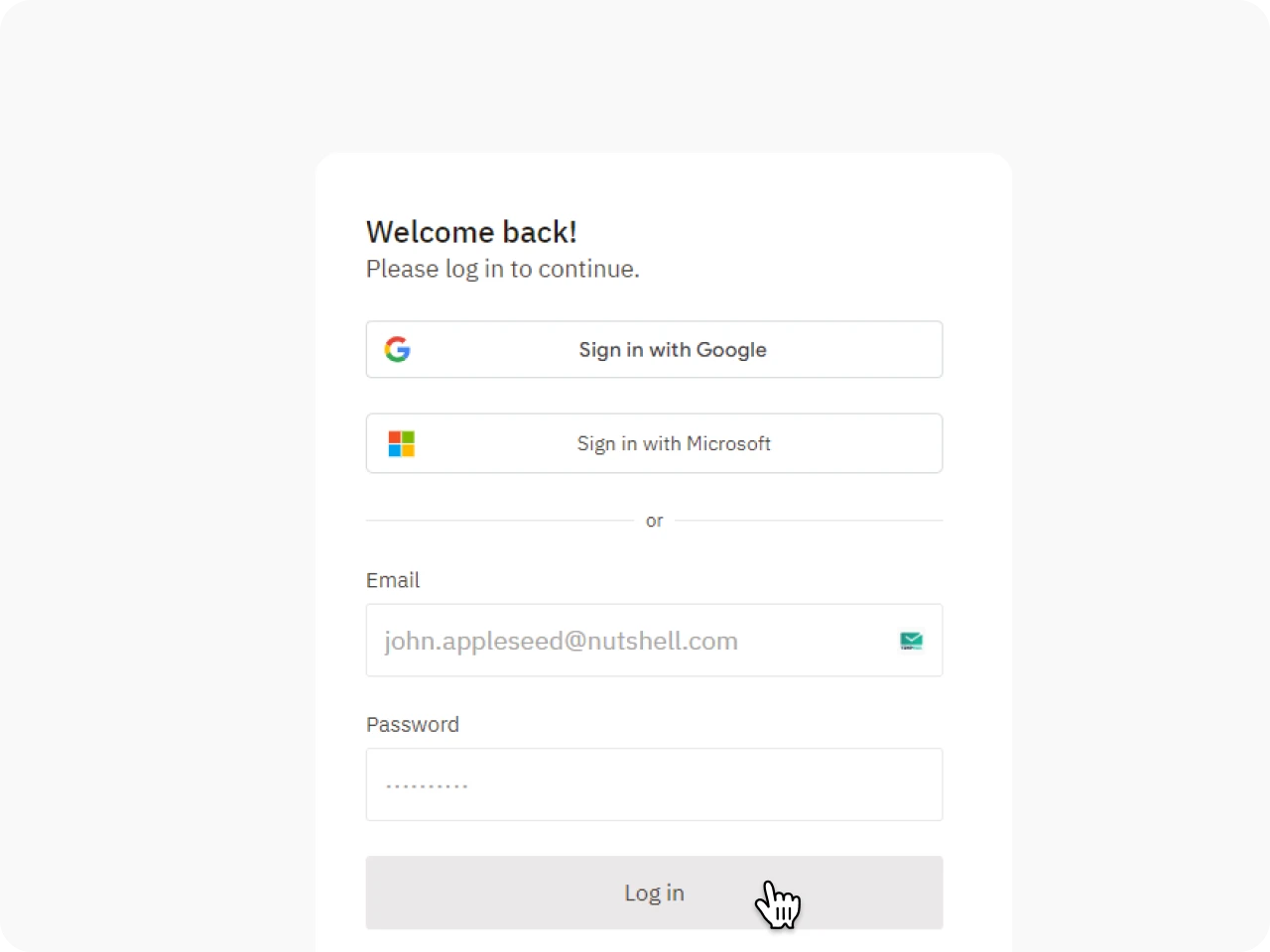
Log in to Your Nutshell Account
A pop-up will prompt you to log in to your Nutshell account to proceed with integration.
Enable Nutshell Integration Features
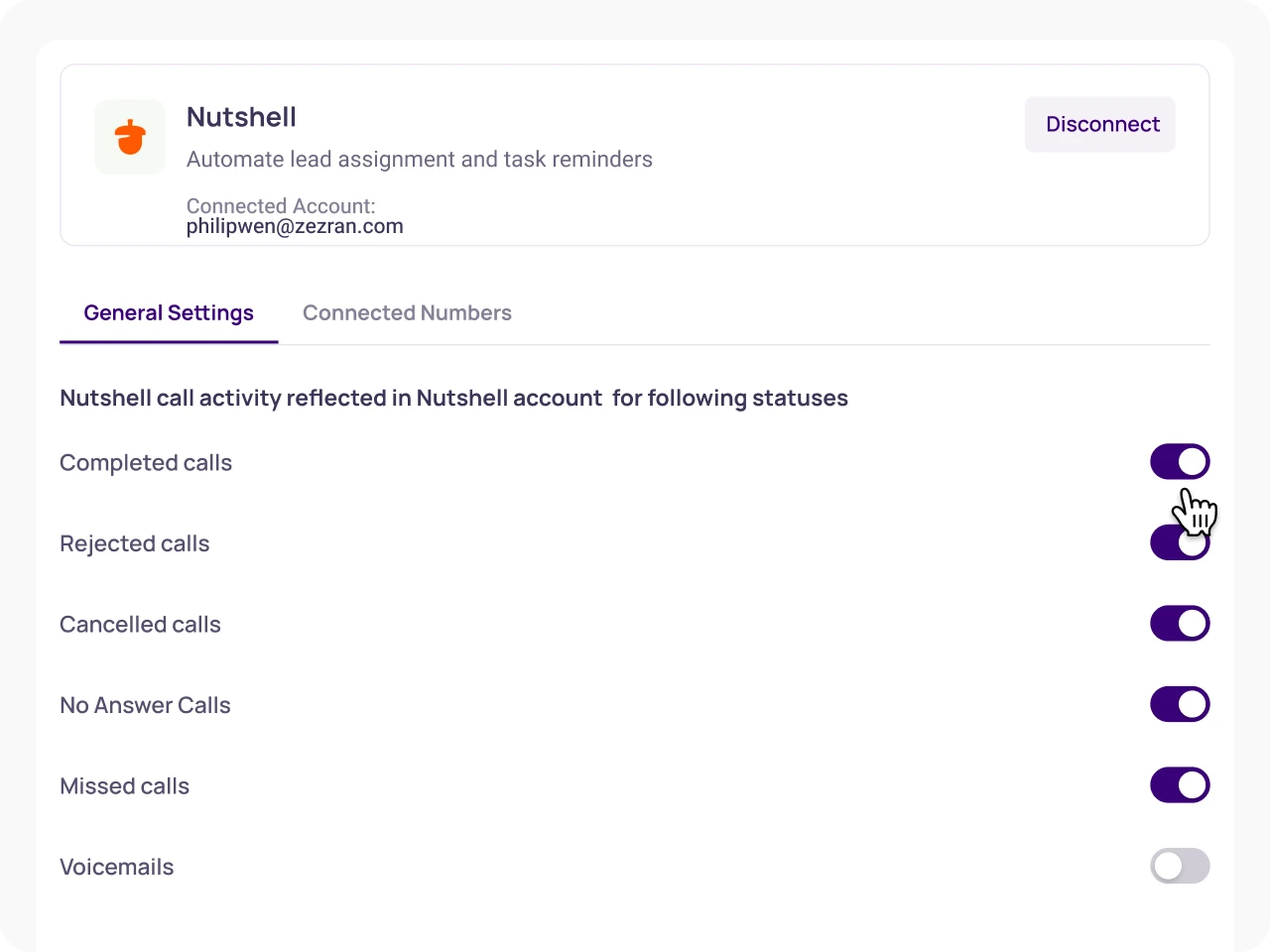
Click the Toggle button below Nutshell in KrispCall to activate and use the integration features.
Search KrispCall by “Categories” in Nutshell’s Marketplace
Benefits of Integrating Nutshell with KrispCall

Automation of Repetitive Tasks

Centralized Contact Management

Smooth Workflow

Personalized Interactions
Proud to be Recognized as VoIP Leader & Regional Leader in ANZ, EMEA, Europe, and Asia Pacific by G2







Amanda C.
CEO

Jan 22, 2025
“KrispCall’s quick, respectful customer support helped me find the perfect solution for global calls and a customer service number!”

Nagendra V.
Digital Marketing Specialist
Oct 07, 2024
“KrispCall makes global calling effortless with all the tools I need in one place—perfect for connecting with clients worldwide & my digital marketing needs!”

Brighton Tashobya
Contributing Author
Jun 21, 2024
“An all-action dashboard for monitoring and analyzing your connections makes KrispCall worthwhile. Having a local number breaks the ice on its own, and the easy-to-use interface with a great user experience simplifies your work.”

Eduardo Almeida
Member
Mar 27, 2024
“KrispCall is easy to use and simply works. Good support service”

Shazzadul Islam Fahim
CRM Administrator
Feb 13, 2024
“KrispCall is hassle-free to implement. I can now use an international number while staying in another country, which has helped my business grow.”

Lucas W.
Product Manager
Dec 3, 2024
"KrispCall’s authentic, professional service and exceptional customer understanding make staying connected with clients effortless—I’m very happy with it!"

Pushkar Verma
Director
Aug 12, 2024
“The setup process was very easy, with chat support available during our business hours. We needed a UK number with WhatsApp setup, and this solution met our needs at a reasonable price.”

James Edward Allan
Director
Jun 11, 2024
"The call quality is excellent and the customer service is miles better than so many services"

Rajendra Shrestha
Founder & CEO
Mar 23, 2024
“KrispCall solves the problem of relying on country-specific telecom providers by offering instant access to phone numbers from multiple countries, making it easy to get international numbers and make calls.”

Jeronimo Arias Gomez
Founder & CEO
Feb 10, 2024
“Great service, I can get calls from the US on my Spanish line”

Hunter F.
Business Analyst
Nov 12, 2024
"KrispCall’s amazing VoIP features and seamless number porting have been essential for managing my international business calls and remote team—highly recommended!"

Matthew Jones (JP, AFIML)
Associate Fellow
Jul 18, 2024
“Been using KrispCall for a while now and the service is great and the customer support is so responsive”

Achref Ben Hadj M.
Building Designer
Apr 05, 2024
“Navigating through calls, managing contacts, and accessing features are streamlined processes, allowing users to focus on their conversations”

Nomanqoba Mthembu
Member
Feb 19, 2024
“I enjoy the ease of the app, which allows me to make calls even without having a phone, and the support team is always there to help.”

Vuong Nguyen
AEM Developer
Jan 07, 2024
“I am able to register multiple phone numbers across different countries for SMS and phone call functionalities in a Public Sector Project”
Frequently Asked Questions
Didn’t find the Answer you were looking for? Visit our Help Center or Contact Support
Yes, the integration allows users to initiate calls directly from within the Nutshell platform with a single click.
Any call notes taken in KrispCall will automatically appear on the relevant contact’s timeline in Nutshell, ensuring that your team has access to the latest information.
Two-way contact synchronization ensures that any updates made to contacts in either KrispCall or Nutshell are automatically reflected in both platforms, maintaining data consistency.
By eliminating manual data entry and centralizing call-related information within Nutshell, teams can work more efficiently and focus on customer interactions rather than administrative tasks
