Call Transfer



Get a Virtual Number
Get local, mobile, and toll-free virtual phone numbers from 100+ countries and expand your business worldwide.
How To Transfer Phone Calls To Another Agent With KrispCall?
Transferring Phone calls to another agent with KrispCall is quite simple and easy. In a few minutes, you can Transfer your phone calls to other agents, by following the steps below:

Log into your KrispCall account

Make or receive a phone call.

In an active phone call, press the “Transfer” button

Select the agent to whom you want to transfer

Your call will be transferred to another agent

What is call transfer?
Call transfer is a powerful VoIP feature that lets you move an ongoing live call from one agent to another agent, department, extension, or even an external number without disconnecting the caller.
It ensures customers always reach the most qualified person quickly, whether they dialed the wrong department, need specialized help, or simply want faster resolution. With KrispCall, you can perform warm or blind transfers effortlessly from any device, reducing customer frustration and improving overall service quality.
How does call transfer in a VoIP phone system work
Call transfer in a VoIP system works by converting voice into digital data packets that travel over the internet. When an agent initiates a transfer, the system places the caller on a brief hold, establishes a new connection with the receiving agent or department, and then bridges the caller to the new destination.
The original agent can either speak with the receiving agent first (warm transfer) to share context or transfer the call directly (blind transfer).
KrispCall’s reliable VoIP infrastructure makes this process fast, clear, and hassle-free across desktop, mobile, and web apps.

Warm Call Transfer vs Cold Call Transfer
Warm Call Transfer |
Cold Call Transfer |
|---|---|
The transferring agents pre-define the receiving agents in the context of customer issues before linking them. |
The transferring agents connect with the receiving agents without any further communication. |
This type of call transfer is usually done if it consists of complex and sensitive issues. |
This type of call transfer is usually done if it consists of simple issues. |
Customer satisfaction is high due to smooth transition and reduction of frustration. |
Customer satisfaction is low due to confusion and frustration. |
Call transfer time is long due to context sharing of customer issues. |
Call transfer time is short due to direct connection with customers. |
What Are The Benefits of Call Transfer For Your Business?
The benefits of Call Transfer for your business are as follows:

Using call transfer for better customer service: Best Practices

Determine Transfer opportunities

Give Contextual Information

Utilize Warm Transfer

Follow up with the Caller
More Features like Call Transfer
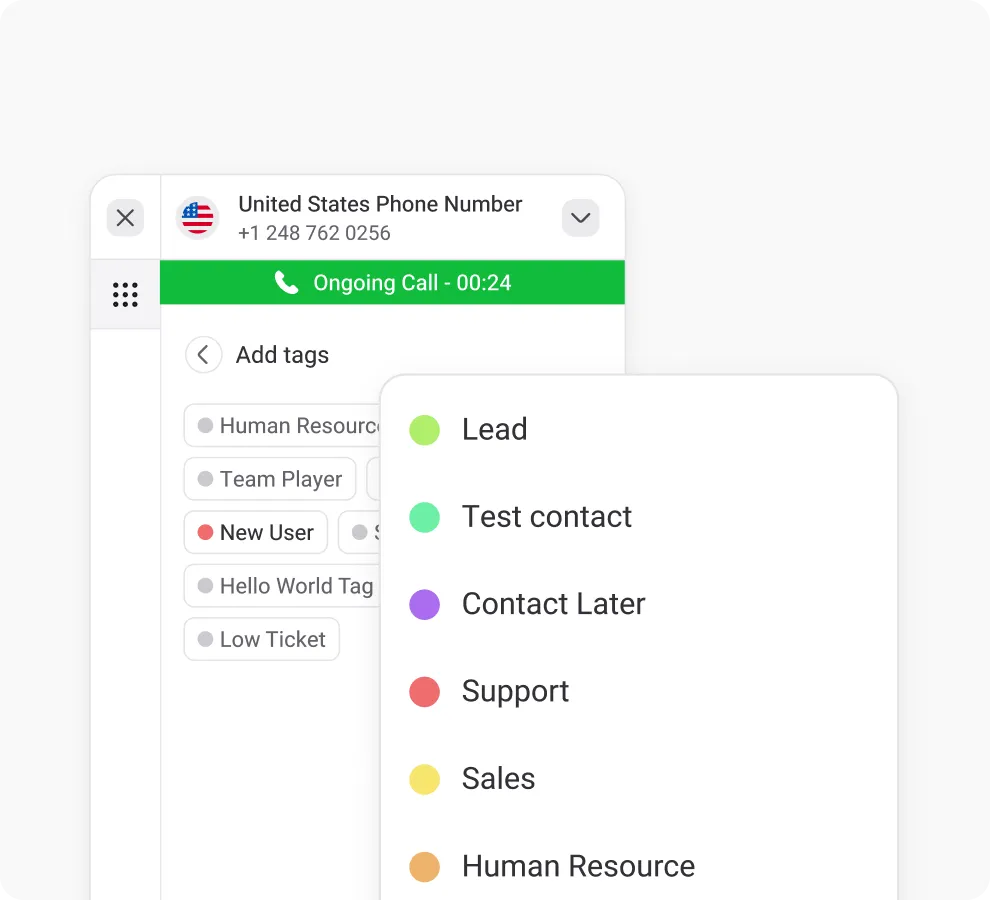
Call & Contact Tagging
Tag customers for easy sorting, streamlining navigation and enhancing customer support efficiency.
Call Forwarding
Improve call management with call forwarding - never miss vital calls, boost agents’ productivity, and customer satisfaction.

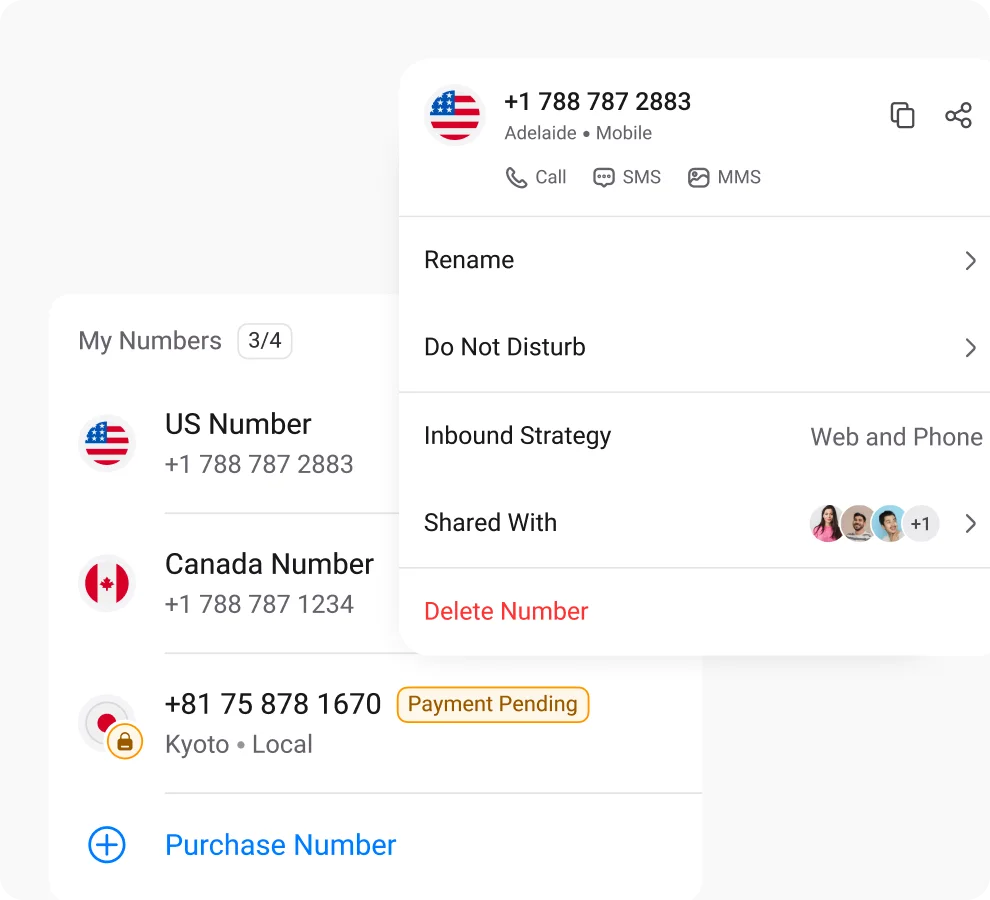
Multiple Phone Numbers
Utilize multiple phone numbers to balance work and personal life using separate numbers, ensuring privacy and communication control.
Frequently Asked Questions
Didn’t find the Answer you were looking for? Visit our Help Center or Contact Support
The function of call transfer is to transfer an ongoing call to another agent who is an expert in a specific field for resolving the customer issues right away.
The types of call transfer in a call center are:
Call Transfer Types |
Description |
|---|---|
| Warm Transfer | Customers are placed on hold as agents coordinate to update and share information regarding the caller’s issues. |
| Cold Transfer | These transfers send calls to another agent without any prior communication, and the calls are treated as new interactions by the next agent. |
| Voicemail Transfer | The callers are forwarded straight to voicemail if the agents are unavailable at the moment. |
| Hold Queue Transfer | It allows agents to transfer the caller to other agents holding in a queue, waiting for their turn to be attended to. |
The major difference between call transfer and call forwarding is that call forwarding redirects the inbound calls to another number whereas call transfer directs the calls to another agent sharing the same phone number.
The differences between Call Transfer and call Forward are:
Call Transfer |
Call Forward |
|---|---|
| Call transfer is not automated at all. It is a feature that allows an agent to manually transfer a call from a customer to another agent sharing the same number. | Call forwarding is a modern phone system feature that automatically redirects a call from one number to another without any human interaction. |
| It is mostly used for situations where a person is unavailable, such as when they are out of the office. | It is suitable for situations where the caller’s issue is complex and sensitive and cannot be resolved by the agent who initially received the call. |
| Types of Call Transfer: Cold Transfer Warm Transfer |
Types of Call Forwarding: Conditional Forwarding Unconditional Forwarding |
To use different call-transferring methods depends on the situation and their desired outcomes. Here is the classification of each method that can be used:
- Warm Transfer: complex & sensitive issues, where context is necessary for receiving agent
- Cold Transfer: simple & straightforward inquiries, where immediate connection is required
- Blind Transfer: Simple, Straightforward issues, where the caller does not require additional context
- Consultative Transfer: Complex issues, where transferring agents inquire about inputs from receiving agents before connecting the caller
Call transfer is a common feature on most phone systems that can be used to connect a caller to other agents of a department. The general steps to transfer a call are:
- Press the Transfer Button
- Dial the Extension/Number or select the agent you want your call to transfer to
- Announce the Transfer
- Complete the Call Transfer
An example of a call transfer is; a customer having trouble with their internet connection, and you don’t need to share the information related to that problem as a sales agent, so you transfer the customer calls to the technical support team. To improve customer satisfaction and experience, businesses are shifting from Cold Transfer to Warm Transfer.
- First, Pick up the call
- Press the “Hold” button
- Dial the extension or phone number of the agent/department you desire to transfer your Live Call
- Wait for the person to answer then Press the “transfer” button.
- The call is transferred to another agent/department.
- Lastly, the two calls will be connected and you can hang up your phone.
A blind transfer call is a method of transferring a phone call from one party to another without any prior communication or notification to the recipient about the transfer. This process allows the transferring party to redirect the call directly to another extension or individual without confirming their availability or providing context about the caller.
