TL;DR
The 10 Best RingCentral Alternatives in 2026:
- KrispCall: Best for flexible, global VoIP and cloud telephony
- Nextiva: Best for customer service & unified communications
- 8×8: Best for global teams & international calling
- Vonage: Best for customization & APIs
- Ooma: Best for small businesses on a tight budget
- Zoom Phone: Best for Zoom-centric teams
- Quo (formerly OpenPhone): Best for startups & shared communication
- GoTo Connect: Best for customer engagement and remote teams
- Phone.com: Best for affordable, flexible plans
- Dialpad: Best for AI-powered communication & insights
The best RingCentral alternatives in 2026 are KrispCall, Nextiva, 8×8, Vonage, Ooma, Zoom Phone, Quo (formerly OpenPhone), GoTo Connect, Phone.com, and Dialpad. We tested over 20 VoIP and unified communications platforms and ranked them based on pricing transparency, call quality, features, integrations, and real user reviews from G2 and Capterra.
RingCentral is a powerful platform, but it is not the right fit for everyone. Many businesses are switching in 2026 because of high costs, features locked behind expensive tiers, complex navigation, and inconsistent customer support. Whether you are a startup looking for simplicity, a growing SMB needing global reach, or an enterprise requiring deep AI tools, there is a better-fitting alternative available right now.
In this guide, you will find detailed reviews of each RingCentral alternative — including real pricing, standout features, pros and cons, and who each tool is genuinely best for. This is not a generic listicle. Every platform on this page was evaluated hands-on, so you can make a confident decision about switching.
Why businesses are switching from RingCentral in 2026
RingCentral is one of the most recognized names in business VoIP, but being well-known does not mean being the best fit. Based on thousands of verified reviews on G2, Capterra, and TrustRadius, here are the most common reasons businesses actively seek RingCentral alternatives in 2026.
- High cost and hidden fees: RingCentral is often expensive, especially for small and mid-sized businesses. While the base plans look reasonable, costs increase quickly once you add essentials like call recording, analytics, SMS, extra numbers, or international calling. Taxes, regulatory fees, and add-ons can significantly increase the monthly bill, making budgeting difficult.
- Complex user experience: RingCentral offers a wide range of features, but the platform can feel overwhelming and cluttered. Many users report that the dashboard feels confusing, especially for non-technical teams. Simple tasks like call routing changes or number management can take longer than they should, leading to more training time and support tickets.
- Features are locked behind higher plans: Although RingCentral offers many features, access is tiered aggressively. Core tools like advanced analytics, call monitoring, or integrations are often reserved for higher-priced plans. This makes smaller teams feel like they’re paying a premium just to unlock basic functionality that competitors include by default.
- Support quality can vary: Some businesses report inconsistent customer support experiences. While enterprise customers may receive priority help, smaller teams sometimes face longer response times, which can be frustrating when phone systems are business-critical.
- Limited SMS/MMS plans: SMS text messaging is critical for modern business communication, but RingCentral’s SMS/MMS options are often restrictive. Message limits, compliance requirements, and extra costs make it harder for sales and support teams to rely on texting at scale. Businesses that depend on customer messaging often seek alternatives with simpler, more flexible SMS plans.
“What I find challenging about RingCentral Contact Center is that the interface can be somewhat complex to navigate initially. With so many features and settings available, it takes a while to become completely familiar and comfortable with the platform. Additionally, certain customizations or integrations are not as intuitive as I would expect, and there are times when I have to reach out to support to get specific configurations set up. Overall, it’s a reliable tool, but the initial learning curve can be quite steep.” – Erik P. via G2
How did we select these 10 RingCentral alternatives?
To build this guide, our team spent six weeks testing and evaluating over 20 VoIP and unified communications platforms. For each platform, we created live accounts, configured settings, made real calls, tested integrations, and assessed the onboarding and support experience. We then cross-referenced our findings with verified user reviews from G2, Capterra, and TrustRadius to ensure our conclusions reflected real-world usage — not just marketing claims.
Each platform was scored across five core criteria. Only platforms that performed well across all five made the final list.
| Evaluation Criterion | What We Measured | Weight |
| Core Communication Features | Voice calling, video, SMS, voicemail, IVR, call routing, conferencing | 25% |
| Pricing & Value Transparency | Plan costs, hidden fees, free trial availability, cost-per-feature ratio | 25% |
| Reliability & Call Quality | Uptime SLA, call clarity, performance under variable network conditions | 20% |
| Integrations & Customization | CRM, helpdesk, API access, custom routing, AI features | 20% |
| Support Quality & Onboarding | Response time, support channels, documentation quality, setup time | 10% |
Why can you trust our reviews?
We don’t recommend tools based on vendor relationships or sponsored placements.
Every alternative on this list was evaluated against the same criteria, using verified user feedback from G2, Capterra, and TrustRadius. And these reviews are backed by real conversations from Reddit and Quora communities where users speak candidly about what’s working and what isn’t.
Our goal is to give you an honest shortlist that holds up in practice, not just on a pricing page.
Learn more about our content update process, content integrity standards, and software review methodology.
Quick Comparison: 10 Best RingCentral Alternatives at a Glance
In a table, we have listed VoIP service providers as alternatives to RingCentral, including pricing, standout features, and reviews.
| Provider | Starting Price (per user/month) | Best For | What It Stands Out For | G2 Reviews |
| KrispCall | $15 | Flexible, global VoIP & cloud telephony | Competitive pricing, global virtual numbers, 24/7 support | 4.5/5 |
| Nextiva | $15 | Customer service & unified communications | 99.99% uptime, HD voice, team messaging | 4.5/5 |
| 8×8 | $12 | Global teams & international calling | International calling, cloud PBX, team collaboration | 4.5/5 |
| Vonage | $13.99 | Customization & APIs | API integrations, visual voicemail, and call routing | 4.3/5 |
| Ooma | $19.95 | Budget-friendly small businesses | Simple setup, virtual receptionist, mobile app | 4.6/5 |
| Zoom Phone | $8 | Zoom-centric teams | Integration with Zoom meetings, AI companion, and device management | 4.6/5 |
| Quo (formerly OpenPhone) | $19 | Startups & shared communication | AI call summarization, shared inbox, API access | 4.7/5 |
| GoTo Connect | Contact Sales | Customer engagement & remote teams | AI call summaries, unlimited auto attendants, and call queues | 4.4/5 |
| Phone.com | $18 | Affordable & flexible plans | Mobile/web apps, CRM integration, AI-connected answering | 3.5/5 |
| Dialpad | $27 | AI-powered communication & insights | AI transcription, multi-level auto attendant, secure SSO | 4.4/5 |
Note: Pricing is subject to change and is based on annual billing.
1. KrispCall: Best for flexible, global VoIP & cloud telephony
Quick Verdict
✅ KrispCall is the best RingCentral alternative for most small and mid-sized businesses in 2026. It offers virtual phone numbers in 100+ countries, a unified inbox for calls and SMS, IVR, call recording, and CRM integrations — all at a starting price of $12/user/month (paid annually) with no hidden fees.
KrispCall is a powerful, cloud-hosted VoIP platform designed for businesses that need reliable, global calling without the hassle of a complicated system. You can combine SMS, call management features, and virtual phone numbers from multiple countries in a single, easy-to-use platform.
With options such as call routing, IVR, call recording, and CRM integrations, you can easily handle customer interactions. If you are looking to streamline conversations, enhance customer engagement, and scale effectively, Krsipcall is the best solution for your business.
Your team can manage inbound and outbound calls, reply to SMS, check voicemails, and review call analytics without jumping between tools. The interface is easy to use and intuitive, and even new team members can get started quickly with minimal training.
What makes KrispCall the best alternative to RingCentral?
RingCentral Pricing is often expensive and can become rigid when you need add-ons or higher-tier plans. In contrast, KrispCall is very budget-friendly and flexible, which is the main reason it stands out as the best alternative to RingCentral. Also, instead of overwhelming you with too many tools, KrispCall focuses on features that teams actually use.
KrispCall pricing
Here are the pricing plans of KrispCall:
| Plan | Annual price (per user/month) | Key feature set |
| Essential | $12 | Unified Callbox, call forwarding, global calling, and call whispering |
| Standard | $32 | Bulk SMS, unlimited call recording & storage, call transfer, and power dialer |
| Enterprise | Custom | Multi-level IVR, call analytics, call whispering, and number porting |
KrispCall’s standout features
- Shared phone number: Multiple team members can use the same business number. Incoming calls and messages are accessible to the entire team, ensuring no customer inquiries are missed.
- Phone tree (IVR): KrispCall’s interactive voice response system lets callers reach the right department or agent. For example, pressing “1” for sales, “2” for support, or “3” for billing. This makes call handling faster and more organized.
- Custom caller ID: You can control what number or name appears when making outbound calls. This ensures customers recognize your business immediately and helps maintain a professional image.
KrispCall pros
- Competitive pricing with no hidden fees and virtual numbers
- Offers 24/7 customer support via live chat, email, or phone
- Quick and easy setup
KrispCall cons
- Enterprise-level customization requires contacting sales
- Dropped calls or latency on poor internet
What users say about KrispCall
“Super quick setup and amazing support, KrispCall made it easy for our customers to reach us!” -Hunter F. via G2
2. Nextiva: Best for customer service & unified communications
Nextiva is a unified communication platform built for businesses that want to improve communication with both customers and team members without switching multiple apps. It offers advanced features like video conferencing, auto attendant, IVR, and team messaging to handle your customer calls more easily and quickly.
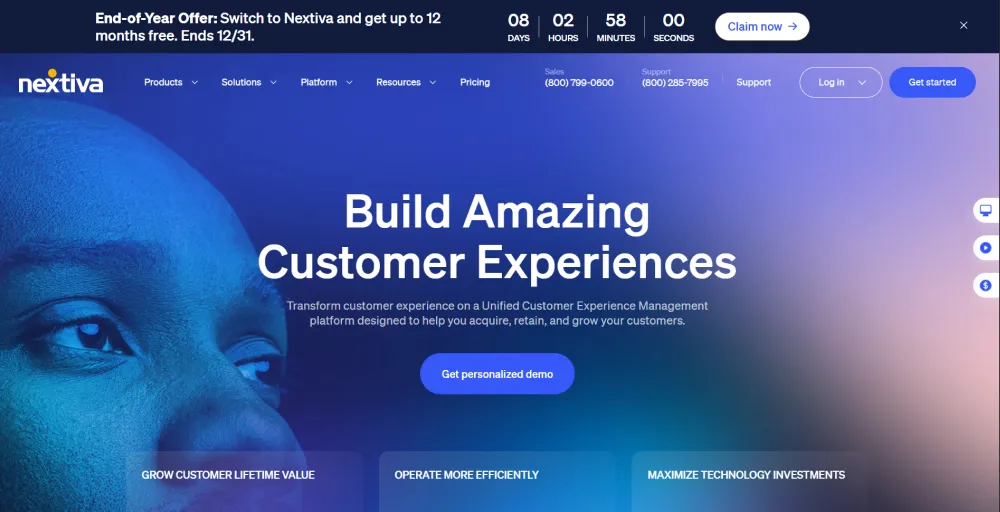
Nextiva is a strong alternative to RingCentral for businesses seeking reliable, easy-to-use, all-in-one communication tools, with a special focus on customer service and team collaboration. This platform also includes analytics and reporting tools, helping managers track call performance, agent productivity, and gain insights into customer interactions.
Nextiva’s standout features
- Free toll-free number: A free toll-free number, along with its plans, allows customers to call your business without paying. This helps increase accessibility and makes your business look more professional.
- Auto attendant: The auto attendant acts as a virtual receptionist, answering calls and directing them to the right department. Callers can navigate through menu options without needing a live agent.
- Unlimited web conferencing: Nextiva allows unlimited video meetings and screen-sharing sessions, enabling teams to collaborate efficiently without worrying about time or participant limits.
Nextiva pricing
Here are the plans Nextiva offers:
| Plan | Annual price (per user/month) | Key feature set |
| Core | $15 | Inbound & outbound voice, Business SMS, Video callings, team chat & collaboration |
| Engage | $25 | Customer-to-team SMS messaging, toll-free number, advanced reporting, inbound sales, and service call center |
| Power Suite CX | $75 | Voice &web chat,blended inbound & outbound calling, AI transcription & summarization |
Nextiva pros
- Offers industry-leading 99.99% uptime and enterprise-grade HD voice quality
- User-friendly and easy to set up
- Multi-level IVR, power dialer for high-volume outbound campaigns
Nextiva cons
- Advanced features are only available in higher-tier plans
- Mobile app may experience latency, call drops, or occasional logouts
- The base price appears low, but the costs are hidden
3. 8×8: Best for global teams & international calling
8×8 is a cloud-based communication solution that integrates voice calls, video meetings, messaging, and contact center tools within one platform. It is ideal for businesses of any size, especially if your teams are operating internationally and require reliable, high-quality global calling.
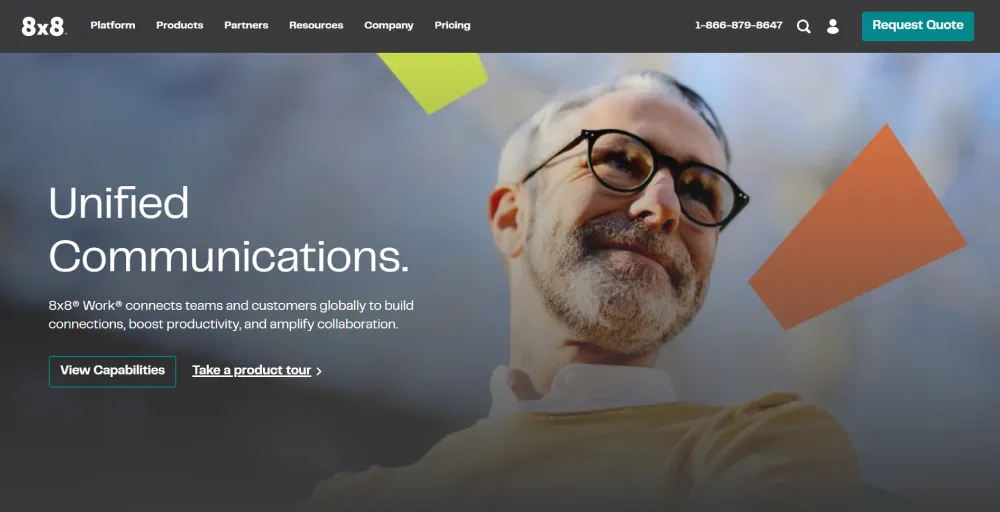
The platform lets your company manage all communications from a single interface, simplifying the management of calls, messages, and meetings without switching between multiple apps.
You also get virtual phone numbers across many countries, helping international teams maintain a local presence for their customers and improve global collaboration.
8×8’s standout features
- Omnichannel routing: Routes calls, chat, email, SMS, and social messages to the right agent or team. This ensures customers get quick responses, no matter which channel they use, and all interactions are tracked in one place.
- Conversational intelligence: The platform analyzes calls and interactions to provide insights on customer sentiment, agent performance, and conversation trends. This helps improve customer service and agent coaching.
- Advanced queue management: 8×8’s queue system effectively manages high call volumes. Calls are prioritized, distributed based on agent skills, and customers can be informed of wait times, reducing frustration and improving efficiency.
8×8 pricing
Here are the plans of 8×8:
| Plan | Annual price (per user/month) | Key feature set |
| Contact Center | Contact the sales team | Omnichannel routing, high-volume messaging, and workforce engagement management |
| CX Beyond the Contact Center | Contact the sales team | Advanced queue management, conversational intelligence, and global coverage |
| Communication APIs | Contact the sales team | High-volume SMS, messaging, voice, and video |
| Unified Communications | Contact the sales team | High-volume messaging, integrations, and system analytics |
8×8 pro
- Offers unlimited calling to many countries
- Strong security and compliance
- Scalability for a growing business
8×8 cons
- Advanced features are only available in higher-tier plans
- Steeper learning curve for new users due to feature richness
- The mobile app may experience occasional bugs or stability issues
4. Vonage: Best for customization & APIs
Vonage is a business phone system and messaging platform built for companies that require more flexible, scalable, and easy-to-manage communications tools. You can integrate with popular CRM and productivity tools, allowing your team to streamline workflows and improve customer engagement.
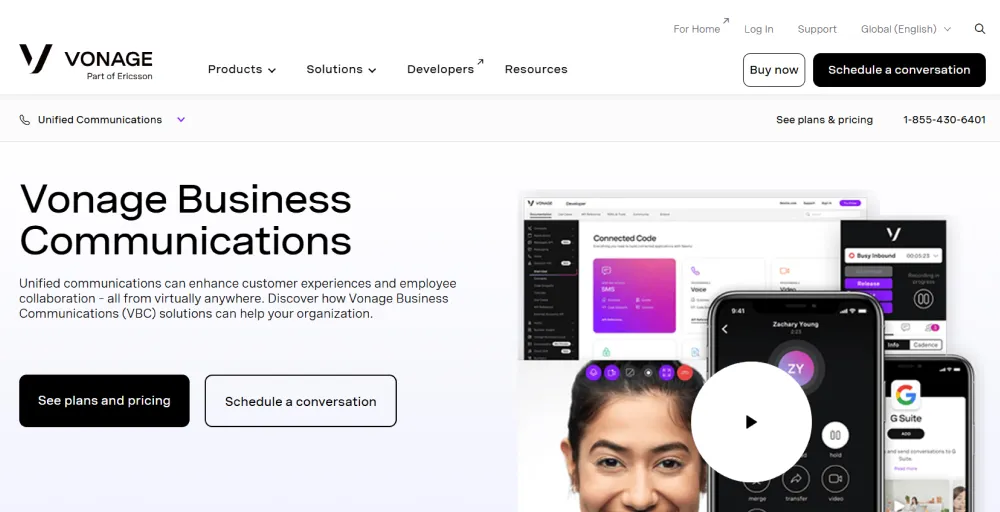
This platform is well-suited if you run small businesses to mid-sized businesses that want professional communication capabilities without the hassle of a traditional phone system.
If your company is expanding globally or managing remote teams, Vonage provides reliable, high-quality international calling and messaging solutions that help maintain seamless collaboration.
Vonage’s standout features
- Virtual receptionist: Works as an automated assistant to answer inbound calls and provide direction to callers to reach the right department. This helps an expert solve the inquiries smoothly.
- Call groups and call queues: Organize incoming calls and distribute them to multiple agents or departments. Call groups allow several agents to ring simultaneously, while call queues manage high call volumes and hold times.
- CRM integrations: Vonage integrates with popular CRM systems, automatically syncing call history, customer data, and interactions. This gives agents easy access to customer information during calls, improving service efficiency.
Vonage pricing
Here are the plans of Vonage:
| Plan | Annual price (per user/month) | Key feature set |
| Mobile | $13.99 | Unlimited domestic calling, voicemail, virtual receptionist |
| Premium | $20.99 | VoIP Deskphone, Vonage meeting, team messaging |
| Advanced | $27.99 | Visual voicemail, call groups, and on-demand call recording |
Vonage pros
- Delivers clear voice quality with reliable performance
- Easy for team members to navigate and use
- Strong integrations with sales and CRM tools
Vonage cons
- Pricing and fee structure can be confusing
- Add-ons and extra features can become expensive
- Customer support experience can be inconsistent
Related article:
5. Ooma: Best for small businesses on a tight budget
Ooma is a cost-effective call center VoIP solution designed for small and growing businesses that need reliable calling features. With Ooma, you get essential business phone capabilities, including call forwarding, virtual receptionist, voicemail, and mobile/desktop apps at competitive rates.
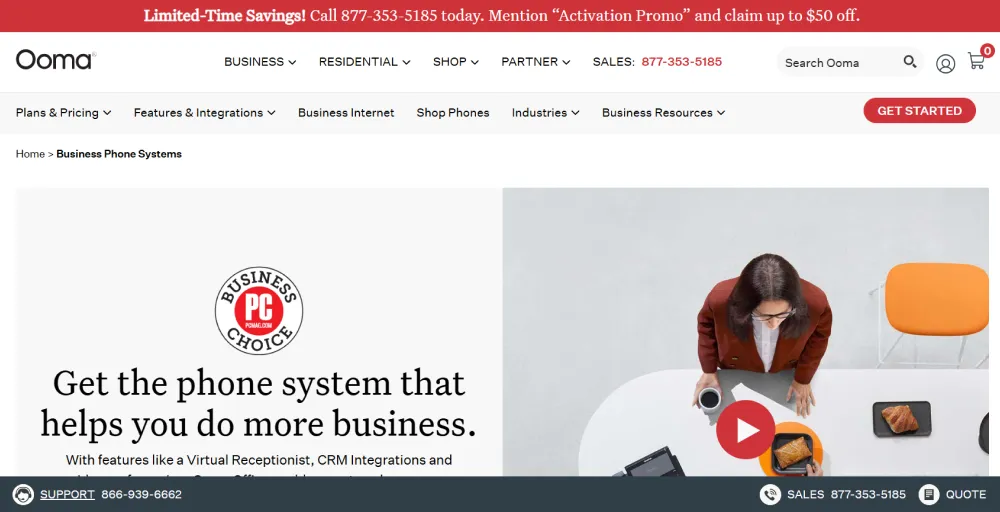
You’ll find that setup is straightforward, and the intuitive interface makes it easy for your team to get started with minimal training.
While it may not offer the advanced enterprise-level features of larger providers, you still effectively meet the core needs of small businesses.
Ooma’s standout features
- Voicemail transcription: converts voicemails into text and delivers them via email or the app. This allows you to scan messages without having to listen to each voicemail.
- Caller info match: The system identifies incoming callers by matching phone numbers to stored contact or business information, so agents see relevant customer details before answering the call.
- Flexible numbering plan: customizable phone numbers, including local, toll-free, and vanity numbers. Businesses can easily set up multiple numbers for different departments or locations as needed.
Ooma pricing
Here are the pricing plans of Ooma:
| Plan | Annual price (per user/month) | Key feature set |
| Essential | $19.95 | Virtual receptionist, mobile app, digital fax |
| Pro | $24.95 | Desktop app, text messaging, videoconferencing, call recording |
| Pro plus | $29.95 | CRM Integration. Video conferencing, team chat, and hot desking |
| Enterprise | Contact sales | SIP trunking, Teams integration, Teams direct routing, call center solutions |
Ooma pros
- Easy to use with a quick and simple setup
- Affordable pricing that suits small teams and growing businesses
- Includes all essential features without unnecessary complexity
Ooma cons
- Additional and hidden costs can increase overall pricing
- Integration options are more limited compared to competitors
- Lacks advanced AI-powered features
6. Zoom phone: Best for Zoom-centric teams
Zoom Phone is a full-featured cloud VoIP business phone system that combines voice, video chat, and contact center tools into Zoom’s unified platform. It is a strong choice if you already use Zoom as your communication platform. The interface is familiar to existing Zoom users, adoption is smooth, and training requirements are minimal.
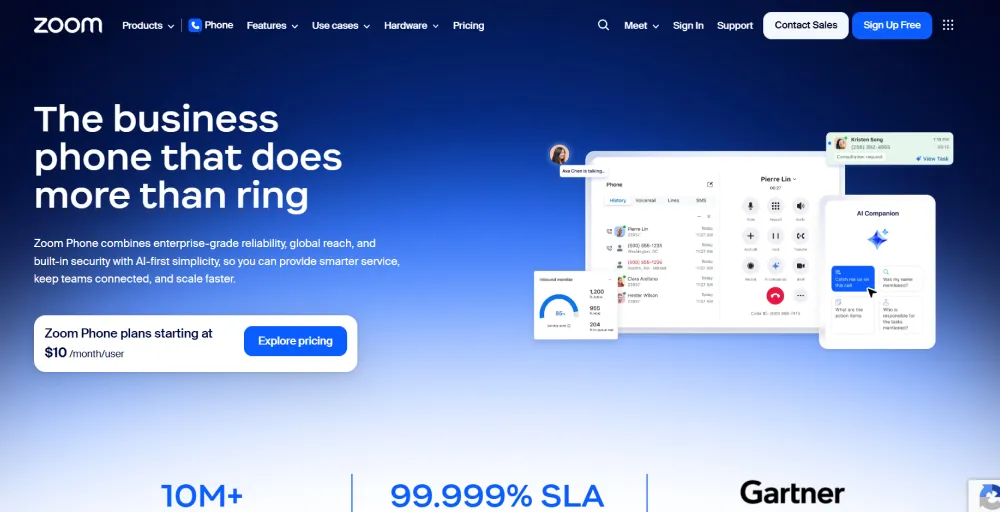
With Zoom Phone, you can manage voice calls, video meetings, and messaging through one single platform with integration with Zoom Meetings and Zoom Chat.
This unified approach works better for remote and hybrid work environments, helping you maintain consistent, centralized communication and improve overall collaboration.
Zoom Phone’s standout features
- Global call routing: Routes calls to the right agent, team, or office location worldwide. This ensures customers are connected efficiently, regardless of time zone or location.
- Salesforce integrations: Syncs call logs, customer information, and notes with Salesforce. This provides agents with context for each call and helps improve customer relationship management.
- Advanced analytics: The platform offers detailed insights into call volumes, agent performance, and customer interactions. Managers can track trends, measure team efficiency, and make data-driven decisions to improve service.
Zoom phone pricing
Here are the pricing plans of Zoom Phone:
| Plan | Annual price (per user/month) | Key feature set |
| US & CA Unlimited | $15 | Advanced phone features, make & receive calls from multiple devices and apps |
| Pro Plus | $18.33 | AI companion, team chat, 100 participants per meeting, live chat support |
| Business Plus | $22.49 | 300 participants per meeting, unlimited whiteboards, and device management. |
Zoom phone pros
- Cost-effective pricing with transparent plans
- Advanced AI companion to enhance productivity
- Robust feature set included in the base plan
Zoom phone cons
- Hidden and potentially escalating costs
- Inconsistent or poor customer support reputation
- Limited access to advanced features
7. Quo (formerly OpenPhone): Best for startups & shared communication
Quo is a business phone system ideal for startups and small businesses, as well as for growing businesses looking for an affordable, flexible, and easy-to-manage communication platform. It’s built to help you stay connected without complexity or high costs.

With Quo, you get essential business communication features in a clean, simple interface. You can manage calls and messages from a shared inbox, making it easier for your team to collaborate and respond to customers faster.
AI-powered tools, including call summaries and transcriptions, help you save time, reduce manual work, and keep conversations organized.
Quo’s standout features
- Snippets and auto replies: Quo lets agents create predefined message templates (snippets) and set up automatic responses for common questions. This saves time and ensures consistent communication with customers.
- AI call summaries and transcriptions: Quo automatically generates call summaries and transcribes conversations. This makes it easy to track customer interactions, share notes with the team, and follow up efficiently.
- Salesforce and HubSpot integrations: The platform connects with popular CRMs like Salesforce and HubSpot, syncing call data, contact information, and notes. This gives agents quick access to relevant customer details and streamlines workflow.
Quo pricing
Here are the pricing plans of Quo:
| Plan | Annual price (per user/month) | Key feature set |
| Starter | $19 | Sona AI agent, calling and messaging to the US, Quo API, and Email ticket support |
| Business | $33 | AI call summarise and transcripts, custom ring orders, call transfer |
| Scale | $47 | AI call tags, Dedicated onboarding support, inbound phone support |
Learn more about Quo’s pricing.
Quo pros
- Seamless integration with CRM and productivity tools
- Transparent, affordable pricing for businesses of all sizes
- Quick and easy setup for immediate use
Quo cons
- Omits video conferencing
- Limited support for desktop phones
- Scalability may be restricted for large enterprises
8. GoTo Connect: Best for customer engagement & remote teams
GoTo Connect is a VoIP phone system designed for companies looking to enhance customer engagement and support remote or distributed teams.
Its user-friendly interface makes setup and daily use simple, while features like AI transcription and auto attendants help streamline operations and ensure no call or message is missed.
As a RingCentral alternative, GoTo Connect is ideal if you are looking for reliable, scalable communication tools to support remote teams, improve collaboration, and help you deliver excellent customer service without the complexity or high cost of traditional systems.
GoTo Connect’s standout features
- AI transcription: Calls and voicemails can be transcribed into text, making it easier to review conversations and follow up without listening to every message.
- Auto attendants: An automated system that answers calls and directs callers to the right department or agent using a menu of options. This helps manage call flow efficiently without a live receptionist.
- Call forwarding: Calls can be automatically forwarded to another number, device, or team member. This ensures important calls are never missed, even when agents are away from their desks.
GoTo Connect pricing
Here are the pricing plans of GoTo Connect:
| Plan | Annual price (per user/month) | Key feature set |
| Phone system | Contact sales | Free calls to 50 countries, unlimited auto attendants and call queues, customizable dial plans |
| Customer experience | Contact sales | Team inbox for tracking, enhanced reporting, AI call summaries, and dashboard |
| Contact center | Contact sales | AI chat analysis and supervisor reporting tools, skills assignment, and integrated softphone, call wrap-up |
GoTo Connect pros
- Quick and easy setup with an intuitive interface
- High-quality, reliable voice connections
- Supports multisite management with flexible dial plans
GoTo Connect cons
- Pricing and plan details can be unclear or require contacting sales
- Customer support may be inconsistent or slow to respond
- Mobile apps and interfaces have some limitations compared to desktop
Related article:
9. Phone.com: Best for affordable & flexible plans
Phone.com is a business phone system designed for small to mid-sized companies that want affordable, flexible, and easy-to-use communication tools. This platform lets you customize plans by adding only the features you need, helping you to keep costs under control.
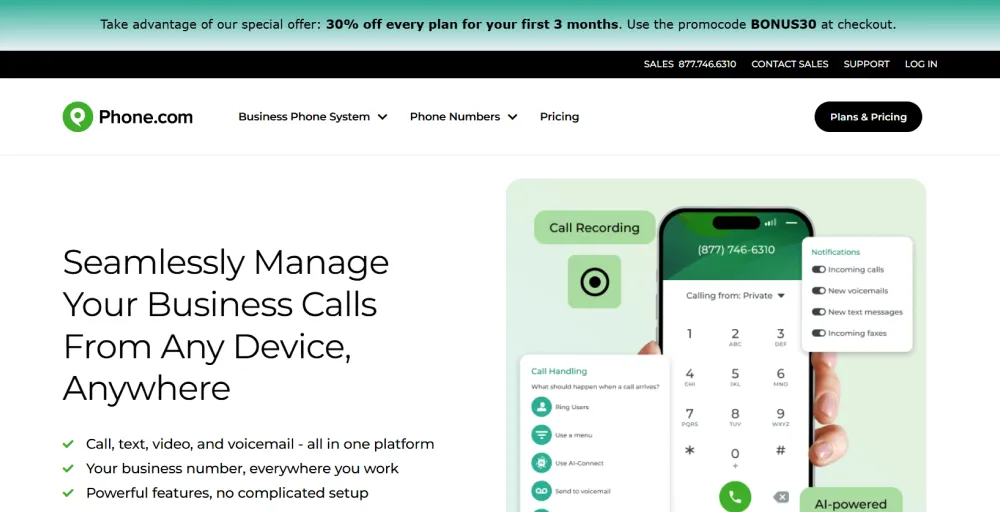
As a budget-friendly alternative to RingCentral, Phone.com offers essential business phone features without unnecessary complexities.
With mobile and desktop apps, you and your team can stay connected from anywhere, ensuring seamless communication for remote or distributed teams.
Phone.com’s standout features
- Video conferencing: Host online meetings with video and screen sharing, enabling teams to collaborate and meet with clients without needing extra software.
- HIPAA compliance: Phone.com provides secure calling and messaging that meets HIPAA standards, making it safe for healthcare or any organization handling sensitive data.
- Call analytics: Track metrics such as call volume, call duration, and agent performance. These insights help businesses optimize workflows, improve customer service, and make data-driven decisions.
Phone.com pricing
Here are the plans for the phone.com:
| Plan | Annual price (per user/month) | Key feature set |
| Basic | $18 | Mobile and web apps, 50 standard voice features, video conferencing, unlimited minutes |
| Plus | $27 | AI-connect answering, IP desk phone compatible, voice mail transcription |
| Pro | $40 | Call integration, 10 years of data retention, CRM integration |
Phone.com pros
- 24/7 customer support for assistance anytime
- Scalable to accommodate small to growing teams
- Intuitive and user-friendly interface for easy navigation
Phone.com cons
- Limited advanced features, such as auto attendants
- Fewer third-party integrations compared to competitors
- Some users report outages or glitches
Related article:
10. Dialpad: Best for AI-powered communication & insights
Dialpad is an AI-powered call center solution that is ideal for teams who want more than just calls. It combines voice, messaging, and video with built-in AI features like real-time transcription, sentiment analysis, and automatic call summaries, helping your teams have smarter, more productive conversations.
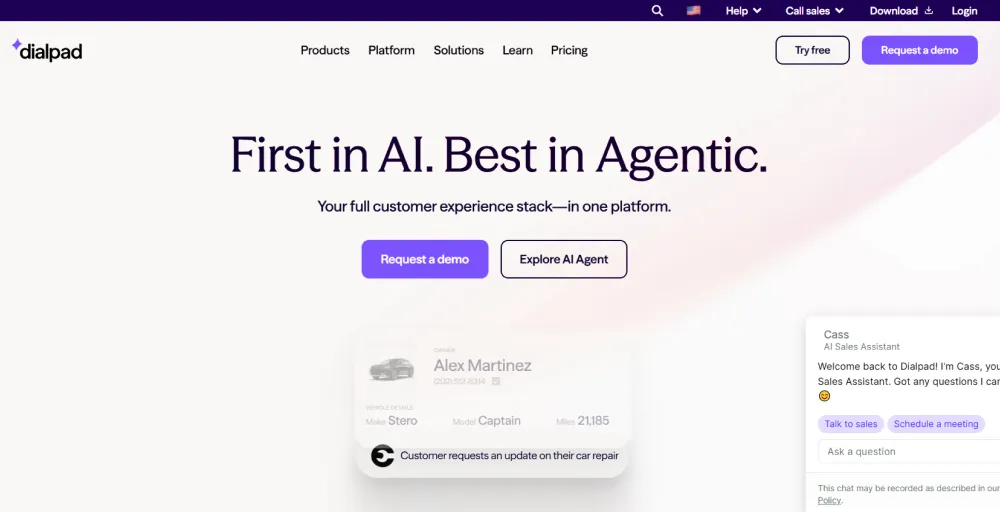
Unlike RingCentral, Dialpad provides actionable insights during and after calls, making it easier to track customer needs, improve interactions, and enhance team collaboration.
The platform is also flexible and scalable, with mobile and desktop apps that keep your remote and distributed teams connected while allowing your business to adjust features as it grows.
Dialpad’s standout features
- Conference calls: Conference call feature lets teams collaborate and participants without additional software.
- Power dialer: Automatically dials a list of contacts for outbound campaigns, saving time and increasing efficiency for sales or support teams.
- Web conferencing and online meeting software: Supports online meetings with screen sharing, chat, and collaboration tools, providing a unified platform for both internal team meetings and client presentations.
Dialpad pricing
Here are the pricing plans of Dialpad:
| Plan | Annual price (per user/month) | Key feature set |
| Standard | $15 | HD voice, toll-free support, unlimited calling, custom call routing |
| Pro | $25 | Multi-level auto attendant, visual voicemail, hold queues |
| Enterprise | Contact sales | Provides secure access with SSO, and easily manages user access controls |
Dialpad pros
- Competitive pricing and flexible plans
- Modern and intuitive interface
- Good CRM and business tool integration
Dialpad cons
- Basic plans offer limited integration options
- Customer support quality varies depending on the plan
- Top features are only available on higher-tier plans
Which RingCentral alternative is best for you?
There are many alternatives to RingCentral, depending on your business needs, including global reach, reliable customer service, team collaboration, affordability, and AI-powered insights. Here are some alternatives:
- If you need global reach with budget-friendly pricing, KripsCall is the best alternative for your business. It offers virtual phone numbers from over 100 countries, with a starting plan at just $15 per user/month. It is ideal for businesses expanding internationally or managing distributed teams.
- For businesses that prioritize reliable customer service tools, Nextiva offers 99.99% uptime and HD voice for businesses. Offers seamless communication and professional experience for both teams and clients.
- Suppose you’re a startup or a small team that collaborates via messaging. Quo (formerly OpenPhone) is a solid choice. Its shared inbox for calls and messages is tailored for team collaboration, includes unlimited SMS/MMS.
- For businesses seeking a simple, reliable, and cost-effective VoIP solution, Ooma is also a strong contender. It offers easy setup, essential business features such as call forwarding, voicemail-to-email, and mobile apps, and affordable pricing. Ooma is particularly well-suited for small to medium businesses looking for dependable service without unnecessary complexity.
- If you are looking for AI-powered features for coaching and automation, Dialpad is an excellent choice for offering intelligent insights from calls. It offers real-time transcription, sentiment analysis, and AI-driven insights to improve team productivity.
Why choose KrispCall over RingCentral?
RingCentral is a robust platform, but its pricing and enterprise-focused features can overwhelm small and mid-sized teams. KrispCall, in contrast, delivers exactly what growing businesses need: clear voice quality, global numbers, and transparent pricing. It’s easy to deploy, simple to manage, and budget-friendly, making it the ideal choice for expanding teams.
| Factors | KrispCall | RingCentral |
| Pricing | Starts lower $12–$15/user/mo with transparent costs and fewer hidden fees. | Starts higher $20+/user/mo and often adds extra cost for features or integrations. |
| Ease of Use | Simple setup and intuitive interface, easier for small and mid‑size teams. | Feature‑rich but can feel complex and overwhelming for smaller teams. |
| Global Coverage | Virtual numbers in 100+ countries, strong for international presence. | Coverage in fewer countries compared to KrispCall. |
| Call and Messaging Tools | Unified Callbox, power dialer, bulk SMS, unlimited call recording on many plans. | Good core tools, but advanced features are often tied to higher plans or add‑ons. |
| CRM & Integrations | Strong CRM and tool integrations are included across plans. | Very broad ecosystem integrations (e.g., Microsoft 365, Salesforce), but may require higher tiers. |
| Support Experience | Users report responsive, helpful support. | Support quality varies; some users describe slow or mixed experiences. |
| Scalability | Scales well with business growth and flexible plan options. | Extremely scalable with deep enterprise features. |
✅User-friendly: KrispCall offers plans starting at just $12 per user per month (annually), with clear and transparent pricing. There are no hidden fees for essential features, making it easier for small and mid-sized businesses to plan their budget without surprises.
✅Global calling: Reach customers worldwide using local or toll-free numbers in over 100 countries. This feature helps businesses establish a local presence in international markets and makes it simple for teams to connect with clients anywhere.
✅Scales with your business: Flexible plans and features let businesses add users, numbers, and advanced capabilities as they grow. Whether a team is small or expanding internationally, KrispCall grows with your needs.
✅Reliable Support: KrispCall provides responsive, knowledgeable support for setup, troubleshooting, and any issues. Businesses can rely on quick resolutions, ensuring minimal downtime and uninterrupted conversation.