Ever called into a business customer support number and received immediate service without delay, regardless of your geographical location and the time of day? You were using a SaaS (Software as a Service) call center application.
A SaaS call center is different from traditional call centers because it is entirely cloud-based, enabling businesses to manage customer phone calls from any safe location and without the need for bulky hardware. They can also be simple to set up, scalable, and a way for remote or hybrid teams to improve communication and productivity.
In this blog post, we are going to look at what a SaaS call center is, how it operates, and what has fuelled its rise in popularity among businesses of today.
✨ Key Takeaways
- A SaaS call center is a system for managing customer calls based on the cloud and does not require physical hardware for the customer center.
- A SaaS call center provides VoIP, IVR, CTI, call recording, and omnichannel support for smooth communications.
- SaaS call centers have low setup costs, quick scalability, remote access, and sophisticated predictive analytics as key advantages.
What is a SaaS call center?
A SaaS call center is a service that delivers call center services through a Software-as-a-Service (SaaS) model, which means the call center software is hosted in the cloud and accessed via the internet. By subscribing to a SaaS call center, businesses can control customer calls and messages from anywhere around the world, which is ideal for remote workers or teams across multiple locations.

It all goes through one simple-to-use platform that interfaces with other applications, such as customer databases, to enable agents to perform more efficiently and provide customers with an easier experience.
Since it’s all web-based, there’s no requirement for companies to maintain costly equipment, and customer support. Companies can easily scale up or down based on demand. It’s a hassle-free, elastic solution that is perfect for managing customer support.
On-premises vs SaaS call center
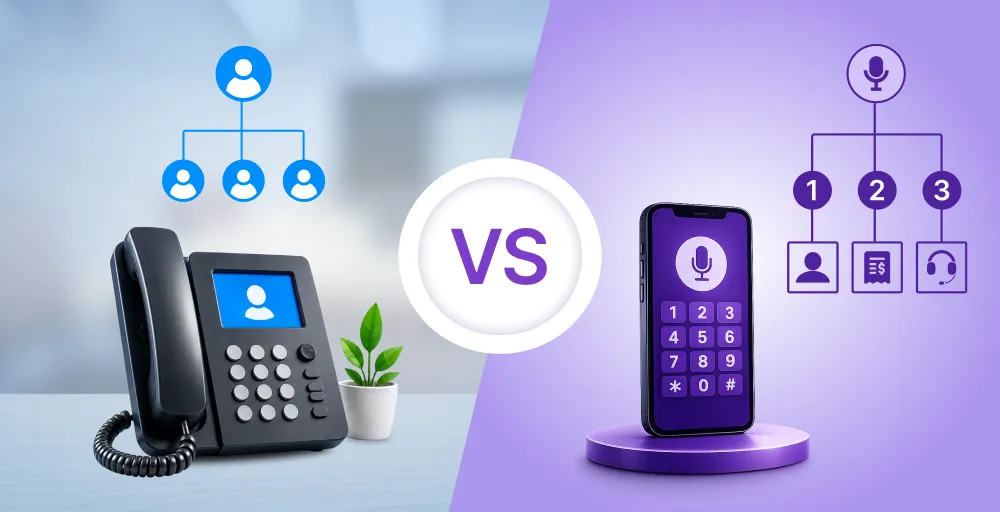
On-premises and SaaS call centers both provide unique benefits and come with strengths and weaknesses of their own. On-premises solutions have full ownership, control, flexibility and customization options, while SaaS call centers provide flexibility for businesses, easy scalability, and less IT costs.
Understanding the key differences between the two will help businesses determine which model is most appropriate based on their operating objectives, solution budget, and longer-term growth strategy.
| Feature | On-Premises Call Center | SaaS Call Center |
| Infrastructure | Requires hardware, servers, and space | Runs on the cloud, no physical setup needed |
| Setup Cost | High upfront investment | Low initial cost, subscription-based |
| Maintenance | Handled by the in-house IT team | Handled by the SaaS provider |
| Scalability | Time-consuming and costly | Quick and easy scaling based on needs |
| Remote Access | Limited or requires VPN setup | Accessible from anywhere with internet |
| Feature Updates | Manual and less frequent | Automatic and regular updates |
| Ideal For | Large enterprises with IT resources | Startups, SMBs, remote teams, virtual call centers |
| Technology Support | Often limited and rigid | Includes VoIP, CTI, IVR, Softphone, etc. |
| Flexibility | Less adaptable to change | Highly flexible with omnichannel call center support |
| Examples | Legacy phone systems | cloud call centers, SaaS contact center solutions |
🔥 In short, if you don’t want to have the headaches of infrastructure and are willing to support a small and remote or virtual call center, then SaaS call center software is for you. Cloud-based communications tools, including VoIP, softphone, IVR, and call recording, mean companies and enterprises can really put their best foot forward with their service with only an internet connection.
Types of SaaS call centers
Various SaaS call center models cater to different business needs and communication goals. Each offers easy options to choose the right solution, whether for customer service, sales, or multichannel interactions, and can be customized to fit your requirements.
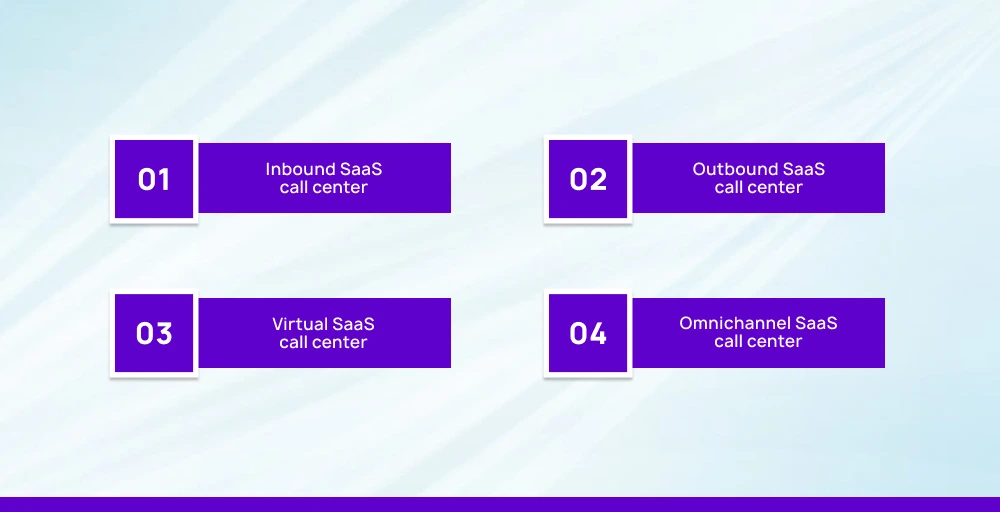
- Inbound SaaS call center: Inbound SaaS call centers are called by customers, often for services, inquiries, or order taking. They provide features like IVR, ACD, call recording, and CTI to manage calls efficiently and boost customer satisfaction.
- Outbound SaaS call center: Outbound SaaS call centers are used mainly for sales, surveys, or follow-up, outbound call centers allow agents to place a large volume of calls. They enhance productivity and make it easy to conduct effective outbound communication through VoIP, softphone, and auto-dialers.
- Virtual SaaS call center: Virtual SaaS call centers are complete cloud call centers from which agents can remotely operate from anywhere using internet-equipped devices. They utilize VoIP headsets, virtual numbers, and VoIP phones to offer professional-quality calls and flexibility.
- Omnichannel SaaS call center: Omnichannel SaaS call center solutions allow businesses to engage with customers through voice, chat, email, SMS, and social media from a single point. It facilitates the provision of a seamless customer experience across the channels.
Advantages of a SaaS call center for businesses
SaaS call center offerings are becoming increasingly beneficial to companies today. SaaS contact centers provide great cost savings, flexibility, and customer service excellence.
1. Quick deployment and minimal maintenance
Cloud call centers are trackable in days, require no costly hardware, and the provider provides all support and upkeep, along with troubleshooting and upgrades. This provides internal IT staff with more opportunities to focus on more sophisticated strategic tasks.
2. Lower cost & predictable pricing

When purchasing SaaS call center solutions, businesses do not invest heavily in servers and infrastructure. Instead, they pay a predictable monthly or per-seat subscription, including all VoIP, softphone, and key call center functionality, reducing the total cost of ownership.
3. Scalability & flexibility
Should you need to add additional agents or new virtual phone numbers during peak times? Call center SaaS software lets you scale up or down in an instant. Global teams can plug in easily through VoIP phones, and remote work is easy and affordable.
4. Omnichannel support & improved customer experience
Modern SaaS contact center software unites voice, email, chat, social media, and SMS on one platform. With these, agents possess total context between channels with CTI, IVR, and call recording, allowing seamless and efficient service.
5. Analytics & continuous improvement
SaaS platforms include dashboards in real-time, monitoring of quality, and reporting that managers can use to see customer wait times, agent performance, trends, and conversions from calls to customers. This information provides streamlined efficiency and customer satisfaction.
6. Anywhere access & team mobility

Because it’s cloud-based, SaaS contact center solutions support remote agents anywhere in the world. Agents work on apps, VoIP headsets, or softphone interfaces without being in office, enabling entire virtual call center operations.
7. High-level security & reliability
SaaS call centers provide great security and dependability with their superior cloud protections, such as encryption and access controls. There are many protections for your data – single sign-on and user permissions, built-in backups, and stringent safety protocols. Providers are also compliant with all of the major regulations including HIPAA and PCI.
8. Quick access to new technologies
SaaS platforms roll out quickly with new technology like AI-powered routing, chatbots, and predictive analytics. This gets your staff access to the new tools without the hassle of manual upgrades.


Top SaaS call center features
Modern cloud call centers are driven by SaaS contact center solutions that are easy to implement, elastic, and rich in features to enable excellent service. Here are the top six call center features that make them so crucial for customer interaction today.
1. Inbound & outbound call management
SaaS call center software allows businesses to effectively manage inbound customer care calls along with outbound sales calls or surveys. The software will intelligently route the caller to the appropriate agent, and with applications like VoIP, softphone, and auto-dialers, agents can handle a high volume of calls simultaneously.
2. Sophisticated call routing (ACD & IVR)
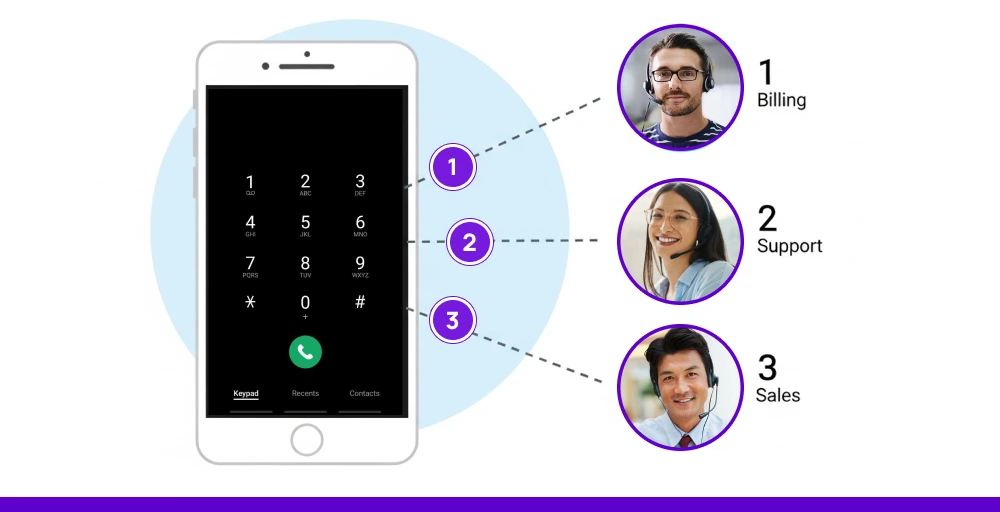
Automatic call distribution (ACD) assigns calls based on agent skills, availability, or priority, reducing wait time and achieving workload balance. IVR menus provide simple customer requests automatically and send callers to the right department. These features minimize manual labor and enhance first-call resolution.
3. Omnichannel communication
The best SaaS solutions unify email, chat, SMS, and social channels into a single agent desktop environment. There you have omnichannel call center software that allows agents to handle all the communications in one place, enabling a seamless customer experience across the products.
4. CRM & third‑party integration
SaaS call centers offer integration with CRM, helpdesk, and analytics programs. With CTI integration, customer history can be displayed as soon as a call is received, allowing the agent to customize the response and resolve issues faster. Integrated workflows drive productivity and customer satisfaction.
5. Call recording, monitoring & analytics

SaaS call center also has a call recording integration, real-time analytics, and quality-management tools with focused dashboards. Depending on the solution, the manager will have access to call time duration, wait time, sentiment, agent performance, and more.
This type of information can help train and prepare agents, ensure compliance, and constantly improve service levels.
6. Workforce optimization & supervisor tools
These systems include workforce management features, forecasting, scheduling, real-time monitoring of agents, and supervisor tools like call whispering or barging. They optimize staffing levels and assist in agents’ training and performance management.
Things to look for while choosing a SaaS call center provider
Picking the right call center SaaS vendor is an essential step to communicating smoothly, delivering a better customer experience, and sustaining a successful business in the long term.
The chosen vendor needs to correspond with your objectives, investment, and business structure, and provide the fundamental features to operate the day-to-day effectively.
Here are some of the significant factors you need to consider:
- Core features & functionality: Look for essential features like IVR (Interactive Voice Response), ACD (Automatic Call Distribution), recording, CTI (Computer Telephony Integration), and real-time analytics in SaaS call center software. These features will allow you to resolve calls more quickly with complete visibility into your team’s calls and service offerings.
- Omnichannel support: Choose omnichannel call center functionality. Your vendor should support voice, email, live chat, SMS, and social media channels so that your agents can handle customer interactions from a single platform.
- CRM integration: A quality SaaS contact center should be able to integrate seamlessly with your CRM, enabling your agents to access customers’ history and context in real-time, to personalize better, no matter which channel.
- Scalability & flexibility: Upon provider choice, the provider needs to have scalable cloud call center solutions to accommodate the expanding team. As a startup or expanding business, it should be easy to scale agents, channels, or new functionality.
- Remote capability: When selecting a platform, choose one that supports remote abilities like softphones, VoIP headsets, and virtual phone numbers. Through this, your agents will be able to work remotely with call quality and professionalism.
- Security & compliance: Make sure the provider meets industry security standards. Make sure aspects include encrypted VoIP calls, secure call recording, and compliance with applicable regulations (GDPR, HIPAA).
- User-friendly interface: A clean and minimal interface saves time on training and maximizes the productivity of agents. Your agents should be able to get around dashboards, handle calls, and interact with data with little resistance.
- Customer support & training: To maximize the best SaaS call center benefit, choose software that offers timely support, onboarding support, and comprehensive materials. Accept nothing less than 24/7 support and training materials that help your agents leverage every aspect of the platform.
5 Best SaaS call center providers
With so many SaaS solutions available today, it can be hard to select the right one. Whether you are a small business or a growing enterprise, the right call center SaaS vendor should provide the right combination of features, flexibility, and ease of use.
Below is a quick side-by-side comparison of five of the best SaaS contact centers that help support your virtual call center with key features such as VoIP, ACD, softphone, and call recording.
| Provider | Key Features | Best For | Starting Price | Standout Tools & Support |
| KrispCall | Unified Callbox, virtual phone numbers, VoIP, CTI, IVR, call analytics | Startups, remote teams, SMBs | $15/user/month | Easy to scale, 24/7 support, global calling |
| Five9 | Intelligent ACD, predictive dialing, CRM integration, and workforce optimization | Enterprises, outbound sales teams | $119 (36-month contract with easy monthly payments) | AI-powered tools, real-time monitoring |
| Genesys | Omnichannel support, call recording, automation, analytics | Large enterprises, support teams | $75/user/month | Strong omnichannel call center features |
| Dialpad | AI-powered voice, Softphone, transcriptions, VoIP calls | Hybrid teams, sales/support | $27/user/month | Google Workspace integration, real-time coaching |
| Aircall | Cloud-based calling, IVR, CRM integration, VoIP phones | Small to mid-sized businesses | $30/user/month | Easy setup, integrations, and call monitoring |
1. KrispCall
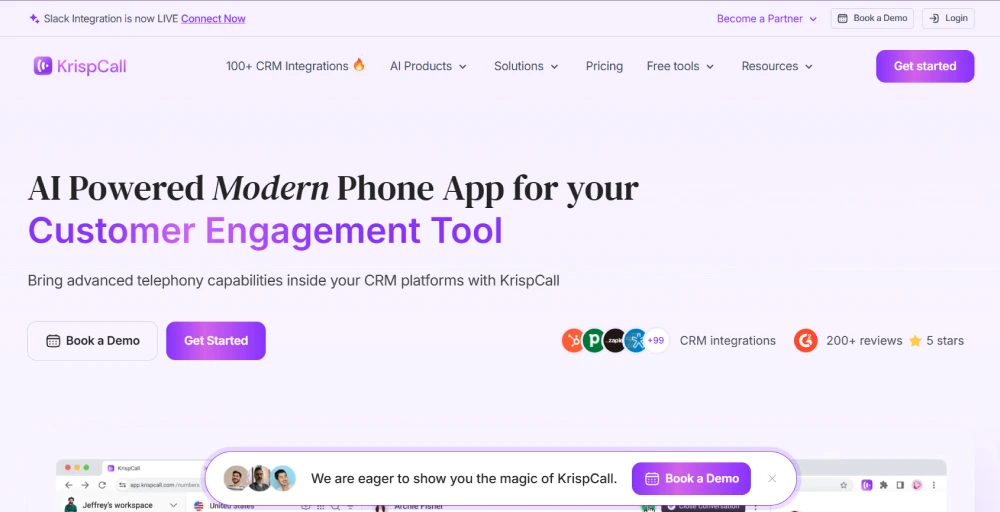
KrispCall is a modern and affordable SaaS call center solution built for startups, remote teams, and growing businesses. It is an AI-powered cloud telephony solution offering virtual phone numbers from over 100 countries. It provides seamless calling, texting, call recording, and CRM integration through its Unified Callbox.
Features
- Call tagging and contact notes for better context
- Multi-number calling support in one dashboard
- Smart call filters for quick call history search
- Global calling capabilities
Pros
- Very easy to set up and use.
- Global virtual phone numbers at affordable rates.
- Great for remote and hybrid teams.
Cons
- Limited third-party integrations
- No video calling option.
- Still building advanced analytics tools.
Pricing
- Essential: $15/user/month
- Standard: $32/user/month
- Enterprise: Custom
2. Five9
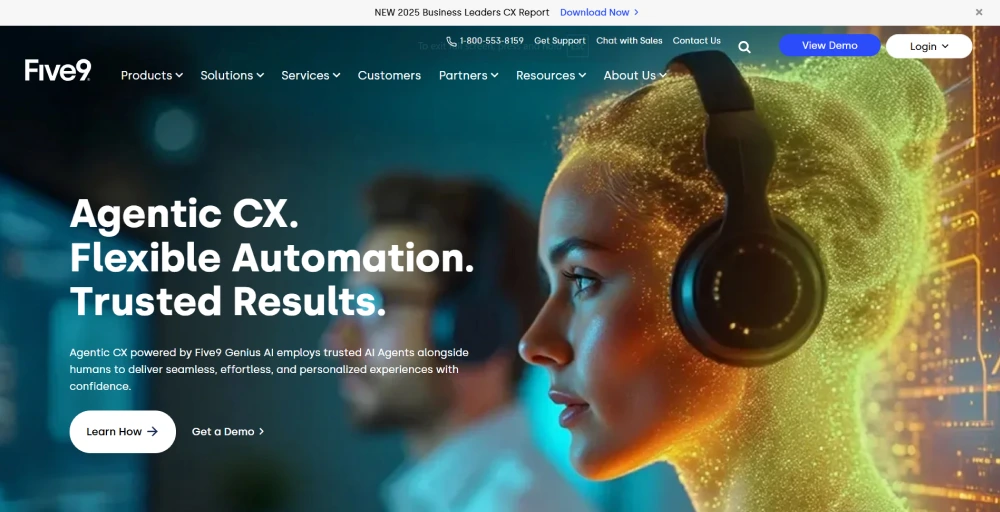
Five9 is a powerful enterprise-grade SaaS contact center platform best suited for outbound sales and large support operations. With AI automation and a deep suite of tools, it’s built for performance at scale and supports complex workflows with ease. It features advanced AI-powered tools like an intelligent virtual agent, workforce optimization, real-time reporting, and strong CRM integrations.
Features
- Predictive and progressive dialers
- Speech-enabled IVR for advanced self-service
- Real-time agent assist and performance dashboards
- Quality management with agent scoring
Pros
- Provides AI-driven automation tools.
- Integrates with CRM platforms such as Salesforce, Microsoft Dynamics.
Cons
- Steeper learning curve.
- Offers custom pricing only.
- Requires IT support for setup and configuration.
Pricing
- Digital only: $119 (36-month contract with easy monthly payments)
- Voice only: $119 (36-month contract with easy monthly payments)
- Digital + Voice: Contact sales
3. Genesys
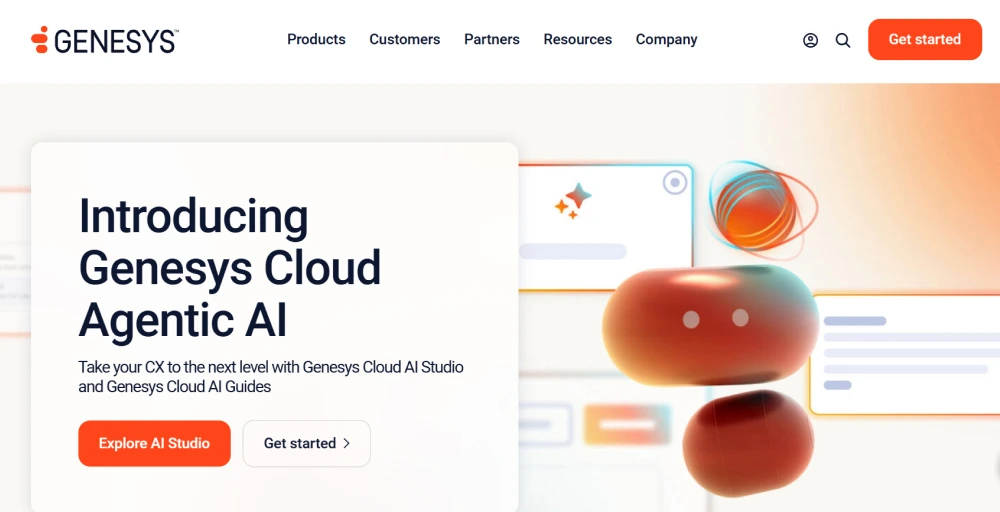
Genesys is a cloud contact center platform offering comprehensive omnichannel support across voice, digital, and social channels. It features deep CRM integration, AI-powered automation, real-time analytics, omnichannel journey mapping, and workforce management tools to deliver personalized, efficient customer engagement for large enterprises.
Features
- AI-powered customer engagement tools
- Voicebots and chatbots for automation
- Omnichannel journey mapping
- Interaction recording with sentiment analysis
Pros
- Provides enterprise-level scalability.
- Deep omnichannel support.
- Built-in AI and automation.
Cons
- Expensive for small businesses.
- It can be complex to set up.
- Requires a strong internet bandwidth.
Pricing
- Genesys Cloud CX 1: $75/user/month
- Genesys Cloud CX 2: $115/user/month
- Genesys Cloud CX 3: $155/user/month
- Genesys Cloud CX 4: $240/user/month
4. Dialpad
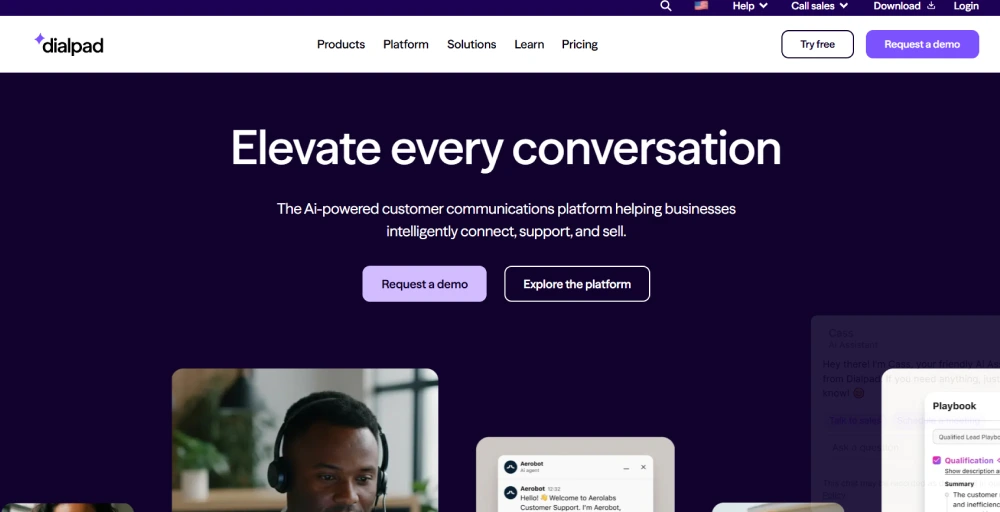
Dialpad is an AI-powered cloud contact center platform that offers real-time call transcription, sentiment analysis, and AI-driven call summaries to enhance agent performance. It provides self-service tools like AI chatbots and IVR with easy customization, intelligent call routing, and seamless integration with CRMs for an omnichannel experience.
Features
- Real-time voice transcription and analytics
- Google Workspace and Microsoft 365 integration
- Smart call summaries with action items
- AI-based call coaching
Pros
- Strong AI and transcription tools.
- Works well for both sales and support.
- Easy to integrate and deploy.
Cons
- Limited customization for large teams.
- Fewer advanced routing options compared to others.
- Some features are only in higher-tier plans.
Pricing
- Standard: $15/user/month
- Pro: $25/user/month
- Enterprise: Contact Sales
5. Aircall

Aircall is a cloud-based call center and business phone system designed for sales and support teams. It offers easy setup and integrates voice, text, voicemail, and WhatsApp into a unified conversation view. It is scalable, user-friendly, and enables businesses to manage global communications efficiently from a single platform.
Features
- Click-to-dial from CRM and helpdesk tools
- Call queuing and ring groups
- Shared call inbox for team collaboration
- Live activity feed and performance tracking
Pros
- Very easy onboarding and interface.
- Over 100+ integrations with CRMs and apps.
- Excellent for distributed teams.
Cons
- Limited custom workflows.
- Lacks some advanced CTI features.
- Pricier than similar tools for basic plans.
Pricing
- Essential: $30/user/month
- Professional: $50/user/month
- Custom: contact sales team
How to build a SaaS call center?
While establishing a SaaS call center may initially seem daunting, it is actually much simpler than you would imagine with the right strategies and resources.
A SaaS contact center provides greater operational payment flexibility, cost-effectiveness, and customer connection capabilities, whether you’re constructing one from scratch or relocating your business to the cloud.
Here is a complete guide on building your own SaaS Cloud Contact Center.
1. Define your call center goals
Before you start everything, it is essential to know what you want your call center to do. Are you only doing inbound calls, outbound sales, or omnichannel support (calls, chat, emails, etc.)?
This will help you better decide on the appropriate tools and team structure. Your goals will also determine which capabilities you want, such as IVR, voice recording, integration with CRM, etc.
2. Choose the best SaaS call center provider
Choose a provider that meets your needs, budget, and number of employees. Shortlist top platforms such as KrispCall, Dialpad, Aircall, and Five9. Pin down key call center features such as VoIP, ACD, virtual numbers, and softphone. Check that the provider has good support, training, and easy onboarding, too.
3. Install your call center software
Once you’ve selected your platform, let’s get started. Most cloud call centers go up in hours or days. Start by provisioning user accounts, establishing roles, and assigning virtual numbers to your teams. Next, customize your IVR menus, routing options, business hours, and voicemail features.
4. Integrate with tools you already use
Save time and deliver better service by integrating your call center with the software you already use, like your CRM, helpdesk software, or email client. With CTI (Computer Telephony Integration), your agents can look at customer information and history in real-time while on a call, leading to better support that’s quicker and more customized.
5. Train your agents
Even the best tools need great people. Make sure you train your customers on how to use the software, take calls, and work through your support or sales script. Walk them through the basic functions, such as using the softphone, tags, and transferring to the right departments. Many of the platforms provide call recording strictly for training and evaluation purposes.
6. Monitor performance & improve
After your SaaS call center is running, track key metrics like wait time, call quality, and agent productivity. Use such tools as quality monitoring, analytics dashboards, and feedback features to identify issues and continuously improve. Regular reviews and adjustments will have your team running more efficiently and keep customers happy.
Find the right call center software for your business
Selecting the correct call center software to ensure effective communication and high-quality customer service is a vital decision. Cloud-based SaaS tools provide smart routing, seamless CRM integrations, and omnichannel capabilities in a single platform.
Regardless of whether your team is remote, in-office, or out of the office, a call center software like KrispCall keeps everyone connected and productive.
KrispCall is one of the top tools available that is simple, highly secure, and scalable, no matter what size of organization you have. Additionally, KrispCall includes unified call management, a powerful analytics engine, and global customer support, so every time your customers communicate with you, it will be seamless, efficient, and always up to date.