Call history, despite being the most overlooked data, offers valuable context about the caller (such as who called you, when, and for how long).
Whether you’re a parent monitoring your kid’s phone usage, a business owner monitoring employee communications, or someone wanting more clarity on their call activity, call history provides transparent information and helps you stay informed.
You can either use the built-in phone app or rely on call log monitoring systems to find the call history of a phone number. However, accessing the call history of a number that isn’t yours has crucial legal and ethical responsibilities that you should consider.
✨ Key Takeaways
- On Android and iPhone, the built-in Phone app (via the “Recents” tab) offers a simple way to view call logs, with iPhones limited to the last 100 calls and Android providing more extensive storage.
- Specialized apps like FlexiSpy, mSpy, SpyZie, and uMobix focus on advanced call log tracking, often targeting parental control or employee monitoring.
- Accessing call history for numbers you don’t own is generally illegal without explicit consent, except in cases like parental monitoring or company policies for employee devices.
- KrispCall’s cloud-based VoIP platform offers a Unified Callbox to manage call logs, SMS, voicemails, and recordings, with filters for sorting and features like note-taking.
How to find call history of any number?
Call history plays a vital role in maintaining transparency and accountability in communication. It lets you analyze calling patterns, manage call charges, and monitor usage.
Whether you’re using them for personal reasons, parental supervision, or business oversight, tracking the call history of your number can help make communication more productive and well-organized.
Note: Accessing call details of a number you don’t own without consent is illegal and a serious privacy violation.
How to find call history of any number on Android?
On Android devices, you can easily check your mobile number call history (missed, incoming, and outgoing calls made over your cellular network) directly from the built-in Phone app. It’s a very straightforward process that takes just a few taps and doesn’t require any third-party apps.
- Open the Phone app.
- Switch to the Recents tab. Scroll through the list to find the phone number or use the search function to locate it from the call log history.
- Tap on the phone number and then press the Hamburger menu icon.
- Here, you’ll get the entire call history details associated with that phone number.
How to find call history of any number on iPhone?
The steps to look up a call history for a number on an iPhone are similar to those on Android. Simply open the Phone app and look up the call history details via the Recent tab.
Here’s a step-by-step guide.
- Open the Phone app.
- Tap on the Recent option. This will list all the incoming, outgoing, and missed calls.
- Scroll through the list of numbers or use the Search feature to find the desired number.
- Tap the Info icon (i) next to the number to view its call history details.
Note: It’s worth noting that the iPhone’s built-in call log only displays details for the most recent 100 calls, whereas Android generally offers more extensive storage for call logs.
How to find call log details & history with KrispCall?
Follow these steps to access your entire call history and call log details with a business phone system like KrispCall.
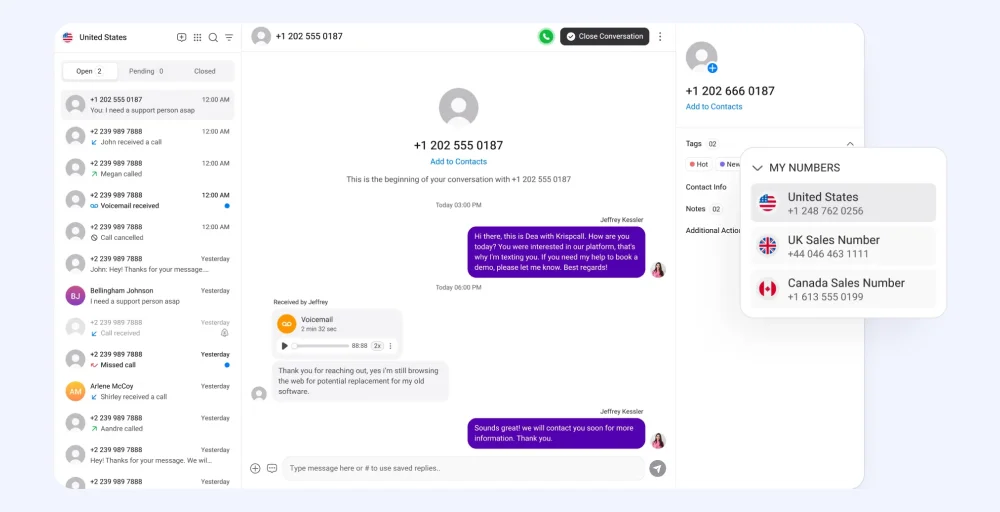
Step 1: Log in to your KrispCall dashboard.
Step 2: Access the Unified Callbox where all your calls, SMS, voicemails, and recordings are stored.
Step 3: Use filters to quickly find what you need (missed calls, inbound/outbound calls, messages, or voicemails.)
Step 4: Check caller info, timestamps, call duration, call recordings, and even voicemail playback.
Step 5: Add notes to calls, assign contact tags for easy categorization, and schedule follow-ups.
Step 6: Use built-in call analytics to see peak call hours, trends, and agent performance.
Related 👉 Does Star 67 Still Work? Guide to Caller ID Privacy
Apps to find call history of any number
Aside from the built-in apps in mobile devices, you can also use a third-party application or software to check a phone number’s call history. Although the process may not be as intuitive as the integrated app, these alternatives still offer you a viable way to get a detailed call history.
Note: These apps are generally considered spyware and should only be used with legal consent and compliance with local laws.
| App name | Feature | Best for | Pricing |
| FlexiSpy | Call interception, recording, logs, keylogger, and remote control | Advanced monitoring for the corporate work environment | FlexiSPY pricing varies for mobile devices, iPhones, iPads, and computers. |
| mSpy | Call logs, timestamps, duration, GPS, and social media | Parental control | Starts from $48.99/month |
| SpyZie | Call logs, timestamps, duration, social media, and GPS | Parental control, employee monitoring | Offers different pricing for Android (starting from $49.99/month/device) and iOS ($79.99/month/device) |
| uMobix | Call logs, social media calls, and deleted call recovery | Parental control | Contact the sales team |
1. FlexiSpy
FlexiSpy is a call monitoring software designed for tracking smartphone activities, with a strong emphasis on call log tracking. It offers detailed call log data (including timestamps and call durations) from both carrier networks and third-party calling apps.
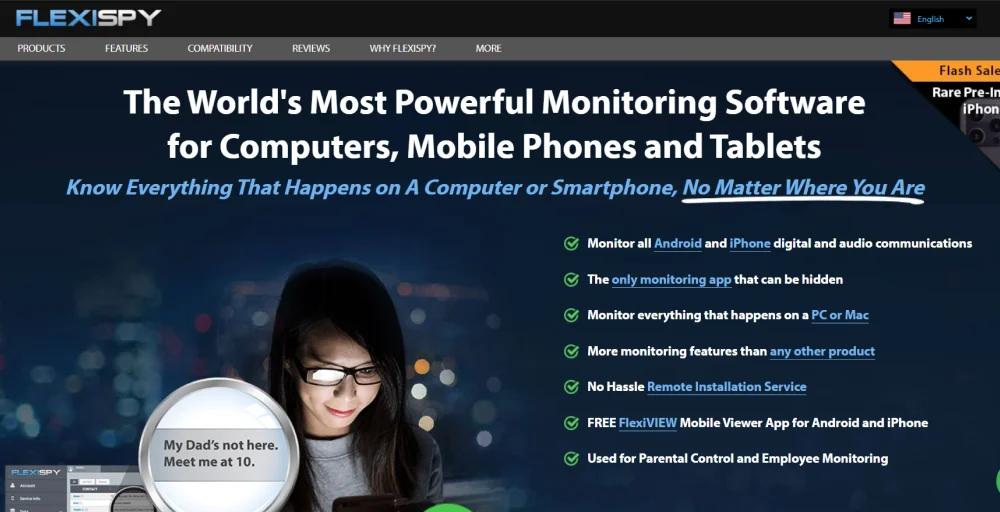
However, to fully utilize the benefits and features of this app, you’ll need to root or jailbreak your mobile device. The app’s focus on call-related data makes it suitable for users looking for parental or employee monitoring.
Features
- Easy access to the call log access
- Geofencing
- Application activity
- Location tracking
Pros
- Support call logs from third-party apps like Messenger, Viber, and WhatsApp.
- Remains hidden out of plain sight.
Cons
- Advanced features are available only on higher-tier price plans.
- Features perform inconsistently.
Price
- FlexiSPY pricing varies for mobile devices, iPhones, iPads, and computers. Visit their pricing page for more information.
2. mSpy
mSpy is a phone call history tracker for monitoring calls, locations, and social media activity on Android and iPhone devices. It offers call logs with timestamps and durations, live GPS tracking, social media monitoring (including WhatsApp, Snapchat, and Telegram), and call/screen recording.
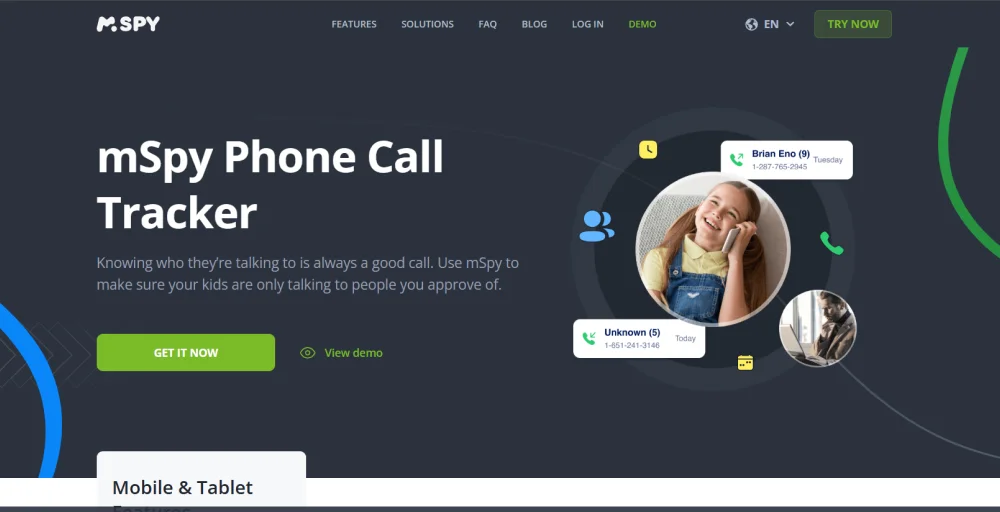
This app works on both jailbroken and non-jailbroken devices and supports invisible mode to avoid detection.
However, the application lacks advanced features compared to its competitors and suffers from occasional bugs and glitches.
Features
- Call logs with timestamps and duration
- Live GPS location tracking
- Social media monitoring (WhatsApp, Snapchat, Telegram)
- Call and screen recording
Pros
- Supports Android and iPhone (without or with Jailbreak).
- Invisible mode for the monitor without being detected.
Cons
- Occasional bugs/delays while syncing call data.
- Not as feature-rich as other options.
Pricing
- Monthly: $48.99/month
- Quarterly: $28.00/month
- Yearly: $11.67/month
3. Spyzie
Spyzie is a discreet monitoring tool that allows you to track smartphone call logs and related activities. It is suitable for basic parental call tracking, as it provides call logs with timestamps without requiring a root or jailbreak on your device. The app’s dashboard is user-friendly, but slower call data updates may hinder real-time access to call logs.
Features
- Call logs with timestamps
- Social media monitoring
- Stealth mode
Pros
- Basic features don’t require device rooting
- Intuitive dashboard for tracking.
Cons
- Expensive pricing plans.
- Slower data updates compared to competitors
Pricing
Android:
- Basic: $49.99/month/device
- Premium: $69.99/month/device
- Family: $89.99/month for 3 devices
iOS:
- Family: $199.99 per month/ 5 devices
- Premium: $79.99/month/device
- Business: $699.99 /month for 25 devices
4. uMobix
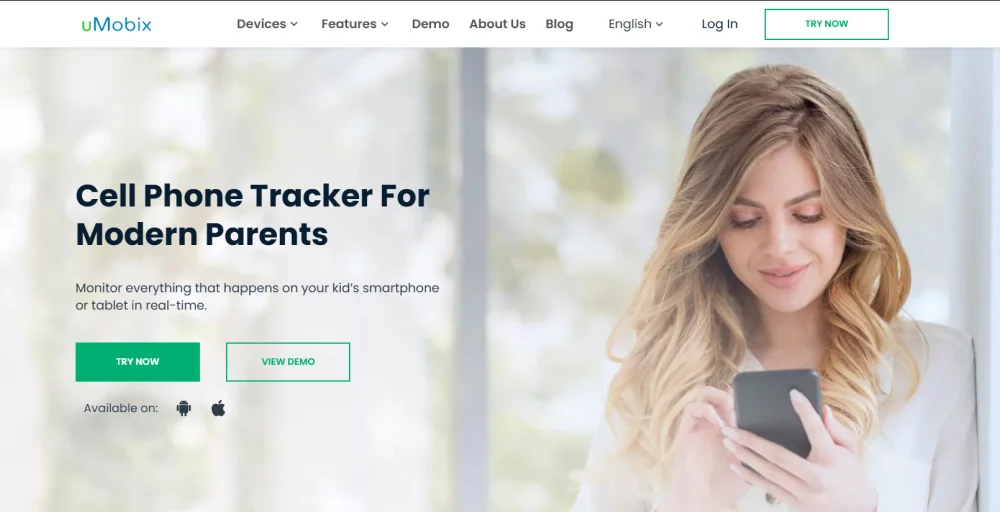
uMobix is a real-time monitoring app that offers comprehensive call log tracking on smartphones. It captures call logs, including deleted calls, with timestamps and durations, and delivers timely updates. It also supports call monitoring across social media apps, making it suitable for users needing real-time, detailed communication monitoring.
Features
- Access to detailed call logs, including deleted calls.
- Real-time GPS tracking.
- Social media call monitoring.
- Access to control the target device
Pros
- Easy to set up with real-time activity updates.
- Comprehensive selection of advanced features.
Cons
- Cluttered user interface.
- Higher pricing for short-term plans.
Price
- Contact the uMobix sales team for pricing.
Related 👉 How to Find the Owner of a Phone Number: Free & Paid Ways
Track and manage call logs easily with KrispCall
KrispCall is a cloud-based VoIP phone system designed to simplify call log management for businesses. It offers a reliable and organized way to track all call activities through a clean, intuitive dashboard. You can view detailed call histories for each contact, including call date, time, duration, and caller ID, all in one place.
With powerful built-in filters, KrispCall makes it easy to sort call logs by type (inbound, outbound, or missed), helping you quickly find the information you need. Whether you’re monitoring customer interactions or evaluating team performance, KrispCall’s user-friendly interface makes it an ideal solution for business call tracking.
Here’s how you can track calls made and received with KrispCall. Please note that you can only view the call history of the numbers you own.
- Log in to your KrispCall account using your credentials.
- Go to the user dashboard.
- Navigate to the Unified Callbox to view your complete call history.
- Click on any contact to open the conversation panel.
- Use the filter options to view specific call types or durations.
- To check the call history for a different number you own, select that number from the left sidebar.
Frequently Asked Questions
How can I find the call history of my own number?
There are a few different ways to find the call history of your own number. If you use a standard phone number provided by a mobile carrier, you can check your call history through the built-in phone call log, your carrier’s online portal, or authorized third-party tools. If you're using a virtual number provided by a VoIP service, you can access the VoIP call logs directly within the platform.