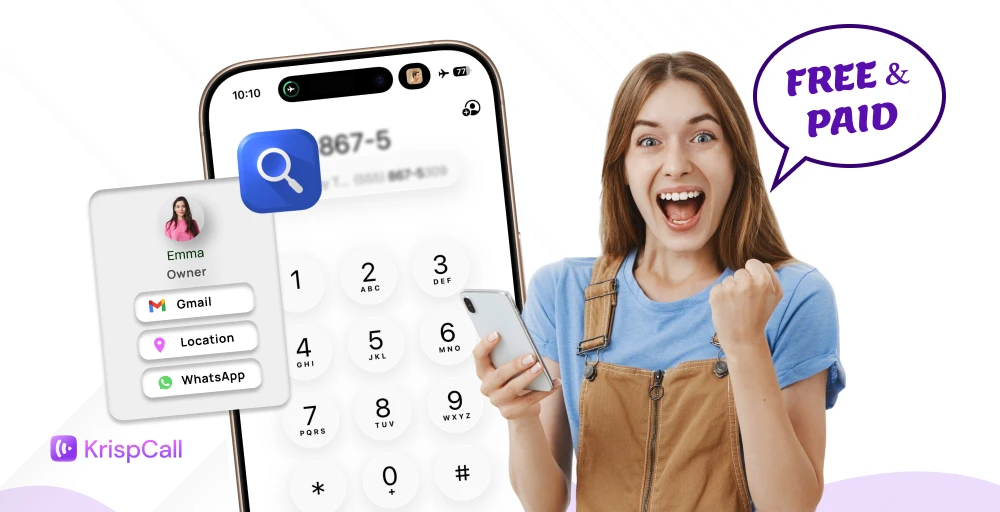
You might receive a mysterious call or text from an unknown number and wonder, “Who is this?” Whether it’s a missed call, a suspicious message, or just plain curiosity, finding out who owns a phone number can feel like solving a mini-mystery.
Fortunately, there are several ways, both free and paid, that can help you uncover the identity behind that number.
In this guide, we will explore the most effective methods to track down a phone number’s owner, safely and legally.
✨ Key Takeaways
- Finding the phone number owner is possible using free tools such as Truecaller, Whitepages, and social media search.
- Some of the best paid tools to find the owner of a phone number are Intellius, Spokeo, TruthFinder, and Instant Checkmate.
- Utilize free tools when you need basic information, and use paid tools when you require comprehensive data like historical records and background checks.
Is it possible to find the owner of a phone number?
Yes, it is possible to find the owner of a phone number. However, the success depends on several factors, type of number (mobile, landline, virtual number), whether it’s listed publicly, and the tools or services you use.
Tools like reverse lookup, social platforms, and public directories can help you find the owner of a phone number. If the caller is using a personal or business number from a VoIP provider like KrispCall, it is easier to find.
How can I quickly find out who owns a phone number?
Finding who owns a cell phone number just got easier with various online tools and social media platforms. Let’s look at the quick ways:
- Start with Truecaller for quick and easy identification of unknown numbers.
- Use IPQualityScore to dig deeper into metadata and assess potential risks associated with the number.
- Search on Google and social media platforms to uncover any publicly available information linked to the number.
- Check online directories for landline numbers or formally registered contacts.
- If the situation is serious, consider contacting the mobile carrier or local authorities; just be sure to have proper documentation.
- For business or professional needs, leverage data enrichment providers, paid tools like Spokeo and Intelius, or integrate solutions like KrispCall into your workflow for seamless caller insights.
6 free ways to find the phone number owner
The unknown number can be a headache, especially when you’re curious about who owns it. Using free tools like Truecaller, Whitepages, and reverse phone lookup tools, you can identify the phone number owner.
| Method / Tool | Tool Type | Accuracy | Cost | Ease of Use | Best For |
| TrueCaller | Reverse phone lookup app | High | Free (with premium option) | Very High | Quickly identifying unknown callers and spam detection |
| Google Search | Web-based search engine | Low–Medium | Free | Very High | Finding info from public profiles or websites |
| Whitepages & Reverse Lookup Directories | Online database | High | Free or paid (for detailed info) | High | Verifying caller identity and address information |
| Social Media Search | Social networking platforms | Medium | Free | Medium | Identifying numbers linked to personal or business profiles |
| Carrier Lookup via Text/USSD Codes | Network-based lookup service | Medium | Usually free | Low–Medium | Checking the carrier or region details of a phone number |
| Contact the Mobile Carrier or Local Authorities | Official verification method | Very High | Free (official process) | Low–Medium | Confirming ownership for legal, fraud, or harassment cases |
1. Truecaller app
Truecaller reverse phone lookup tools let you type the caller’s number in the search bar and find out the phone number owner within seconds. No need to install apps or other hassles, just type the number and find out whether it’s a potential scam, robocall, or other.
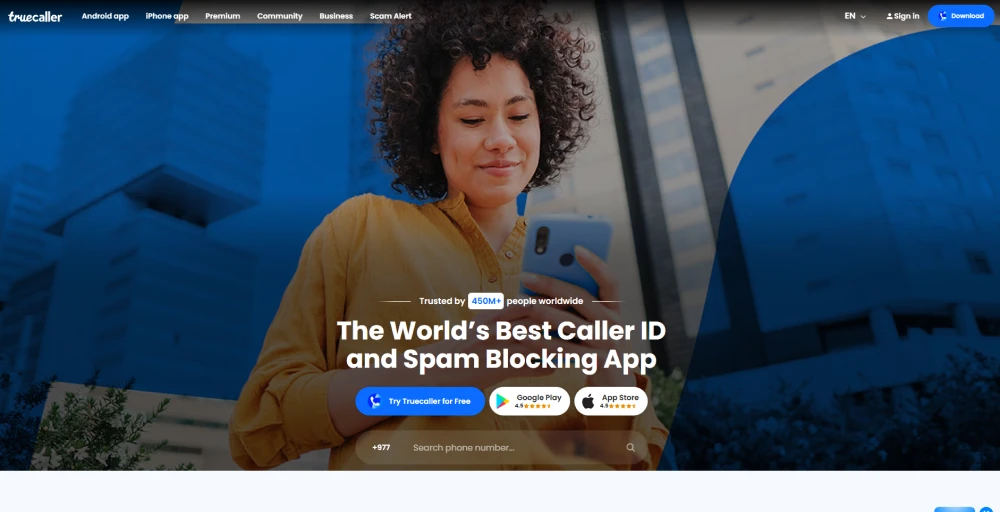
Steps to find the owner of a phone number using the Truecaller app:
- Head to your device’s app store (Google Play for Android or the Apple App Store for iOS), and install the Truecaller app.
- Launch the app and log in using your phone number or email credentials.
- Type the phone number you want to look up into the search bar and tap the search icon.
- Truecaller will display any available details associated with the number, such as the name or business, based on its database.
- If the information seems incorrect, you can submit spam reports or flag it for review. You can also save the contact for future reference.
Pros
- Available for free users.
- Secure and reliable.
- Highly reliable.
Cons
- Requires access permissions.
- Information may be outdated or incorrect.
- The free version includes ads and limited features.
2. Google Search
If you receive a call from a business number, there’s a high chance that typing the number into Google Search will bring up business listings or complaint boards. However, the result may not be accurate, and you may just get the owner’s name.
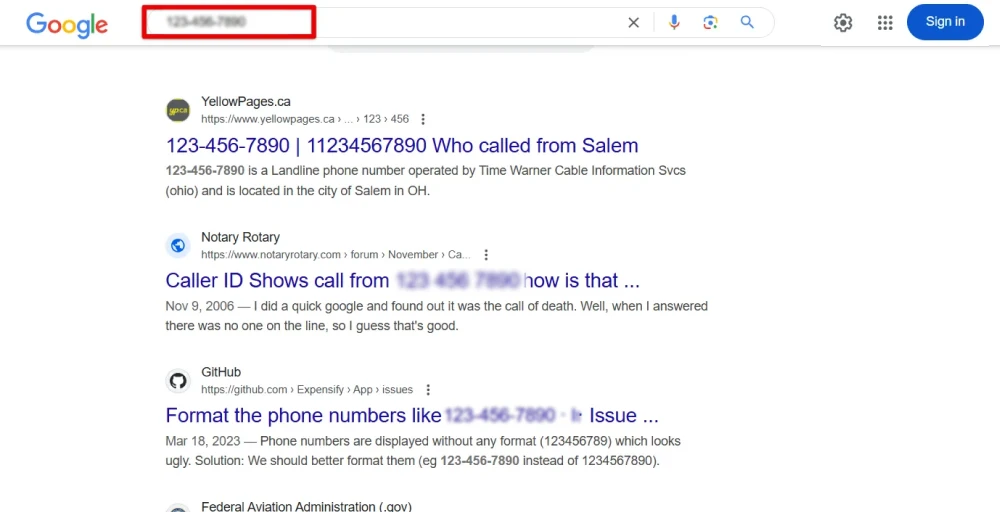
Here’s how you can find the phone number owner using Google:
- Start by launching Google or any other preferred search engine.
- Type the full phone number into the search bar and hit enter.
- Browse through the search results to find any relevant websites, social media profiles, or public listings.
- Pay attention to business directories, review platforms, or scam reporting sites that may be linked to the number.
- Based on what you find, you can choose to block the number, return the call, or report it if necessary.
Pros
- Very fast and simple to use.
- Instantly retrieves results from search engines.
- Can uncover business profiles, user reviews, or complaint reports.
Cons
- Information may not always be accurate or verified.
- Not reliable for identifying private or personal mobile numbers.
3. Whitepages & reverse lookup directories
Whitepages and other reverse lookup directories act as digitalized phonebooks, enabling you to identify contact information like numbers and addresses. It offers forward lookup (find out by name and location) and reverse lookup (search by phone number to find owner details).
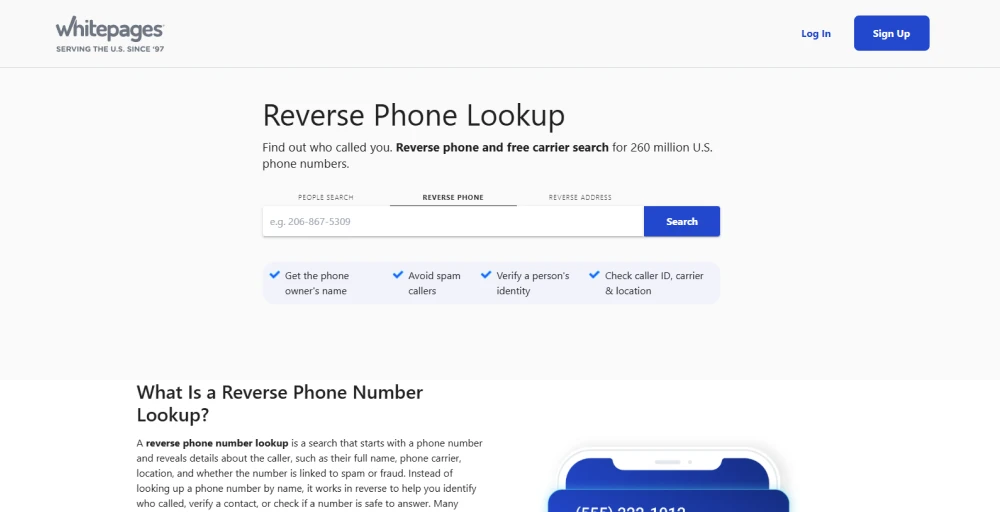
Follow the given steps to find the phone number owner using Whitepages:
- Go to a reputable white pages or reverse phone number lookup website.
- Find a “Reverse Lookup,” “Phone Number Search,” or other similar option.
- Enter the number in the search bar and tap on the search button to begin the lookup.
- Browse the results to see any available details such as the owner’s name, address, or carrier, depending on what’s publicly accessible.
Pros
- Allows searches by name, address, or phone number.
- The reverse lookup feature helps identify unknown callers.
- Offers additional tools like spam detection, background checks, and property records.
Cons
- Limited coverage for mobile and personal numbers.
- Some detailed information requires a paid subscription.
- Accuracy may vary depending on data availability.
4. Social media search
Social media platforms can be surprisingly effective for identifying unknown phone numbers, especially if the number is linked to a user profile or business page.
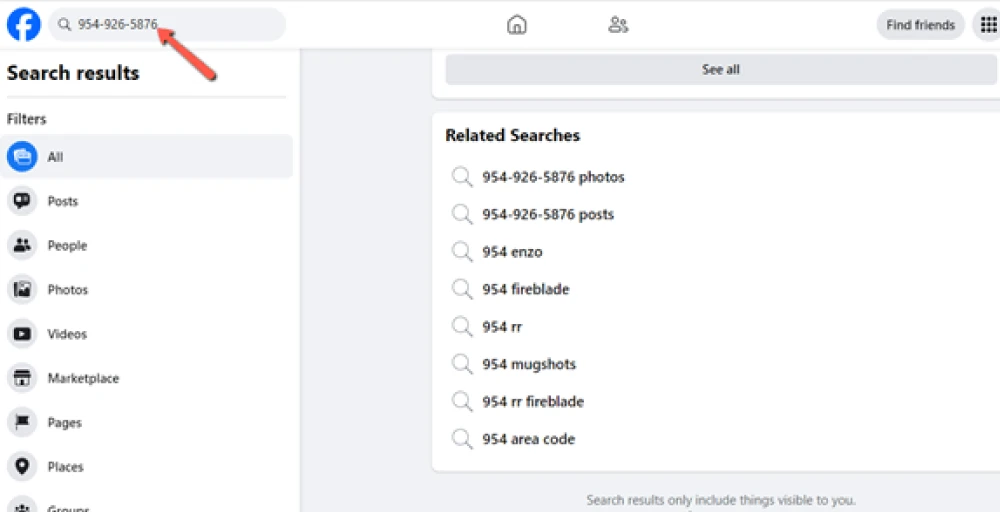
Steps to find the owner of a phone number using social media search:
- Enter the phone number (including country code) into the search bar of platforms like Facebook, LinkedIn, or Instagram.
- Use location filters or keywords to narrow down the results and improve relevance.
- Look at mutual connections, profile activity, or public posts to gather more background information.
Pros
- Makes it easier to discover mutual contacts or additional context.
- Leverages the vast reach and data of social media networks.
- Some platforms support reverse searches using phone numbers.
Cons
- It can be time-consuming if you need to browse multiple profiles.
- Privacy settings often restrict access to key information.
5. Carrier lookup via text or USSD codes
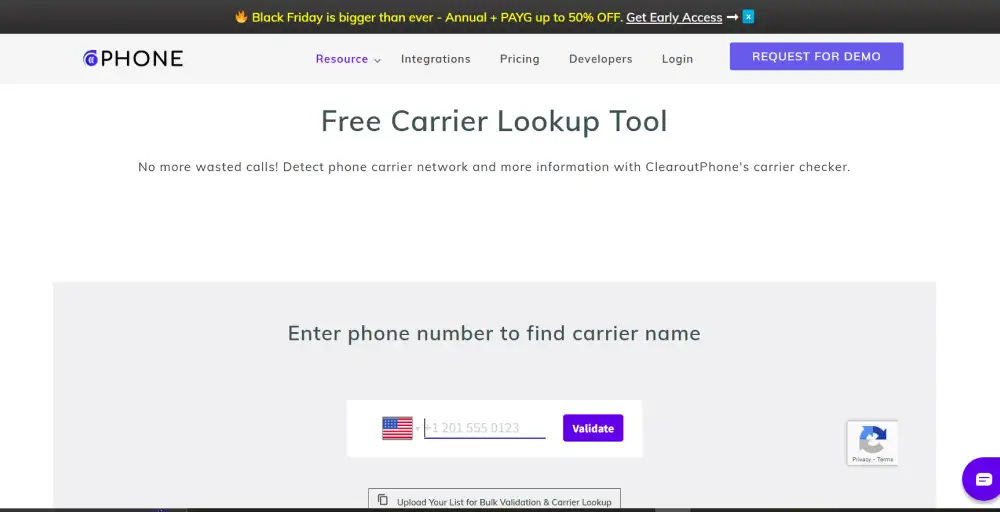
Carrier lookup using text messages or USSD codes is a quick and direct way to identify the mobile network provider associated with a phone number. While it doesn’t always reveal the owner’s name, it can help verify the legitimacy of a number or detect number portability (when a user switches carriers).
Steps to find the carrier (and possibly the owner):
Step 1: Dial the USSD code
Use a carrier-specific USSD code (e.g., *#62#, *#99#, or similar) to check network info. These codes vary by country and provider.
Step 2: Send a text (if applicable)
Some carriers allow you to send a specific keyword (like “INFO” or “CARRIER”) to a short code to receive details about the number.
Step 3: Review the response
You’ll typically receive a message showing the carrier name, and in some cases, the type of service (prepaid/postpaid) or region.
Step 4: Use online carrier lookup tools
Web-based tools like FreeCarrierLookup.com or CarrierLookup.com can provide carrier info by entering the phone number.
Step 5: Cross-reference with other tools
Combine carrier info with reverse lookup services or apps like Truecaller to get closer to identifying the owner.
Pros
- Fast and easy to use with no app installation required.
- Helps verify the carrier and detect number portability.
- Useful for identifying spam or spoofed numbers.
Cons
- Doesn’t reveal the actual owner’s name or personal details.
- USSD codes vary by region and may not work universally.
- Limited to carrier information only.
6. Contact the mobile carrier or local authorities
In cases of harassment, fraud, or persistent unknown calls, reaching out to the mobile service provider or local law enforcement may be the most secure and effective way to trace a phone number. These entities have access to verified subscriber data, but they typically require formal documentation or a valid reason to disclose information.
Steps to find the phone number owner using mobile carriers:
- Collect call logs, messages, screenshots, or any suspicious activity linked to the number.
- Reach out to the customer support of the relevant telecom provider. You may need to submit a formal complaint or request, along with identification and proof of concern.
- If the issue involves threats, scams, or harassment, file a report with your local police or cybercrime unit. They can initiate an investigation and request data from the carrier.
- Stay in touch with the carrier or authorities for updates. Legal procedures may take time, but they offer the most reliable path to verified information.
Pros
- Access to verified and official subscriber data.
- Best option for serious cases like fraud or harassment.
- It can lead to legal action or resolution.
Cons
- Requires formal documentation and a valid reason.
- Not available for casual or curiosity-based inquiries.
- It may involve lengthy processes and waiting periods.
4 best-paid tools to identify phone number owners
Paid tools help you identify who a phone number belongs to more accurately. Some of the best tools are:
1. Intellius
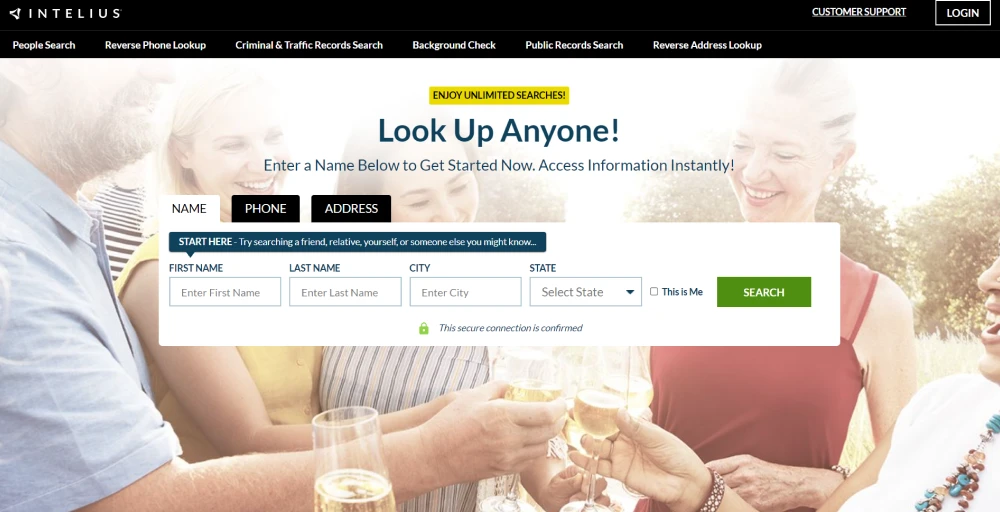
Intelius is a background check and people search service that offers a robust reverse phone lookup feature. It pulls data from public records, social media, and proprietary databases to provide detailed reports that may include the caller’s name, address history, age, and even criminal records.
Its mobile-friendly interface makes it easy to use on the go, and it’s especially useful for users seeking more than just basic contact info.
2. Spokeo
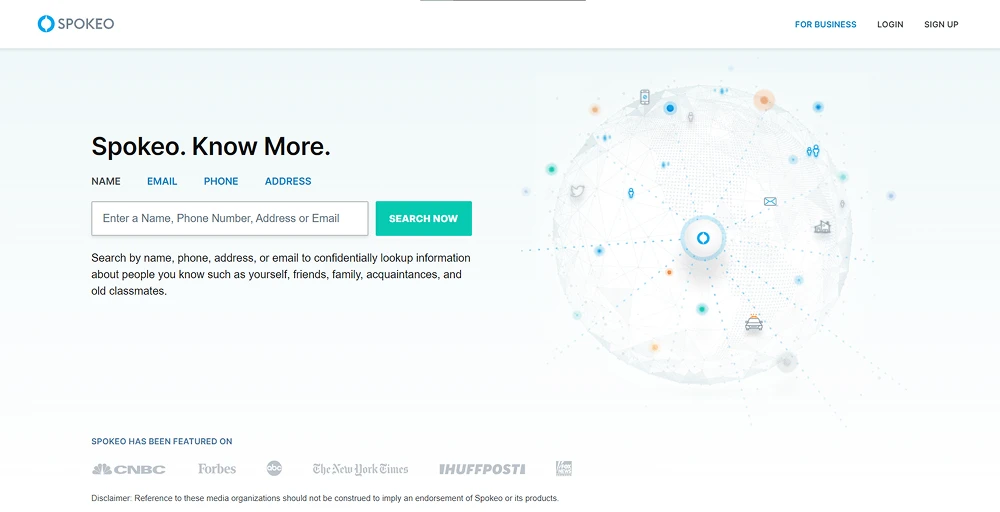
Spokeo is a powerful U.S. based people search engine that specializes in reverse phone lookups, background checks, and social media profiling. It aggregates data from billions of public records, telecom databases, social networks, and online directories to generate detailed reports.
Users can uncover names, addresses, social profiles, relatives, and even court records linked to a phone number.
3. TruthFinder
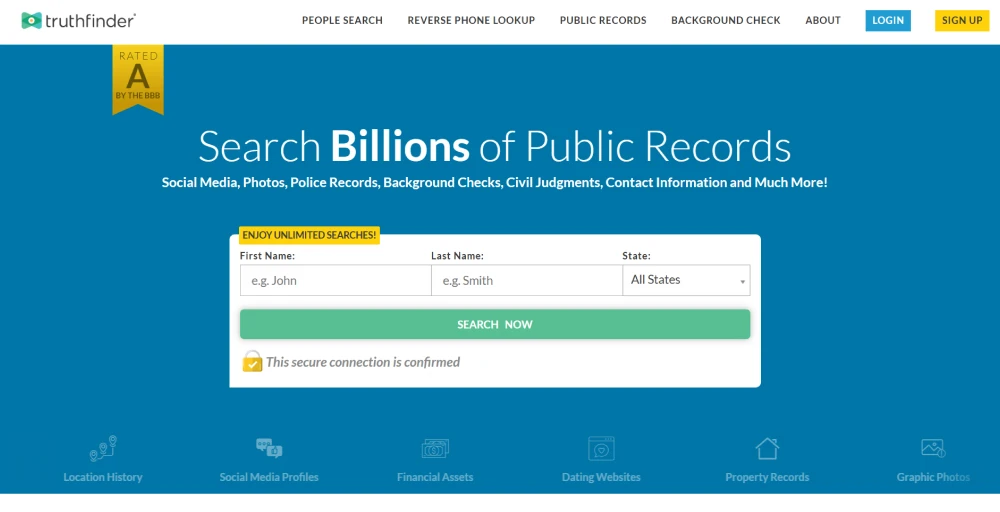
TruthFinder is a deep background check and reverse phone lookup service that helps people find the owner of a phone number. It scans public records, phone directories, and social media profiles. You can get detailed reports, including the owner’s name, location history, social accounts, and even criminal records.
TruthFinder is ideal for verifying unknown callers, online dates, or suspicious contacts. It ensures searches are confidential and does not notify the person being looked up.
4. Instant Checkmate
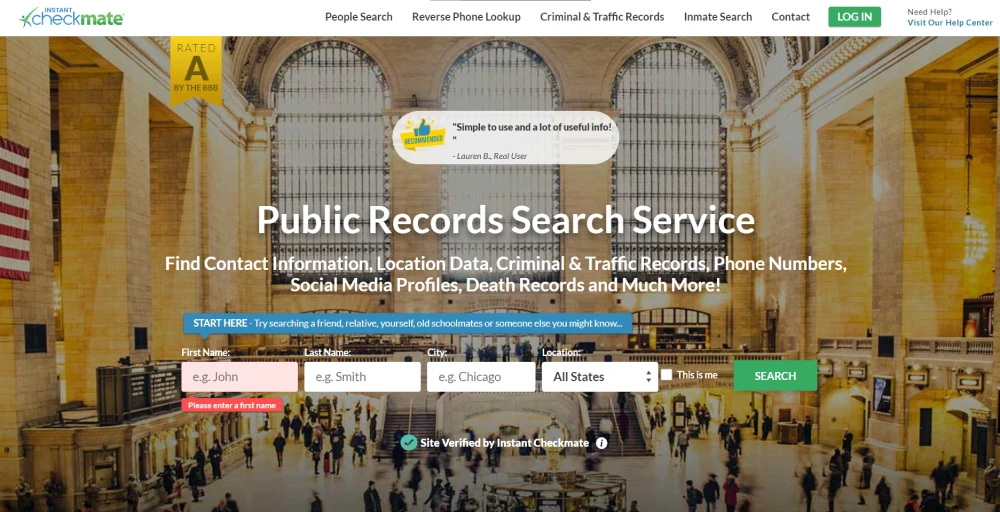
Instant Checkmate offers services like reverse phone lookups, background checks, and people searches. You just need to enter the phone number, and the tool will do the rest of the work, finding detailed reports including the caller’s name, address history, criminal records, social media profiles, and more.
This tool is widely used to verify identities, reconnecting with old contacts and screening unknown callers.
Free vs paid lookup: which should you use?
Use free lookup tools for quick, one-time searches, like checking a phone number or scanning social media for a profile. These are ideal when you only need basic information and don’t require deep or verified data. For B2B and sales teams, FullEnrich, a data enrichment platform, provides a free email finder tool by phone number that converts a bare phone number into a verified professional contact, bridging the gap between a known number and a reachable prospect.
Skrapp’s LinkedIn email finder can support the same contact-enrichment workflow for prospects found on LinkedIn, helping teams turn a profile into a verified business email for outreach.
Use paid lookup services when you need comprehensive, multi-source information such as historical records, background checks, or detailed contact data. Paid tools are especially useful when free searches don’t yield results and you prefer not to spend time manually digging through multiple platforms.
Conclusion
Receiving a call from an unknown number can create confusion as you don’t know who’s calling. But there are different methods to find out. If you want to search basic details, go for free tools like Google Search, Truecaller, and social media platforms.
For more detailed insights, paid services from Intelius, Spokeo, and TruthFinder offer comprehensive reports drawn from records.
If these services won’t work for you, try KrispCall’s phone number checker, which is simple, quick, and effective, and gives you the details you need.
Lastly, remember to always use these lookup methods legally and responsibly, respecting privacy laws and data protection regulations.