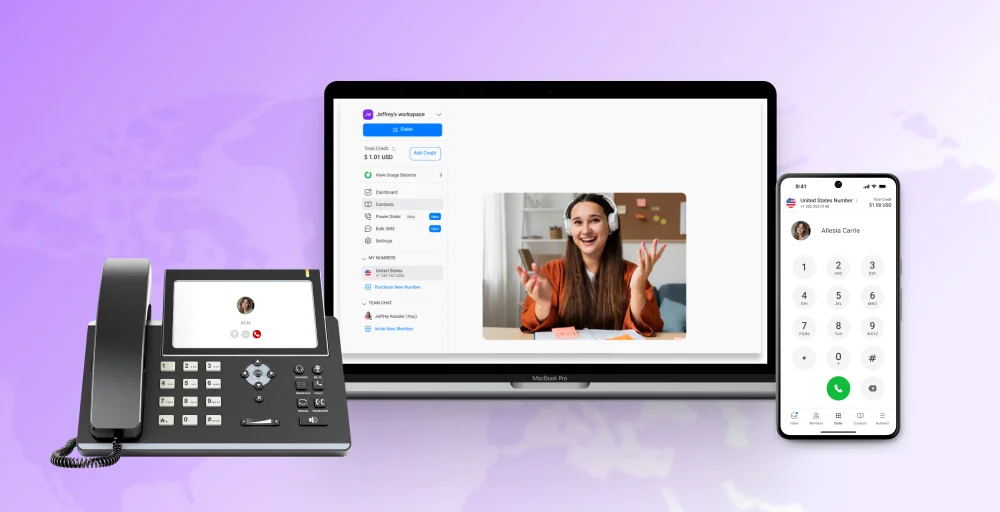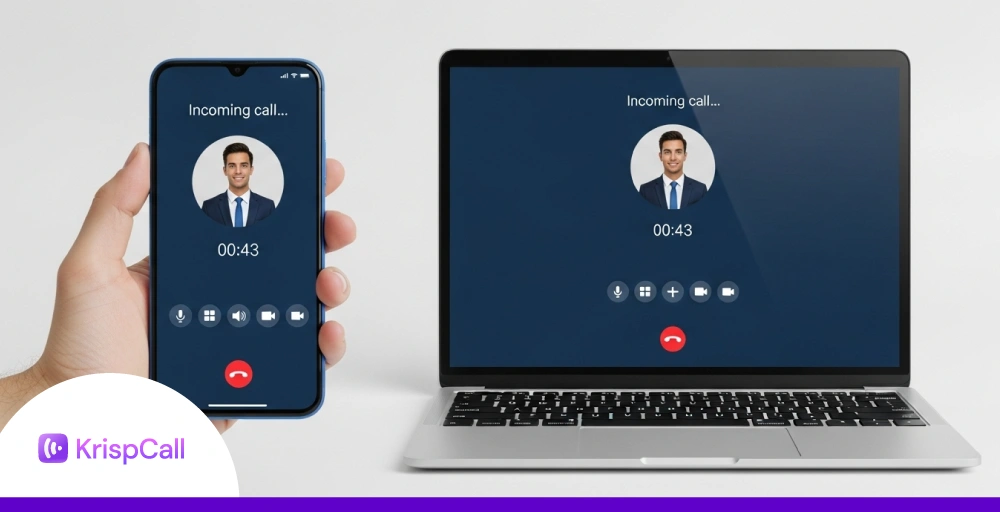
A reliable VoIP app helps you manage your personal and business communications over the internet. The ease of setup, cost savings, and advanced features of VoIP are the reasons behind the increased popularity over wired PSTN telecommunications.
Using VoIP technology, users can access their virtual phone system from anywhere with their own device (Smartphones, tablets, desktops, etc.)
A good VoIP app offers much more than voice calling. It combines team messaging, video conferencing, and CRM integrations into a unified system. Moreover, it offers advanced call management features such as call analytics, file sharing, power dialer, and call tracking, etc.
Continue reading to find the comparison of the 10 best VoIP apps in 2026 that help you find the best value for your money.
✨ TL;DR
- A VoIP app is a desktop or mobile application that leverages VoIP (Voice over Internet Protocol) technology to place phone calls via the internet.
- Top VoIP apps include KrispCall, Zoom Phone, Vonage, GoTo Connect, Nextiva, RingCentral, Google Voice, 8×8, Dialpad, and Ooma Office, each catering to different business needs and budgets.
- When selecting a VoIP app, focus on call quality, essential features, integrations, scalability, customer support, and pricing to ensure the platform aligns with your business requirements.
What is a VoIP App?
A VoIP (Voice over Internet Protocol) app for mobile devices and computers is a software that enables users to make phone calls over the internet rather than a cellular network.
VoIP applications also include other important features, such as SMS messaging, team chat, and video conferencing, to improve communication. Meaning, you can use VoIP apps as an alternative to regular phone calls.
Setting up your VoIP app is even simpler. Download the app, create an account, and sign up for the plan that is appropriate for your business. VoIP apps are free to download; however, you need to subscribe to a plan to access the services.
Why Businesses Switch to VoIP in 2026?
The business case for VoIP has never been stronger. Here are the key reasons companies are ditching traditional phone systems in 2026:
- Cost-effective: Businesses switching to VoIP report cost savings of 30% to 50% compared to traditional phone systems (SaaSworthy, 2025), with small businesses saving up to 90% on international calls specifically. Many providers also offer a free version or trial, allowing teams to evaluate the platform before committing.
- Work-from-anywhere flexibility: A mobile VoIP app turns any smartphone into a full business phone, letting staff use their own devices without exposing their personal numbers. 82% of remote workers say reliable communication tools directly impact their productivity.
- Advanced features: Call recording, smart routing, IVR, real-time analytics, ring groups, shared inboxes, and CRM integrations come standard; no expensive PBX hardware required.
- Superior call quality: Modern VoIP codecs (G.722) deliver HD audio quality that consistently outperforms standard PSTN calls, even over moderate internet connections.
- Scalability: Adding or removing users takes minutes, not days. Cloud-based virtual phone systems grow with your team without costly infrastructure upgrades.
- Unified communications: Voice, video, SMS, and team chat in one platform reduces app-switching fatigue and keeps all communication channels and conversation history in one searchable place.
How We Evaluated These VoIP Apps
We evaluated these VoIP apps based on the most important factors for business use. That includes call quality, core features, integrations, scalability, support, and pricing.
- Call quality and reliability: Clear, stable calls are essential for effective business communication every day, especially when speaking with customers or remote team members.
- Essential features: Business tools such as call routing, recording, and video conferencing help teams work more efficiently and manage conversations more professionally.
- Integrations: Compatibility with CRM and other business phone apps makes daily workflows much easier and reduces manual work.
- Scalability: The VoIP provider should grow smoothly with your team and changing business needs without forcing a major switch later.
- Customer support: Fast, helpful support matters when technical issues arise unexpectedly and require quick resolution.
- Pricing and value: The best option should fit your budget while still offering the right features and long-term value.
Best VoIP App for 2026
Below is a simplified comparison of the top VoIP apps for 2025, showcasing their key features, starting prices, and ideal use cases to help you find the right fit for your business.
| App | Key Features | Price | Best For |
| KrispCall | Unified Callbox, VoIP calling, voicemail | Starts at $12/user/month | Remote & distributed teams |
| Zoom Phone | HD video conferencing, call routing | Starts at $10/user/month | Zoom users & enterprise teams |
| Vonage | custom call flows, CRM integration | Starts at $13.99/month | Sales & support teams |
| GoTo Connect | smart call routing, video conferencing | Contact sales | Small to mid-sized businesses |
| Nextiva | call recording, analytics dashboard | Starts at $15/user/month | Customer support & service teams |
| RingCentral | unlimited calls, team messaging | Starts at $20/user/month | Large corporations |
| Google Voice | free U.S. number, Gmail integration | Starts at $10/user/month | Freelancers & personal use |
| 8×8 X Series | global calling, contact center features | Contact sales | International & enterprise teams |
| Dialpad | AI transcription, cloud integration | Starts at $27/user/month | Tech-savvy & remote-first teams |
| Ooma Office | virtual receptionist, easy setup | Contact sales | Small offices & startups |
1. KrispCall
KrispCall is an AI-powered VoIP app designed for modern businesses with global operations. The app works seamlessly across mobile devices, desktops, and web browsers as a single unified platform.
It emphasizes ease of use and rapid setup for small to mid-sized businesses on the go. KrispCall positions itself as a comprehensive mobile-first communication solution for service industries and remote teams.
Key Features
- Unified Callbox, calls, SMS, voicemail, and notes in one real-time instant communication hub
- Virtual numbers in 100+ countries with local presence, including toll-free numbers
- Call recording, route calls with forwarding, and multi-level IVR
- Power dialer and bulk SMS for outbound teams, plus business texting
- CRM integrations: HubSpot, Pipedrive, Zendesk, and more.
Pricing
KrispCall plans keep things simple with three tiers.
- Essential: $15/user/month
- Standard: $40/user/month
- Enterprise: Custom
Best For
- Remote and distributed teams that need VoIP numbers without hardware.
- Sales and support teams want a single workspace for all conversations.
- Fast-growing SMBs that need to be live in multiple countries quickly.
2. Zoom Phone
Zoom Phone is a VoIP calling app that integrates natively with the Zoom platform for voice calling on mobile and desktop. The app leverages Zoom’s established infrastructure to deliver reliable voice quality within organizations already using Zoom for video.
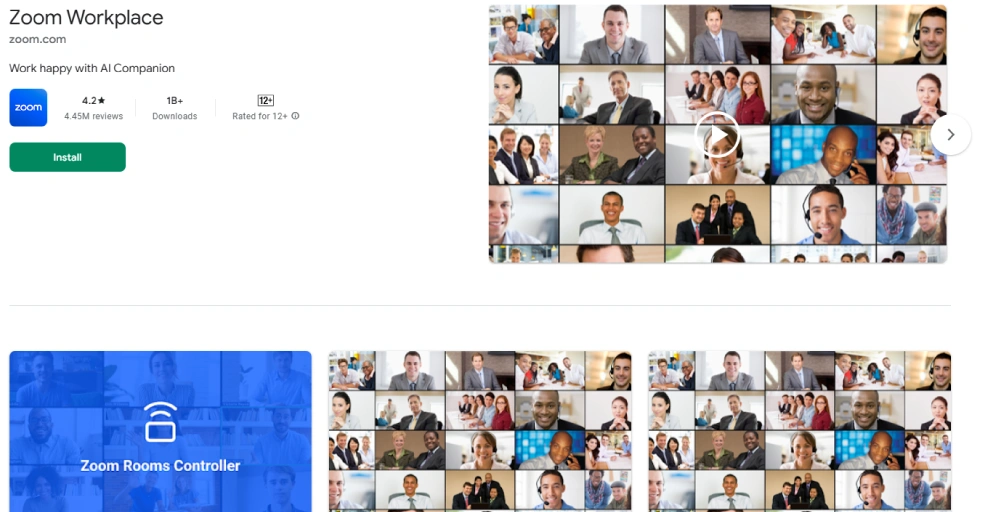
It offers a familiar interface for users who regularly access Zoom from their smartphones and computers. The app is particlualry suited for companies wanting unified communications across devices with a single vendor ecosystem.
Key Features
- Voice, SMS, and visual voicemail inside the Zoom Workspace, handle all incoming and outgoing calls
- Call forwarding, transfer, hold, barge, whisper, and call queues
- Time-of-day routing and auto-attendant configuration
- HubSpot Auto Dialer integration with automatic call logging
- AES-256-bit end-to-end encryption across all plans
Pricing
Zoom Phone plans offer one of the most competitive entry points in the market, especially for teams already paying for Zoom Meetings, with voice adding very little extra cost.
- US and Canada Metered: $10.50/user/month
- US & Canada Unlimited: $16/user/month
- Pro Plus: $20.50/user/month
- Business Plus: $24.50/user/month
Best For
- Teams already using Zoom Meetings or Zoom Workplace.
- Organizations that want voice, video, and messaging in one login.
- Hybrid and remote workforces that mix desktop, mobile, and desk phone users.
3. Vonage
Vonage offers a VoIP app that provides unified communications, contact center capabilities, and communication APIs on mobile and desktop devices. The app delivers flexible voice, messaging, video, and data capabilities across all devices for businesses of all sizes.
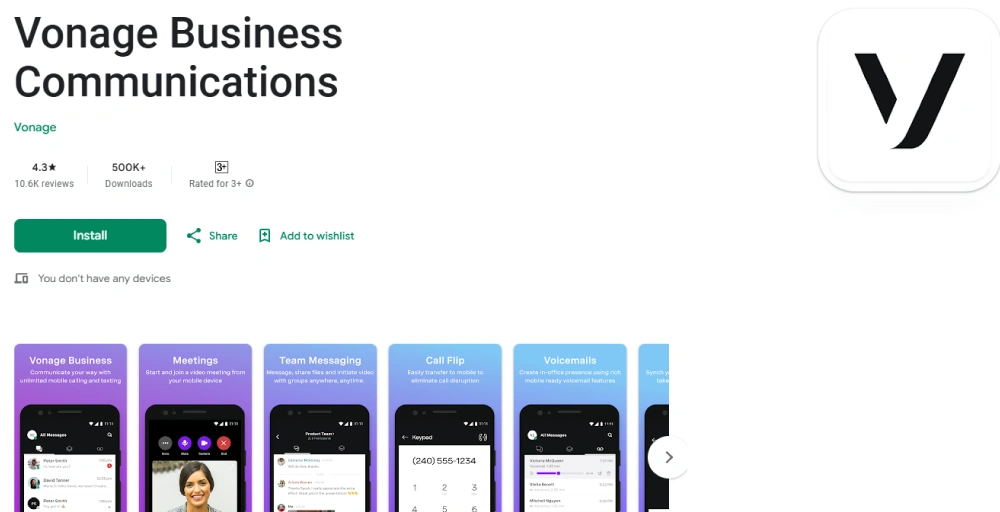
Vonage’s app emphasizes developer-friendly integrations and customization for mobile workflows. It supports scalable enterprise-grade communication for teams working remotely or in the office.
Key Features
- Desktop an dmobile apps with seamless call handoff between devices.
- Built-in video meetings with screen sharing (up to 200 participants, no separate app.
- Mix and match plan tiers across your organisation.
- App center integrations: Salesforce, Microsoft Teams, Zendesk, and more
- 99.999% uptimse SLA guaranteed by global SB-WAN infrastructure.
Pricing
Vonage’s per-extension pricing lets you mix tiers across your team, so you only pay for the features each role actually needs.
- Basic: $13.99/extension/month
- Premium: $20.99/extension/month
- Advanced: $27.99/extension/month
Best For
- Sales and support teams that need deep CRM integration with the calling app
- Organizations with mixed teams that need different feature levels per department.
- Developers who want to embed customer communication workflows via VBC APIs.
4. GoTo Connect
GoTo Connect is a VoIP phone service that combines voice, video, and messaging for small- to mid-sized businesses on mobile and desktop devices. The app is known for its straightforward setup and user-friendly interface, which requires minimal training on any device.
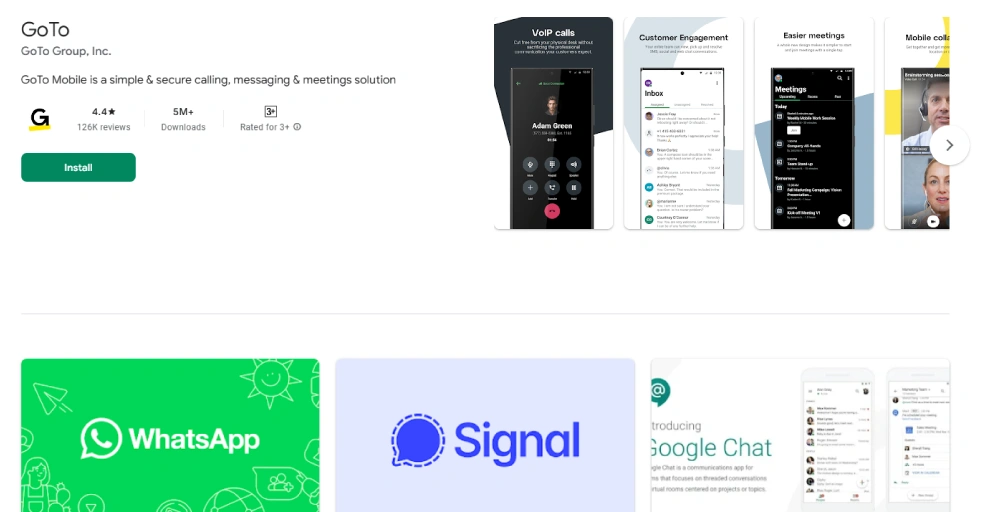
It supports distributed teams with reliable cloud-based communication tools accessible from anywhere. GoTo Connect positions itself as an all-in-one mobile and desktop solution for businesses transitioning from traditional phone systems.
Key Features
- Drag-and-drop dial plan editor for visual call routing design.
- AI receptionists and text-to-speech for automated greetings.
- Customizable presence, do-no-disturb, and FindMe/Follow Me settings
- Embedded video conferencing with file sharing from the admin panel.
- Straightforward device provisioning from the admin panel.
Pricing
GoTo Connect uses custom pricing based on team size and feature requirements. Reach out to their sales team to get a quote tailored to your business.
Best For
- Small and mid-sized businesses that want visual, no-code call routing.
- IT teams are managing a mix of desk phones and softphone users.
- Businesses that want unified voice, video, and messaging without complex setup.
5. Nextiva
Nextiva is a cloud-based VoIP system focused on customer experience and business productivity across mobile and desktop platforms. The app emphasizes high-quality call performance and robust customer support for users on the go.
Nextiva serves businesses across various industries with integrated voice, video, and team collaboration tools in one app. It’s particularly popular among service-oriented businesses that rely heavily on customer communication from anywhere.
Key Features
- Unified conversation view, full contact history across all channels in one thread.
- AI voicemail transcription and smart call routing on plans.
- XBert AI receptionist for autonomous first-contact resolution.
- Mobile app with full call management, routing, forwarding, voicemail, and scheduling.
- Call recording, quality monitoring, and detailed analytics dashboard.
Pricing
Nextiva’s plans scale from core calling to full AI-powered customer engagement suites,
- Core: $15/user/month
- Engage: $25/user/month
- Power Suite: $75/user/month
Best For
- Customer support and sales teams that need full interaction history before every call.
- Service-focused businesses where missed contact costs deals or satisfaction scores.
- A growing organization the want AI-assisted call handling without enterprise complexity.
6. RingCentral
RingCentral is the industry-leading enterprise VoIP app offering voice, video, chat, and contact center solutions on mobile and desktop. The app has established itself as the most comprehensive and widely adopted business communications platform across devices.
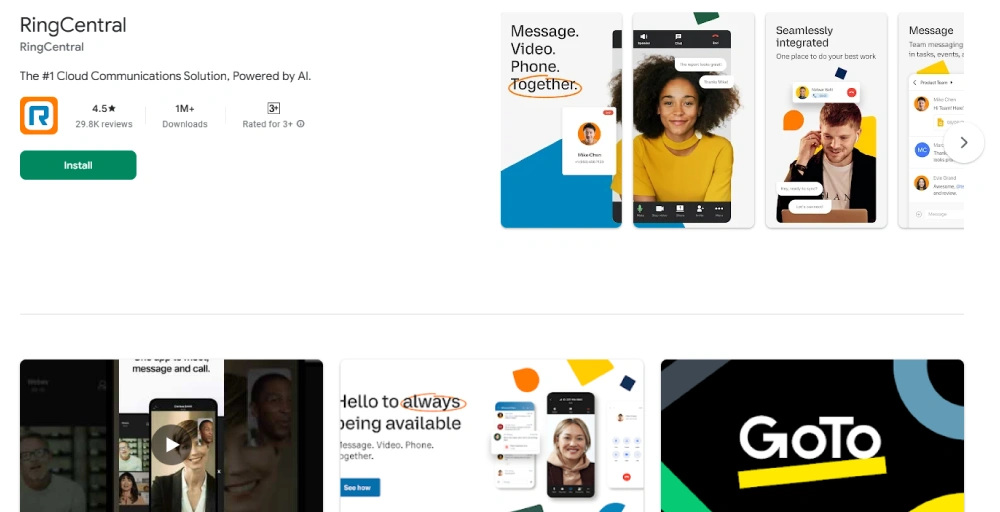
RingCentral serves large enterprises with extensive integration capabilities and global reliability from any location. Its app is known for scalability, security, and extensive third-party app integrations on smartphones and computers.
Key Features
- Customizable app layout with dark mode, high-contrast, and modular pop-outs.
- Unified inbox: voicemail, SMS, fax, and AI summaries in one view.
- RingCentral AI Assistant is included on all plans, transcription, summaries, & action items.
- HD voice on a global backbone; supports 400+ desk phone models
- 300+ app integrations, including Salesforce, Teams, HubSpot, and Zendesk
Pricing
RingCentral pricing sits at the premium end of the market, but the depth of features, compliance certifications, and AI tools across all plans.
- Core: $20/user/month
- Advanced: $25/user/month
- Ultra: $35/user/month
Best For
- Large enterprise managing a mix of softphone, mobile, and desk phone users.
- Teams that need deep AI call intelligence without paying for an add-on.
- Organizations with strict HIPAA, GDPR, or E2EE compliance requirements.
7. Google Voice
Google Voice is Google’s VoIP app that integrates tightly with Google Workspace applications on mobile and desktop. The app is designed primarily for small businesses, startups, and individuals needing simple VoIP capabilities on their devices.
It leverages Google’s infrastructure for reliable calling and messaging within the Google ecosystem from anywhere. Google Voice stands out as an affordable, free VoIP service for personal use and a simple business phone system for teams already invested in Google’s productivity tools on mobile devices.
Key Features
- Dedicated business phone number that rings on any device without revealing your personal number.
- Automatic voicemail transcription delivered to your inbox.
- Spam filtering and caller screening are built in.
- Native integration with Gmail, Google Calendar, and Google Meet.
- Available on Android, iOS app, and in any desktop browser,
Pricing
Google Voice costs are one of the most affordable business VoIP options available.
- Starter: $10/user/month
- Standard: $20/user/month
- Premier: $30/user/month
Best For
- Freelancers and solopreneurs who need a separate business number on their existing phone.
- Google Workspace users who want calling to live in their existing workflow.
- Small teams with simple calling needs and no requirement for advanced routing.
8. 8×8 X Series
8×8 X Series is a comprehensive cloud VoIP app specializing in international calling and contact center operations on mobile and desktop. The app builds on decades of experience in global telecommunications and VoIP infrastructure.
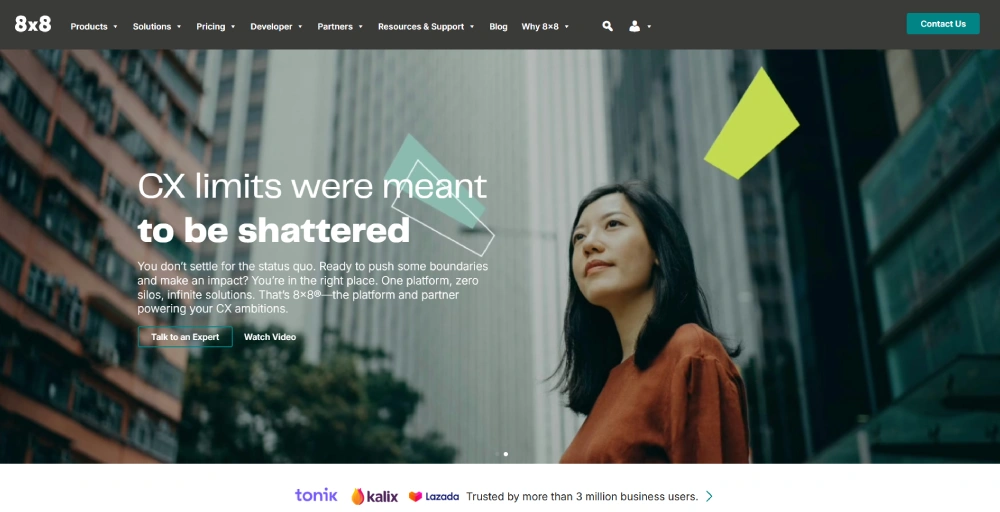
8×8 focuses on delivering reliable voice, video, chat, and contact center capabilities in a unified mobile and desktop package. It’s particularly strong for businesses with significant unlimited international calling needs across locations.
Key Features
- Unlimited global calling to 48 countries; unlimited domestic calling across 120+ countries.
- Voice, video, chat, and contact center in one app, no add-ons required.
- Customizable desktop app with light/dark themes and personalized layout.
- 99.999% uptime SLA with end-to-end encrypted calls and meetings.
- Video meetings with screen share, whiteboard, and YouTube live streaming.
Pricing
8×8 prices on a custom basis depending on the combination of UCaaS and contact center capabilities you need, ideal for organizations that want to negotiate a bundled package at scale.
Best For
- International organizations that need unlimited calling account in multiple countries.
- Teams that want contact center features and UCaaS on one license.
- Regulated industries requiring HIPAA and GDPR-compliant communications.
9. Dialpad
Dialpad is a modern AI-powered VoIP app known for its intuitive interface and voice analytics capabilities on mobile and desktop. The app emphasizes artificial intelligence features like real-time transcription and conversation intelligence accessible from smartphones.
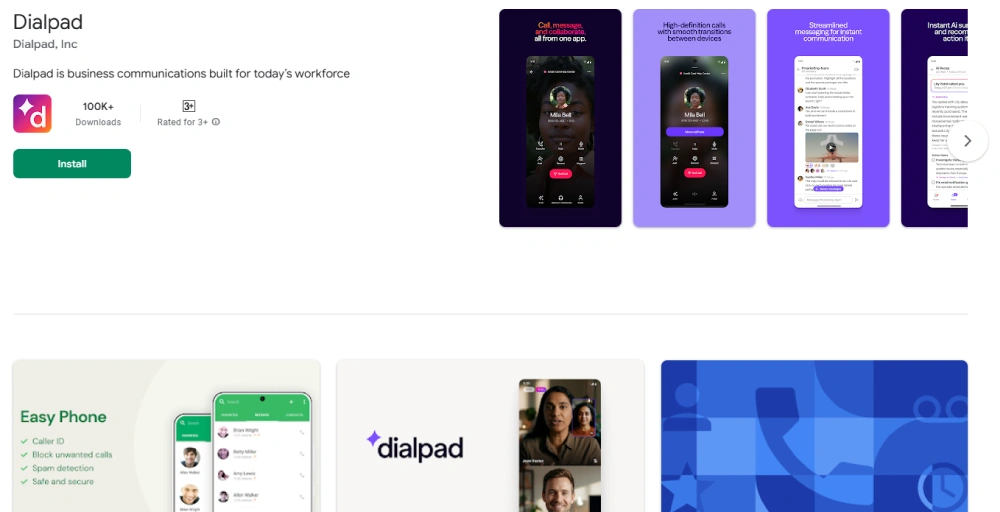
Dialpad targets businesses seeking contemporary user experiences with advanced communication insights on the go. Its app integrates voice, video, messaging, and AI tools into a cohesive mobile-first platform.
Key Features
- Real-time AI call transcription and live coaching prompts on every plan.
- Automatic post-call summaries with flagged action items.
- Resizable, customizable app layout on desktop; lean mobile app for iOS & Android.
- iPad-optimized app in portrait and landscape mode.
- Integrations with Google Workspace, Microsoft 365, Salesforce, HubSpot and Zendesk.
Pricing
Dialpad pricing provides AI features; the Standard plan already includes real-time transcription and post-call summaries.
- Standard: $27/user/month
- Pro: $35/user/month
- Enterprise: Contact Sales
Best For
- Sales teams that want live AI coaching and automatic call documentation.
- Remote-first teams that use Google Workspace or Microsoft 365 as their primary stack.
- Businesses that want AI call intelligence without paying enterprise add-ons prices.
10. Ooma Office
Ooma Office is a cloud-based VoIP app primarily serving small businesses in the United States and Canada across mobile and desktop devices. The app originated from consumer VoIP services and adapted its technology for business users on smartphones and computers.
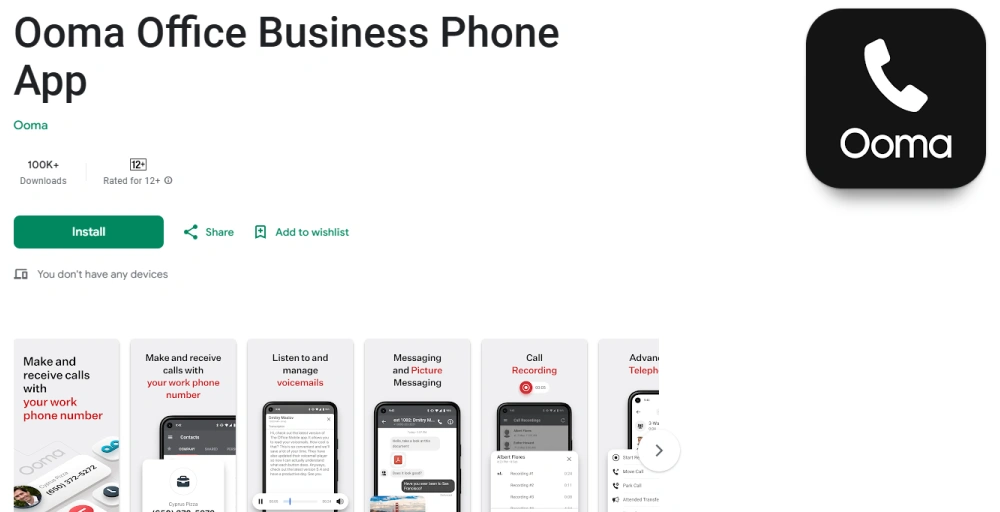
Ooma Office emphasizes easy setup and straightforward operation for businesses without a dedicated IT staff on any device. It positions itself as an affordable, reliable mobile and desktop low-cost solution alternative to traditional business phone systems.
Key Features
- Virtual receptionist routes inbound calls professionally from day one.
- The mobile app masks your personal number; clients always see the business name.
- SMS, MMS, and call forwarding are included in the mobile app.
- Voicemail transcription, read messages without listening to them.
- Desktop app adds virtual fax, call history, and extended call management.
Pricing
Ooma Office plans offer custom pricing that’s designed to be budget-friendly for small teams. Contact their sales team to get a quote that fits your headcount and feature needs.
Best For
- Small offices and startups that need a professional phone presence fast.
- Local business moving off a landline or legacy phone system.
- Solo owners and small teams who want simplicity over feature depth.
How to Choose a VoIP app
When choosing the best VoIP app for your business, start with call quality. Clear, reliable calls are essential for smooth business communication and good customer experience.
Next, check whether the app includes the features you actually need, such as call routing, call recording, video conferencing, and integration with your other tools. Make sure the system can scale as your business grows and that the provider offers dependable customer support.
Finally, review the pricing, including whether a free version is available, and choose the one that matches your budget. Here’s a table to help you with less brainstorming:
| Your Situation | Best Pick | Why | Affordability |
| Remote/distributed teams | KrispCall | Unified Callbox + global numbers | Super affordable for businesses of all sizes. |
| Already using Zoom | Zoom Phone | Native integration, minimal onboarding | Good value if you already use Zoom |
| Need CRM-heavy customization | Vonage | API-first, custom call flows | Mid-range, but flexible |
| Enterprise with security needs | RingCentral | E2EE, HIPAA/GDPR, SSO | Premium pricing, enterprise-grade |
| Small office, quick setup | Ooma Office | 50+ features, live in minutes | Budget-friendly for small businesses |
| AI-first workflows | Dialpad | Real-time transcription + coaching | Moderate pricing for AI features |
| Google Workspace users | Google Voice | Native Gmail/Calendar integration | Affordable and simple |
| International teams | 8×8 | Unlimited calling to 47+ countries | Better value for global calling |
| Need a huge video conferencing platform | Nextiva | Video conferencing features | Competitive, but not the cheapest |
KrispCall manages all your calls, messages, and meetings in one place
KrispCall allows you to manage all your business calls, messages, and meetings through a single app. Through its Unified Callbox, you have a single point of access where all your conversations, whether a voice call, SMS, voicemail, or internal chat, are organized and accessible at any moment.
The app also integrates innovative features like call recording, routing, forwarding, and voicemail into a single dashboard. It’s highly versatile and works on Android, iOS, and desktop, so that you can make and receive phone calls from anywhere.
Whether you work remotely or manage a team, setting up a VoIP account takes just minutes, and with multichannel communication built in. KrispCall simplifies your workflow and enhances overall call quality and team collaboration.