Every missed call is a missed opportunity, but an unrecorded call can cost even more. Whether it’s a sales commitment, a compliance requirement, or a customer complaint, the details of a conversation matter long after the call ends. That’s where VoIP call recording software becomes essential.
With the right tool, businesses can automatically capture, store, and review every call, no manual effort required. But with so many platforms offering recording as part of a broader VoIP suite, choosing the right one comes down to more than just hitting record.
In this guide, we’ve broken down the best VoIP call recording software options, covering their features, pricing, pros and cons, and why each one is worth considering for your business.
✨ Key Takeaways
- KrispCall: Best overall VoIP call recording for small to mid-sized businesses wanting a clean, cloud-based solution with auto-recording and AI transcription.
- RingCentral: Best for large enterprises needing a battle-tested unified communications phone system with flexible call recording settings.
- Vonage: Best for businesses that want customizable recording rules and seamless CRM integration on a scalable VoIP network.
- Nextiva: Best for customer-facing teams that prioritize ease of use, compliance, and an all-in-one communication dashboard.
- Aircall: Best for high-volume sales and support teams that need deep CRM integrations and real-time call recording workflows.
- MightyCall: Best for small businesses and growing teams that need a straightforward, affordable virtual phone system with reliable recording.
- Cube ACR: Best for individuals and mobile-first professionals who need a simple, versatile voice recorder app for VoIP and standard calls.
- Ooma Office: Best for SMBs in industries like real estate and healthcare that need dependable recording without complex setup.
- eVoice: Best for freelancers and solo professionals who need lightweight call recording without enterprise-level overhead.
- CallRail: Best for marketing teams that want to tie call recordings directly to campaign performance and lead attribution.
10 Best VoIP Call Recording Software in 2026
| Software | Auto Recording | On-Demand | AI Transcription | Storage Limit | CRM Integration | Recording Available From |
| KrispCall | ✅ | ✅ | ✅ | Lifetime (Until the number is in use) | 100+ tools | Standard & Enterprise |
| RingCentral | ✅ | ✅ | ✅ | 90 days | More than 80 tools | In all plans |
| Vonage | ✅ | ✅ | ✅ | 500 hours | 25+ tools | Advanced |
| Nextiva | ✅ | ✅ | ✅ | Up to 6 months | 50+ tools | Engage & Scale |
| Aircall | ✅ | ✅ | ✅ | Up to six months | 250+ integrations | All plans |
| MightyCall | ✅ | ✅ | ✅ | 1-year | 80+ tools | In all plans |
| Cube ACR | ✅ | ✅ | ✅ | No time limit | No integrations | Free |
| Ooma Office | ✅ | ✅ | ✅ | Anytime | 18+ integrations | Pro, Pro Plus, & Enterprise |
| eVoice | ✅ | ✅ | ❌ | 30 days | 15+ tools | Add-on |
| CallRail | ✅ | ✅ | ✅ | 25 months | 50+ CRM | In all plans |
Best VoIP Call Recording Software in 2026
The best VoIP phone call recording software offers automated recording, AI-driven transcriptions, and secure cloud storage. The ideal solution depends on whether you require integrated CRM data logging or dedicated quality management tools.
1. KrispCall
KrispCall is a cloud-based VoIP phone system that offers built-in call recording as a core part of its communication suite. It allows businesses to record calls automatically or manually through its platform, making it easy to maintain conversation logs for quality assurance and compliance.
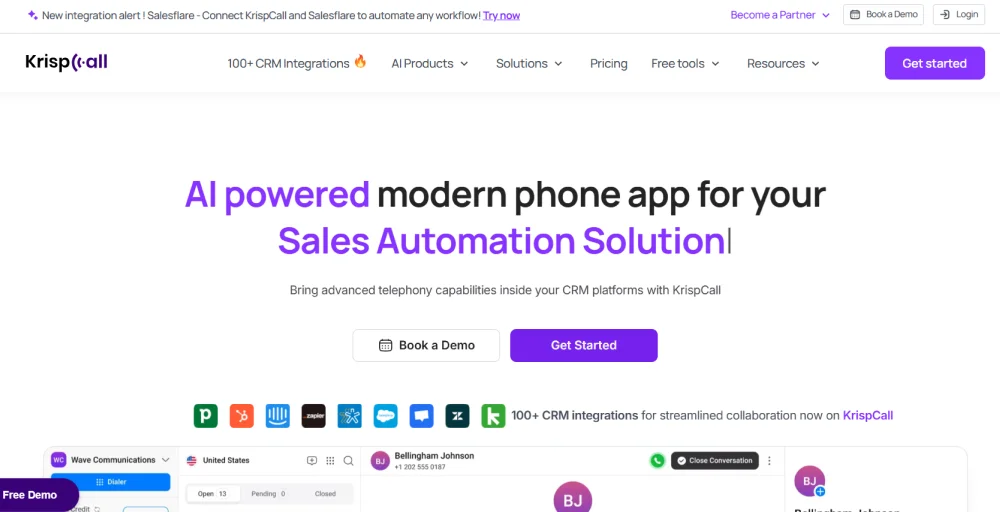
Its call recording functionality is designed to work seamlessly across teams, ensuring every important conversation is captured and stored in the cloud for later access.
Features
- AI transcriptions
- CRM integration
- Listen, coach, and improve
- Auto record calls
- Call analytics
Pricing
The KrispCall has three pricing plans:
- Essential plan: $12 per user per month
- Standard plan: $32 per user per month
- Enterprise plan: Custom pricing
Integrations
- HubSpot
- Pepper Cloud
- SuperOffice
- WeekMate
- HaloPSA
- Less annoying CRM
Pros & Cons
| Pros | Cons |
| Offers automatic and on-demand call recording from web or desktop apps. | Recordings, playbacks, and interface can be unstable on mobile devices. |
| AI-powered transcription accurately converts call recordings to text whenever you need. | Users must manually handle legal recordings with consent warnings. |
| All recordings sync with customer records, providing a complete view of interactions for efficient follow-ups. | Playback and recording logs sometimes freeze or lag on a cell phone. |
2. RingCentral
RingCentral is a leading cloud communications platform that provides robust VoIP call recording capabilities for businesses of all sizes. It supports both on-demand and automatic call recording, giving organizations the flexibility to capture outbound calls and incoming calls tailored to their operational needs.
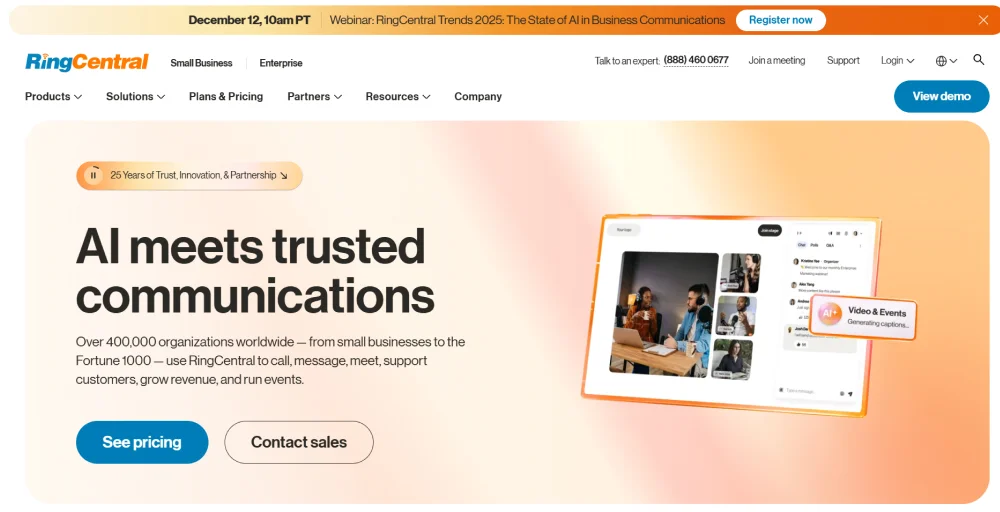
As a widely trusted solution, it ensures recorded calls are securely stored and easily retrievable, making it a strong choice for compliance-driven industries.
Features
- AI-powered coaching
- Workforce management (WFM)
- Conversation intelligence
- Automatic call recorder (ACR)
- Real-time and historical reports
Pricing
RingCentral‘s core unified communications platform (RingEX) and its costs:
- Core: $20 per user per month
- Advanced: $25 per user per month
- Ultra: $35 per user per month
Integrations
- Salesforce
- Beetexting
- Google Workspace
- Shadow
- Zendesk
- KLaunch
Pros & Cons
| Pros | Cons |
| Easily configure automatic recording for inbound and outbound calls. | Recordings are only stored for 90 days; long-term storage requires local or third-party. |
| Users can manually control recording during calls. | Deep analytics, transcription, and conversation intelligence require higher-tier plans. |
| Automatically transcribes calls and provides concise summaries, saving time. | Setting up automated features can be complex for solo preneurs or small teams. |
3. Vonage
Vonage is a VoIP communications platform that incorporates call recording as part of its broader business telephony offering. It enables businesses to record incoming calls and outbound calls over its cloud infrastructure, supporting use cases ranging from agent training to legal compliance.
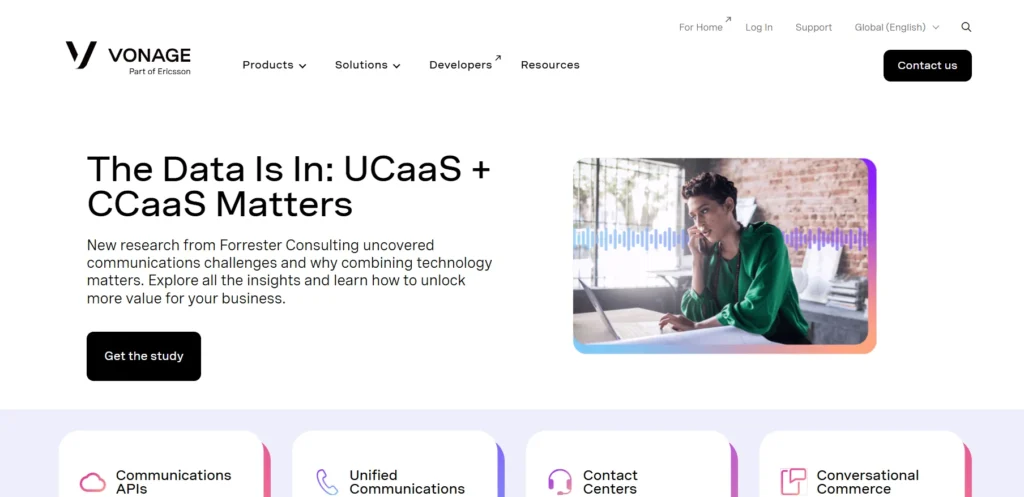
Its call recording capabilities are backed by a reliable, scalable VoIP network, making it a dependable option for businesses with growing communication needs.
Features
- Shareable recordings
- Custom call recording rules
- Playback and playlist tools
- Sentiment analysis
- Centralized management dashboard
Pricing
- Mobile: $13.99 per month per line
- Premium: $20.99 per month per line
- Advanced: $27.99 per month per line
Integrations
- ServiceNow
- Microsoft Dynamics 365
- SpinSci
- NetSuite
- Slack
- Microsoft Teams
Pros & Cons
| Pros | Cons |
| Pause and resume recordings for sensitive information. | Automatic recording is high in cost. |
| Manage recordings via desktop and mobile apps. | Only 15 hours of recordings per user, and the system stops when the recordings are full. |
| High-quality voice data integrates with CRMs. | Requires third-party integration for transcription at an additional cost. |
4. Nextiva
Nextiva is a cloud-based VoIP platform that integrates call recording into its business phone system, enabling organizations to monitor and review conversations with ease. It allows companies to automatically record customer interactions, providing a reliable method of paper trail for dispute resolution, staff coaching, and regulatory compliance.
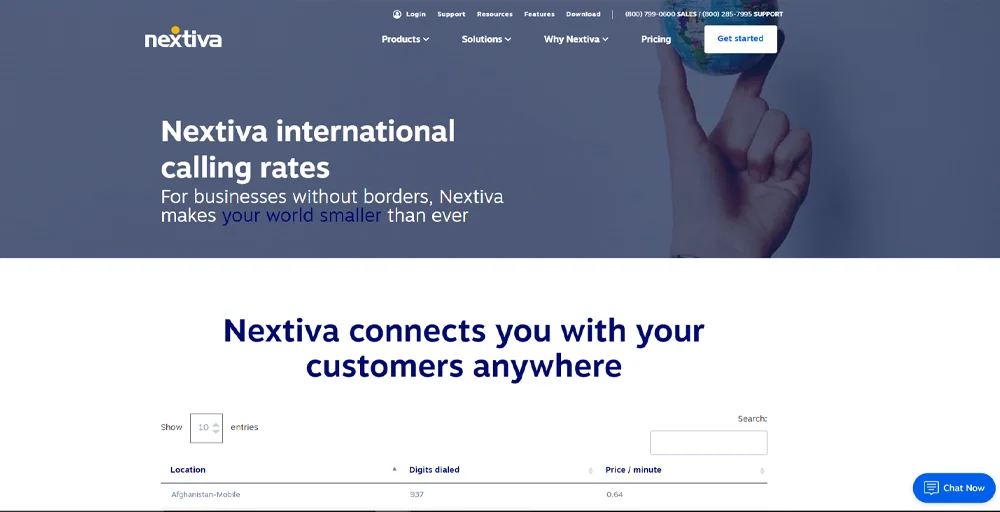
Its call recording tools are built with accessibility in mind, ensuring that stored recordings are easy to search, playback, and manage.
Features
- Conference Bridge
- Voicemail
- SIP Trunking
- Call Transfer
- Priority Alerts
Pricing
Nextiva pricing includes business phone and team messaging. They are:
- Core: $15 per user per month
- Engage: $25 per user per month
- Scale: $75 per user per month
Integrations
- Shopify
- Clover
- eClinicalWorks
- Jack Henry
- Workbooks
- Act!CRM
Pros & Cons
| Pros | Cons |
| Automatic or on-demand recording options. | Continuous recording demands significant cloud storage, increasing costs. |
| Data security through encryption, in line with industry regulations. | On-demand recording may miss context if agents forget to start it. |
| Integrates calls, video, SMS, and team chat into a single dashboard. | Advanced features are available only on higher-priced plans and are not offered with a free trial. |
5. Aircall
Aircall is a cloud-based VoIP solution that offers call recording as a central capability for sales and support teams managing high call volumes.
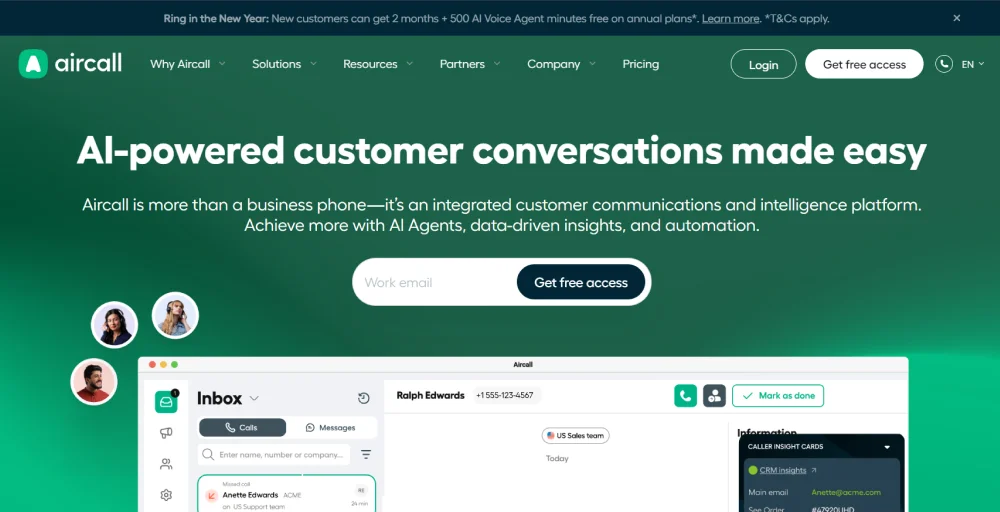
It records calls in real time over its VoIP infrastructure and makes them instantly accessible within its platform, enabling quick review and team collaboration. Its call recording functionality is tightly integrated with the call routing workflow, allowing teams to reference past conversations without disrupting their day-to-day operations.
Features
- Call whispering
- On-demand playback
- Call scoring
- Sentiment filtering
- Call monitoring software
Pricing
Aircall pricing offers phone system pricing plans:
- Essentials: $50 /license
- Professional: $50 /license
- Custom
Integrations
- Invelo
- Fireberry
- ClicData
- Gecoboard
- EngageBay CRM
- Attention
Pros & Cons
| Pros | Cons |
| Automatically syncs with Salesforce, Zendesk, and HubSpot for easy access to call recordings and insights. | VoIP reliance can lead to unstable audio or dropped calls with poor internet. |
| Quick setup with no complex hardware needed, facilitating a smooth transition to cloud-based systems. | Longer recording retention requires higher-tier plans. |
| Call recording features enable performance reviews and targeted training feedback. | The mobile app has reduced functionality compared to the desktop version. |
6. MightyCall
MightyCall is a virtual phone system that provides call recording capabilities tailored to the needs of small businesses and growing teams.
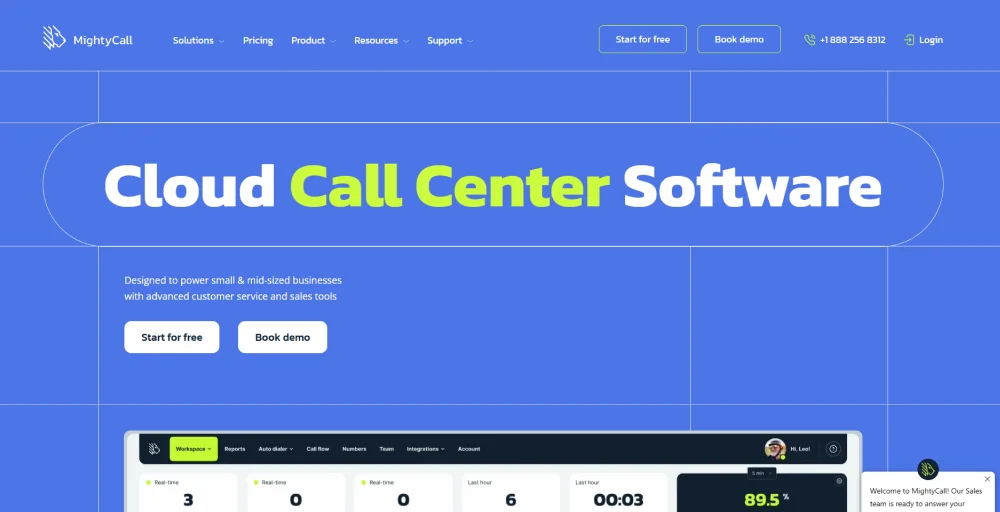
It allows users to record business calls over its cloud network routing and store them for future reference, whether for training or customer dispute resolution. Its straightforward recording setup ensures that even non-technical users can manage and retrieve recorded calls without difficulty.
Features
- VoIP list call routing
- Call log
- Local presence
- Auto answer
- Predictive Dialer
Pricing
MightyCall pricing offers four plans for your business communications.
- Core: $20 user/month (3-user minimum)
- Pro: $38 user/month (3-user minimum)
- Power: $54 user/month (3-user minimum)
- Enterprise: $65 user/month (5-user minimum)
Integrations
- Balto
- Zapier
- HubSpot
- Salesforce
- Pipedrive
- Discord
Pros & Cons
| Pros | Cons |
| Alerts the other party that the call may be recorded to ensure compliance. | Call recordings are stored for one year only; they must be downloaded to retain them permanently. |
| Up to 90 minutes of continuous recording per call. | Some users report dropped calls and one-way audio, particularly on the soft phones web app. |
| Recordings are easily accessible in the app, with note-taking options. | Lacks advanced reporting and AI-driven transcription found in other CRMs. |
7. Cube ACR
Cube ACR is a dedicated mobile call recording application that supports VoIP calls made through various internet-based calling apps on smartphones. It captures both incoming and outgoing calls directly on the device, providing individuals and professionals with a simple yet effective way to preserve important conversations.
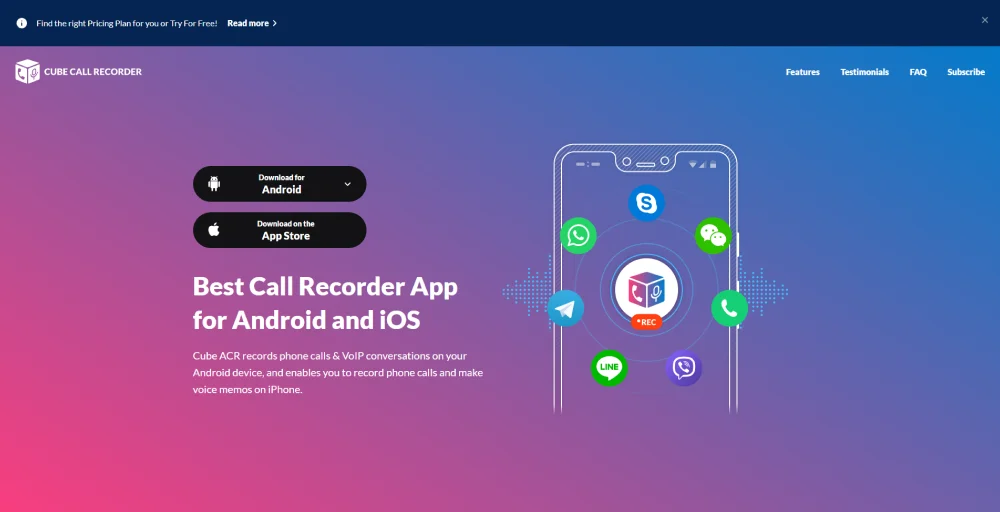
Its compatibility with multiple VoIP applications makes it a versatile recording tool for users who rely on mobile-based internet calling.
Features
- Shake-to-mark
- CloudBackup
- Geotagging
- Privacy
- Smart clean
Pricing
- Free, but premium starts at $19.99.
Integrations
- No integrations
Pros & Cons
| Pros | Cons |
| Supports recording across multiple apps like WhatsApp, Google Meet, and others. | Recording compatibility varies by device and Android phones version. |
| Cloud backup ensures recordings are safely stored and accessible across devices. | iOS support is limited to Android. |
| Geotagging and shake-to-mark features make it easy to find. | No CRM integration or business-grade features. |
8. Ooma Office
Ooma Office is a VoIP-based business phone system that includes call recording to help small and medium-sized businesses track their phone interactions.
It records calls conducted over its VoIP network and stores them in the cloud, giving business owners and managers easy access to conversation history when needed. Its call recording capability is designed to be straightforward to activate and manage, suiting businesses that prioritize simplicity alongside reliability.
Features
- Hot desking
- Multi ring
- Transfer music
- Virtual fax
- Caller ID
Pricing
Ooma Office plan offers the following pricing plans:
- Essential: $19.95 per user per month
- Pro: $24.95 per user per month
- Pro Plus: $29.95 per user per month
- Enterprise: Contact sales
Integrations
- Square
- Jobber
- Freshdesk
- Clio
- QuickBooks Online
- Zoho
Pros & Cons
| Pros | Cons |
| Offers month-to-month billing without rigid contracts. | No AI-assisted call analysis or smart transcripts. |
| Users can choose to record all calls automatically or manually. | Cloud storage is capped based on your plan, which may not suit high-volume users. |
| Great for real estate, construction, and healthcare for verifying agreements and details. | Call recording is not available with the basic plan. |
9. eVoice
eVoice is a virtual VoIP phone service that offers call recording as part of its cloud-based business communication tools for professionals and small businesses. It records calls handled through its virtual phone system, allowing users to revisit conversations for reference, documentation, or compliance purposes.
As a lightweight and accessible VoIP solution, it provides a no-hassle recording experience suited to individuals and teams that need basic but dependable call capture functionality.
Features
- Merget calling
- Auto-attendant
- Unlimited calling and messaging
- Call scheduling
- Usage reports
Pricing
eVoice provides a virtual phone number starting at:
- Elite: $12 /month
- Elite plus: $19 /month
Integrations
- Zendesk
- HubSpot
- AppsFlyer
- Pendo
- AWS Polly
Pros & Cons
| Pros | Cons |
| eVoice allows automatic recording of all calls or on-demand recording by dialing 2 during a call. | An extra fee (~$5.95/month) is charged per extension for the recording feature. |
| Recorded files are securely stored, easily accessible, and shareable for quality control and training | Large audio files can quickly consume account storage unless they are downloaded and archived frequently. |
| Manage communications and access call logs or recordings via the eVoice app for iOS and Android. | Does not include advanced AI features like sentiment analysis, keyword tracking, or transcription. |
10. CallRail
CallRail is a VoIP-enabled call tracking and analytics platform that records inbound and outbound calls to help businesses analyze the effectiveness of their communication efforts. It captures every call made through its system and stores the recordings alongside detailed call data, giving teams a complete picture of each interaction.
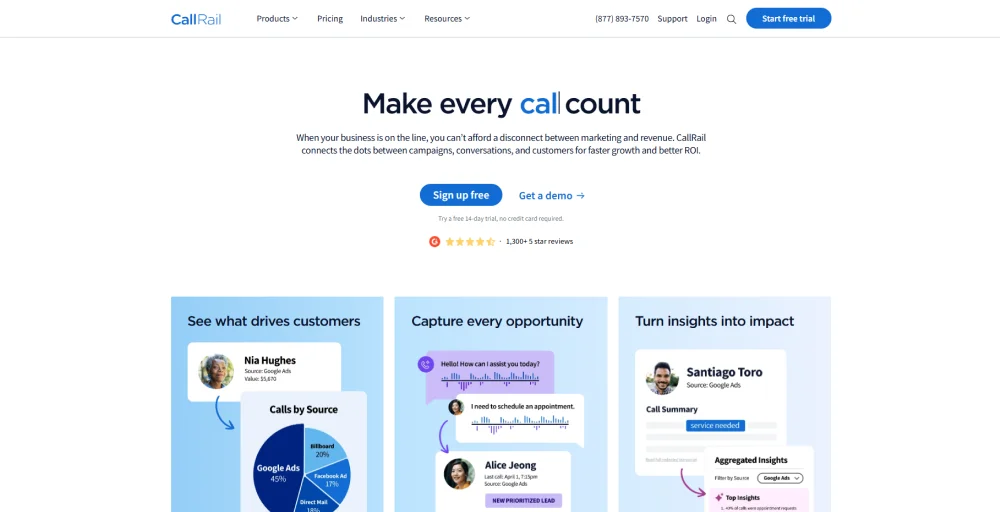
Its call recording capability is especially valuable for organizations that want to connect recorded conversations directly to their marketing and customer acquisition efforts.
Features
- Inbound call recording
- Delete a call’s recording
- Listening to recordings
- Recording a greeting
- Managing your uploaded recordings
Pricing
CallRail pricing is the
- Lead Tracking: $50 /month
- Lead Tracking Complete: $95 /month
- Lead Conversion: $150 /month
- Lead Conversion Complete: $195 /month
Integrations
- Freshpaints
- MetaAds manager
- Webhooks
- Unbounce
- Housecall Pro
- VWO
Pros & Cons
| Pros | Cons |
| Tracks which ads and campaigns drive phone calls, enhancing ad ROI. | Some third-party integrations can be complex and prone to issues after updates. |
| Records calls and uses AI to transcribe, summarize, and score leads, saving time. | Transcriptions may struggle with background noise or accents. |
| Change business phone numbers on your website to track visitor paths. | Managing tracking numbers and detailed reports can be overwhelming for beginners. |
What Is VoIP Call Recording?
VoIP call recording is the process of capturing, encrypting, and saving digital audio conversations made through a Voice over Internet Protocol (VoIP) phone system. These recordings are usually saved securely in the cloud, allowing businesses to review them for training, quality assurance, and dispute resolution.
Businesses use VoIP call recording for a wide range of purposes. training new employees, resolving customer disputes, ensuring regulatory compliance, auditing sales conversions, and improving overall call quality.
How Does VoIP Call Recording Work?
VoIP call recording captures the digital audio packets exchanged during a VoIP conversation and converts them into a stored audio file. The process takes place in real time, allowing businesses to securely save, access, and analyze call data for compliance, quality assurance, training, and customer service purposes. Here’s how it works step by step:
Step 1: A VoIP call is initiated between two or more parties over an internet connection using a VoIP provider.
Step 2: The recording system (either built into the VoIP platform or provided through a third-party solution recording service) intercepts the audio stream as it travels between participants.
Step 3: Audio packets are captured in real time and reassembled into a complete audio file, typically in MP3, OGG, or WAV format.
Step 4: The recording is stored locally on a server, in the cloud, or in a hybrid environment, and is tagged with metadata such as caller ID, date, time, and call duration.
Step 5: Authorized users can access the stored recordings through a web dashboard or application, where they can search for, playback, download, or share recordings as needed.
Step 6: If AI-powered features are enabled, the recordings can also be processed for transcription, sentiment analysis, keyword tagging, lead scoring, and other advanced insights.
What are the Types of VoIP Call Recording?
Not all VoIP call recording solutions operate in the same way. To meet different business needs, compliance requirements, and operational workflows, most VoIP platforms offer multiple recording methods. Each recording type provides a different balance between coverage, flexibility, storage usage, and regulatory compliance.
Below are the most common types of VoIP recording methods.
Automatic Call Recording
Automatic call recording captures every call without requiring any action from the agent or caller. This approach ensures that no conversation is missed and is commonly used in regulated industries, contact centers teams, and high-volume call centers. While it provides complete recording coverage, it can lead to higher storage costs and may require ongoing consent disclosures to comply with applicable regulations.
On-Demand (Manual) Call Recording
On-demand call recording allows agents to manually start and stop recording during a call, typically by pressing a button or entering a code. This method is useful when only certain conversations need to be recorded or when sensitive information, such as payment details, should be excluded from recordings. However, because recording depends on user action, important conversations may not be captured.
Rule-Based Call Recording
Rule-based call recording automatically records calls based on predefined conditions or triggers. For example, organizations may choose to record calls from specific phone numbers, calls that exceed a certain duration, or calls handled by designated agents or departments. This method provides a balance between active recording coverage and passive recording selectivity, making it a popular choice for sales teams and compliance-focused environments.
Pause-and-Resume Recording
Pause-and-resume recording enables agents to temporarily stop recording while sensitive information is being discussed and restart it once the information has been shared. This feature is particularly valuable when handling credit card numbers, personal health information, or other confidential data. As a result, it plays an important role in helping organizations meet compliance standards such as PCI DSS and HIPAA while still maintaining complete records of customer interactions.
Is VoIP Call Recording Legal? Consent Laws Explained
Yes, VoIP call recording is legal in most situations, but consent requirements vary by state. One-party consent states allow recording if one participant agrees, while two-party consent states require everyone on the call to be informed and consent. For businesses operating across multiple states, notifying all callers is the safest approach. The United States has two main types of call recording laws:
- One-Party Consent States: Only one participant in the conversation needs to know about and consent to the recording. If you are part of the call, you can usually record it without notifying the other person. Most U.S. states follow this rule.
- Two-Party (All-Party) Consent States: All participants must be informed and agree to the recording. Businesses typically use a message such as: “This call may be recorded for quality assurance and training purposes.” States such as California, Florida, Pennsylvania, and Washington require all-party consent.
- Federal Law (ECPA): The Electronic Communications Privacy Act (ECPA) follows a one-party consent standard. However, state laws can be stricter than federal law.
- Multi-State Calls: If a call involves someone in a two-party-consent state, it is safest to follow the stricter all-party-consent requirement. Many businesses notify all callers, regardless of location, to ensure compliance.
What are the Key Features to Look for in VoIP Call Recording Software?
When evaluating VoIP call recording software, focus on built-in security, searchable databases, and seamless integrations. Here is a short breakdown of the key features to look for to ensure compliance, quality assurance, and streamlined workflows:
- Cloud storage with retention controls: Securely hosts your recorded conversations in the cloud without using local storage space. Retention controls allow you to automatically delete or archive files after a set number of days to comply with industry data privacy and compliance laws.
- Sentiment analysis: Uses AI to automatically evaluate the tone, word choice, and emotion of both the agent and the caller in real-time. It provides immediate data on the customer experience and highlights areas for agent improvement.
- CRM integration: Automatically links your call recordings, logs, and transcripts directly to the customer’s profile in your Customer Relationship Management (CRM) platform (like Salesforce). This gives your team immediate context before and during a call.
- Pause-and-resume: Allows users to manually stop and start recording during an active call. It is essential for protecting sensitive information (such as credit card numbers) to meet PCI DSS compliance standards.
- Searchable, tagged recordings: Enable you to quickly locate specific conversations by filtering metadata such as date, time, caller ID, or agent name. You can also apply specific tags (e.g., “escalation” or “billing”) for easy future reference.
- Multi-track conference recording calls: Records each speaker on a separate audio channel rather than merging everyone into a single file. This makes it much easier to transcribe, review, and analyze group conversations or complex multi-party sales calls.
- Access controls and permission levels: Let’s administrators restrict who can listen to, download, or edit call recordings. This ensures that sensitive client and company data remains secure and accessible only to authorized personnel.
- Admin dashboard: Provides a centralized control panel where managers can configure recording rules, monitor call queues, review analytics, and manage storage. It serves as the command center for your organization’s entire call management and quality assurance process
How to Set Up VoIP Call Recording on KrispCall?
KrispCall makes setting up call recording for VoIP simple and hassle-free, whether you prefer to record incoming or outgoing calls manually with a single click or automate the process entirely. Here’s a step-by-step breakdown of how to get started.
Manual call recording
1. Desktop/Web App
Step 1: Make or receive a call on the KrispCall desktop or web app. A call menu will automatically pop up on your screen, defaulting to the bottom right corner. You can move it anywhere you like.
Step 2: Click the Record button on the call menu to start recording instantly.
Step 3: The call continues to be recorded until you either pause it by clicking the pause button or stop it by clicking the stop button.
Once recorded, all conversation recordings are cataloged directly in the conversation thread, where you can play back, download, pin, or delete them, depending on your user role.
2. Android/iOS Mobile App
Step 1: Make or answer a call using the KrispCall mobile app.
Step 2: Tap the Record button on your mobile screen to begin recording the call immediately.
How to enable auto-record for all calls
Want every call on a specific number recorded automatically without pressing record each time? Follow these steps to enable the Auto-Record feature:
Step 1: Log in to your KrispCall dashboard using your email and password.
Step 2: Click on Settings from the left-hand side panel.
Step 3: Navigate to VoIP Numbers to view your phone numbers.
Step 4: Select the specific phone number you want to enable auto-recording on.
Step 5: Toggle on the switch next to Auto Record Calls.
Note: The auto-record feature is number-specific, meaning it will automatically record all inbound and outbound calls for that particular number. It can only be enabled from the web or desktop app.