Tired of answering business calls on your personal phone at all hours? Many professionals struggle to separate work and personal life when relying on a single number.
A second phone number app solves these problems by providing a separate, dedicated business line. This helps keep your personal life private and creates a clear boundary between work and personal communication.
With so many alternate phone number apps, each promising unique features and benefits, it can be hard to find one that truly stands out.
This blog breaks down the best second phone number apps to help you find the perfect one for your needs.
✨ Key Takeaways
- Second phone number apps help in keeping business and personal calls separate, protecting your privacy and creating a clear professional boundary.
- KrispCall stands out as the best second phone number app with features like multi-level IVR, unified callbox, shared numbers, and CRM integrations.
- Apps like Google Voice, Sideline, and Dialpad are popular choices for specific needs such as Workspace integration, text marketing, or contact center management.
- Before choosing, consider pricing, supported devices, privacy options, and business features like call forwarding, voicemail greetings, and number porting.
Why trust KrispCall?
Bad software recommendations waste budgets and slow teams down. That’s why we hold our research to a higher standard.
Our team actively tracks the business communication space: testing tools, monitoring product updates, and listening to how real users experience these solutions day-to-day. Every list we publish draws from thousands of verified reviews on G2, Capterra, and TrustRadius, plus unfiltered conversations on Reddit and Quora that reveal what polished product pages don’t.
We don’t accept sponsored placements or let vendor relationships shape our rankings. What you read here is the result of genuine research, which is written by humans, and for humans.
Learn more about our content update process, content integrity standards, and software review methodology.
Best second phone number app overview
Choosing the right best app for second phone number depends on your needs, whether it’s for business communication, privacy, or international calling.
Here’s a list of the 12 best second phone number apps to help you compare key features and pricing at a glance:
| Provider | Starting Price | Unlimited Calling to the US and Canada | Shared Phone Numbers | Additional Phone Numbers |
| KrispCall | $15/user/month | ✅ Yes | ✅ Yes | ✅ Yes |
| Google Voice | $10/user/month | Unlimited calls to Canada from the US only | Not clearly stated | Not clearly stated |
| Sideline | Contact sales | Unlimited calls and texts within the US and Canada | No ❌ | No ❌ |
| 2ndLine | Contact sales | Unlimited calls and texts within the US and Canada | No ❌ | No ❌ |
| Burner | Contact sales | Mobile app only | No ❌ | No ❌ |
| 2Number | Contact sales | Unlimited calls within the US and Canada | No ❌ | No ❌ |
| Line2 | $9.99/month | ✅ Yes | No ❌ | No ❌ |
| Hushed | $3.99USD/month | Required updates | No ❌ | No ❌ |
| Grasshopper | Contact sales | Unlimited calling to the US and Canada | No ❌ | No ❌ |
| TextNow | Contact sales | Unlimited calling to the US and Canada | No ❌ | No ❌ |
| Dialpad | $27/user/month | ✅ Yes | ✅ Yes | ✅ Yes |
| Text Me | Contact sales | Unlimited calling to the US and Canada | No ❌ | No ❌ |
1. KrispCall: Best second phone number app for all businesses
KrispCall is an AI-powered, feature-rich virtual phone number app that provides an additional phone number to manage personal and business calls from a single device. With KrispCall, you can get local, toll-free, vanity, or international virtual numbers from over 100 countries.
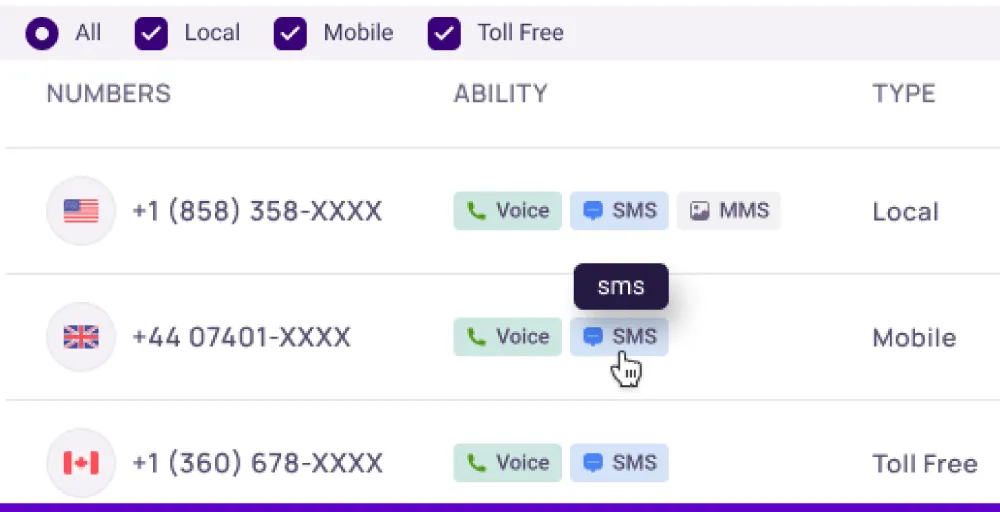
KrispCall’s Unified Callbox brings all the telephony conversations together to stay up-to-date on each conversation. It offers a multi-level IVR feature that routes your incoming calls to the right person or department without human intervention.
Key features
- Unified Callbox
- Caller ID
- Power dialer
- Call routing
- Voicemail greetings
Pros
- Integrates with 100+ CRM platforms like HubSpot and Salesforce
- Lets you access the second phone number from any device and anywhere
Cons
- Occasionally, the mobile app feels less responsive compared to the desktop version.
- No emergency calling
Pricing
- Essential: $15/user/month
- Standard: $40/user/month
- Enterprise: Custom
How to get a second phone number with KrispCall?
Follow these simple steps to obtain a second phone number from KrispCall for business or personal use.
- Create a KrispCall account and then log in to your dashboard.
- Go to the “Number” section. Select the country and city (or region), pick the type of number you want (local, mobile, or toll-free), and choose your desired number from the available options.
- Add the selected number to your cart, proceed to payment, and complete the purchase. Your number will be activated soon and visible in your dashboard for immediate use.
KrispCall app download links
2. Google Voice: Best for businesses with Google Workspace
Google Voice is a free and internet-based phone service that functions as a second number app. It provides a dedicated number separate from your personal number for calls, texts, and voicemails.
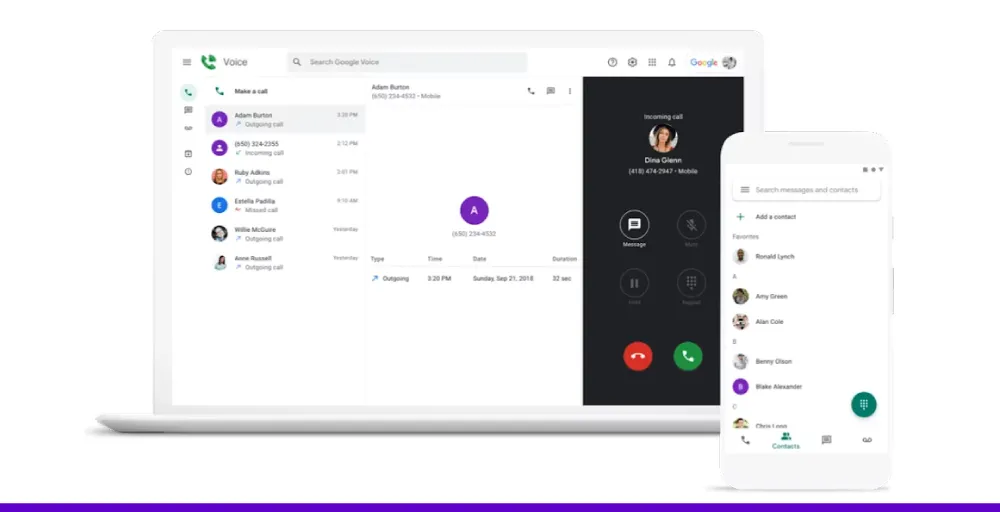
Its Voice Admin Console offers a user-friendly dashboard where admins can manage number assignments, port existing numbers, and handle billing with ease. It smoothly works with other Google Workspace tools like Gmail, Calendar, and Google Meet.
Key features
- Unlimited text messaging in the US
- Voicemail transcription
- Call forwarding
- Multi-level auto attendant
- Advanced reporting (BigQuery)
Pros
- Smoothly integrates with Google Workspace apps.
- Easy setup and use across devices, no specialized training required.
Cons
- Challenging to figure out how to transfer your phone’s contacts to the program.
- Can’t use the app on multiple devices or with multiple accounts.
Pricing
- Starter: $10 USD/user/month
- Standard: $20 USD/user/month
- Premier: $30 USD/user/month
Google Voice app download links
3. Sideline: Individuals and small businesses seeking a second phone number
Sileline is an app that provides a reliable second phone number for businesses to share publicly and keep your personal number hidden and protected. You can use Sideline’s second number when contracting strangers, signing up for online services, or buying/selling online.
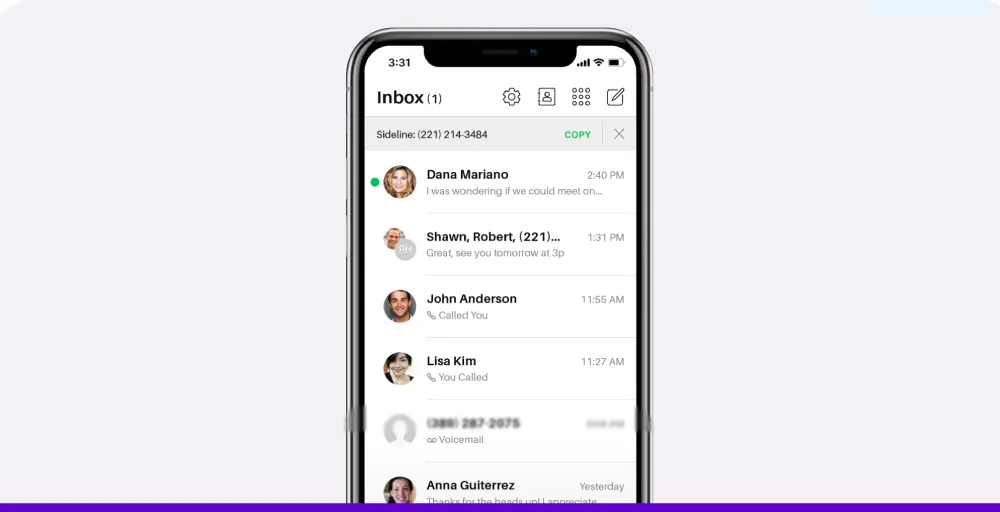
Sideline helps you detect spam calls, telemarketers, and potential fraud so that you can easily avoid them. With Sideline, you can record greetings, send unlimited text messages, and port your existing number.
Key features
- Group messaging
- Set up an Auto-Reply Text on your iPhone for automatic responses when you are unavailable
- Number porting
- Separate caller ID
- Voicemail to text
Pros
- Works across multiple platforms
- Can send unlimited texts
Cons
- Sometimes, voicemails are delayed and don’t arrive right away.
- Third-party integration is not available
Pricing
- Contact sales
Sideline app download links
Related 👉: How to Call Without SIM Card: Essential Tips & Apps
4. 2ndLine – Second Phone Number for Android
2ndLine is an app that provides a dedicated second phone number for free. You can use it for business, personal privacy, or online activities. It’s ideal for freelancers, remote workers, and anyone who needs to separate personal and professional communication on one device.
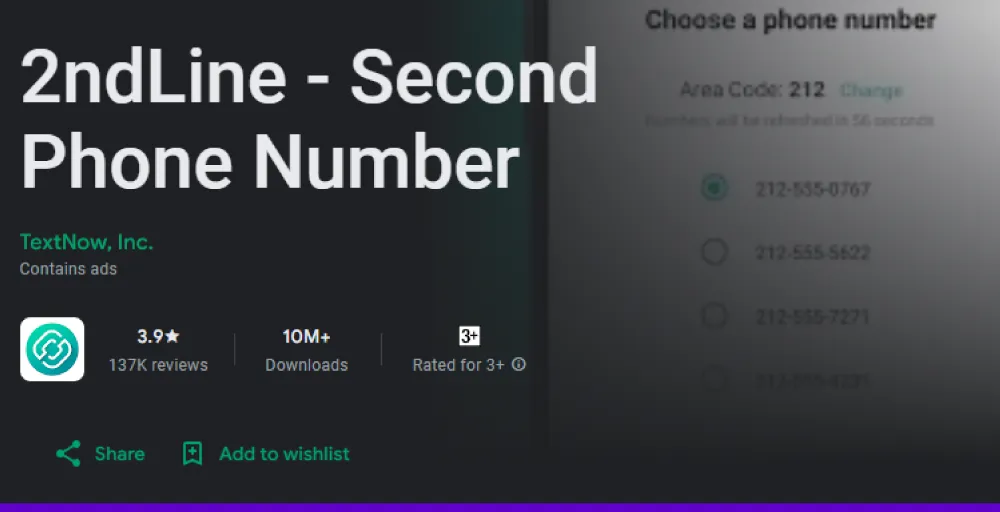
With 2ndLine, you can make and receive calls, send unlimited texts, and customize your voicemail greeting. The app also includes features like call forwarding, number blocking, and voicemail transcription to help manage your communication more efficiently.
Key features
- Caller ID
- Quick reply
- Group messaging
- Voicemail & voicemail transcription
- Customizable tones and backgrounds
Pros
- Free US/Canada number for calls and texts
- Integration with Google Smart Lock for easy and secure login
Cons
- Limited to Android & certain countries
- Has frequent login issues
Pricing
- Contact sales
2ndLine app download links
5. Burner: Best for temporary personal numbers
Burner is the original 2nd number app that is best for temporary phone number services. It offers disposable phone numbers that you can use to protect your privacy in short-term situations like online selling, dating, or signing up for services.
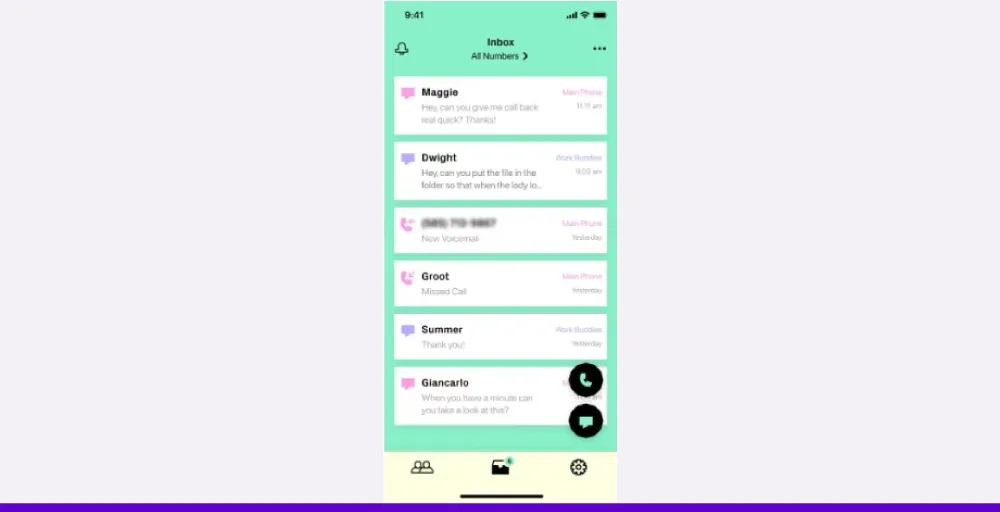
With Burner, you can (burn) delete the number permanently whenever you’re done using it. It is not ideal for long-term or business use because it lacks key features that are essential for professional communication and team collaboration, such as shared phone numbers and call recording.
Key features
- Unlimited calls & texts
- Muting and blocking
- Auto-reply texts
- Spam blocking
- Delete or switch numbers
Pros
- Quick setup with no long-term commitment required.
- Supports Siri and Force Touch for easy texting.
Cons
- Not ideal for business or long-term use cases.
- Burned numbers can’t be recovered or reused.
Pricing
- Contact sales
Burner app download links
Related Article 👉: Best Virtual Phone Number Providers
6. 2Number: Best second phone number app for iPhone
2Number is a second phone number app for iPhone to manage work-life balance or hide their primary phone number. It offers multiple local numbers from various countries, including the US, Canada, the UK, and Poland, without adding an extra SIM card.
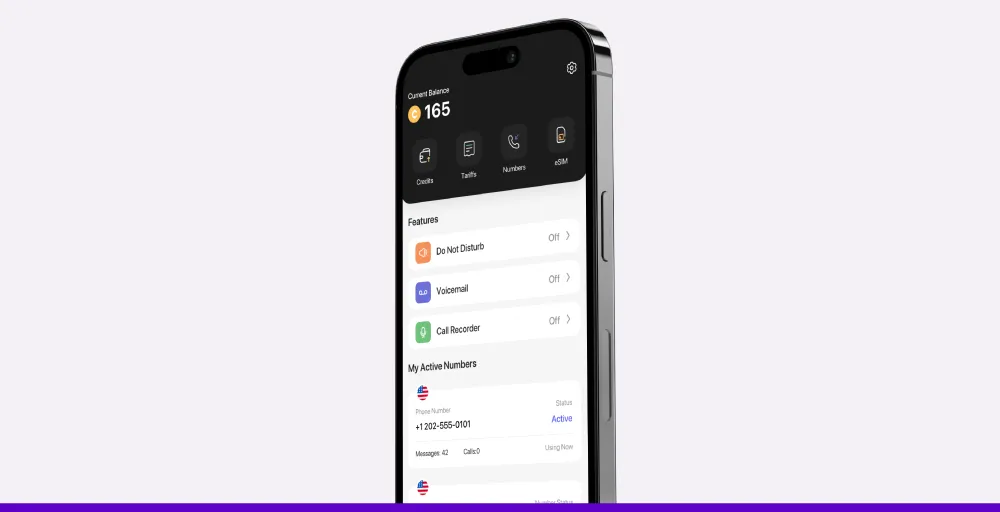
With 2Number, you can schedule Do‑Not‑Disturb hours, secure the app with a PIN, and enjoy low-cost international calling. You can also protect your privacy with a custom phone number instead of your actual phone number.
Key features
- International phone calls
- Call recording
- Voicemail
- Do not disturb
- Multiple phone numbers available
Pros
- Sync and manage contacts within the app.
- Supports international numbers in various countries.
Cons
- MMS and Do Not Disturb are limited to the US/Canada.
- Requires in-app credits for calls and texts
Pricing
- Contact sales
2Number app download links
7. Line2: Best for basic business phone features
Line2 is an alternate phone number app that offers basic business phone features, especially for small teams or solo professionals. It is packed with essential features to manage your calls and text messages more efficiently.
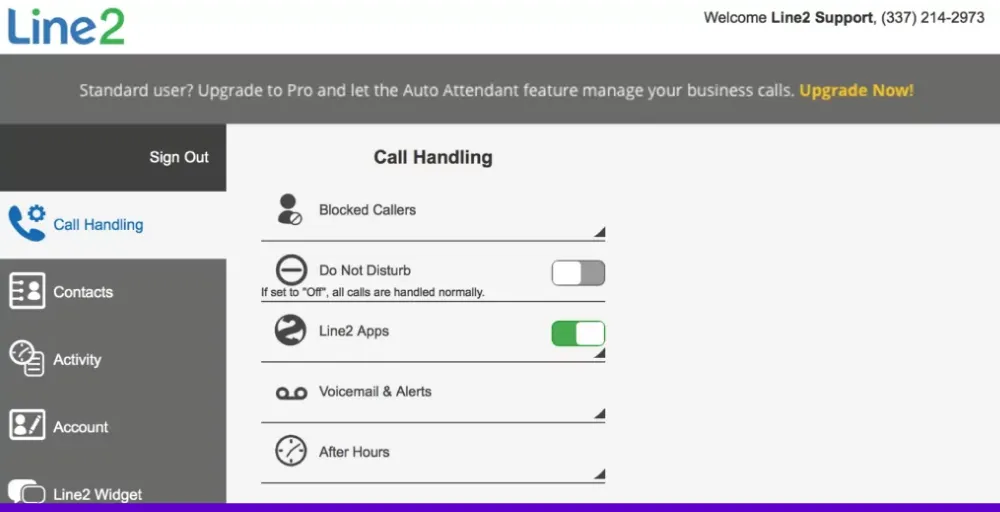
It’s call blocking lets you block unwanted callers or even entire area codes to avoid distractions. With call screening, a pre-recorded message answers your calls so you can decide whether to accept, decline, or send them to voicemail.
Key features
- Unlimited calls within the U.S. & Canada
- Call screening
- Caller ID
- Unlimited SMS and MMS
- Voicemail recording and transcriptions
Pros
- Simple setup and easy to use for small businesses
- Reliable customer support via phone, email, and chat.
Cons
- Lacks advanced collaboration features like team texting or video conferencing.
- Occasional call quality issues and dropped calls reported.
Pricing
- Monthly: $9.99/month
- Annual: $7.99/ month
Line2 app download links
8. Hushed: 2nd phone number for everything
Hushed is a 2nd phone number app for both iPhone and Android that offers multiple numbers for everything. It lets you make and receive calls with an anonymous phone number.
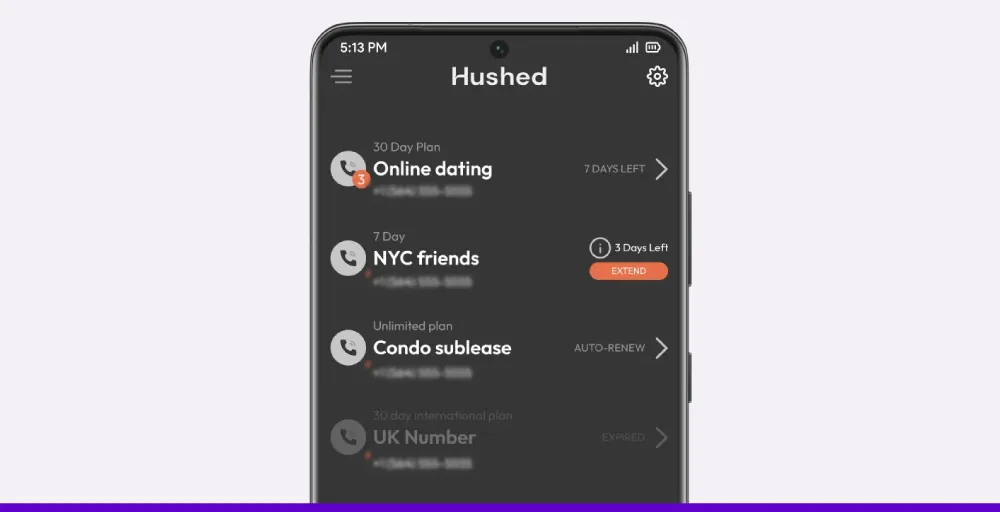
You can also send and receive texts, GIFs, photos, videos, and audio messages on your own secure phone number. With Hushed, you can keep multiple numbers to separate each area of your life and delete them whenever you want.
Key features
- Custom voicemail greetings
- Unlimited local talk & text
- Auto-reply text message
- Call routing and forwarding
- Secure texting
Pros
- Anonymous calls don’t show on your phone bills
- Flexible pricing options
Cons
- Limited third-party verification support
- Doesn’t offer a public API for custom integration
Pricing
- Prepaid: $3.99 USD/month
- Unlimited: $4.99 USD/month
- Pay-as-you-go: $6.99 USD/month
Hushed app download links
9. Grasshopper: Best for phone number extensions
Grasshopper is a virtual phone system that provides a second phone number extension to appear large without extra hardware. It offers local, toll-free, or vanity numbers with multiple extensions for teams or departments.
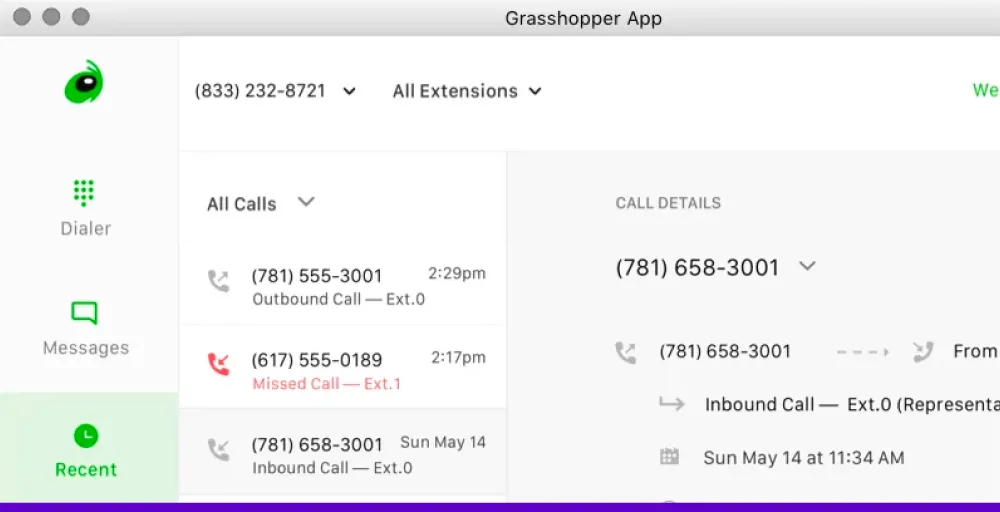
Its virtual fax features enable you to receive faxes as PDFs directly sent to your email without needing a fax machine. With Grasshopper’s mobile and desktop apps, you never miss a call even when you are away.
Key features
- Virtual fax
- Extra extensions
- Simultaneous call handling
- VoIP/WiFi calling
- Ruby receptionist
Pros
- Manage multiple numbers with custom names and photos.
- Works on Wi‑Fi or data with cross-device syncing.
Cons
- MMS support is limited in some regions.
- Voice quality drops on a weak network or Wi‑Fi.
Pricing
- Contact sales
Grasshopper app download links
10. TextNow: Best for plans with high-speed data
TextNow is a free second phone number app that offers unlimited calls and texts nationwide without contacts and credit checks. You can use it for free over Wi-Fi or add a SIM to access 4G/5G coverage with affordable and high-speed data passes.
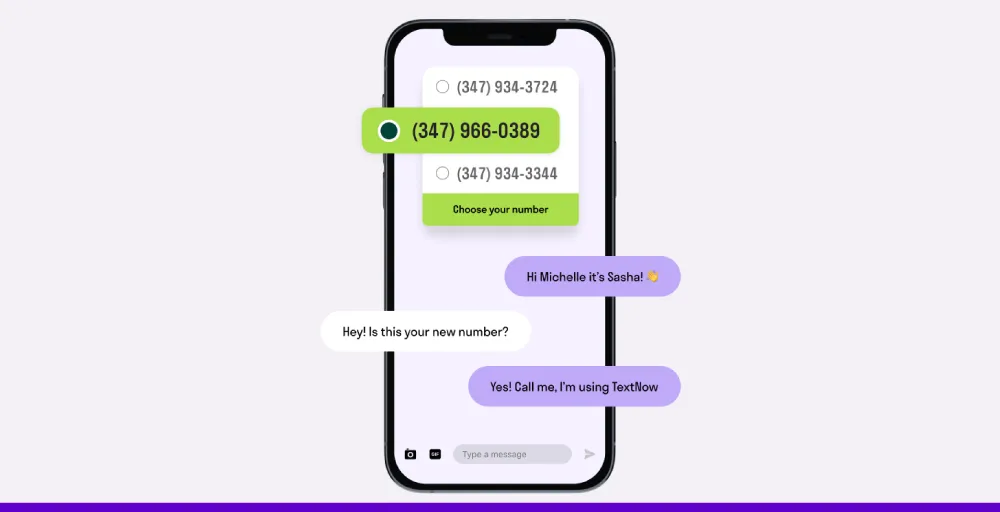
It gives you the flexibility to only pay for what you want, when you want it. It is a great choice for you if you want a second number with control over data usage and no monthly commitment.
Key features
- Free unlimited VoIP and 5G calling
- Unlimited texting in Canada and the US numbers
- DID phone numbers
- Incoming caller ID
- Voicemail transcription
Pros
- Free unlimited phone calling and texting on the 5G network
- No contracts, hidden fees, with an ad-supported free option
Cons
- No mobile hotspot included in unlimited data passes
- The app shows ads on a free essential data plan
Pricing
- Contact sales
TextNow app download links
11. Dialpad: Best for large contact centers
Dialpad is an AI‑powered virtual phone system that lets you add a second phone number to your existing devices without a new SIM or device. You can easily manage two numbers using a single dialpad app across Android, iOS, PC, Mac, or browser.
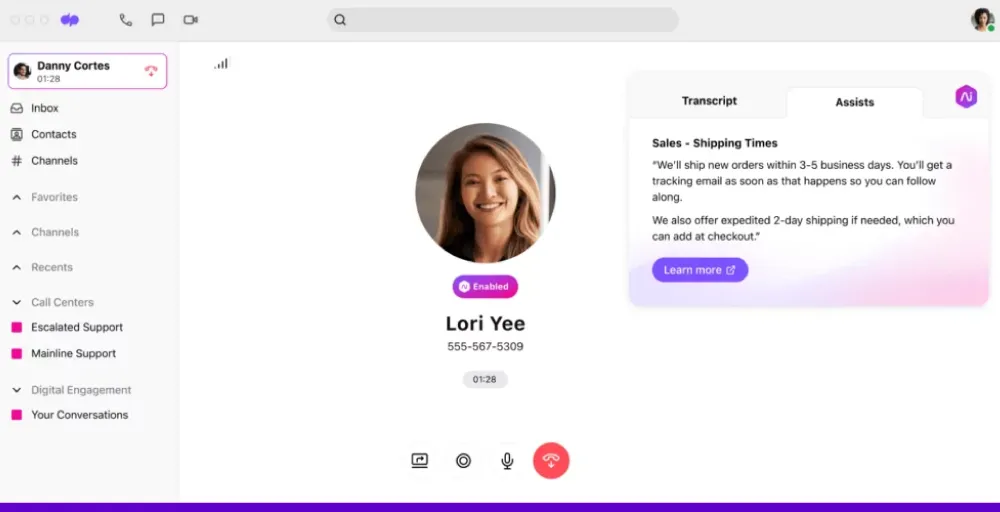
Plus, Dialpad’s call flip feature lets you flip a phone call from your computer to your phone (and vice versa) without dropping the call. You can assign numbers, transfer them between employees, and set up custom call routing from the admin dashboard.
Key features
- Contact syncing
- Hold queues
- Automatic spam call detection
- Meetings and voicemail transcription
- Real-time analytics & reporting
Pros
- AI transcription features automatically transcribe calls for easy reference
- Access to advanced features, such as call routing, voicemails, etc.
Cons
- Advanced features are available in higher-tier plans.
- No free plan is offered; only a 14-day free trial is available.
Pricing
- Standard: $27/user/month
- Pro: $35/user/month
- Enterprise: Contact them for pricing
Dialpad app download links
12. TextMe: A convenient virtual second line on your device
TextMe is a free second phone number app for basic phone calling and texting to the US and Canada. This app allows you to create and use a virtual phone number that is separate from your main number.
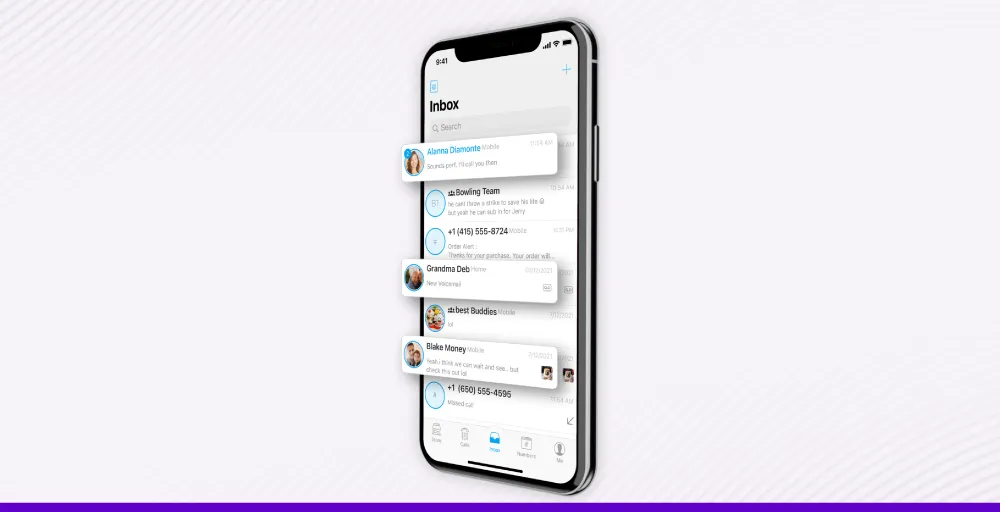
TextMe works over WiFi or mobile data, so you do not need a separate SIM card or a new phone plan. With TextMe, you can enjoy free inbound calls and texts, low-cost outbound calls, group messaging, and voicemail, supported by ads or cheaper premium plans.
Key features
- Free unlimited texts and calls to the US, Canada, and 40+ countries in the world
- Auto attendant
- Call routing
- Unlimited video meetings
- SMS/MMS message in the US and Canada
Pros
- Allow sending Dropbox photos and videos via SMS directly from TextMe
- Get multiple phone numbers, voicemail, and more, including international numbers.
Cons
- Delays in text message delivery
- Occasional app crashes or account logouts
Pricing
- Contact sales
TextMe app download links
Things to consider before choosing a second phone number
When selecting a second phone number, consider several key factors to ensure it meets your needs.
Here are some key things to keep in mind before choosing a second phone number:
- Define the purpose of the number: Be clear about why you need the alternate phone number. Is it for business, privacy, personal, or temporary use, or verifying online accounts?
- Pricing plans: Compare the pricing plans of each second phone app provider. Check if there are any hidden charges besides the plans.
- Check app reviews and reputations: Read the existing user reviews on review sites like G2 and Trustpilot to know what others say about their experience with the apps.
- Check the features: Now, think about the features you need to achieve your goals. Check for the features such as caller ID, voicemail, IVR, call forwarding, number porting, call routing, and others.
- Device compatibility: Ensure your apps work across all your preferred devices, including Android, iOS, and desktop, for more flexibility and mobility.
- Consider privacy and security measures: Always look for apps that offer strong privacy protection and features such as blocking and number masking to protect your data.
- Customer support: Choose an app that offers customer support via SMS, phone, email, or chatbots for quick and helpful customer support if something goes wrong.
Get your second phone number easily with KrispCall
Adding a second phone number is a practical way to separate business and personal communications. With this, you don’t have to take business calls after hours or share your private number with clients. While many apps can give you an alternate number, most fall short when it comes to features that support real business use.
KrispCall offers more than just a second line. It is an affordable telephony system designed for modern businesses and professionals. It offers powerful advanced features such as multiple numbers, shared phone numbers, call analytics, do not disturb mode, multi-level IVR, voicemail greetings, and custom caller ID. Moreover, it integrates with 100+ CRM tools to keep everything organized and accessible from one place.
Whether you’re a freelancer or a growing business, KrispCall makes it easy to manage client calls professionally from anywhere.
Book a free demo to see how KrispCall can be your right second phone number solution.
Frequently Asked Questions
How can I use a second phone number app?
- Download and install the second phone number of your choice.
- Sign up or log in to the app using your email or mobile number..
- Choose the second phone number of your preferred country or area code.
- Activate the number and start using it.