Staying connected doesn’t always require a SIM card. Whether you’ve misplaced your SIM, switched devices, or are traveling abroad, there are reliable ways to make calls without relying on a mobile carrier.
From Wi-Fi calling to advanced VoIP apps, you can keep conversations flowing across borders and networks with just an internet connection.
In this blog, we’ll explain how to call without SIM card, explore the best apps to use, and highlight practical tips to ensure your calls remain clear and uninterrupted.
✨ Key Takeaways
- Wi-Fi calling and VoIP apps let you place voice and video calls without needing a physical SIM.
- Popular methods to call without a SIM card include Wi-Fi calling, VoIP apps, and texting platforms.
- Top VoIP apps for SIM-less calling are KrispCall, RingCentral, Nextiva, Grasshopper, and Vonage.
- A stable internet connection and device compatibility are essential for smooth calls.
What does it mean to call without a SIM card?
A SIM card connects your phone to a carrier’s network, allowing you to make calls, send messages, and use mobile data. Without it, your device cannot access these services in the usual way.
Calling without SIM means using the internet instead of a mobile network. By connecting to Wi-Fi, your phone can rely on apps like WhatsApp, Telegram, or other VoIP-based services to place voice calls, even if no SIM is inserted.
For example, imagine you’re traveling abroad with no local SIM card. If you connect your phone to hotel Wi-Fi and open WhatsApp, you can call your family back home instantly, just as if you had regular service.
Is it possible to make calls without a SIM Card?
The answer to the question “Can you call without SIM card?” is yes. This has become possible thanks to modern alternatives that let you stay connected without needing a mobile carrier.
Cloud telephony solutions can provide a virtual phone number, letting you make and receive calls over the internet. These work much like traditional numbers but without requiring a physical SIM.
As long as your device has internet access, you can use apps or a VoIP number to talk locally or make affordable international calls. And in urgent cases, most smartphones are designed to allow an emergency call without SIM.
Methods to call without a SIM card
There are several practical ways to make calls even if your phone doesn’t have an active SIM. Below are the most common methods you can try:
1. Using wi-fi calling
Wi-Fi calling allows your phone to place and receive calls through an internet connection instead of a mobile network. Many smartphones today support this feature, letting you call directly from the dialer once Wi-Fi is enabled. It’s especially useful when you’re in areas with poor network coverage but have access to a stable Wi-Fi connection.
2. VoIP apps
VoIP apps make it possible to call without a SIM card by routing calls through the internet instead of a mobile network. Built on VoIP technology, these apps often provide extra tools like remote accessibility, call forwarding, analytics, and caller ID.
Here are some of the most reliable options you can use:
KrispCall
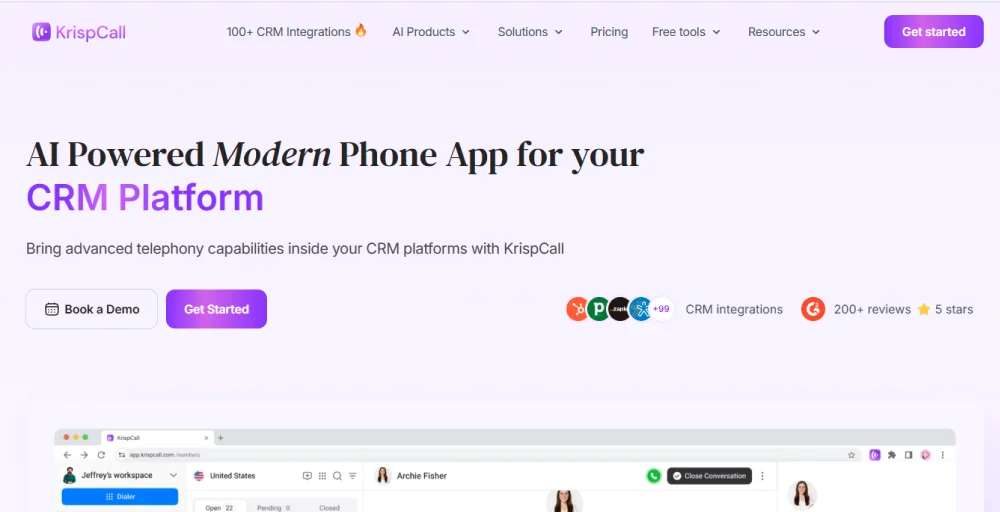
KrispCall is a cloud-based phone system built for both individuals and businesses. With coverage in over 100 countries, it lets you call, text, and manage voicemails from one platform. Designed for remote work and international connectivity, it ensures smooth calling without the need for a SIM.
Key features
- Call transfer: Redirect outgoing calls to another number or team member effortlessly.
- KrispCall business text messaging: Send and receive SMS from your business number to stay connected with clients.
- Call listening: Monitor live calls for training and quality assurance purposes.
- Multimedia messaging: Share images, documents, or media files alongside regular text.
- SMS forwarding: Forward incoming texts to another device or number for better accessibility.
RingCentral
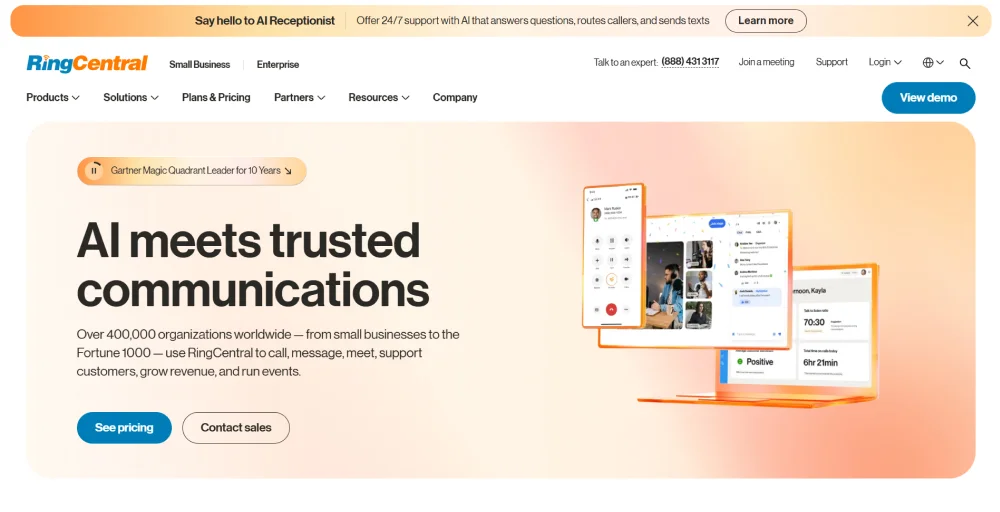
RingCentral is a hosted phone system that combines VoIP calling, team messaging, and video conferencing in a single platform. It’s widely used by businesses looking for professional communication tools that work across devices without relying on mobile carriers.
Key features
- Call forwarding: Route calls to any device so you never miss important conversations.
- Background noise reduction: AI filters out surrounding noise for clearer audio
- Vanity and toll-free numbers: Create memorable or customer-friendly numbers for your business.
- Automatic call recording: Save and review calls for reference or compliance.
- Live transcription (AI): Convert spoken words into text in real time during calls or meetings.
Nextiva
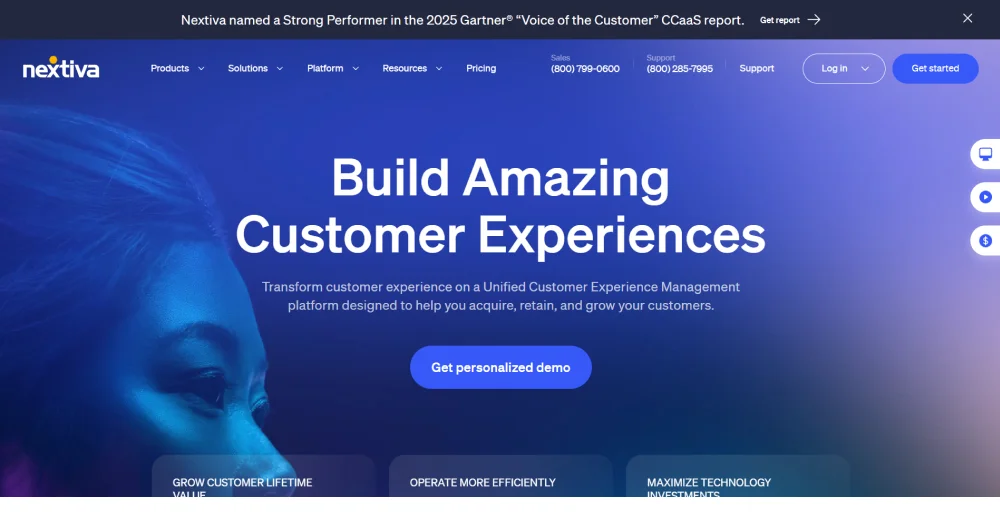
Nextiva provides cloud telephony solutions with strong VoIP features. Its system is built to support businesses of all sizes, which makes it a strong choice for organizations that value data-driven communication.
Key features
- Unlimited calling in North America: Make and receive calls without limits within the U.S. and Canada.
- Three-way calling: Connect three participants into one conversation instantly.
- Anonymous call rejection: Block incoming calls with hidden numbers to reduce spam.
- Business phone apps for desktop and mobile: Stay connected across all devices with synced features.
- Call screening: Decide which calls to answer or route based on caller details.
Grasshopper
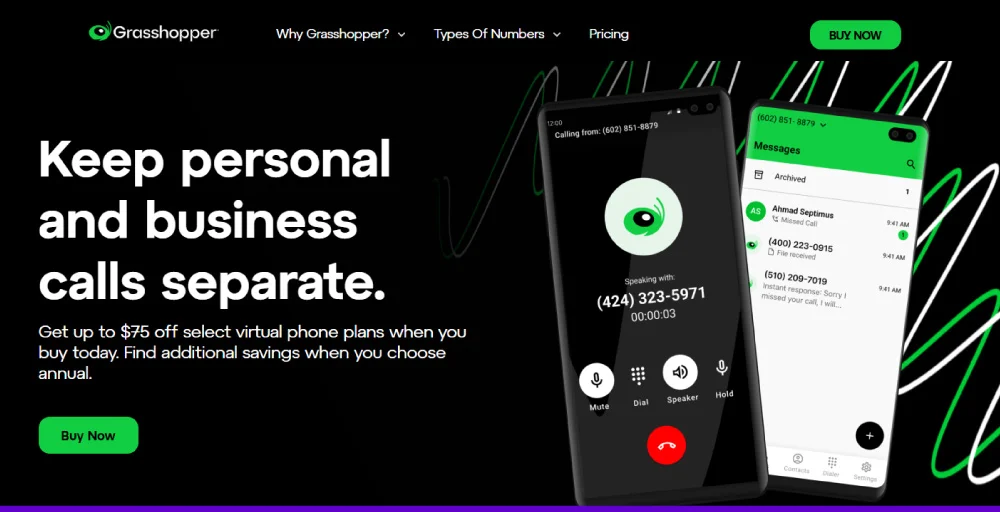
Grasshopper is a virtual phone service tailored for entrepreneurs and small teams. It helps you set up a professional phone presence quickly, without the expense of traditional carriers. Perfect for users who need mobility and SIM-free calling on the go.
Key features
- Call recording: Save conversations for later review or training.
- VoIP/ wifi calling: Place and receive calls over the internet without a SIM.
- Simultaneous call handling: Answer multiple calls at the same time across your team.
- Custom greetings for callers: Personalize your business phone system with professional recordings.
- Easy-to-use mobile and desktop apps: Manage calls and texts easily across devices.
Vonage
Vonage is a cloud communication provider offering VoIP-based phone services for individuals and businesses. It stands out for its flexibility, with integrations for CRMs, productivity tools, and APIs that support automation and provide scalable solutions for growing companies.

Key features
- AI transcription for on-demand call recording: Convert calls into text with on-demand recording and transcripts.
- Call rerouting: Automatically redirect calls to the right person or department.
- Real-time speech analysis: Get insights during calls for quality and customer sentiment.
- Spam shield: Block suspicious or unwanted numbers automatically.
- HD voice for phone calls: Ensure calls are crystal clear for professional telephony experiences.
3. Texting platforms
Many internet-based apps allow you to send and receive messages without a SIM card. These platforms use VoIP technology, and in addition to messaging, most of them also include voice and video calling.
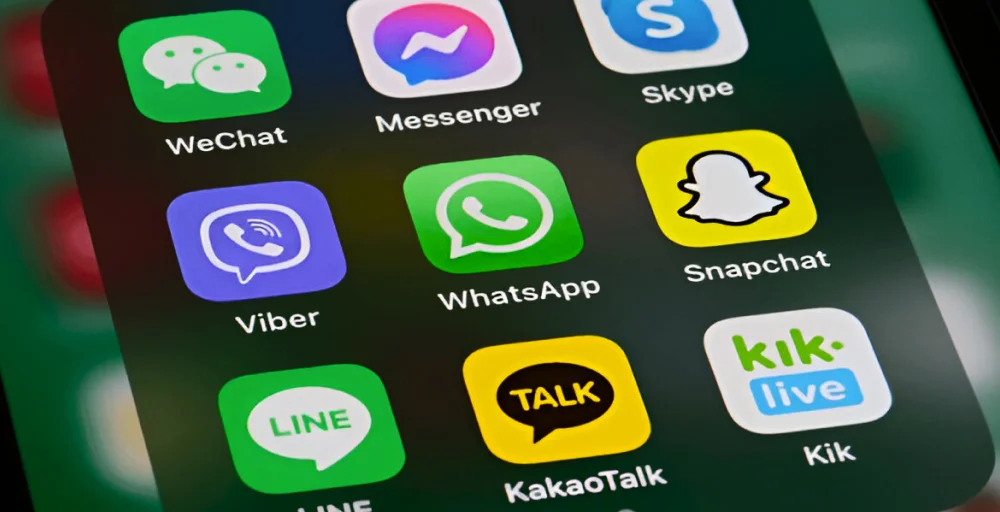
The top 5 texting platforms are:
- WhatsApp: WhatsApp is one of the most widely used messaging apps worldwide, available on both iOS and Android. It lets you chat, share media, and make free voice or video calls with other WhatsApp users.
- Viber: Viber offers free messaging and calls between users, along with secure features like hidden chats. Its Viber Out option also allows low-cost international calls to landlines and non-Viber numbers.
- Google voice: Google Voice provides a free U.S. number that can be used for calls, texts, and voicemail. It includes call forwarding, voicemail transcription, and affordable international rates.
- Facebook messenger: Messenger connects you with anyone who has a Facebook account. Beyond texting, you can make voice and video calls, set up group chats, and enjoy cross-platform access on phones, tablets, and desktops.
- Telegram: Telegram is a fast, cloud-based messaging app known for its security and speed. It allows free messaging, group chats, file sharing, and voice or video calls over Wi-Fi or mobile data.
Things to remember before calling without a SIM card
Before you try calling without a SIM card, there are a few things you should keep in mind to make sure your calls go smoothly.
- Stable internet connection: Since you’ll be relying on Wi-Fi, a strong connection is essential. Weak signals can cause call drops, delays, or poor audio.
- Calling apps are required: Apps like WhatsApp, Messenger, or Google Voice are needed to make calls. Without them, your phone won’t connect to regular numbers over the internet.
- Virtual number might be needed: If you want to call landlines or mobile numbers (outside the app-to-app system), you may need a virtual number or credits provided by the service.
- Device compatibility: Most modern smartphones support VoIP apps or softphones, but older devices with outdated operating systems may struggle to run them. Always check if your device supports the app you want to use.
- International calling may cost extra: Some VoIP apps charge for calling outside their ecosystem. Check the rates or subscription plans before making long-distance calls.
Make calls easily with KrispCall’s virtual numbers
If you want a reliable way to make free call without SIM, KrispCall’s virtual numbers are the perfect solution.
Unlike free apps that only let you connect with their ecosystem, KrispCall gives you real business phone numbers that you can call and receive calls from any mobile or landline. Its reliability comes from a cloud-based infrastructure that ensures call stability, high-quality audio, and easy scalability.
Ready to make SIM-free calls? Get started with KrispCall today and experience a smarter way to stay connected.