Imagine you’re selling something online and don’t want strangers to have your personal number. Or maybe you’re managing clients and want a separate line just for work texts. You might even be traveling and need a local number temporarily.
Whatever the case, texting from a different number can save you hassle and protect your privacy, without needing a second phone. In this blog, you’ll learn the easiest ways to send texts from another number using trusted, simple tools.
✨ Key Takeaways
- There are different ways you can send text messages using an alternate number, such as using a second SIM card, using a mobile texting app, requesting second number and using a VoIP phone system.
- Some of the best apps that you can use to send SMS from a second number are KrispCall, Grasshopper, Google Voice, RingCentral, and JustCall.
- If you’re texting clients using a different number, make sure to utilize auto-replies, keep the tone consistent, get the permission (if needed), and add some personal touches.
4 proven ways to send text from a different number
Whether you need a short-term solution or a more professional setup, the options mentioned below offer flexibility based on your needs. From simple apps to full-featured systems, you can easily find a method that fits your texting habits and privacy preferences.
1. Free texting apps
Mobile texting apps are one of the easiest ways to send texts from a different number. TextNow or TextFree are free texting app which lets you send text messages free of cost. Other cheaper alternatives, like Google Voice, KrispCall, and Grasshopper, offer virtual phone numbers for texting that work over the internet.
You can send and receive messages without using your personal number, all from your existing phone.
Most second number texting apps are quick to set up and offer free or low-cost plans, which makes them a convenient choice for personal or small business use. However, free plans often come with limits like ads, fewer features, or restrictions on how many texts you can send.
Additionally, you can use WhatsApp to send texts from a different number by obtaining a free US number that is compatible with WhatsApp verification.
2. Second SIM or eSIM card
A second SIM or an eSIM is a simple way to have another number on your phone. With a dual-SIM phone, you can keep your personal and work numbers separate without carrying two devices. Getting a secondary phone number is great for people who want a permanent or temporary phone number for texting with the same reliability as a regular mobile plan.
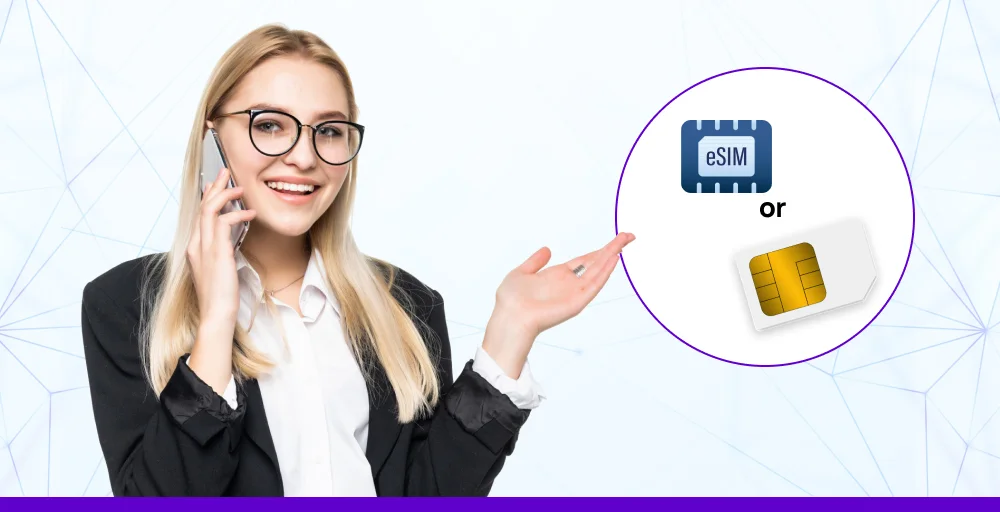
The downside is that not all phones support dual SIMs or eSIMs. You might need to buy a new device or pay for another mobile plan. Managing two plans can also be tricky and more costly over time, especially if one of them is only for occasional use.
3. VoIP phone system
A VoIP (Voice over Internet Protocol) system or VoIP texting apps allow you to send messages and make calls from a different number using the internet. There are services, like KrispCall or RingCentral, that allow you to have a business text messaging service with a virtual phone number that works on your smartphone, computer, or tablet.
VoIP systems also have extra features, like phone number sharing and shared inboxes, which make them an excellent option for all communications. VoIP communication is particularly useful to professionals who want to be organized while keeping their work and personal life separate.
4. Request a second number from your existing carrier
Whether you’re using AT&T, Verizon, and T-Mobile, you can add a second number to your phone number in your existing device. Contact your carrier via their official website or customer support to find out whether your plan supports dual numbers for calls and texts.
Remember to clarify the pricing and setup steps before proceeding. With a second number from your current carrier, you avoid swapping SIM cards for texting and making calls from different numbers.
Some carriers offer only basic features, such as call forwarding and voicemail. While this might not be the best option for businesses that require automated routing, shared inboxes, and integration. Additionally, these plans can cost you an expensive contract.
Check out 👉: How To Forward A Text Message On Any Device
Best apps to send text from a different number
If you need a reliable app for texting from a different number, you have plenty of options for all types of situations. Whether you need a free app for casual texting purposes or a more powerful app for business purposes, you can find one that meets your needs.
| App Name | Pricing | Features | Best for |
| KrispCall | $15/user/month | Voicemail to email, call on hold, call notes | Privacy & business texting across devices |
| Grasshopper | $14/user/month | VoIP + WiFi calling, call forwarding, call recording | Entrepreneurs & small businesses needing professional numbers |
| Google Voice | $10/user/month | SIP link, voicemail transcription, multi-level auto attendant | Users in the Google ecosystem want a simple number |
| RingCentral | $9.99/user/month | unlimited internet fax, shared voicemail, business SMS, and MMS | Teams needing an all-in-one calling and messaging platform |
| JustCall | $29/user/month | Power dialer, queue callback, intelligent call routing | Sales & support teams handling global clients |
1. KrispCall
KrispCall is a cloud phone system that allows you to send texts using a different number, making it perfect for privacy or business. With it, you can quickly get a second number from different countries and start texting without a second SIM.
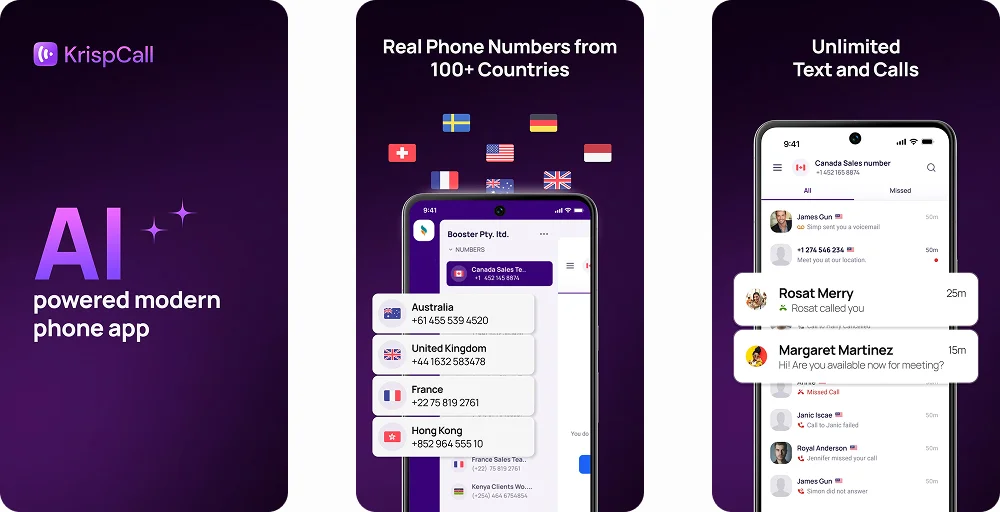
Its app is available for mobile devices, meaning you can easily switch between devices without losing track of your messages. One feature that stands out is the Unified Callbox, where all your calls, texts, and voicemail are in one place.
KrispCall also allows you to customize caller IDs and can text from multiple phone numbers under one account, so you can separate conversations with family and friends from conversations at work. It is simple to set up, and you can be sending texts within minutes.
Features
- Shared Phone Number
- Call on Hold
- SMS Marketing
- Multimedia Messaging
Pros
- Delivers a clean, intuitive user experience that makes managing business calls and messages simple.
- Offers strong value for international businesses by combining affordability with reliable global connectivity.
Cons
- Has no dedicated app for Linux-based systems.
- Requires a stable internet connection to operate.
Pricing
- Essential plan: $15/user/month
- Standard plan: $40/user/month
- Enterprise plan: Contact sales
Detailed KrispCall Pricing
2. Grasshopper
Grasshopper provides dedicated numbers with complete US carrier registration to entrepreneurs and small businesses for professional usage. Whether you use a local number or a toll-free number, Grasshopper helps separate your personal identity while maintaining a good brand image.
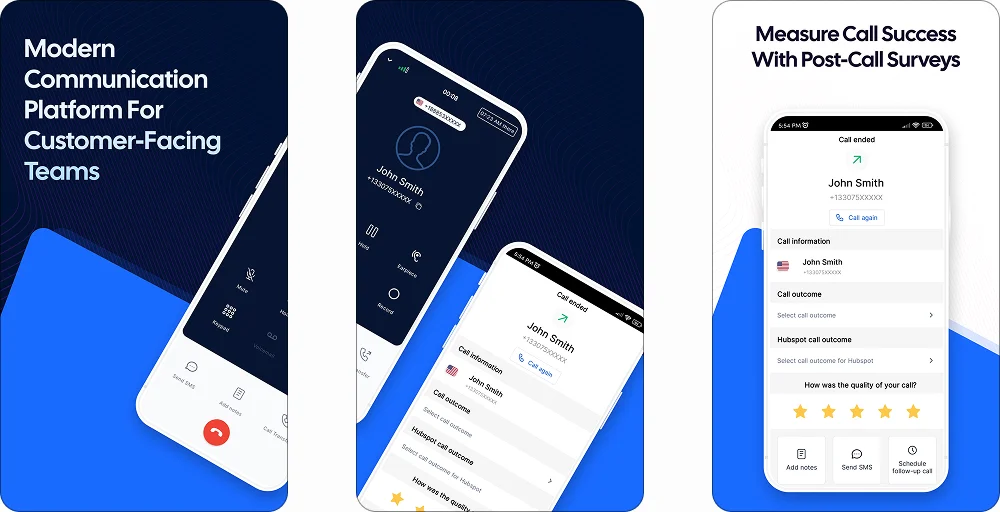
A standout feature of Grasshopper is the instant text response, which automatically replies when you miss a message. By using it, you can also schedule texts or create personalized greetings for specific contacts. The platform also allows you to switch between conversations quickly and conveniently through its easy-to-understand dashboard.
Features
- Call Blasting
- Voice Studio
- Extra Numbers
- Ruby Receptionists
Pros
- Offers unlimited calling and texting with no extra hardware required.
- Includes a professional call routing system with voicemail transcription.
Cons
- No team collaboration features or shared number options.
- Few integrations with third-party business tools.
Pricing
- True solo plan: $14/user/month
- Solo plus plan: $25/month (Unlimited users)
- Small business plan: $55/month (Unlimited users)
3. Google Voice
Google Voice is a solid choice for those who already use the Google ecosystem. It provides an easy way to connect your calling and messaging with Gmail and other Google services, while keeping everything in a single account and syncing across different platforms.
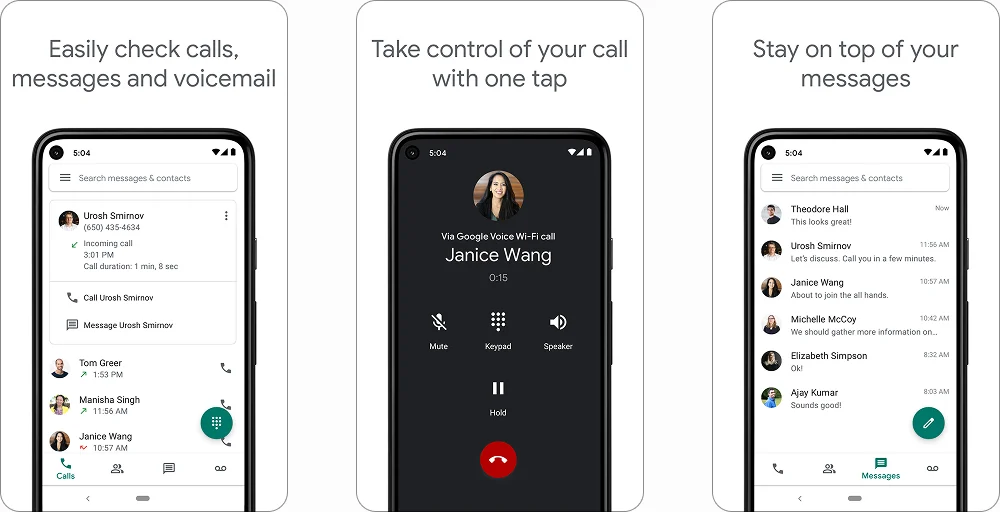
One useful feature is filtering unwanted texts with its spam detection. Also, you can archive messages, search through your chat history, and even easily send texts to your email.
Features
- Voice calling
- SMS texting
- Ring groups
- Auto attendant
Pros
- Offers smooth call forwarding and voicemail transcription.
- Maintains consistent performance and reliability.
Cons
- Only supports texting within the U.S., which limits international interactions.
- Lacks shared numbers and integrations beyond Google’s ecosystem.
Pricing
- Starter plan: $10/user/month
- Standard plan: $20/user/month
- Premier plan: $30/user/month
Detailed Google Voice Pricing
4. RingCentral
RingCentral is designed for professional groups that need unified interactions across departments. It offers flexible phone numbers to text, along with backend tools that can manage business messages, schedule conversations, and organize internal chats.
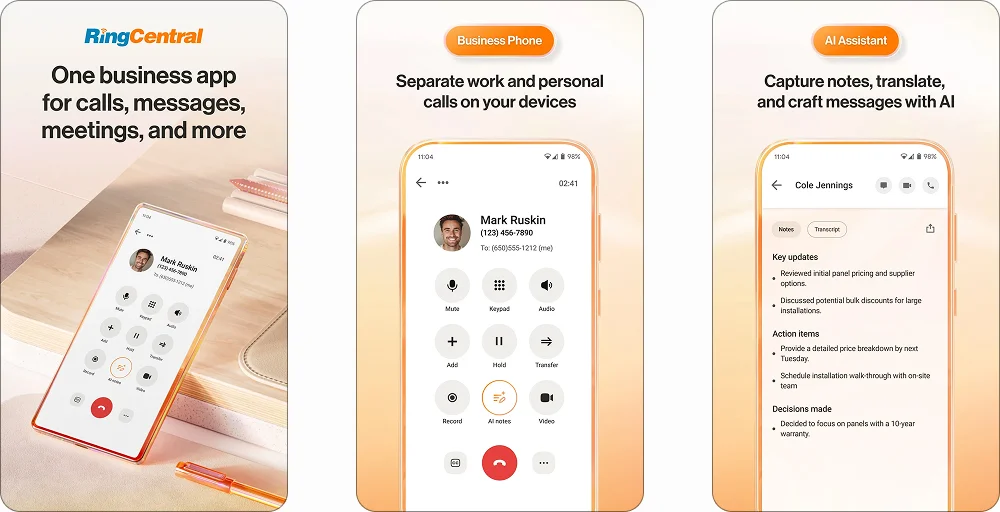
One useful feature is the group texting capability that lets you text multiple contacts at the same time, without using your own phone plan. With it, you can schedule texts, as well as get delivery confirmations for every text you send. It is built for fast, organized interactions and provides efficient call management across devices.
Features
- Unlimited domestic calling
- Call menu (IVR)
- Shared voicemail
- Single sign-on
Pros
- Provides a comprehensive solution for calling, messaging, and video conferencing.
- Offers a strong integration with a variety of tools like Microsoft 365, Salesforce, and Google Workspace.
Cons
- Messaging (SMS/MMS) limits can be restrictive, especially for growing teams.
- Some features come with extra fees, and setup can be a bit complex for new users.
Pricing
- Core plan: $9.99/user/month
- Advanced plan: $25/user/month
- Ultra plan: $35/user/month
(Note: Core pricing increases for teams of 6+ users.)
Detailed RingCentral Pricing.
5. JustCall
JustCall is tailored for businesses that need to interact globally without any roadblocks. Whether you’re handling international clients or remote teams, its broad coverage and automation tools help you streamline messaging without increasing workload.
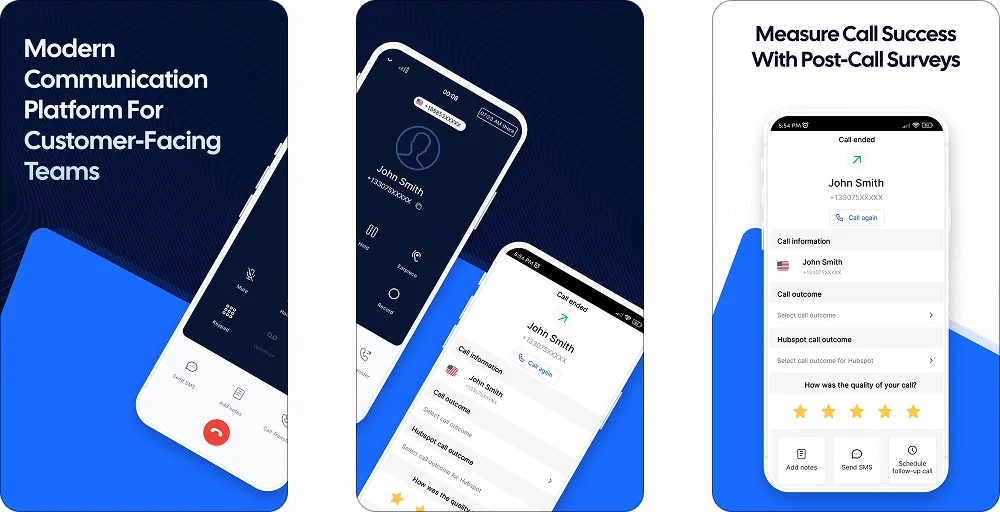
One standout feature of JustCall is automated responses and text workflows, which let you send follow-up messages without manual effort. You can also personalize bulk texts with custom fields, which is great for reaching many people at once, especially if you want to text from a different number.
Features
- Caller ID
- Offline calls
- Outbound and inbound calling
- Port existing numbers
Pros
- Built specifically for sales and support teams with auto dialers and SMS campaigns.
- Smooth integrations with over 100 CRM and helpdesk tools.
Cons
- Texting and call limits apply depending on your plan.
- Some users report that call quality can fluctuate with poor internet.
Pricing
- Team plan: $29/user/month
- Pro plan: $49/user/month
- Pro plus plan: $89/user/month
- Business plan: Contact sales
Detailed Justcall Pricing
6 Best practices to text clients from a different phone number
Using a new number can present challenges, but following a few best practices can help keep all your messaging professional and smooth. From introducing your new phone number to personalizing your texts, these tips ensure your conversations stay effective and respectful.
1. Introduce your new number
When you start texting from a different number, the first thing is to tell your clients about it. Prospects might assume the message is spam and ignore it when they see an unknown number.
An announcement through emails, a quick SMS from an old number, can help you build trust in the new number from the initial message. Avoid product pitching or going into detail in your first text with another number.
It should include your simple and direct introduction. For example, you can include your business name inside the messages, which helps them know your new number.
Update your caller ID and Truecaller profile with your business name and logo. It works as the extra credibility factor which helps people recongize your right away.
2. Use auto-replies to stay on top of conversations
When you use a different number, especially for work, you may find yourself unable to respond as quickly as you would like. In those moments, auto-replies are very useful.
A quick, polite message such as, “Thank you for reaching out! I will get back to you soon,” helps clients know you aren’t ignoring them.
You can also use automatic messages to confirm appointments, answer frequently asked questions, or just let clients know you are out of the office. It keeps the line of communications open and reduces the pressure to respond within seconds.
3. Keep your tone consistent with your brand
Every message you send reflects your brand, so it’s important to use a tone that fits. If your business has a friendly, relaxed vibe, go ahead and use emojis or casual language. If you’re in a more professional space like legal or finance, keep your messages clean, respectful, and to the point.
Also, avoid rambling or overcomplicating things when you’re texting from a new number. People are usually on the go when they check texts, so short, focused messages are more likely to get read and get replies.
4. Always get permission before you text
To text clients or prospects without their permission can lead to complaints or even legal trouble. Even if they’re your existing customers, you’re using a new number to text. Make sure people have clearly opted in before you message them.
That can be through a sign-up form, a checkbox during checkout, or even a direct inquiry.
If a client texts you first, it means they agree to chat, but only for that one conversation. Don’t assume it gives you permission to follow up later or send promotions. Mindfulness about consent helps build trust and ensures you follow the rules.
5. Make it personal, not robotic
Nobody likes getting a message that feels like it was blasted to a hundred people. Even when you use templates or automations, small personal touches, like the client’s name or a reference to their last interaction, create a significant impact.
It shows that you’re paying attention, not just sending out mass texts. Personalized texts are more likely to get responses and lead to real conversations, especially when you’re reaching out from an unfamiliar number.
For example, if you’re a business sending different order confirmation messages, you can follow some best templates that make customers feel interactive and satisfied.
6. Set expectations from the start
When someone texts a new number, they don’t always know who’s on the other end or when they’ll hear back. A quick after hours message explaining your availability, response time, or how to reach you in an emergency clears up that confusion right away.
Something as simple as “I typically reply within a few hours during business hours” can make clients feel more confident about reaching out. It sets a professional tone and helps manage expectations, which leads to better interactions overall.
KrispCall lets you send texts from a different number without switching devices or using extra SIM cards. It’s a quick way to stay professional and protect your personal number, whether you’re working solo or part of a growing team.
- Log in to your KrispCall dashboard.
- Click on your Number and 0go to the “New Message” Button
- Enter the recipient’s phone number or contact name in the “To” field.
- Type your text message in the message box. (Note: you can use AI reply and AI paraphrase for texting as well)
- Review the text message and then click the Send button to send the SMS.