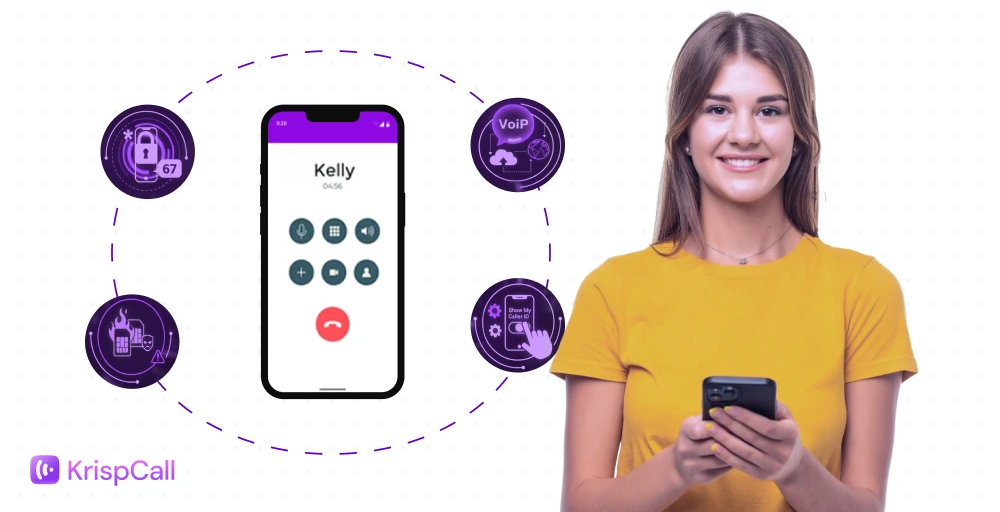
Using just one phone number for both professional and personal use might expose your sensitive information. It might be challenging to manage work-life balance and maintain privacy when connecting with clients in a global world.
To minimize such problems, there are several ways to make calls from a different number, enabling you to stay secure, organized, and professional.
In this blog, we will explore reasons to call from a different number, 4 simple methods to make a call, and the top virtual phone number apps.
✨ Key Takeaways
- There are four simple methods to make a call from another number: using a different SIM card, a landline telephone, a virtual phone number, or a PBX phone system.
- Calling from a different number helps protect privacy, separate personal and professional life, and manage multiple projects or businesses easily.
- It is essential to choose the right VoIP service provider to manage phone calls depending on the communication needs, budget, and business goals.
Top reasons to call from a different phone number
Using a different phone number can help protect privacy, maintain professionalism, and make communication more flexible. Here are the top reasons to use a different number when making a call.
- Protect your privacy: Using a dual SIM or having a different phone number when contacting clients or strangers lets you keep your personal number private. This prevents unwanted calls or messages from reaching your personal line and reduces the risk of privacy breaches.
- Build professional credibility: Using memorable numbers for business brings a strong reputation and brand image. Clients take your calls more seriously when they come from a professional number rather than a personal one. It creates a more professional and trustworthily.
- Manage multiple businesses or projects: If you run multiple ventures on multiple devices and in different locations, separate numbers make it easy to manage calls without mixing contacts or conversations. You can assign a unique number to each business or project, keeping communications organized and ensuring that each client receives attention specific to their needs.
- Track and organize communication: Using alternate numbers allows you to categorize and monitor calls, messages, and client interactions more effectively. You can track which number is receiving the most inquiries, which clients need follow-ups, and even measure response times. This organized approach improves efficiency and helps ensure that no important call goes unnoticed.
4 ways to make a call from a different number
You can make a call from another number in multiple ways. Each one has its own advantages and limitations. The most popular methods are explained below:
1. Via a different SIM card or eSIM
Using a dual SIM card is a simple and cost-effective way to manage multiple phone numbers on a single device. One SIM card can be used for personal life use and another handles professional calls, enabling you to keep messages, contacts, and calls organized. You can easily switch between numbers depending on the call you are making.
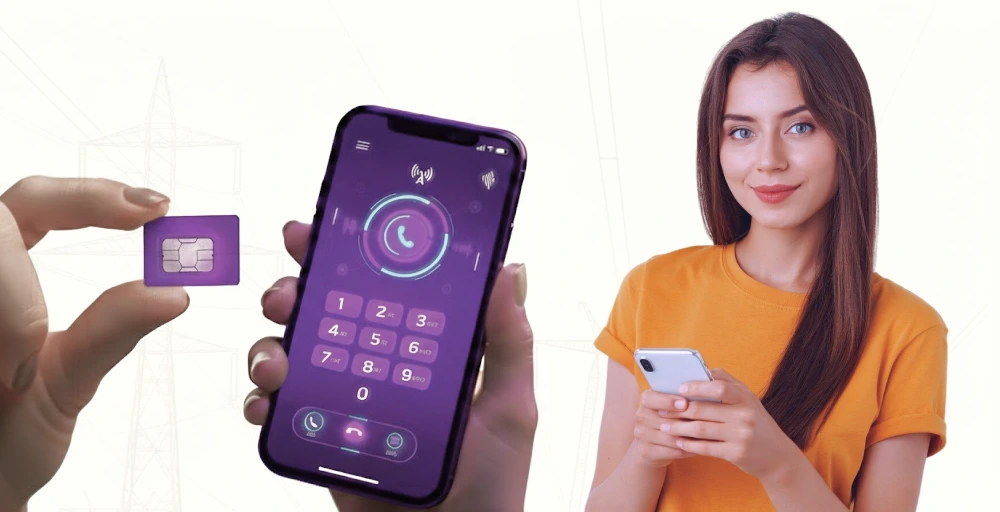
To use this method, your cell phone must support dual SIMs. If you travel internationally, you may need to manage network compatibility and roaming charges for both numbers.
2. Use a landline phone
Landlines are still a reliable option for separating business and personal communications. Having a dedicated landline phone number gives your business a professional presence and can help you manage work-related calls efficiently.
However, it lacks mobility; you must be near the landline to answer calls, and it can involve additional costs for installation and monthly service.
3. Use a virtual number
A virtual phone number allows you to make and receive incoming calls from anywhere in the world on devices like smartphones, laptops, or desktops. It works just like an actual phone number and does not require traditional telephone lines or SIM card services; it transmits calls over the internet.
You can use your existing phone number; you simply need to set up the VoIP service with a provider. The drawbacks of using a VoIP number are that call quality depends on your internet connection, and some services may charge for international calls or extra features.
4. Use the PBX phone system
A PBX (Private Branch Exchange) system is commonly used by businesses to manage multiple phone lines and extensions. It allows you to assign different phone numbers for different departments or team members, route calls efficiently, and provide professional features like auto-attendants and call recording.
PBX systems are highly scalable and professional, but they can be expensive and may require technical setup and maintenance by phone companies.
Best 5 virtual phone number apps
Choosing the correct VoIP provider for your business enables you to share numbers, set auto replies, and operate a dedicated business phone number with a scalable system via SMS and calls.
Here are the top virtual phone numbers apps, along with features, pros and cons, and pricing:
| App | Best For | Starting Price | Shared Number Feature | Key Weakness |
| KrispCall | Small-to-medium businesses | $15/user/month | Yes | Some geographic number limitations |
| Google Voice | Solo users / Google ecosystem | $10/user/month | Limited | Fewer advanced business features |
| RingCentral | Mid-large businesses & teams | $30/user/month | Yes | Higher cost |
| 2Number | Solo/private/business sideline | Freemium | Limited | Basic features only |
| OpenPhone | Startups / small teams | $19/user/month | Yes | Mostly US/Canada focused |
1. KrispCall: Best for All Businesses
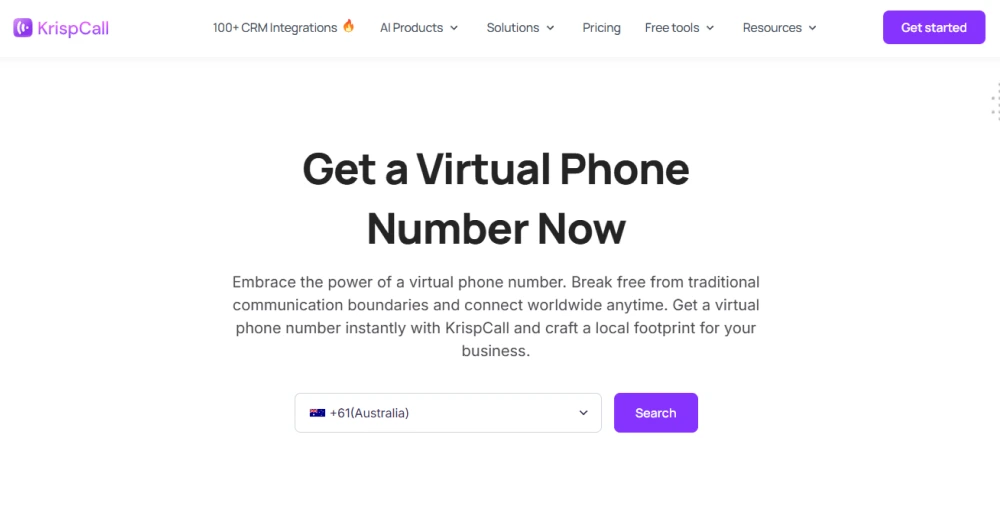
KrispCall is one of the best virtual phone number providers. It is an AI-powered virtual cloud phone system designed for businesses seeking scalable, feature-rich telephony. It transforms how teams handle customer communication by unifying calls, texts, and voicemails in a shared inbox. It also offers local and international phone numbers from over 100+ countries.
Key features
- Unified Callbox
- CRM integrations
- Shared phone number
- Multiple phone numbers
Pros and Cons
| Pros | Cons |
| It offers virtual phone numbers (mobile, local, and toll free numbers) from 100+ countries | Some analytics/reporting features are limited. |
| It manages calls, SMS, voicemail, and multiple numbers in one dashboard. | No dedicated app available for Linux OS. |
| Integrations with major CRMs (e.g., HubSpot, Pipedrive) for improved workflow. |
Pricing
- Essential: $15 per user per month
- Standard: $40 per user per month
- Enterprise: Custom
2. Google Voice: Best for Google Workspace users
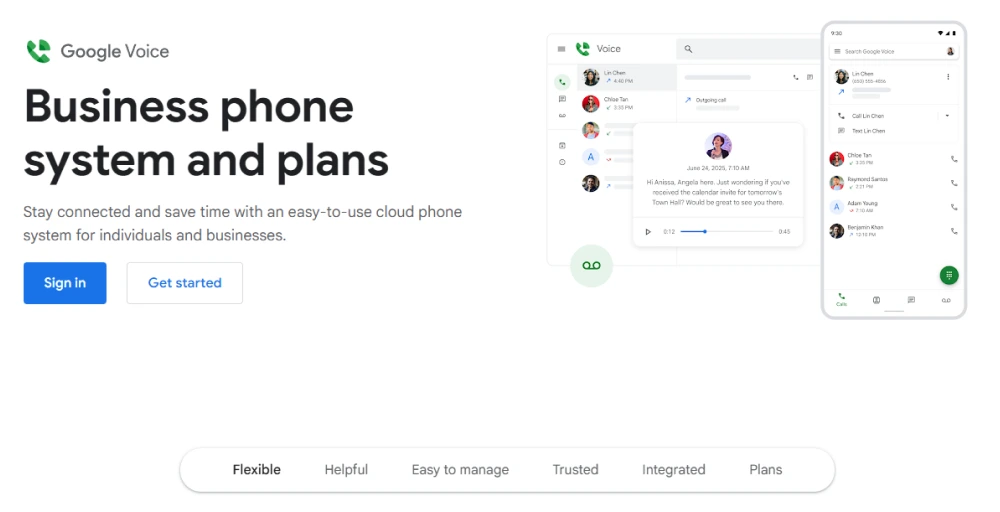
Google Voice is one of the most convenient virtual phone number apps for freelance and solo professionals or small business owners. This offers a simple, affordable second number tightly integrated with Google’s ecosystem and allows users to make and receive professional and personal calls, send text messages, and manage voicemails with one number.
Key features
- Google Voice messaging
- Voicemail transcription
- Ring Groups
- Multi-level auto attendant
Pros and Cons
| Pros | Cons |
| Google Voice lets you manage calls, SMS, and voicemail in one number. | Depends on internet/data connection for full functionality; if off Wi-Fi or weak signal call quality may suffer. |
| For US users, especially, some calls/texts are free or low-cost, good for small teams or as a secondary line. | Fewer integrations, missing features like rich contact management, auto-reply, and advanced routing. |
| Voicemail transcription and searchable message history: Voicemails can be transcribed and texts/voicemails archived. | International coverage is limited, and texting/sending media may be restricted depending on the region. |
Pricing
- Starter: $10 per user per month
- Standard: $20 per user per month
- Premier: $30 per user per month
3. RingCentral: Best for Enterprises
RingCentral is one of the most comprehensive virtual phone number systems designed for mid-to-large-sized businesses and remote teams. It offers all-in-one communication platforms that include voice calls, video meetings, SMS, fax, and team collaboration, allowing businesses to centralize their communication.
Key features
- Inbound voice
- Outbound voice
- Live chat
- Messaging
Pros and Cons
| Pros | Cons |
| Provides phone, video, team chat, SMS, and fax in one platform. | Higher cost than many simple VoIP systems; premium features are locked behind more expensive plans. |
| Has enterprise-grade uptime and support for large/mixed teams. | Setup, configuration, and onboarding can be complex, especially for smaller teams. |
| Broad integration with CRM and collaboration apps. | Some features (e.g., texting limits, shared number texting) have limitations or extra costs. |
Pricing
- Core: $30 per user per month
- Advanced: $35 per user per month
- Ultra: $45 per user per month
- Customer Engagement Bundle: Contact for pricing
4. 2number: Best for Buying a Second Number

2number is ideal for individuals who want an extra phone number for privacy, projects, or temporary use. It allows users to get a second number for calls, texts, and even verifications without revealing their real phone number.
Key features
- Call recording
- Voicemail
- International calling
- VoIP number
Pros and Cons
| Pros | Cons |
| Allows you to get a second phone number for calls, texts, and verification purposes. | Entirely dependent on the internet/VoIP, the number may not work for all verification/ two-factor authentication services. |
| Supports multiple private/anonymous numbers so you can separate business/personal lines or protect your real number. | Many users report reliability issues: texts not going through, calls failing, or trouble receiving. |
| Some features geared to business usage, call recording, auto‑reply, and custom voicemail, could be available. | Pricing is complex and can be high. |
Pricing
- Freemium (has hidden costs)
5. Quo (formerly OpenPhone): Best for Growing and Small Businesses
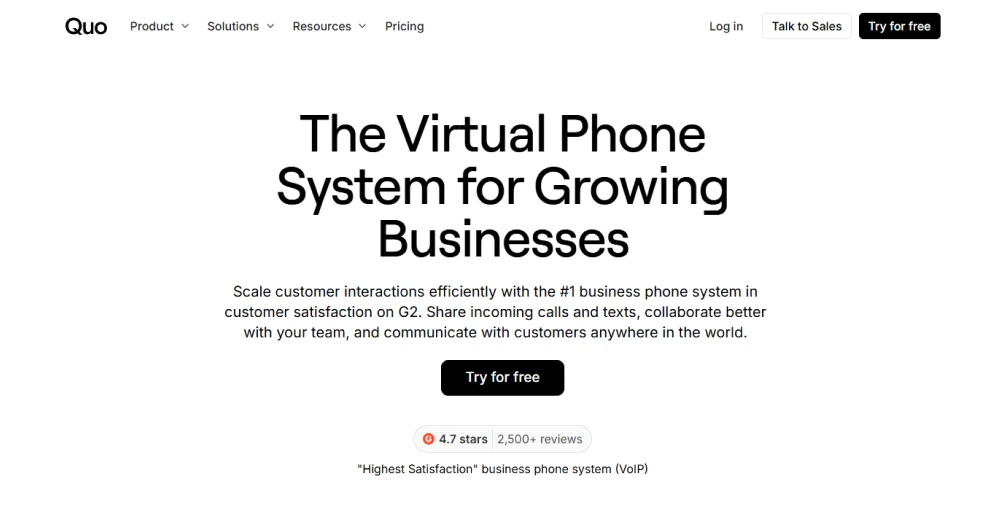
Quo is a modern and intuitive virtual phone number app built for startups, freelancers, and small business teams. You can share numbers among team members, set up auto-replies, route calls, and transcribe voicemails.
Key features
- Automatic call recording
- Auto attendant
- AI contact suggestions
- Call routing
Pros and Cons
| Pros | Cons |
| Easy to use and quick to set up. | Some advanced features are missing or only available in higher tiers. |
| Strong features for small teams/startups, shared numbers, unlimited calling/texting, voicemail transcription, auto‑replies, mobile + desktop apps. | Dependence on the internet for service quality. |
| Good value for the price: competitive “per user” plans, no heavy hardware investment needed. | Users report call quality issues, dropped calls, especially when moving between Wi-Fi/data or in weaker network areas. |
Pricing
- Starter: $19 per user per month
- Business: $33 per user per month
- Scale: $47 per user per month
KrispCall: The easiest way to call from a different number
While there are several ways to make calls from a different number, KrispCall stands out for its simplicity and flexibility. It allows you to manage multiple phone numbers from a single device, such as a computer, tablet, or mobile device.
It offers advanced features like purchasing multiple numbers, custom caller ID, and SMS marketing on one platform, helping you to separate your personal and professional conversations.
Whether you’re a small business owner, freelancer, run an enterprise, or someone who values privacy, KrispCall makes it easy to stay organized and professional.
Get started with KrispCall today and experience the convenience of calling from a different number without the hassle while protecting your privacy and staying organized!