As customer expectations continue to rise and digital transformation speeds up, large enterprises need tools that can keep up.
Managing thousands of customer interactions across phone, email, chat, and more isn’t easy, especially when systems are disconnected.
If you’re struggling to deliver smooth, personalized customer service, you’re not alone. A modern enterprise call center solution can help turn things around. It brings all communication channels into one platform, helping teams respond fast, stay organized, and offer a consistent experience.
In this blog, we’ll learn the definition of an enterprise contact center, its types, key features to look for, and top contact center software providers to consider.
✨ Key Takeaways
- Enterprise call center software is comprehensive software designed to handle high-volume customer interaction across multiple channels.
- Inbound, outbound, and blended are the three types of enterprise contact center solutions.
- KrispCall, NICE CXone, Five9, Talkdesk, and Ganesys are top cloud contact center solution providers for large enterprises.
What are enterprise contact center solutions?
Enterprise contact center solutions are advanced communication platforms designed for large organizations to manage high volumes of customer interactions across multiple channels such as phone, email, chat, voicemail, and social media.
Unlike basic call center software, these solutions offer more robust tools for call routing, call analytics, automation, and CTI to support large teams and complex workflows.
At their core, these solutions are designed to meet the scale and demands of enterprise businesses. Whether you support thousands of customers or manage multiple departments, the system handles it all. It ensures every interaction is efficient and consistent. Most importantly, it aligns with your company’s service goals.
Key features to look for in enterprise contact center solutions
Choosing the right enterprise call center platform isn’t just about picking the most popular name. It is all about finding the solution with the right features that help to achieve your enterprise goals, grow, and satisfy your customers.
Here is a list of key features to look for in an enterprise cloud call center software:
1. Omnichannel communication (voice, chat, email, social media)
Customers expect support in their preferred communication channels, including phone, email, SMS, and even on social media.
Your enterprise contact center solution should support omnichannel communication. It brings all these interactions into one place, allowing you to handle them from a single app.
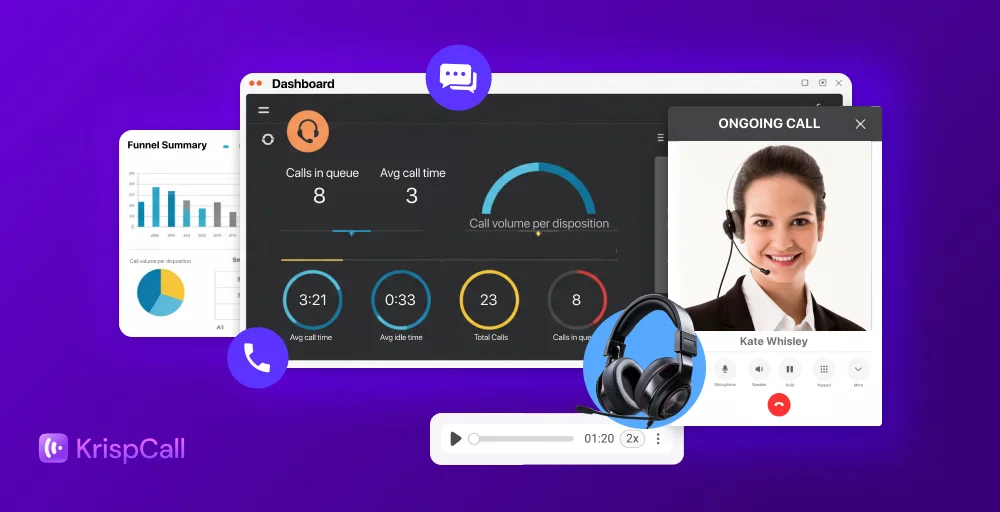
With a holistic view of conversation histories and customer details in a single dashboard, agents can resolve issues faster and deliver more personalized customer service.
2. AI and automation (chatbots, virtual agents, intelligent routing)
Enterprise contact centers handle a large volume of calls. So, they need the AI and automation to automate the repetitive tasks. Features such as chatbots and virtual agents handle the common queries and provide quick answers to customers. It frees up agents for more complex cases.
Moreover, intelligent routing powered by conversational AI ensures each customer connects to the right departments or agents based on their needs, language, and issues.
3. CRM and third-party integrations
As an enterprise contact center handles data, it must integrate with existing CRM systems (Salesforce, HubSpot, Zapier) and other third-party applications for better data flow. These integrations give agents real-time access to customer history, preferences, and past interactions.
It eliminates the data silos and gives your agents or teams all the information in one place. This helps them to deliver personalized and high-quality service without switching between multiple apps.
4. Advanced analytics and reporting
Collecting raw data is easy, but turning it into valuable insights is what really matters. With the right analytics and reporting tool, you can convert the raw data into useful insights. These tools use AI and predictive analytics to give you smart reports that help you make better enterprise decisions.
Such insights help to spot issues, track customer satisfaction levels, and make quick data-driven decisions to create better experiences for both agents and customers.
5. Security and compliance (GDPR, HIPAA, etc.)
Your enterprise call center handles the customer-sensitive information, so security measures and compliance are mandatory. An enterprise contact center software must meet industry regulations like GDPR, TCPA, HIPAA, or PCI DSS, depending on your enterprise.
Always look for contact center software vendors with built-in security features such as encrypted communication, data access controls, and detailed audit logs. It will not only protect your data but also prevent your call center from costly fines and reputational damage.
6. Scalability and reliability (cloud vs. on-premise)
Your enterprise won’t stay the same forever, so your contact center solution should grow with your business. A scalable platform makes it easy to add more users, handle higher call volumes, or expand into new channels without slowing down your daily operations.
Cloud-based call centers are more flexible and easier to scale. On the other hand, on-premise systems offer complete control in regulated industries. Whichever you choose, make sure it provides strong uptime, reliable performance, and the flexibility to adapt as your business evolves.
Top enterprise contact center solution providers
Looking for the top contact center solution? Here are some providers based on their starting prices, key features, and best for:
| Providers | Starting price | Key feature | Best for |
| KrispCall | Starts at $15/user/month | Unified Callbox, call & contact tagging, custom caller ID, call analytics, auto reply for missed calls | Cost-effective solution for modern enterprise cloud telephony needs |
| NICE | Starts at $249/month | Omnichannel blended routing, voice recording and storage, auto dialer, quality management workflows, AI-driven analytics | Large enterprises with complex workflows and compliance needs |
| Five9 | Starts at $119 monthly | Agent call scripting, call center statistics, workforce management, call conferencing software, call quality monitoring | Enterprises focused on agent efficiency and performance tracking |
| Talkdesk | Starts at $85/user/month | Digital engagement, real-time dashboard (Live), automated notifications, proactive outbound engagement, custom reporting with live & explore | Cloud-based contact centers need flexibility and reporting |
| Genesys | Starts at $75/user/month | Speech and text analytics, omnichannel routing, forecasting and scheduling, artificial intelligence and automation, unified communications | Scalable all-in-one solution for global enterprise teams |
1. KrispCall
KrispCall is a modern cloud-based contact center solution for enterprises, providing its service to more than 100 countries with a 99.99% uptime guarantee. Using KrispCall makes it easy to expand your enterprise globally by offering virtual phone numbers in over 100 countries.
Its Unified Callbox enables your enterprise agents to manage all calls, messages, voicemails, and contacts within a single dashboard. In addition, it integrates with 100+ CRM tools and other business tools for better data flow.
It’s also easy to set up across different teams or locations. One of the best things about KrispCall is its flexible and affordable pricing model that starts at only $15/user/month.
Feature
- Unified Callbox
- Call & contact tagging
- Custom caller ID
- Call analytics
- Auto reply for missed call
What makes it better
KrispCall stands out by combining both your business phone system and contact center tools. It provides both UCaaS (Unified Communication as a Service) and CCaaS (Contact Center as a Service) in one easy-to-use platform.
It combines telephony channels, including voice, message, and voicemail. It offers advanced features and capabilities with round-the-clock customer support via multiple channels.
Pricing
- Essential: $15/user/month
- Standard: $40/user/month
- Enterprise: Custom


2. NICE CXone
NICE CXone is a contact center platform that helps enterprises manage customer service across more than 40 voice and digital options. Its auto dialer features help to run outbound campaigns more effectively and improve agent productivity.
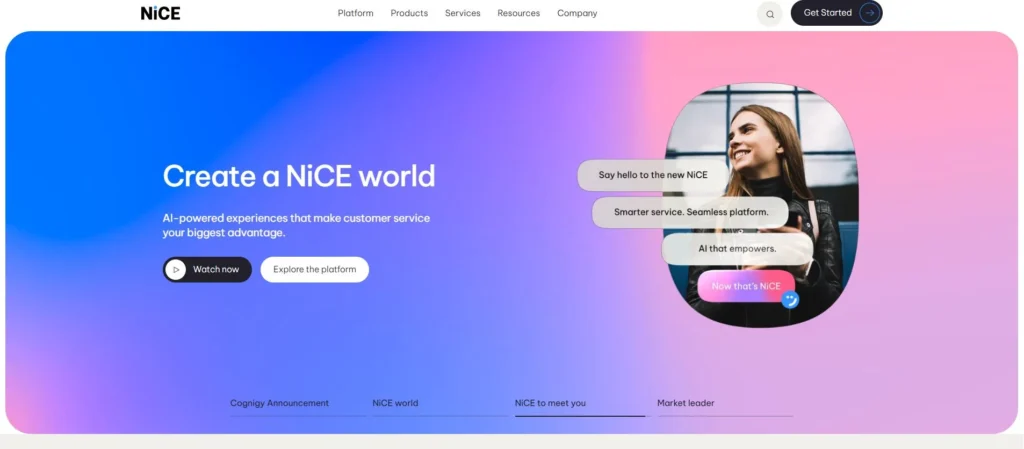
Its higher-tier plans add advanced AI features such as live sentiment analysis to gauge customer satisfaction and agent performance in real time. It also guides agents with AI-powered responses during conversations with real-time assistance.
Feature
- Omnichannel blended routing
- Voice recording and storage
- Auto dialer
- Quality management workflows
- AI-driven analytics
What makes it better
NICE CXone simplifies everything with AI, automation, and agent tools into one platform. With CXone’s Enlighten Autopilot, you can create and run AI-powered virtual agents across SMS, email, and chat without needing separate setup.
For live support, Enlighten Copilot gives agents real-time help right in their dashboard. Plus, CXone includes a smart outbound dialer that schedules outgoing messages or calls when agents have free time.
Pricing
- CXone Mpower Ultimate Suite: $249/month
- CXone Mpower Digital Agent: $71/month
- CXone Mpower Voice Agent: $94/month
- CXone Mpower Omnichannel Agent: $110/month
- CXone Mpower Essential Suite: $135/month
- CXone Mpower Core Suite: $169/month
- CXone Mpower Complete Suite: $209/month
3. Five9
Five9 is an advanced AI-powered cloud contact center solution for enterprises that manages all customer interactions in one place. Its intelligent virtual agent uses AI to handle common customer questions and provide fast and automated responses without needing a live agent.
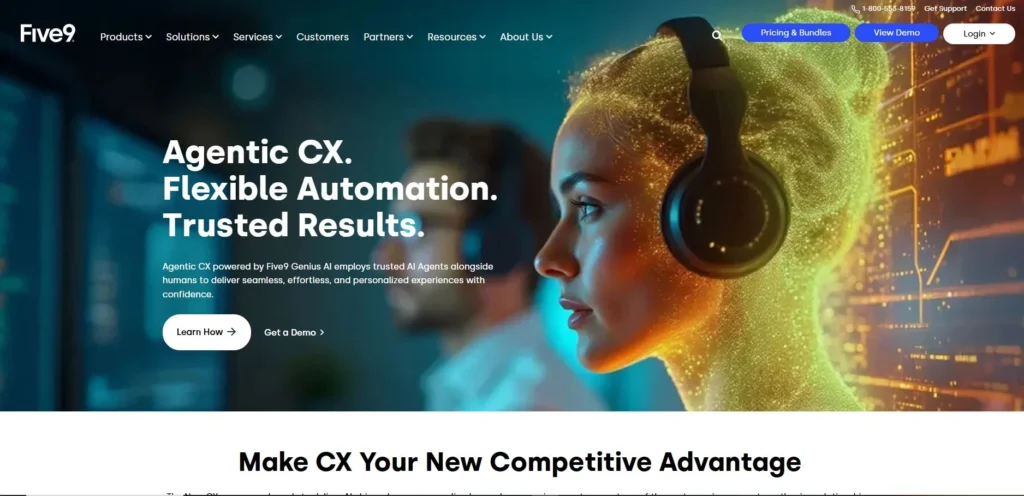
Moreover, its call quality monitoring ensures a positive customer experience by monitoring agent conversations with enterprise clients. It uses personalized dashboards, views, and alerts to monitor real-time statistics on agent performance, ACD queues, and campaigns.
Feature
- Agent call scripting
- Call center statistics
- Call conferencing software
- Call quality monitoring
- Workforce management
What makes it better
Five9 sets itself apart with strong use of AI-driven automation and machine learning to boost efficiency and improve the customer experience. It offers comprehensive tools and features to support inbound, outbound, and blended contact centers.
It has agent call scripting features that enable agents to deliver a consistent message to each contact. Moreover, Five9 social media engagement automates the responding process to mentions of your enterprise or brand name on social media.
Pricing
- Digital (Digital-only): $119 monthly
- Core (Voice-only): $119 monthly
- Premium (Digital+Voice): Contact Sales
- Optimum (Digital+Voice+WEM): Contact Sales
- Ultimate (Digital+Voice+WEM+Analytics): Contact Sales
4. Talkdesk
Talkdesk is a cloud contact center for the modern enterprise known for its innovation and global coverage. It offers an AI-driven experience that helps your enterprise deliver quick and personalized service.
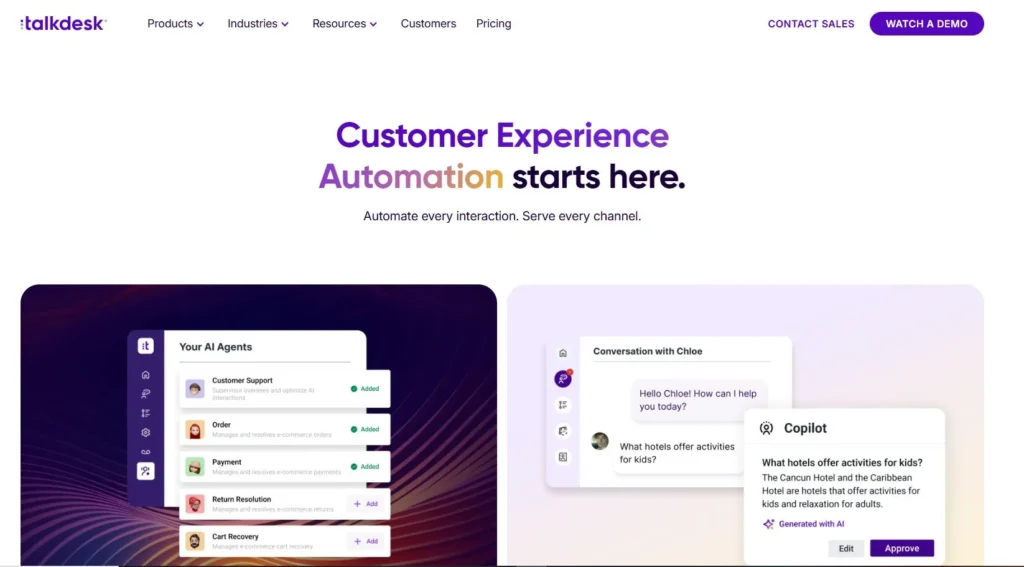
With Talkdesk, supervisors can monitor live calls and use AI-powered sentiment analysis to support agent performance.
Feature
- Digital engagement (Email, chat, social messaging, SMS)
- Real-time dashboard (Live)
- Automated notifications
- Proactive outbound engagement
- Custom reporting with live & explore
What makes it better
Talkdesk has launched a new AI Agent designed to handle high-volume omnichannel campaigns. It automates tasks like appointment reminders, billing alerts, and service updates to free up your live agents to focus on more complex conversations.
Its AI agent also ensures timely and consistent communication across channels, whether you are running outbound service notifications or sales campaigns. It also helps businesses scale their outreach, making it easier to reach more customers quickly at a lower cost.
Pricing
- CX CLOUD DEGITAL ESSENTIALS: $85 per user per month
- CX CLOUD VOICE ESSENTIALS: $105 per user per month
- CX CLOUD ELITE: $165 per user per month
5. Genesys
Genesys is an all-in-one cloud contact center platform designed for large-scale businesses. It helps to unify customer interactions across multiple channels. Key features like predictive routing, automated self-service, and journey orchestration work together to improve every customer interaction.
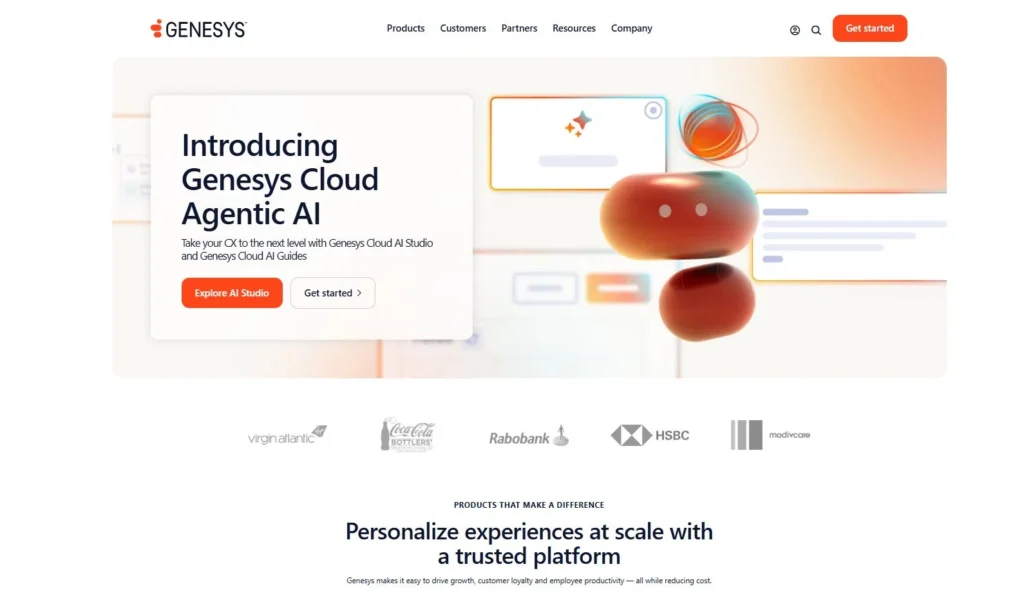
As it is hosted in the cloud, your enterprise can easily scale its operations, manage global operations, and ensure data security and compliance. It integrates with hundreds of platforms, making it easier to connect with your existing tools and workflows.
Feature
- Speech and text analytics
- Omnichannel routing
- Forecasting and scheduling
- Artificial intelligence and automation
- Unified communications
What makes it better
Genesys stands out because of its scalability. It is ideal for a large enterprise with complex customer service operations. It is trusted by global contact centers like Vodafone and Sodexo, each with thousands of agents, proving its reliability at scale.
Genesys excels in omnichannel support. It allows customers to interact in different communication channels without losing context. Therefore, its advanced self-service (chatbots and a knowledge base) helps to reduce agent workload.
Pricing
- Genesys Cloud CX 1: $75 per user/month
- Genesys Cloud CX 2: $115 per user/month
- Genesys Cloud CX 3: $155 per user/month
- Genesys Cloud CX 4: $ 240 per user/month
How to choose the right solution for your enterprise?
Choosing an enterprise call center solution isn’t just about ticking boxes. It is about finding a solution that actually works for your team today and can grow with you tomorrow.
Here are a few things to keep in mind while selecting the right solution for your enterprise:
- Assess your current and future needs: First, understand your call volumes, team size, and desired channels to choose a solution that meets your enterprise needs and can scale with your growth.
- Look at the features: Check if the provider offers you the features and functionalities you need, such as advanced IVR, predictive analytics, workforce management, and omnichannel support.
- Check integration capabilities: Make sure the platform integrates smoothly with your existing tools (help desks, CRM systems, or ticketing systems) to avoid workflow disruptions.
- Evaluate ease of use: A steep learning curve can slow adoption and hurt productivity. Always look for a user-friendly interface for both agents and admins.
- Prioritize onboarding and support: Go with a platform that offers strong onboarding, training, and responsive support to ensure your team gets up to speed quickly and avoids downtime.
- Consider customization and flexibility: Choose a platform that can be customized as per your workflows, reporting needs, and customer experience goals.
- Review reliability and uptime: Downtime disrupts the enterprise. Look for contact center software companies with strong uptime guarantees to ensure reliable and consistent performance.
- Check compliance and security standards: Make sure the platform meets industry-specific regulations like HIPAA, GDPR, or PCI-DSS, depending on your enterprise.
- Compare pricing and contract terms: Don’t just choose the platforms by heading price. You should look for hidden fees and long-term contracts.
- Read customer reviews and case studies: Read customer reviews on different review platforms and also learn case studies to see how the platform performs in real-world scenarios.
3 types of enterprise contact centers
Call center enterprises are of different types, each tailored to handle specific customer interaction needs. Understanding each type helps you choose the right one that fits your enterprise needs.
Here are the 3 main types of enterprise call centers:
1. Inbound enterprise contact centers
Inbound enterprise contact centers manage inbound/incoming interactions from customers. These contact centers receive customer interactions via phone calls, emails, chats, or social media.
An inbound enterprise cloud contact center is typically used for customer service inquiries, technical support, complaints, and order updates. They provide fast response, helpful guidance, and high customer satisfaction.
A key strength of inbound contact centers is advanced call routing. Features like skill-based routing and IVRs ensure that every inquiry reaches the right agent at the right time. Its intelligent call routing helps to resolve issues faster and reduce workload for your support teams.
Unlike traditional contact centers, modern inbound solutions offer multiple routing options within each channel and sub-menus to make sure that every interaction is directed to the right departments or agents.
2. Outbound enterprise contact centers
Outbound call centers are proactive in their outreach. Instead of waiting for customers to reach out, agents initiate contact with customers or potential buyers. Common use cases include sales, telemarketing, market research, appointment reminders, follow-ups, and feedback requests.
Outbound call centers often rely on auto dialer software, predictive dialers, and CRM tools to automate the dialing process, simplify campaigns, and maximize productivity.
Agents also use customer data and predictive analytics to identify the best times to contact specific audiences, which improves response rates and maximizes campaign results.
Enterprises use these contact centers to drive revenue, retain customers, and ensure ongoing engagement, especially in industries like finance, healthcare, and retail.
3. Blended enterprise contact centers
Blended enterprise contact centers manage both inbound and outbound interactions. These centers combine the features and capabilities of inbound and outbound systems. While blended centers can be more costly to operate, they offer a more unified customer experience.
These types of contact centers offer greater flexibility and scalability, making them ideal for large enterprises with fluctuating workloads and demands. Agents may be cross-trained to handle both types of communication or use specialized agents for each.
Key features in blended call centers include automatic call distribution (ACD), auto-dialers, CRM integration, call monitoring, real-time analytics and reporting, and omnichannel support. These call center features ensure smooth transitions between incoming support and proactive multichannel outreach.
Enterprise onboarding you should look for
When shifting to the enterprise cloud contact center solutions, you should consider several key factors to ensure a smooth transition, faster adoption, and long-term success for your team.
Here are the key onboarding things to look for when setting up an enterprise cloud contact center software:
1. Personalized plan that fits your enterprise
Every enterprise is different in size, needs, goals, and function. So, look for the onboarding customized implementation plan that aligns with your operational structures.
Also, check how the enterprise platform adapts onboarding based on team size, workflow, and existing infrastructures.
2. Structured training and workshops for agents and admins
Enterprise platforms often come with complex configurations and advanced call center features such as IVR, reporting dashboards, and workflow management.
This can take time for agents and admins to learn and adopt. Make sure that your provider provides hands-on training and workshops as part of the onboarding process.
3. Provide technical support and consultation when needed
You can’t configure the contact solution during the onboarding process without proper guidance. Your chosen provider should offer reliable technical support before, during, and after setup.
You should also ensure they provide multiple support channels, a clear path, and real-time guidance during onboarding and beyond.
4. Helps to move your data
Switching systems means moving your existing essential data, such as call logs and customer details. But migrating data from the existing system to the new system is the most challenging task.
The right provider should provide dedicated tools or hands-on assistance to transfer data and port phone numbers without disturbing the workflow.
5. Ongoing learning and updates
Once your enterprise contact center is set up and operating, the learning shouldn’t stop. As a platform changes, ensure your provider gives you access to updated training materials, documentation, and release notes through a centralized portal. This ongoing learning helps your team stay updated and take advantage of new features.
Customer support elements you should look for
Even the most powerful platform can fall short without the proper customer support behind it. When you are choosing a contact center solution, you should look for the following essential customer support components:
1. 24/7 multichannel support
Issues can occur at any time, not just during business hours. Whether it’s a minor issue or something more urgent, you should be able to get help right away.
So, look for the provider that offers 24/7 customer support across multiple channels, including phone, email, SMS, and even social media. This ensures you will never be left waiting for support when issues arise, no matter the time zone.
2. Dedicated account manager
Having someone who truly understands your contact center infrastructure setup makes a big difference. With a dedicated account manager, you don’t want to explain your setup from scratch every time you need help.
They know your enterprise’s nature, size, goal, and long-term contact center strategy. In addition, with a single point of contact, your customer support becomes faster and more personalized.
3. Regular performance reviews
Regular performance reviews help ensure your contact center solution stays aligned with your evolving enterprise goals.
The best enterprise call center providers regularly review your call center performance to reassess features, fix inefficiencies, and adjust service levels as needed. These reviews also uncover opportunities to improve performance and reduce costs.
4. Self-service options
Sometimes you just need a quick answer without waiting for a reply. That’s why having reliable self-service tools is so important.
You should look for a provider that allows you to access resources such as knowledge bases, videos, training resources, chatbots, FAQs, and troubleshooting guides. These resources help you to find your answer quickly without involving live agents.