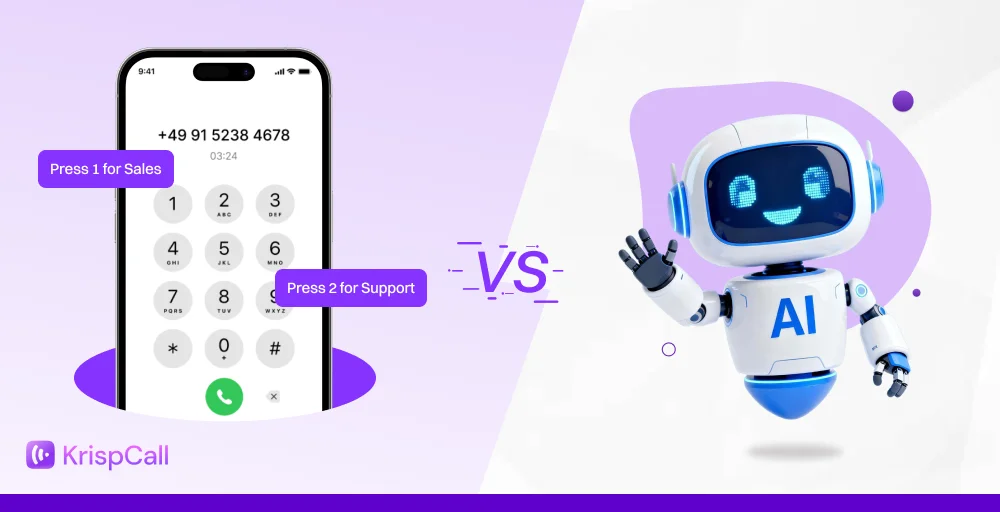
Providing exceptional customer service is crucial for business success. Companies are increasingly relying on dedicated customer service software to manage and optimize customer interactions.
These customer service tools are essential for meeting the growing expectations of consumers, who deliver personalized support across multiple channels.
The market for customer service solutions is rapidly evolving, with key trends pointing toward a greater emphasis on AI-driven automation, hyper-personalization, and a unified approach to all customer service management systems.
In this article, you will learn about the key features to look for in customer service software, a breakdown of some of the best solutions on the market, and how to choose the right customer service and support software for your business.
✨ Key Takeaways
- Customer service software is a comprehensive suite of tools and applications that businesses use to streamline and enhance their customer support operations.
- Help desk, service call center, CRM-integrated, self-service, live chat & messaging tools are the different types of customer service software.
- Key features to consider while choosing a customer service software are omnichannel, ticketing system, AI & automation, and customization capabilities.
- Some of the free customer service support software options are Freshdesk, Zoho Desk, Tidio, and LiveAgent.
What is customer service software?
Customer service software is a set of tools that help businesses manage and deliver customer self-service adequate customer support across all touchpoints at scale. It brings together multiple channels, such as email, chat, social media, self-service, and phone, into a single customer service platform.
Centralized conversations enabled by proactive tools allow faster response, consistent interaction, and personalized assistance, no matter how customers choose to connect, improving the experience for both customers and agents.
Customer service management software also plays a key role in organizing tickets and tracking performance. With the right customer sales and service tools, support teams can move beyond basic issue handling and create long-term value for the business.
Types of customer service software
Different types of software customer service serve unique purposes, helping businesses deliver support across every channel. The various available customer service software options are:
- Help desk software: Serves as the backbone of many service operations. It manages queries through centralized ticketing and email support, helping teams assign, track, and resolve issues with accountability.
- Live chat & messaging tools: Enable real-time conversations across websites, apps, and social platforms. They give customers instant access to support, reducing wait times and improving the overall digital customer service experience.
- Call center software: Focuses on voice-based service operations, handling inbound and outbound calls at scale. Features such as Interactive Voice Response (IVR), Automatic Call Distribution, and call recording ensure customers reach the right agent quickly.
- CRM-integrated support: Connects sales and service data to give agents a complete customer profile. With purchase history, previous interactions, and account details in one place, teams can deliver context-driven, personalized help.
- Self-service platforms: Offer resources like FAQs, knowledge bases, and AI chatbots. By allowing customers to find answers on their own, these tools reduce support workload while improving accessibility and promoting proactive customer service.
5 benefits of customer service software
From improving team efficiency to creating stronger customer loyalty, the right service platforms offer several advantages, like customer happiness, quality service, and more.
Here are five of the key benefits of using customer support solutions:
1. Drive customer satisfaction and loyalty
Customer service management software helps businesses improve customer health and meet the growing demand for fast, personalized assistance. Managing conversations across email, chat, social media, and phone ensures customers receive timely and consistent support.
Stronger support practices lead to greater customer satisfaction, retention, and loyalty. When paired with loyalty platforms, businesses can reinforce positive experiences that encourage long-term relationships and repeat purchases.
2. Improved agent productivity
The right customer service software solutions, including an AI-powered knowledge base, make work easier for agents. Automating repetitive requests and routing tickets to the right person frees up teams to focus on complex issues that require human attention.
A clear workspace with CRM-integrated support also reduces stress and boosts efficiency. When agents have better tools, their productivity increases, job satisfaction improves, and employee turnover decreases.
3. Cost saving for businesses
Customer support platform reduces operational expenses by automating support requests, repetitive tasks, and promoting self-service. Features like AI chatbots, knowledge bases, and ticket automation enable businesses to serve more customers without increasing staff.
Utilizing the free plans of different software services also helps cut business expenses. Over time, these savings make customer service management software a practical investment for both small businesses and enterprises.
4. Better customer insights
Customer service software tools offer real-time reporting and analytics that highlight performance trends, ticket volumes, and customer behavior. These insights help managers identify strengths and weaknesses in their service operations.
With accurate data from call center metrics and customer feedback, businesses can allocate resources wisely, refine workflows, and strengthen client loyalty programs. Data-driven insights ensure decisions are timely and effective.
5. Boost overall efficiency
Automation and AI customer service tools enhance efficiency by speeding up ticket handling and knowledge management. Generative AI can summarize tickets, suggest responses, and refresh knowledge base articles, saving valuable agent time.
Customer support software tools help teams resolve more cases in less time by automating tasks and streamlining processes, which improves both operational efficiency and customer experience.
Key features and functions of customer service software
Customer service software comes with a wide range of features designed to simplify support operations and improve customer interactions. Here are the core functions that make these platforms essential for businesses of all sizes:
- Ticketing system: Acts as the central hub for customer requests. Tickets organize issues by priority, channel, and status, ensuring nothing is overlooked and every inquiry is tracked from start to finish.
- Mobile accessibility: Allows agents to respond from anywhere, keeping service uninterrupted. This flexibility is especially valuable for remote teams or businesses with round-the-clock support needs.
- Third-party integrations: Connects with tools like CRMs, messaging platforms, and video apps. These integrations create a complete workflow, reducing the need to switch between systems.
- Omnichannels: Brings email, chat, social media, and phone interactions into one unified space. Agents see the entire customer journey in one view, which helps them respond with consistency.
- AI and automation: Automates repetitive tasks like routing tickets, generating replies, or updating records. AI-powered assistants enhance productivity by identifying solutions quickly and supporting customers at scale.
- Customization capabilities: Allows businesses to tailor dashboards, workflows, and integrations to match their needs. From simple no-code changes to deeper developer-led adjustments, flexibility ensures the platform grows with the business.
- Reporting and analytics: Provide insights into service performance, customer behavior, and agent productivity. With visual dashboards and scheduled reports, managers can track goals and measure success with precision.
- Data protection and privacy: Safeguards sensitive information with encryption, access controls, and data masking. Strong compliance features ensure customer trust and protect businesses from regulatory risks.
18 best customer service software that your business needs
Here is a comprehensive table comparing the top 18 customer service software examples:
| Software | Main Focus | Best For | What’s Unique About It | Free Plan Available? | Pricing Model | G2 Rating (Out of 5) |
| KrispCall | Cloud-based Telephony | Remote & international SMBs | AI-powered VoIP, CRM integration- Virtual & non-VoIP numbers for 2FA | No | Tiered | 4.6 |
| Nextiva | Unified Communication & CX | SMBs to mid-market businesses | Strong VoIP foundation, Unified platform for customer journeys | No | Tiered | 4.5 |
| Zendesk | Helpdesk / Omnichannel | All-in-one support | Tickets, live chat, knowledge base, Extensive integrations, AI-powered service solution | No | Tiered | 4.3 |
| ProProfs Knowledge Base | Knowledge Base / Self-Service Support | Small to mid-sized businesses | Create FAQs, help centers, product documentation, and internal knowledge bases | Yes | Tiered | 4.6 |
| Freshdesk | Omnichannel Support | SMBs to enterprise businesses | Multi-channel ticket conversion, Strong automation, AI capabilities | Yes (Limited) | Tiered | 4.4 |
| HubSpot | Inbound Marketing & Support | Small to mid-sized businesses | AI-powered, Omnichannel support, Unified CRM for marketing & sales | Yes | Tiered | 4.4 |
| Intercom | Conversational Support | SaaS & tech companies | AI-first chatbots, Fin AI Agent & Copilot- Seamless office suite integration | No (Free trial only) | Tiered | 4.5 |
| ServiceNow | Enterprise Service Management / Workflow | IT service management & enterprises | AI-powered service solution, Easy to set up & scale | No | Tiered | 4.4 |
| Zoho Desk | Helpdesk Automation | Budget-friendly omnichannel support | Multi-channel support, Automation & AI-driven insights, Deep Zoho ecosystem integration | Yes | Tiered | 4.4 |
| Help Scout | Personalized Email & Chat Support | SMB email-based support | Simple & user-friendly, Strong collaboration tools | No (Free trial only) | Tiered | 4.4 |
| Gorgias | Ecommerce Support | Ecommerce businesses | Deep integration with ecommerce platforms, Automation for order-related inquiries | No (Free trial only) | Tiered | 4.6 |
| Front | Shared Inbox & Collaboration | Teams managing shared inboxes | Combines email, chat & apps in one inbox, Strong collaboration features | No (Free trial only) | Tiered | 4.7 |
| LiveAgent | Omnichannel Support | Small to mid-sized businesses | Affordable omnichannel support, Live chat & customizable workflows | Yes | Tiered | 4.5 |
| Gladly | Customer Service Platform | Retail & ecommerce brands | Focuses on customer relationships, AI-driven support, and Personalized service | No | Tiered | 4.7 |
| Kustomer | Omnichannel CRM | Enterprises needing a 360° customer view | Combines CRM & customer service, AI-powered automation | No | Tiered | 4.4 |
| HappyFox | Helpdesk Automation | Small teams need simplicity | Multi-channel support, Strong reporting & automation | No | Tiered | 4.5 |
| Tidio | Live Chat & Chatbots | SMBs & ecommerce | AI chatbots & live chat, Email integration, User-friendly interface | Yes | Tiered | 4.7 |
| TeamSupport | B2B Customer Support | B2B teams handling multiple stakeholders | Focus on B2B relationships, Strong collaboration & reporting tools | No | Tiered | 4.4 |
1. KrispCall
KrispCall is a cloud-based communication platform that provides businesses with a comprehensive suite of features for managing customer service and sales. It is designed to be a flexible and affordable solution for businesses of all sizes, from freelancers and startups to large enterprises.
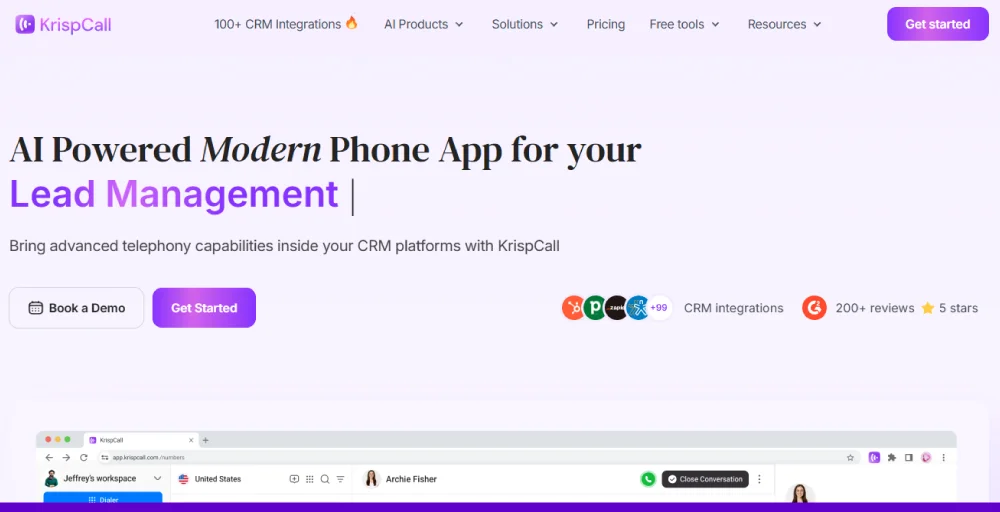
KrispCall brings together all customer interactions, like voice calls, SMS, and voicemails, into one place called the Unified Callbox. This helps businesses avoid the hassle of using different platforms. It also allows support teams to work more efficiently, quickly access customer history, and provide a smooth experience that builds loyalty.
G2 customer rating: 4.6/5
Key features
- Shared phone number: Allows you to do just that, letting multiple people call and text from a single phone number.
- Power dialer: Automates the dialing process for outbound calls, allowing agents to call a list of numbers quickly and efficiently.
- Automatic call distribution: Routes incoming calls to the right agent or department based on predefined rules.
- Live call monitoring: Managers or supervisors can listen to ongoing calls in real time, whisper guidance to agents, or even join the conversation if needed.
- Auto reply for missed calls: Sends instant automated messages or responses when a call is missed.
Pros and cons
| Pros | Cons |
| Call quality is reliable and transparent. | If the network is unstable, then there are occasional glitches during calls. |
| Offers a unified dashboard for call management. | Local numbers can be limited in certain regions. |
| Easy to set up and use. | The mobile app lacks some of its key features. |
Pricing
KrispCall has three pricing models: Essential, Standard, and Custom. The pricing plan starts at $15 per user per month, with features such as Unified Callbox, call analytics, multi-level IVR, call forwarding, and voicemail. For detailed pricing information, please visit KrispCall’s pricing page.
Best for
Cloud telephony & call center that want unified business phone numbers with CRM integration.
2. Nextiva
Nextiva is a unified customer experience management (UCXM) platform designed to centralize and simplify customer service operations. The platform, known as NextivaONE, combines various communication channels, customer data, and team collaboration tools into a single environment.
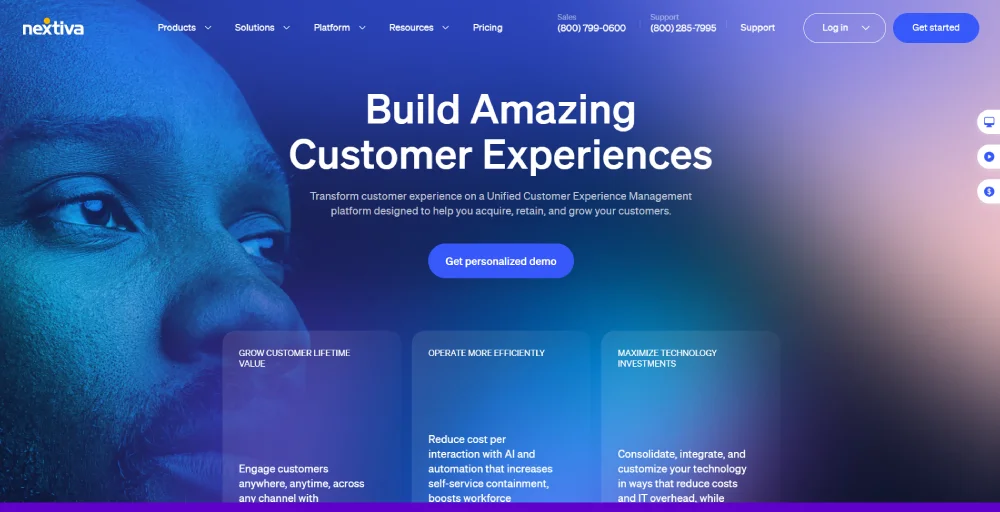
This aims to eliminate the need for businesses to use multiple, disconnected platforms to manage their customer interactions.
G2 customer rating: 4.5/5
Key features
- Call routing: Directs incoming calls to the right agent or department based on set rules like availability, location, or priority.
- Intelligent virtual assistant: Uses AI to interact with callers, answer common questions, and guide them to the right resources or agents.
- Progressive and predictive outbound dialing: Automates outbound calling campaigns by dialing numbers sequentially (progressive) or using algorithms to predict agent availability and customer answer rates (predictive).
- Intelligent & skills-based routing: Matches customer calls with agents who have the right expertise or skill set to handle the issue.
- Team chat & collaboration: Provides built-in messaging tools for employees to chat, share files, and collaborate in real time.
Pros and cons
| Pros | Cons |
| Nextiva offers VoIP phone services. | It has a long waiting time for customer support. |
| Includes co-space for managing remote workforces. | Call issues in the mobile app. |
| It has built-in features to track lead updates. | Low monthly SMS limitations. |
Pricing
Nextiva offers three pricing plans: Core (which includes a business phone system, video meetings, and team chat), Engage (which adds advanced features), and Power Suite CX (which provides omnichannel support, analytics, automation, CRM integration, and customer experience tools). The pricing plan usually starts from $15 per user per month.
Best for
VoIP + omnichannel communication; ideal for businesses that need phones, SMS, video, and team chat in one place.
3. Zendesk
Zendesk is a popular and comprehensive customer service platform. It provides a full set of tools, like a ticketing system for tracking customer issues, a knowledge base for self-service, live chat for instant help, and call center software. It also includes an open and flexible CRM and powerful analytics.
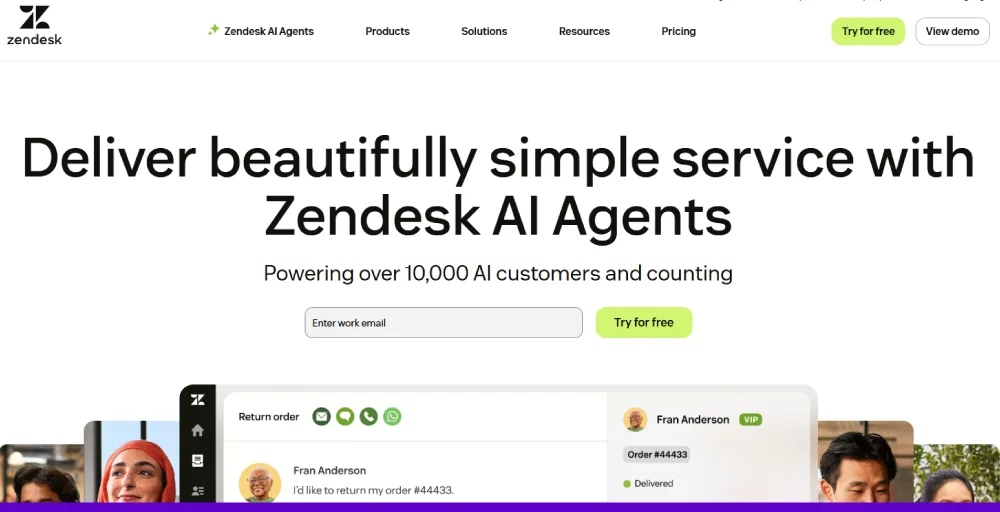
The platform is valued for its ability to grow with your business, its many integrations with other apps, and features that support businesses of all sizes, offering a unified experience across all communication channels.
G2 customer rating: 4.3/5
Key features
- Ticketing system: Converts customer queries from multiple channels (email, chat, calls, social media) into organized tickets.
- Proactive messaging to customers: Allows businesses to reach out to customers before they ask for help, such as sending updates, reminders, or offers.
- Live and custom analytics: Provides real-time dashboards and customizable reports to track performance, agent productivity, and improve customer satisfaction.
- Interactive voice response (IVR): An automated menu system that guides callers to the right department or agent without needing human intervention.
- Multilingual support and content: Offers tools for providing support in multiple languages and creating localized knowledge base articles.
Pros and cons
| Pros | Cons |
| Tracks customer history across different departments. | It has potential downtime during peak usage time. |
| Self-service tools with customizable options. | Limited customization without tech expertise. |
| It has an intricate ticketing system. | It is expensive for those who have a simple call center. |
Pricing
Zendesk has four pricing models: Support Team, Suite Team, Suite Professional, and Suite Enterprise. Plans scale from $19 to $169 /agent/month, from basic ticketing and email support to advanced omnichannel, AI automation, analytics, and enterprise customization.
Best for
For scalable, all-in-one support with tickets, live chat, knowledge base, and automations.
4. ProProfs Knowledge Base
ProProfs Knowledge Base is AI-powered customer service software that helps businesses reduce support ticket volume and deliver 24/7 self-service to customers. It lets businesses build a branded, searchable help center where customers find answers on their own — without waiting on an agent.
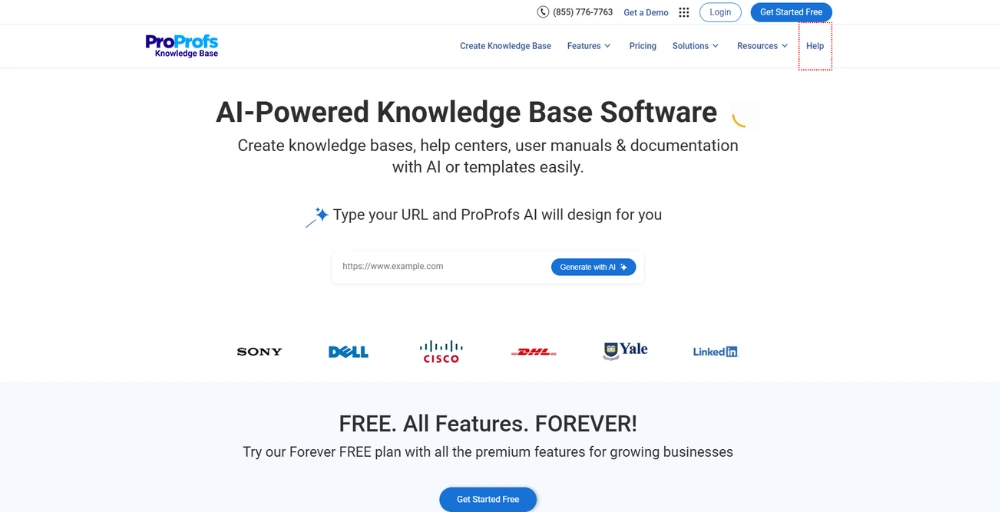
Its AI-powered search, ticket deflection, and contextual help widgets work together to get customers to the right answer at every touchpoint. With 90+ language support and integrations with tools like Zendesk and Salesforce, it fits naturally into existing customer service stacks.
G2 customer rating: 4.6/5
Key features
- AI-powered search: Delivers instant, intent-based results with auto-complete and smart article suggestions so customers find answers without contacting support.
- Ticket deflection: Surfaces relevant help articles automatically before a customer submits a support request, stopping repetitive tickets before they are created.
- Contextual help widgets: Embeds tooltips, lightboxes, and popups directly inside your product or website so customers get help exactly where they get stuck.
- Multi-language support: Supports 90+ languages so customers across regions access help content in their preferred language.
- Integrations: Connects with ProProfs Chat, Zendesk, Salesforce, and Freshdesk to surface help content inside the channels customers already use.
Pros and cons
| Pros | Cons |
| Easy setup with no technical knowledge required. | No downloadable or on-premise version available. |
| Detailed insights to surface failed searches and content gaps instantly. | No dark mode for the editor or help site. |
| User-friendly interface | |
| White-label customization to brand your knowledge base with your own name and logo. |
Pricing
ProProfs Knowledge Base offers a free plan with all the premium features (up to 25 articles) for growing teams. Paid plans start at $49/author/month, followed by Business at $79/author/month, and Enterprise at $199.99 per year.
Best for
Businesses looking to reduce inbound support volume by giving customers a fast, always-on self-service help center.
5. Freshdesk
Freshdesk is a widely used, cloud contact center platform that’s easy to use and packed with features for any business. It helps you manage all your customer conversations in one place, whether they come from email, phone calls, live chat, or social media.
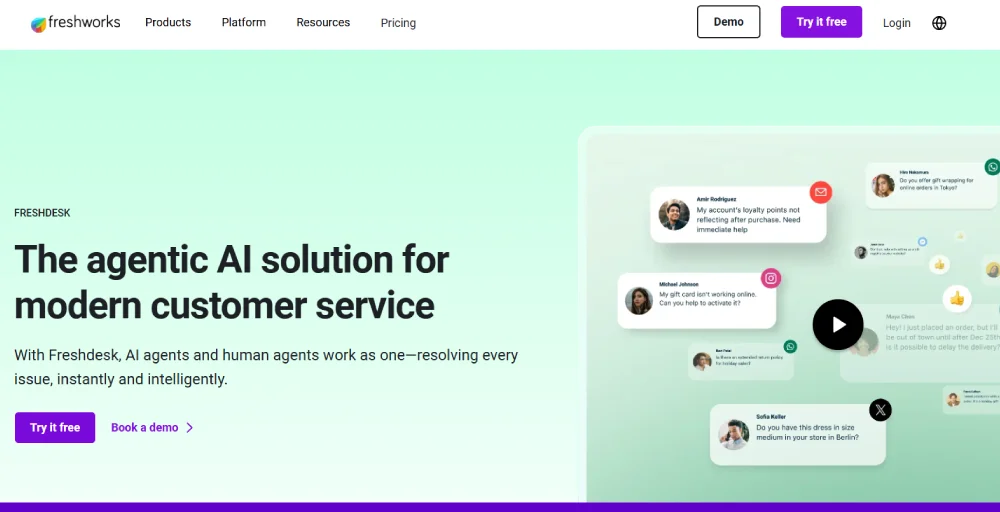
Key features include a ticketing system to track issues, automation to speed up tasks, a knowledge base, and self-service portals so customers can find answers on their own, and AI tools to help with support. It’s also part of the larger Freshworks family of business software.
G2 customer rating: 4.4/5
Key features
- Ticketing: Converts customer queries from email, chat, calls, or social media into tickets that can be tracked and prioritized.
- Self-service portals: Let’s businesses create branded customer portals where users can log in to raise requests, track progress, or find quick solutions.
- Knowledge base: Provides a centralized library of FAQs, how-to guides, and articles. Both customers and agents can use it to resolve issues faster without involving human agents.
- Reporting: Delivers insights into ticket resolution times, agent performance, and customer satisfaction.
- Omnichannel support: Allows businesses to manage customer interactions across multiple platforms from a single dashboard.
Pros and cons
| Pros | Cons |
| It is a free service tier. | Language barrier for sales and support. |
| No need to pay cancellation fees. | It has long outages that impact customer experience. |
| Easy to automate repetitive tasks. | Lacks the ability to change or track. |
Pricing
Freshdesk offers several pricing tiers, including Growth, Pro, and Enterprise, with prices ranging from $15 to $79 per agent per month. The Pro+AI Copilot plan is also available for $78 per agent per month, providing an AI-powered option for enhanced support.
Best for
Best for small-to-mid businesses looking for affordable, user-friendly ticketing and automation.
6. HubSpot
HubSpot is a very popular and easy-to-use CRM software, especially for small businesses. It’s not just for customer support; it has separate “hubs” for marketing, sales, and service teams, all designed to work together.
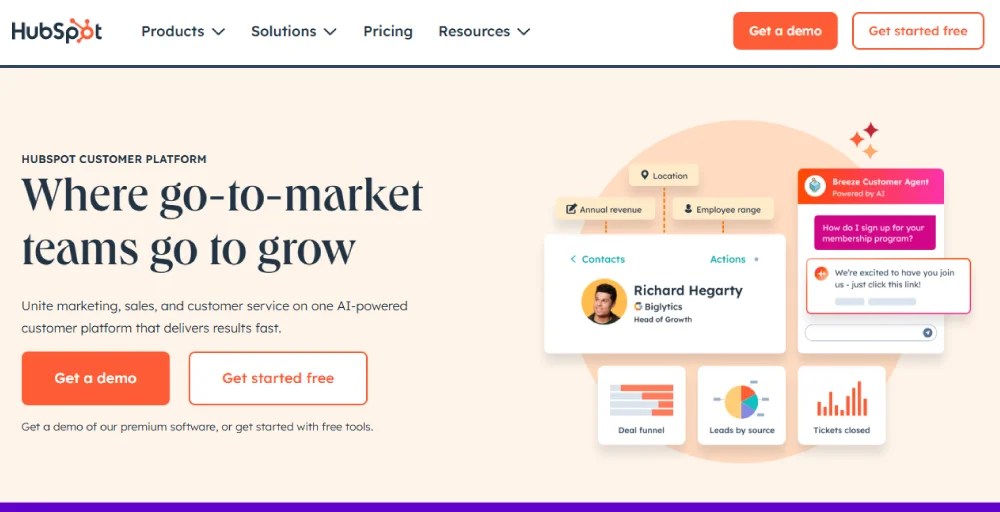
HubSpot also connects with a platform that lets agents make and receive calls, and all the call details are automatically saved in HubSpot. This means that no matter which program an agent is using, their work is always synced between both tools, ensuring customers have access to up-to-date data.
G2 customer rating: 4.4/5
Key features
- Live chat: Your agents can chat with website visitors in real time, helping answer questions instantly and convert leads into customers more effectively.
- Custom reporting: Provides flexible reporting tools so businesses can create dashboards tailored to their goals. This makes it easier to track service metrics that matter most.
- Customer journey analytics: Maps and analyzes every step a customer takes, from first interaction to purchase and beyond. This helps businesses understand behaviors and improve customer experiences.
- Campaign management: Allows customer support teams to plan, execute, and track marketing and customer service campaigns in one place.
- Custom views in shared inbox: Enables agents to organize and filter conversations in a shared inbox based on specific criteria like status, priority, or customer type.
Pros and cons
| Pros | Cons |
| Let’s add unlimited users for you. | Reporting features are available in limited plans. |
| Chat support is also available in your dashboard. | It does not offer A/B testing for low-tier plans. |
| Allows you to make phone calls to your current and prospective leads from your account. | Limitations of email and templates. |
Pricing
HubSpot’s Marketing Hub is available in two main tiers: Professional, priced at $800 per month, and Enterprise, priced at $3,600 per month. These plans offer scalable marketing solutions for businesses of different sizes.
Best for
Small to mid-sized businesses that want support, sales, and marketing in one CRM.
7. Intercom
Intercom is digital customer service software that combines proactive support, a help desk, and an AI chatbot that makes your customers feel and hear. It allows you to keep customer support teams happy, enhance customer satisfaction, and keep costs low.
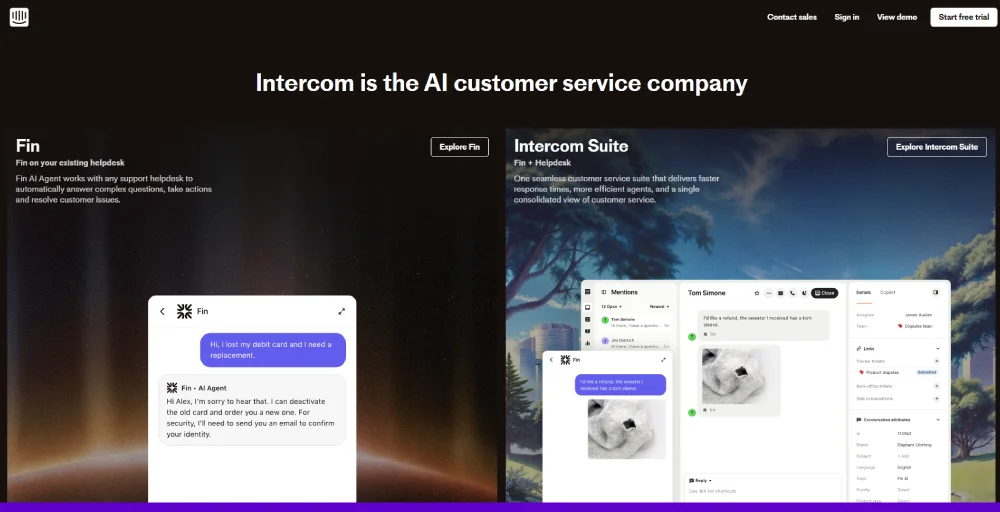
This software combines multiple communication tools into a single, unified interface, enabling companies to provide customer support, run marketing campaigns, and collect user feedback efficiently.
G2 customer rating: 4.5/5
Key features
- Shared inbox and ticketing system: Brings all customer messages into a single inbox and converts them into tickets. It makes it easier for teams to track, prioritize, and resolve queries efficiently.
- Multiple team inboxes: Allows different teams (sales, support, marketing) to have their own inboxes while still maintaining visibility across the organization.
- Private and multilingual help center: Let’s businesses create a secure, multilingual knowledge base where customers can find answers independently.
- Customizable tone & answer length: Enables teams to adjust messaging style, tone, and response length to match brand voice and customer expectations.
- Service level agreements (SLAs): Allow businesses to define response and resolution time goals for different types of queries.
Pros and cons
| Pros | Cons |
| efficiency of message automation and segmentation | The system lacks features like inadequate reporting and poor integration options. |
| Assign unlimited custom fields & tags | Complicates onboarding and understanding advanced workflows. |
| Publish chatbot on Websites, WhatsApp, Instagram, Facebook, and SMS. | It has limited options for customization. |
Pricing
- Contact the sales team.
Best for
For AI-driven chatbots, conversational support, strong for SaaS and tech companies.
8. ServiceNow
ServiceNow is a cloud-based AI-driven enterprise workflow platform that automates multiple workflow management tasks. It mainly specializes in the IT business in its different departments, like human resources, management, customer service, and security operations.
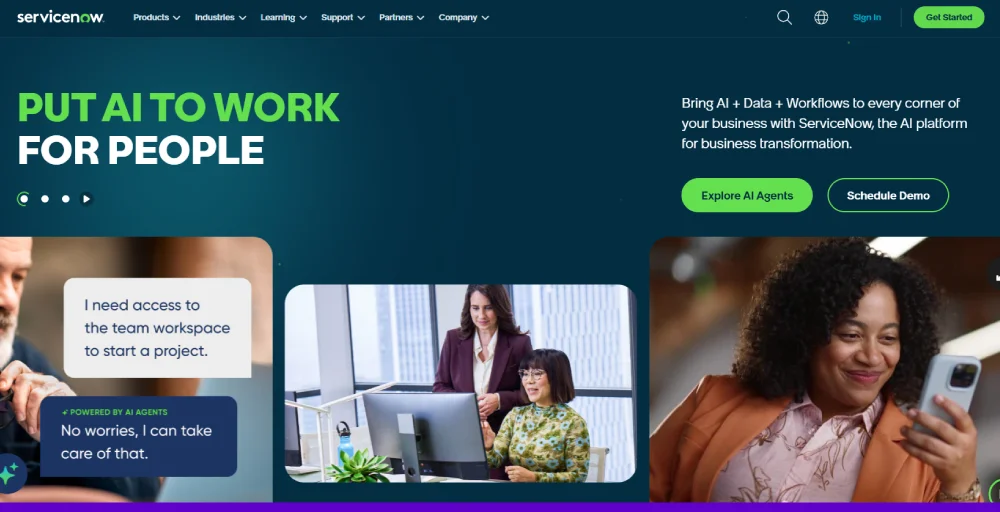
The platform’s core functions include a single system of record, a low-code development platform for custom applications, and pre-built applications and workflows. By unifying services and automating tasks, ServiceNow aims to improve operational efficiency, employee productivity, and customer experiences, acting as a catalyst for digital transformation.
G2 customer rating: 4.4/5
Key features
- Automated testing framework: Allows businesses to test and validate applications automatically, reducing errors and ensuring smooth performance across systems.
- Application portfolio management: Provides visibility into all software applications in use, helping businesses optimize resources, reduce redundancy, and plan for future needs.
- Customer service management (CSM): Centralizes customer service processes, connecting teams across departments to resolve issues faster and improve the overall customer experience.
- Workflow automation: Automates repetitive tasks and processes, such as approvals or case routing, increasing efficiency and reducing human error.
- Predictive intelligence: Uses AI to analyze data, predict contact center trends, and suggest actions. This helps customer support agents prioritize cases, anticipate issues, and deliver smarter customer support.
Pros and cons
| Pros | Cons |
| It allows for a single platform to manage all service management tasks and services. | Management is challenging, requiring extensive training to utilize fully. |
| It provides a lot of visibility with reports and dashboards. | License costs are prohibitive. |
| Offers a wide range of integration and capabilities. | The complexity of the UI and configurations is challenging. |
Pricing
- Contact the sales team.
Best for
For IT service management (ITSM) and enterprises with complex workflows.
9. Zoho Desk
Zoho Desk is a comprehensive customer service platform tailored for companies of all sizes. Featuring strong automation, AI-driven tools, and seamless integration with CRM, it significantly improves customer support operations. Designed to streamline service interactions, Zoho Desk is an effective customer service solution.
Its user-friendly interface and extensive feature set empower your agents to provide contextual, personalized, and prompt support with ease. The platform also provides various customization options, allowing you to adapt it to meet your business requirements.
G2 customer rating: 4.4/5
Key features
- Ticket timeline and history: Tracks every interaction and update on a ticket for a complete customer context.
- Multi-level IVR: Routes calls efficiently using a layered interactive voice response system.
- Answer bot: Provides instant AI-powered responses to common customer queries.
- Live chat (Zoho SalesIQ): Enables real-time customer engagement through chat support.
- Custom reports and dashboards: Let you analyze performance with tailored insights and visualizations.
Pros and cons
| Pros | Cons |
| Enhances workflows and ticketing operations. | The learning curve is steep, as the interface can be cluttered and requires extensive setup. |
| Integration with the Zoho ecosystem | Limited features for API data retrieval and real-time updates. |
| Zoho Desk automates routine tasks such as ticket assignments, helping to streamline support processes and save time. | Lack of customization options in the lower subscription tiers |
Pricing
Zoho Desk provides four pricing tiers: Express, Standard, Professional, and Enterprise, with monthly per-user costs ranging from $7 to $40. Each plan offers different levels of features to suit various business needs.
Best for
Best for budget-friendly omnichannel support with deep Zoho ecosystem integrations.
10. Help Scout
Help Scout is a well-regarded customer service software known for its focus on simplicity and a human-centered approach to support. It’s often favored by small to medium-sized businesses and startups that want to provide personalized, high-quality customer interactions without the complexity of a massive, enterprise-level platform.
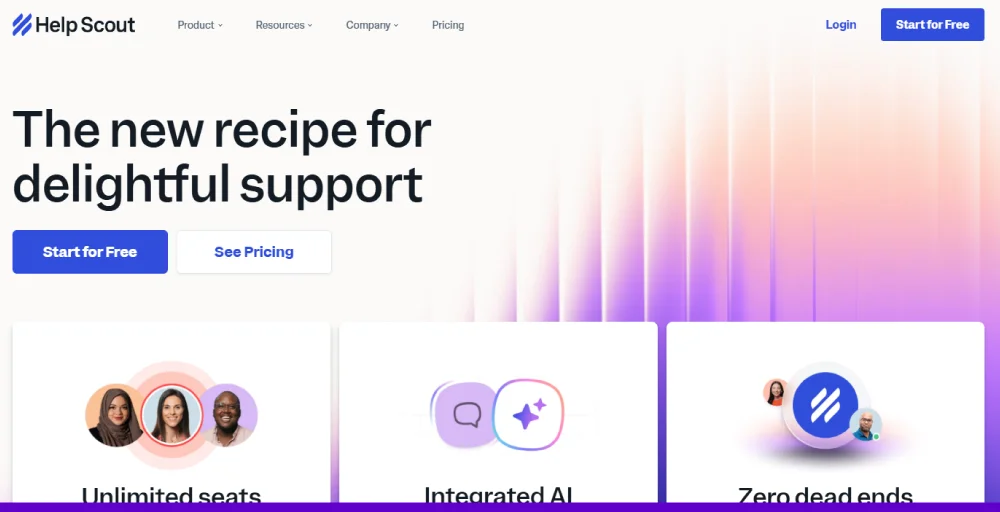
This software stands out by making the support experience feel more like a personal conversation than a robotic ticket number. Its design prioritizes a clean, clutter-free interface that helps teams respond more efficiently and authentically to customer inquiries.
G2 customer rating: 4.4/5
Key features
- Multiple inboxes and doc sites: Manage different teams or brands with separate inboxes and knowledge bases.
- Advanced reports: Gain detailed insights into team performance and customer interactions.
- API and 100+ integrations: Connect seamlessly with other apps to extend functionality.
- Advanced views and workflows: Automate ticket organization and streamline support processes.
- CSAT ratings: Collect customer satisfaction feedback directly after interactions.
Pros and cons
| Pros | Cons |
| Smooth UI/UX, ability to set up automatic and manual workflows | Lacks essential features like a better mobile app and multiple assignees for tickets. |
| It literally takes five minutes to convert all your email requests into proper tickets with statuses, so none are dropped. | email indexing issues and duplication in ticket emails, raising concerns over missed communications |
| Mail delivery was faster, like Google Mail. | The spam folder sometimes indicates active messages, but when opened, it appears empty. |
Pricing
HelpScout’s pricing starts with a free plan for up to 100 contacts per month. Paid plans include Standard at $25 per month and Plus at $75 per month.
Best for
For email-based customer support with a human touch, simple and SMB-friendly.
11. Gorgias
Gorgias is the conversational AI solution for ecommerce that boosts sales and addresses support inquiries throughout every stage of the customer experience. The Gorgias AI Agent is a valuable team member that interacts with customers effectively, managing orders, subscriptions, and providing AI-driven product recommendations.
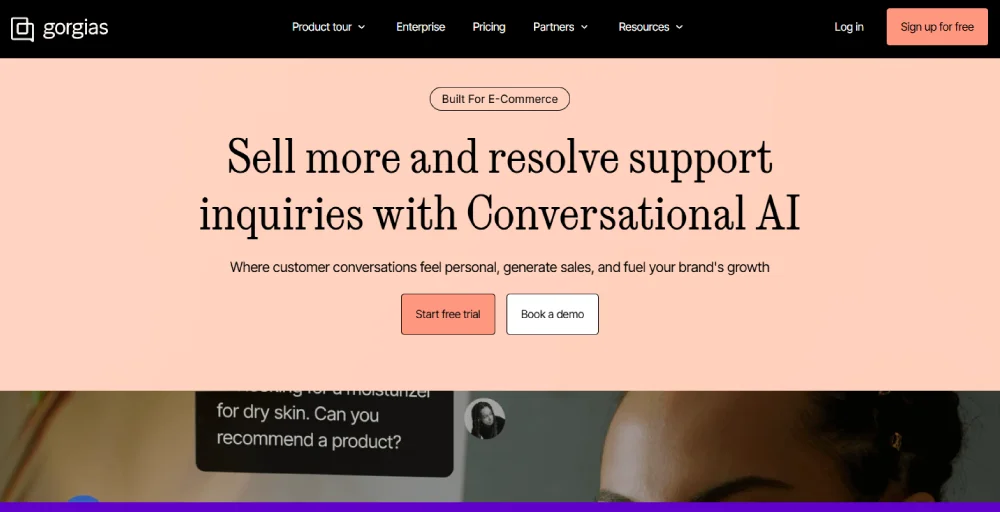
With sophisticated contact center integrations across ecommerce and channels, Gorgias offers a unified, efficient platform where customer support is highly personalized and ticket resolutions occur promptly.
G2 customer rating: 4.6/5
Key features
- AI-powered responses: Automatically generate accurate replies to customer queries using AI.
- Ticket management: Organize, prioritize, and track customer requests in one place.
- Prewritten responses for FAQs: Save time with ready-to-use answers for common questions.
- Customized tone of voice: Adjust replies to match your brand’s communication style.
- Social media integration: Manage and respond to customer inquiries across social platforms.
Pros and cons
| Pros | Cons |
| Easy to use, manage tickets, assign tickets, and integrate systems. | The chat function and the autoresponder are pretty impaired. |
| User-friendly interface | Too many 3rd party plug-ins and many add-ons |
| Also allows us to delegate work more evenly across our customer service agents. | Can’t create folders and drag and drop them into them. |
Pricing
Gorgias offers several pricing plans based on the number of support tickets. The Starter plan is $10 per month for 50 tickets, while the Basic plan is $50 for 300 tickets. For higher volume, the Pro plan is $300 per month for 2,000 tickets, and the Advanced plan is $750 for 5,000 tickets. There’s also a custom Enterprise plan for larger volumes.
Best for
For e-commerce stores (Shopify, Magento, BigCommerce) that want deep integrations with order management.
12. Front
Front is a customer operations platform that enables support, sales, and account management teams to deliver exceptional service at scale. Front streamlines customer communication by combining the efficiency of a help desk and the familiarity of email, with automated workflows and real-time collaboration behind the scenes.
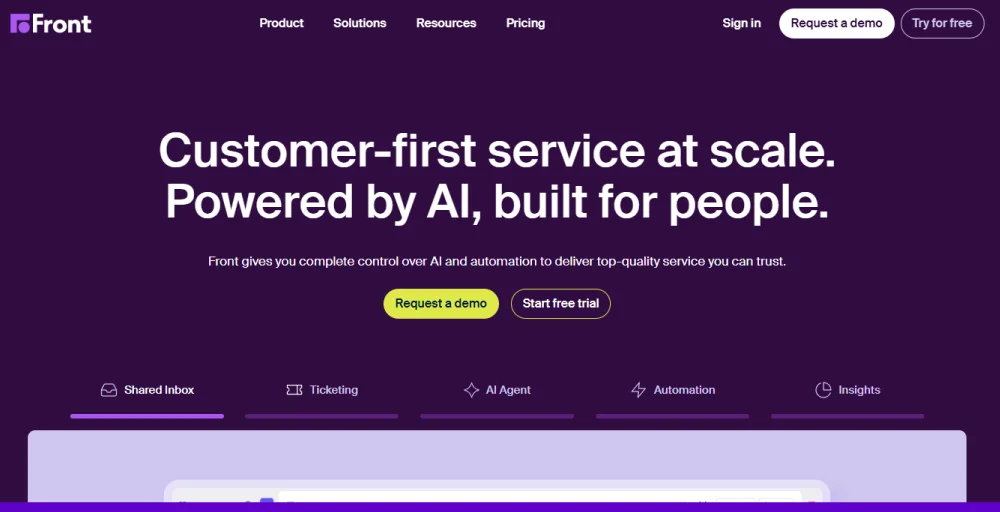
With Front, teams can centralize messages across channels, route them to the right person, and unlock visibility and insights across all of their customer operations. More than 8000 businesses use Front to drive operational efficiency that prevents churn, improves retention, and propels customer growth.
G2 customer rating: 4.7/5
Key features
- Shared inbox and ticketing: Centralizes customer queries so teams can collaborate on responses.
- Omnichannel (email, SMS, social, etc.): Handles conversations seamlessly across multiple channels.
- Multi-language knowledge base: Provides self-service help articles in different languages.
- AI Copilot, QA, and CSAT: Assists agents with AI, monitors quality, and gathers customer satisfaction scores.
- Unlimited macros and rules: Automates repetitive tasks with customizable workflows and shortcuts.
Pros and cons
| Pros | Cons |
| It has a shared email format and the ability to tag other users. | Crashing issues when email threads get really long. |
| Allowing users to generate tasks directly from their Front inbox. | Inability to track statistics with Power BI – there is a limit on the API. |
| Comment on email threads and message coworkers about conversations with external individuals. | Email communication issues with duplicate emails and limitations on tagging external participants. |
Pricing
Front offers three main pricing tiers: Starter for up to 10 seats at $25 per seat per month, and Professional for up to 50 seats at $65 per seat per month. The Enterprise plan is also available for $105 per seat per month.
Best for
For teams managing shared inboxes (support@, info@) with collaboration features.
13. LiveAgent
LiveAgent is a comprehensive help desk and live chat software designed to revolutionize customer support. By offering an all-in-one solution, LiveAgent empowers businesses to deliver personalized interactions that leave a lasting impression.
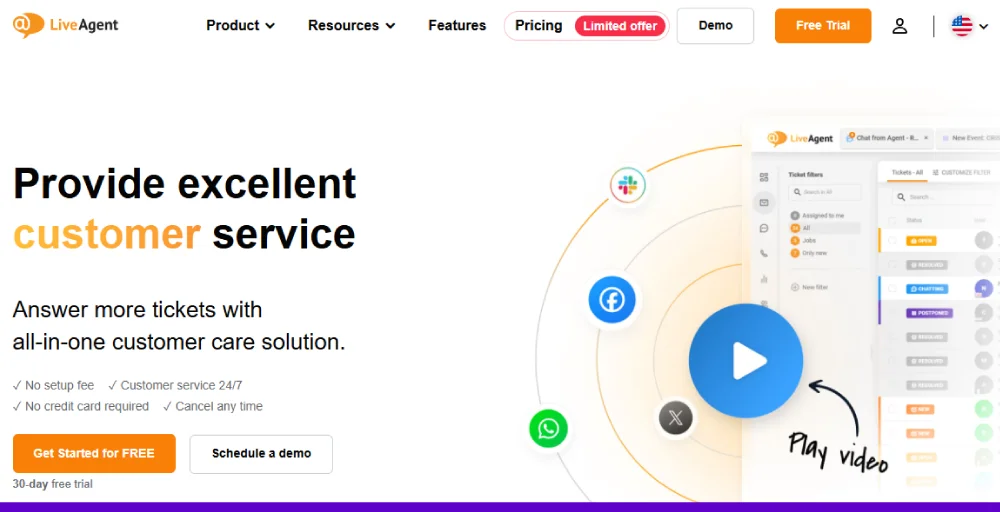
LiveAgent’s customer experience platform enables you to harness the power of a fully-featured analytics package that gives you powerful data analysis and reporting tools. Analyze the effectiveness of your customer support by segmenting data by a customer service agent or by type of interaction.
G2 customer rating: 4.5/5
Key features
- AI chatbot: Automates customer interactions with intelligent, real-time responses.
- Customer portal: Offers a self-service hub where customers can track tickets and access resources.
- Proactive chat invitations: Engage visitors by automatically inviting them to chat based on behavior.
- Time tracking and audit log: With time tracking tools users can monitors agent activity and logs all actions for transparency.
- Custom billing setup: Allows flexible billing options tailored to business needs.
Pros and cons
| Pros | Cons |
| Help manage and organize customer enquiries from emails, social media, and websites into a single chat box | There is no perfect handling of multiple ticket merges. |
| The unified inbox from LiveAgent improves how our team communicates with customers. | The costs of hiring and training live agents can be expensive. |
| LiveAgent offers a fantastic 24/7 support team, allowing us to migrate quickly and efficiently. | Lack of some WhatsApp Business API features, such as buttons. |
Pricing
LiveAgent has four pricing plans: Small Business at $9 per agent per month, Medium Business at $24, Large Business at $39, and Enterprise at $59, providing features from basic ticketing and live chat to advanced automation, reporting, and omnichannel support.
Best for
Small to mid-sized businesses that want affordable omnichannel support (tickets, chat, call center) options.
14. Gladly
Gladly is excellent customer service software built for the world’s most customer-centric brands. Unlike traditional ticket-based systems, Gladly puts people, not cases, at the center of every interaction.
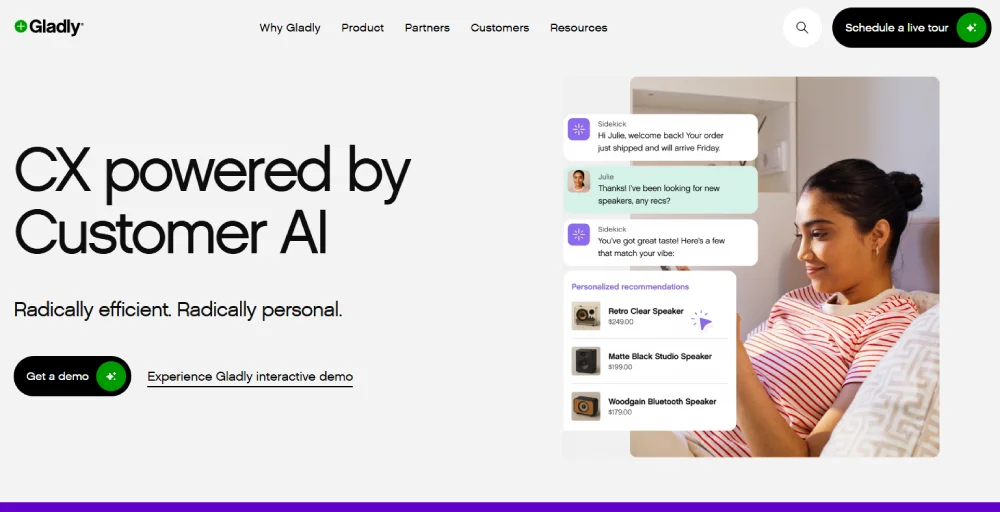
Powered by proprietary Customer AI, the platform helps brands lower costs, strengthen relationships, and inspire long-term loyalty. The software is simple to use, designed to scale, and built for B2C leaders who won’t settle for transactional service.
G2 customer rating: 4.7/5
Key features
- People-centered interface: Organizes conversations around customers instead of tickets for a personalized experience.
- Omnichannel communication: Let’s agents manage customer interactions across phone, email, chat, SMS, and social in one place.
- AI-powered chatbots: Automate routine conversations to resolve issues faster.
- Agent assistance: Supports agents with real-time suggestions and contextual insights.
- Task management: Helps teams assign, track, and complete customer-related tasks efficiently.
Pros and cons
| Pros | Cons |
| The conversation tags are helpful for sorting and finding conversations by topic. | The ringtone of calls is horrible. |
| Allows you to search for customers and past contacts. | When entering notes, you cannot see them if you switch to another method, such as text or email. |
| Single-thread feature. It makes checking member contact history easier. | Inability to use external signatures in Gladly. |
Pricing
- Contact the sales team
Best for
For retail & e-commerce brands, focus on personalized, customer-centric service.
15. Kustomer
Kustomer is a modern customer support solution focused on providing fast, personalized customer care service by empowering agents with all the information they need on one screen. Our platform is built around conversations, not tickets, so everything you need (customer data, order history, past conversations) is available in a single timeline view.
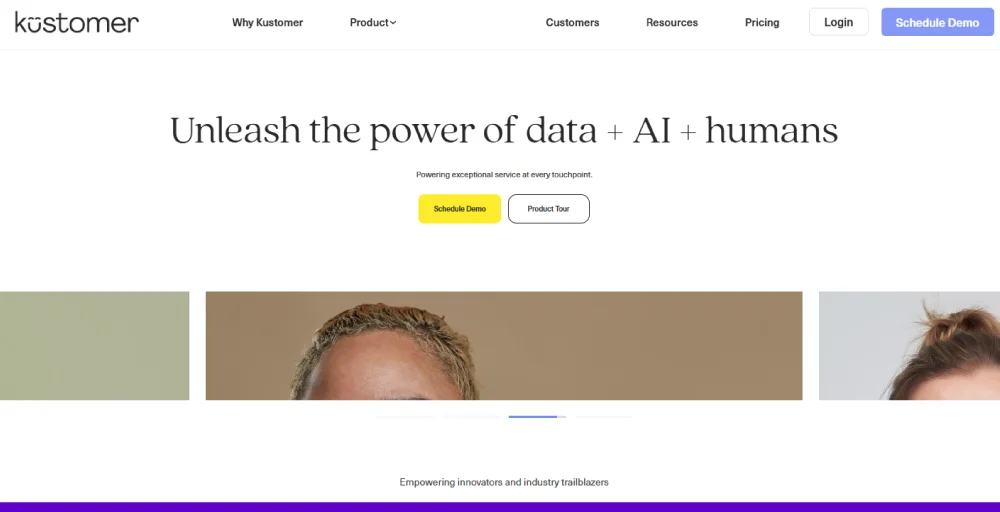
Kustomer unifies communication across every channel (social, chat, email, SMS, voice) within the platform to avoid agent collision and customer frustration. Kustomer’s powerful intelligent automation capabilities eliminate tedious manual tasks, saving you time and money.
G2 customer rating: 4.4/5
Key features
- Intelligent routing: Automatically directs customer requests to the right agent based on skills or workload.
- Social media integration: Manages conversations from social platforms within the helpdesk.
- Live reporting and analytics dashboards: Provide real-time visibility into team performance and customer trends.
- SLA management: Tracks and enforces service level agreements to ensure timely responses.
- Ticket collaboration: Enables multiple agents to work together on resolving complex issues.
Pros and cons
| Pros | Cons |
| You can track surveys, quantities, and also integration with other platforms. | Some surveys did not reflect real-time, worst-case; they just vanished eventually. |
| HIPAA-compliant CRM platform with a reasonable price point. | No ticket or conversation is being created for the footprints of that outbound call. |
| The calls are being recorded in Kustomer to allow us to use a single tool for reviewing our agents’ customer interactions. | On a new page, it sometimes redirects me to the initial one, and the new one disappears. |
Pricing
Kustomer’s pricing includes two main plans: Enterprise at $65 per seat per month and Ultimate at $139 per seat per month. They also offer AI agents to assist with support, which costs $0.60 per engaged conversation for customers and $40 per user per month for representatives.
Best for
For a 360° customer view, combine interactions from multiple channels into one thread.
16. HappyFox
HappyFox is a cloud-based customer service software designed to streamline support operations. It centralizes customer inquiries from email, chat, social media, and phone into a unified ticketing system, making it easy to track, manage, and resolve requests efficiently.
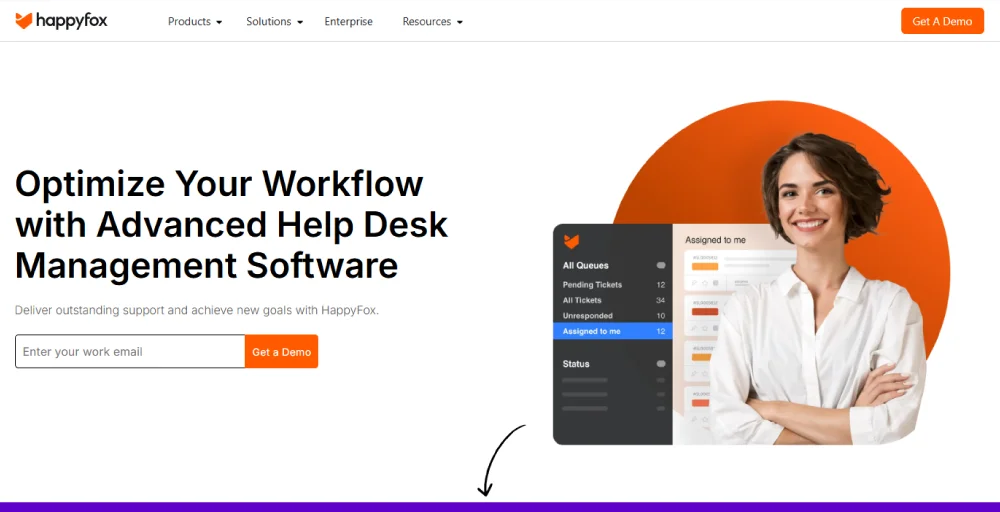
With top CRM integrations, live chat, voice, and bug-tracking tools, HappyFox connects with the wider business ecosystem to improve collaboration and productivity. Its community forums empower customers to support one another and build connections, while mobile apps ensure customer service teams can provide timely assistance on the go.
G2 customer rating: 4.5/5
Key features
- Ticket templates: Standardize ticket creation with predefined formats for common issues.
- Agent activity reports: Track agent performance and productivity with detailed insights.
- Auto assignment: Automatically assigns tickets to the right agents based on rules.
- Multi-brand help desk: Manage support for multiple brands or products from a single platform.
- Ticket notification: Keeps agents and customers updated with real-time alerts on ticket changes.
Pros and cons
| Pros | Cons |
| Allows our users to create tickets on behalf of customers easily. | It creates a ticket for every email sent to the mail ID, irrespective of its authenticity. |
| While the portal they provide is basic, it can be quite heavily customized with color schemes and logos | Ticket responses were directly sent to the users’ junk folders. |
| Smart rules that mark as closed, or re-open, etc., based on criteria. | Sometimes there is a severe lag, like the ticket that you create comes a day or two later. |
Pricing
HappyFox has four pricing plans: Basic at $24 per agent per month, Team at $49, Pro at $99, and Enterprise Pro, available by contacting sales, offering features from essential ticketing and automation to advanced workflows, reporting, and enterprise-level support.
Best for
For helpdesk simplicity with ticketing, automation, and reporting for small teams.
17. Tidio
Tidio is a comprehensive customer service platform that combines a help desk, live chat, chatbot automation, and an AI-powered agent. Tidio empowers businesses to scale their support operations efficiently, reducing missed opportunities, shortening response times, and allowing agents to focus on more complex customer issues.
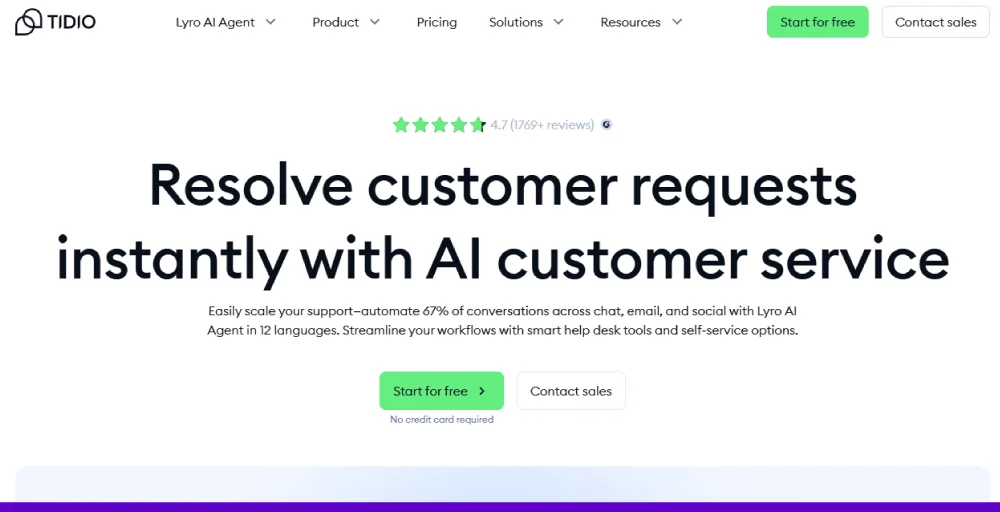
With Tidio, support teams can engage with website visitors in real time, automate answers to frequently asked questions using Flows (rules-based chatbots), and manage messages from email, Messenger, Instagram, and WhatsApp, all in a single, centralized inbox.
G2 customer rating: 4.7/5
Key features
- FAQ flows templates: Offers pre-built automated response flows for common questions, helping reduce repetitive inquiries and speeding up support.
- Automatic chat assignment: Routes incoming chats to the most suitable agent automatically, ensuring quicker response times and better customer experiences.
- Email integrations: Connects email accounts with the platform so all customer communications (chat and email) are managed in one place.
- Widget customization: Allows businesses to personalize the chat widget on their website, adjusting appearance, behavior, and messaging to match the brand.
Pros and cons
| Pros | Cons |
| AI chatbots and other communication channels (like email and social media) into a unified platform. | The ticketing system is too slow. |
| Easy to use and to talk to your customers, can look at past conversations, search, and attach attachments. | You can’t initiate a chat with visitors in an active manner unless you have a paid plan. |
| Tidio allows you and your team to keep track of interactions. | Limited languages, local languages were not included. |
Pricing
Tidio provides several pricing options, including Starter at $24.17 per month and Growth at $49.17 per month. For larger teams, the Plus plan is available at $749 per month. A custom Premium plan can be obtained by contacting them for a quote.
Best for
For live chat and chatbots for SMBs and e-commerce, it is affordable with automation.
18. TeamSupport
TeamSupport is a customer service software designed to help B2B companies streamline their support operations. Its ticket management system brings inquiries from multiple channels, email, phone, and chat, into a single platform, enabling agents to assign, prioritize, and track issues efficiently.
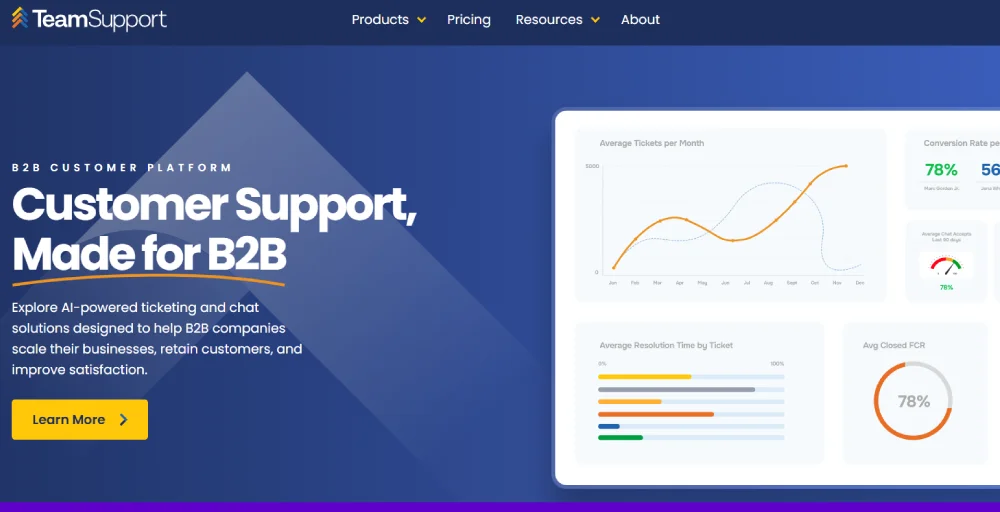
Built with collaboration in mind, TeamSupport provides tools that let support teams communicate internally and share notes without leaving the system. This makes it easier to manage complex cases collectively while maintaining a complete history of interactions.
G2 customer rating: 4.4/5
Key features
- Support ticketing: Centralizes customer issues from multiple channels into tickets that can be tracked, prioritized, and resolved efficiently, ensuring no query is missed.
- Messaging and live chat: Enables real-time conversations with customers, helping teams answer questions quickly and improve engagement.
- AI productivity tools: Use artificial intelligence to suggest responses, automate routine tasks, and assist agents in resolving tickets faster, boosting overall productivity.
- Customer portal: Provides a branded self-service platform where customers can submit tickets, track progress, and access resources independently, reducing support load.
- Custom fields: Allows businesses to capture additional information in tickets, tailoring the system to specific needs and improving case management.
Pros and cons
| Pros | Cons |
| Ticket update is simple, and the client gets a copy of the updates via email, which is a great feature. | Reports are difficult and confusing to set up. |
| Ease of use when it comes to creating, updating, and managing tickets. | Fewer user features, limited functionality. |
| Automated Emails and small time savers. | Its mobile application has limited features. |
Pricing
TeamSupport has three pricing plans: Starter at $45 per agent per month, Professional at $65, and Scale at $85, providing features from basic ticketing and customer management to advanced workflows, reporting, and scalable B2B support solutions.
Best for
For B2B support teams, handling multiple stakeholders and complex accounts.
What free customer service software should you consider?
Many businesses, particularly small ones or startups, can benefit from free customer service software solutions to enable customers to manage and streamline their customer interactions. While free plans often have limitations, they can still provide essential tools to help you get started.
- Freshdesk (free plan): Freshdesk’s free plan is designed for small teams of up to 2 users. This includes all of the basic features, such as ticketing, knowledge base, and pre-built reports. However, its free plan doesn’t support AI features, advanced reporting, skill-based ticket assignment, and SLA management.
- Zoho Desk (free plan): It is a free ticketing system that optimizes your customer service process. It offers omnichannel communication support, allowing you to view tickets from email, self-service portals, and web forms in one unified interface. You can perform all the help desk activities up to 3 agents, such as ticket management and automating day-to-day tasks.
- Tidio (free plan): Tidio’s free plan includes 10 live chat agents and a 50-conversation limit per month. It enables you to answer customer questions, recommend products, and more. It offers basic analytics, a live visitors list, a live typing preview, and Native Shopify actions for 7 days.
- LiveAgent (free plan): LiveAgent’s free plan comes with limited features, history retention, and interactions. It offers ticket history for 7 days for a single agent and 190+ integration options. It includes a universal inbox for customer communication channels such as email, chats, etc. It lacks reporting and analytics features that are available in paid plans.
Make every customer interaction count with KrispCall
The right software is more than just a tool; it’s the foundation of your business communication. While many platforms offer a range of features, KrispCall stands out by providing a robust, AI-powered cloud telephony solution that brings all your customer interactions into a single, unified workspace.
With features like shared numbers, advanced call management, and seamless CRM integration, KrispCall ensures your team can handle a high volume of calls and messages efficiently, no matter where they are. This unified approach not only enhances team productivity but also delivers a professional and consistent experience for your customers.
By leveraging KrispCall’s global reach and comprehensive analytics, you can turn every phone call, text, and voicemail into an opportunity for growth, ensuring you never miss a beat in a world where customer expectations are higher than ever.
Ready to transform your customer service? Sign up with KrispCall today!