We live in a world where a single poor conversation can significantly impact customers’ perspectives of your brand. Every customer expects a prompt response, a personalized experience, and consistent support through their preferred channels.
Therefore, businesses are rapidly transitioning to better customer experience software that manages every customer interaction, collects feedback, and enhances the entire customer lifecycle.
But what customer experience software companies can be the best fit for your business?
That’s exactly what we’ll be covering in the blog, keep reading to go through the 10 best customer service experience software that boost customer satisfaction.
✨ Key Takeaways
- Customer service software focuses on solving customer issues through live chat, while customer experience software monitors and analyzes every customer journey.
- Some of the best customer experience software includes KrispCall, Zendesk, Podium, Sprinklr, and Qualtrics.
- To choose the best CX platform, you need to know the area for improvement, set a budget, compare, decide, and make sure it’s scalable.
What is customer experience software?
Customer experience (CX) software is a category of tools that help businesses enhance their customer management and interactions through different platforms. With it, businesses can monitor, manage, analyze, and improve every customer interaction throughout the customer lifecycle.

The primary goal of CX software is to help customer service teams gather customer feedback and data from multiple touchpoints, including websites, social media, apps, email, and support channels. All of this results in providing customer satisfaction, increasing loyalty, and identifying areas for improvement that enhance customer relationships with the brand.
Advantages of CX tools
Customer experience tools are more than just a requirement. It enables businesses to:
1. Provide quick and consistent support
With CX platforms, you can connect with customers across every channel: calls, chats, emails, and social media. Additionally, AI bots can immediately handle repetitive questions, ensuring that no conversation is missed and reducing wait times.
2. Increase customer loyalty and retention
CX tools enable companies to monitor churn risk in real time so that they can make changes to satisfy the customer. Through customer behavior and preference analysis, these tools enable businesses to provide personalized support that fosters trust and leads to long-term relationships.
3. Make data-driven decisions
CX software allows you to capture insights from every touchpoint (phone, social media, website activity). This information empowers your team members (marketing, sales, product, etc.) to act on customer-centric data.
4. Improve agent productivity
CX tools enable agents to focus on addressing complex issues by using AI-assisted responses. Business agents can access customer history instantly, which reduces the time for searching manually, resulting in higher first-call resolution rates.
5. Drive business growth
Having a strong customer experience directly impacts business revenue. Higher engagement, targeted upsells, and longer customer relationships leads to greater lifetime value and overall faster customer experience transformation for the business.
Customer experience software vs customer service software
Often, people are confused about whether customer experience management software and customer service software are similar. But here is the truth: both of them serve different purposes.
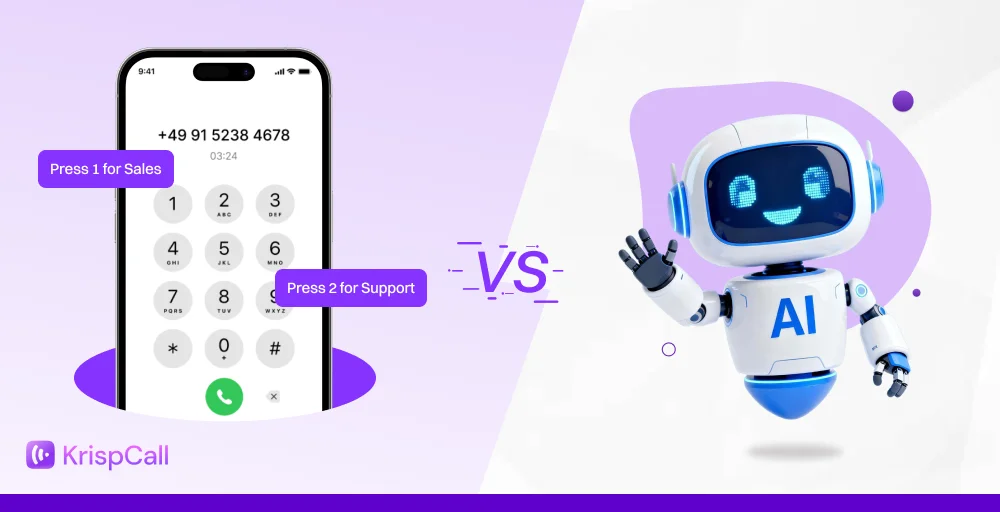
Customer service software primarily focuses on resolving customer issues through helpdesks or live chat. On the other hand, customer experience software covers the entire customer journey and analyzes every customer interaction to improve the overall customer perception towards your brand.
🔥 Consider it like this: customer service software is just a small component within the larger customer experience management solutions. Customer service tools enable specific functions, but customer experience platforms oversee everything.
Here’s a table showing their key differences:
| Category | Customer service software | Customer experience software |
| Main Focus | Reacts to customer issues and support requests. | Manages the full customer journey and brand experience. |
| Scope | Post-purchase interactions like complaints and queries. | Entire lifecycle from awareness to loyalty. |
| Primary Tools | Ticketing, live chat, help desk, knowledge base. | Journey mapping, omnichannel support, feedback, and personalization. |
| End Users | Customer support teams. | Marketing, sales, product, and support teams. |
| Goals | Reduce wait times and resolve tickets quickly. | Improve satisfaction, boost loyalty, and lower churn. |
| Key Metrics | Resolution time, ticket volume, FCR. | NPS, CSAT, CLV, CES. |
| Interaction Style | Reactive and problem-based. | Proactive and ongoing. |
Why trust our product reviews?
We’ve reviewed dozens of products over the years to help teams find tools that actually deliver.
Our recommendations are built on verified user reviews from G2, Capterra, and TrustRadius, real feedback from Reddit and Quora, and hands-on product evaluation. These reviews are not vendor influence or paid placements.
Learn more about our content update process, content integrity standards, and software review methodology.
Top 10 customer experience software solutions
Here’s a comparison table of the 10 customer experience management platforms at a glance:
| Software | Best For | Top Features | Starting Price | What Makes It Stand Out |
| KrispCall | Contact centers and sales teams | Unified Callbox, call monitoring, VoIP calling, CRM integration | $15/user/month | Streamlined customer voice |
| Zendesk | Scalable customer service | Omnichannel support, ticketing, knowledge base | $19/user/month | Enterprise-grade helpdesk |
| Podium | Local & service-based businesses | Messaging, reviews, payments | Contact the sales | Strong for reputation management |
| Sprinklr | Large enterprises | Sentiment analysis, social CX, AI insights | $249/user/month | Deep social listening |
| Qualtrics | Feedback & VoC management | Surveys, predictive analytics, and NPS tracking | Contact sales | Industry leader in experience research |
| Freshdesk | Startups & small businesses | Helpdesk, automation, reporting | $18/user/month | Easy to set up and scale |
| Nextiva | Business communications | VoIP, CRM, surveys, analytics | $23/user/month | All-in-one communication |
| Birdeye | Multi-location businesses | Reviews, surveys, listings | Contact sales | Excellent for local reputation |
| HubSpot | Marketing and sales teams | CRM, feedback tools, workflows | Starts with free | Seamless CRM integration |
| Intercom | SaaS & B2B | Chatbots, in-app messaging, live chat | $39/user/month | Conversational support focus |
1. KrispCall
KrispCall has quickly grown into one of the most reliable customer experience management software platforms for small to mid-sized teams. What makes it stand out is its ability to centralize business interactions (calls, SMS, and contacts) into a single Unified Callbox.

Additionally, KrispCall can be an ideal choice for contact centers, support teams, and sales professionals as it improves visibility and team collaboration with advanced VoIP features. KrispCall has closely observed the modern demand of customers. As a result, it offers modern CX features, including call monitoring, analytics, and tons of CRM integrations.
Moreover, it offers virtual numbers from over 100 countries, enabling you to deliver a consistent customer experience regardless of your location.
Features
- Unified Callbox for managing calls, messages, and contacts
- Call recording and real-time monitoring
- CRM and helpdesk integrations (e.g., HubSpot, Pipedrive)
- Advanced call analytics and performance tracking
- Global virtual numbers in 100+ countries
Pros
- Clean and intuitive interface.
- Excellent call quality and low latency.
- Easy integration with CRMs.
Cons
- Reporting options could be more customizable.
- Only available on Android and iOS.
Pricing
- Essential: $15/user/month
- Standard: $40/user/month
- Enterprise: Custom
2. Zendesk
Zendesk is a trusted alternative for teams that need a help desk and ticketing system for efficient customer support. It brings customer inquiries from multiple sources, such as email, chat, and social media, into one centralized place that lets agents address requests promptly.
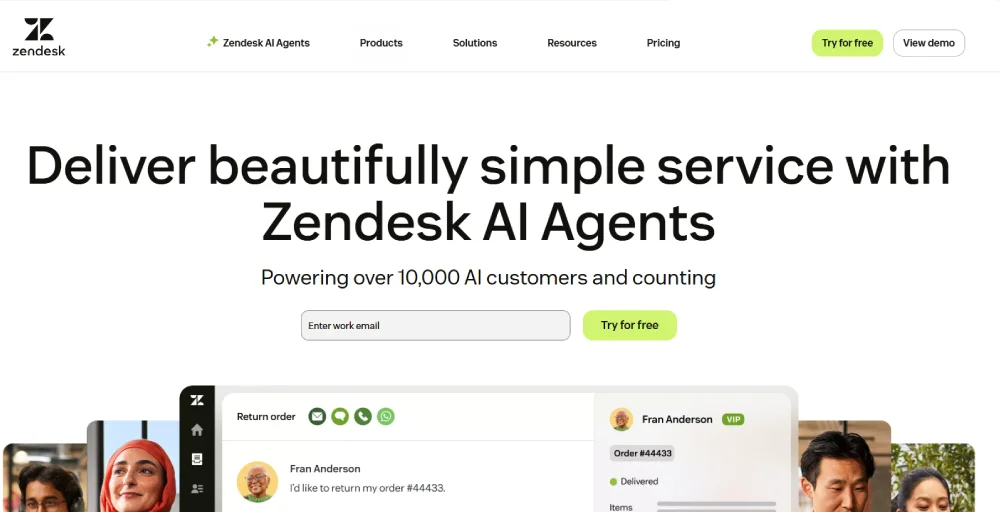
In addition, it provides integration with platforms like KrispCall for making calls, voicemails, and recordings directly. Because of its user-friendly features and integrations, Zendesk belongs to this list with a solid 2nd position.
Features
- Omnichannel ticketing and support
- Customer Relationship Management (CRM) Integration
- AI automation and workflow tools
Pros
- Offers powerful integrations.
- Flexible workflow customization.
- User-friendly interface.
Cons
- Expensive for businesses seeking affordable customer experience management tools.
- While too many features, channels, and automations can feel overwhelming.
Pricing
- Small Business: $19/agent/month
- Support Professional: $55/agent/month
- Suite Growth: $89/agent/month
- Support Professional: $115/agent/month
- Suite Enterprises: Contact the sales.
3. Podium
Podium works as an AI employee to simplify managing your customer interactions. It’s a customer data platform that brings together conversations, reviews, payments, and messaging into one simple app.

By using its AI-powered responses, Podium helps businesses reply instantly and boost lead conversions. Moreover, it improves customer retention with the follow-up automation and collection of customer reviews from online. It can be a good choice to provide customers with faster responses and engagement.
Features
- Customer feedback management
- Convert leads
- Drive repeat business
Pros
- Personalize mass text messages.
- Great for businesses that want to be easily found by local customers.
- Capable of closing sales through chat and SMS with low effort.
Cons
- Analytics dashboards can be confusing.
- It is reported to be expensive for high-volume messaging.
Pricing
Contact the sales team.
4. Sprinklr
Fourth in the list is Sprinklr. One of the popular customer experience platforms that unified customer interactions over 30 channels into a unified platform. Support teams get full access and visibility of different touchpoints, which makes the personalized service easier.
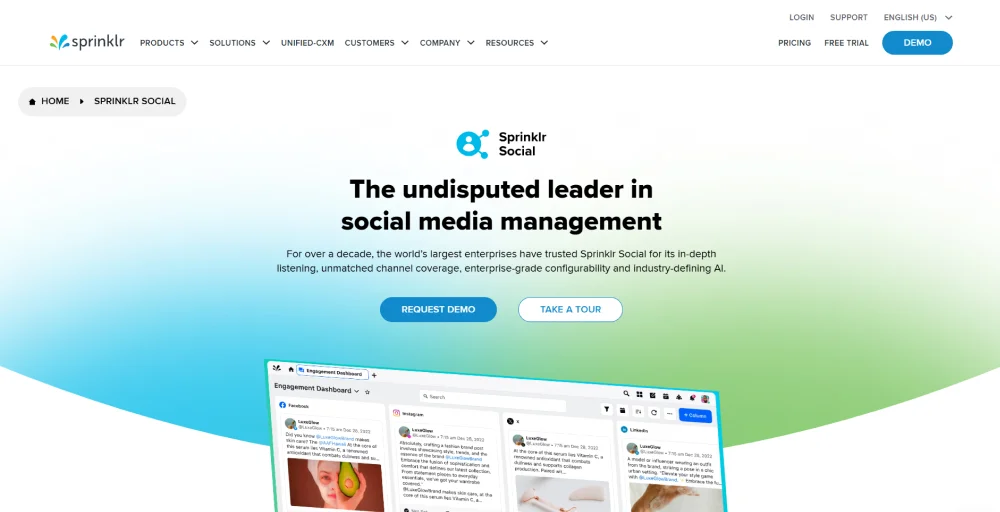
Even more, the powerful AI of Sprinklr is capable of handling millions of cases, predicting trends, and providing real-time customer insight to agents. All of this makes it a good platform where businesses can make their customer experience more innovative, providing great customer service.
Features
- Omnichannel Support
- AI-Powered Service
- Real-Time Insights
Pros
- Provides full customer context for every interaction.
- AI handles routine conversations and assists agents in real time.
- Best for large enterprises that do global-scale operations.
Cons
- Steep learning curve for new users.
- Expensive for small businesses.
Pricing
- Starts at $249 per seat/month (billed annually)
- Free Trial: 30 days available
5. Qualtrics
Qualtrics is another customizable customer experience platform that captures, analyzes, and acts based on customer feedback from different touchpoints. Businesses get surveys and NPS results from Qualtrics, which help them make changes based on the useful insights.
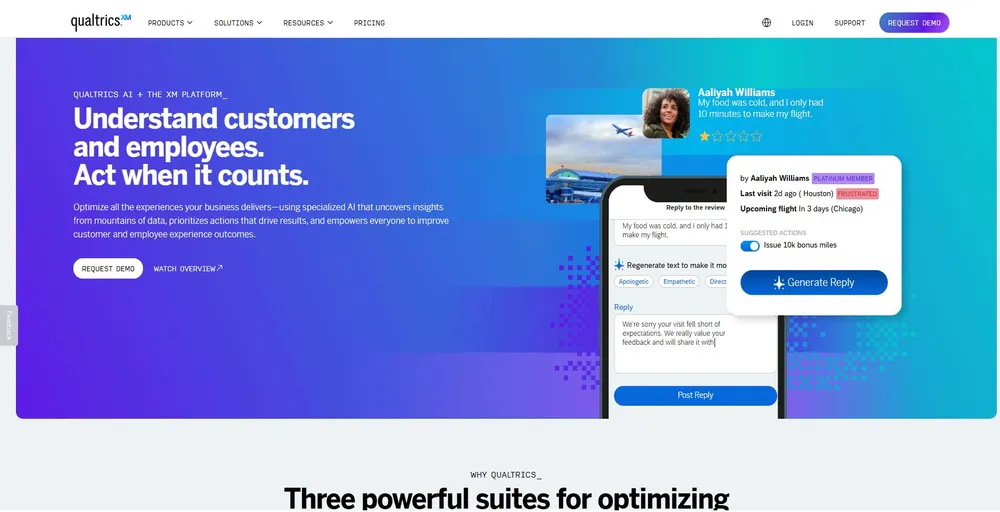
Moreover, its AI-driven tools help detect patterns, measure sentiments, and respond quickly to customer needs. With cross-channel customer feedback and CRM integrations, businesses also gain a 360° customer view that helps teams make more informed decisions.
Features
- Omnichannel feedback and Voice of Customer (VoC) tools
- Automation triggers
- CRM integrations
Pros
- Good option for building full-scale customer experience programs.
- Facilitates complex survey designs.
- Offers customizable dashboards and visualizations.
Cons
- Occasional loading glitches are seen.
- Setup can be complex for first-time use.
Pricing
- Contact the sales team.
6. FreshDesk
Freshdesk enables teams to respond to customer requests through email, chat, phone, and social media in one platform. Freshdesk organizes all tickets to help agents respond faster and manage every conversation effortlessly.
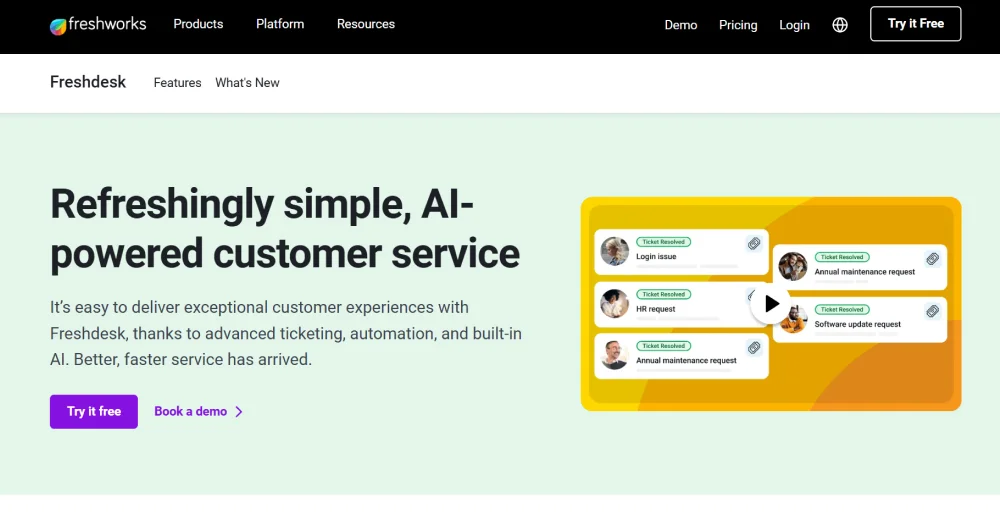
The software incorporates AI to automate the regular tasks that require repeated effort. Meaning, your agents have more time to focus on the important tasks. Additionally, Freshdesk also includes collaboration, SLA management, and security for making customer support efficient and dependable.
Features
- Unified context
- Advanced workflows
- Analytics and insight
Pros
- Easy-to-use user interface.
- Automation is reported to be good at speeding responses.
- Every ticket is managed in one place.
Cons
- The mobile app has fewer features than the desktop version.
- Requires a higher plan subscription for advanced integrations.
Pricing
- Growth: $18 per agent per month
- Pro: $59 per agent per month
- Pro + AI Copilot: $94 per user per month
- Enterprise: $95 per user per month
7. Nextiva
Nextiva is an all-in-one customer experience management platform that combines customer data, voice, chat, SMS, and a built-in CRM to provide businesses with more personalized customer service. Agents are able to access customer context immediately to manage customer interactions, while managers can track agent performance in real-time.
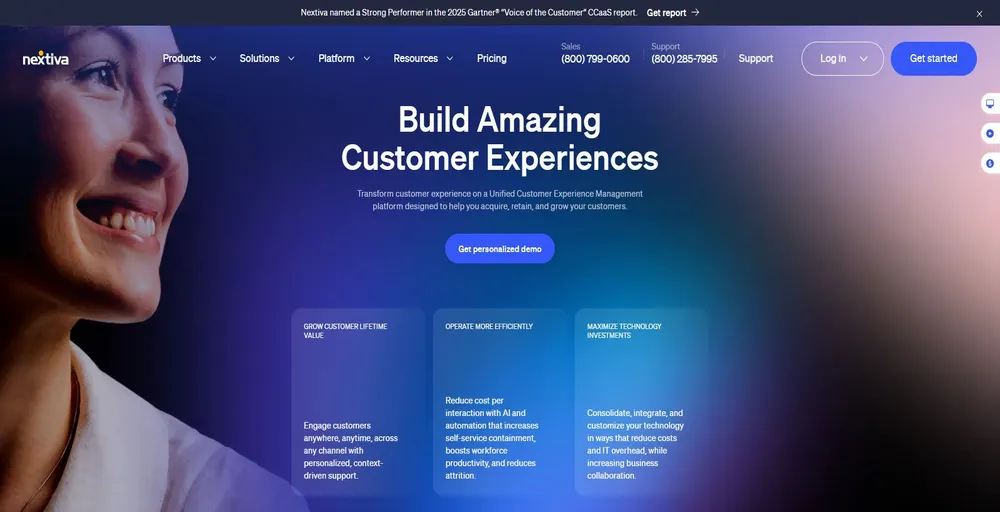
Support teams are able to resolve issues in a faster time with the help of built-in dashboards and collaboration tools such as video conferencing. Nextiva makes call management and handling easier, even with high volumes, which results in boosting customer satisfaction.
Features
- AI voice & digital bots
- Unified history and native contact management
- List and campaign management
Pros
- Offers Feature-rich platform.
- Customer feature requests are welcome.
- Reliable for its customer support.
Cons
- Expensive compared to other alternatives.
- Advanced features require higher plans.
Pricing
- Core: $23/user/month
- Engage: $50/user/month
- Power Suite CX: $75/user/month
8. Birdeye
Birdeye is built for businesses with multiple locations that require full control over online reputation and customer feedback. It brings messages, reviews, and SMS through different platforms into one inbox to make it easier to track customer conversations and stay connected.
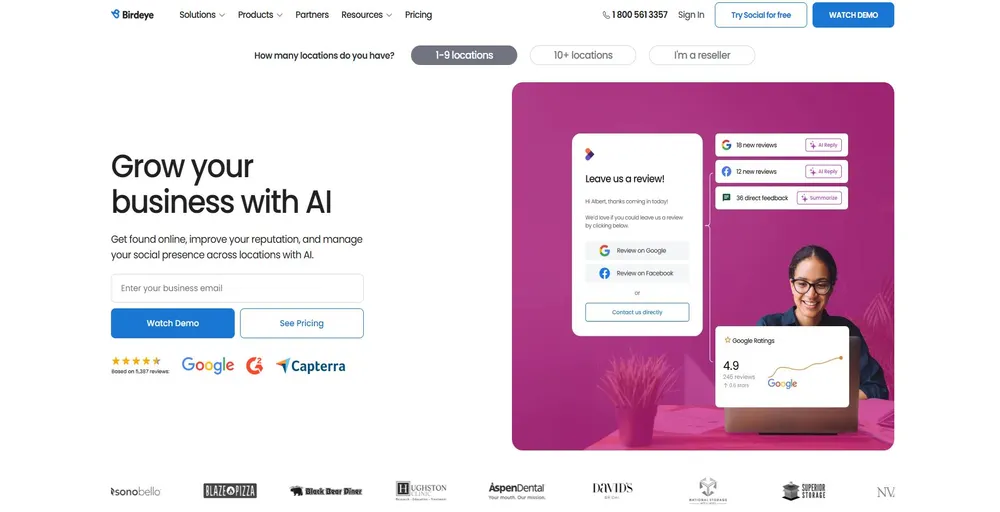
You can collect reviews, send out surveys, manage local listings, and improve SEO, all from one place, to provide great customer service. With Birdeye, your team spends less time jumping between tools and more time building stronger customer relationships.
Features
- Analytics dashboard & reporting
- Integrations
- Insights AI
Pros
- Good for managing all customer interactions in one place.
- Offers CRM integrations.
- Enables competitive benchmarking and provides actionable analytics.
Cons
- It can be complex for new users.
- Birdeye can be expensive for small businesses.
Pricing
- Contact the sales team.
9. HubSpot
HubSpot Service Hub improves customer experience with its AI-powered tools, unified customer data in the helpdesk, and strong self-service options. In addition, it integrates with HubSpot CRM, giving the support team full customer context, automating workflows, and centralizing tickets to boost efficiency and offer personalized customer experiences.
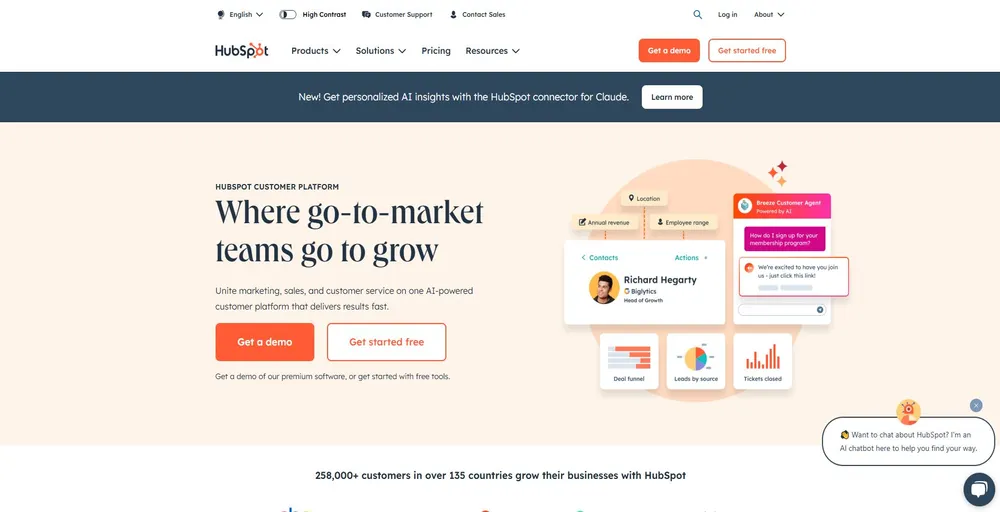
It is ideal for businesses that are already using this product, since everything is connected in one place. Therefore, teams can manage and track issues, people can communicate, and customers get help faster without needing to use new tools.
Features
- Omni-channel messaging
- Call tracking
- Help desk & ticketing
Pros
- Unified view of the customer journey.
- Strong automation and reporting tools.
- Easily manage customer data with HubSpot CRM.
Cons
- The interface can be complex for new users.
- Frequent updates might disrupt workflow.
Pricing
- Starts free
- Starter: $9/seat/month
- Professional: $90/seat/month
- Enterprise: $150/seat/month
10. Intercom
Intercom is customer experience software that allows companies to engage customers via purpose-built messages and AI-powered chatbots proactively. It facilitates conversation on chat, email, and in-app chat all in one place.
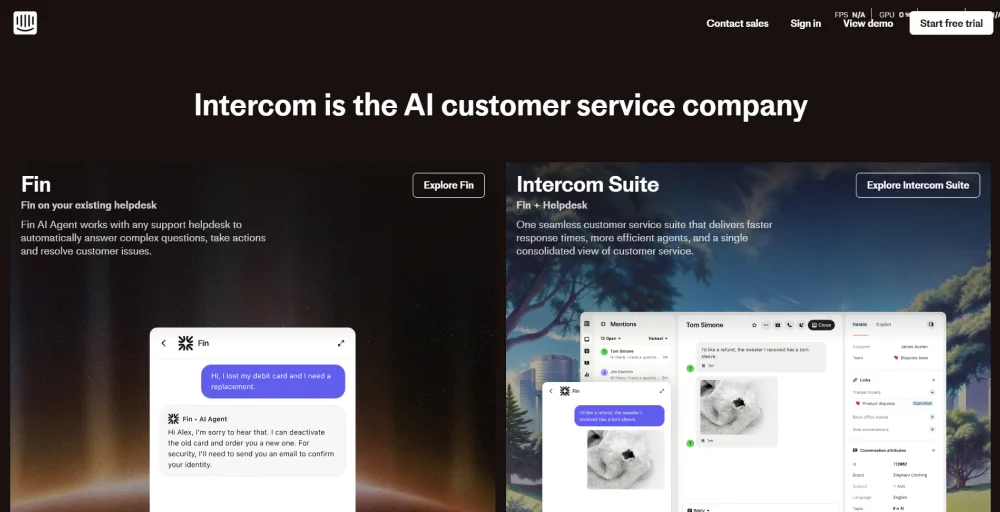
This allows for fast customer support and automating responses, along with routing more complex issues to the right customer service teams. It also provides your team with real-time insights into customer behavior, which helps teams respond with higher clarity.
Features
- Apps & integrations
- Reporting
- Omnichannel
Pros
- Powerful AI chatbots for handling customer questions.
- Easy to create personalized messaging campaigns.
- Provides multilingual support.
Cons
- Pay-per-email costs may add up for customer engagement.
- Pricing is comparatively expensive.
Pricing
- Essential: $39/seat/month ($0.99 per fin resolution)
- Advanced: $99/seat/month ($0.99 per fin resolution)
- Expert: $139/seat/month ($0.99 per fin resolution)
Features of CX Software
Here are some of the features that most customer experience software includes:
- Real-time customer profiles: CX software builds an in-depth customer profile by pulling in data from all interactions and purchases. As a result, support teams can understand past customers’ behavior when responding to a customer’s request in context.
- Multichannel communication made easy: Whether customers reach out by email, live chat, phone, or social media, CX software keeps all conversations in one place. This helps teams follow customer interactions without losing context, even when switching between channels.
- Feedback collection and actionable insights: The system collects customer feedback from every touchpoint, such as social media reviews and surveys. After that, it combines them into actionable insights through various artificial intelligence (AI) tools.
- Smart automation to save time: CX software can automate the entire repetitive process of routing tickets, sending alerts, or responding to common questions as a quick solution. Automation not only increases speed but also frees agents to engage in difficult tasks.
- Journey tracking and personal touches: CX software must provide teams the ability to map and follow every single interaction between the customers and the business. All of this while analyzing what can be better and what strategies are performing well.
- AI-driven reporting and predictive tools: With AI, businesses can predict customer churn and identify valuable segments. Additionally, it helps to make better decisions through clear and customizable dashboards.
- Agent-friendly tools: A good CX solution makes customer information, internal notes, and helpful links easily accessible to agents. This enables faster and more accurate service to customers.
- Integration with existing systems: CX solutions offer integration with CRMs, e-commerce, or marketing platforms such as Salesforce. With this, different departments get synced, and they automate processes within the organization.
- Strong data security: Customer experience platforms ensure that sensitive information is protected through encryption, access control, and compliance with privacy regulations.
- Flexible segmentation and personalization: Users can define customers in terms of actions or interests, enabling teams to get the right message to the right person at the right time through different channels.
How to choose the right customer experience tools?
Among the multiple CX tools, choosing the right one can be difficult. However, here are some of the tips that you need to follow for choosing the right customer experience software.
- Know what you want to improve: Think about what you want to fix or make better, like faster support or happier customers. Choose the most important things, like which channels you use (email, chat) and how you’ll know it’s working (like customer ratings).
- Set your budget: Decide how much you want to pay. Do not forget to include setup fees, training fees, and the time your staff will need. Think also whether you will need support from the software company.
- Look around and compare: Search online, check out reviews, and ask other individuals what they use. Pick a few tools that appear to suit you and are within your budget. Make sure that they have a demo or trial version that is free so that you can try them out.
- Test before you decide: Use free trials to see how the tools work in reality. Let your team try it out too. See if it is user-friendly and whether it will integrate well with the tools that you are already using.
- Make sure it grows with you: Select a tool that will scale with your company. Ensure that it has the ability to add additional users or functionality down the line. Additionally, determine whether the company regularly updates the tool and provides excellent support in case anything fails.
Transform your customer experience with KrispCall
Delivering a great customer experience is more than quick responses and nice support. It’s creating contextual and interactive conversations on all channels that your customers use.
That’s where KrispCall makes a difference. Being an AI-powered cloud telephony software, KrispCall offers unified customer interaction and call analytics to help businesses automate and manage interactions at scale. As a result, your brand is rewarded with long-term customer relationships without any hassle.
Whether you want to empower your growing team, accelerate response times, or align your support and sales touchpoints, KrispCall’s cloud solution has the capabilities you’re looking for. From intelligent routing to built-in CRM functionality, every feature is designed to make customer conversations easy and effective.
Curious how KrispCall can help you build your brand and improve customer experience? Take a tour of our platform and see how it can help you achieve your goals.