Communication hurdles don’t just slow down daily operations; they quietly drain business revenue. From missed client handoffs to hours wasted buried in unread threads and manual meeting recaps, fragmented communication remains one of the largest hidden operational costs in the modern workplace.
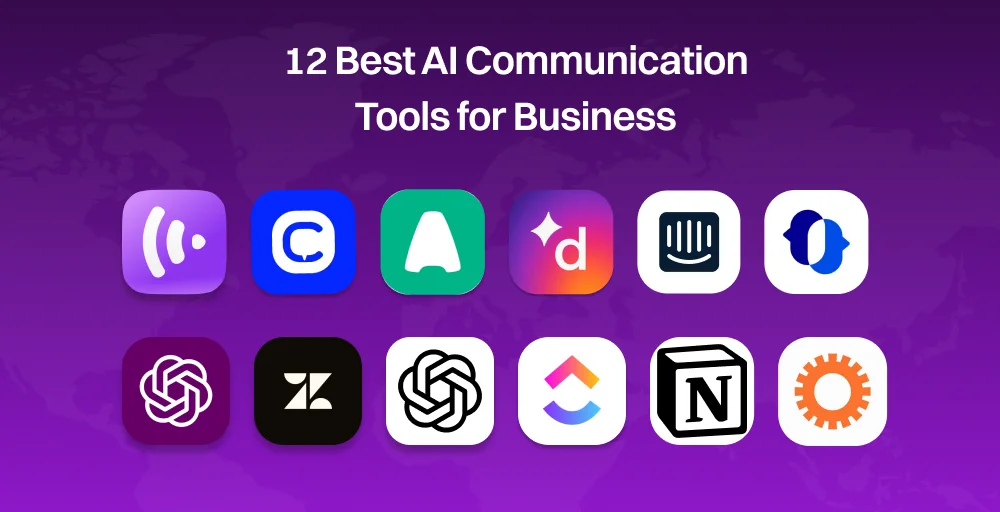
In this guide, we break down the 12 best AI communication tools for 2026, spanning voice AI platforms, intelligent chat assistants, and team messaging systems, to help you select the right stack for your business.
✨ Key Takeaways
- AI communication tools combine NLP, machine learning, and conversational AI to automate voice, messaging, and team collaboration while improving productivity and customer interactions.
- Some of the best AI communication tools include KrispCall, CloudTalk, Aircall, Dialpad, ChatGPT, Zendesk, Intercom, Notion, ClickUp, and more, to help you find the best solution for your business.
- Choosing the right AI communication platform depends on your use case, AI capabilities, CRM integrations, scalability, pricing, and security and compliance requirements.
- AI-powered communication platforms help businesses streamline operations by automating routine tasks, enhancing customer support, improving team collaboration, and reducing response times.
What Is an AI Communication Tool?
An AI communication tool is a platform that uses natural language processing (NLP), machine learning, and conversational AI to understand, generate, and manage human communication across voice, text, and team messaging, with minimal human intervention.
Modern AI platforms also understand intent, perform tone analysis, provide real-time translation, overcome language barriers, and help businesses respond to customer requests more accurately. Many solutions now act as an AI companion that assists employees throughout their daily tasks.
At their core, these tools rely on three technical building blocks:
- NLP (Natural Language Processing): lets the system parse and understand human language, including slang, intent, and sentiment.
- Machine learning: Allows the tool to improve over time by learning from past interactions and outcomes.
- Conversational AI: The layer that manages dialogue flow, so exchanges feel like a conversation rather than a series of disconnected commands.
Three Main Categories
1. Voice and Call Tools: These handle spoken communication, think AI-powered call center solutions, virtual receptionists, or voice assistants that can answer calls, route inquiries, transcribe conversations, or even conduct outbound calls (appointment reminders, follow-ups, surveys).
2. Customer Messaging and Chatbot Tools: These live on websites, apps, and messaging platforms (like WhatsApp or Messenger) to handle customer inquiries, support tickets, FAQs, and lead qualification, often escalating to a human only when needed.
3. Team Collaboration Tools: These are internal-facing, integrate translation tools, and are AI-layered into platforms like Slack, Teams, or project management software. To summarize threads, draft messages, generate meeting summaries, create documents in Google Docs, schedule meetings, or surface relevant information without a human digging for it.
By 2026, communication AI tools will have moved from “nice to have” to functionally necessary for a few reasons:
- Customer expectations have shifted: People expect instant, 24/7 responses across channels, something human teams alone can’t sustainably provide.
- Cost pressure on support and ops teams: Automating routine, high-volume interactions frees human staff to focus on complex, high-value work.
- Competitive parity: As adoption becomes widespread, businesses without these tools risk slower response times and higher operational costs compared with competitors that’ve automated.
- Data and personalization: AI also enables businesses to collect deeper insights into customer behavior through predictive analytics, helping teams continuously improve their communication strategy.
How We Selected These Tools?
We evaluated each AI communication tool based on its AI capabilities, communication professionals, ease of use, pricing, integrations with existing systems, scalability, customer reviews, and overall value for businesses.
Our research focused on platforms that help organizations improve voice communication, customer messaging, team collaboration, and workflow automation through practical AI features such as call transcription, conversation summaries, sentiment analysis, intelligent routing, AI assistants, and meeting notes.
To ensure a fair comparison, we reviewed publicly available product documentation, pricing pages, feature releases, and verified user feedback from trusted review platforms such as G2. We also considered how well each solution supports different business sizes and use cases, from startups and SMBs to enterprise organizations.
Our editorial recommendations are guided by our commitment to transparency and accuracy. You can learn more about how we research, review, and update our software comparisons in our content update methodology, software review methodology, and content integrity statement. These editorial standards ensure our recommendations remain objective, regularly updated, and focused on helping businesses choose the right communication software.
Quick Comparison Table of Best AI Communication Tools
For voice and call tools, platforms are increasingly judged by how well they handle multi-step conversations rather than simple call routing. This leads to enterprise deployments, with well-tuned implementations achieving containment rates in the 60–70% range, which reduces live-agent call volume significantly
Here is the list of some of the best AI tools that help businesses connect with customers and employees more efficiently:
| Tool | Key AI Feature | Best For | G2 Rating | Starting Price |
| KrispCall | AI Copilot, AI Text Message Responder, Live Call Monitoring | Global VoIP phone systems | 4.5/5 | $12/user/month |
| CloudTalk | AI Voice Agent, AI Call Scoring, AI Smart Notes | SMB sales and support teams | 4.4/5 | $25/user/month |
| Aircall | Sentiment Analysis, AI Call Summaries | Voice-first conversation intelligence | 4.4/5 | $30/license/month |
| JustCall | AI Coaching, SMS Copilot | Sales and SMS workflows | 4.3/5 | $29/user/month |
| Ringover | AI Meeting Assistant, Voice Recognition Analysis | AI-powered call coaching | 4.6/5 | $15/user/month |
| Dialpad | AI LiveCoach, AI Recaps, AI Agent | AI-assisted calling and transcription | 4.4/5 | $15/user/month |
| Intercom (Fin) | Fin AI Agent, Copilot, | Automated website customer service | 4.5/5 | $19/seat/month |
| Zendesk | AI Ticketing, Live Chat Bots, Workforce Management | Large-scale customer support | 4.3/5 | $19/agent/month |
| LivePerson | Conversational AI, Advanced Routing | Enterprise conversational messaging | 4.3/5 | Custom pricing |
| ChatGpt | Voice Mode, Operator Agent, Chat History Codex | General-purpose AI communication | 4.6/5 | Free (paid plans from $10/member/month) |
| Notion | AI Meeting Notes, Notion AI, Workspace Search | Team collaboration and knowledge management | 4.6/5 | Free (paid plans from $10/member/month) |
| ClickUp | ClickUp Brain, AI Notetaker, Talk to Text | AI-powered project management | 4.6/5 | Free (Paid plans from $7/user/month) |
12 Best AI Communication Tools for 2026
1. KrispCall – Best for AI-Powered Communication Platform for Growing Businesses
What is KrispCall?
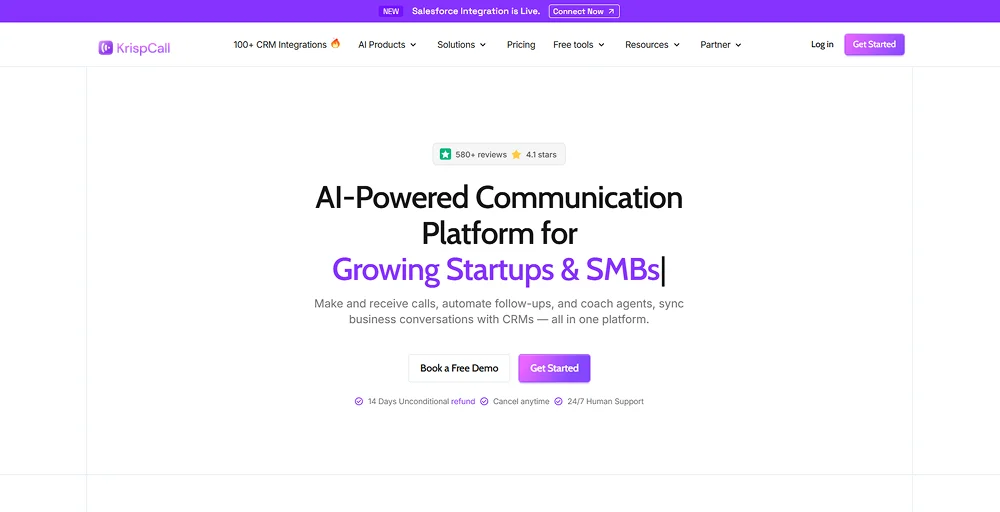
KrispCall is an AI-powered cloud telephony and virtual business phone system designed to help organizations manage global communications without traditional hardware or separate SIM cards. It transforms a standard internet connection into a multi-channel contact center accessible via web browsers, iOS, and Android devices,
Key AI features
- AI Rephrasing: Instantly rewrites drafts to adjust tone, fix grammar, and provide varied wording choices.
- Live Call Monitoring: Lets managers silently listen, whisper advice, or barge into active customer conversations.
- AI Reply: Automatically sends intelligent follow up messages after missed calls to keep customer conversations moving.
- AI Text Message Responder: Users’ smart automation to answer incoming texts and handle 24/7 client inquiries.
- AI Copilot: Transcribes live speech, generates short summaries, and extracts immediate action items.
Pricing
KrispCall pricing is split into three tiers, with rates starting at $12 per user per month when billed annually.
- Essential: $12 per user per month
- Standard: $32 per user per month
- Enterprise: Custom
Pros & Cons
| Pros | Cons |
| Offers an intuitive interface with AI-powered transcription and summaries on every tier. | Lacks live on-screen prompts during phone calls. |
| Merges global calls, voicemails, and SMS logs. | Suffers from occasional interface and sync friction. |
| Provision virtual numbers in over 100 countries. | Tailored for client calls over internal chat. |
Best for
Startups, SMBs, and distributed teams that need affordable global phone numbers and basic AI call assistance without enterprise-level complexity.
2. CloudTalk – Best for SMB sales and support
What is CloudTalk?
CloudTalk is an AI-powered, cloud-based business phone system and call center software specifically engineered for high-volume sales and customer support teams. Operating entirely over the internet (VoIP), it eliminates the need for traditional hardware and automates routine queries by providing desktop, mobile, and web browser applications.
Key AI features
- AI Voice Agent: Deploys human-sounding autonomous agents to handle 24/7 inbound scheduling and outbound lead qualification.
- Talk/Listen Ratio: Tracks the exact balance of airtime between agents and customers to measure active listening.
- AI Smart Notes: Automatically generates concise summaries and key takeaways, syncing them directly to your CRM.
- AI Call Scoring: Evaluates and rates 100% of customer interactions automatically based on standardized criteria.
- Call Transcription: Converts spoken phone conversations into searchable, multilingual text records in real time.
Pricing
CloudTalk pricing features a tiered subscription model.
- Starter: $25 per user per month
- Essential: $29 per user per month
- Expert: $49 per user per month
Pros & Cons
| Pros | Cons |
| Qualifies leads and answers incoming calls automatically. | Lacks workspace messaging channels for internal staff. |
| Dials multiple numbers simultaneously to maximize output. | Suffers from occasional connectivity and real-time logging lag. |
| Syncs instant call summaries into your CRM. | Features high user-based fees and premium AI add-ons. |
Best for
High-volume sales and support teams that want deep call analytics and coaching tools built into the phone system itself.
3. Aircall – Best for voice-first conversation intelligence
What is Aircall?
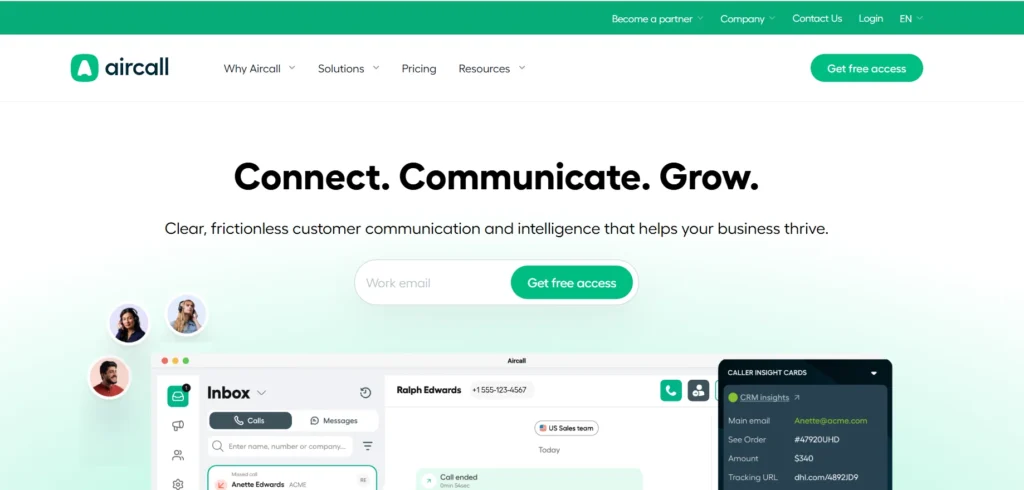
Aircall is a cloud-based business phone and customer communication platform. As an AI-powered tool, it unifies voice, SMS, and messaging channels, using AI to automate communication workflows, analyze call transcripts, and serve as a virtual assistant for both inbound and outbound sales and support operations.
Key AI features
- Key Topic Recognition: Identifies critical subjects and keywords discussed during the call to automatically categorize customer issues.
- Automated Post-Call Workflows: Triggers instant CRM updates and data syncs immediately after a call ends to eliminate manual entries.
- Sentiment Analysis: Detects the customer’s emotional tone throughout the call to flag positive or negative interactions.
- Automated Call Scoring: Evaluates agent performance against set quality standards using automated checklists instead of manual reviews.
- AI-Generated Call Summaries: Condenses entire phone conversations into brief, actionable paragraphs instantly for quick agent review.
Pricing
Aircall pricing relies on a structured tier system that enforces a strict 3-license minimum.
- Essentials: $30 per license
- Professional: $50 per license
- Custom: Custom pricing
Pros & Cons
| Pros | Cons |
| Automatically extracts key takeaways and next steps. | Built for phone calls instead of text chat. |
| Converts voice calls and voicemails into searchable text. | Locks core AI features behind expensive tiers. |
| Syncs AI insights and tags directly to software. | Lacks live on-screen prompts for active agents. |
Best for
Sales and support teams already built around a CRM who want AI-tagged calls to sync automatically into their existing workflow.
4. JustCall – Best for sales and SMS workflows
What is JustCall?
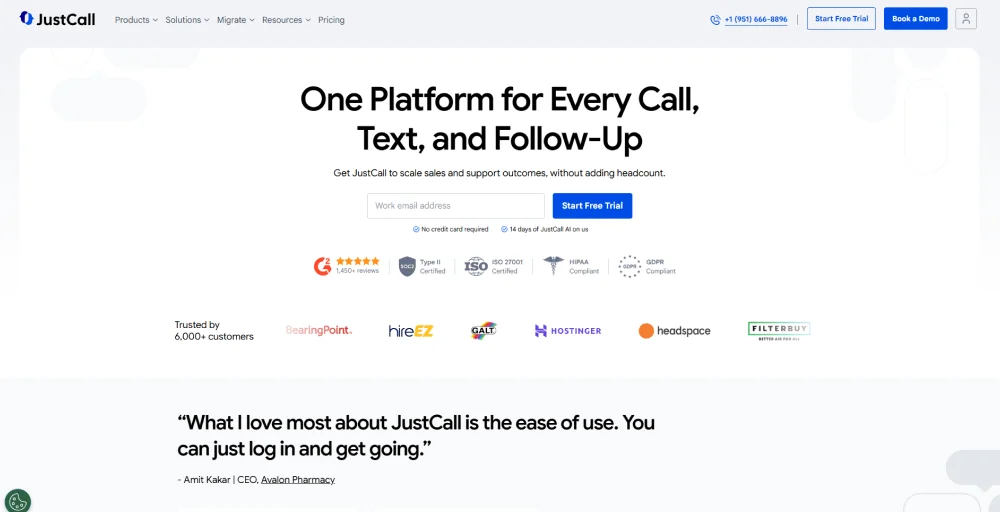
JustCall is an AI-powered cloud phone and SMS platform designed to streamline and automate voice, text, and multi-channel interactions for sales and customer support teams. It unifies calling, SMS, WhatsApp, and email into a single dashboard, eliminating the need to juggle multiple apps.
Key AI features
- AI Coaching: Delivers live prompts and feedback during active calls to help agents resolve customer issues faster.
- SMS Copilot: Writes contextual text replies, after messaging tone, and answers client inquiries automatically.
- AI Scoring: Grades customer interactions automatically against quality benchmarks to eliminate manual auditing work.
- Conversation Intelligence: Tracks keywords, competitor mentions, and talk patterns across all recorded phone calls.
- Moment Analysis: Flags specific critical events, objections, and emotional shifts during a live call.
Pricing
JustCall pricing is tiered, starting at $29 per user per month when billed annually, enforcing a minimum requirement of 2 user licenses.
- Team: $29 per user per month
- Pro: $49 per user per month
- Pro Plus: $89 per user per month
- Business: Request a quote
Pros & Cons
| Pros | Cons |
| Evaluates agent compliance using custom checklists. | Built for phone lines rather than internal chat. |
| Detects caller emotion and alerts managers. | Struggles with background noise and technical jargon. |
| Generates transcripts and notes for CRM logging. | Locks advanced AI coaching behind premium plans. |
Best for
Outbound-focused sales teams that rely heavily on SMS, WhatsApp, and predictive dialing alongside voice.
5. Ringover – Best for AI real-time call coaching
What is Ringover?
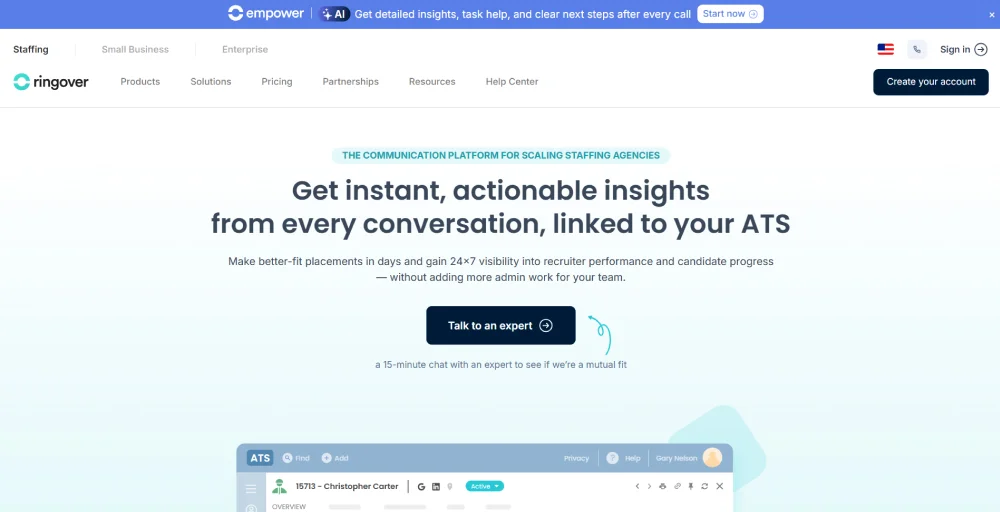
Ringover is a cloud-based communication platform that unifies business telephony (VoIP), SMS, video conferencing, and omnichannel messaging into a single hub. It leverages artificial intelligence to automate administrative tasks, provide conversation analytics, and assist sales and customer service teams in real time.
Key AI features
- Voice Recognition Analysis: Evaluates caller speech patterns, speech rate, and pauses to detect shifts in customer emotion.
- Automatic Topic Detection: Identifies and tags main discussion themes across phone conversations to categorize call logs.
- Framework Analysis: Scores agent compliance by checking if they followed required scripts and company protocols.
- Ask Empower: Let supervisors query a chat assistant to extract custom insights from call transcripts.
- AI Meeting Assistant: Transcribes video conferences, extracts action items, and generates multilingual meeting notes automatically.
Pricing
Ringover pricing relies on a tiered model.
- TALK: $15 per user per month
- BUSINESS: $47 per user per month
- ADVANCED: Customize your solution
Pros & Cons
| Pros | Cons |
| Analyzes active sales calls to provide live coaching scripts. | Locks conversational analytics and AI features behind premium add-on fees. |
| Captures crucial call summaries and syncs them into your CRM. | Developed for outbound sales dialers rather than internal team communication. |
| Processes all communication analytics through proprietary GDPR-compliant models. | Restricts software connections unless you upgrade to top-tier enterprise plans. |
Best for
Teams that want unlimited calling, video, and messaging bundled into one reliable, easy-to-set-up platform.
6. Dialpad – Best for AI-assisted calling & transcription
What is Dialpad?
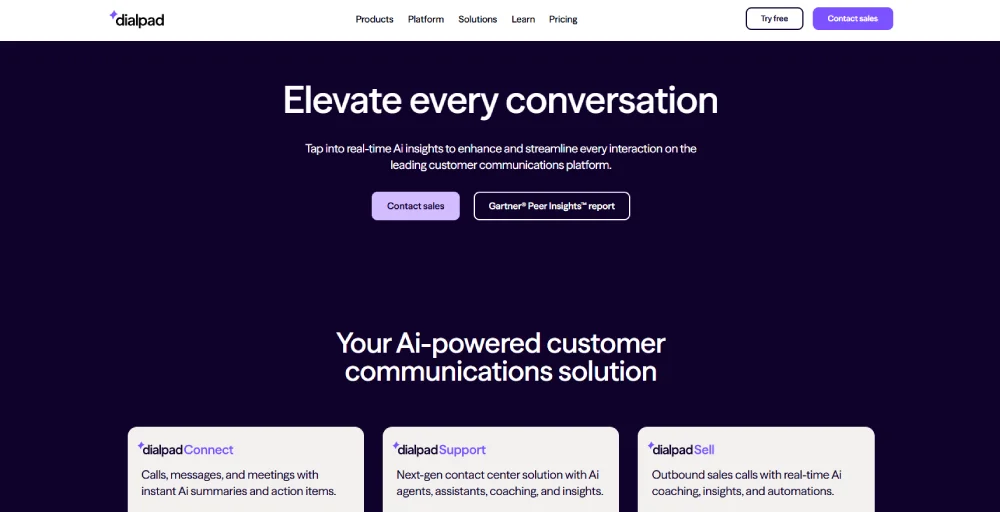
Dialpad is an AI-powered cloud communication platforms that unifies business phone calls, video meetings, messaging, and contact center operations into a single application. Unlike traditional VoIP systems, it integrates its own proprietary AI (DialpadGPT) directly into every personalized conversations to automate tasks and provide real-time transcription, coaching, and analytics.
Key AI features
- AI Recaps: Generates brief, structured summaries, key takeaways, and action items instantly after a phone call or meeting ends.
- AI Scorecards: Review conversations automatically against quality assurance criteria to grade agent performance without manual tracking.
- AI Playbooks: Guides agents in real time by displaying interactive, step-by-step checklists based on the specific sales methodology used.
- AI Agent: Deploys generative AI virtual assistants to answer complex customer questions autonomously across voice and digital chat channels.
- AI LiveCoach: Analyzes live speech to instantly trigger helpful context, answers, and compliance reminders as the agent speaks.
Pricing
Dialpad pricing offers three pricing plans.
- Standard: $15 per user per month
- Pro: $25 per user per month
- Enterprise: Contact us for pricing
Pros & Cons
| Pros | Cons |
| Transcribes business calls and video meetings in real-time. | Built around phone and video rather than standard chat. |
| Automatically generates concise call summaries and action items. | Occasionally interprets complex technical terms or distinct accents. |
| Displays live scripts and sentiment tips during the call. | Requires premium upgrades to unlock essential workflow integrations. |
Best for
Tech-forward sales and support teams that want real-time AI coaching surfaced directly on screen during every call.
7. Intercom (Fin) – Best for automated website customer service
What is Intercom (Fin)?
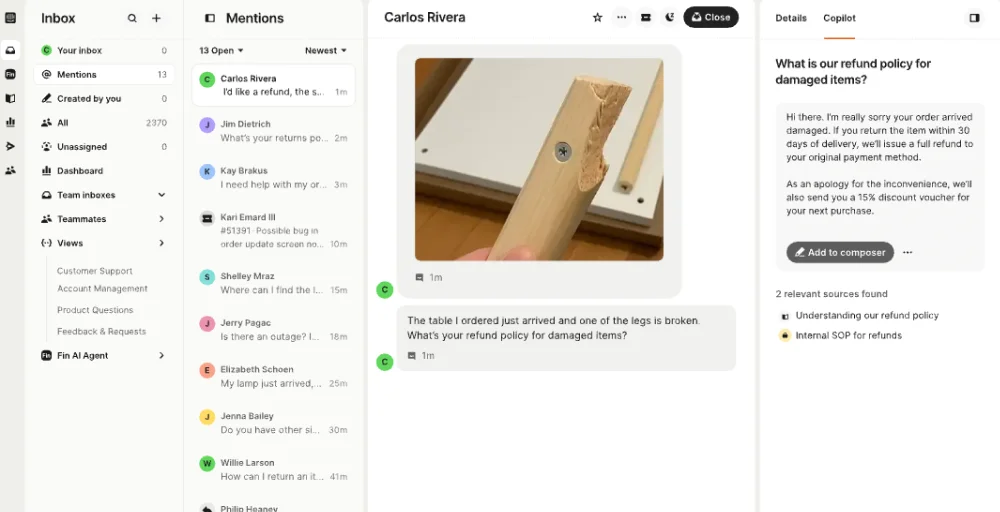
Intercom (Fin) is an advanced AI customer service agent designed to autonomously resolve customer inquiries across chat, email, voice, and social channels. Powered by a proprietary AI engine, it connects to your company’s knowledge base to instantly answer questions, take multi-step actions, and seamlessly hand off complex issues to human agents.
Key AI features
- Copilot: Provides agents with instant answers, draft replies, and conversation summaries inside the workspace.
- AI-enhanced Ticketing: Categorizes, prioritizes, and routes complex customer issues automatically using internal data.
- Outbound Notifications: Triggers targeted, proactive AI messages to users based on their live behavior.
- No Code Automations: Let’s team build complex customer service workflows and chat paths without writing software.
- Onboarding Tools: Guides new clients automatically using interactive, personalized setup steps based on user actions.
Pricing
Intercom pricing combines a per-seat base subscription with usage fees for its Fin AI Agent.
- Essential: $19 per seat per month
- Advanced: $85 per seat per month
- Expert: $132 per seat per month
Pros & Cons
| Pros | Cons |
| FinAI resolves support issues instantly using help center data. | Charges flat rates per AI resolution, causing unpredictable bills. |
| Triggers automated, behavior-based in-app messages and product tours. | Lacks proper workspace collaboration and project tracking features. |
| Merges live chat, email, and social media tickets seamlessly. | Features a dense layout that can overwhelm active support agents. |
Best for
SaaS and product-led companies that want an AI agent capable of fully resolving tickets, not just triaging them.
8. Zendesk – Best for large-scale customer support Aloware
What is Zendesk?
Zendesk is an AI-first customer service and communication platform that unifies all customer interactions, such as email, live chat, social media, and phone, into a single workspace. It acts as an intelligent assistant, using AI to automate routine inquiries, assist human agents with context, and route tickets to the right teams.

Key AI features
- QA Features: Scores agent interactions automatically and flags specific conversations needing manager review to ensure quality compliance.
- Knowledge base: Updates support articles automatically and suggests instant help text to agents while they draft replies.
- Client Portal: Empowers customers with secure, self-service tracking to manage and update their open support tickets.
- Workforce Management (WFM): Predicts future support volumes and builds optimized agent staffing schedules using historical traffic patterns.
- Live Chat: Deploys conversational bots to resolve routine customer inquiries instantly across websites and mobile applications.
Pricing
Zendesk pricing is structured primarily around a per-agent subscription.
- Support Team: $19 per agent per month
- Suite Team: $55 per agent per month
- Suite Professional: $115 per agent per month
- Suite Enterprise + Copilot: Talk to Sales
Pros & Cons
| Pros | Cons |
| Merges email, chat, and phone calls. | Built for external support, not employee chat. |
| Solves customer queries instantly using help articles. | Requires heavy administrative time to configure workflows. |
| Detects customer mood and language to prioritize. | Locks advanced AI behind a high-tier monthly cost. |
Best for
Mid-market and enterprise support organizations that need structured ticketing, workforce planning, and broad third-party integrations.
9. LivePerson – Best for AI-powered conversational messaging
What is LivePerson?
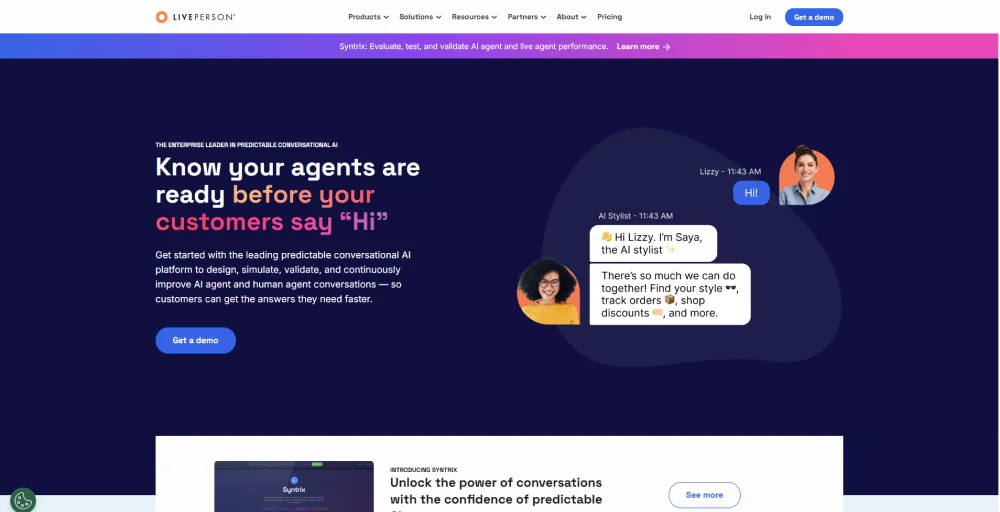
LivePerson is an enterprise-grade conversational AI platform that allows businesses to automate and manage customer service and sales conversations across 15+ messaging channels (e.g., WhatsApp, Apple Business Chat, web chat, and SMS). It blends AI-powered chatbots with human agents to provide seamless, personalized customer experiences at scale.
Key AI features
- Advanced Routing: Direct customers to the best agent or bot instantly using real-time intent and sentiment data.
- Business System Triggers: Sync live conversation data to external CRMs to initiate automated workflows and marketing campaigns.
- Conversational Cloud: Unifies voice, SMS, and messaging apps into one centralized platform managed by generative AI.
- Custom Notifications: Send personalized, proactive alerts to customers based on specific triggers or behavior changes.
- Voice to Digital Solutions: Automatically deflects inbound phone calls to digital chat channels to reduce agent wait times.
Pricing
LivePerson pricing operates primarily on an unlisted, custom-quote structure tailored to mid-market and enterprise scale.
Pros & Cons
| Pros | Cons |
| Unifies customer chats from WhatsApp, Apple, and SMS. | Designed for customer support rather than internal team chat. |
| Use advanced NLU to detect and resolve buyer issues. | Requires developer resources to build custom automated workflows. |
| Shifts conversations seamlessly from bots to live support staff. | Pricing models target larger corporations instead of smaller budgets. |
Best for
Large enterprises with complex compliance requirements and high-volume, multichannel customer engagement needs.
10. ChatGPT – Best for general-purpose AI tasks
What is ChatGPT?
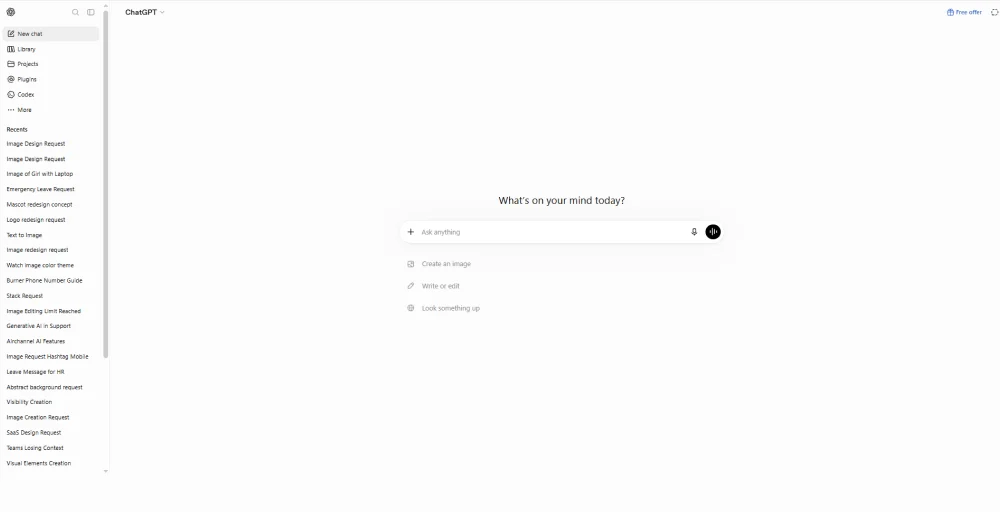
ChatGPT is an advanced AI chatbot developed by OpenAI that mimics natural, human-like conversation. It allows users to create content, interact through text, assist with content creation, generate social media posts, produce web copy, draft emails, landing pages, translate languages, and automate daily communication and other tasks.
Key AI features
- Voice Mode: Supports fluid, real-time spoken conversations with voice-to-text dictation and multiple natural-sounding vocal options.
- Operator Agent: Uses a built-in cloud browser to fill forms, book reservations, and automate multi-step web tasks.
- Codex: Provides developers with a dedicated, context-aware environment for software development and writing code.
- Chat History: Stores, categorizes, and indexes past user conversations for easy reference and future contextual analysis.
- Skills Beta: Allows organizations to create, install, and share standardized, repeatable task-automation workflows.
Pricing
ChatGPT offers multiple subscription tiers depending on your needs.
- Free: $0
- Go: $8 per month
- Plus: $20 per month
- Pro: $100 per month
- Business: $20 per month
- Enterprise: Custom pricing
Pros & Cons
| Pros | Cons |
| Stimulates real-time messaging, brainstorming, and role-plays. | Lacks built-in task tracking and databases. |
| Drafts, edits, and translates emails instantly. | Requires manual uploads to read company files. |
| Connects easily in Slack and custom workflows. | Needs enterprise plans to protect corporate data. |
Best for
Individuals and teams who need a flexible, general-purpose AI assistant for everyday drafting, research, and communication tasks.
11. Notion – Best for team collaboration and knowledge
What is Notion?
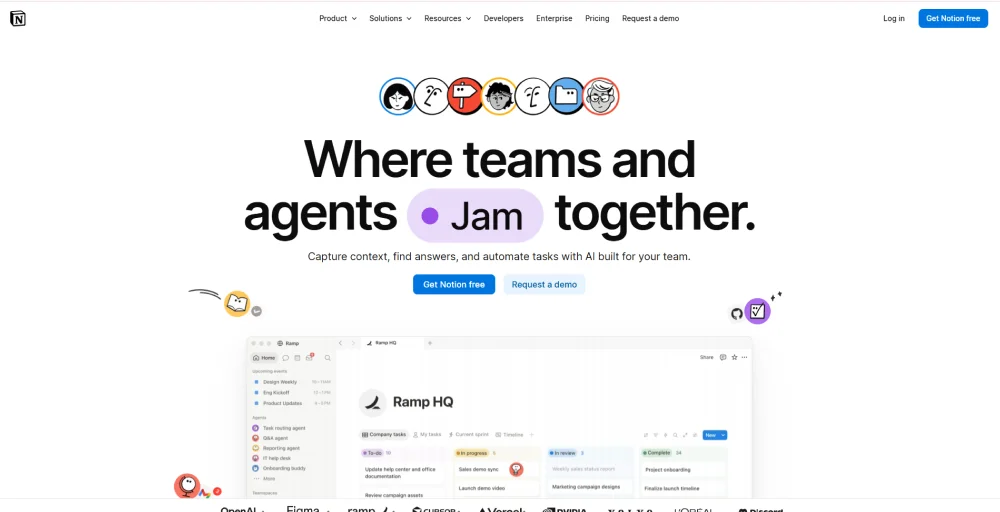
Notion is an all-in-one workspace that combines notes, documents, wikis, and project management. As an AI communication and collaboration tool, it integrates intelligent AI agents directly into your workflow, allowing you to brainstorm, automate tasks, write content, and summarize information using context from across your entire team’s workspace.
Key AI features
- Custom Permissions: Restrict AI access to specific pages, database rows, or connected data sources.
- Model Magnostic: Switches between different advanced LLMs like Claude or OpenAI for workspace tasks.
- AI Meeting Notes: Transcribes meeting audio and auto-extracts action items directly into your notes.
- Admin Controls: Monitors credit usage, reviews agent audit trails, and manages user creation permissions.
- Notion Agent: Runs proactive background automations across Notion and integrated apps based on triggers.
Pricing
Notion offers four pricing plans, and they are:
- Free: $0
- Plus: $10 per member per month
- Business: $20 per member per month
- Enterprise: Custom pricing
Pros & Cons
| Pros | Cons |
| Searches across all team docs instantly. | Lacks a fast instant messaging system. |
| Automatically refines tone, translates, and drafts. | Cannot search external chat tool history. |
| Fills project columns with text summaries. | Needs active user input to trigger. |
Best for
Teams that want internal knowledge, meeting notes, and AI-assisted writing unified in one flexible workspace.
12. ClickUp – Best for AI project management
What is ClickUp?
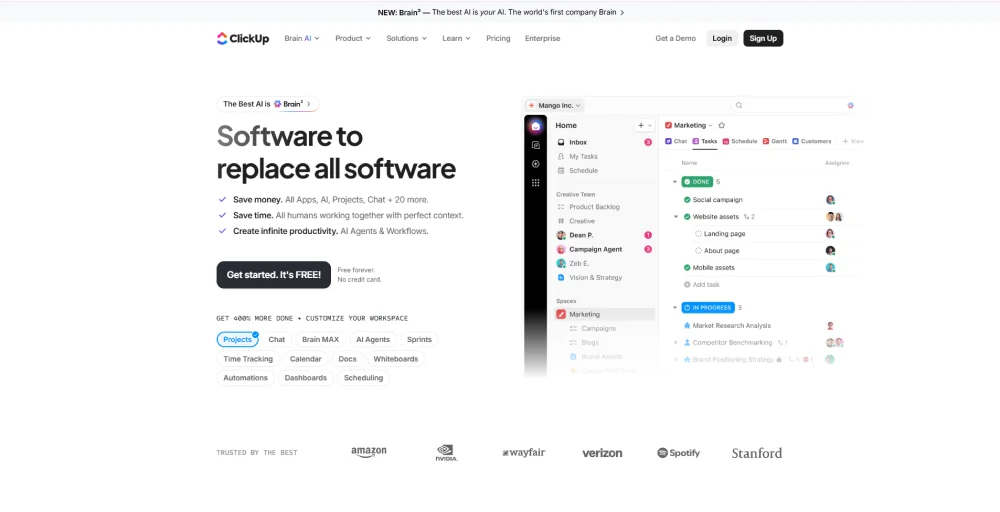
ClickUp is primarily an all-in-one productivity and project management platform, but as an AI communication tool, it functions as a “converged AI workspace”. It features ClickUp Brain, an integrated AI assistant that centralizes conversations, reduces heavy-lifting projects, automates internal communication, and summarizes information directly within your existing workflow.
Key AI features
- Talk to Text: Converts your spoken voice notes into clean, editable text instantly.
- Super Agents: Build specialized, autonomous AI workers to execute multi-step workflows and complex business processes.
- Notetaker: Drops into your live meetings to transcribe the conversation and automatically summarize key decisions.
- Brain MAX: Connects all your workspaces to a central brain for deeper analysis and cross-project problem solving.
- Enterprise Search: Finds answers instantly across ClickUp, connected apps, and company files from a single search.
Pricing
ClickUp’s pricing structure scales from individuals to large enterprises.
- Free Forever
- Unlimited: $7 per user per month
- Business: $12 per user per month
- Enterprise: Contact sales
Pros & Cons
| Pros | Cons |
| Answer team questions using project data. | Cannot manage external client communications. |
| Draft emails and refine message tone. | High learning curve for basic use. |
| Summarizes team clips into action items. | Less efficient for on-the-go messaging. |
Best for
Project-heavy teams that want AI-driven meeting notes, automation, and internal communication built directly into their task management system.
How to Choose the Right AI Communication Tool
Choosing the right AI communication tool requires a structured evaluation of your business’s technical, operational, and regulatory needs. Aligning the platform with your workflow while prioritizing security ensures high adoption rates, better customer experiences, and reliable ROI.
Follow these steps to find the best tool for you:
Define your primary use case (voice vs. chat vs. collaboration)
Pinpoint how your team will interact with the AI daily. Voice focus requires real-time speech recognition, low latency, and live agent coaching. Chat-heavy environments need platforms that handle massive text volumes and route customers automatically. Internal collaboration requires tools that summarize long meeting transcripts and extract action items
Check CRM and integration compatibility
It’s crucial that the platform connects smoothly with your existing software. It should have built-in connectors or strong APIs for Salesforce or HubSpot. This connection allows the AI to quickly access customer histories and update new data. Without this compatibility, your team may face confusion and slower response times.
Evaluate AI depth (automation, analytics, NLP accuracy)
Assess the underlying intelligence to ensure it moves beyond rigid scripts. Look for advanced NLP that accurately detects user intent and customer sentiment. Automation depth should trigger complex background workflows, such as database updates or refunds. Built-in analytics must transform raw conversation logs into actionable system performance trends.
Consider pricing model and scalability
When choosing a pricing model, think about how it will affect your finances and growth. Check whether vendors offer flat monthly rates or charge based on how much you use their API. If you’re evaluating a solution, check whether it includes a free plan or free version before committing to a paid subscription. Many vendors also offer a personalized demo to showcase advanced capabilities.
Security and compliance (GDPR, HIPAA, SOC 2)
Protecting sensitive customer data is a non-negotiable legal requirement. Verify that the vendor offers end-to-end encryption for data at rest and in transit. The platform must explicitly support compliance standards like HIPAA, GDPR, or SOC 2. Ensure the vendor discloses whether your proprietary conversations are used to train models.
Communicate More Effectively with AI-Powered Tools
Modern AI communication platforms help businesses stay connected, automate routine tasks, route every conversation to the right person, and reduce the heavy lifting associated with customer support and internal collaboration. As the next wave of workplace technology arrives, AI works alongside employees to improve productivity instead of replacing them.
Whether for customer support, sales outreach, or team collaboration, the right AI platform boosts productivity, reduces response times, and enhances customer satisfaction. Tools like KrispCall, CloudTalk, and Dialpad excel in AI-driven calling, while Intercom, Zendesk, and LivePerson focus on support automation. For internal communication, ChatGPT, Notion, and ClickUp offer AI-assisted writing and knowledge management.
Whether you need AI for customer support, sales, or collaboration, these platforms deliver instant assistance while reducing manual work. Each tool is built specifically for different business needs, so compare integrations, pricing, and other features before making your decision.