Every misrouted call is a broken customer experience, and most businesses don’t realize their call routing setup is the reason. When calls reach the wrong agent, ring multiple people at once, or require manual transfers, the result is the same: a poor experience for the caller. Customers get frustrated, and support teams become overwhelmed.
So, call routing is the best solution for this. If you already know what call routing is and you’re looking for the right tool, this guide is for you.
This guide covers the best call routing software tools, reviewed by use case, team size, and budget, with a clear recommendation for each profile. Whether you manage a lean startup phone system or a multi-site enterprise contact center, there’s a right routing solution for your needs.
✨TL;DR
- Call routing software automatically directs inbound calls to the right agent or department using rules, skills, or AI, eliminating misrouted calls, long wait times, and the guesswork of manual routing.
- Some of the top picks for best call routing software are KrispCall, Talkdesk, Dialpad, and Amazon Connect.
- The best call routing software for SMBs is KrispCall, CloudTalk, Nextiva, Google Voice, and RingCentral.
- The common criteria for choosing call routing software are routing logic types, CRM integration, analytics, IVR builder, ease of setup, and price-to-feature.
What Makes Call Routing Software Worth Paying For?
Call routing software is worth paying for because it turns a basic phone system into a smarter and more efficient communication tool. It reduces wait times, helps customers reach the right expert faster, and supports business growth without adding extra staff.
At its most basic, call routing uses predefined rules to direct callers by time of day, department selection via interactive voice response (IVR), or the first available agent. Modern routing systems use skills-based routing, caller intent, CRM data, intelligent call routing, and AI to connect customers with the right agent on the first attempt.
How it works: A caller dials your business number. The call routing system reads the caller input (IVR selection, caller ID, time of day, or CRM data), matches it against routing rules, and connects the call to the right agent, often before the phone even rings. The best platforms do this in milliseconds and give supervisors real-time visibility into call queues, agent availability, and overall call center operations.
Must Have Core Features
Evaluating call routing options? These are the features that separate capable platforms from ones that will limit you as you scale:
- Visual IVR / call flow builder: Drag-and-drop preferred. Your team should be able to build and modify call flows in just a few clicks, with no developer required.
- Routing logic types: Skills-based routing, time-based routing, round-robin, IVR menus, and AI/predictive routing. A good call routing system supports at least three of these.
- CRM integration: Salesforce, HubSpot, Pipedrive, and Zoho integrations should display customer information before agents answer the call, helping them make better routing decisions.
- Real-time queue monitoring & dashboards: Supervisors need live visibility into agent availability, call queues, and call volume without waiting for end-of-day reports.
- Call recording, transcription, and analytics: First-call resolution rates, average wait time, agent load, and call scoring are the metrics that drive better customer service decisions.
- Automatic call distribution (ACD): The foundation of any advanced routing system, automatically distributing incoming calls based on agent availability or priority.
Upgrade Your Current Setup if
- Calls regularly land with the wrong agent or department.
- Callers wait too long or abandon the queue before connecting.
- You have no visibility into which agents are overloaded.
- Your routing relies on manual call transfers and basic call forwarding instead of logic-driven routing rules.
- Compliance, call recording, or uptime SLAs are hard business requirements.
- Your sales and support teams are sharing the same routing rules despite having different caller needs.
10 Best Call Routing Software Tools in 2026
The market for call routing software has never been more competitive, with options ranging from SMB-friendly cloud dialers to enterprise-grade contact center platforms powered by AI voice agents. Here’s how the top 10 stack up.
| Tool | Best For | G2 Rating | AI Routing | Starting Price |
| KrispCall | Small to large businesses | 4.5/5 | ✅ Yes | $12 /user/month |
| Google Voice | Google Workspace teams | 4.1/5 | ❎No | $10 /user/month |
| Dialpad | AI-native routing & coaching | 4.4/5 | ✅ Yes | $15 /user/month |
| CloudTalk | Growing SMB sales and support | 4.3/5 | ✅ Yes | $25 per user |
| Five9 | Enterprise contact centers | 4.1/5 | ✅ Yes | $119 /month/seat |
| RingCentral | Large businesses + UCaaS | 4.1/5 | ✅ Yes | $20/user/month |
| Talkdesk | Retail & e-commerce | 4.4/5 | ✅ Yes | $85 /user/month |
| Nextiva | All-in-one routing + CRM | 4.5/5 | ✅ Yes | $15 /user/month |
| CallRail | Marketing attribution | 4.5/5 | ✅ Yes | $50/month |
| Amazon Connect | Dev-heavy custom routing | 4.4/5 | ✅ Yes | Pay-as-you-go |
1. KrispCall – Best for: Growing SMBs wanting smart routing without complexity
KrispCall is a powerful yet easy-to-use call routing solution for businesses of all sizes. It offers advanced call routing, IVR menus, skills-based routing, time-based rules, automatic call distribution, and a power dialer, all at a startup-friendly price. Its Unified Callbox brings calls, SMS, voicemails, and recordings into one inbox. Teams can view every customer interaction without switching between tools.
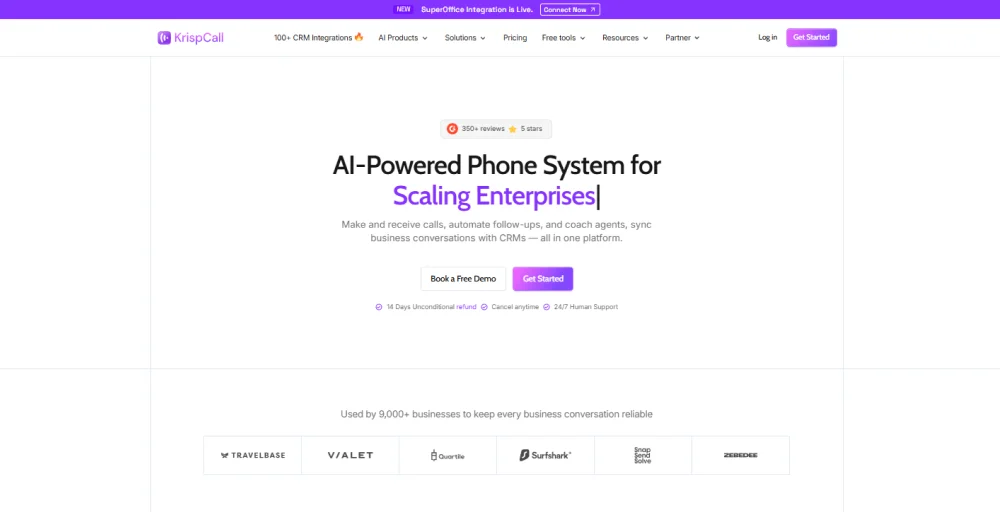
KrispCall stands out for SMBs because it is easy to use and offers flexible routing options. You can create call flows, manage calls, and connect your CRM in a few clicks. Its Phone Tree IVR allows you to create multi-level menus that direct callers to the right department based on their input, business hours, or agent availability.
For teams that handle both incoming and outgoing calls, the outbound power dialer and inbound routing work on the same platform, so there’s no need for separate solutions. It also supports virtual phone numbers in over 100 countries, making it a great choice for global sales teams.
Why You Should Choose KrispCall
- You can use all routing types, like skills-based, time-based, round-robin, and IVR, without needing a complicated setup.
- Unified Callbox keeps all your phone calls, messages, and voicemails in one place, perfect for shared-number workflows.
- The platform includes real-time call transcription, call summaries, and call analytics.
- You can also use a power dialer for outbound sales calls, all on the same platform as inbound routing.
KrispCall’s Limitations
- You can customize call flows to a limited extent to meet complex business needs.
- If your team wants to use video calling, you will need a separate tool since this platform does not offer it.
- Some users experience dropped calls, and it can take several days to transfer phone numbers.
KrispCall Pricing
KrispCall offers three pricing plans, and they are:
- Essential: $15/user/month (monthly) | $12/user/month (annual)
- Standard: $40/user/month (monthly) | $32/user/month (annual)
- Enterprise: Custom pricing
KrispCall G2 Rating
What Users Say About KrispCall
Users consistently highlight call quality, ease of setup, and the value offered at KrispCall’s price point. Reviewers specifically call out the unified Callbox as a game-changer for teams managing shared numbers across support and sales teams.
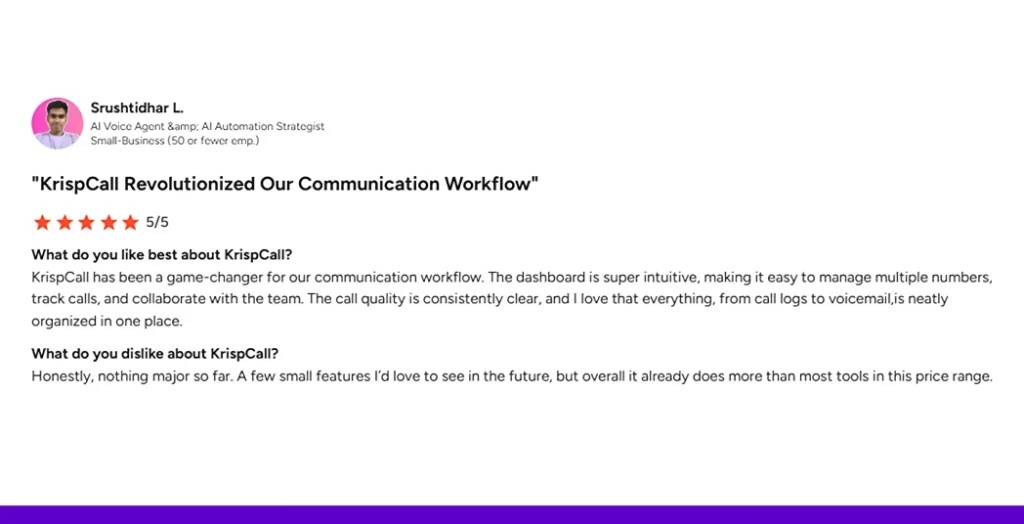
A common theme: more routing features at entry-level pricing than most competitors lock behind higher tiers.
2. Google Voice – Best for: Teams already within the Google ecosystem
Google Voice is a simple phone system designed for businesses using Google Workspace. It can handle basic call routing, call forwarding, voicemail transcription, and automated menus. It works well with Gmail, Google Calendar, and Google Meet. It is a good choice for small teams that need simple call management and basic routing.
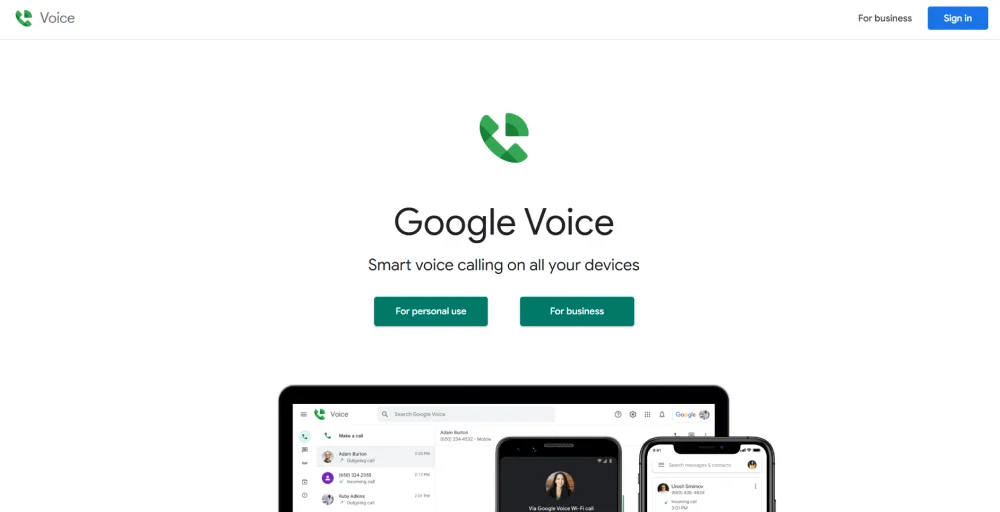
The routing features are limited. You have time-based routing (for business hours and after hours), basic call forwarding to multiple devices, and simple automated menus. However, it does not offer skills-based routing, real-time call transcription, or advanced integration with other customer management systems, except for Google’s own tools.
Why You Should Choose Google Voice
- Seamless integration with Google Workspace (Gmail, Calendar, Meet).
- Simple, clean interface that requires no training.
- Reliable call quality backed by Google’s infrastructure.
- Affordable for very small teams already paying for Google Workspace.
Google Voice’s Limitations
- No skills-based routing, round-robin distribution, or AI routing.
- Limited CRM integrations outside of Google’s ecosystem.
- Not designed for call center operations or high call volume environments.
Google Voice’s Pricing
Google Voice offers a free tier for personal use. While other Google Voice business plans range from $10 to $30.
- Starter: $10 per user/month
- Standard: $20 per user/month
- Premier: $30 per user/month
Google Voice G2 Rating
3. Dialpad — Best for: AI-native routing with built-in coaching
Dialpad is a leading call routing solution that leverages advanced AI. Every plan includes useful features like real-time call transcription, live sentiment analysis, and automated call summaries. Many competitors either charge extra for these features or don’t offer them at all. Dialpad provides skills-based routing, IVR, and AI-assisted queue management through an easy-to-use visual interface.
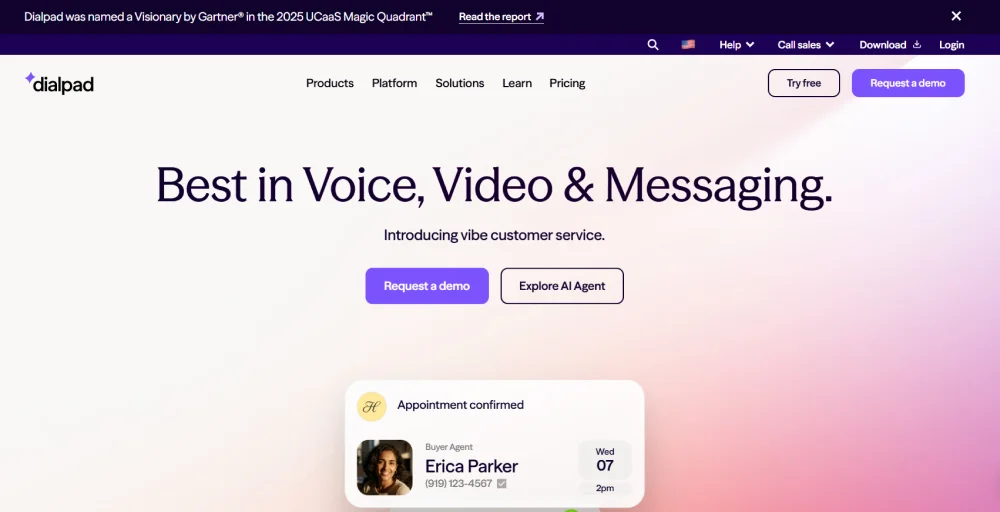
Dialpad’s AI voice agents can answer simple questions automatically. More complex issues are transferred to live agents. This reduces call volume and improves self-service success. For sales calls, Dialpad offers a live coaching feature. This feature gives real-time response suggestions and competitor information, which is rare in other routing solutions.
Why You Should Choose Dialpad
- Industry-leading AI: real-time call transcription, sentiment scoring, and live on-screen coaching included in base plans
- Strong skills-based routing and IVR without requiring enterprise pricing
- Unified platform covers voice, video, and messaging, a true unified communications platform
- Excellent for sales teams that need call scoring and performance analytics
Dialpad’s Limitations
- International calling advertised as “unlimited” applies only to US and Canada; additional fees apply elsewhere.
- Contact center and sales dialer are separate products with separate pricing.
- SMS overage fees apply for usage beyond the included monthly allowance.
Dialpad’s Pricing
Dialpad pricing is divided into three core tiers.
- Standard: $15 per user per month (annual)
- Pro: $25 per user per month (annual)
- Enterprise: Quote-based pricing
Dialpad G2 Rating
4. CloudTalk – Best for: Growing SMB sales and support teams blending inbound routing with outbound dialing
CloudTalk is a cloud-based business calling platform with AI voice agents built on top, designed for growing SMB sales and customer service teams that need smart inbound call routing alongside outbound dialing capabilities. Its routing engine supports IVR menus, skills-based routing, time-based rules, and automatic call distribution, all configured through a visual call flow builder that doesn’t require technical resources.
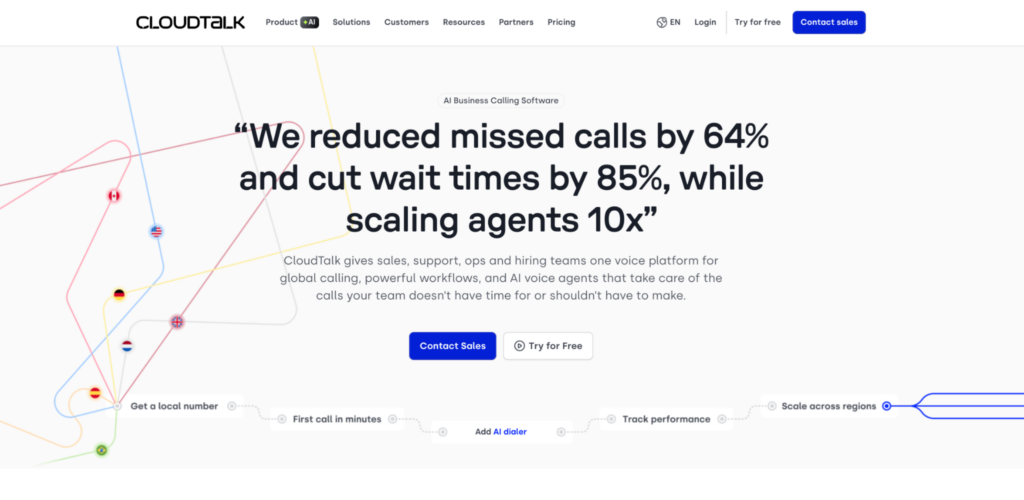
CloudTalk’s routing logic connects directly to CRM data, so callers can be routed based on existing customer records, deal stage, or support history pulled from Salesforce, HubSpot, Pipedrive, and Zendesk.
Its AI voice agents handle routine inbound calls outside business hours, providing 24/7 coverage without overnight staffing, and pass complex cases to the right agent with full context attached. The power dialer for outbound campaigns sits on the same platform as inbound routing, so teams running blended workflows manage everything from one interface.
For SMB teams scaling internationally, CloudTalk offers virtual numbers in 160+ countries, making location-based and language-based routing practical for distributed sales operations.
Why You Should Choose CloudTalk’s
- Smart call routing with IVR, skills-based, time-based, and round-robin distribution in one platform
- AI voice agents handle inbound calls 24/7 and integrate with routing rules for seamless escalation
- Power dialer for outbound and inbound routing share the same workspace, useful for blended sales and support teams
- Native integrations with 35+ CRMs and helpdesks, so routing decisions can be driven by customer data
CloudTalk’s Limitations
- Advanced workforce management and predictive routing are lighter than enterprise contact center platforms
- AI voice agent capabilities are a newer addition compared to voice-first AI specialists
- Healthcare-specific compliance scripting (HIPAA) requires custom configuration
CloudTalk’s Pricing
CloudTalk offers four pricing plans:
- Starter: $25 per user per month (annually)
- Essential: $30 per user per month (annually)
- Expert: $50 per user per month (annually)
- Custom: Custom pricing
CloudTalk G2 Rating
5. Five9 – Best for: Enterprise contact centers with complex routing
Five9 is not a business phone system; it’s a full-scale enterprise contact center platform. It handles omnichannel routing, predictive dialing, AI-powered intelligent virtual agents, and workforce management. It is built for large organizations with more than 100 agents and strict compliance requirements. It offers more advanced capabilities than most SMB-focused tools.
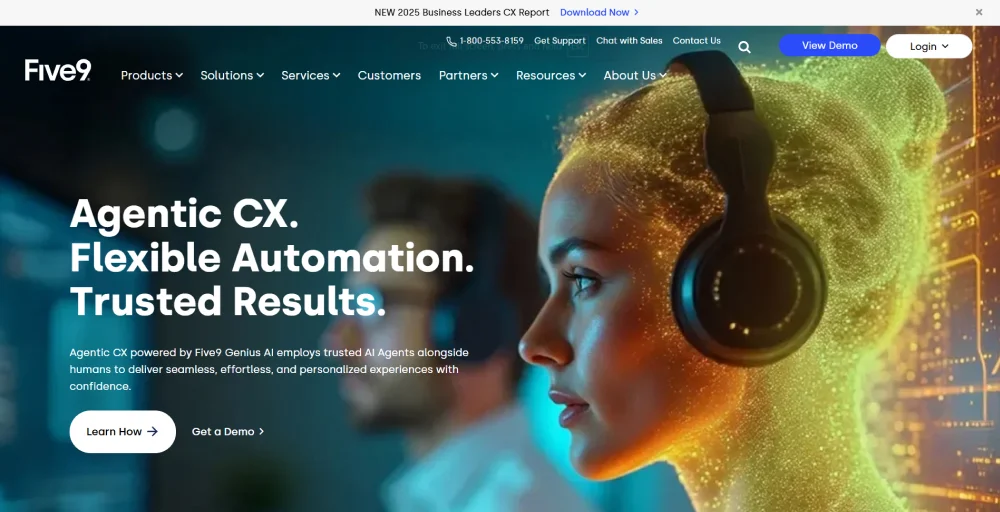
Its drag-and-drop call flow builder supports the most advanced routing strategies available: skills-based routing, priority-based routing, time-of-day routing, predictive AI routing, and omnichannel queue management. Every routing rule can incorporate CRM data from Salesforce, ServiceNow, or Microsoft Dynamics, ensuring agents receive full customer context before they connect.
Why You Should Choose Five9
- Best predictive/AI routing engine for high-volume contact center operations.
- Native omnichannel routing across voice, chat, email, and social.
- Intelligent Virtual Agents handle routine inquiries autonomously, reducing live agent load.
- Predictive, Power, Progressive, and Preview dialing modes in one platform.
Five9’s Limitations
- Dated UI that some users describe as unintuitive, particularly for advanced configurations.
- Long-term contracts are typically required.
- Overkill (and over-budget) for teams under 50 agents.
Five9’s Pricing
Five9 offers five pricing bundles, with monthly prices ranging from $119 to custom pricing.
- Digital: $119 per month per seat
- Core: $159 per month per seat
- Plus: Contact sales
- Pro: Contact sales
- Enterprise: Contact sales
Five9 G2 Rating
6. RingCentral – Best for: Large businesses wanting all-in-one UCaaS + routing
RingCentral is the unified communications platform of choice for large enterprises that need call routing, video conferencing, team messaging, and contact center capabilities under one roof. Its routing engine supports voice, chat, email, and social media. Real-time dashboards help supervisors monitor agent performance and call center activity from one place.
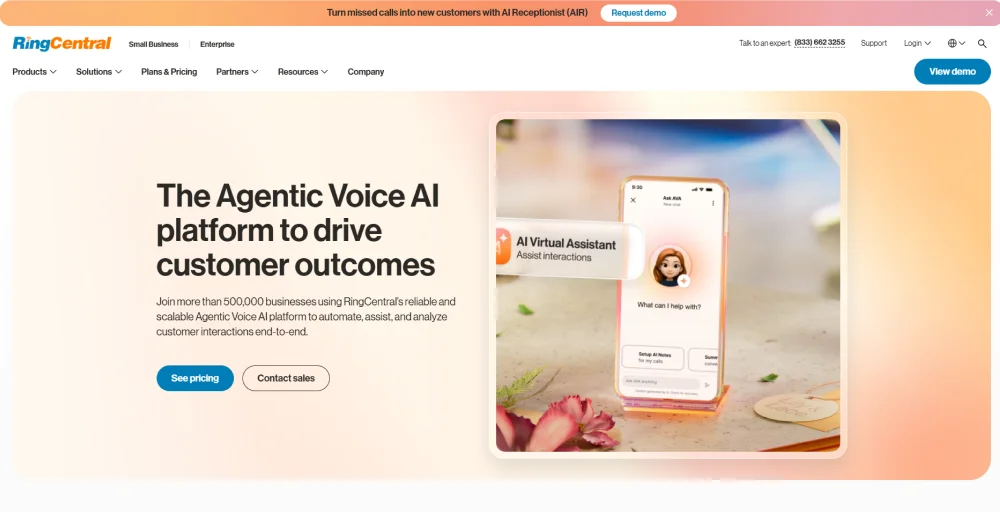
RingCentral’s breadth, 300+ app integrations, large-scale video (up to 200 participants), advanced call monitoring, and AI Quality Management make it a legitimate all-in-one option for organizations that have outgrown simpler tools. Its RingSense for Sales add-on adds AI-powered sentiment analysis and automated coaching built directly from call recordings.
Why You Should Choose RingCentral
- All-in-one UCaaS: routing, video, messaging, and contact center in one platform.
- 300+ integrations, including Salesforce, ServiceNow, and Microsoft Teams.
- Advanced call monitoring and live wallboards for large teams.
- AI Quality Management automatically monitors 100% of interactions.
RingCentral’s Limitations
- Interface can feel clunky compared to newer, purpose-built routing solutions.
- Full contact center features require RingCentral Contact Center.
- Can be complex to configure and administer for mid-market teams.
RingCentral’s Pricing
RingCentral pricing offers three paid plans, and they are:
- Core: $20 /user/month
- Advanced: $25 /user/month
- Ultra: $35 /user/month
- Customer Engagement Bundle: Contact sales
RingCentral G2 Rating
7. Talkdesk – Best for: Retail and e-commerce contact centers
Talkdesk is a cloud-based contact center solution well-suited for retail and e-commerce businesses that need flexible IVR flows, workforce management, and real-time call monitoring. Its AI Copilot feature helps agents handle complex inquiries with intelligent suggestions, and its CXA (Customer Experience Automation) platform automates entire workflows — not just basic routing rules.
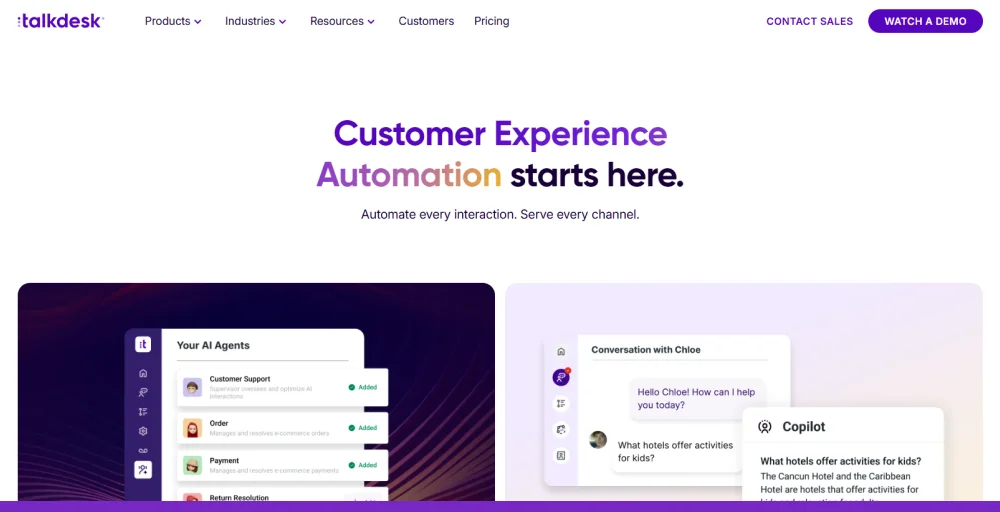
Talkdesk has developed industry-specific “clouds” for travel, hospitality, and retail, which means its routing strategies and automation templates are pre-built around the use cases most common in those verticals. For e-commerce contact centers managing seasonal call volume spikes, Talkdesk’s workforce management and real-time monitoring tools are particularly strong
Why You Should Choose Talkdesk
- AI Copilot provides intelligent agent assistance during live calls.
- Industry-specific clouds for retail, travel, and healthcare.
- Highly flexible IVR and call routing configuration.
- Voice and screen recording for quality assurance.
Talkdesk’s Limitations
- No conference calling or auto-attendant on lower plans, a notable gap for sales teams.
- The starting price of $85/user/month positions it out of reach for smaller teams.
- Advanced reporting and workforce management tools require higher tiers and add-ons.
Talkdesk’s Pricing
Talkdesk cost plan offers four tiered pricing plans.
- Digital Essentials: $85 per user per month
- Voice Essentials: $105 per user per month
- Elite: $165 per user per month
- Industry Experience Clouds: $225 per user per month
Talkdesk G2 Rating
8. Nextiva – Best for: All-in-one routing + CRM + customer journey tracking
Nextiva combines a business phone system, contact center software, and customer journey tracking into a single platform, making it a compelling option for businesses that want to connect their routing setup directly to how customers move through the sales and support funnel. It handles IVR, skills-based routing, call queues, and voicemail routing with a clean administrative interface that doesn’t require IT to configure.
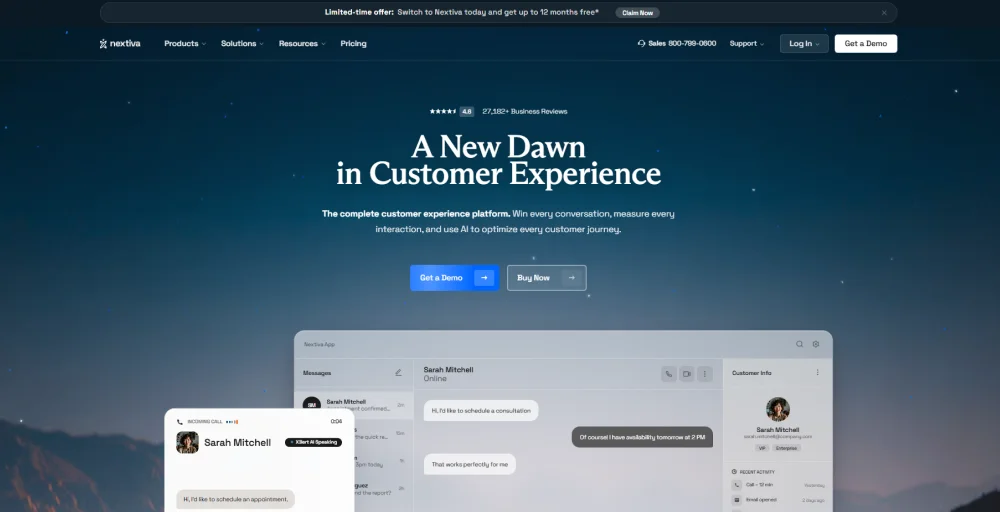
Its AI analytics provide insights into agent performance, first-call resolution, and call quality. The unified inbox brings voice, SMS, email, and chat into one view. Nextiva’s approach to routing is less about raw call center power and more about contextual routing, ensuring that customer data informs every routing decision.
Why You Should Choose Nextiva
- Unified voice + digital routing in a single platform with strong CRM integration.
- Customer journey tracking connects call routing to the sales pipeline and support history.
- Reliable call quality with strong uptime SLA.
- Voicemail-to-email, call forwarding, and time-based routing are available on all plans.
Nextiva’s Limitations
- Initial setup can be complex, particularly for multi-department routing configurations.
- Number porting issues cited by some users.
- Advanced omnichannel features require higher-tier Enterprise plans.
Nextiva’s Pricing
Nextiva has three different pricing plans.
- Core: $15 per user per month (annually)
- Engage: $25 per user per month (annually)
- Scale: $75 per user per month (annually)
Nextiva G2 Rating
9. CallRail – Best for: Marketing teams tracking call attribution alongside routing
CallRail occupies a unique niche: it’s both a call routing system and a marketing attribution platform. For businesses running paid search, Google Ads, or multi-channel campaigns, CallRail connects every inbound call to the marketing source that generated it, giving marketers visibility into which campaigns are driving sales calls, not just clicks.
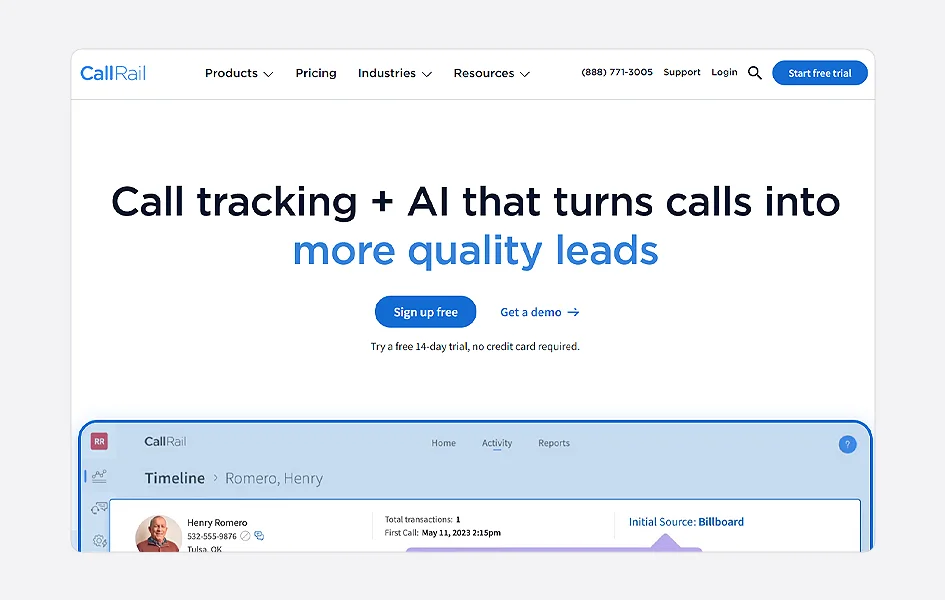
Its dynamic number insertion tracks caller sources at the session level, while its Conversation Intelligence feature analyzes call recordings to score leads, flag keywords, and identify which calls converted. For marketing-driven businesses, combining call attribution and routing in a single platform eliminates the gap between “calls came in” and “here’s what generated them.
Why You Should Choose CallRail
- Best-in-class marketing attribution for inbound calls, knows which ad, keyword, or campaign drove each call.
- Conversation Intelligence scores calls, transcribes conversations, and surfaces intent signals.
- Multi-location routing supports agencies managing multiple client accounts.
CallRail’s Limitations
- Not a full contact center solution, lacks advanced ACD, skills-based routing, and agent performance tools.
- Primarily built for marketing attribution, sales teams, and support teams may need additional center software.
- Cost increases significantly for teams needing call analytics across many numbers.
CallRail’s Pricing
CallRail offers four comprehensive pricing plans.
- Lead Tracking: $50 /month (Yearly)
- Lead Tracking Complete: $95 /month (Yearly)
- Lead Conversion: $150 /month (Yearly)
- Lead Conversion Complete: $195 /month (Yearly)
CallRail G2 Rating
10. Amazon Connect – Best for: Dev-heavy teams building fully custom routing
Amazon Connect is AWS’s cloud contact center service, priced on a pay-as-you-go model with no per-seat licensing. For engineering teams that want to build custom call routing logic from scratch, integrating directly with AWS Lambda, DynamoDB, Lex (for AI voice agents), and other AWS services, Amazon Connect offers more flexibility than any packaged software platform.
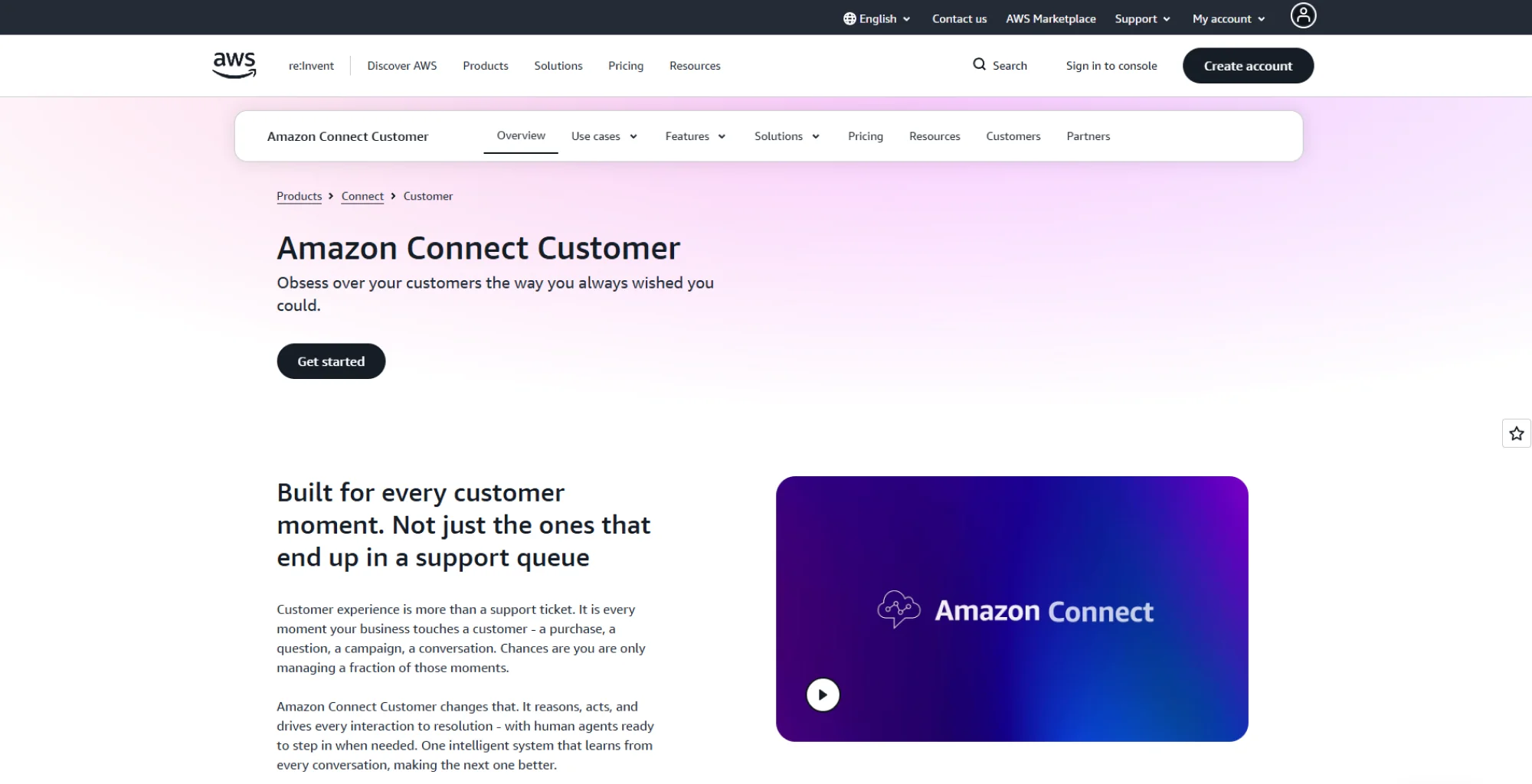
Its routing rules can be simple or highly customized, depending on your team’s technical expertise. Its AI capabilities are among the strongest in the market. The tradeoff is that it requires developer resources to configure and maintain; it’s not a tool you can set up in a few clicks.
Why You Should Choose Amazon Connect
- Pay-as-you-go pricing, no per-seat fees, no long-term contracts
- Unlimited routing customization via AWS service integrations
- Contact Lens provides real-time call transcription, sentiment analysis, and call analytics natively.
- Scales to any call volume without re-architecting.
Amazon Connect’s Limitations
- No out-of-the-box IVR or routing templates; every flow requires engineering work
- High total cost of ownership for teams without dedicated AWS expertise
- Not viable as a quick-to-deploy routing solution for non-technical teams
- Limited native CRM integrations compared to commercial platforms
Amazon Connect’s Pricing
Pay-as-you-go (approximately $0.018/minute for inbound calls + additional service charges).
Amazon Connect G2 Rating
How to Choose the Right Call Routing Software for Your Business
The best call routing solution depends on your team size, technology stack, call volume, and the level of complexity your team can manage. Here’s a practical breakdown.
For Small Businesses and Startups (under 20 agents)
Small teams should prioritize ease of setup, a visual IVR builder, CRM integration, and affordable per-seat pricing. The routing types you actually need at this stage are round-robin distribution, time-based routing, and basic skills routing, not an enterprise-grade omnichannel platform. KrispCall and Aircall are the strongest fits here.
For Mid-Market Teams (20–100 agents)
As your team scales, skills-based routing, real-time dashboards, call analytics, and integrations across multiple CRMs become the priorities. Queue management and visibility into agent performance matter more at this size, and your routing system needs to keep pace with growing call volume. KrispCall, CloudTalk, Dialpad, and Nextiva are all well-suited for this segment.
For Enterprise Contact Centers (100+ agents)
Enterprise teams need predictive AI routing, omnichannel queue management, workforce management, and compliance capabilities. You’re evaluating platforms, not just tools. The routing types in play at this level are AI/predictive routing, omnichannel flows, and fully custom call handling logic. Five9, Genesys, RingCentral, Talkdesk, and Amazon Connect are the go-to options.
For Teams With Outbound + Inbound Blended Needs
If your team runs outbound sales campaigns alongside inbound support, look for a platform that puts the power dialer and inbound routing rules in a single interface, so agents aren’t context switching between separate tools. KrispCall’s blended Callbox, CloudTalk, and Dialpad all handle this well.
How KrispCall is an Affordable and Best Call Routing Solution
Growing businesses do not need expensive software to improve call routing. Starting at $15 per user per month, KrispCall provides everything you need without the high cost of enterprise solutions.
Here’s what makes KrispCall stand out as a routing solution specifically:
- Easy intelligent call routing: Create call flows with Phone Tree IVR and route calls based on business hours, caller choices, or agent availability. No technical skills required.
- Skills-based routing: Send calls to the right agent based on their expertise, language, or product knowledge. Use round-robin routing to distribute calls evenly across your team.
- Unified Callbox: View calls, missed calls, voicemails, and SMS messages in one place for better visibility and management.
- CRM integration: Connect with HubSpot, Salesforce, Pipedrive, and Zoho. Agents can see customer details before answering a call.
- Power dialer and inbound routing: Manage outbound sales calls and inbound customer calls from the same platform.
- Real-time call analytics: Track call volume, wait times, agent performance, and first-call resolution. Call recording, transcription, and summaries are included.