Running a modern VoIP call center without analytics is like flying blind. You may be handling calls, resolving issues, and managing agents, but without real-time insights, it’s hard to tell what’s working and what’s not.
Call center analytics helps turn raw interaction data into clear and actionable insights.
In this article, we’ll walk you through everything you need to know: what call center analytics actually means, the must-have features to look for, the benefits it brings to your team, and how to start analyzing your performance effectively.
✨ Key Takeaways
- Call center analytics track, measure, and analyze data to optimize its operation.
- Call center analytics features include data integration, real-time monitoring, quick access to metrics, actionable insights, and omnichannel analysis.
- Analytics tools help to enhance agent performance, optimize workforce management, personalize customer service, boost customer satisfaction, and lower operational costs.
- To analyze call center data, define an objective, collect data, measure KPIs and metrics, visualize findings, generate insights, take action, and monitor the progress.
What are call center analytics?
Call center analytics is a data-driven approach used to monitor, evaluate, and improve contact center performance. It collects and analyzes key metrics like:
- Average Handle Time (AHT)
- Customer Satisfaction (CSAT)
- Call Abandonment Rate
- First Call Resolution (FCR)
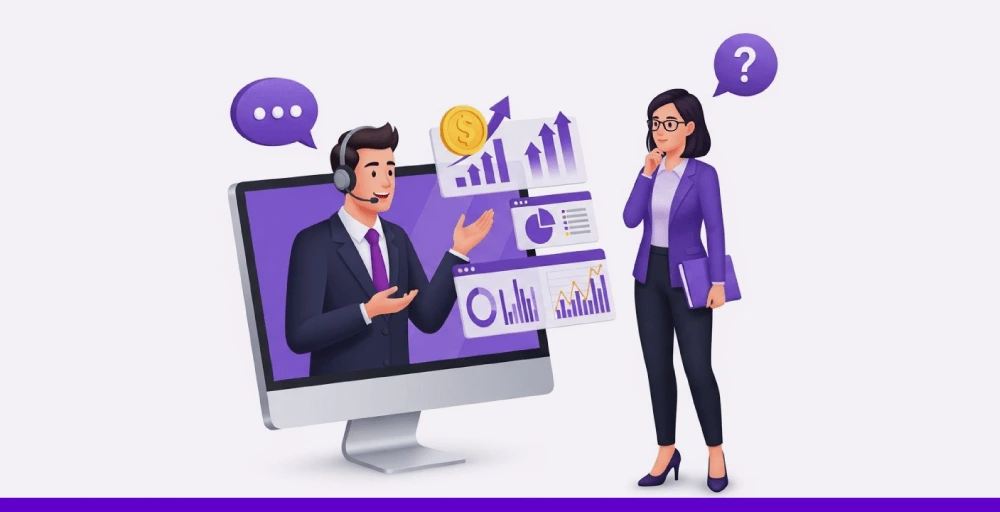
With valuable insights on such metrics, businesses can identify customer behavior, pinpoint agent performance gaps, and uncover areas that need improvement.
As more businesses shift to omnichannel communication, call center analytics software offers a unified view across all channels, helping companies to optimize agent workflows, improve response times, and deliver a more personalized customer experience.
Call center analytics features
Let’s look at the call center analytics features that help you transform your every interaction data into valuable action:
1. Data integrations
Modern call centers connect with CRM systems, phone, chat, email, and social platforms to unify communication channels.
This integration allows you to collect data and provides a 360-degree view of the customer journey, enabling agents to offer more personalized service.
2. Quick access to call center metrics
A call center collects and measures key metrics, including average handle time, first-call resolution, and customer satisfaction.
Real-time reports on these call center metrics help teams spot call volume trends and address issues before they escalate.
3. Real-time monitoring for better decision-making
Call centers utilize real-time monitoring tools to track ongoing customer interactions and agent performance.
With this visibility into interaction, the call center manager can assist agents, uncover issues related to delayed deliveries, and adjust workflows—essential for customer-focused operations like a dropshipping business.
4. Actionable insights
Call center analytics reporting transforms raw data into actionable insights. It identifies trends and patterns to address potential issues proactively.
It highlights the need for training and development plans for agents, which helps to improve service quality and optimize agent performance.
5. Omnichannel analytics for better service
Contact center analytics software gathers data from various channels, including customer calls, emails, chat, surveys, and social media.
This holistic view of every touchpoint enables the team to understand customer preferences and behaviors more effectively. It ultimately helps deliver consistent and personalized experiences across all platforms, strengthening call center management strategies.


Benefits of call center analytics
Here are some of the major benefits of using call center analytics:
1. Enhance agent performance
Analytics tools track individual agent activity such as response time, resolution rates, and call quality, playing a crucial role in call center quality assurance. This helps call center managers pinpoint strengths and find out areas for improvement.
With these insights, call center managers and supervisors can deliver targeted coaching, offer skill-building opportunities, and boost overall agent productivity.
2. Maximize workforce management
Call center analytics software provides real-time and historical data. With this, supervisors can understand call volume and patterns. They can easily manage the right number of agents at the right time. This can help avoid issues with overstaffing and understaffing.
3. Increase customer satisfaction
Agents can gain a deeper understanding of the customer’s needs from past interactions.
It helps them to deliver more personalized customer service, increasing customer satisfaction, and fostering trust & loyalty.
4. Determine trends and customer needs
Contact center analytics software helps pinpoint recurring issues, common questions, and shifting customer expectations by analyzing large volumes of interaction data.
This allows businesses to spot call center trends early, adjust services proactively, and keep agents aligned with what customers really want.
5. Increase first call resolution (FCR)
Call analytics highlights the main causes of repeat calls. By addressing these issues, you can improve FCR rates, reduce operational costs, and enhance the customer experience on the first interaction.
Check out 👉: What is Call Center Monitoring? 10 Best Practices and Top Tools
How to analyze call center data?
To analyze the contact center data, you need to go through three key phases:
- Data collection: Collect raw data from all customer interactions through calls, chats, CRM tools, and analytics software.
- Data interpretation: Analyze raw data and convert it into a report and charts for better insights.
- Action implementation: Use data-driven insights to make changes. Reset the benchmarks for sustainable growth.
Here is a step-by-step process on how to analyze call center data:
1. Define your goal
First, figure out what you want to achieve with call center data analysis. The goal may be to improve agent performance, reduce wait times, or enhance customer satisfaction.
A well-defined goal helps you focus on the right metrics and guides you in the entire call center analysis process.
2. Gather and organize data
Next, it’s time to collect and organize the call center data. You can collect the data from sources such as call logs, CRM systems, call recordings, and customer surveys.
After gathering everything, clean and organize the contact center analytics data in an accurate form so that it makes it easy to analyze and generate reliable insights.
3. Interpret the KPIs and metrics
Now, evaluate key performance indicators that directly relate to your specific goals.
For example, if your objective is to improve customer satisfaction, measure the KPIs like the customer satisfaction score.
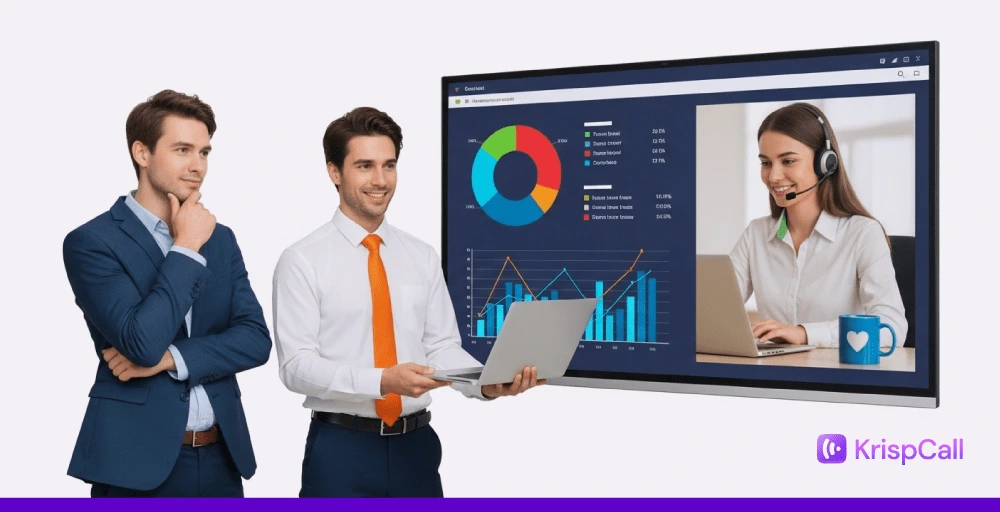
4. Visualize the findings
After analyzing the data, present it in a clear and easy-to-understand format, such as charts, graphs, and dashboards.
This visualization helps your team and stakeholders see exactly what’s going on. This also supports taking strategic decisions to achieve the desired output.
5. Generate insights and take action
Now, you can generate valuable insights and take action to improve call center performance.
You should identify trends, pain points of customers, and other sources of customer issues. After that, use valuable insights to train agents, refine call scripts, or adjust workflow.
6. Track the progress and refine
After making changes, track your progress and refine your approach and strategy to achieve better results. If the action taken doesn’t work, make adjustments repeatedly.
This continuous improvement ensures your call center is aligned with your objectives.