Customers are evolving and demand quick and more personalized support. Businesses failing to meet these expectations are losing their customers to the other competitors that respond better. So, an outbound IVR (Interactive Voice Response) is a must for businesses.
Based on a McKinsey study, 70% of buying experiences are based on how customers feel the businesses are treating them. Outbound IVR helps improve your customer experience by providing proactive customer support and reducing customer wait times.
In this blog, we’ll be covering every detail about outbound IVR, including its definition, how it works, benefits, features, the difference between inbound and outbound IVR, and many more.
✨ Key Takeaways
- Outbound IVR or Outbound Interactive Voice Response is a contact center feature that is used to automate the process of businesses reaching out to customers.
- Benefits of outbound IVR include saving agent time, reducing operational cost, improving customer experience, and increasing sales.
- Outbound IVR can be used to automate notifications, generate leads, initiate customer surveys, and for emergency interactions.
What is outbound IVR?
An outbound IVR is a feature of a contact center solution that proactively distributes communication channels to customers. This technology lets businesses automatically contact their customers through chat, SMS, social media, email, and outbound calls with pre-recorded messages.
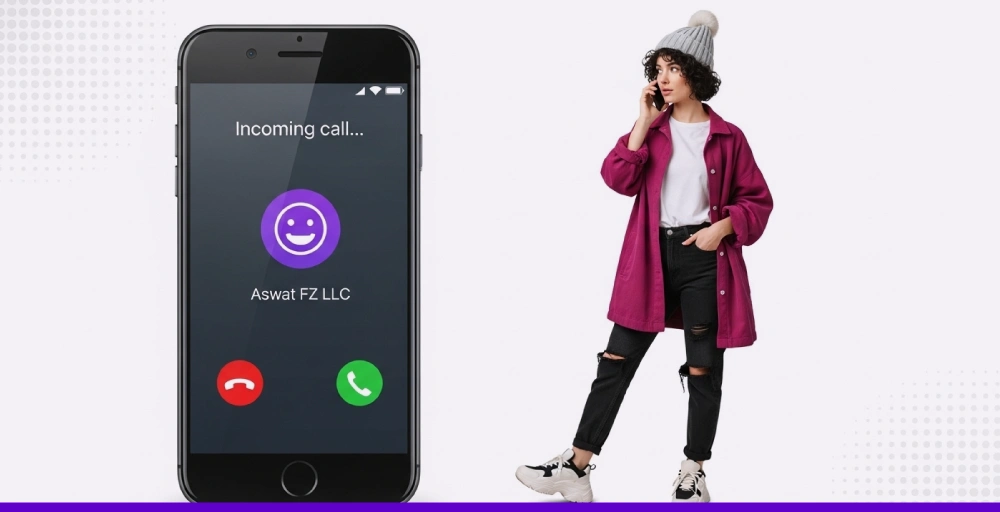
Automated outbound systems can be used for various purposes such as appointment reminders, order confirmations, and promotional offers.
An outbound IVR example is when a healthcare center calls or emails its patients with appointment reminders. The system shares details and provides the patient with the options to confirm or reschedule an appointment.
How does outbound IVR work?
Here’s a step-by-step on how an IVR outbound phone call works:
Step 1. Reaches out to the customer
The process starts when the phone system contacts a customer, be it through call, SMS, email, mobile app, or even web chat and social media. Now, the IVR system uses auto dialers (predictive, power, progressive, preview) to call numbers from a CRM or database.
Numbers could be anyone from leads to existing customers who meet the pre-set criteria (e.g., reminders for appointments, payment reminders). Now, for example, if the call gets answered, and the outbound IVR flow starts.
And if a call gets initiated and doesn’t get answered. The call hangs up by leaving a voicemail.
Step 2. Starts the IVR flow
In the second step, the IVR system plays a pre-defined flow after getting connected to a call. It directs the customer through a series of voice prompts and keypad options. What to include inside the voice prompt is up to the admin, as customization of IVR flows is available using the drag-and-drop method.
Menus generally include announcements, routing options, and self-service activities. Also, Natural Language Understanding (NLU) is used in some IVR systems to interpret speech and make the customer experience more conversational.
Step 3. Collects customer information
The third step is to collect the customer information. Whenever customers make decisions, the system collects useful information, which includes:
- Language preference
- PIN/Password
- Name and account number
- With whom they want to interact
- Answers to yes/no questions
This data helps in customer identification, individualizing their experience, and deciding where the call forwarding should go next.
Step 4. Offers self-service options
Outbound IVR can resolve most of the customer’s needs without involving a live agent. It can:
- Pull and provide answers from a knowledge base
- Reset password
- Supply account details
- Schedule appointments
- Play recorded messages
If the customer can get his or her task done automatically, the call ends here, saving time for both and freeing up live agents.
Step 5. Routes the call (If necessary)
And, if the task cannot be handled automatically by the system, it directs the call to an available human agent or puts it in a queue.
The ACD (Automatic Call Distribution) performs this routing. It observes the following factors:
- What option was chosen by customers in the menu
- Their preferred language
- Available agents and their skills
Then it transfers the call to the suitable agent. Here, the agent is provided with all the information gathered by the IVR software, which helps in responding quickly without repeating the same information.
🔥 Note: Outbound IVR is not limited to calls only, as it combines all contact channels. But to make it easy to understand, we’ll be explaining the steps by putting “call” as our base point.
Benefits of outbound IVR
There are several benefits of outbound IVR. Some of them are:
1. It saves agent time
Agents no longer need to handle repeated work manually, because outbound IVR automates tasks such as dialing customers, getting customer information, and booking appointment services.
So that agents get more time to focus on complex tasks and high-value customer interactions, also, outbound IVR menu and intelligent routing handles the daily activities of agents, and they can dedicate their time to tasks that require expertise and problem-solving skills, which results in improved customer service.
2. It reduces operational costs
If every work related to calling can be automated, there’s no need to expand your workforce. With this, your business can reduce the heavy investment for acquiring more agents. You can also provide 24/7 customer support with auto-trigger calls based on prompts, which avoids the need for agents to be available.
3. It improves customer experience
Customers do not need to wait for customer support to be available to transfer to multiple departments. You can do it on your own with self-service automated options, whether it’s paying your balance or scheduling any appointment, pressing a few keys or voice recognition gets you done.
Outbound IVR systems reduce the number of incoming calls to be handled by agents; as a result, customers have low wait times. In addition, they’re routed to their preferred department quickly, which increases customer satisfaction.
By providing self-service options, quick call routing, and shorter wait times, customers are more likely to engage with the brand for the long term.
4. It increases sales potential
If customers are constantly informed about their important updates, the chances of missing appointments and late payments are reduced. Outbound IVR automated callbacks help in not missing any contact or selling opportunity.
Moreover, customers are also informed about new offers, discounts, and product launch updates in the outbound IVR. These works like advertising, which results in increasing engagement with interested buyers and drives more sales with minimal effort.


Features to look for in outbound IVR software
Having an outbound IVR system isn’t enough if it doesn’t provide you with the required features needed for effective routing. Here are some crucial features to look for in your outbound IVR software:
1. Automated call scheduling
An outbound IVR system must have a call scheduling feature that allows you to schedule calls in terms of customer time zones or preferences. This improves connection rates and prevents businesses from calling inconvenient customers at the wrong time.
When any timely contacts are required, such as a payment reminder or critical notification, automated outbound IVR makes the call at the right time for customers to pick up.
2. Interactive voice prompts
Customers should be able to respond to IVR outbound calls by voice prompts. If the customer is able to confirm appointments, send immediate feedback with their voice, it helps the business collect valuable insights. Eventually, it helps to measure customer satisfaction without even conducting surveys.
3. Call transfer
If the customer needs help beyond the automated route, the IVR should be able to forward the call to the right agent or department immediately. Seamless transfer avoids confusion and saves the customer from repeating themselves, which keeps the conversation smooth and meaningful.
4. CRM integration
Once an outbound IVR dialer is integrated with your CRM, customer data is accessible within the real-time call. So, the conversation can be personalized based on the customer’s location, behavior, and previous interactions.
Personalization builds customer trust and encourages customers to feel comfortable within the IVR outbound phone call.
5. Multi-channel support
If the customer does not respond to a call, it needs to be automatically followed up via SMS or email. An effective outbound IVR system should provide multi-channel support to reach customers even if one channel is unavailable.
Having omnichannel support guarantees that your customers are reached properly and you’re not missing sales opportunities.
6. Scalability
A reliable automated outbound IVR solution must provide service with the handling of high call volumes without any delay. Even if it’s handling your 500 contacts in the meantime, the system should also be able to scale to 50,000 contacts without errors.
With this, you’ll have a scalable platform that grows with you. And, it becomes even more critical during large campaigns, emergencies, and rapid growth.
7. Compliance and security
Lastly, outbound IVR systems must adhere to the industry regulations such as HIPAA, GDPR, and TCPA while using the sensitive customer data. These security measures are a must to ensure customers’ data is secured and protected.
Outbound IVR use cases
Outbound IVR calls help businesses, along with call centers, to connect with clients and potential buyers at all customer journey stages.
Here are some of the use cases of outbound IVR:
1. Automated notifications
Businesses use outbound IVR software to provide personalized and automated notifications to customers. These notifications include:
- Appointment reminders to reduce no-shows.
- Payment reminders for confirmations and declined transactions.
- Delivery status notices.
2. Lead generation and campaign offers
An outbound IVR dialer is an efficient way of delivering targeted marketing messages to specific audiences. The system can call specific audiences and provide them with pre-recorded offers, and encourage them to respond through keypad inputs or voice commands.
Here’s how it automates the sales funnel:
- Marketing new products or special promotions to specified groups of customers.
- Capturing responses and qualifying leads for follow-up that is handled by salespeople.
- Filtering of prospects that are willing to engage and improve conversion rates.
3. Customer surveys and feedback gathering
Outbound IVR call flow offers quick, automated surveys to measure customer satisfaction or capture feedback after service interactions. The short questions, such as rating experiences on a scale, enable the system to capture structured feedback in bulk.
You don’t need agents for collecting responses, and the results are immediately available through the customer responses. Here are some examples of outbound IVR follow-up questions you can ask:
- Are you satisfied with today’s service?
- Did you find the information you wanted?
- How much would you rate our service on a 1 to 10 scale?
- Did your problem get resolved quickly?
4. Emergency communications and critical alerts
In emergency situations, timely announcements need to be communicated quickly to large groups. An IVR outbound call can alert people with urgent messages, including:
- Service disruptions or safety recalls.
- Facility closures or weather alerts.
- Public health announcements.
5. Identity verification and security
Industries that handle sensitive data can utilize outbound IVR systems to verify identities automatically before transferring calls to human agents. Customers can enter their PINs or speak about their ID details via a secure system to prevent fraud possibilities.
Also, some systems recognize the voice to confirm the identity. Here are the other
- Visual IVR links for authentication via mobile phones or PCs.
- Multi-factor authentication pathways that require multiple steps of verification.
- With this automation, the agents’ workload is minimized without lowering high security standards.
Inbound vs Outbound IVR: What’s the difference?
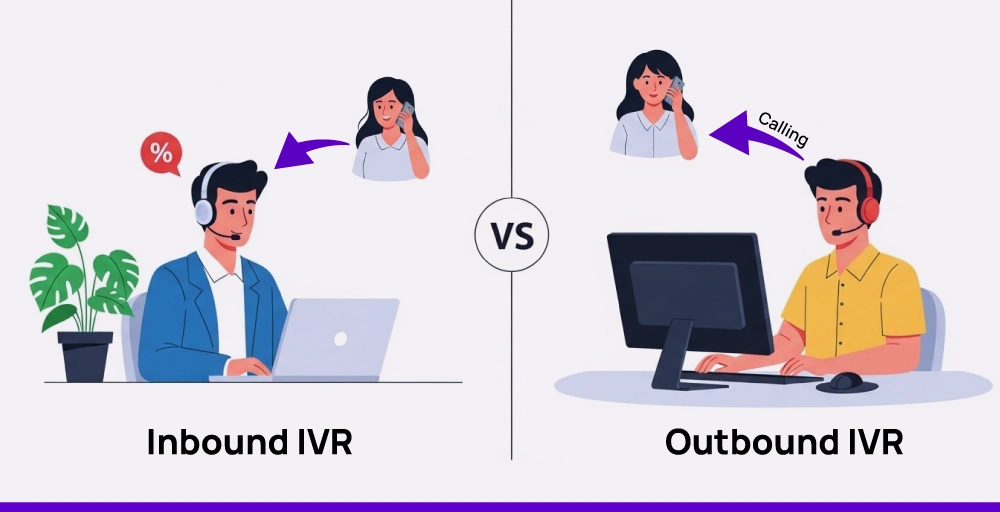
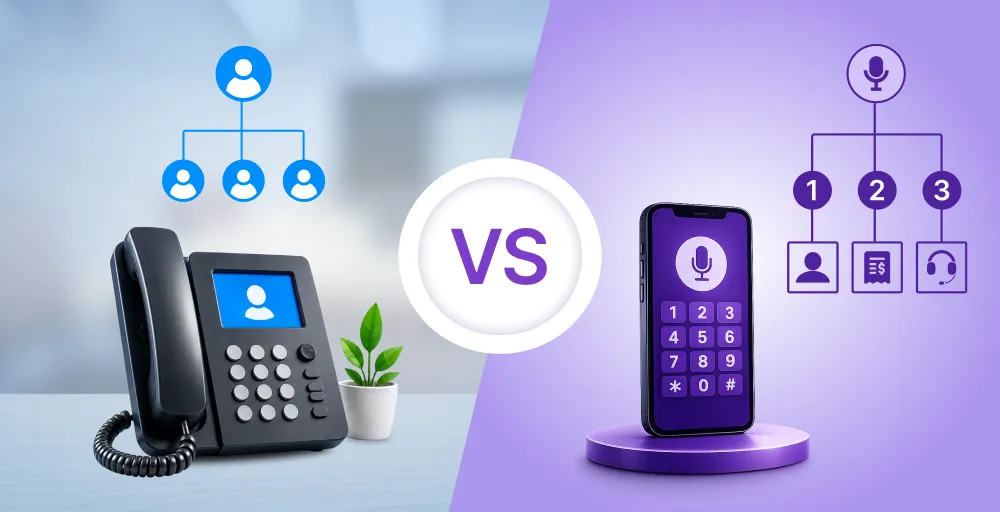
Inbound IVR primarily focuses on managing incoming calls. It guides callers through voice prompts and keypad options while routing them to the appropriate department or available agent.
Customers usually directly call to receive help, get answers to questions, and be updated on specific queries. Meaning, the primary goal of inbound IVR is to solve customer issues and direct them to the right department in no time.
On the other hand, outbound IVR works exactly opposite. Here, businesses don’t wait for customers to call; instead, they automatically dial them about the reminders, updates, and offers. Being interactive calls, the outbound IVR dialer is used to help customers press a key to confirm if they want to speak to anyone.
It’s an effective method to share important information and gather feedback without using live agents.
Tips for implementing outbound IVR
Here are some of the tips for implementing outbound IVR for your business or call center:
- Set clear goals: Before initiating your outbound IVR campaign, be clear about what you want to accomplish. Whether you are sending reminders, gathering feedback, or sending promotions, your purpose determines your message and timing.
- Know your audience: Don’t send the same message to all. Segment your contacts according to their interest, behavior, or demographics so that every message feels personal and targeted.
- Keep scripts short and natural: Your message should be brief, quick, and sound natural. Get to the point immediately, avoid repetitive robotic speech phrases, and offer simple options such as “Press 1 to talk to someone.”
- Time it right: Make calls at the most probable time when customers reach for the phone. Observe the behavior of your audience and do not call them too early, too late, or too often to frustrate them.
- Give control to the customer: Always include an opt-out for future call-backs. Transfer the customer to live reps or request them for a callback; it improves the overall customer experience.
- Monitor results and optimize: Monitor each campaign’s performance. Observe response rates and drop-offs. Use A/B testing to test various scripts or times and optimize based on what works.
- Stay compliant and secure: Make sure you are adhering to all legal laws, especially those concerning consent and data protection. Safeguard your customer information and remain compliant with the industry-standard rules.
Advanced call routing made it easy with KrispCall
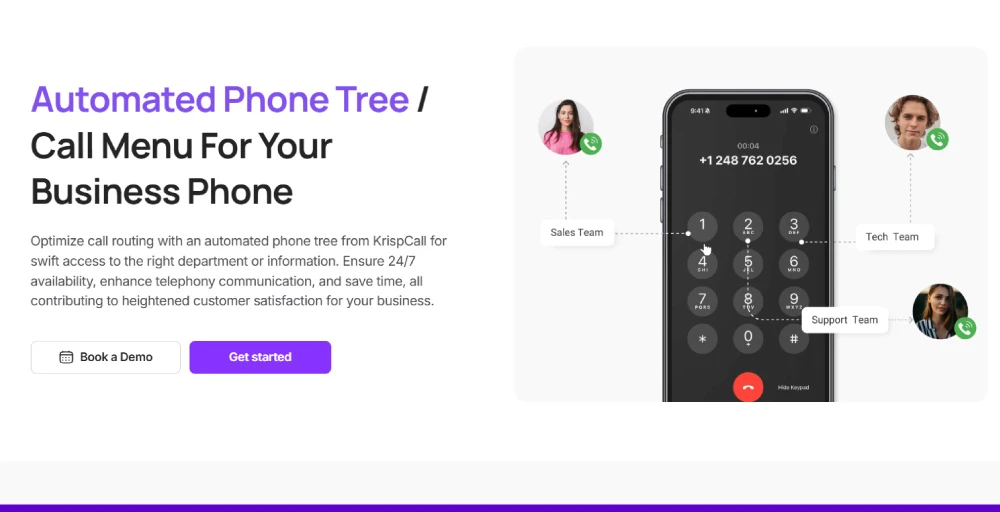
KrispCall VoIP phone system simplifies call routing with its powerful IVR (Interactive Voice Response) platform. If you’re a small business or growing company, KrispCall helps you route calls to the right agent or department in seconds and eliminate missed calls.
You can easily create multi-level IVR menus, set business hours, and give customers the option to choose how they want to connect. Even more, 100+ CRM integrations help you offer customers a personalized experience. Here’s why you should choose KrispCall’s IVR system:
- 24/7 support – Available round-the-clock for customer support.
- Custom greetings – Create different brand-suited messages for different teams.
- Easy setup – No technical knowledge is required, just drag and drop
- Virtual numbers – Get a virtual number in over 100 countries to expand your business.
Ready to simplify your support system? Try a free demo of KrispCall today and experience smarter IVR routing firsthand.