Although manual dialing might seem like a small task, it often leads to more time spent on dial tones, voicemails, and incorrect numbers.
Smart call center dialers automate the dialing process and help agents spend more time in conversations and focus on closing deals.
These dialers improve efficiency, reduce idle time, and support a better customer experience.
In this guide, you’ll explore the most commonly used dialer types, how they work, and how to choose the right one for your outbound engagement team.
✨ Key Takeaways
- Dialer systems can automate the manual number dialing process, helping to improve work efficiency, agents’ productivity, and routing calls effectively.
- There are various types of call center dialer systems, such as power dialer, preview dialer, progressive dialer, and predictive dialer.
- Some of the must-have features of a call dialer system include call monitoring, analytic tools, IVR, Voicemail drops, and CRM integrations.
- KrispCall, Vonage, RingCentral, Nextiva, and Dialpad are among the top call center dialer platforms.
Why are dialer systems important for workflow optimization?
Call center dialer systems are essential to reduce the complexity and automate the dialing process. Instead of wasting time dialing numbers or waiting through endless rings, agents can focus on having real conversations with prospects and customers.
These systems also automate repetitive tasks like call logging and contact status updates, allowing agents to work smarter, not harder.
Here’s why they matter:
- Increased efficiency: Dialer systems eliminate manual tasks such as dialing, waiting for rings, and skipping disconnected numbers, allowing agents to handle more calls in less time.
- Better lead management: They integrate with CRM systems to automatically update contact statuses, log call outcomes, and prioritize follow-ups, keeping workflows organized and error-free.
- Improved agent productivity: By eliminating repetitive tasks, agents can focus on delivering high-quality communication, resulting in enhanced customer experiences and increased conversion rates.
- Intelligent call routing: Advanced dialers use algorithms to connect calls to the most available or best-suited agents, reducing delays and enhancing team collaboration.
How do we evaluate dialer software?
The platforms and dialers are selected based on factors such as reliability, integration, modes, and other considerations.
Here are the five criteria we used to evaluate each platform:
- Dialing modes and automation: We assessed whether each platform supports multiple dialing modes (power, preview, progressive, predictive) and how effectively it automates outbound workflows to reduce agent idle time.
- CRM and tool integrations: We evaluated the depth of native integrations with popular CRMs like HubSpot, Salesforce, and Zoho, prioritizing platforms that eliminate manual data entry and sync call activity automatically.
- Call quality and reliability: We reviewed documented uptime commitments, user-reported call clarity, and infrastructure redundancy, since even the best dialer features are worthless if calls drop or audio degrades.
- Compliance and security tools: We checked for built-in TCPA compliance features, consent tracking, call time restrictions, and data encryption, critical for any team running outbound campaigns at scale.
- Pricing transparency and scalability: We compared starting prices, seat minimums, and what’s actually included at each tier, flagging platforms that hide key features behind expensive upgrades or force unnecessary user minimums.
Why trust our evaluation?
Our evaluations follow a consistent software review methodology, are governed by our content integrity statement, and are refreshed regularly through our content update methodology to ensure accuracy as pricing and features evolve.
Different types of call center dialer systems
Choosing the right dialer for your call center depends on your specific requirements. Here is the most commonly used dialer system, along with its benefits for your daily operations.
1. Power dialer
A power dialer automatically dials a single number for every available representative, dialing from a real-time call list. This dialer prevents agents from spending too much time dialing and allows them to spend more time talking to customers.
Pros:
- Optimizes agent available talk time.
- Decreases idle time.
- Simple to use and maintain.
- Great for campaigns with consistent scripts and lead lists.
Cons:
- Not suitable for complex or customized discussions.
- Still likely to generate short pauses between calls.
- Limited in handling high call volumes simultaneously.
- Doesn’t filter out voicemails or busy signals automatically.
2. Preview dialer
The preview dialer displays customer data before the call is made, allowing agents to review the information and tailor the interaction accordingly. The system prompts the agent to make the call manually, making it suitable for complex conversations, upselling, or support where context is crucial.
The preview dialer enables first-call resolution and supports compliance-sensitive businesses, particularly when handling rules such as the TCPA.
Pros
- Enables personalization and greater preparation.
- Secures risky or sensitive calls.
- Ideal for complex sales or customer service interactions.
- Gives agents control over when to place the next call.
Cons
- More time-consuming than other dialers.
- Fewer calls per rep.
- Less suitable for high-volume outbound campaigns.
- Can reduce overall agent productivity in fast-paced environments
3. Progressive dialer
A progressive dialer only initiates the next call when an agent is available; therefore, no call is ever initiated without someone to answer it. This system maintains a smooth flow of calls, ensuring that calls are never dropped or abandoned.
It’s a pragmatic call center dialer system for continuous pacing operations as well as quality control. With intelligent call routing and interactive voice response, it delivers an intuitive and efficient calling process.
Pros
- Reduces call abandonment.
- The highest balance between control and speed.
- Automatically connects agents only when someone answers.
- Enhances call quality by reducing delays and dropped calls.
Cons
- Slower compared to power and predictive dialers.
- Can translate into fewer hourly calls.
- Less effective for high-volume lead generation.
- Limited flexibility for advanced customization or scripting.
4. Predictive dialer
A predictive dialer uses live algorithms to dial multiple numbers ahead of time, based on agent availability and call history. A predictive dialer rings live calls only when an agent is ready, significantly improving the effectiveness of outbound dialing.
While this system maximizes talk time, it must be handled carefully to prevent missed calls or TCPA compliance problems.
Pros
- Optimizes agents’ productivity.
- Most appropriate for high-volume campaigns.
- Uses algorithms to minimize idle time between calls.
- Maximizes outbound efficiency with simultaneous dialing.
Cons
- More likely to experience dropped or abandoned calls.
- Requires larger groups to function optimally.
- Less suitable for personalized or complex conversations.
- Can violate compliance rules if not properly configured.
What are the essential features to look for in a dialer system?
When selecting a call center dialer system, you must look for features that provide speed, compliance, and efficiency.
Here are the key features to consider when selecting a dialer system for your call center.
1. CRM integration
A dialer integrated with a CRM gives agents instant access to customer contact data and history. This enables personalized, informed interactions without needing to switch between platforms. It also reduces manual input and errors. Platforms with HubSpot VoIP Integration allow agents to manage calls directly within the HubSpot interface.
2. Call monitoring and coaching
Real-time call monitoring allows supervisors to listen to actual calls and provide immediate feedback. This is ideal for quality monitoring and speeding up new agent creation. Some platforms even come equipped with AI-powered insights, transcriptions, and sentiment analysis. It ensures all the calls meet performance standards.
3. Analytics and reporting
Integrated analytics enable the tracking of call statistics, including talk time, call disposition, and agent effectiveness. Keyword tracking and searchable transcripts are also present in certain call center dialers. The information helps managers identify areas of performance and customer trends. You can make better decisions based on real-time information.
4. Custom caller ID & local presence
This feature enables agents to flip caller IDs or use local area codes to boost pickup rates. It personalizes and authenticates incoming calls for the recipients to hear. It is beneficial for outbound campaigns, where call avoidance is a common occurrence. Some VoIP systems support multiple IDs per agent.
5. Voicemail drop
Voicemail drop enables reps to send pre-recorded greetings immediately after reaching voicemail, conserving time and ensuring consistency during calls. Instead of rehearsing the same pitch, representatives can transition smoothly to the next call. It is best for high-volume dialer call center situations.
6. Interactive Voice Response (IVR)
IVR systems automatically route incoming calls using an auto attendant script that guides callers to the right department or agent. They also answer simple questions based on menu options, which reduces call load. This is used extensively in VoIP call center infrastructures to automate support. IVR ensures that structured and efficient call routing is maintained.
7. TCPA compliance tools
A quality call center dialer must have capabilities that help you stay compliant with the TCPA. Some of them include call time limits, opt-outs, and tracking of consent. It avoids penalties and instills confidence in your audience. Compliance protection capabilities are built into most dialers.
8. Multiple dialing modes
Look for solutions that offer multiple dialing modes, such as Predictive Dialing, Power Dialing, Preview Dialing, and Progressive Dialing. There are varying modes for different workflows and groups of agents. Adjustable dialing modes ensure enhanced customer call pacing and agent control. You can switch between modes based on campaign goals.
Top 5 call center dialer platforms to explore for call centers
If you need to boost productivity, improve call routing, and optimize your call center dialer systems, choosing the right platform is crucial. Below are five of the top-performing dialer systems, each offering comprehensive features tailored to meet the diverse needs of modern call centers.
KrispCall
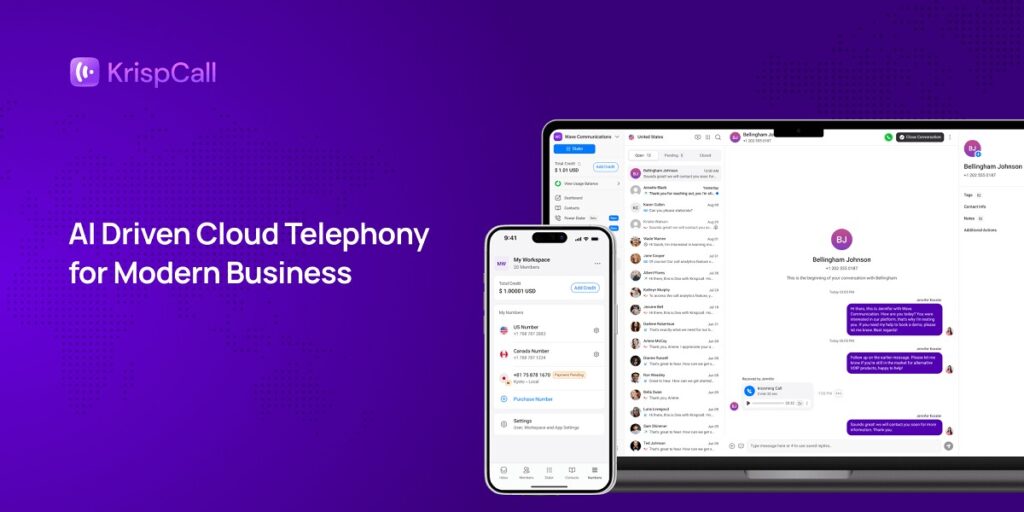
KrispCall stands among the top power dialer products, boasting a cloud telephony interface and advanced automation capabilities. With its integrated power dialer, the solution minimizes manual work and increases talk time by automating outgoing calls.
The standout feature is the Unified Callbox, which combines all interactions, calls, voicemails, and texts in a single place, providing enhanced context and allowing issues to be addressed at pace. With live call coaching included, bulk SMS, and multi-level IVR, KrispCall offers a practical, one-stop outbound calling solution for today’s teams.
Features
- Unified Callbox
- Call forwarding
- Power dialer
Pricing
- Essential: $15
- Standard: $40
- Custom: contact the sales team


Vonage
Vonage is an exception-rated dialer solution that comes with a high-power dialer alongside predictive and preview modes. Vonage is able to stand out due to its capability to provide a more personalized workflow that helps companies automate and tailor the dialing to their respective business requirements.
Embedded within the top CRMs and fueled by AI-driven call routing solutions, Vonage is ideal for scaling businesses seeking to balance high-outbound calling volume and smart automation.

Features
- Preview dialer
- Progressive dialer
- Predictive (Automatic) dialer
Pricing
- Basic: $19.99
- Premium: $29.99
- Advanced: $39.99
RingCentral
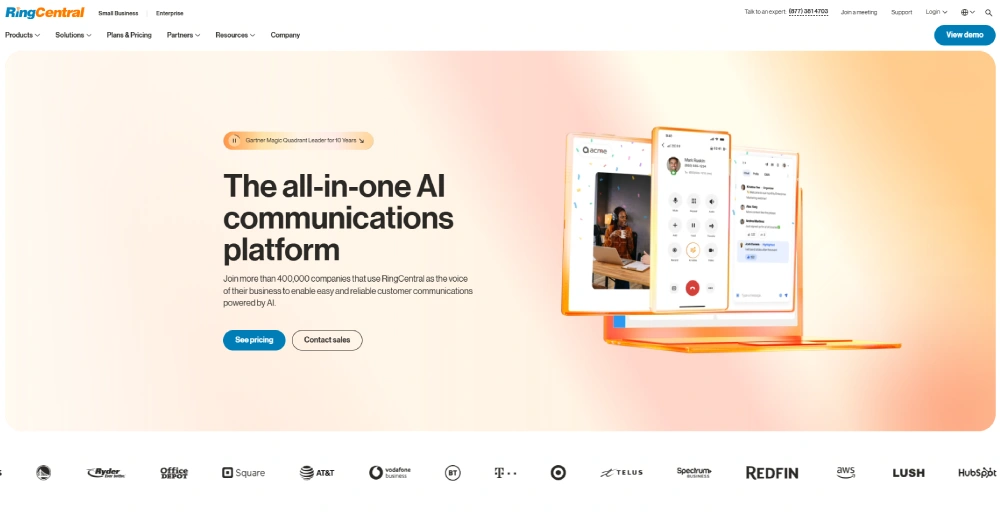
RingCentral makes it onto the list of power dialer platforms because of its complete range of dial modes, including power, preview, progressive, and predictive.
RingCentral differentiates itself from the group because of the out-of-the-box integration with Microsoft 365 and Salesforce that enables users to manage leads and follow-ups within their existing apps. With native omnichannel support and advanced analytics, it’s perfect for businesses looking for a full and flexible call center platform.
Features
- Predictive dialer
- Power dialer
- Preview dialer
- Progressive dialer
Pricing
- Basic: $19.99
- Premium: $29.99
- Advanced: $39.99
Nextiva
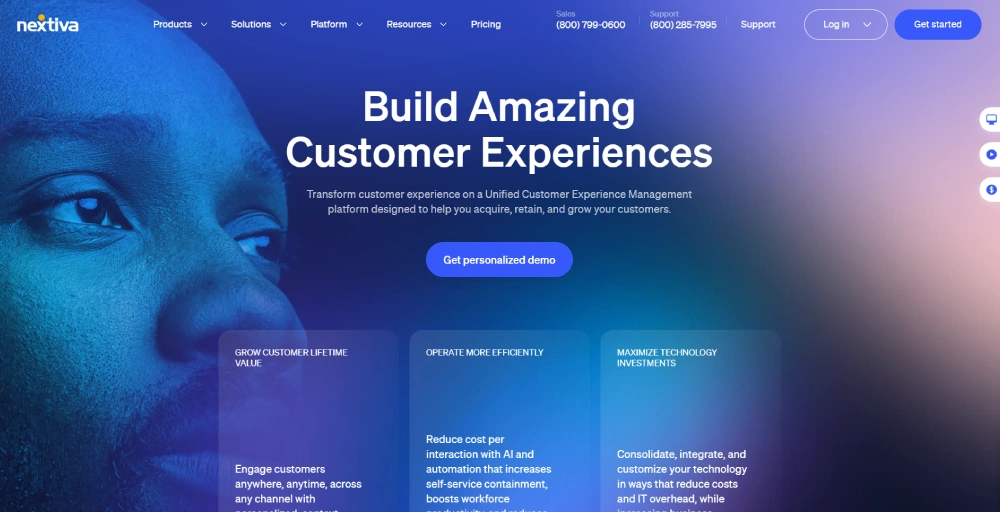
Nextiva is among the top-ranked power dialer platforms due to its easy yet user-friendly dashboard and its solid automation features.
While it has power dialing, its spotlight feature is the Quarterback Mode that offers real-time agent assist and seamless call routing in sophisticated customer interactions.
The feature optimizes call handling productivity, making Nextiva a good pick for customer care teams and outbound salespeople who want seamless, high-speed communication.
Features
- Quarterback mode
- Predictive dialing
- Preview dialing
Pricing
- Core: $36
- Engage: $50
- Power Suite: $75
Dialpad
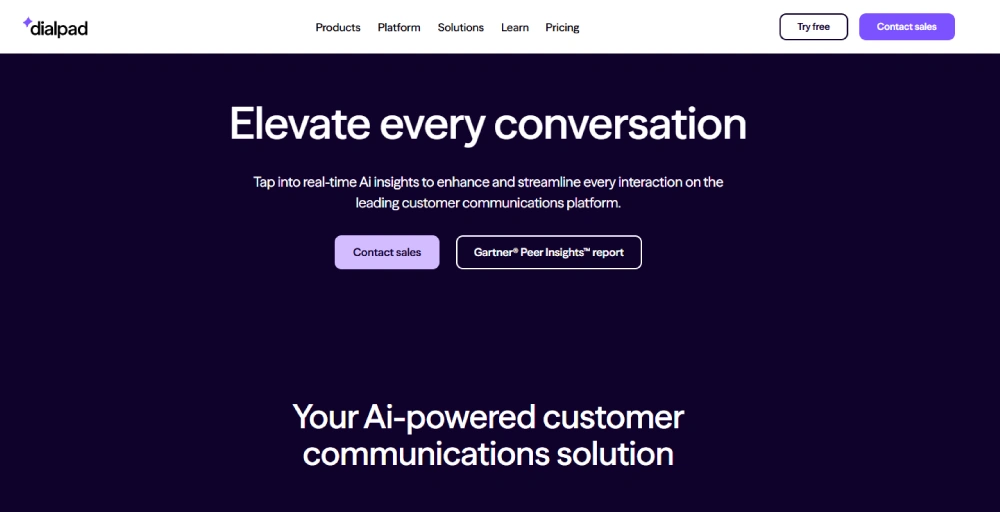
Dialpad is among the top power dialing tools, particularly for sales professionals who adore AI insights.
In addition to its built-in power dialer, Dialpad is a real strength in AI-powered transcription and sentiment analysis, providing real-time feedback and conversation intelligence to help agents become better.
With voicemail drop, cadence SMS, and strong CRM integration, Dialpad boosts productivity with compliance and smarter engagement.
Features
- Power dialer
- Preview dialer
- Cadence SMS
Pricing
- Standard: $27
- Pro: $35
- Enterprise: Contact the sales team
Cloud-based vs. on-premise: which setup is right for you?
When implementing a call center dialer system, one of the first decisions to make is whether to go for a cloud-based or on-premise system. The option you choose will have implications for your workflow, expenses, security, and longer-term flexibility, so it is essential that you clearly understand the differences.
Below is a simple comparison to help you decide which dialer system for call center operations is the best fit:
| Factor | Cloud-Based Dialer Systems | On-Premise Dialer Systems |
| Cost | Lower upfront cost. You pay a monthly or annual subscription fee. | Higher initial investment in hardware, software, and infrastructure. |
| Scalability | Highly scalable. Easily add users or features as your team grows. | Scaling requires hardware upgrades and more IT involvement. |
| Maintenance | Vendor handles updates, patches, and technical support. | Requires an in-house IT team for ongoing maintenance and updates. |
| Security | Modern cloud-based call demo center dialer systems use encrypted data protocols. | Offers complete control over security protocols but needs a proper internal setup. |
| Setup Time | Quick and easy setup, usually ready in hours or days | A longer setup time is required due to hardware installation and configuration. |
Conclusion
Choosing the right call center dialer system is a critical decision that directly impacts your team’s efficiency, customer interactions, and overall business success. By carefully evaluating your specific workflow needs, dialing modes, integration requirements, and scalability goals, you can select a dialer solution that optimizes agent productivity and enhances customer experience.
Whether you prioritize advanced AI features, seamless CRM integrations, or cost-effective global calling, platforms like KrispCall, Vonage, RingCentral, Nextiva, and Dialpad offer diverse options to fit various business sizes and objectives.