Customer expectations are growing fast, and businesses need the right tools to keep up.
Call center software has changed significantly; it now supports voice and digital channels, helps customer service agents work more effectively, and enables automating routine tasks with AI.
So, finding the best call center software helps businesses of all sizes provide exceptional customer service and improve call center efficiency. With many options available, it can be hard to pick one that fits your needs, whether it’s call quality, scalability, or smart AI features for voice interactions.
In this guide, we compare some of the best call center software solutions, focusing on cloud contact center software that combines simplicity with powerful call center features.
The top three we focus on are:
1. KrispCall
2. Dialpad
3. Nextiva
Here’s a quick comparison of how they stack up:
KrispCall vs Dialpad vs Nextiva
Choosing the best call center software can be overwhelming given the many options available. We’ve picked the top three to simplify your decision. Here’s a quick comparison showing why KrisCall often leads the pack.
| Aspect | KrispCall | Dialpad | Nextiva |
| Overview | Cloud-based, easy setup, global numbers | AI-powered, all-in-one communication | UCaaS with voice, video & messaging |
| Ease of setup | Setup in hours | Within 2-3 hours | Takes upto 3 hours |
| Free Trial | No | Yes | No |
| Key Features | Call forwarding, IVR, AI summaries | Power dialer, call forwarding, auto-attendant | SIP trunking, call recording, cloud PBX |
| Pricing | From $15/user/month | From $27/user/month | $25/user/month |
| Best For | Startups, remote teams | Small businesses | Sales & support teams |
| Inbound/Outbound | Supports both inbound & outbound calls | Supports both inbound & outbound calls | Supports inbound, outbound & SLA calls |
| 24/7 Support | Available (plan dependent) | Available, | 24/7 customer support |
| Integrations | CRM and collaboration tools (HubSpot, Slack, Teams) | CRM integration & AI tools | CRM, collaboration, and UC integrations |
| AI Agent Assist | No | Yes | Yes |
| Built-in UCaaS Features | No | Yes | Yes |
| Rating | 4.6/5 | 4.4/5 | 4.5/5 |


What is call center software?
Call center software is a telephony solution designed to manage inbound and outbound phone communication that helps businesses manage customer calls, improve call center performance, and deliver great customer service.
It helps agents handle high call volumes efficiently through features such as automatic call distribution (ACD), interactive voice response (IVR), call recording, and real-time monitoring.
Cloud-based call center solutions enable businesses to improve customer experience on phone calls, manage costs, reduce call wait times, and train and monitor call center agents effectively through call recording and analytics.
Types of call center software
Let’s look at the main types of call center software solutions available today and how each one fits different business needs.
Cloud-based call center software
Cloud-based call center software is a popular solution that is primarily hosted and managed by third-party call center software providers, providing businesses access via the Internet.
These solutions are among the best options for businesses with fluctuating call volumes, as they are low-cost, highly scalable, offer global phone numbers, and support remote agents working from anywhere.
On-premise call center software
On-premises call center software is the traditional approach, where all cloud contact center software components are installed and maintained within an organization’s own servers or infrastructure.
With this setup, you own and control everything, including your telephony equipment and call routing systems, which allows maximum customization. However, it comes with a higher upfront cost and requires skilled call center staff and IT teams to maintain system performance, optimize center efficiency, and manage ongoing upgrades.
Hybrid call center software
Hybrid call center software combines on-premises and cloud-based capabilities. It allows businesses to keep and maintain their critical phone systems and data on-premises while using the cloud for scalability, flexibility, and to support remote call center agents.
This model is perfect for organizations switching from legacy systems or managing inbound call centers as they expand into digital channels. Hybrid center software options support automated routine tasks, enhancing center efficiency and helping center agents provide excellent customer service without disrupting workflows.
Top call center software solutions
| Contact Center Software | Features | Pricing | Best for |
| KrispCall | Unified callbox, Call transfer, Voicemail, | Starts at $15/user/month | Startups, remote teams, global outreach |
| Dialpad | Power dialer, Call forwarding, Auto-attendant | Standard pricing begins at $27 user/month | Small businesses, AI automation, and quick setup |
| Nextiva | SIP trunking, Call recording, Cloud PBX, | $25/user/month | Sales & support teams, blended contact centers |
| Zoom Contact Center | Virtual agent, Workspace reservation, Visual IVR, | Basic package is free, but Pro starts from $13.33 /month/user | Mid-size businesses, existing Zoom users |
| 8×8 | Omnichannel routing, AI self-service, Agent assist | Contact sales twam | Teams needing real-time analytics & dashboards |
| Talkdesk | Interaction analytics, Agentic outbound, AI trainer | Starts from $85 per user, per month | Enterprises seeking custom AI & automation |
| Odigo | Omnichannel, Routing, Performance insights | Contact the sales team | Global organizations, multilingual support |
| RingOver | Cloud faxing, Outbound dialer, Virtual agents, | Smart plan starts from $21 /user/month | SMEs, sales & recruitment teams |
| Five9 | Global voice, UC integrations, Reporting, | Digital package of $119 monthly | Large businesses, scalable AI-driven solutions |
| Vonage | Conference bridge, Paperless fax, Smart numbers | Contact the sales team | Small businesses, basic contact needs |
1. KrispCall
KrispCall is a modern cloud-based call center software solution designed to help businesses manage efficiently manage customer calls and phone interactions and deliver outstanding support. It delivers a unified contact center platform for managing calls, messages, and team collaboration, all from a single dashboard.
You can set up your virtual contact center in minutes, with access to local, toll-free, and international numbers in 100+ countries. The platform supports inbound, outbound, and blended calling, making it highly flexible for support, sales, and operations teams.
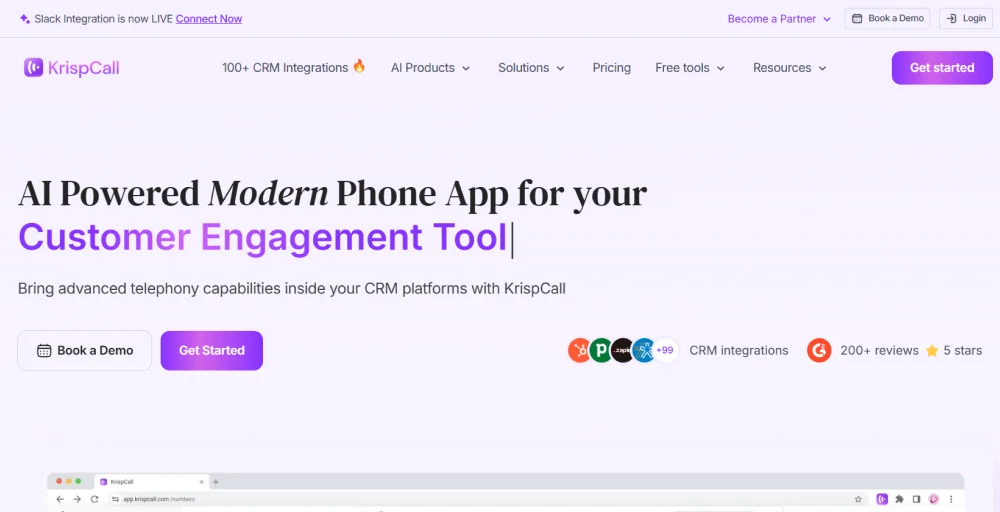
This call center software integrates seamlessly with popular CRMs such as HubSpot, Salesforce Service Cloud, Zoho, and Pipedrive, as well as collaboration tools like Slack, Google Workspace, and Microsoft Teams, and offers open APIs for custom integrations.
Built for remote and distributed teams, KrispCall supports browser-based and mobile apps on Windows, macOS, Android, and iOS, enabling agents to work flexibly from anywhere. Its affordability and ease of setup make it attractive in the call center space.
By combining cloud telephony, team collaboration, and global scalability, KrispCall provides a smart, flexible, and cost-effective solution to supercharge customer support, sales, and overall call center performance.
Pros and cons
| Pros | Cons |
| Seemlessly connect with contacts via sms or voice call. | Zero onboarding transparency. |
| Its unified callbox feature keeps the communication organized. | Couldn’t delete messages in bulk. |
| The integration with 3rd party apps like Teams, which is offered from the base package. | The mobile app feels less responsive compared to the desktop version |
Features
- Call forwarding
- IVR
- AI-powered call summaries
- Voicemail
- Call & contact tagging
Ratings: 4.6/5
Customer review:
“I’ve been using KrispCall for a bit now, and honestly, it’s made my life so much easier. The call forwarding feature is a total lifesaver. I can set it up so calls to my work number pop over to my mobile when I’m not at my desk. It’s crazy simple to use, and I never miss an important call anymore- perfect for running around or working from home.”
-Bella Joske, Trustpilot review
2. Dialpad
Dialpad is a leading option for sales and customer support teams due to its user-friendly design, simplicity, and powerful AI features for phone communications.
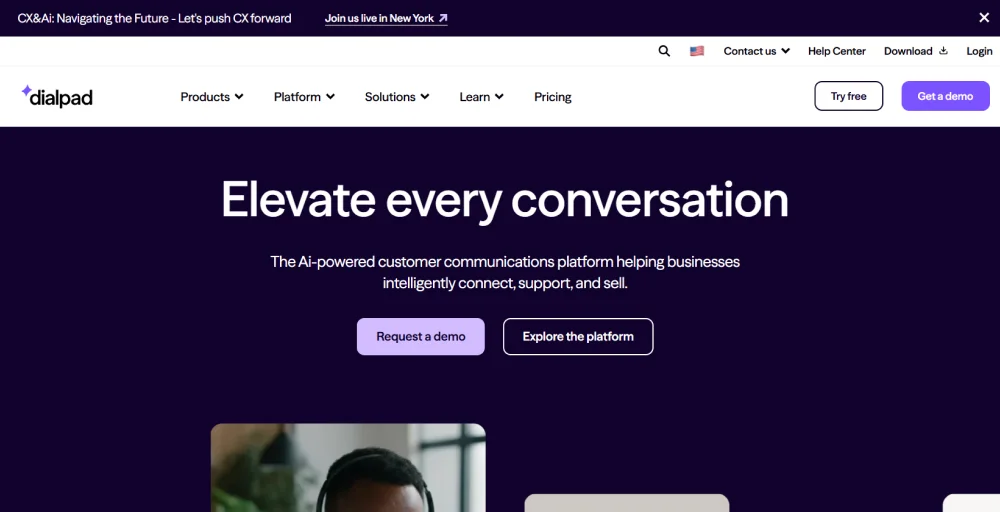
Unlike comprehensive call center solutions, Dialpad combines VoIP calling, SMS/MMS, video calls, and team messaging into one seamless cloud-based phone system, with AI-powered call transcription and analytics.
Pros and cons
| Pros | Cons |
| Call managing and coaching on the phone is good. | It has limitations on video conferencing participation (10). |
| Always record the conversation. | Mobile apps are glitchy. |
| Set up a quick conference call within 2-3 minutes. | Sometimes freezes, and you need to manually close the application and resolve the issue. |
Features
- Power dialer
- Workforce management (WFM)
- Call forwarding service
- Voice transcription
- Auto-attendant
Ratings: 4.4/5
Customer review
“The Dialpad support team has always been very helpful and responsive. It is really nice to have a reasonably priced phone system that is very simple to use and robust.”
-Brett A, Publishing, Self-employed, Capterra review
3. Nextiva
Nextiva provides unified communications as a service (UCaaS) in a contact center space that brings together voice, video, and messaging, in addition to an enterprise cloud call center software solution.
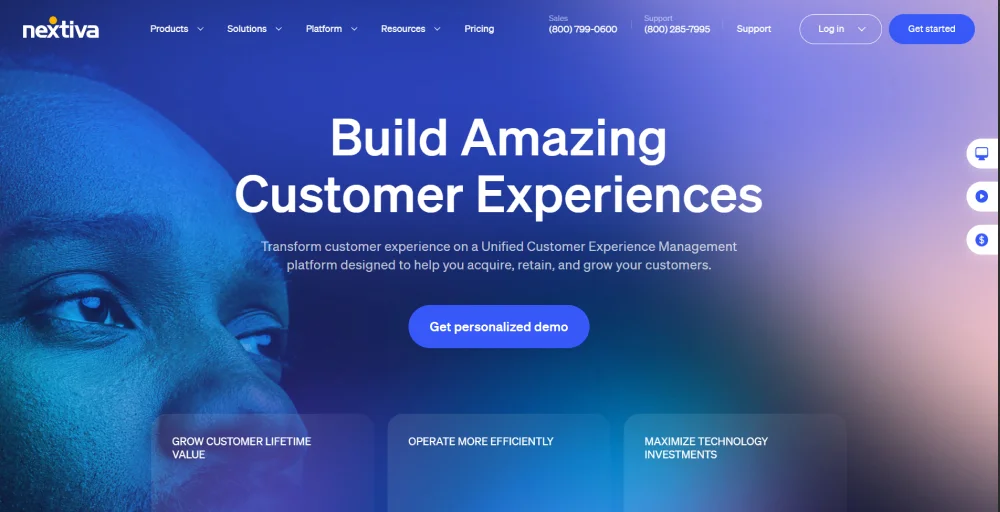
It supports inbound, outbound, and SLA (Service Level Agreement), making it suitable for sales, support, and remote team collaboration.
Pros and cons
| Pros | Cons |
| You can attach notes to calls. | Agents cannot see the calls in the queue. |
| Easy onboarding experience in porting a number. | Interfaces and features change over time. |
| Voicemail operations and functions are easy to use. | The call center reporting features are limited. |
Features
- SIP trunking
- Call center
- Text messaging
- Cloud PBX
- Inbound voice contact center
Ratings: 4.5/5
Customer review
“The team is amazing! They are so quick to respond to whatever questions and issues we encountered for the transition to our new phones. Someone was readily always readily available to come in person and also via phone. I don’t think I have experienced customer service like this in a really really long time.”
-Rachel Asprer, Trustpilot review
4. Zoom Contact Center
Zoom Phone is a cloud-based business phone system that helps businesses manage voice communications effectively. It includes self-service virtual agents, Visual IVR, and AI chatbots to help businesses handle higher volumes of customer calls while improving center features and responsiveness.
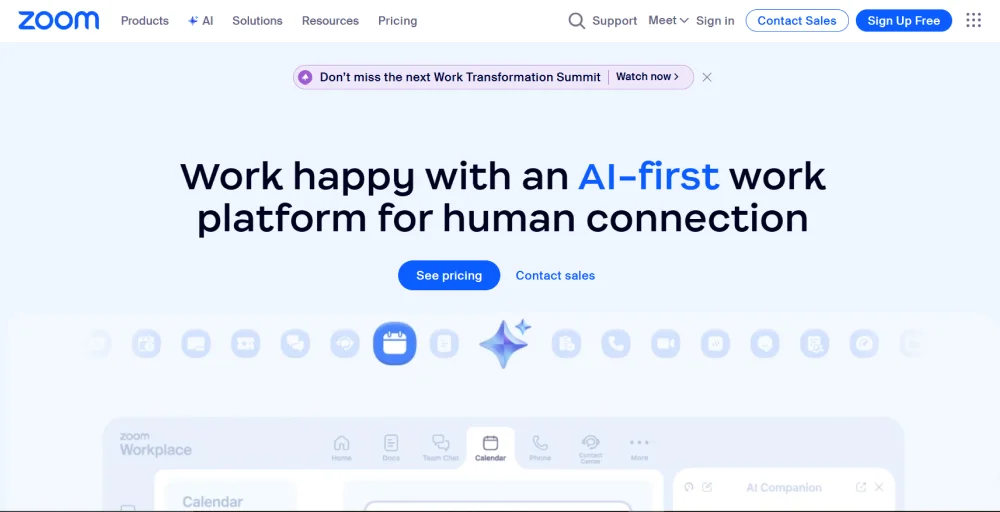
Built on Zoom’s reliable cloud infrastructure, it supports seamless collaboration between customer support agents and teams, making it ideal for businesses looking to centralize phone interactions and improve call handling efficiency.
Pros and cons
| Pros | Cons |
| Call whisper or barge into a call when one of my team members is on a call. | Texting is extremely chunky. |
| The Zoom CC is intuitive, and the controls are easy to navigate. | There is no option for Zoom video while training employees remotely. |
| Customer support is standard. | Call volume is comparatively small. |
Features
- Virtual agent
- Workspace reservation
- Omnichannel support
- Visual IVR (Interactive Voice Response)
- AI chatbot
Ratings: 4.3/5
Customer review
“The best thing I like about Zoom Contact Center is that I can listen, whisper or barge into a call when one of my team are on a call. I can jump in but not take over the entire call myself which is a great tool. I love that I can just listen to the calls for training as well.”
-Stacy H., Legal Intake Supervisor, G2 review
5. 8×8
8×8 is a cloud communication solution that facilitates phone-based customer communication with AI-enabled features. It provides live dashboards to monitor call center metrics, including call volume, wait times, CSAT, NPS, and agent availability, along with customizable post-call surveys to gather customer feedback.
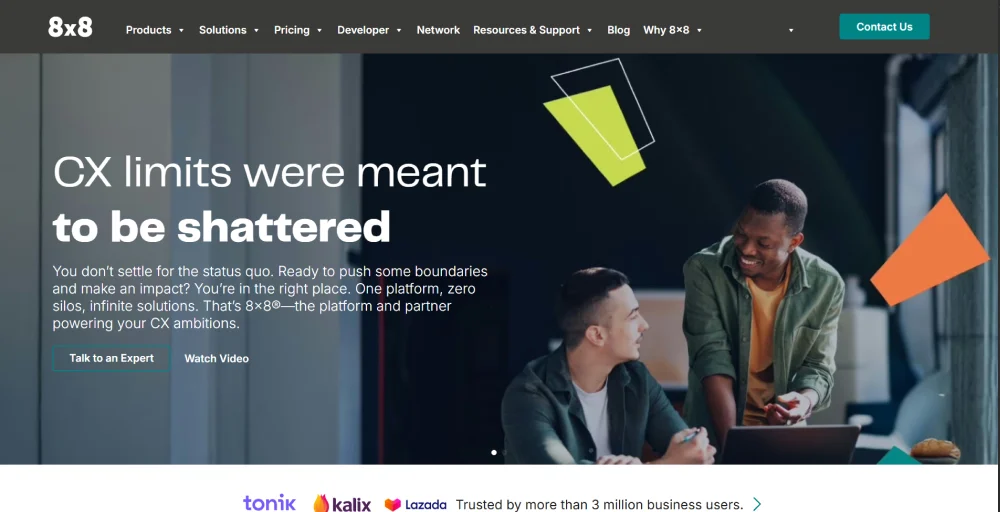
It provides advanced call center analytics, omnichannel routing, and AI-driven tools that help businesses improve center efficiency and real-time performance monitoring.
Pros and cons
| Pros | Cons |
| Businesses can track performance in real-time. | Analytics formulas are tricky to understand. |
| Setting up an audit form in Quality Management was easy. | The screen pop-up feature is not so good. |
| Installation is easy, whether using MSI or EXE, both take a few minutes to install. | The interface is cluttered. |
Features
- Omnichannel routing
- Agent workspace
- AI-enabled self-service
- Workforce engagement management
- Agent assist
Ratings: 4.1/5
Customer review
“Up-time has been near 100% in the almost 10 years I’ve been using it. Off the top of my head, the only time is was down was a problem with my phone.”
-Troy A., IT Consultant, G2 review
6. Talkdesk
Talkdesk is one of the top call center software solutions trusted by support-driven enterprises to improve customer engagement on phone calls using automation and AI.
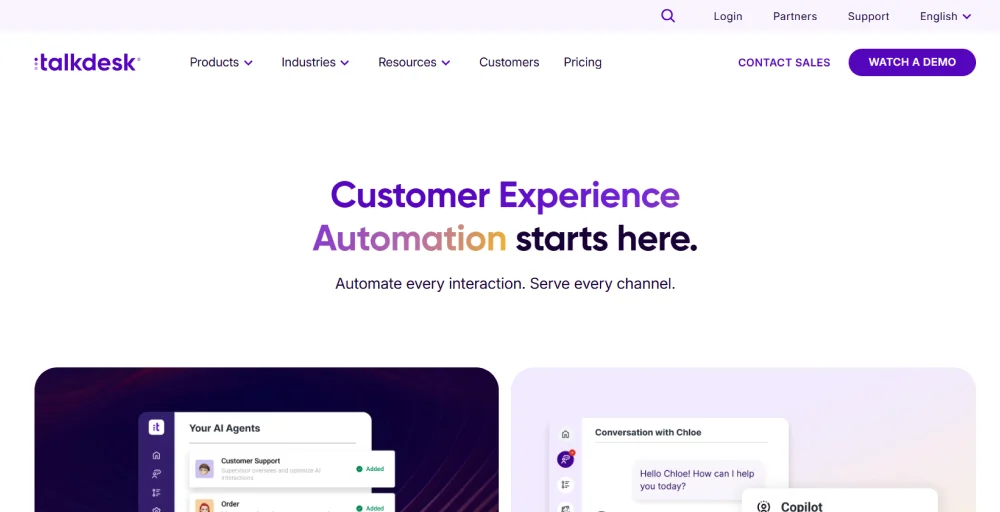
It offers comprehensive call routing, email, web chat, SMS, and social media, and enables personalized interactions. Talkdesk stands out for its straightforward setup, comprehensive feature set, and extensive customization options.
Pros and cons
| Pros | Cons |
| Allows you to call people from all over the world with just one click. | The inability to add a call on the other line without it being a transfer |
| Easy to take notes and gather data about calls. | Reports often lag, hindering our ability to rely on the TalkDesk reports. |
| App deployment was very easy. | Real-time bugs with the Live Dashboards can be frustrating |
Features
- Interaction analytics
- Agentic outbound
- Knowledge creator
- Omnichannel engagement
- AI trainer
Ratings: 4.4/56
Customer review
“TalkDesk has been reliable and above the rest. We started with ShoreTel and switched to TalkDesk and the improvements are not measurable.”
-Cortney K., Billing Specialist, Capterra review
7. Odigo
Odigo is a unique global Contact Center as a Service (CCaaS) provider, operating as both an integrator and a telecom operator. It helps multinational organizations scale contact center plans and optimize center efficiency across regions.
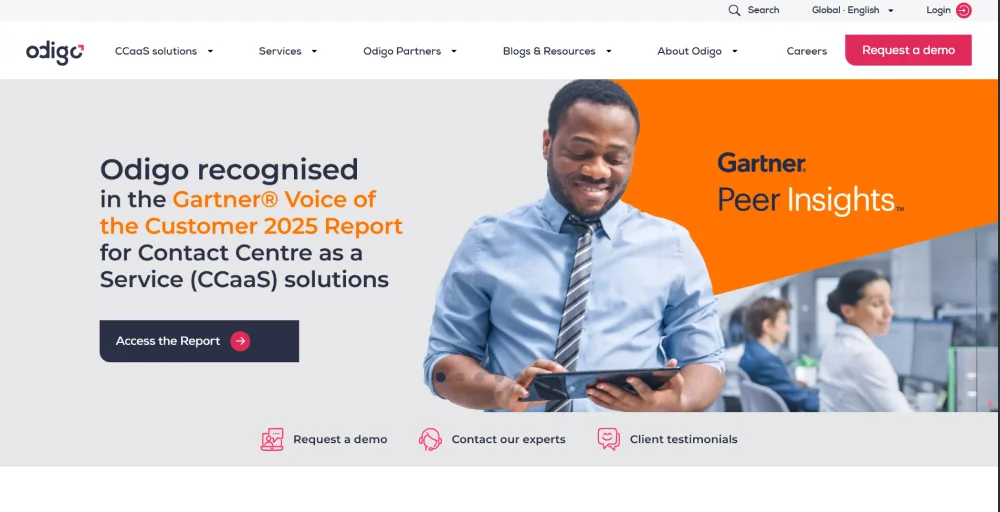
It uses its worldwide infrastructure to help clients improve local customer service operations and support international growth by combining reliable phone infrastructure with AI-powered call routing and analytics.
Pros and cons
| Pros | Cons |
| Natural language processing is available while using voicebots. | Sometimes it can crash and be buggy. |
| You can easily deploy and integrate your existing software. | Poor sales performance in newer markets. |
| A one-stop shop offering carrier, telephony, and integration services all in one. | Inconsistent and poor support experience. |
Features
- CRM integration
- Omnichannel
- Routing
- Artificial Intelligence and Automation
- Data-driven performance
Ratings: 4.1/5
Customer review
“Able to connect with many people in different locations, saving my time to connect with them separately on other platforms and discuss the business process.”
-Vishal P., Freelance Recruiter, G2 review
8. Ringover
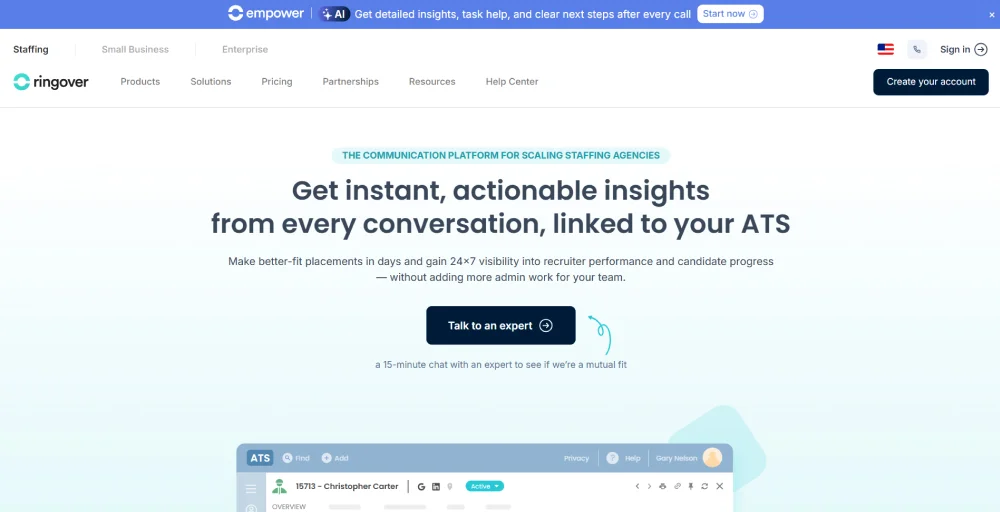
Ringover is a cloud-based call center software solution built for small to medium-sized businesses, ideal for both remote and in-house teams. It supports global phone communications and is widely used in sales and customer service, with integrations with industry-specific CRMs to streamline workflows and improve customer engagement.
Pros and cons
| Pros | Cons |
| You can easily port your old number. | Some users found that the interface is slow. |
| Customer service is responsive. | There are limited options on mobile devices. |
| All users can get connected simultaneously. | Call stability, dropouts, and latencies. |
Features
- Cloud faxing
- Outbound dialer
- Virtual & live engagement
- Intelligent virtual agents
- Business SMS
Ratings: 4.6/5
Customer review
“Honestly, is the best phone app can be found. With a fast and reliable customer service, a wonderful call log with AI integrated, you don’t have to remember what your business call was about… is all recorded in audio and text format for every call! Definitely recommended!”
-Dan Georgescu, Trustpilot review
9. Five9
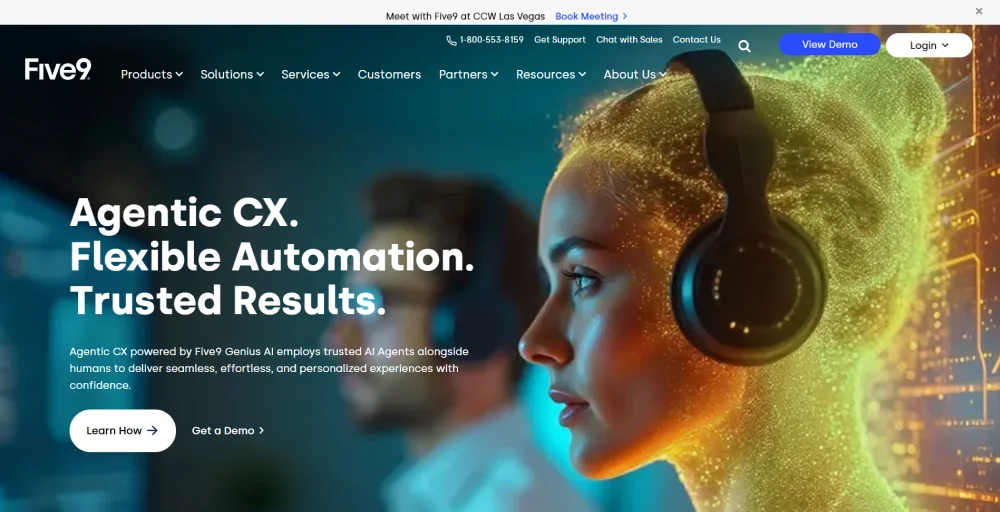
Five9 is a powerful call center solution ideal for large businesses seeking scalability and automation. It leverages advanced AI to handle routine tasks, enhance agent productivity, and deliver insights through features like customer sentiment analysis and automated call reporting.
Pros and cons
| Pros | Cons |
| AI options are available. | Limited setup and onboarding details. |
| It can be customized based on your business needs. | There is an additional cost for advanced features. |
| Automatic transcription of conversations. | You have to update the password more than twice a year. |
Features
- Global voice
- UC integrations
- Reporting & analytics
- Digital engagement
- SMS/Text
Ratings: 4.1/5
Customer review
“Having clear-cut, easy to use features for putting calls on hold, transferring to other parties, and establishing conference calls is a very impressive feat considering how many competitors products function. “
-Colin W IT Tech, Capterra review
10. Vonage
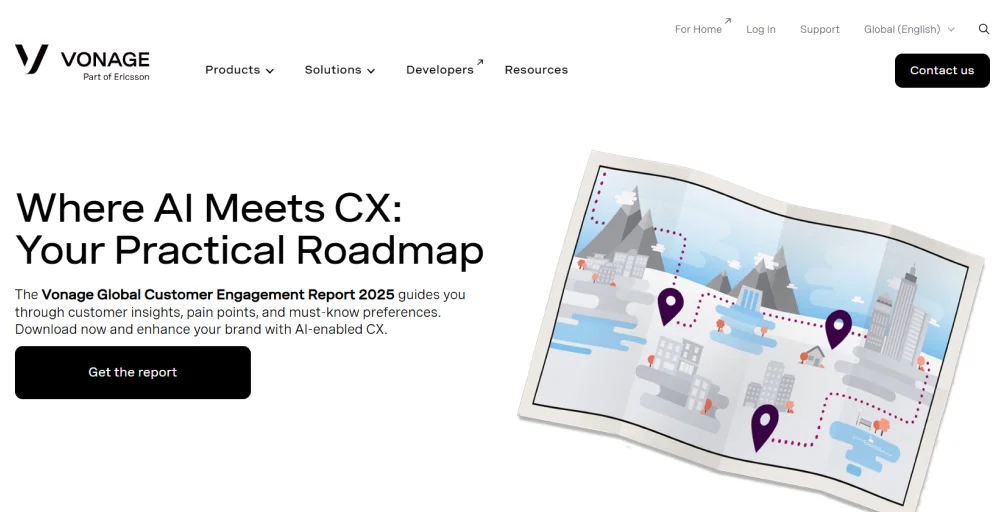
Vonage is a CPaaS-focused call center provider suited for small businesses with simple communication needs. It supports AI-powered tools and video engagement through integrations, particularly with Salesforce, to enhance functionality and access customer data.
Pros and cons
| Pros | Cons |
| Offers a great reporting tool. | Pricing is a bit expensive |
| Provides excellent international calling rates. | Sometimes works very slowly. |
| Takes less time to implement. | Limited options for customization. |
Features
- Admin portal
- Business inbox
- Conference bridge
- Local paperless fax
- Smart numbers
Ratings: 4.2/5
Customer review
“I had Vonage for home and business. It worked for home but not for business. They should stick to the residential services. They have not yet figured out the service level and degree of consistency required to provide efficient business service.”
-Rick, Trustpilot review
Benefits of using call center software
- Provides personalized communication: Agents have access to customer history, preferences, and past interactions. It allows them to offer tailored and relevant support, making customers feel valued.
- Improved agent productivity: Simplified workflows, a unified interface, and performance tracking improve agent efficiency and overall call center productivity.
- Easy implementation: Quick setup, especially with cloud telephony solutions, and user-friendly interfaces for fast adoption.
- Improved data-driven insights: Comprehensive reporting and analytics provide valuable data for better decision-making and operational improvements.
- Lower infrastructure costs: You can save a lot of money by cutting down or getting rid of the need for costly on-site hardware and maintenance.
- Improved compliance & security: Strong data protection and encryption help keep your information safe. These features assist in meeting industry rules and ensuring your data stays private.
Key features to look in call center software
When choosing call center software, focus on features that truly add value to your business. To help you stay ahead, here are 10 essential modern capabilities that can strengthen your sales and support teams for the future.
- Automatic call distribution (ACD): Automatically routes incoming calls to contact center agents based on predefined rules and ensures efficient distribution of calls, and reduces wait times.
- Omnichannel routing: Directs customer interactions (phone calls, emails, chats, social media messages) to the most appropriate agent or department, regardless of the channel.
- IVR (Interactive Voice Response): A phone menu that interacts with callers, gathers information, and routes them to the correct department or provides self-service options.
- CRM integration: Connects the contact center software with Customer Relationship Management (CRM) systems. It provides agents with instant access to customer interaction history, preferences, and previous interactions for personalized service.
- Skill-based routing: Routes calls or interactions to agents who possess the specific skills or expertise required to improve first call resolution rates
- Power dialers: Dial numbers one after another from a list, presenting the agent with customer information before the call connects, which is ideal for follow-up calls.
- Workforce management (WFM): Enhance employee satisfaction and retention by equipping your customer service team with the necessary tools, support, and growth opportunities they need to excel every day.
- Analytics and reporting: Provides comprehensive data on call volumes, agent performance, average handle time, customer satisfaction, and other key metrics..
- Live call transfer: Allows agents to seamlessly transfer a live call to another agent or department without disconnecting the customer.
- Speech analytics: Analyzes recorded calls to identify keywords, phrases, customer sentiment, and agent performance patterns, providing insights for coaching, compliance, and improving overall service quality.
How to choose the right call center software?
Beyond matching features, it’s crucial to choose a provider that truly understands your business. As you narrow down your options, keep an eye out for these important traits in a potential vendor.
1. Understand your business needs
Before you start to choose a call center platform for your business, assess your business needs. Identify whether your team needs inbound support, outbound sales, or a blended approach that handles both.
So, ensure the software you are going to choose must have omnichannel communication channels (phone, email, chat, SMS, or social media) to improve the contact center performance of your business for your customers.
2. Define key features
Now, initiate by analyzing the key features that your business teams need. Start with the essential ones, such as call routing, which may require automatic call distribution (ACD), call monitoring, CRM integration, and an IVR for handling call queries.
Also, look out for advanced features such as predictive dialers, speech analytics, AI-powered call summaries, and real-time dashboards that can significantly enhance your call center operations.
3. Select between cloud vs. on-premises
Select the best one that best fits your business needs. If you want to host remotely and reduce the upfront cost with quick deployment, select the cloud-based call center.
However, if you require maximum control, have specific customization needs, and have IT resources for maintenance, you can choose on-premise software.
4. Assess integration capabilities
Check the integration capabilities of your chosen contact center software, whether it can easily integrate with marketing integrations tools, CRM systems, ticketing platforms, or other business tools.
Also, verify the platform’s compatibility with your existing phone infrastructure if you’re migrating from another system, and check if APIs are available for custom integrations.
5. Compare pricing models
Pricing may vary from one another, which can be due to their features, usage, or user numbers. Some of the software may offer a pay-as-you-go model or be based on a per-user-per-month basis.
Understand their pricing plans and verify whether they charge additional setup or advanced feature fees. Always compare pricing from different vendors and select the cost-effective one that suits your business needs.
6. Check security & compliance
Security and compliance are essential when managing sensitive customer data. Choose software with robust data protection features like end-to-end encryption, real-time analytics, secure user authentication, and role-based access control.
Ensure the solution complies with regulations such as GDPR, HIPAA, or PCI DSS, and consider platforms that allow you to select the location for data storage to meet legal requirements and enhance the customer journey.
Experience KrispCall contact center software in action
Finding the right contact center software can feel overwhelming with so many options to compare.
KrispCall makes the choice easier with an affordable, flexible solution that works well for startups, remote teams, and global businesses.
KrispCall offers:
- Quick setup in just a few minutes
- Global phone numbers in 100+ countries
- Inbound, outbound, and blended call support
- Unified callbox for organized conversations
- AI-powered call summaries and voicemail
- Call forwarding, IVR, and contact tagging
- Seamless CRM integrations (HubSpot, Salesforce, Zoho, Pipedrive)
- Collaboration tool integrations (Slack, Google Workspace, Microsoft Teams)
- Browser, desktop, and mobile app support for remote teams