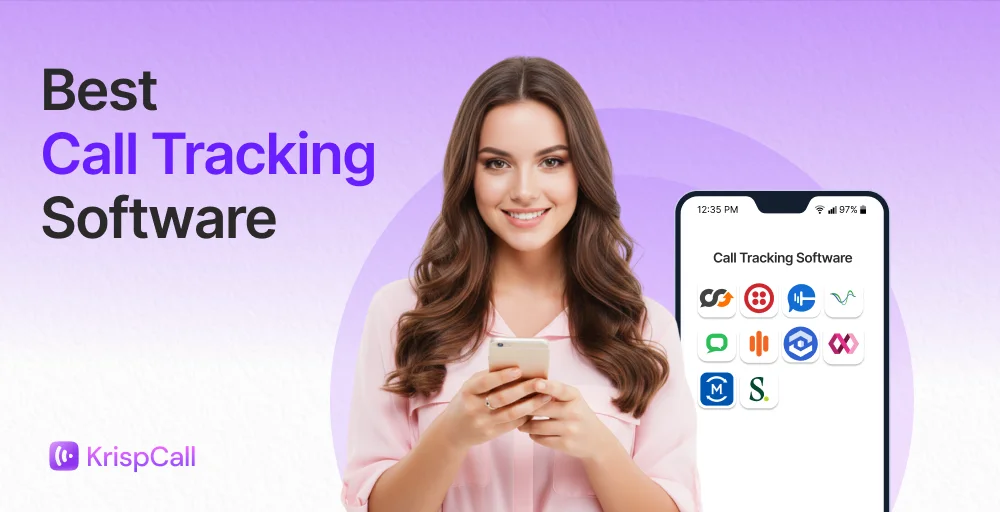
If your business relies on phone calls to close deals, you need to know which campaigns are driving those calls and which ones aren’t. Without inbound call tracking software, most marketing teams struggle to prove marketing ROI, justify marketing dollars, and avoid incomplete data that can lead to poor decision-making.
Modern call tracking platforms combine sales tools, AI insights, and customer analytics to help businesses track call sources, understand customer satisfaction, and identify trends across campaigns and geographic locations.
After evaluating dozens of platforms across pricing, features, integrations, and real user reviews, we’ve identified the best call tracking tools for small businesses, marketing agencies, and enterprise revenue teams.
✨ Key Takeaways
- Best overall for SMBs: CallRail’s easy setup, strong Google Ads integration, and great agency tools.
- Best for sales coaching: Convirza automated call scoring and rep coaching workflows.
- Best for customer journey tracking: Infinity visitor-level attribution across 75+ countries.
- Best for multi-location businesses: Marchex franchise and vertical-specific AI models.
- Best enterprise AI platform: Invoca real-time Signal AI with closed-loop ad optimization.
- Best for outbound sales teams: Salesloft multi-channel cadences with call intelligence built in.
- Best for small businesses: Talkroute’s dead-simple virtual phone system, no hardware needed.
- Best for developers: Twilio fully programmable telephony across 180+ countries.
- Best for agencies: WhatConverts unified lead tracking with white-label reporting.
- Best for pay-per-call: Ringba real-time call bidding and publisher/advertiser management.
What is call tracking software, and how does it work?
Call tracking software is a marketing technology that assigns unique phone numbers to marketing campaigns, channels, or ads to identify exactly which marketing source generated each inbound phone call. It bridges the gap between online clicks and offline sales, giving businesses detailed tracking insights on why customers pick up the phone.
Here’s how it works step by step:
- Unique tracking numbers are assigned: Each marketing channel, Google Ads, Facebook, organic search, and direct mail gets its own dedicated phone number. Dynamic Number Insertion (DNI) swaps the number shown on your website in real time based on how the visitor arrived.
- A visitor arrives and calls: When a prospect clicks your ad and calls the tracking number displayed on your site, the platform captures the session data tied to that visit, including the keyword, ad, campaign, and referral source.
- The call is logged and recorded: The platform routes the call to your real business number while simultaneously recording tracking metrics, including call duration, caller ID, call time, whether it was answered, and more. Recordings and transcripts are stored for review.
- Attribution data is matched: The call data is linked back to the exact marketing source that drove it. This creates a complete picture connecting your ad spend to offline conversions.
- Data flows into your marketing stack: Call outcomes sync automatically to Google Ads, your CRM, or Google analytics platforms, letting you optimize marketing campaigns, score qualified leads, and report on true marketing ROI, not just clicks.
What features should you look for in call tracking software?
Not every feature matters equally. Call tracking software helps you attribute phone leads to specific marketing campaigns, understand caller behavior, and optimize your return on investment. Here’s a breakdown of features that you should look for in call tracking software:
| Feature | Why It Matters |
| Dynamic Number Insertion (DNI) | Without DNI, you can’t attribute web traffic sources to inbound calls. It’s the foundation of advanced call tracking. |
| Source attribution | Campaign, channel, keyword-level tracking, and ad-level attribution are essential for proving and optimizing marketing ROI. |
| Call recording | Record calls to verify lead quality, coach sales reps, and resolve disputes. |
| Google Ads integration | Syncing call data with Google Ads allows you to optimize bids based on calls, not just clicks. |
| Call reporting & analytics | Dashboards showing call volume, call duration, answered calls vs. missed calls, call performance, and conversion rates. |
| Tracking numbers | Local and toll-free numbers are assigned per channel or campaign. |
| AI transcription | Valuable for large call volumes, call centres or teams that can’t manually review recordings. |
| AI-powered conversation intelligence | Keyword spotting, customer sentiment analysis, and call scoring are essential for enterprise sales and coaching. |
| CRM sync | If your sales pipeline lives in Salesforce, HubSpot, or similar tools, bidirectional sync saves time. |
| IVR / call routing | Useful for multi-location businesses or teams routing calls to specific departments. |
| Form tracking | Ties web form submissions to the same attribution pipeline as phone leads for a unified view. |
| White-label options | Agencies reselling call tracking to clients need branded portals. |
Which integrations matter most for call tracking?
The value of call tracking multiplies when your call data flows into the tools your team already uses. The integrations that matter most depend on your role:
- For marketing teams: Google Ads and Google Analytics are non-negotiable. Connecting call conversions to Google Ads campaigns lets you optimize bids on calls, not just clicks. GA4 integration gives you a complete multi-touch picture of the customer journey.
- For sales teams: CRM integrations with Salesforce, HubSpot, or Zoho automatically log every inbound call as a lead activity, eliminating manual entry and keeping the sales pipeline clean.
- For agencies: Multi-account dashboards and white-label reporting portals are critical for managing multiple client accounts. Integrations with Facebook Ads and Bing Ads extend attribution beyond Google.
- For operations teams: Slack or email alerts for missed calls, plus Zapier or webhook support for custom workflows, round out a solid marketing automation stack.
How we review these tools?
We evaluated each tool on a consistent set of criteria and did not accept payment for placement; our rankings are based solely on product quality and real user feedback. Here’s what we looked at:
- Features: We looked at each tool’s essential call tracking features, such as dynamic number insertion, source attribution, call recording, and AI analytics. We compared these features based on users’ specific needs.
- Integrations: We assessed how well each tool integrates with popular marketing and sales platforms, such as Google Ads, Google Analytics, Salesforce, HubSpot, and major ad networks.
- Pricing transparency: We reviewed each provider’s pricing structure against the features offered, paying close attention to usage-based fees, hidden costs, and plan limitations that could impact the total cost of ownership.
- User reviews: We examined G2 ratings and feedback to identify trends in both positive and negative comments from verified users, not just average star ratings.
- Use-case fit: Instead of ranking tools in one single category, we matched each platform to the type of business and team it suits best. A tool ideal for large enterprises may be excessive for a solo operator, and vice versa.
For a complete breakdown of how we research, score, and maintain our recommendations, see our software review methodology, content update process, and content integrity standards.
What are the best call tracking software options in 2026?
The best call tracking software options in 2026 share these core capabilities: Dynamic Number Insertion (DNI) to tie calls to specific ads and keywords, call recording and transcription, and analytics dashboards that show which digital marketing campaigns drive conversations and clear lead attributions.
Here are the top call tracking platforms:
| Software | Best for | Trial | Pricing | G2 reviews |
| CallRail | Marketing attribution for SMBs | 14-day free trial | Starts at $50/month | 4.5/5 (1,715) |
| Convirza | Sales coaching * conversation analytics | Demo | Starts at $29/month | 4.2/5 (46) |
| Infinity | Full customer journey a-tracking | 14-day money-back | Starts at $249 | 4.6/5 (157) |
| Marchex | Multi-location & franchise analytics | Demo | Contact sales team | 4.1/5 (184) |
| Invoca | Enterprise AI conversation intelligence | Free trial | Get your quote | 4.5/5 967) |
| Salesloft | Sales team call engagement | No | Contact sales team | 4.5/5 (4,286) |
| Talkroute | Simple call management for small businesses | 7-day free trial | $19 /month | 4.6/5 (44) |
| Twilio | Custom developer-built solutions | Free 30-day trial | Contact sales | 4.1/5 (522) |
| WhatConverts | Agency lead tracking & reporting | 14-day free trial | $30 /month | 4.9/5 (306) |
| RingBa | Pay-per-call networks & performance marketing | Demo | $127 /month | 4.9/5 (156) |
1. CallRail
CallRail is a top call tracking platform for marketing teams and agencies that want clear tracking without hassles. It supports over 200,000 businesses and treats phone calls as important as clicks in marketing.
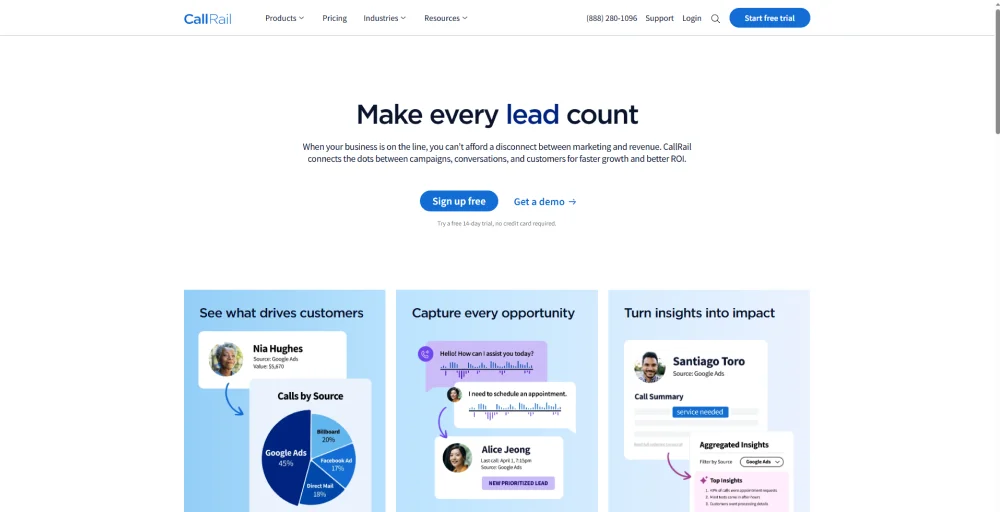
With easy integration with Google Ads, a simple setup for Dynamic Number Insertion (DNI), and a user-friendly reporting interface, CallRail is the most popular choice for small- to mid-sized businesses.
Best for:
Marketing agencies, SMBs, and in-house marketing teams that run paid search campaigns and need keyword-level call attribution.
Key features
- Dynamic Number Insertion (DNI) for source-level attribution
- Keyword-level call tracking tied to Google Ads
- Call recording and AI transcription
- Conversation Intelligence features with sentiment analysis and keyword spotting
- Form tracking (separate add-on or bundled plan)
- Multi-touch attribution across organic and paid channels
Integrations
- ADF
- Freshpaint
- Meta Ads Manager
- VWO
- Unbounce
- Microsoft Ads
- ServiceTitan
Pros
- You can set up DNI quickly, in under an hour.
- It has excellent integration with Google Ads, more than other mid-market tools.
- It offers strong tools for agencies managing multiple accounts.
Cons
- There is no free plan; you can only try it for 14 days.
- Extra charges for usage (per minute and per number) can lead to unexpected costs as you grow.
- International coverage is limited to the US, Canada, the UK, and Australia.
2. Convirza
Convirza helps businesses improve their call interactions by combining call tracking and conversation intelligence. It offers standard features like call source attribution, but what sets it apart is its detailed conversation analytics.
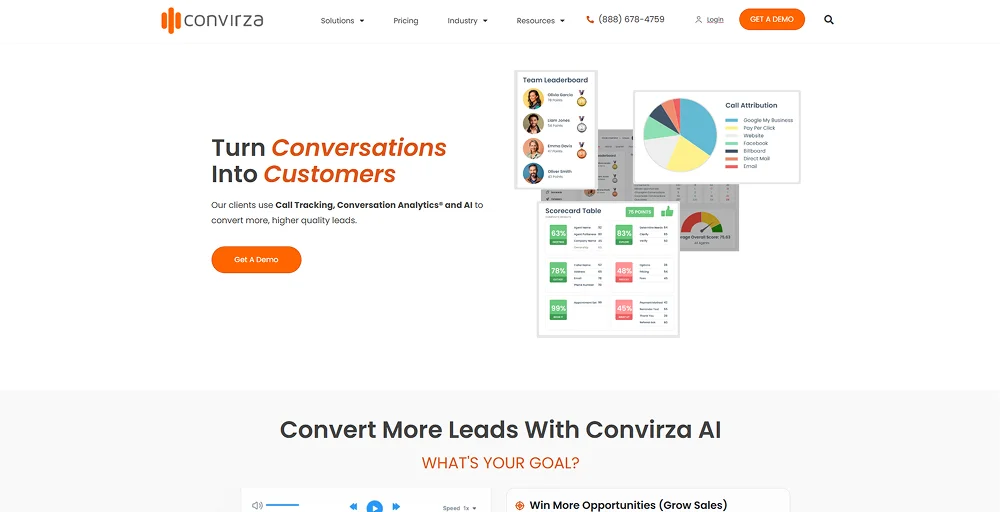
Convirza provides tools for call scoring, keyword spotting, and coaching sales representatives, helping managers boost their team’s performance.
Best for:
Sales managers and organizations focused on improving call quality, rep performance, and lead qualification accuracy.
Key features
- Call tracking with DNI and source attribution
- Conversation analytics with call scoring and keyword spotting
- Automated call grading based on customizable criteria
- Call recording and transcription
- CRM integrations and marketing platform connections
- Sales coaching workflows
Integrations
- HubSpot
- TenStreet
- Triggers
- RingCentral
- Google Analytics
- 8×8
Pros
- The coaching tools are specifically designed and stand out from the competition.
- It has strong features for scoring calls and automatically grading them.
- It supports many integrations with other tools.
Cons
- The user interface and feature set may seem limited compared to top enterprise tools.
- Some advanced features are only available in higher-priced plans.
- It has a smaller user community than CallRail or Invoca.
3. Infinity
Infinity is a call tracking platform based in the UK. It stands out because it connects phone call data to the entire customer journey, not just the last action a customer took before calling. Its visitor-level tracking captures every interaction a prospect had before the call.
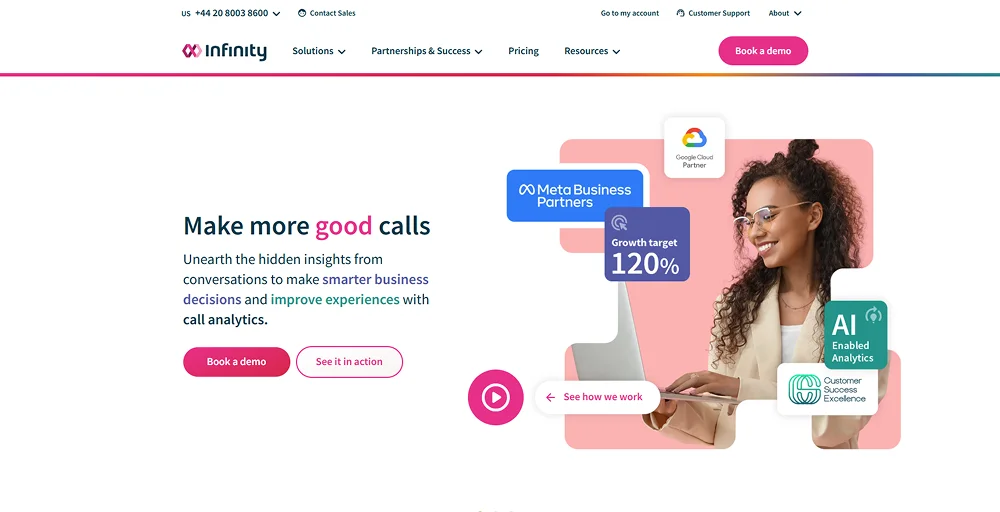
This gives marketers a clearer picture of where conversions come from, rather than just looking at the last source. Infinity is especially useful for mid-sized and large businesses that need to understand the complete path to conversion.
Best for:
Mid-market and enterprise marketers who need visitor-level call attribution and full customer journey analytics.
Key features
- Visitor-level call tracking (not just source-level)
- Full customer journey attribution
- Dynamic Number Insertion
- Call recording and analytics
- Conversation analytics and AI-powered insights
- Custom reporting and dashboards
Integrations
- Tag Manager
- Webtrends
- Flashtalking
- Meta
- Adobe Analytics
- Looker
- Campaign Manager
Pros
- Visitor-level tracking provides more detailed insights.
- Offers tracking numbers across more than 75 countries.
- Uses DNI to tie specific calls to the exact keywords, campaigns, or ads that generated them.
Cons
- The service performs well in the UK market and continues to expand internationally.
- Some users report occasional discrepancies and difficulty navigating reports.
- Limited customization features within the end-user admin portal.
4. Marchex
Marchex is designed to help businesses manage call analytics across multiple locations, such as franchises or car dealerships. Its AI models are trained on industry-specific conversation data, enabling them to accurately score calls and predict outcomes for businesses in automotive, home services, healthcare, and financial services.
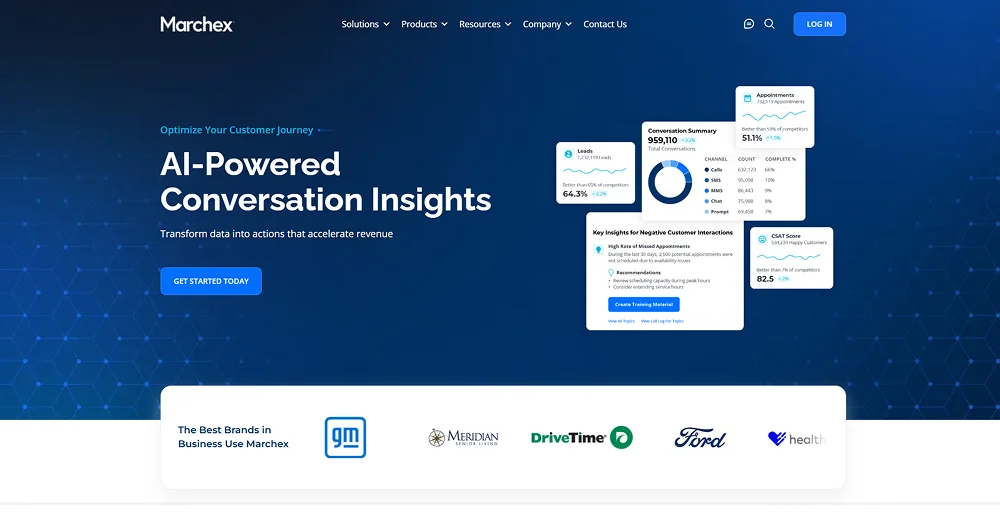
If you run a national brand and need to track call performance at individual locations, Marchex is one of the few platforms built for that purpose.
Best for:
Enterprise brands, franchise networks, multi-location businesses, and automotive groups need location-level call analytics.
Key features
- Location-level call analytics and attribution
- Vertical AI models for industry-specific call scoring
- Conversation intelligence and outcome detection
- Call recording and transcription
- Multi-location reporting dashboards
- Digital advertising attribution
Integrations
- Solera
- VinSolutions
- Slack
- Txtify
- Skai
- Okkta
- Elead
Pros
- Vertical AI provides accurate results tailored to specific industries that generic models cannot match.
- It’s designed to handle the complexities of businesses with multiple locations.
- It has a strong track record in the franchise and automotive sectors.
Cons
- It may be too advanced for single-location or small businesses.
- Pricing is aimed at large enterprises and isn’t publicly available.
- Setup and onboarding take longer times.
5. Invoca
Invoca is the leading choice for businesses that need AI support to understand conversations. It does more than just track calls. Invoca provides real-time call analysis, predicts which leads are promising, and connects seamlessly with major marketing tools.
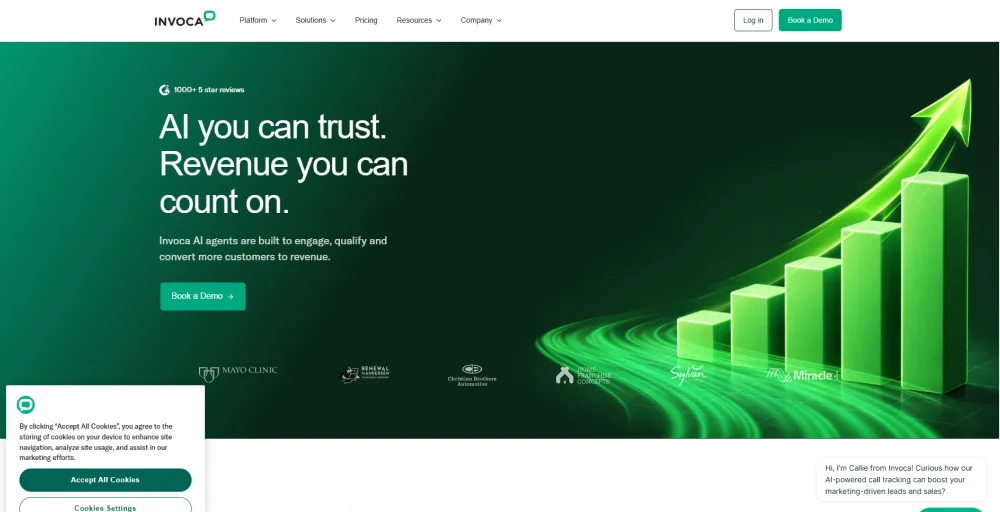
Its Signal AI technology analyze calls conversations and automatically sends results data to Google Ads, Salesforce, and analytics platforms. This process helps improve marketing efforts effectively. For large marketing and revenue teams that rely on phone calls to generate income, Invoca offers the most advanced solution available.
Best for:
Enterprise marketing and revenue teams at large companies, where inbound phone calls are a primary conversion channel.
Key features
- AI-powered conversation analytics (Signal AI)
- Real-time call scoring and lead qualification
- Dynamic Number Insertion and source attribution
- Predictive analytics and call outcome detection
- Deep integrations with enterprise platforms
- Revenue intelligence and closed-loop optimization
Integrations
- Genesys
- Dynamic Yield
- Innovid
- Piwik PRO
- StackAdapt
- tvScientific
- Contentsquare
Pros
- This is the most advanced AI conversation tool available.
- It automatically sends call results back to advertising platforms, helping improve performance.
- It offers strong security and meets compliance standards.
Cons
- The setup is complex and needs dedicated staff.
- It may be too complicated for teams that only need basic tracking.
- Some users find the platform overwhelming when they first start.
6. Salesloft
Salesloft is a platform that helps sales teams engage with potential customers. It includes powerful call tracking as part of a larger system for managing outreach and sales pipelines.
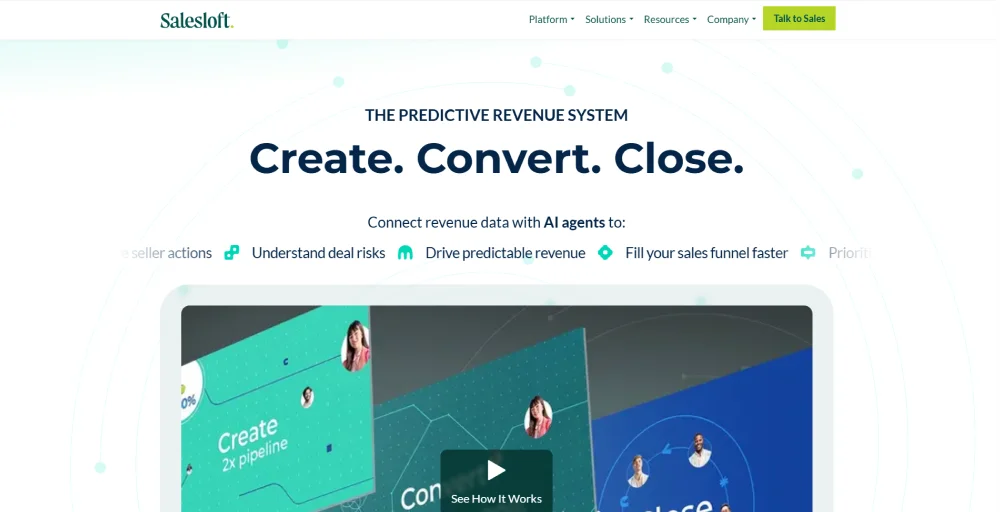
Unlike tools that only track calls, Salesloft connects phone calls to email campaigns, LinkedIn interactions, and customer relationship management (CRM) activities in a single platform.
This allows sales teams to manage and track all their outreach efforts using a single platform. The Conversations module transcribes calls, highlights key moments, and provides coaching feedback to both sales representatives and managers.
Best for:
Sales development reps, account executives, and revenue teams are doing high-volume outbound call tracking alongside multi-channel outreach.
Key features
- Sales cadence management (email, calls, LinkedIn, SMS)
- Call recording and AI analysis via the Conversations module
- Keyword detection: pricing mentions, competitor names, next steps
- CRM integration (Salesforce-native)
- Deal management and pipeline visibility
- Sales coaching and rep performance analytics
Integrations
- Highspot
- 6sense
- Cognism
- Vidyard
- RevOptics
- Reachdesk
- ZoomInfo
Pros
- The platform consolidates all outreach channels, eliminating the need for disparate tools.
- Automation of outreach cadence significantly reduces the time required for routine follow-ups.
- Provides robust coaching and visibility into performance for managerial staff.
Cons
- Pricing structures are customized and typically align with enterprise-level budgets.
- There is no free trial available; only a platform demonstration is offered.
- It lacks the marketing-side attribution depth found on platforms.
7. TalkRoute
TalkRoute is a virtual phone system designed for small businesses. It is not a complex call tracking platform for marketing. Instead, TalkRoute helps small teams sound professional with features such as call forwarding, voicemail, custom greetings, cross-device access, and basic call logging.
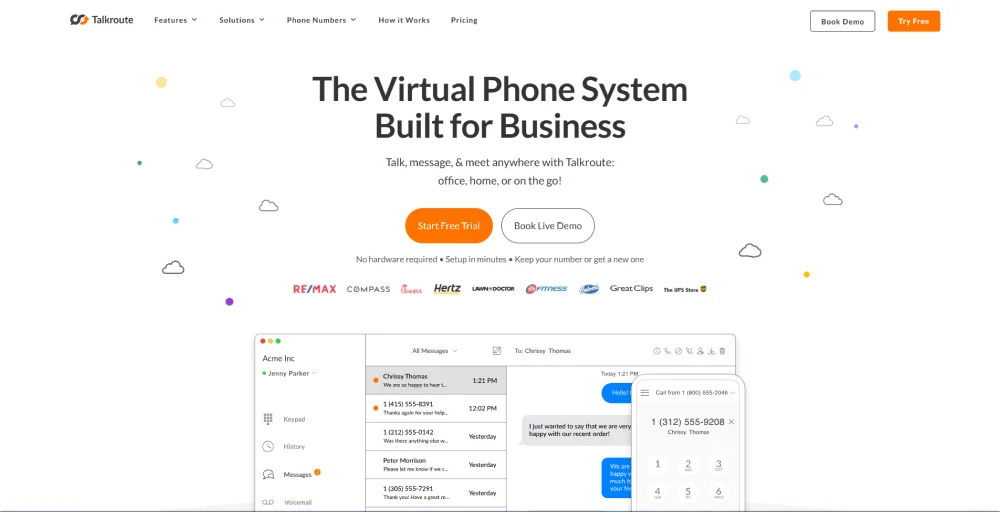
You don’t need any physical hardware or IT support to use it. If you want to manage how calls are handled and tracked within your business rather than focus on marketing analytics, TalkRoute offers clear, reliable value.
Best for:
Small businesses, solopreneurs, and remote teams that need a virtual phone system with basic call management and straightforward pricing.
Key features
- Virtual phone numbers (local and toll-free)
- Call forwarding to mobile, desktop, or office phones
- Voicemail with email transcription
- Custom greetings and call menus
- Basic call logging and missed call tracking
- Unlimited calling within plans
Integrations
- Zapier
Pros
- No contracts and no confusion about user counts.
- Quick setup, call menus can go live in under 10 minutes.
- Users consistently praise the reliable call quality.
Cons
- Lacks features like dynamic number insertion, keyword tracking, and Google Ads integration.
- Limited depth in reporting and analytics.
- The desktop app sometimes loads slowly.
8. Twilio
Twilio is a platform for communication that provides tools for developers, rather than a ready-made call tracking product. It offers features like programmable phone numbers, call routing, recording, transcription, and real-time webhooks.
These tools let developers create a custom call tracking system that fits their business needs. If you have developers on your team and need to integrate with existing systems that off-the-shelf tools cannot, Twilio offers flexibility, though it may take time to implement.
Best for:
Development teams and engineering-led organizations that need a fully custom call tracking or telephony solution built to spec.
Key features
- Programmable Voice API for inbound and outbound calls
- Call tracking numbers in 180+ countries (broadest international coverage)
- Call recording and transcription APIs
- Real-time webhooks and event streaming
- IVR and call routing logic (fully custom)
- SMS, WhatsApp, and video APIs for omnichannel builds
Integrations
- SEAQ
- Kaptea
- Zennify
- Aptitude 8
- Sprint Reply
- HeyHo Systems
- Clear Ideas
Pros
- You can customize everything to fit your needs.
- This platform offers the most international phone number options of all the platforms listed.
- You pay only for what you use, with no minimum requirements.
Cons
- There are no built-in marketing tracking, dynamic number insertion, or dashboards included.
- The total cost can go up due to the time developers spend, which may be higher than packaged alternatives.
- Support is technical and may not be suitable for non-technical marketing teams.
9. WhatConverts
WhatConverts is a comprehensive lead and call tracking platform that links offline phone calls to the specific online marketing campaigns, ads, or keywords that drove them. It tracks leads from calls, forms, chats, and e-commerce, all in one easy-to-use dashboard.
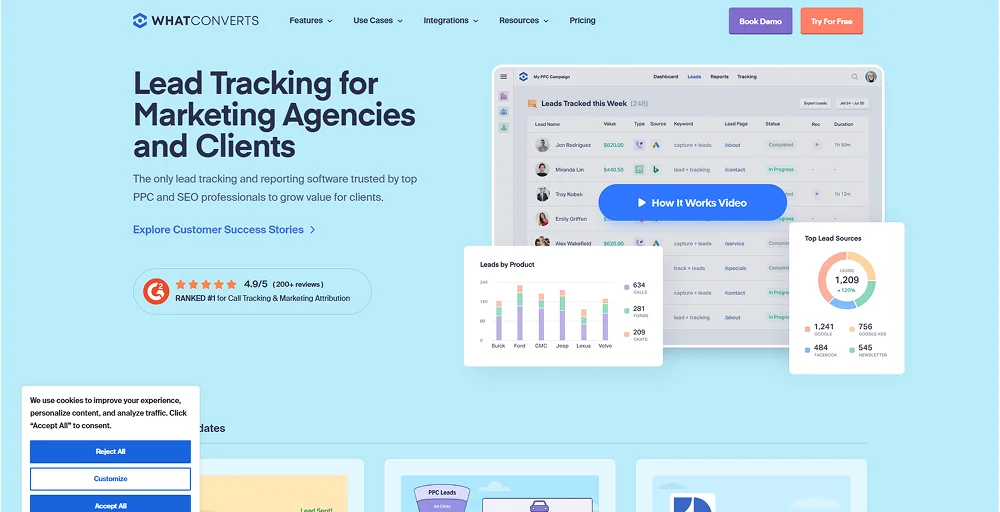
Designed for agencies and their clients, it enables simple reporting to demonstrate marketing ROI in meetings, without sifting through multiple platforms. With a starting price of $30 per month, it offers great value for the features it provides.
Best for:
Marketing agencies and their clients who need unified lead attribution across all channels, not just calls.
Key features
- Unified lead tracking: calls, forms, live chat, and e-commerce in one place
- Dynamic Number Insertion and keyword-level call attribution
- Agency reporting dashboards
- Google Ads and Analytics integration
- CRM integrations
- White-label reporting options
Integrations
- ClickFunnels
- Formsite
- JivoChat
- Mixpanel
- Acuity Scheduling
- Gravity Forms
- BigCommerce
Pros
- Centralizes tracking of phone calls, form submissions, web chats, and e-commerce transactions in one dashboard.
- Provides white-label reporting for easy client reports.
- Clearly identifies which campaigns, ads, or keywords generated leads, helping to prove ROI to stakeholders.
Cons
- Setting up advanced features, lead scoring, and multi-touch attribution reports requires training.
- It lacks enterprise-level sales features like power dialers and live call management.
- Additionally, it tends to be more expensive than basic call tracking tools, with costs increasing based on lead volume.
10. RingBa
Ringba is a call tracking platform designed specifically for the pay-per-call market. In this market, businesses buy, route, and sell calls as products among publishers, networks, and advertisers.
Ringba’s features include real-time call bidding (RTB-style routing), smart call routing, and tools for managing relationships between publishers and advertisers. These features make it a top choice for performance marketing agencies and call networks.
Best for:
Pay-per-call publishers, performance marketing networks, affiliate marketers, and advertisers who buy and sell call traffic.
Key features
- Real-time call bidding and routing (RTB)
- Publisher and advertiser management
- Ping tree call distribution
- IVR and geo-routing
- Call analytics and reporting
- Real-time dashboard and export tools
Integrations
- CAKE
- Integromat
- RedTrack
- Everflow
- Pipes.ai
- TUNE
- Snapchat Integration
Pros
- Streamlines dynamic number insertion for tracking both online and offline traffic without third-party tools.
- It offers real-time auction features for calls, a unique feature in the market.
- This integrates tools for affiliates, publishers, and buyers, making it an all-in-one solution for lead generation businesses.
Cons
- It is not ideal for standard marketing attribution tasks.
- Some users find it has limited features for workflows that do not involve pay-per-call.
- There is a steeper learning curve for teams that are new to the pay-per-call model.
What are the most common mistakes when setting up call tracking?
Setting up call tracking can lead to mistakes that affect the accuracy of your data. Here’s how to avoid common pitfalls:
- Using a single tracking number: Assigning one number to your entire website undermines call attribution. Each marketing channel needs its own tracking number; use dynamic numbers for digital channels and static numbers for offline channels.
- Skipping keyword-level tracking: Many only track at the campaign level. Without keyword tracking in Google Ads, you can’t determine which keywords generate calls, hindering bid optimization.
- Not excluding internal calls: Calls from staff can skew your data. Set filters to exclude internal calls to maintain accurate call quality metrics.
- Failing to set call duration thresholds: Define a minimum call duration (e.g., 30-60 seconds) to count a call as a conversion, avoiding inflated metrics from misdials or spam.
- Not syncing with CRM: Capturing call data is only part of the process. Ensure your call tracking integrates with your CRM to align marketing and sales data and optimize revenue insights.
How do you choose the right call tracking software for your business?
Choosing the right platform comes down to matching the tool’s strengths to your specific situation. Here’s a step-by-step approach:
Step 1: Define your use case
Are you measuring marketing ROI, coaching sales performance, managing multiple locations, or needing a custom tracking solution? This clarifies your options. CallRail and WhatConverts focus on marketing; Salesloft and Convirza cater to sales teams; Marchex is for franchises; Twilio is for developers.
Step 2: Assess your technical resources
If you have developers and need customization, Twilio’s API offers flexibility. For quick, out-of-the-box solutions, CallRail or Talkroute are ideal. Invoca and Marchex are powerful but need onboarding support.
Step 3: Check integrations
Ensure your chosen tool integrates with essential tools like Google Ads, Salesforce, and HubSpot. Lack of CRM sync increases manual work.
Step 4: Understand costs
Look beyond initial pricing. Many platforms charge per tracking number and call minute, which can add up. So, evaluate usage fees and request quotes based on your expected volume.
Step 5: Test before buying
Most platforms offer free trials. Use this to run a campaign, check attribution, and ensure the reporting interface suits your team. A tool is ineffective if it’s not used.