Are you working remotely and facing problems like time zone gaps, virtual team communication delays, lack of visibility, or missed messages on a routine basis?
If yes, you don’t have to worry anymore. With KrispCall, you can stay connected with your team and clients anytime, anywhere. It’s not just another service provider; you will get a personalized solution tailored to your team’s unique workflow.
In this blog, you will find out how KrispCall improves remote team communication and helps you boost the overall team’s productivity.
KrispCall features that support remote team communication
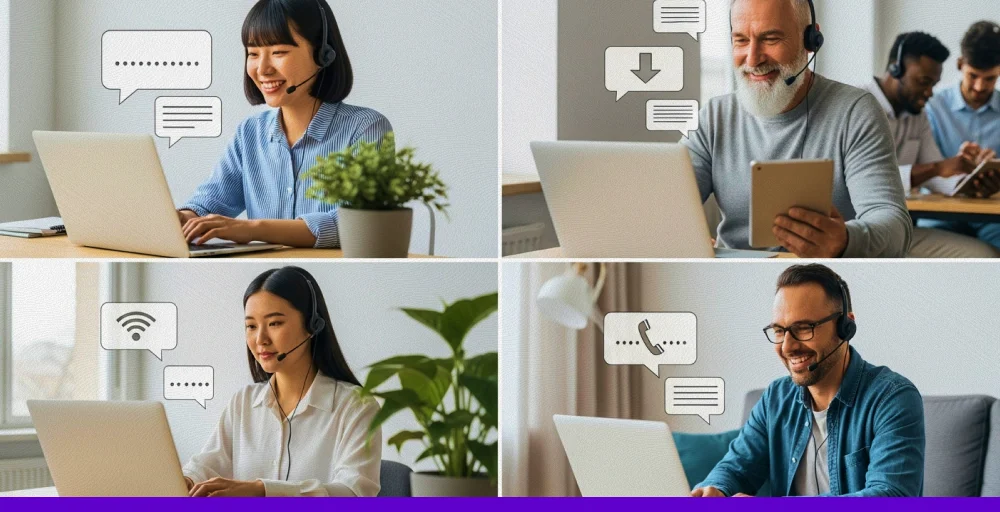
KrispCall offers advanced tools that make remote work smooth and organized. Its features are designed to help virtual teams stay connected and improve collaboration across different time zones.
Let’s discuss some of the useful features for remote teams:
1. Unified Callbox
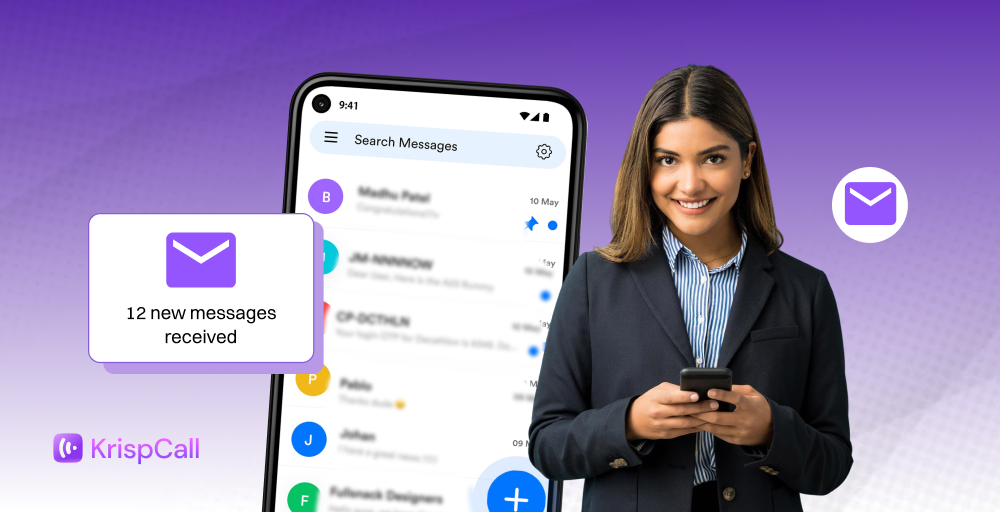
A Unified Callbox is a centralized platform that integrates various channels into a single user-friendly interface. It allows remote workers to stay connected without missing a call or message. It helps you to improve collaboration across time zones.
- Your team doesn’t have to switch between apps to find messages.
- Everyone can see the full conversation history.
- This helps remote teams stay up-to-date and respond faster.
2. Shared phone numbers
KrispCall supports the shared phone number feature, which means you do not have to buy multiple numbers to assign each user individually. With just one business number, your entire team can make and receive calls across multiple devices.
This feature is simple but leaves a huge impact on customer satisfaction.
- Any available team member can answer or make calls using the shared number.
- This keeps things moving even if one person is away.
- It is great for support and sales teams working from different locations.
3. Mobile app
KrispCall has a mobile app for both Android and iOS that facilitates making and receiving calls while on the go. Designed for remote teams, the app offers powerful features like call recording, global phone numbers, and smart call routing, all within a single unified platform.
These features allow remote teams to constantly interact with each other without worrying about the type of device they are using.
This helps overcome communication barriers and ensures reliable business VoIP for remote teams.
- Available for Android and iOS.
- Features remain consistent across devices.
- Supports remote flexibility without losing functionality.
4. IVR system
Krispcall offers an IVR (Interactive Voice Response) feature. This means you can set up an automated call menu that directs callers to the right agent or department. It adds a layer of professionalism and saves your time by eliminating unnecessary wait times and minimizing average call handle time (AHT).
- KrispCall lets you create simple or advanced menus.
- It directs callers to the right person automatically.
- This saves time and improves the caller’s experience.
5. Call forwarding
Call forwarding is an essential feature you need, especially if you are part of a remote team. It gives you the flexibility to transfer the call and forward it to the desired agent or person. It is an efficient way to handle all the customer calls and solve their queries in the first interaction.
This feature minimizes the missed call rates and improves the CSAT score
- If someone is busy or offline, the call goes to another agent.
- Helps to avoid missed calls and keeps customers happy.
- It also helps teams cover different time zones easily.
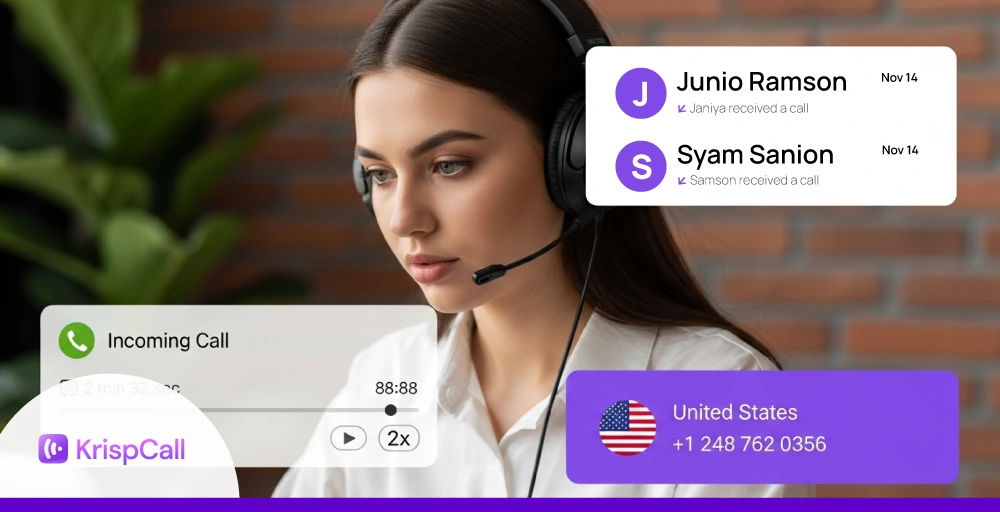
6. Call recording and logs
KrispCall allows you to record calls, so you can listen to the recordings later and identify common issues faced by your customers. This provides you with a reliable record of conversations and helps you identify the necessary improvements or training services regarding your service.
Additionally, call recording offers a valuable insight into communication patterns, facilitates quality assurance (QA), and helps your remote team to maintain legal compliance.
- It helps you remember what was discussed.
- The insights can be helpful for training or improving team communication.
- All call records are saved and easy to search when needed.
7. Virtual phone numbers
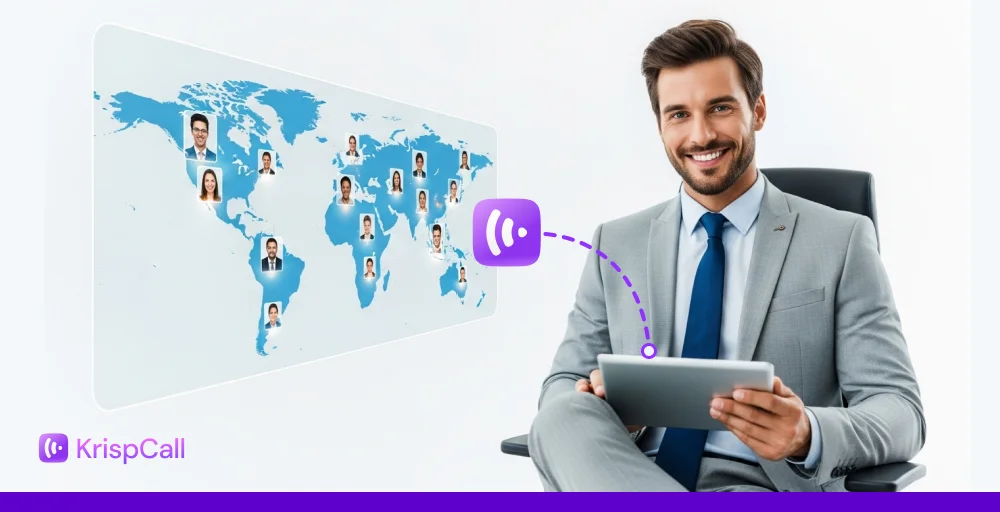
Krispcall supports global coverage by providing a virtual number for teams in over 100 countries. It allows you to connect to your remote team without worrying about the time zone or physical location.
It mainly supports 5 types of virtual numbers:
- Local number: A local phone number is a telephone number that serves a specific location or region. Example: +1 212 555 1234 (USA)
- Toll-free number: A toll-free number is a type of number that is free to call on the client’s end. Example: 1-800-555-6789
- Vanity number: A vanity phone number uses specific patterns or letters to create a lasting impact on callers. Example: 1-800-FLOWERS can be used if the number is (1-800-356-9377)
- Mobile number: A mobile number is a personal number that can be bought through KrispCall. Example: +44 7123 456789 (UK mobile)
8. CRM and business tool integrations

KrispCall can be integrated with 100+ CRM and other business applications to help businesses enhance their interactions. These integrations enable features like automatic call logging, two-way contact syncing, and access to contact details from both KrispCall and CRM integrations.
- Customer data is saved directly in your CRM.
- Directly make a call from CRM.
- Everyone stays in the loop with the latest updates visible to the whole team.
Check out 👉: How KrispCall Business Text Messaging Boosts Customer Support Efficiency?
Centralized communication with KrispCall’s Unified Callbox
KrispCall’s Unified Callbox brings all your business communications, calls, voicemails, SMS, and internal notes into one centralized dashboard. Whether a customer leaves a voicemail, sends a text, or follows up with a call, every interaction is visible in a single timeline. Team members no longer need to hop between tools or ask colleagues for context.
The Unified Callbox can benefit remote teams in the following ways:
- Less tool switching: Remote teams no longer have to struggle with switching between multiple apps and tools to collect the client’s information. Everything is easily available in the callbox.
- Better visibility: Everyone on the team can see who spoke with whom, when, and about what. This can significantly reduce the need for repeated work or missed replies.
- Faster response times: When all communication history is in one place, team members can follow up quickly and confidently.
- Improved accountability: Managers and team leads can review conversation threads for quality control or coaching without needing to dig through emails or call apps.
Example: Let’s say a customer sends a text inquiry while the support representative is offline. The next available team member sees the unread message in the Unified Callbox, checks the voicemail left earlier, and follows up on the same thread. This saves time and increases customer satisfaction.
For a remote team that relies on a cloud phone system, the Unified Callbox ensures smooth, responsive, and fully connected workflows across different countries and time zones.
Using virtual phone numbers to establish local presence
Staying connected with globally distributed teams can be tough and expensive when relying on physical SIM cards. Instead of that, you can use KrispCall virtual phone numbers for improved connection with better voice quality.
KrispCall provides virtual phone numbers from 100+ countries, making it simple for businesses to establish a local presence globally.
Luckily, if you’re using KrispCall, each user gets one free local or mobile number from the UK, or instead, you can choose a local number from the USA or Canada.
Let’s see how virtual phone numbers helps remote teams sound “local” and build trust.
1. Creates a familiar and trustworthy first impression
When customers see a local area code on an incoming call, they’re more likely to trust the caller.
A local number gives the impression that your business is nearby, even if you’re operating remotely or internationally. This small detail can make a big difference, helping you build instant credibility and a stronger first impression with potential customers.
2. Increases customer comfort and confidence
People are more likely to trust local businesses than rely on an international brand they are unfamiliar with. Local number leaves the impression that support or service is close by.
3. Boosts engagement and response rates
Using a local number for marketing, sales, or follow-ups often gets more responses than out-of-area numbers. It helps your team build trust quickly and connect with potential customers more easily.
4. Enhances personalization and localization
While using local numbers, you can customize greetings and voicemail messages with region-specific references or languages. This makes customer believe that your team understands their market or culture.
5. Maintains professionalism while remaining flexible
Virtual numbers can be routed to any device or team member. This enables remote teams to remain agile without compromising local presence.
Example: A support agent based in the Philippines can call customers in Canada using a Toronto (local number) number. To the customer, it feels like the business is just around the corner.
Efficient call handling through IVR
When the teams operate remotely they they may struggle to keep up with a high volume of inbound calls. In this situation, they can use tools like IVR.
IVR is an automated voice service that is used in customer service to deliver pre-recorded messages and menu options like “Press 1 for Support” or “Press 2 for Billing.”
It ensures that incoming calls are routed to the most appropriate or available team member based on set rules, such as time, skill, or location. It routes the call based on user selection (excluding manual agent intervention).
For businesses using remote work communication solutions, these features offer advantages like:
- Shorter wait times: Customers can reach the right department or agent without the trouble of repeating themselves.
- Better team coordination: Calls are evenly distributed among the available agents of the desired department. This can reduce the overhead of a single person.
- 24/7 flexibility: With time-based routing, teams in different time zones can take over calls outside of standard call hours.
- Improved customer satisfaction: Customers are more satisfied with efficient routing and better coordination.
Example: A client calls your support number after hours. The IVR directs them to urgent queries, and the system forwards the call to an on-call agent in a different region. The customer gets immediate help without realizing the team is remote.
AI-powered call transcription
Due to back-to-back calls from customers, the remote team struggles to keep up with every detail of each call.
KrispCall solves this with AI-powered call transcriptions to help remote teams stay organized without the need to take notes manually. After the call ends, KrispCall transcribes the entire conversation in real time. Then, it generates a short, clear summary of the key points discussed during the call. To perform this action, KrispCall uses its features such as:
1. Call transcription: Call transcription is a feature that turns call recording into actionable insights. It manually notes down the information from the call. It is often referred to as speech-to-script transcription that converts voice or video call’s audio into text format.
How it helps:
- It allows you to focus on the conversation while it takes the necessary notes on your behalf.
- It provides a clear script for the team members so they can easily fill in where they missed out earlier in the call.
- It provides a searchable script log to find a keyword or query.
2. AI copilot: AI copilot is an AI-powered feature that picks up key details and gives you a quick suggestion for faster response. You can easily get the summary or automated response for faster replies based on prior conversations.
How it helps:
- It fastens the decision-making process by instantly highlighting critical information.
- It allows quick follow-up and faster response.
- It reduces the burden of struggling to keep up with multiple apps and tabs.
Example: A remote sales agent speaks with a potential client. The AI transcript captures every detailed requirement, concern, and next step. The summary is now instantly shared with the sales manager and added to the CRM. This saves time and provides better follow-up possibilities.
Conclusion
Managing a remote team does not always have to be messy and unstructured. With a service provider like KrispCall, you can actually keep everything managed. It offers a wide range of remote collaboration tools and features like Unified Callbox, call routing, multilevel IVR, AI automated services, number porting, and many more to make the remote teams feel connected.
Krispcall promises 99.99% uptime with over 100 CRM integrations and virtual numbers available in more than 100 countries.
Ready to transform how your remote team communicates? Discover how KrispCall improves remote team communication and simplifies collaborations.