When your team juggles dozens or hundreds of calls a day, even one missed ring can snowball into customer frustration or a lost sale. The pressure to respond fast, route calls correctly, and keep track of every conversation is real.
Yet, many businesses still rely on scattered systems that leave agents guessing and managers in the dark. The Unified Callbox from KrispCall changes that. It brings all your interaction activities (inbound, outbound, voicemails, recordings, tags, and transcripts) into a single, easy-to-use hub.
In this blog, we’ll break down how KrispCall’s centralized call handling solution supports whether you’re running a support desk or scaling sales outreach.
✨ Quick Summary
- All calls, voicemails, messages, and recordings are managed from a single Unified Callbox, simplifying business call handling.
- KrispCall’s business call management system includes smart filtering, tagging, voicemail transcription, and call recording to improve response time.
- Unified communication dashboards like KrispCall’s Unified Callbox support CRM integrations, various number types, and suit businesses of all sizes for better customer interaction and team coordination.
What is Unified Callbox?
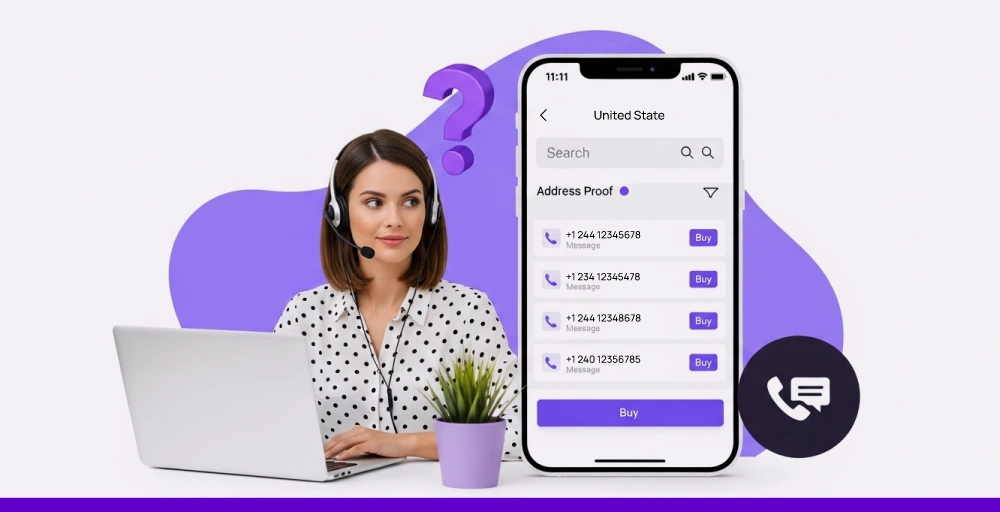
Unified Callbox is a centralized platform that simplifies every part of your business call management. It helps businesses handle multiple telephony channels from a single interface.
Agents get a single dashboard that brings everything together from inbound and outbound calls to messages, recordings, and contact histories. No need to juggle between manual call logs, voicemail inboxes, or missed call sheets.
Accessing KrispCall’s Unified Callbox is simple. Simply log in to your dashboard and navigate to the “My number” option. Click on the number you want within the dashboard, and see everything tied to it from calls, messages, voicemails, to recordings, all in one place.
Key features that enable seamless call management
1. All-in-one call management interface
The Unified Callbox brings together all call-related activity (inbound and outbound calling, voicemails, SMS, recordings, and messages) under a single dashboard. With everything displayed in one view, agents don’t waste time jumping between tabs or chasing information across platforms.
This layout supports faster responses and more accurate follow-ups. Whether it’s answering a missed call, reviewing a voicemail, or returning a message, agents have instant access to what matters.
2. Smart filtering, tagging & call status tracking
The call tagging and filtering system helps teams quickly sort through high volumes of daily activity. You can filter calls by direction, type (call, voicemail, message), or status (answered, missed), which makes it easier to locate and prioritize specific interactions.
Each call or contact can be tagged based on urgency, team assignment, or follow-up stage. Additionally, the ability to mark calls as open or closed helps keep internal workflows organized.
3. Call recording, playback & voicemail transcriptions
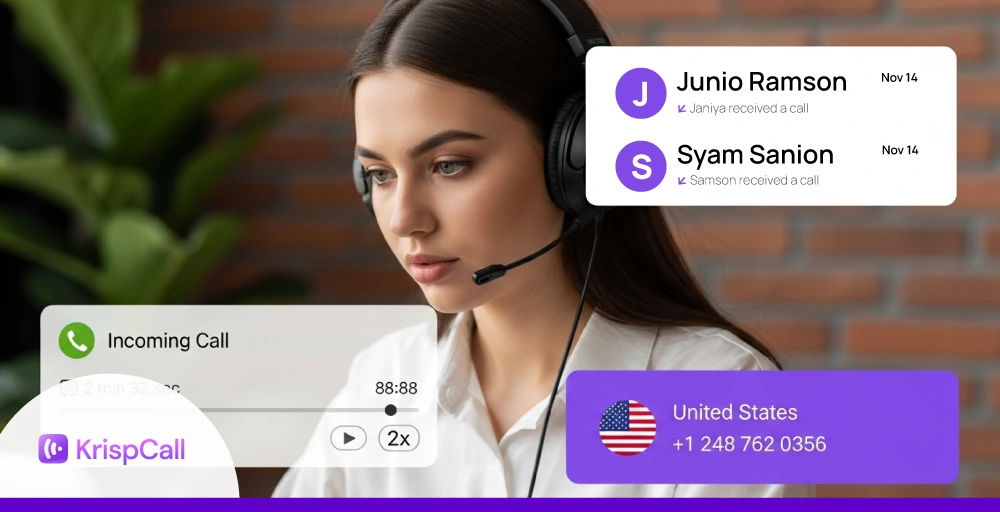
Every conversation can be reviewed through the call tracking and recording software built into the callbox. With just a click, team members can replay past calls or voicemails to verify details, resolve disputes, or provide coaching.
Voicemail transcription tools make it even easier to scan messages quickly by converting them into readable text using AI. This saves time during daily reviews and ensures nothing important slips through the cracks.
4. Notes & internal message thread
Agents can add notes directly to any call, keeping key details clear and accessible for future reference. These notes stay linked to the interaction, so nothing gets lost during follow-ups and handoffs.
The internal message thread allows quick back-and-forth between team members without leaving the dashboard. It helps the team stay aligned, resolve issues faster, and maintain a complete context of every customer interaction.
5. Contact controls (Block, DND, Edit)
The callbox allows agents to manage contacts with precision. Spam callers can be blocked instantly, while the Do Not Disturb feature allows for more controlled call handling and personalized customer engagement.
Contact profiles can also be edited or enriched with notes and interaction history, giving every team member more context during live calls or follow-ups.
6. CRM & business tool integrations
Integration with essential business tools, such as HubSpot, Zoho, Slack, and Zendesk, automates workflows, streamlines processes, and enhances productivity. This allows for automatic logging of call data, contact information, and interaction history directly into your existing business systems.
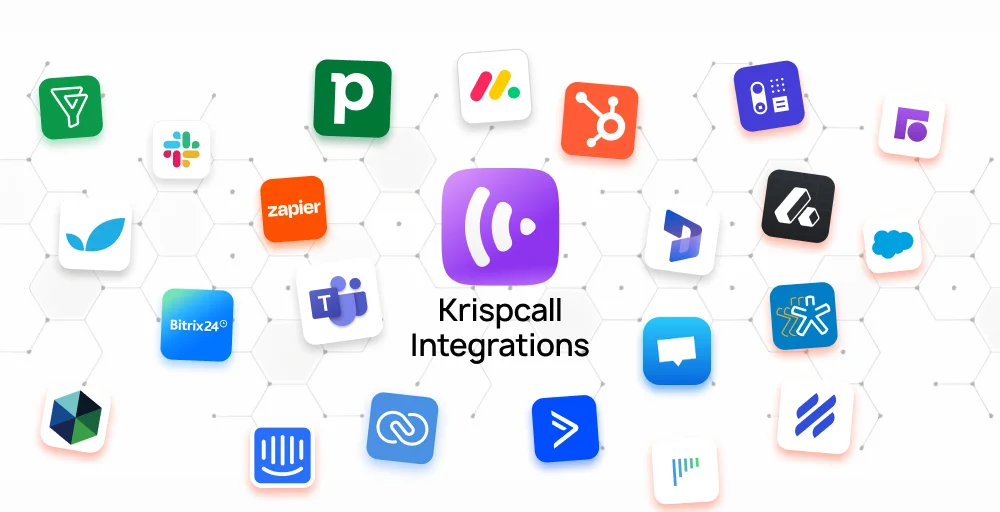
These integrations enable agents to access customer data directly from the call interface, allowing them to view and manage customer information more efficiently. Apart from saving time, it also ensures that every conversation is informed by comprehensive customer insights, leading to more personalized and effective interactions.
How to use KrispCall’s Unified Callbox?
Getting started with KrispCall’s Unified Callbox requires no setup or additional tools. It’s built right into your KrispCall dashboard, which makes it easy to access whenever you need it.
Follow these simple steps:
- Log in to your KrispCall account.
- Go to your dashboard and navigate to the “My Number” section.
- Click on the Number you want to view details of.
- You’ll now see a complete overview of all telephony activities tied to that number.
- Use filters, tags, or notes directly from this screen to manage, track, or review each interaction.
Benefits of using KrispCall’s Unified Callbox

- Centralized call handling: Manage all calls, messages, voicemails, and recordings from one platform without switching tools.
- Better team coordination: Shared access to notes, tags, and call history ensures smooth handoffs and fewer follow-up delays.
- Better customer visibility: View full customer interaction history during live calls to respond with context and confidence.
- Reduced missed opportunities: With missed call alerts, real-time updates, and status tracking, no call slips through the cracks.
- Integrated workflow: Syncs with CRM and business tools so teams can access data and log activity without manual effort.
Related 👉: How KrispCall Improves Remote Team Communication
Who should use Unified Callbox?
The Unified Callbox is designed for any team or organization that relies on consistent voice conversations to drive results. Whether you’re closing deals, resolving issues, or juggling client relationships, this tool supports smoother workflows, faster responses, and complete visibility into every interaction.
Here’s how different teams benefit from using the Unified Callbox:
1. Sales Team
For sales professionals, speed and timing matter. The Unified Callbox helps reps stay on top of follow-ups with call tracking, tagging, and real-time access to call history. Features like voicemail transcription and missed call alerts allow teams to respond quickly and keep deals moving forward.
It also supports lead prioritization with smart filters and tags. Managers can review call recordings, monitor live calls, and use performance analytics to coach teams and improve conversion rates without relying on scattered tools.
2. Customer Support Teams
Support teams handle a high volume of inquiries, often with little room for error. The Unified Callbox allows agents to see complete customer interaction history in one place, helping them resolve issues without repeating questions or losing context.
With tools like interactive voice response (IVR), call routing, and internal note sharing, support staff can work together efficiently while offering faster, more accurate assistance. Every conversation is recorded, documented, and easy to reference during follow-ups.
3. Startups & SMBs
Smaller businesses often manage multiple roles and tasks with lean teams. The Unified Callbox simplifies digital telephony solutions by putting all calling activity on one centralized platform, making it easier to stay organized without a large tech stack.
Startups and SMBs benefit from built-in flexibility as they can add numbers, assign users, and connect CRMs as they scale. With everything from call monitoring to contact controls, it gives growing teams enterprise-level visibility at an accessible cost.
Limitations to be aware of
While the Unified Callbox offers strong functionality for managing business calls, it’s helpful to understand a few areas where users may need to adjust or plan ahead.
- Since it’s a VoIP-based call dashboard, consistent call quality depends on reliable internet access.
- Some advanced tools like integrations or call analytics may be limited to higher-tier subscriptions.
- Teams unfamiliar with digital telephony solutions may need a short learning curve to configure tags, routing, and integrations.
- KrispCall currently operates via web and mobile platforms, with no dedicated desktop app for offline or native access.
- To avoid overlap, admins may need to assign roles and manage access thoughtfully within the centralized platform.
Try KrispCall’s Unified Callbox today to simplify your call operations.
KrispCall’s Unified Callbox brings clarity and control to business telephony by putting every interaction (calls, messages, voicemails, and more) into one place. Whether you’re managing a busy support team or growing a lean sales operation, the callbox helps your team respond faster, stay aligned, and make informed decisions with less effort.
With built-in features like tagging, transcription, CRM integration, and AI-assisted tools, KrispCall simplifies day-to-day operations while leaving room to scale. If your team is ready to move away from scattered systems and toward smarter call management, it’s worth giving the Unified Callbox a closer look.
See Callbox in action | Upgrade to smarter telephony