As businesses rapidly shift from on-premise systems to cloud-based communication models, choosing the right solution has never been more challenging.
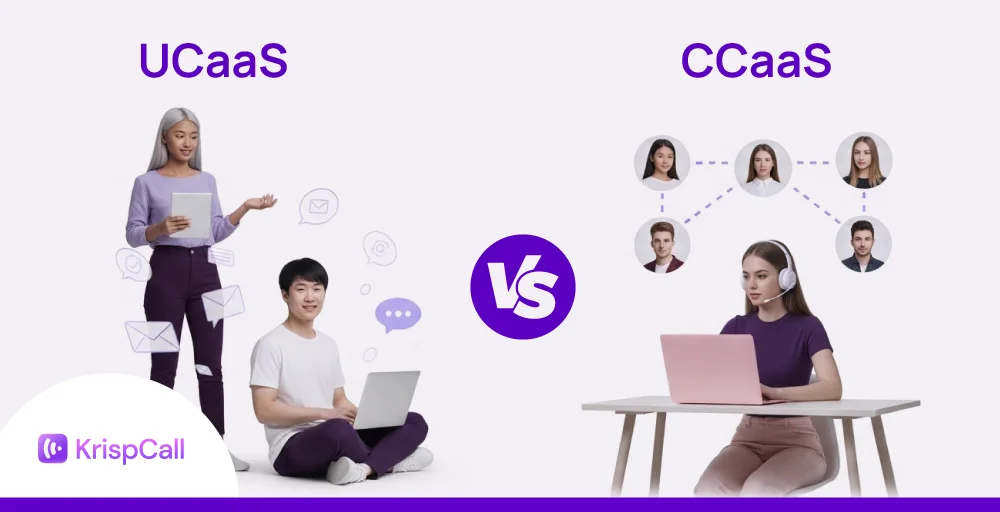
Two leading cloud-native options in this space are UCaaS (Unified Communications as a Service) and CCaaS (Contact Center as a Service). While both operate on cloud infrastructure, they solve different problems and have distinct use cases.
So, knowing which a business should prioritize or how to integrate both of them is a rising challenge. In this blog, we will provide a brief comparison between UCaaS and CCaaS, including their use cases and what your business should go for.
What is UCaaS?
UCaaS stands for Unified Communications as a Service. It is a cloud-based communication service that manages multiple internal communication channels, such as messaging, phone, and video conferencing, into a single unified platform.
UCaaS entirely operates through the cloud, so you don’t have to rely on buying a physical phone system. Businesses can just get the required features and services through a subscription model. As the team grows, it’s easier to add new users by just upgrading plans.
It helps your teams collaborate better, whether they’re in a physical office or working remotely. For example, a company uses a UCaaS solution, such as Microsoft Teams or Zoom Phone, to operate daily stand-ups, internal meetings, chats, and voice calls in one place.
What is CCaaS?
CCaaS stands for Contact Center as a Service. It is a cloud-based solution built for customer support and service teams. Similar to the virtual call center, CCaaS providers offers a unified dashboard for businesses to manage customer interactions across multiple communication channels.
Moreover, most CCaaS platforms support multichannel communication, integrates important business applications like CRM tools to connect with customers through web chat, email, SMS, or social media. A multichannel approach helps customer support teams assist customers on their preferred platform instead of relying solely on cold calls.
Example: A retail business uses a CCaaS solution, such as KrispCall or Five9, for both internal and external communications. And, it helps manage your incoming customer support calls, respond to website chats, and improve customer engagement. Everything within a single platform.
Related 👉: What is a Contact Center? Definition, Types, and Features
What is the difference between UCaaS and CCaaS?
Although both CCaaS and UCaaS seem similar as both of them are cloud-based, there are differences between them in terms of features, roles, scalability, and primary objectives.
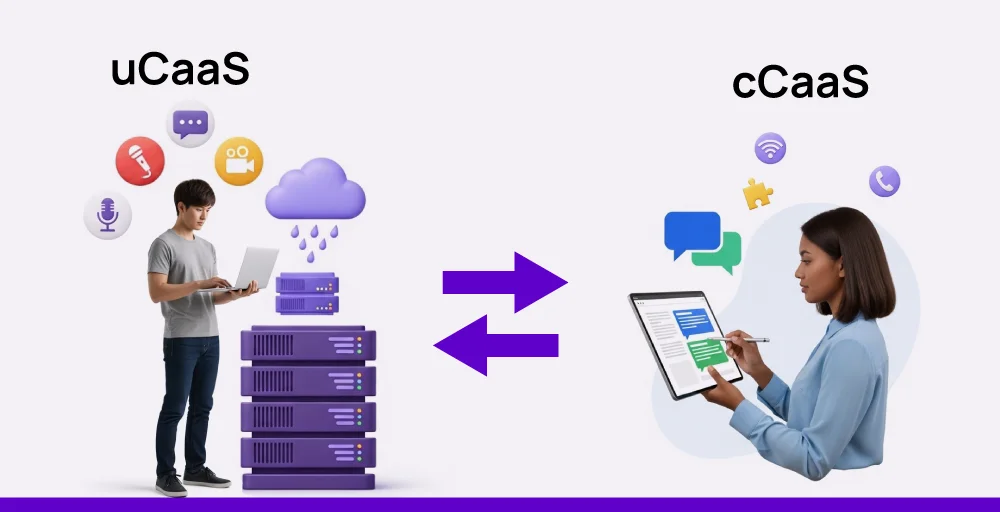
Highlight: In short, UCaaS is for internal team communication, while CCaaS is for external customer interactions. UCaaS tools help your team members to connect with each other, while CCaaS helps you to communicate with your customers.
The table below shows the key differences between CCaaS vs UCaaS on various factors:
The table below shows the CCaaS vs UCaaS on various factors:
| Factor | UCaaS | CCaaS |
| Primary focus | Internal team communication and collaboration | Customer service and support operations |
| Core features | Voice/video calls, messaging, file sharing, conferencing | Omnichannel support (voice, SMS, email, social), call routing, IVR |
| End users | Internal teams and remote workers | Call center agents, supervisors, and customers |
| Security measures | Centralized admin control, SSO, encryption, compliance support | Advanced compliance tools, role-based access, call recording encryption |
| Analytics & reporting | Basic usage and performance tracking | Advanced call metrics, agent performance, and customer satisfaction scores |
| Popular providers | Zoom Phone, Microsoft Teams | Genesys, Five9 |
| Best for | Businesses are seeking to enhance internal communication and foster team collaboration across departments and remote locations. | Businesses that need to handle and improve large volumes of customer interactions across multiple channels. |
Now, let’s see how CCaaS and UCaaS differ in more detail:
1. Primary focus
UCaaS solutions are designed to enhance internal communication and team collaboration that connects every team member to collaborate and exchange information easily.
On the other hand, CCaaS solutions focus on customer facing interactions – customer queries for a business. It helps businesses manage and improve customer support operations by handling customer service interactions across multiple channels.
2. Core features
A UCaaS solution typically includes UCaaS features that enhance team productivity and facilitate real-time collaboration. They are:
- Voice and video calls
- File sharing
- Instant text message
- Video conferencing
CCaaS offers the features to deliver responsive and efficient customer service. They are:
- Omnichannel support (voice, SMS, email, social)
- Customer interaction tracking
- Call transfer and call queue management
- Interactive Voice Response (IVR)
- Call queuing
3. End users
UCaaS platforms are primarily used by internal employees across departments. This includes on-site teams, remote workers, cross-functional departments, and hybrid staff.
In contrast, CCaaS is used by customer-facing teams who interact directly with customers to resolve issues and inquiries. This includes every customer interactions with support agents, and sales representatives to improve customer satisfaction.
4. Scalability
Both UCaaS and CCaaS solutions support business continuity. UCaaS scales with internal growth. UCaaS scales with internal growth. When your company expands, you can easily add new users and maintain consistent communication across locations. This helps the business align with unexpected call volume spikes, increased demand, and business growth.
CCaaS scales with customer demand. Businesses can add more agents and new channels, implement self-service options, or automate workflows when call and customer interaction volumes increase. It is helpful for handling rapid business growth with seasonal peaks.
5. Analytics & reporting
UCaaS provides basic reporting and analytics tools that helps to understand employee usage and optimize communication such as:
- Call duration
- Call logs
- Meeting activity
CCaaS provides advanced analytics (KPIs and metrics) and workforce management tools for improving service quality and decision making, such as:
- Call resolution times
- Agent performance scores
- Service level agreement (SLA) tracking
- Customer satisfaction (CSAT) metrics
6. Security measures
Most UCaaS platforms prioritize protecting internal communication across teams and devices. They offer basic security measures such as end-to-end encryption, voice and messaging, single sign-on (SSO), and role-based access controls to limit the exposure of sensitive information.
CCaaS provides more advanced security as it handles external communication and customer data. These platforms often include security features such as encrypted call recordings, secure data storage, and strict adherence to standards like PCI-DSS and GDPR.
UCaaS vs CCaaS Use Cases
To better understand where each solution fits, the table below compares the common use cases and business benefits of UCaaS and CCaaS.
table class=”custome_blog-table”>Which should your business choose, UCaaS vs CCaaS?
Still confused about whether you should choose UCaaS vs CCaaS as your communication solution? The decision depends on your business communication needs, whether you’re focused on internal collaboration or external customer support.
Choose UCaaS if:
- You want streamlining internal communications across departments or remote teams.
- Your team needs a single platform for voice, video, messaging, and file sharing.
- You need a hybrid-friendly solution that works across devices and locations.
- Your priority is boosting team productivity and collaboration.
- You want an easily scalable solution with less hassle upfront.
Choose CCaaS if:
- You want to enhance customer service across multiple channels (voice, chat, email, social).
- Your business handles high volumes of customer interactions and needs better routing and queue management.
- You’re focused on improving response times and customer satisfaction.
- You need AI-driven automation, like chatbots or predictive routing, to support your agents.
- You want to deliver personalized service at scale by integrating with your CRM (Customer Relationship Management) systems.
Final thoughts: Picking the right tool for your business goals
Understanding the key differences between UCaaS and CCaaS helps you to choose the right cloud communication model for your business. With this, you can meet customer expectations , tailor your strategies and resources for meeting your specific needs.
The right choice between these communication technologies depends on whether your priority is team communication or customer experience. Choose based on your primary communication need:
UCaaS: Best for improving internal collaboration with tools like voice, messaging, and video in one platform.
CCaaS: Ideal for managing customer support using a cloud contact center as a service with features like call routing, IVR, and omnichannel support.
UCaaS and CCaaS together: Many growing businesses combine both to connect internal teams with customer-facing agents.