Virtual Call Center Software
Unify Your Remote Team with a Virtual Call Center Software
Turn your scattered remote agents into a connected sales team. Manage inbound and outbound calls and chats effortlessly in one virtual call center that serves customers across multiple time zones.
9000+ companies worldwide trust and cherish our service













A virtual call center lets your team work from anywhere, no cubicles, no hardware, no limits. Your customer service agents can be spread across cities or countries, yet collaborate seamlessly through a cloud-based virtual contact center platform.
With KrispCall, your team can connect with customers across multiple channels, all from one place. Smart CRM integration, analytics, and AI-powered tools help your agents deliver faster, smarter, and more personalized customer experiences effortlessly while boosting customer satisfaction.
It’s the freedom to build a top-performing team with modern call center capabilities, anywhere in the world, without compromising on efficiency or customer experience.
Powerful Features That Turn Every Remote Agent into a High Performer
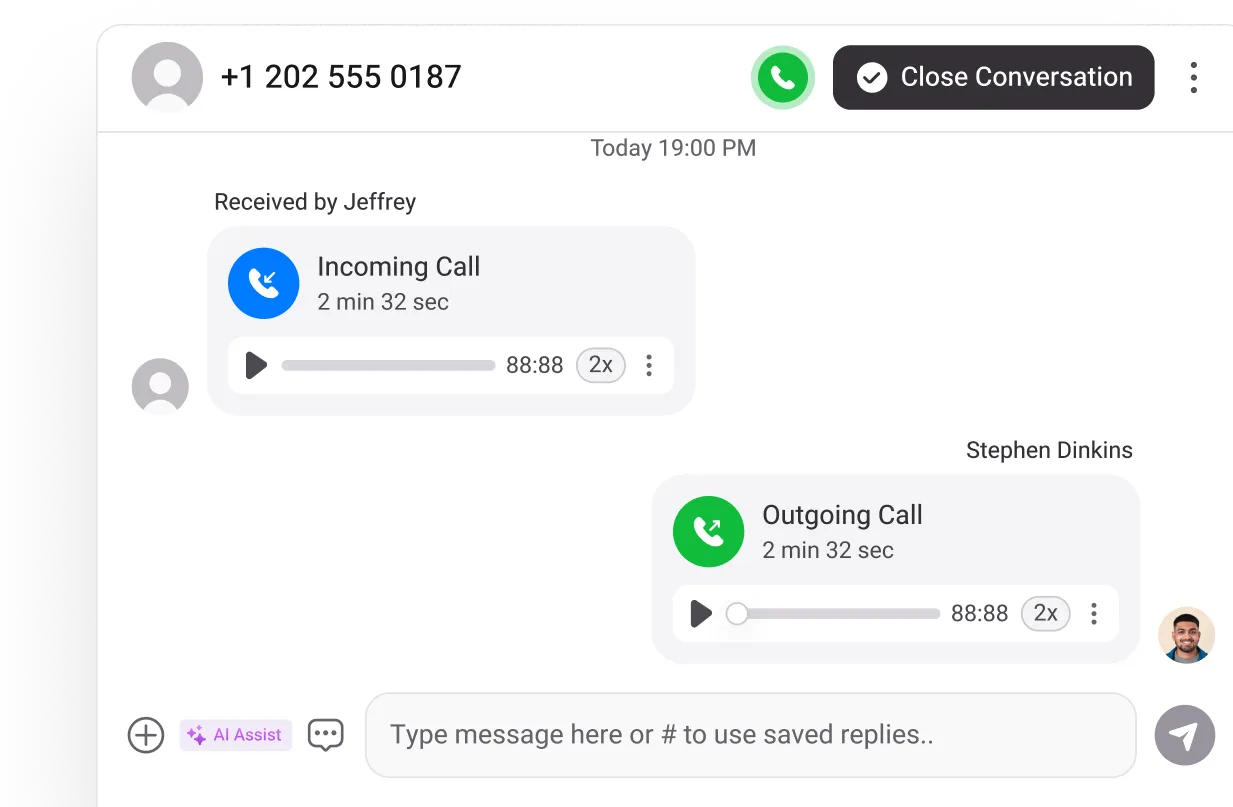
Unified Callbox - Keep Every Interaction in One Place
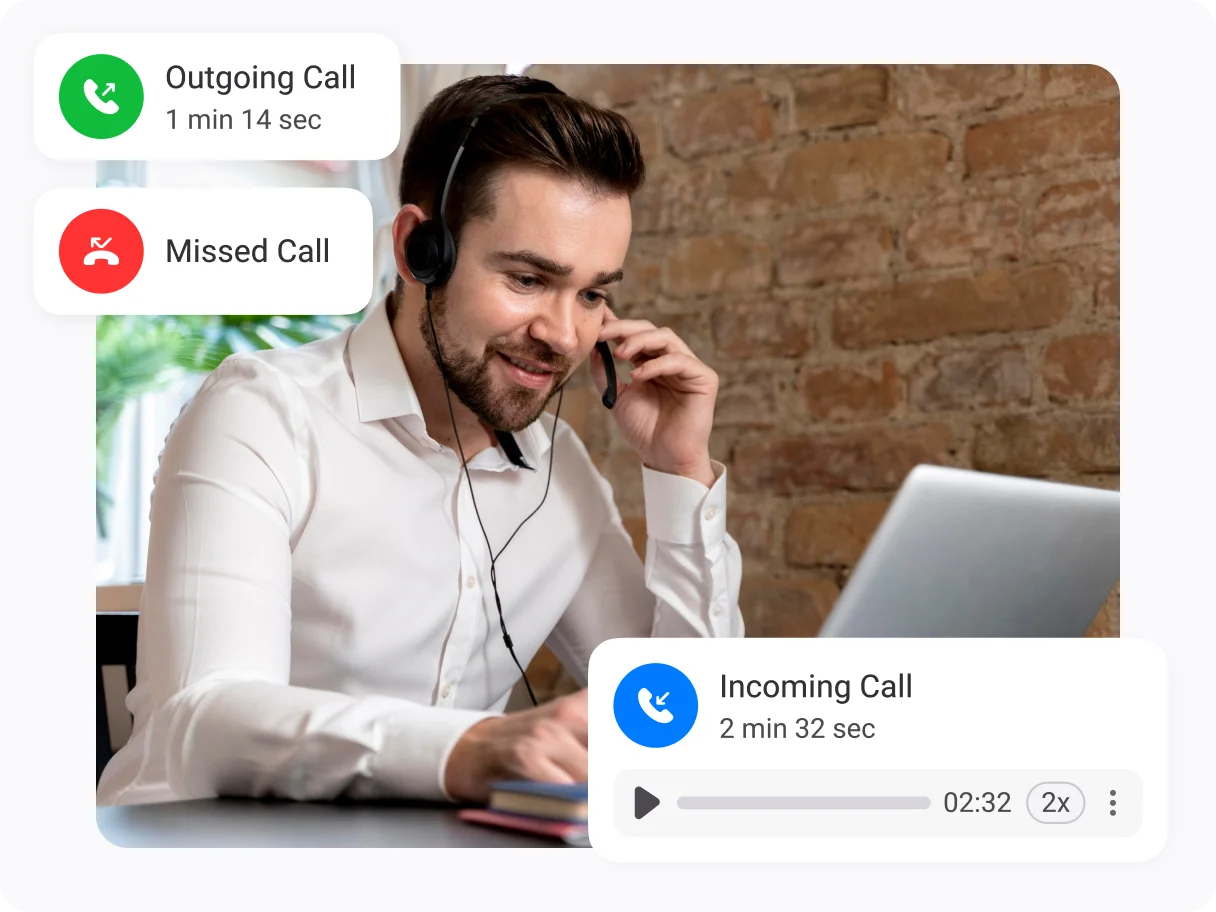
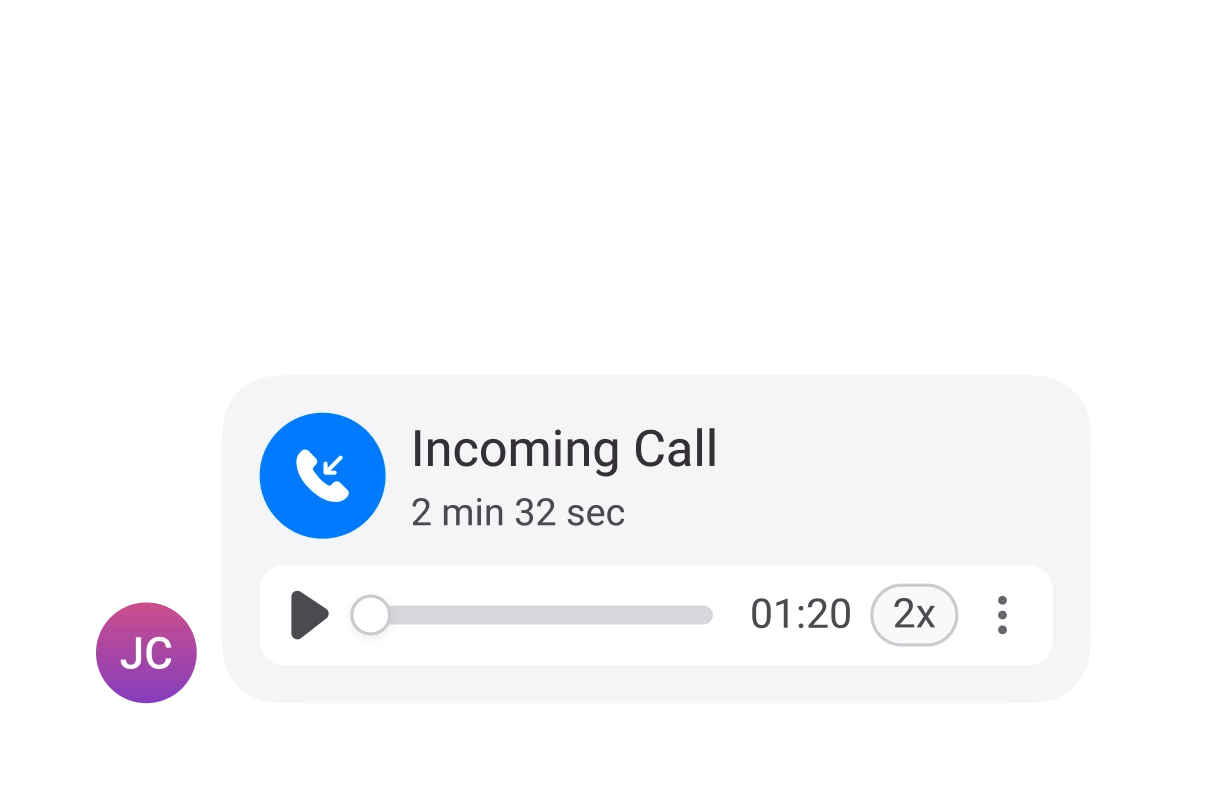
Centralize all conversations so your team never misses a detail. The Unified Callbox stores calls, voicemails, texts, and call recordings in a single dashboard, making it easy for teams to stay organized, collaborate, and respond faster.
Centralized view of all customer conversations.
Quick access to call logs, notes, and recordings.
Shared workspace for agents and supervisors.
Multichannel Support - Engage Customers Across Every Channel
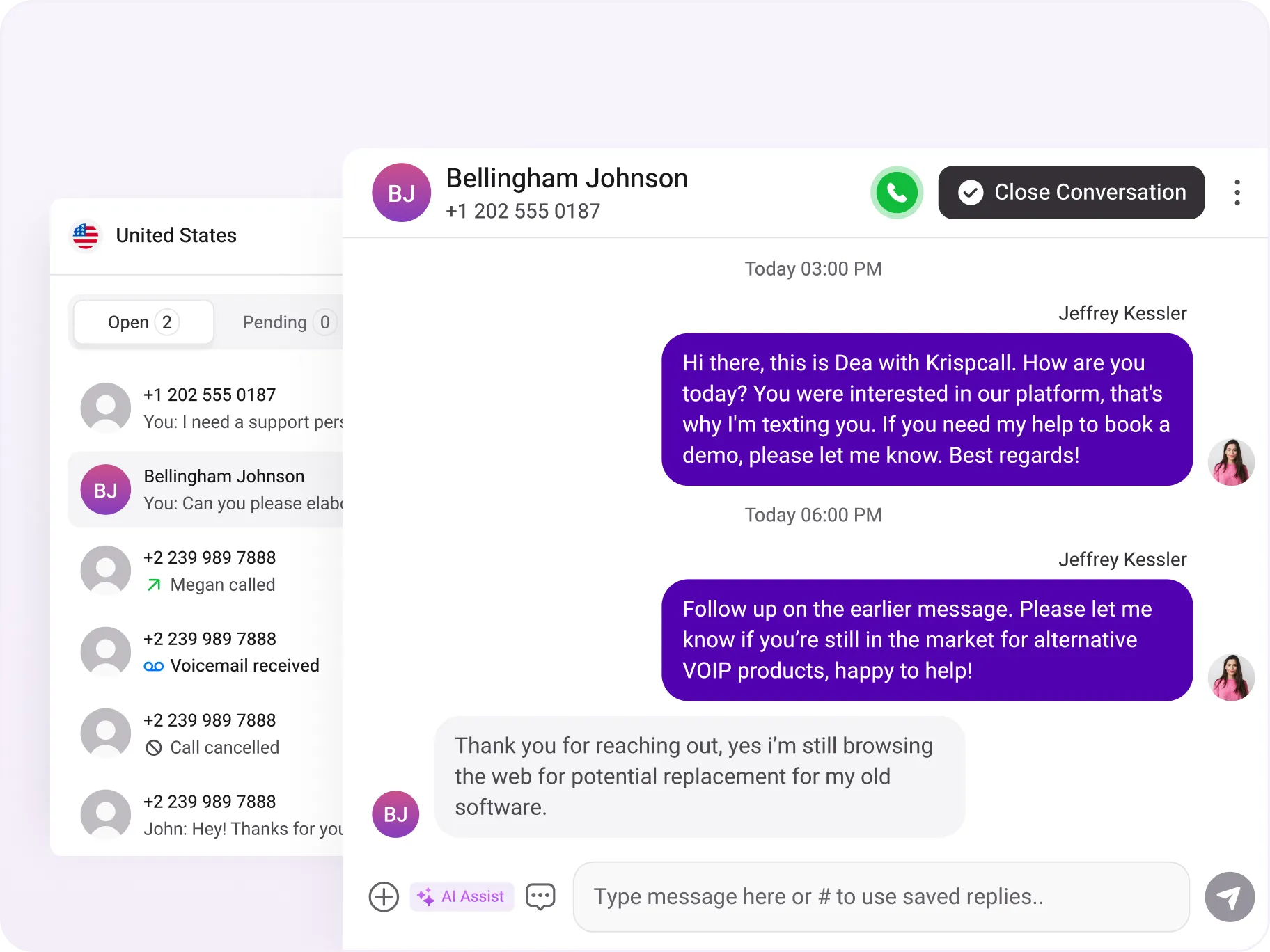
Manage every customer interaction from a single contact center platform. Phone calls, SMS, and other interactions, your team can respond quickly and stay organized across all channels without requiring additional office space.
Unified dashboard for voice calls and chat.
Quick setup with no hardware or complex IT requirements
Consistent and personalized customer experiences across all channels
IVR - Connect Callers to the Right Agent Instantly
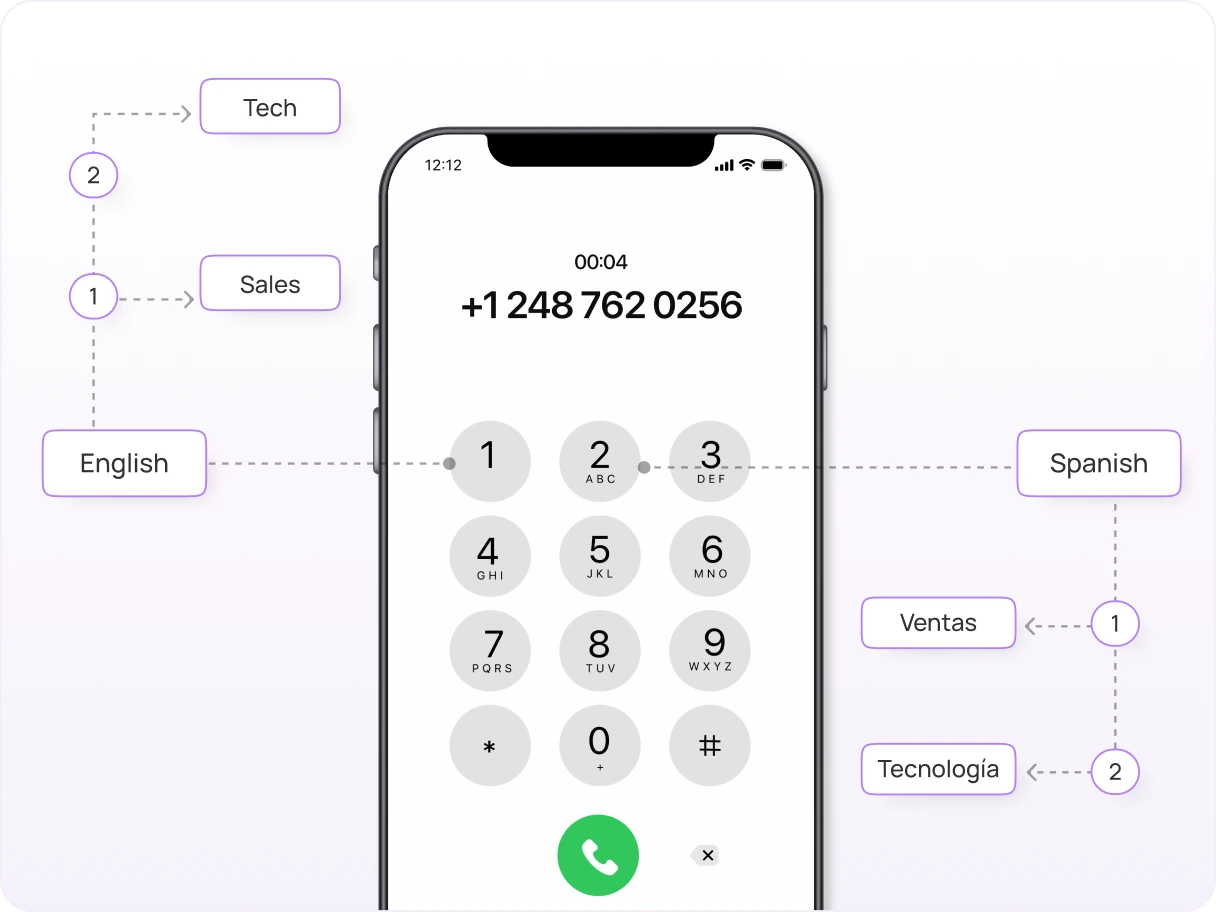
Ensure every caller reaches the right agent fast with our interactive voice response system. Customize IVR menus and distribute incoming calls based on availability or location to reduce wait times and minimize dropped calls.
Multi-level IVR menus with self-service options
Skills-based automatic call distribution for optimal call flows
Faster resolutions and improved first-call success rates
CRM Integrations - Centralize Customer Insights
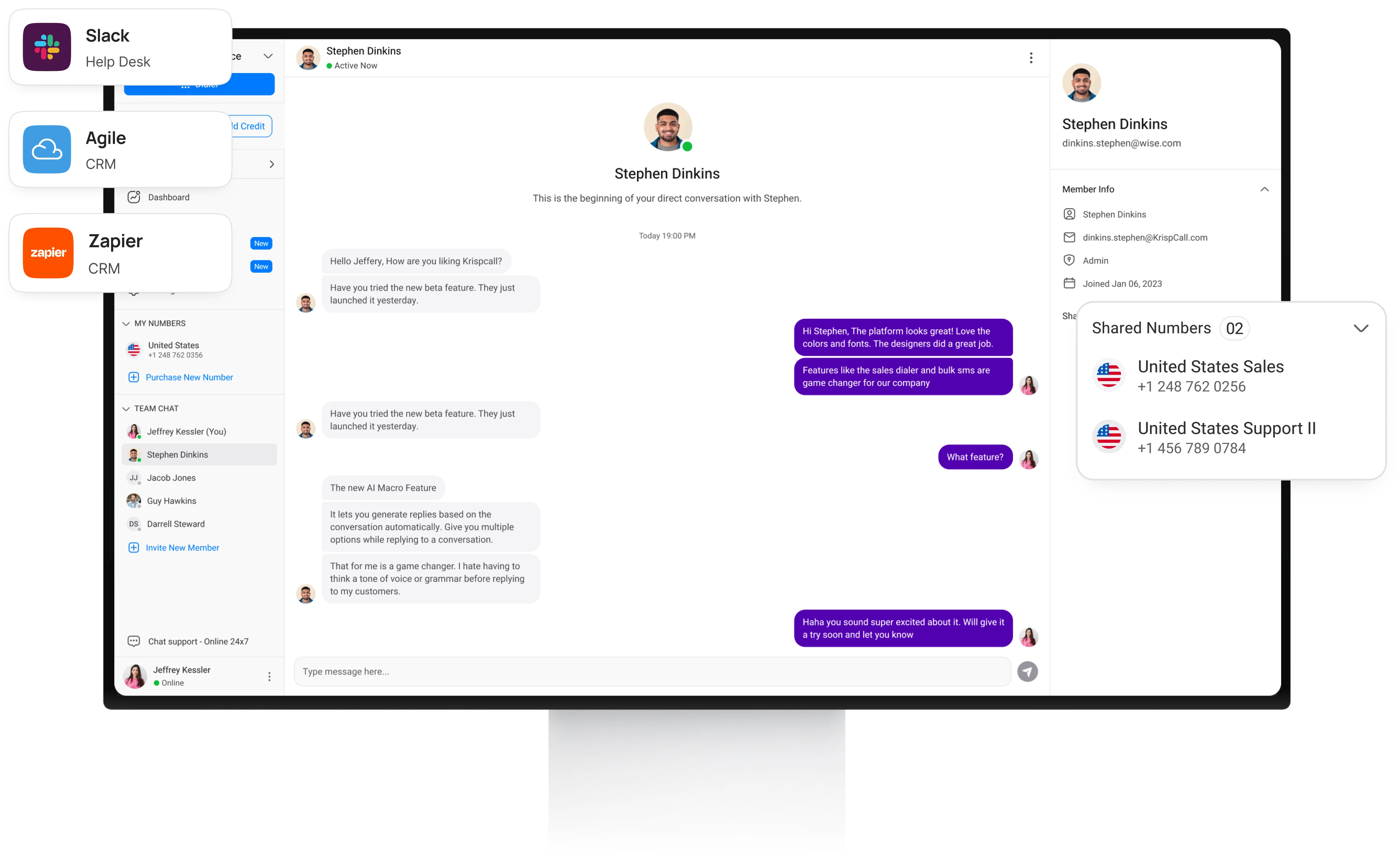
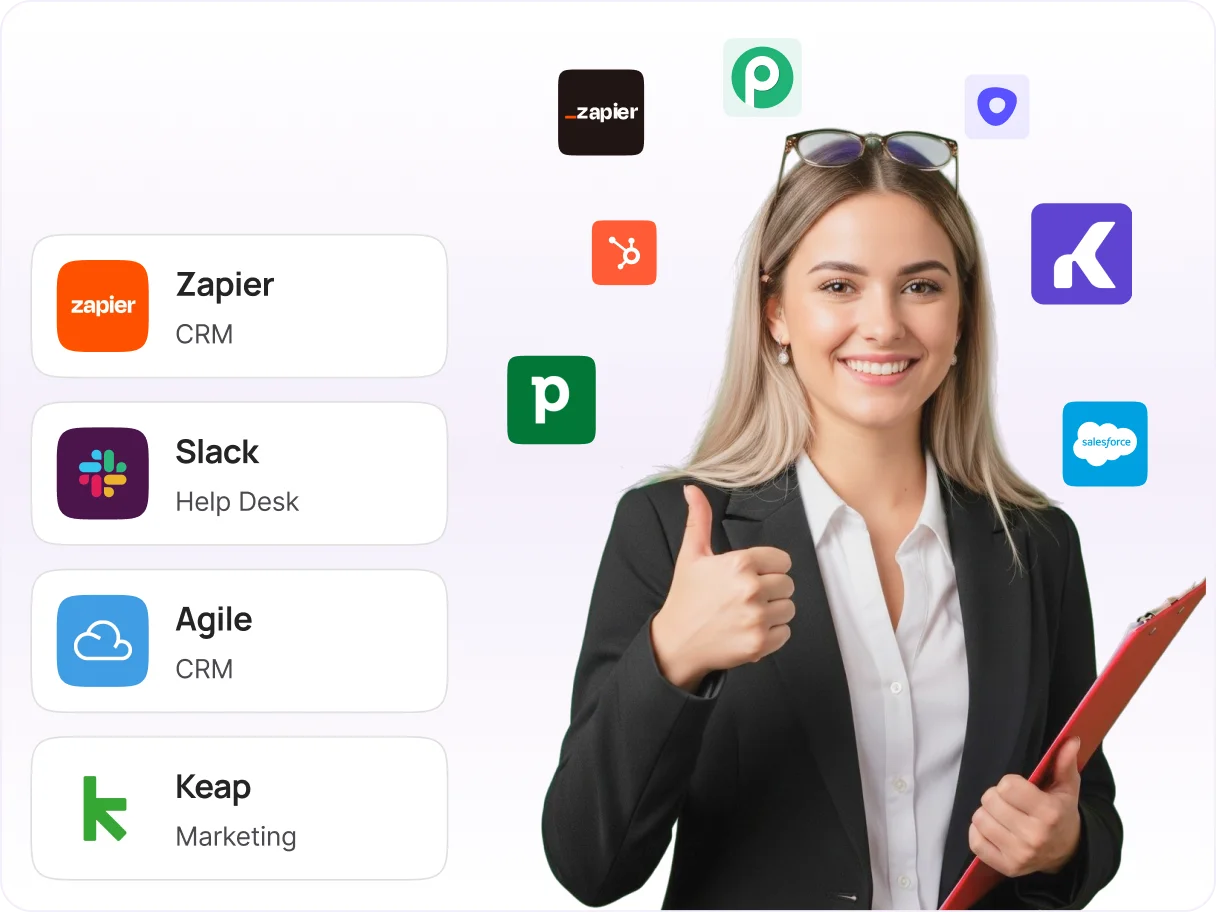
Connect with your favorite customer relationship management systems and business tools to streamline workflows. Agents can access customer data instantly and log interactions automatically, improving overall agent productivity.
Integrates with popular CRMs like HubSpot, Pipedrive, and Zapier
Embedded dialers for seamless calling experiences
Smarter, more efficient workflows for center representatives
Power Dialer - Speed Up Outbound Calling
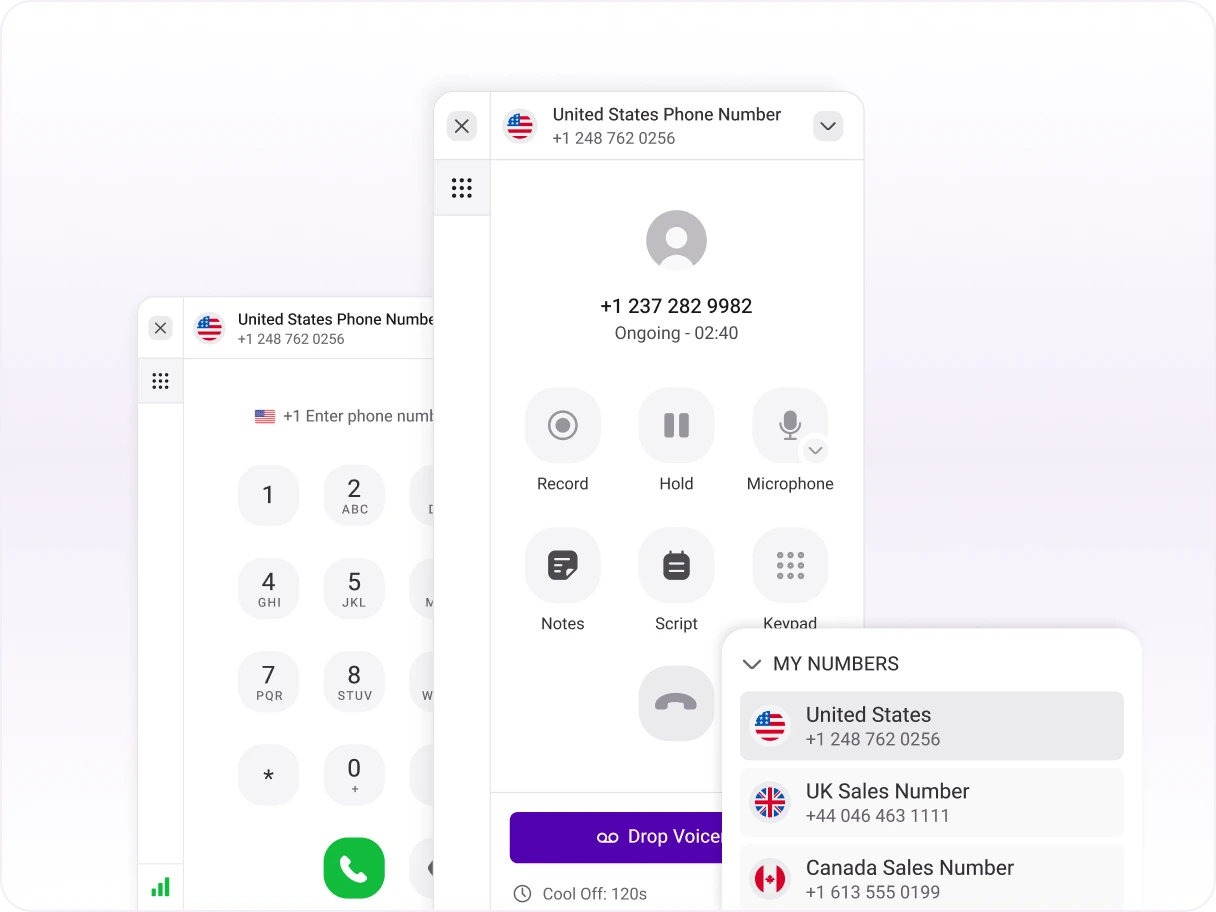
Boost outbound productivity by letting the system handle the dialing. The power dialer allows users to automate a series of phone calls based on priorities, eliminating the need to dial phone numbers manually.
Automates dialing with prioritized contact lists and campaigns.
Skips invalid numbers and boosts outbound calling productivity.
Automates dialing sequences and connects agents only to live answers.
Loved our features?
Explore MoreWhy Choose KrispCall Virtual Call Center Software?
Unified Callbox for All Conversations
- Every interaction stored and accessible instantly
- Full conversation history for supervisors to coach effectively
- Complete call center features in one virtual software platform
Affordable Global Numbers Without Hidden Costs
- Transparent pricing with no hidden fees
- Expand global reach while keeping costs low
- Perfect for businesses requiring reliable internet connection support
Intuitive, Zero-Learning-Curve Interface
- Minimal training needed; productivity from day one
- Real-time insights for managers with no complex setup
- User-friendly interface that works with any good internet connection
All-in-One Platform: No Add-Ons Needed
- Built-in AI for transcription, sentiment analysis, and coaching
- Ready-to-use CRM integration, IVR, and reporting
- Complete center solutions without additional software requirements
Tailored Call Center Solutions For All Your Needs
AI Call Center
Deliver faster, smarter support with AI-powered call center solutions.
Inbound Call Center
Efficiently manage incoming calls with inbound call center software.
Outbound Call Center
Drive successful outbound campaigns for sales, surveys, and follow-ups.
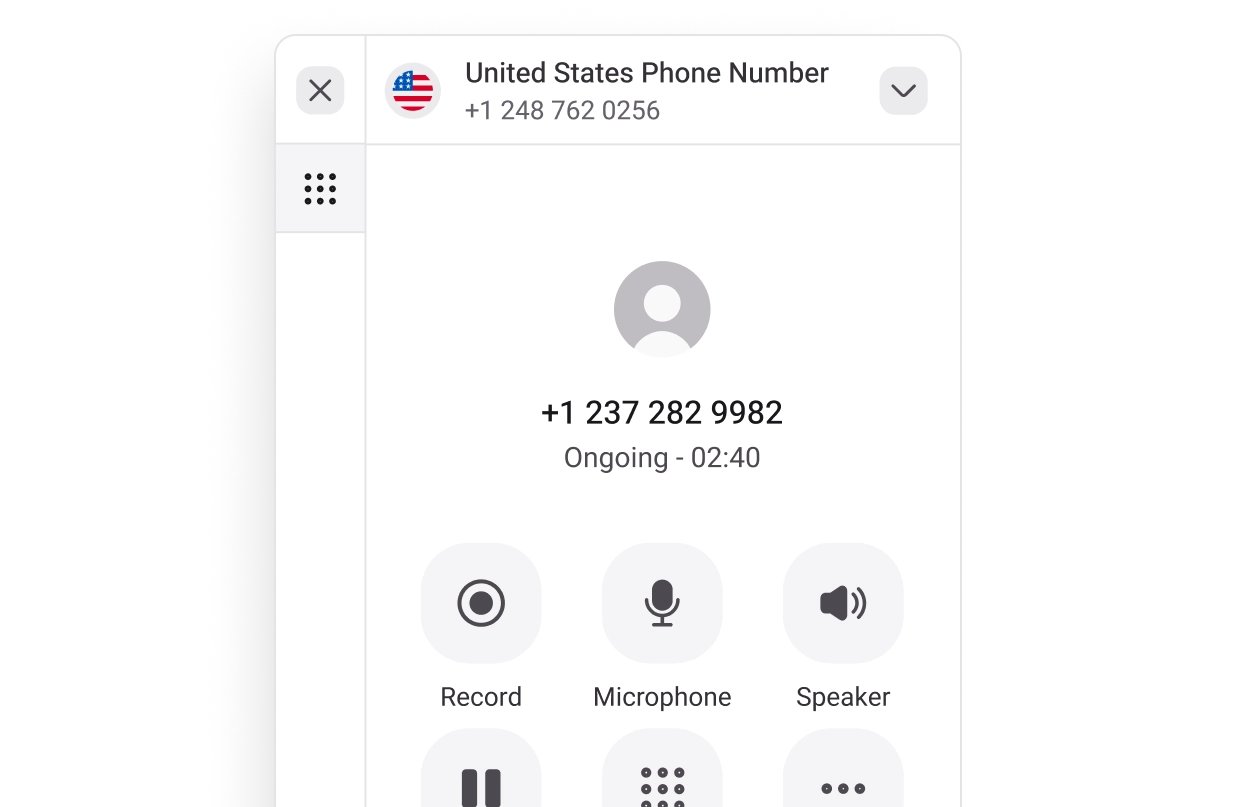
Blended Call Center
Optimize both inbound and outbound telephony with Blended call center solution.
Threads of Brilliance
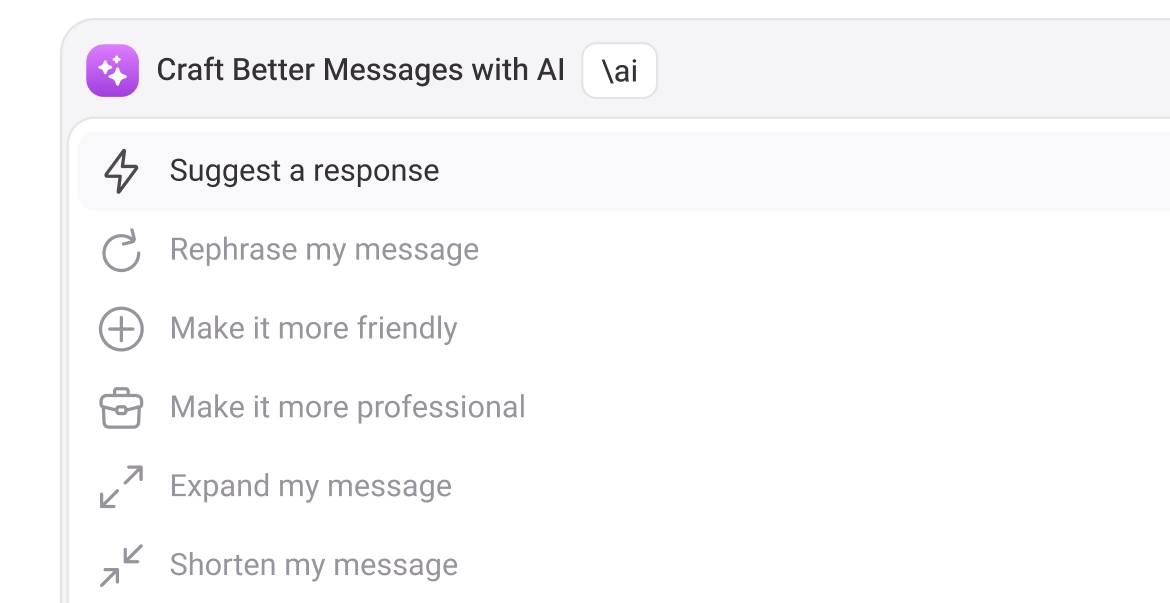
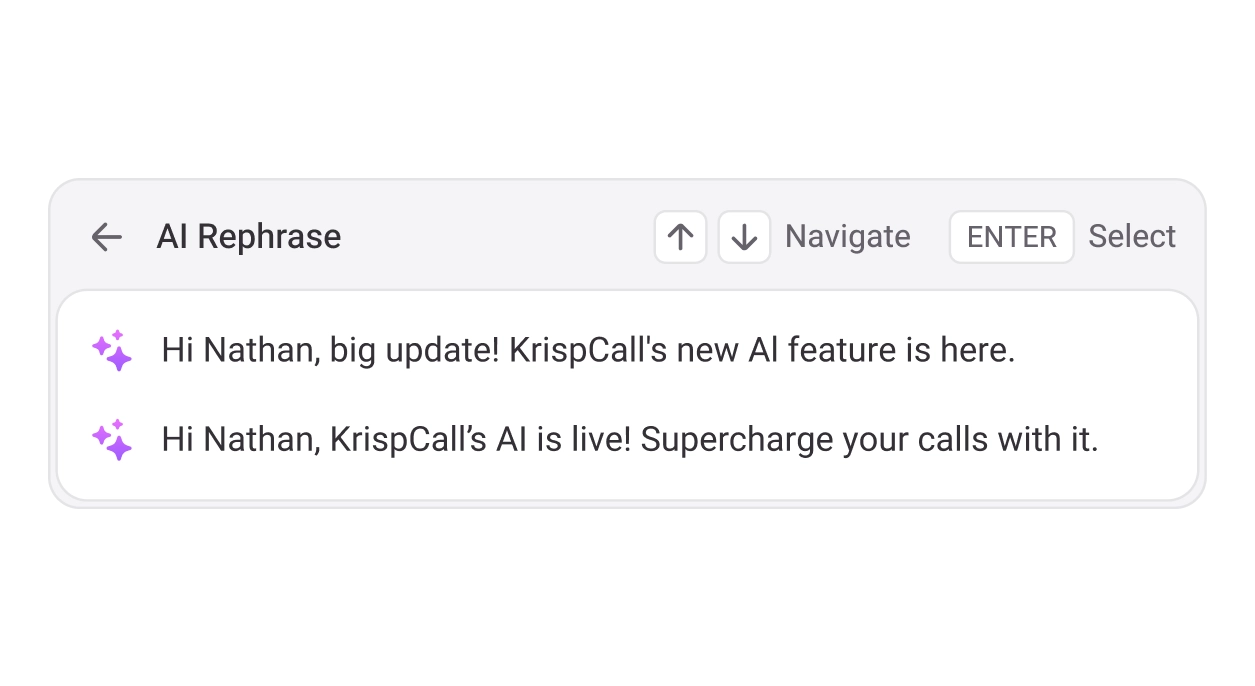
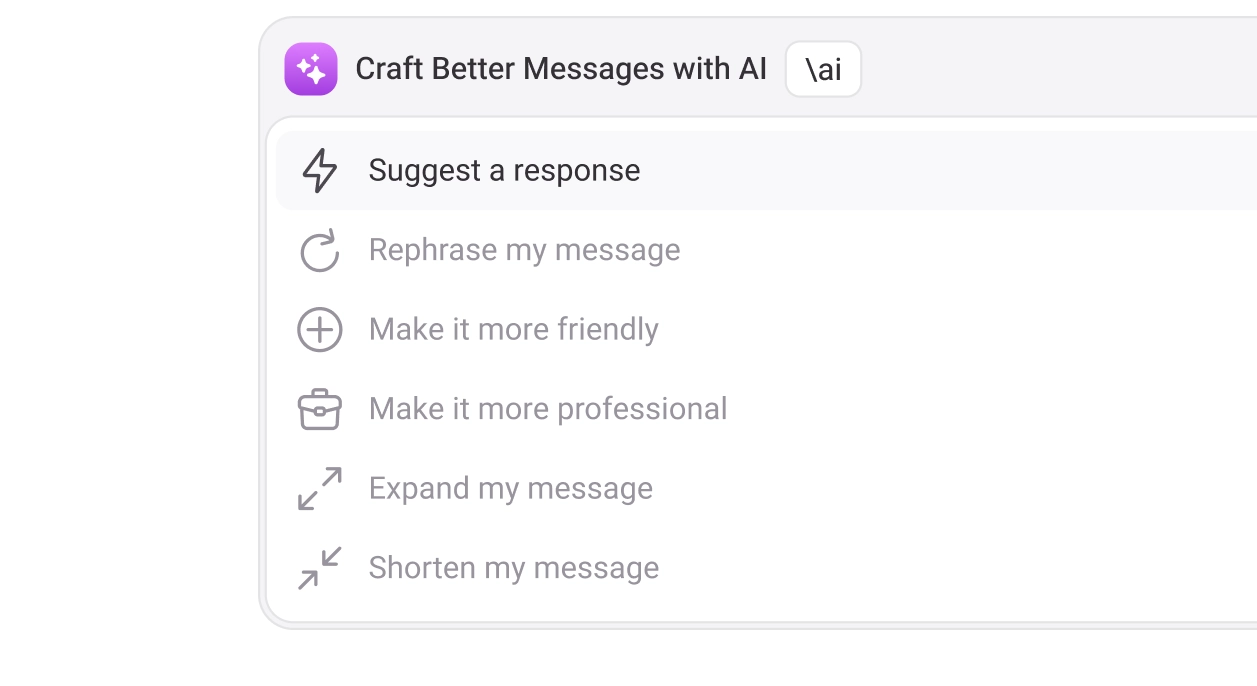
AI Suggestion, Reply, Transcribing & Summarizing
Save up to 50% of time per interaction with KrispCall’s Virtual Call Center Solution
KrispCall provides center features like Unified Callbox, IVR, power dialer, bulk SMS, CRM integration, inbound/outbound telephony, and AI-powered insights that help answer calls more efficiently while maintaining high levels of customer satisfaction.
Reach Customers Everywhere with Virtual Office Phone Numbers
Connect globally and appear local with KrispCall's virtual office numbers. Enable your remote call center to receive calls from anywhere and manage call center operations from anywhere while growing your business worldwide.
- Popular
- North America
- South America
- Europe
- Asia
- Africa


Proud to be Recognized as VoIP Leader & Regional Leader in ANZ, EMEA, Europe, and Asia Pacific by G2








J C.
HR Officer

Jun 23, 2025
“I love how easy KrispCall is to use, and the helpful support makes it easy for me to manage multiple numbers and stay connected globally.”

Mike B.
Co-Founder and Business Dev...
Jun 04, 2025
“KrispCall won us over with lightning-fast support, effortless access to numbers and SMS, and pricing that makes sense for small businesses.”

Tkachenko E.
Software Developer
Apr 21, 2025
“KrispCall lets me manage all my calls, texts, and voicemails from one place, helping me stay organized and present a professional image wherever I work.”

Amanda C.
CEO
Jan 22, 2025
“KrispCall’s quick, respectful customer support helped me find the perfect solution for global calls and a customer service number!”

Nagendra V.
Digital Marketing Specialist
Oct 07, 2024
“KrispCall makes global calling effortless with all the tools I need in one place—perfect for connecting with clients worldwide & my digital marketing needs!”

James S.
Software Engineer
May 21, 2025
“KrispCall’s easy setup and intuitive interface keep my team’s communication organized, while its AI-powered platform has streamlined global calls and customer interactions.”

Taha Ryuko S.
Founder & CEO
May 29, 2025
“We received a prompt response right after reaching out, and KrispCall helped resolve my virtual identity issue.”

Colin L.
Server
Feb 11, 2025
“We use KrispCall for a Hong Kong number to receive OTPs—the service is reliable, support is excellent, and the daily usage emails keep us in the loop.”

Lucas W.
Product Manager
Dec 3, 2024
"KrispCall’s authentic, professional service and exceptional customer understanding make staying connected with clients effortless—I’m very happy with it!"

Pushkar Verma
Director
Aug 12, 2024
“The setup process was very easy, with chat support available during our business hours. We needed a UK number with WhatsApp setup, and this solution met our needs at a reasonable price.”

Turan B.
Researcher
Jun 05, 2025
“KrispCall helped me get a virtual number that makes international calling smooth and easy.”

Sandeep M.
Real Estate Specialist
Apr 22, 2025
“KrispCall helped me get a UK number and set up WhatsApp and Telegram effortlessly for my real estate client calls from Dubai.”

Teddy M.
Finance Professional - Busin...
Feb 04, 2025
“Super quick setup and amazing support, KrispCall made it easy for our customers to reach us!”

Hunter F.
Business Analyst
Nov 12, 2024
"KrispCall’s amazing VoIP features and seamless number porting have been essential for managing my international business calls and remote team—highly recommended!"

Matthew Jones (JP, AFIML)
Associate Fellow
Jul 18, 2024
“Been using KrispCall for a while now and the service is great and the customer support is so responsive”
Instantly integrate KrispCall with 100+ CRMs
KrispCall’s robust integrations effortlessly connect with your existing technology. Plus, with support for Zapier, Make, and more, you can build custom integrations tailored to your specific needs.

Hubspot

Pipedrive

MS Teams

Zoho CRM

ActiveCampaign

Crisp

MS Dynamics 365

monday.com

Capsule

Front

noCRM.io

Nimble

Bitrix24

Intercom

Help Scout

Salesflare

Pipeline

Outreach

Ontraport

Nutshell

Klaviyo

Gorgias

FreshSales

Firmao

Apptivo

Close CRM

Kommo

LeadSquared

TeamLeader

Keap

Engagebay

OnePageCRM

Salesmate

Salesloft

Pipeliner

Zendesk

Copper

Integrately

Make

Pabbly

Highlevel

Pipedream

Pricing that fits all team needs and sizes
Select the plan that best suits your business requirements based on the number of users and features you need.
Essential
$ 15
Per user per month
Calling & SMS charges applicable
Recommended for Small Businesses, Startups & Freelancers
Standard
Popular$ 40
Per user per month
Calling & SMS charges applicable
Recommended for Mid-size Businesses & Call Centers
Enterprise
Custom
Pricing
Calling & SMS charges applicable
Custom solution for teams with varying needs. Upgrading to Enterprise plan
Frequently Asked Questions
Not finding the answer you’re looking for? Reach out to our team or visit our help center.
Other than hardware, costs can include contact center software subscriptions, high-speed internet connection requirements, agent tools (headsets, webcams, chairs), training, integrations, and technical support services.
A virtual call center lets customer service agents work from anywhere, needing only a headset and a reliable internet connection. This allows businesses to hire top talent globally without being limited by office space or geographical location, while maintaining the same call center model effectiveness.
To choose the best virtual contact center software:
- Assess your needs – Identify center features your team requires, like call routing, reporting, or CRM integration
- Check scalability – Ensure the contact center platform can grow as your business expands
- Evaluate ease of use – The interface should be intuitive for remote agents and managers
- Consider reliability – Look for strong uptime, security, and customer support
- Compare pricing – Match key features with your budget to get the best value
- Test before buying – Take advantage of free trials or demos to see how it works in real call center operations
A virtual contact center operates entirely online using cloud-based center software. Remote agents connect from anywhere via the internet, handling inbound calls, outbound calls,chats, and emails through the platform. The virtual software manages call routing, records interactions, integrates with CRM tools, and provides real-time analytics, allowing teams to collaborate and serve customers efficiently without being in a physical office space
The main advantage of virtual call center software is that it makes center agents’ and supervisors’ jobs easier, providing real-time insights, coaching, and efficient call management. With features like CRM integration and flexible call routing rules, agents can spend less time on administrative tasks and more on engaging with customers. This improved efficiency naturally leads to a better customer experience, as callers are connected to the right agent quickly and support is more focused and effective.
To manage a virtual contact center, provide clear guidance and expectations for your remote agents, equip them with the right virtual software tools, and offer continuous training and support. Regularly monitor performance through call monitoring and center metrics, maintain open communication, and optimize call flows to ensure the team stays productive and delivers excellent customer service during all business hours.
To move from an on-premises setup to a virtual contact center, a business should choose the right cloud-based center software, train agents for remote work, set up clear workflows and call forwarding rules, and equip the team with necessary tools, including reliable internet connections. Test the system and monitor performance to ensure a smooth transition from traditional call center operations.