Customers expect confirmation messages after making a purchase to ensure that the order is completed successfully. Without validation messages, they may experience anxiety and gradually lose trust in the company.
Therefore, the order confirmation text message is crucial for every purchase made. An effective order confirmation SMS not only confirms the purchase but also sets expectations regarding delivery timelines, support options, and next steps.
In this blog, we will provide you with free order confirmation SMS templates that you can use. Let’s get started!
✨ Key Points
- An order confirmation SMS template is a text message sent to customers after they make an online purchase.
- An order shipment SMS is a short message that informs customers that their purchase has been dispatched and is on its way.
- The order-related SMS should be optimized so that the customer has a smooth communication experience during the order process.
- Many businesses prefer SMS over other communication methods such as IP telephony or email.
- You can automate your message by integrating the existing system with the SMS platform or simply setting up an API configuration.
What is an order confirmation SMS?
An order confirmation SMS is a text message sent to customers after they complete a purchase. It lets customers confirm that their order has been successfully placed and includes essentials order details.
The SMS typically includes key details such as the order number, purchased items, estimated delivery time, and customer support information. You can also add order tracking links for better visibility from a reliable courier service.
Many cloud contact centers and multichannel contact centers use automated SMS to update customers with sms updated.
What is the importance of order confirmation texts?
Businesses send confirmation messages for multiple reasons. To explain this further, let’s discuss a few of the top reasons and their importance.
- Enhanced record keeping: Order confirmation texts help businesses maintain accurate transaction records, reducing errors and disputes. They provide customers with a reliable reference for purchase details, ensuring transparency and trust.
- Ensure your message is read: Text messages boast an impressive 98 percent open rate, far surpassing the 20 percent open rate of emails and email notifications. This significantly increases the chances of customers viewing their order confirmation, enhancing the visibility of your purchase success message.
- Improve customer experience: Customers expect confirmation after making a purchase. Sending an order confirmation message with details such as the order number, shipment date, and other relevant information reassures them, reduces uncertainty, and enhances their overall shopping experience.
- Instant communication: Most text messages are delivered and read within three minutes, ensuring customers receive their order confirmations almost instantly.
Related 👉: SMS vs MMS: Which Messaging Method Wins for Engagement?
35 order update SMS templates + examples
Keeping customers informed about their orders is essential for building trust and ensuring a smooth transaction experience. It also includes package arrivals and delivery updates.
Here are 35 order update SMS templates with examples to help businesses communicate efficiently and keep customers engaged throughout the purchasing process.
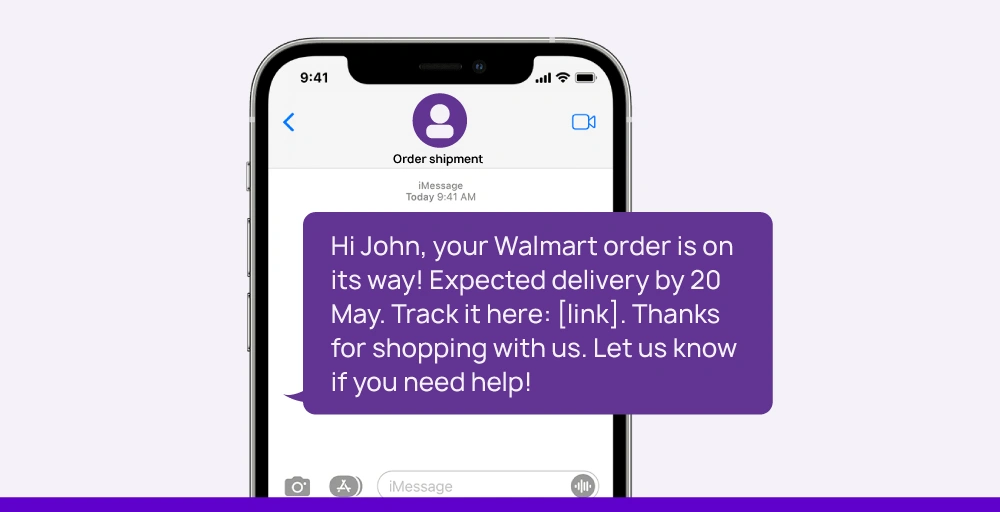
1. Order confirmation SMS
An order confirmation SMS is a short message sent to customers after they complete a purchase. It confirms that their order has been received and is being processed. It generally includes key details like the order number, estimated delivery time, and a thank-you note, and encourage customer to leave feedback, ensuring transparency and building customer trust.

Here is the list of 10 order confirmation SMS templates that you can use:
- ‘Hi [customer name], Thank you for ordering #[order number] from [your company]! We’re getting it ready and will notify you once it’s shipped.
- Hi [customer name], Your order with [your company] has been placed! Your order number is #[order number]. You can view the details here: [link to order].
- Great news! Your order from [company] is confirmed. Your confirmation number is [#number]. We’ll update you as soon as it ships!
- Thanks for shopping [your company], [customer name]! Order #[order number] has been placed. We’ll contact you when it ships.
- Hello [customer name]! We have received your order #[order number]. Thank you for shopping with us! [your company].
- Exciting news, [customer name]! Your order #[order number] from [company] is confirmed and on its way. You can expect delivery in approximately [number] days.
- Hello [customer name], We appreciate your purchase from [your company]! Your order #[order number] is confirmed. You can track your order status here: Link.
- [Company]: Order confirmed! Hello [customer name], we have received order #[order number]. We’ll be sending a text message with tracking details when it departs.
- Thank you for placing your order with [company]. We’ve received your order #[confirmation number] and will begin processing shortly
- You’re all set, [customer name]! Your order #[order number] has been received by [your company]. If you have any questions, reply to this message or call us at [phone number].
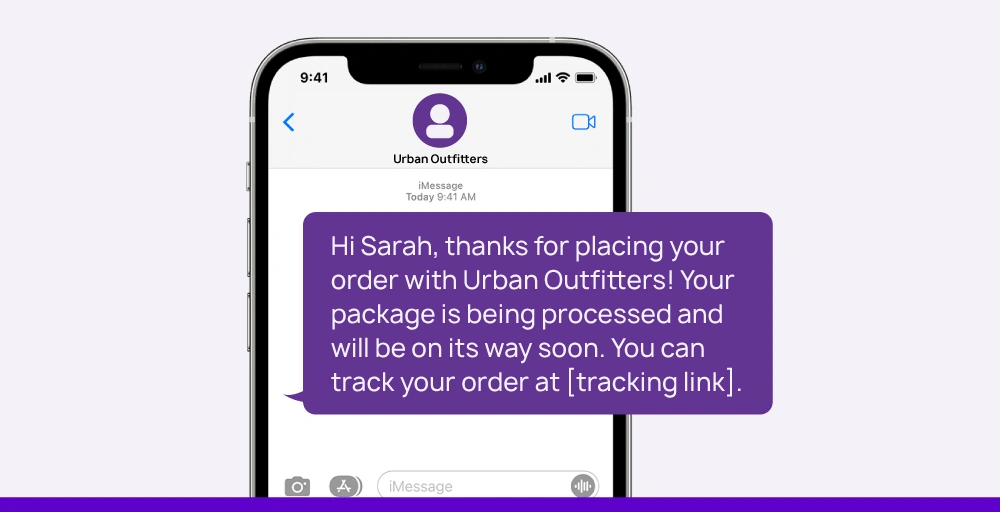
2. Order shipment SMS
An order shipment SMS is a concise message sent to customers to notify them that their purchase has been dispatched. It usually includes essential details like tracking information, the estimated delivery time, and sometimes a link to monitor the shipment’s progress with real time tracking.
Here is the list of 10 order shipment templates you can use.
- Yay! We’ve shipped your order from [Company]. Track your package here: [link]
- Your order from [Company] has shipped via [Carrier]. Track your order here: [link]
- Hi [name], great news: Your order from [company] is on the way! You can track it on our website: URL.
- Dear Customer, We are pleased to inform you that your order has been dispatched. You can expect to receive your package within 3 to 4 business days.
- Hi [first name], Thank you for ordering from [brand]! Your order has been shipped, and its number is [order number]. Here is your tracking link: [tracking link]
- Hi [customer name], Your ABC Computers order has shipped via [last order shipping method]. Text STOP to opt out of texts.
- Hey [customer name], We’re excited to let you know that your AirLight Shoes are en route! They’re currently set to arrive on or around [estimated delivery date]. Text STOP to opt out of texts.
- Hi [customer name], good news! Your Divine Vintage order is on its way home. Check our website for the tracking details. Text STOP to opt out of texts.
- Hi [Customer Name], Your order #[Order Number] for [Product name] has been shipped and is expected to be delivered by [Expected delivery date]. You can track it here.
- We will be sending your order to you soon. We will inform you when this happens. To find out more, please click on this link: [link].
3. Order delivery confirmation
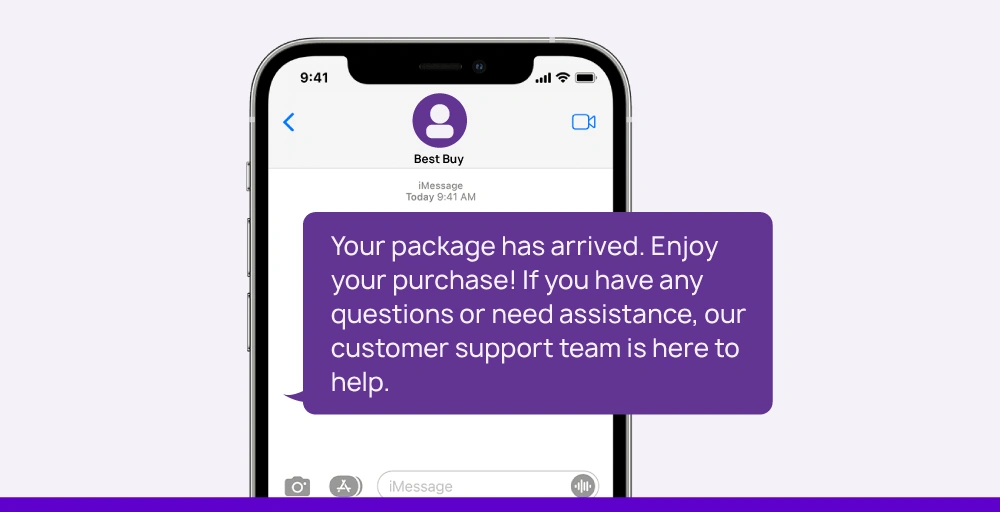
An order delivery confirmation SMS informs customers that their packages have arrived at the location. The main intention of these messages is to close the order loop and expect feedback from customers.
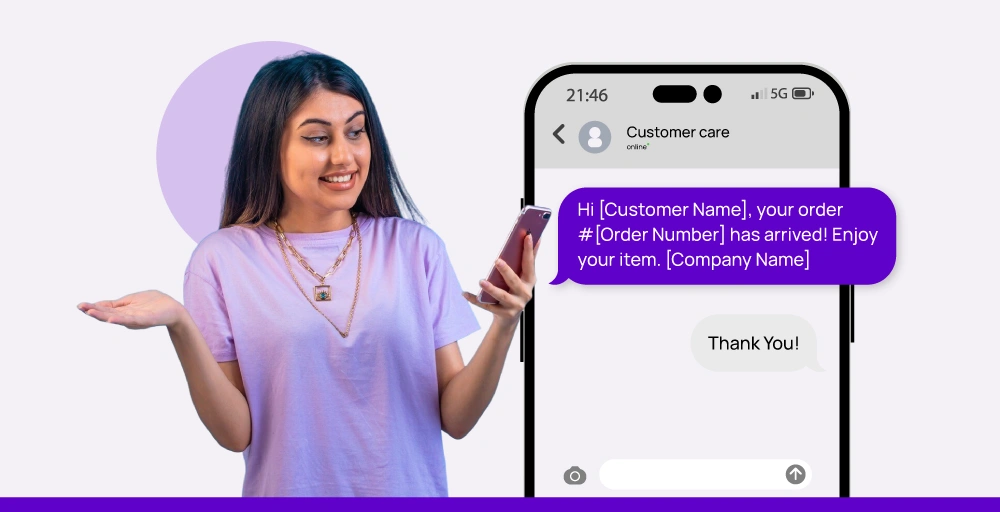
Here are 10 templates that you can use as an order delivery confirmation message.
- Hi [Customer Name], your order #[Order Number] has arrived! Enjoy your item. [Company Name]
- Great news, [Customer Name]! Your [Company Name] order #[Order Number] has been delivered. If you have any questions, let us know.
- [Company Name]: Your package has arrived! We hope that you adore your goods. Let’s hear what you think: [Link]
- Hi [Customer Name], your [Company Name] order #[Order Number] was delivered today. Thanks for shopping with us!
- [Company Name]: Your order is on its way to your door! We hope you enjoy what you purchased. Please provide feedback on this message.
- Hi [Customer Name], Here’s a quick update: your [Company Name] order #[Order Number] has arrived. Thank you once again!
- [Company Name]: Your delivery is complete. Thank you for shopping with us! We hope to see you again soon: [Link]
- Hello [Customer Name], your order #[Order Number] has shipped. Hope you liked it!
- [Company Name]: Your order has shipped! For issues, contact support at [Phone Number].
- Hello [Customer Name], your [Company Name] order #[Order Number] has shipped. Enjoy!
4. Return confirmation
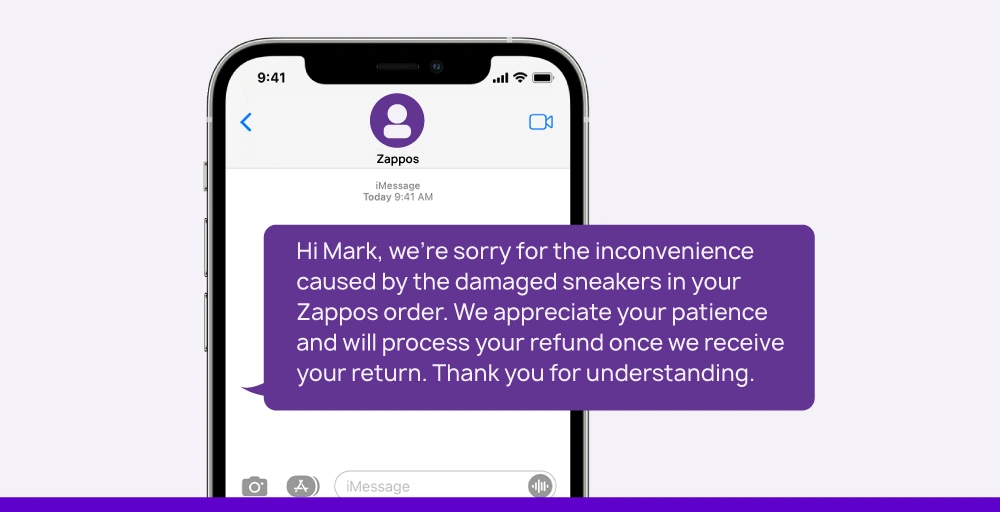
A return confirmation SMS is sent to the customer to inform or acknowledge them that the company has received their returned items. This type of message includes the tracking number and provides the next steps for return if necessary, using advanced features like automation and tracking.
Using the below sample text message, you can quickly send it to customers.
- ‘Hi [Customer Name], We’ve received your return request for order #[Order Number]. We’ll process it soon and keep you updated.
- Hello [Customer Name], your return # is on its way. Please allow 5-10 business days for it to arrive at our facility.
- Hey [Customer Name]! We have received your return. You can expect to see a refund within 10 business days.
- [Company Name]: Thanks for letting us know that you made a return. Your return request # is being processed.
- Hi [Customer Name], It’s unfortunate that your order didn’t work out. Good news, we’ve received your return and are processing it now.
Related 👉: Use Cases of Mass Texting Service for Businesses
Best practices for order-related SMS
The order-related SMS should be optimized so that the customer has a smooth communication experience during the order process. Follow this best practice for your order-related SMS:
- Automate the workflow: Ensure your call flow includes SMS triggers for immediate confirmation using AI-powered SMS marketing integrated with your existing systems. You can automatically send a message by integrating the existing system with the SMS platform or simply setting up an API configuration.
- Focus on timeliness: It is crucial to send the order confirmation message on time. This message ensures that the purchase was successfully made and provides immediate reassurance. This will help eliminate the customer’s concerns if delivered immediately.
- Get SMS opt-ins: You should obtain consent from your customers before sending order SMS updates. Such opt-in can be collected using a website form, or when customers send the initial text.
- Make your messages short: Order confirmation messages must be short and clear so that customers can quickly understand them. Since regular text messages have a character limit of 160 characters, it would be best to understand SMS frequency and send accordingly.
- Keep the message more personalized: Each customer interaction should feel personalized. It is worth spending time adding a first name or detailed order information to a message to make it as personal as possible.
- Provide necessary details: Your messages must include important details so customers feel well-informed and can easily seek help with their orders. For instance, include an order number and track option, and use SMS links for effective communication.


Customer satisfaction with SMS order confirmations
Businesses can quickly send concise order confirmation messages using ready-made order confirmation templates when customers complete a purchase. These SMS notifications reassure customers that their order has been successfully placed and is being processed.
A well-crafted order confirmation SMS not only confirms the transaction but also sets expectations regarding delivery timelines, tracking details, and customer support options. This transparency fosters trust and strengthens the relationship between businesses and their customers.
By providing immediate confirmation, businesses enhance trust, reduce uncertainty, and improve overall performance from the first course of interaction.