When you’re running a contact center or planning to run one, you’ll need more than just a few headsets and agents for calls. Picture it this way: you will have to handle high call volumes, deliver quick support, and keep your customers satisfied. And to achieve this, you’ll need to have all the required tools to work smoothly.
But what contact center requirements are we talking about? It’s the contact center hardware and cloud–based software that not only reduces your costs but also prevents possible future problems and ensures smooth call routing.
In this blog, we’ll cover every hardware and software that is required to run a reliable, flexible, and scalable contact center. Keep reading to gain a comprehensive understanding of how to operate a contact center, whether it’s in-office, hybrid, or remote.
✨ Key Takeaways
- A successful contact center operation relies equally on a foundation of reliable physical hardware and infrastructure for agents, and intelligent, cloud-based software to manage workflows.
- In terms of hardware requirements, a modern contact center needs reliable computers or thin clients, dual monitors, noise-canceling headsets, and softphones/VoIP devices.
- For on-premise or hybrid setups, high-performance routers, modems, switches, firewalls, Ethernet/Wi-Fi access points, IP desk phones, and SIP trunks are important.
- Core contact center software requirements are ACD, omnichannel routing, IVR, CRM integrations, and reporting/analytics tools.
What hardware does a contact center need?
The availability of hardware tools is a crucial factor in determining whether a contact center operates smoothly or not. Multiple factors, including contact center agents, connectivity equipment, and power backups, are crucial for maintaining a reliable and efficient contact center.
1. Essential hardware for contact center agents
Agents are the central part of your call center requirements. Therefore, their hardware tools must support them in bringing out their highest capability with comfortable call handling.
Computers or thin clients
For each agent, there must be a reliable computer or a thin client. The devices should allow agents to run the software smoothly, without lag, so they can multitask on simultaneous calls, customer records, and call-handling tools with ease.
Noise-cancelling headsets
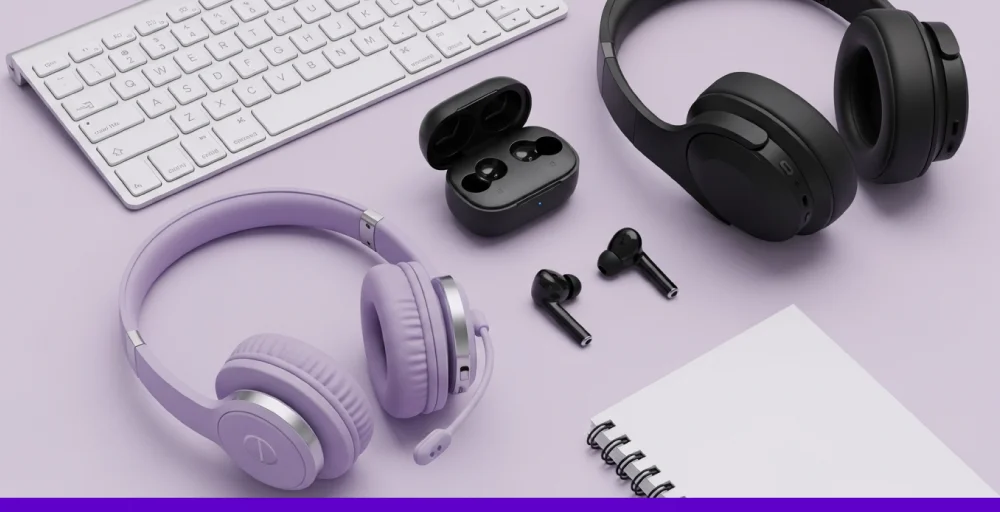
Clear communication is critical in a call center. Noise-canceling headsets do a great job of eliminating unnecessary background noise so that agents get focused on customer conversations and calls. Eventually, it improves call quality and boosts customer satisfaction.
Monitors or dual displays
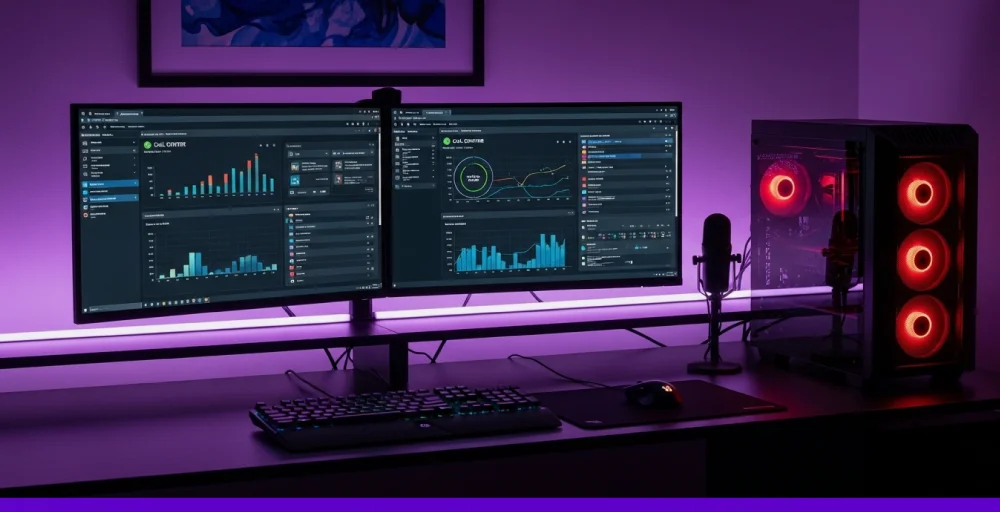
One monitor is considered standard, but dual displays give agents an edge when maximizing productivity. Multiple screens provide call center agents with an easy view of customer data on one screen, allowing them to run other software on a separate screen. With this, calls are managed more efficiently to improve customer experience.
Softphones or VoIP-compatible devices
Softphones (software-based phones) or VoIP devices enable agents to make and receive calls via the internet. Additionally, these tools integrate with hosted contact center software to streamline call handling, supporting flexible work setups that are essential for a modern cloud-based contact center.
2. Networking & connectivity equipment
Moving on to the next, the network and connectivity equipment are equally important. As modern CCaaS platforms operate through VoIP (Voice over Internet Protocol), a poor router or firewall can significantly impact call quality.
Routers and modems
High-performing routers and modems distribute the internet to your center. It should be business-grade and fast enough that ensure good security along with quality of service (QoS) features for prioritizing voice traffic, minimizing delays.
Switches
Switches manage your internal traffic by connecting multiple devices to your local network. This helps to lower congestion and allows voice and data traffic to smoothly flow across all systems.
Firewalls
Firewalls protect your contact center from external threats. They monitor incoming and outgoing traffic to protect the sensitive data of customers. Firewalls also protect your internal tools, which is one of the basic call center software requirements for contact center data security.
Ethernet cabling or Wi-Fi access points
Wired Ethernet ensures a low-latency connection, providing a steady link for call handling in VoIP calls. Wi-Fi access points, on the other hand, offer the flexibility that suits both hybrid and remote setups. However, check for the enterprise-level bandwidth to prevent quality issues.
3. Telephony Infrastructure (for on-premise or hybrid setups)
When you run a fully on-premises or hybrid contact center, the telephony infrastructure is a key component of your overall infrastructure. It is what connects all your calls, either internally within your organization or externally to your customers.
IP desk phones (if applicable)
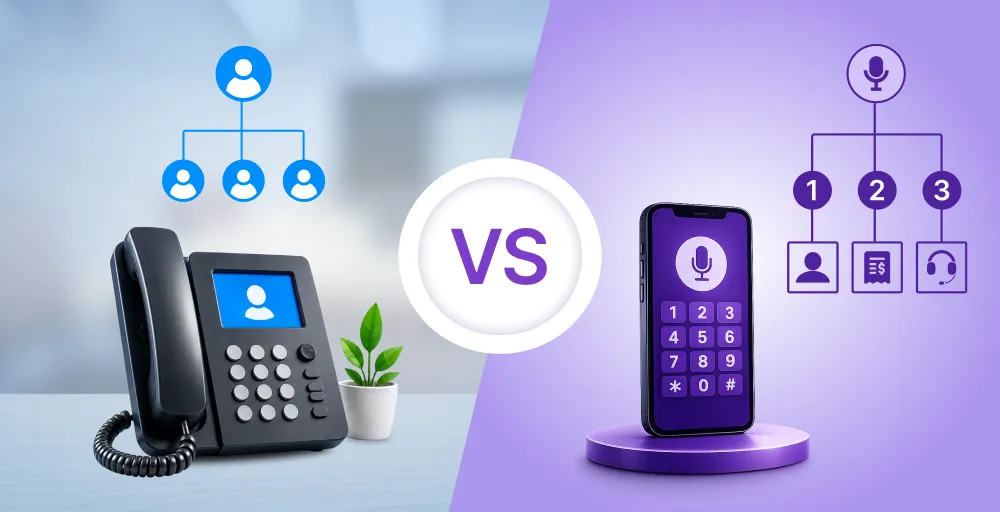
These are traditional-style phones that connect using VoIP over the internet. They are suitable if you have agents working in the office or prefer a more physical environment over softphones.
However, they are not as flexible as modern cloud contact systems and can be less relevant for modern businesses.
PBX systems (for on-premise setups)
Private Branch Exchange (PBX) systems manage the routing of internal calls. If your contact center operates inside physical infrastructure, PBX is a must-have, whether you get the traditional hardware or a hybrid system version.
SIP trunks or PRI lines (depending on system type)
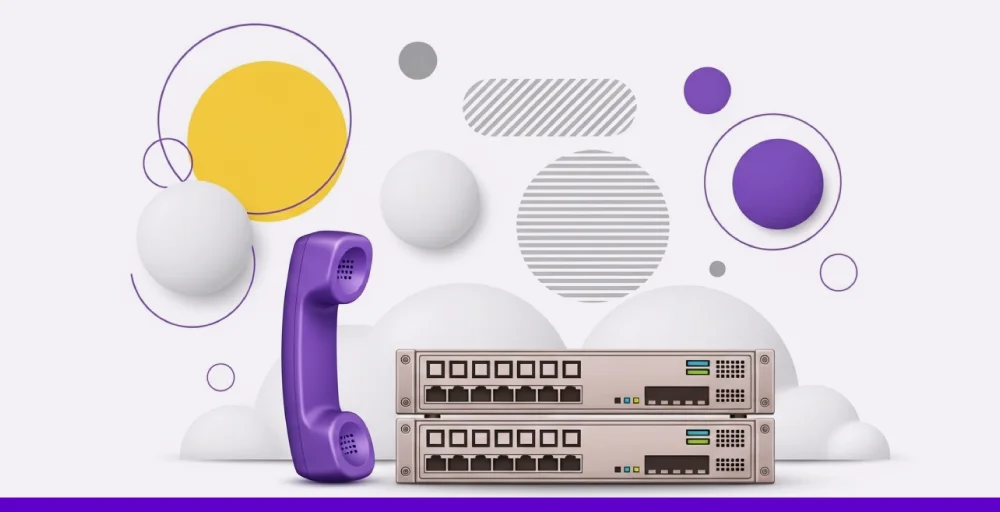
SIP trunks connect your PBX system and transmit calls over the internet, which makes it more cost-effective and scalable. This process is referred to as SIP trunking. While PRI lines work similarly to SIP trunks, it’s less flexible and complicated than SIP trunks.
4. Power backup and redundancy tools
In a contact center, even a single second of downtime can significantly impact the customer experience. Therefore, it’s essential to have power backup tools to ensure your system remains operational even in the event of an outage.
Uninterruptible power supply (UPS)
An uninterruptible power supply (UPS) is a device that provides instant backup during outages, allowing agents to work continuously. Although it can only be used for a short period, it helps agents shut down their systems safely.
Power surge protectors
Power surge protectors, also known as surge suppressors, are devices that protect electronic equipment from voltage surges. With this, you avoid any damage to expensive hardware and ensure service continuity.
What software does a contact center need?
Smart and advanced software is what enables a contact center platform to handle calls, automate workflows, and enhance productivity. Every contact center software aims to provide consistent service every time a customer connects with the organization.
However, the best contact center provider must have these requirements;
1. Automatic call distributor (ACD)
An automatic call distributor (ACD) software routes incoming calls from customers to the right agents and department in the call center. The routing rules (based on availability, expertise) are pre-defined by the contact center, resulting in faster resolution, minimizing wait times, and providing exceptional customer service.
2. Omnichannel routing engine

An omnichannel routing engine intelligently directs contact center customer interactions through multiple communication channels (voice, email, chat, and social media) to the best-fit agent based on predefined rules. With this, customer support teams can provide customers with consistent service quality to meet the evolving customer expectations.
3. Customer relationship management (CRM) integration
Having a CRM system means tracking customer interactions through every communication channel, including calls, SMS messages, email, social media, and chatbot conversations. So, a contact center service provider must be able to integrate with popular CRMs, such as Salesforce, Zendesk, and HubSpot, to deliver enhanced customer support.
With this, agents can provide personalized support while understanding the appropriate context of the ticket at hand, saving time and improving customer satisfaction scores.
4. Interactive voice response (IVR)
Interactive Voice Response (IVR) is an automated phone system that functions as a self-service system. This allows callers to get information on the most common customer inquiries through voice prompts and keypad inputs.
Even if the caller is unable to get help from their own IVR, it routes the call straight to the support team, where a live agent is available in real-time.
5. Core reporting & analytics
Call center reporting & analytics tools are like the CCTV cameras that monitor every contact center’s operations. And it shows you what works and what requires improvement. It empowers you to make informed, data-driven decisions for boosting service quality and increasing operational efficiency.
You can also track everything with a customizable dashboard that includes metrics on how quickly calls are resolved and how satisfied customers are. Additionally, call center agents can keep track of key performance indicators (KPIs) to improve agent performance and call center operations.
Compliance features
When contact center managers are reviewing contact center software, security and compliance can not be overlooked. Any contact center should follow the contact center compliance best practices, including all industry regulations such as the Telephone Consumer Protection Act that impact your business.
Some of the most important compliance features in a contact center are:
- GDPR: Protects customer data for businesses that handle EU residents’ information.
- HIPAA: Ensure security and privacy for patient data in healthcare.
- PCI-DSS: Safeguards credit card data, which is essential for handling call center payments.
- CCPA: Especially for California consumers to provide them control over personal data.
- SOC 2: Verify the system is available, secure, and maintains confidentiality.
Final checkpoints before you build your ideal contact center
Before you start operating your contact center, ensure that all required components are available with your hardware setup and software. You can create a call center requirement checklist for the following things.
- A reliable internet and power backup to prevent downtime?
- Every hardware (routers, headsets, VoIP phones) is tested and optimized?
- Does your provider offer CRM integration, ACD, IVR, and other reporting tools?
- Are you well protected with industry standards like GDPR and HIPAA?
- Can you set up your teams (remote, hybrid, on-site) without compromising quality?
If everything is “yes”, then your way to create a scalable, secure contact center is right there. However, you can skip all of this hassle and receive expert assistance for setting up your contact center with KrispCall.


Furthermore, KrispCall streamlines conversation management, monitors performance, and delivers a five-star experience without IT headaches. Say goodbye to dropped calls and other VoIP issues, and control everything from a clean, intuitive dashboard.