Call center agents are constantly toggling between phone systems and the CRM, burning precious time on manual data entry and context switching. That’s where Computer Telephony Integration (CTI) comes in. CTI connects your phone system directly to Salesforce, enabling agents to make and receive calls within the CRM.
For Salesforce call centers, CTI integration is a transformative option that enhances customer support efficiency and sales performance by providing real-time customer insights and streamlined workflows. With it, agents can handle calls faster, access complete client histories instantly, and deliver more personalized service.
What is a CTI for Salesforce?
Computer Telephony Integration, or CTI, connects your business phone system with Salesforce CRM. CTI with Salesforce enables you to make and receive calls directly from the platform, view customer information through screen pops upon incoming calls, and automatically log call details. Additional telephony functions include call recording and click-to-dial features within the Salesforce interface.

Salesforce CTI integration also offers advanced call routing and call queuing, efficiently directing calls to the appropriate agent. This functionality has the potential to enhance customer satisfaction and reduce wait times. Furthermore, CTI facilitates automatic logging of call activities and notes in Salesforce, ensuring accurate tracking and documentation of client interactions.
How do call centers use Salesforce?
Call centers that use Salesforce can easily access all customer information in one place. They can handle diverse customer interactions across multiple channels and automate daily tasks, enabling them to provide excellent service.
With Salesforce call center management, agents can view all caller details, log activities, and set up follow-ups. When connected to CTI, Salesforce helps drive real-time engagement and smooth daily operations.
Top 8 CTI tools to integrate with Salesforce
Choosing the best CTI tools to integrate with Salesforce is essential to enhancing call center productivity and efficiency. Here are some of the best CTI for Salesforce call centers integration:
1. KrispCall
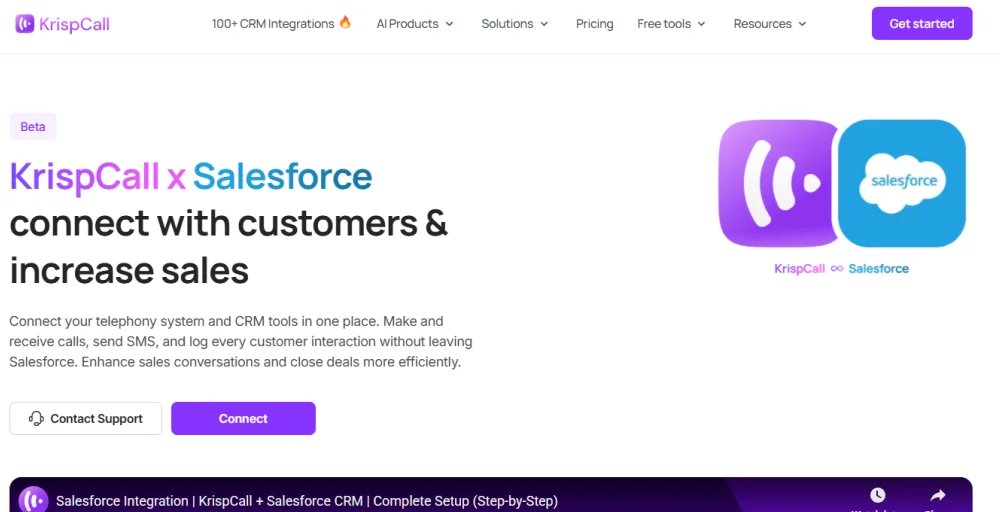
KrispCall is a modern cloud telephony solution that streamlines business communication with Salesforce. The VoIP CTI integration with Salesforce call center operations allows agents to make, receive, and log calls directly from the CRM. It offers features like one-click calling, smart notifications, and real-time synchronization, ensuring every interaction is properly documented.
Key features
- One-click calling & messaging
- Real-time note sync
- Instant access to call logs
- Smart notifications
- Call recordings and voicemails
2. Revenue.io
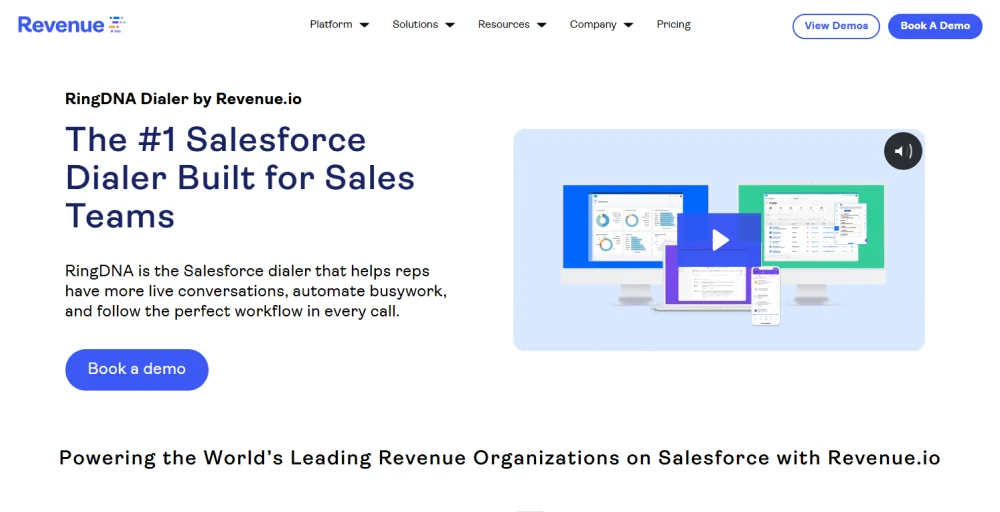
Revenue.io powerful Salesforce CTI integration solution that automates and analyzes sales performance. It empowers sales and service teams with real-time insights, call monitoring, and coaching tools to optimize every conversation. The platform’s local presence and voicemail drop features help boost connect rates and streamline outbound outreach.
Key features
- CallerDNA
- Priority leads
- Voicemail drop
- Call monitoring
- Call recording
3. Genesys Clouds
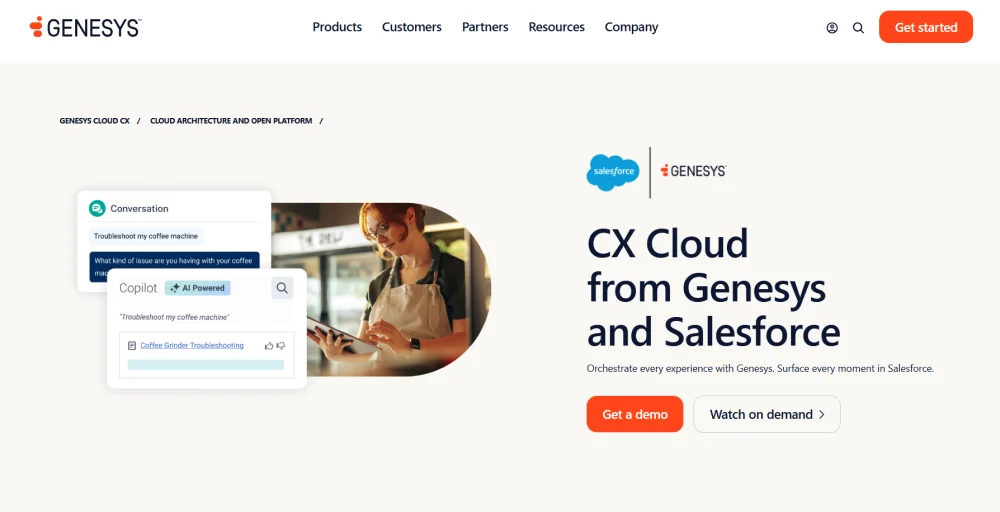
Genesys and Salesforce integrate seamlessly to enhance customer experience across voice, chat, email, and SMS. The Salesforce CTI connector supports call center teams with predictive routing, call automation, and agent availability management, improving interaction handling and overall customer satisfaction.
Key features
- Cloud architecture
- Smart agent workspace
- Global availability
- Single CX orchestration engine
- Native digital channels
4. PhoneIQ
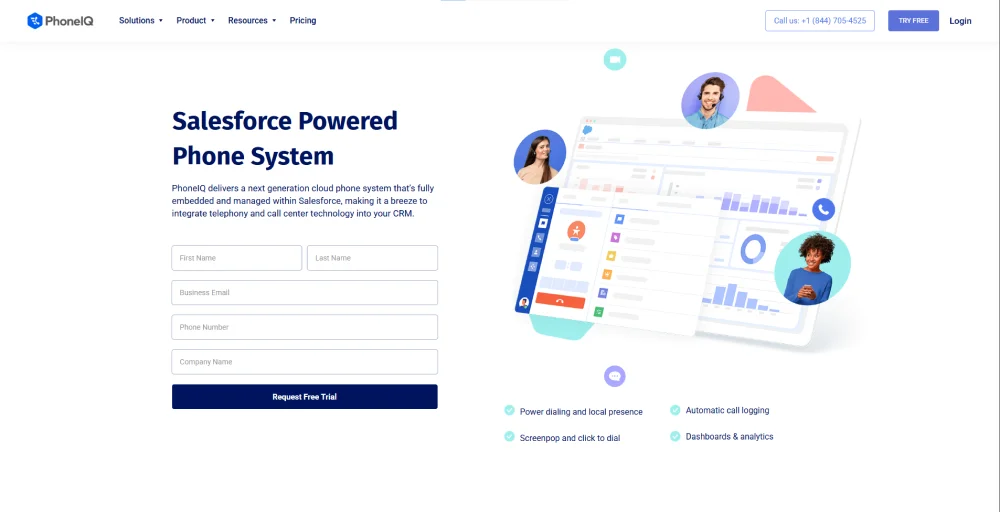
PhoneIQ is a cloud-based CTI solution designed specifically for businesses operating within the Salesforce ecosystem. The platform provides integration features like call tracking, logging, and reporting to ensure seamless recording in the CRM. It automates power dialing, screen pops, and advanced analytics to enhance team communication efficiency.
Key features
- Power dialing and local presence
- Automatic call logging
- Screenpop
- Click-to-dial
- Dashboards & analytics
5. TalkDesk
Talkdesk is known as one of the leading AI-powered contact center solutions that natively integrates with Salesforce to deliver an intelligent customer engagement. Talkdesk’s automation and predictive tools help reduce manual workloads while improving customer satisfaction. Its flexibility and scalability make it suitable for both mid-sized and enterprise-level call centers.
Key features
- Interaction analytics
- Workforce engagement management
- Business intelligence
- Agentic outbound
- Knowledge creator
6. Cloudcall
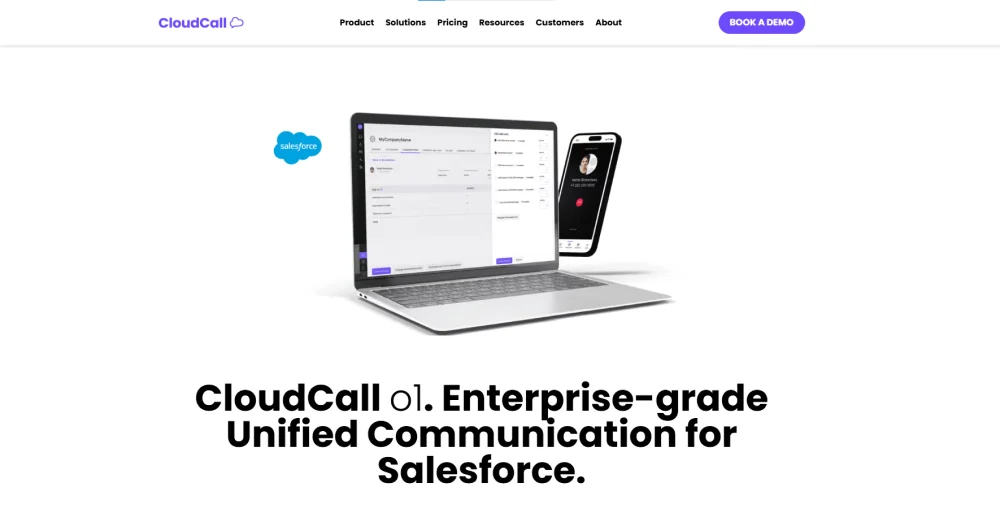
Cloudcall is an enterprise-grade unified communications solution designed for connecting your phone system with Salesforce. It enables users to initiate calls directly from Salesforce and automatically log every interaction for full visibility. It’s an excellent option for teams looking to enhance collaboration and deliver consistent customer experiences.
Key features
- Automatic call distribution (ACD)
- Call barge
- Call groups
- Interactive voice response (IVR)
- Call whisper
7. Twilio
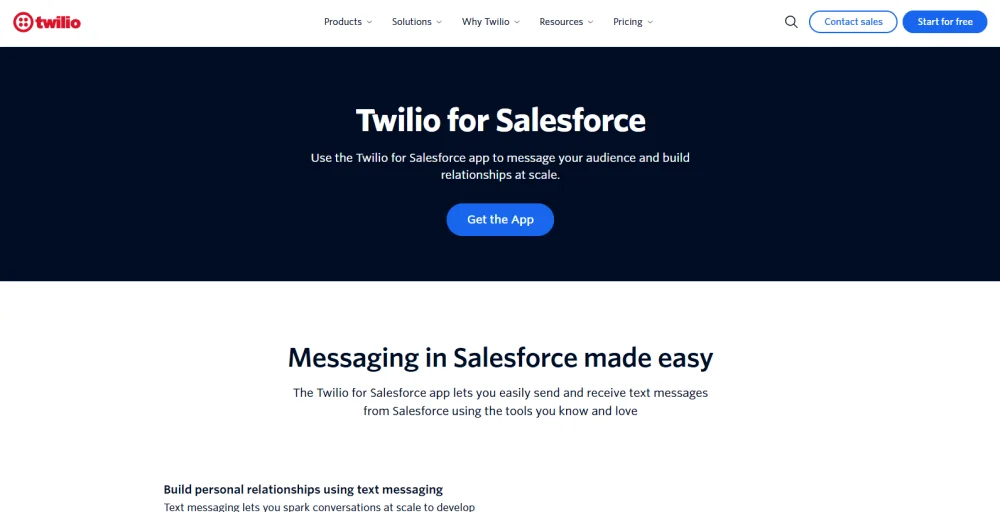
Twilio integration with Salesforce offers an API-driven CTI approach that enables businesses to design custom communication workflows. Its integration extends beyond voice, enabling SMS, chat, and video communication directly within Salesforce. Its developer-friendly architecture makes it perfect for enterprises seeking tailored telephony solutions.
Key features
- Real-time 1:1 chat
- Bulk SMS send
- MMS Messaging
- Group inbox
- API request builder
8. Tenfold
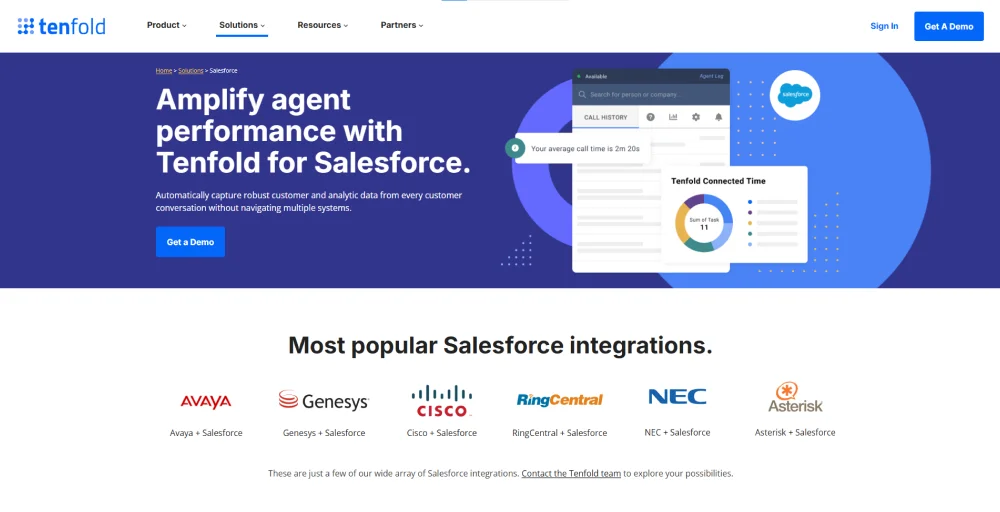
Tenfold acts as a middleware between your existing VoIP or PBX system and Salesforce. It enables you to leverage your current telephony infrastructure while adding new capabilities. Tenfold automatically captures call data, providing transparency and consistency in customer interactions.
Key features
- Full KPI transparency
- Einestin call coaching
- Script pop-up
- Set dispositions
- Search & Identity caller
Benefits of using CTI tools for Salesforce call center integration
The use of computer telephony integration (CTI) tools significantly enhances Salesforce call center operations by streamlining workflows, automating routine tasks, and provisioning agents with unified access to customer information during every interaction.
1. Enhance customer support
The CTI tools empower call center agents with real-time customer data and call history directly within Salesforce. This allows agents to provide faster, more personalized assistance, enhancing the overall customer experience and call center satisfaction.
2. Data-driven decisions
Computer telephony integration (CTI) captures data on call metrics, such as call duration, frequency, and outcomes. With this, managers can analyze all of the data using Salesforce reports and dashboards to optimize team performance and improve customer engagement strategies.
3. Minimize customer wait times
The use of CTI tools for Salesforce call center integration enables intelligent call routing, ensuring that all incoming calls are directed to the right agents based on skill, availability, or customer type. This reduces hold times and enhances service efficiency.
4. Records of calls and scripts
With the help of CTI tools, you can automatically log all your calls in Salesforce, including all of the complete call recordings, transcripts, and notes. This way, all customer-related information is accurately captured, and agents can assist customers using standardized scripts, resulting in smoother, more effective communication.
5. Improved sales understanding
The sales team gains improved visibility into customer interactions and call outcomes, enabling them to identify opportunities, refine their pitches, and strengthen relationships with prospects and clients.
Conclusion
Integrating CTI with Salesforce is more than just a technological upgrade; it’s a strategic move toward smarter, faster, and more personalized customer interactions. By connecting phone systems directly to Salesforce, organizations empower their teams with real-time customer insights, automated data entry, and seamless communication workflows.
Whether your goal is to accelerate sales performance, deliver exceptional customer experiences, or streamline daily operations, the right CTI tool can make all the difference. Each solution, whether it’s KrispCall, Talkdesk, Twilio, or another, offers unique advantages tailored to different business needs.
Transform your customer interactions with the perfect Salesforce CTI integration!