Most of the customers preferred their channel for communication and expect a personalized customer experience. To meet the modern customer expectations, a robust and agile customer communication management software is a must.
A customer communications management (CCM) software allows businesses to streamline and personalize customer communications across a variety of channels. With it, companies can provide a smooth, convenient, and effortless experience to their customers.
This blog will cover the 12 best customer communication management solutions and how they can improve your customer journey by providing personalized, consistent, and timely communications across all channels.
| Software | Best for | Starting price | Features |
| KrispCall | AI-powered cloud phone system | $15 per user/month | Unified Callbox, interactive voice response, SMS/MMS |
| Intercom | AI automation and live chat | $39 per seat/mo | Live chat, helpdesk management, customer behaviour tracking |
| Front | A centralized system for all communication | $35 per seat/month | Contact management, call analytics, voice messaging |
| Zendesk | Enterprise-level omnichannel support | $55 per agent/month | AI analytics, ticketing system, centralized workplace |
| Liveagent | Cost-effective ticketing solution | $13 per agent/month | Knowledge base, live chat tool, AI chatbot |
| Sleekflow | Social media messaging | $199 per month | Sales analytics, pop-up chat, automation rules |
| Respond.io | Conversational messaging | $99 per month | Omnichannel inbox, lead management, contact management |
| Freshdesk | Intelligent ticketing service | $18 per agent/month | Ticket templates, knowledge base, and multilingual translations |
| Hiver | Businesses using Gmail for email-based customer service | $24 per user/month | Knowledge base, automation workflow, shared inboxes |
| Messagepoint | Content creation and management | Talk to sales | No-code control, zero-trust security, headless CCM |
| Quadient inspire | Personalized communications on a large scale | Customized pricing | Mapping, analytics, universal content access, omnichannel communication |
| Salesforce Service Cloud | AI-powered service automation | $25 per user/month | Automation workflows, contact management, customer self-service |
1. KrispCall: Best customer communications platform for most businesses
KrispCall is an AI-powered cloud phone system and customer experience software that is particularly designed to streamline business telephony. It offers advanced customer communication tools, including global calling, voicemail, call notes, instant messaging, and VoIP numbers from over 100 countries.
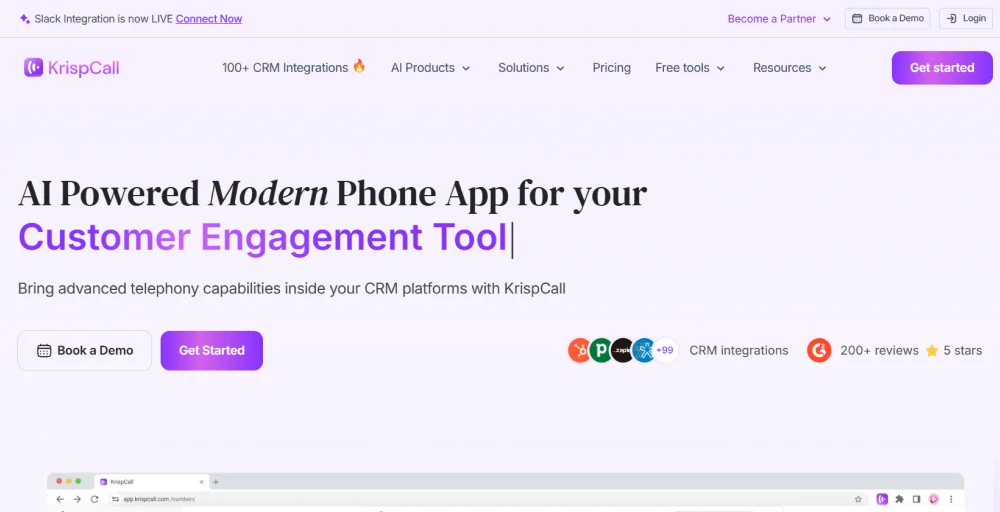
KrispCall, being a versatile customer communication solution, is ideal for businesses of all sizes and types. This software allows users to route their calls using preset rules, get a holistic view of customer interactions, and seamlessly integrates with top ERP, CRM, and business tools for easy customer communication management.
Features
- Unified Callbox: Offers a unified dashboard to manage all conversations, including messages, voicemails, and calls.
- Interactive voice response: Automate your phone menu to route callers to the specific department.
- Call analytics: Provides data-driven insights into agent productivity, call performance, and customer interactions.
- Global calling: Expand your customer base worldwide by making instant calls across borders.
- Voicemail: Access and manage all your voice messages on all devices.
Pros
- The unified dashboard helps to simplify managing multiple communication channels
- Provides virtual numbers from over 100 countries
- Seamless CRM integrations offering a holistic view of customer data
Cons
- Fewer advanced live chat features
- Apps are only available on Android and iOS
Price
- Essential: $15 per user/month
- Standard: $40 per user/ month
- Enterprise: Custom pricing
2. Intercom: Top choice for live chat interactions
Intercom is a leading digital customer communication solution providing a support helpdesk for automation of complex questions and customer issues. It is integrated with a live chat solution with AI tools and chatbots, making it easy for businesses to engage more with leads and offer personalized support.
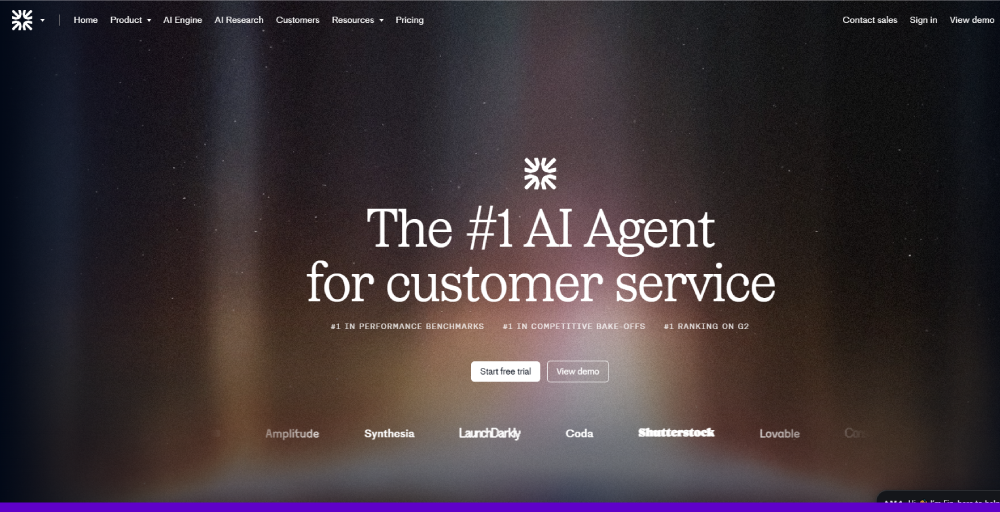
Intercom is widely recognized for its smooth setup and seamless integration with various third-party tools. Moreover, its customization features allow users to set the rules and procedures based on the needs and requirements of the company.
Features
- Live chat: Allows real-time conversations with customers for instant support
- Fin AI Agent: An AI chatbot offering human-like responses based on the knowledge base
- Product Tours: Highlighting key features and interactive guides to onboard new users
- Helpdesk management: Unified platform to resolve and track customer support tickets
- Customer behaviour tracking: Allows the company to track and segment customers based on their behaviour, demographics, or purchase history
Pros
- Provides a variety of tone of voice
- Easy integration with quick 24/7 customer support
- Smooth setup with less technical support
Cons
- Complex queries might strain the users
- A less customizable option is provided
- Although the setup was smooth, it lacks updates
Pricing
- Essential: $0.99 per Fin resolution or $39 per seat/month
- Advanced: $0.99 per Fin resolution or $99 per seat/month
- Expert: $0.99 per Fin resolution or $139 per seat/month
- Fin AI Agent: $0.99 per Fin resolution
3. Front: Best for small businesses
Front’s customer communication management solution provides a centralized platform that integrates social media, emails, SMS, and voice messages. It is designed to reduce the internal email clutter by effectively managing all the communication channels, ensuring that not a single customer request goes unanswered.
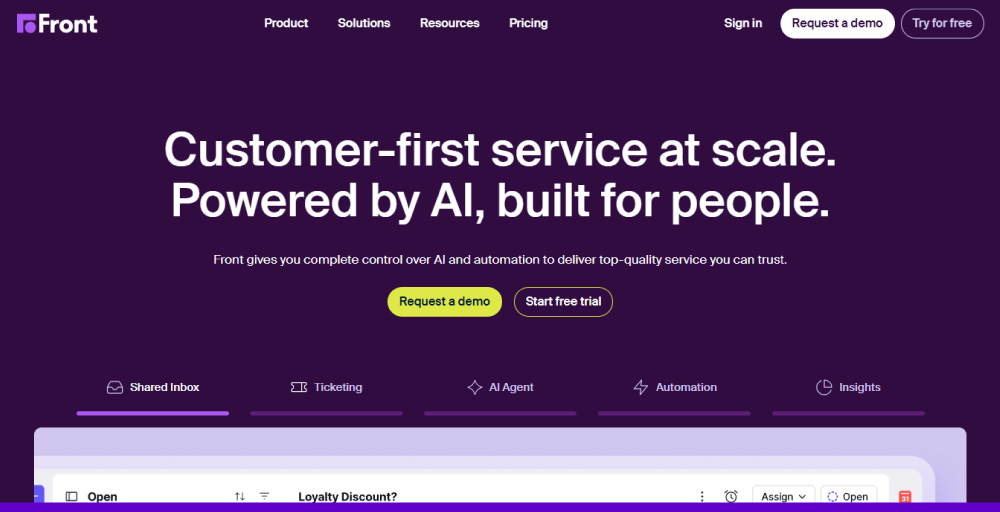
Front is a customer-first service software, providing exceptional CX at scale. It leverages AI technology to predict the customer’s intention, control the overall CX journey, and offer comprehensive insights into all customer data.
Features
- Live chat support: Front Chat has in-the-moment support, powered by AI
- Automated workflows: Set rules to automate the repetitive tasks
- Contact management: Stores and manages your customer history from every connected communication channel in a centralized place
- Call Analytics: Track the metrics such as team performance, response times, and conversation volume
- Shared inbox: Unified all your emails from shared addresses for team visibility
Pros
- Most adaptable and user-friendly team platform
- Easily manage and organize emails for various duties, urgency, and care
- Actively listening to user feedback
Cons
- Cannot connect with the ERP system
- Some calendar features are missing
- Less flexibility during third-party AI and custom integrations
Pricing
- Starter: $35 per seat/mo [up to 10 seats]
- Professional: $85 per seat/mo [up to 50 seats]
- Enterprise: Only available on an annual basis
4. Zendesk: Perfect for personalized features
Zendesk is a customer communication platform that offers a flexible and scalable platform for businesses of all sizes. They provide omnichannel support across different communication channels such as social, chat, email, and self-service channels.
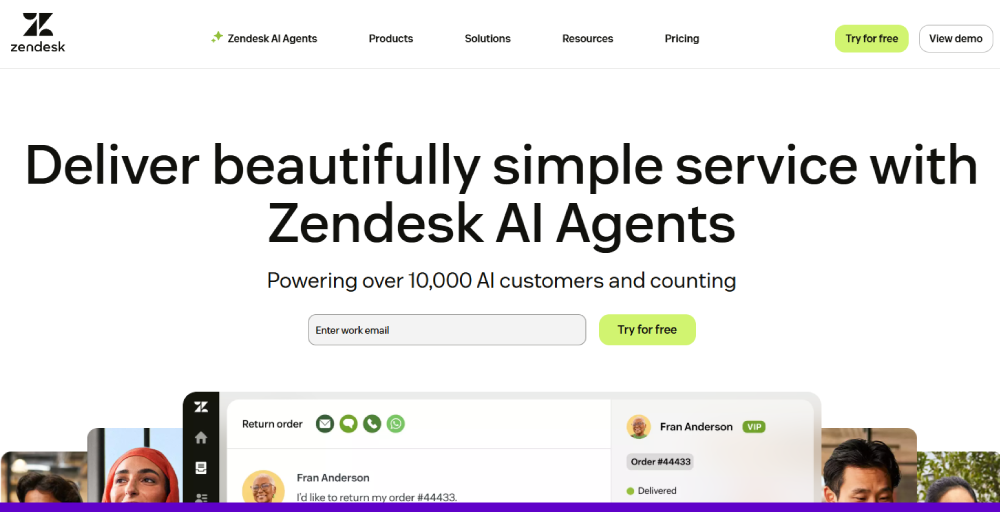
With Zendesk AI, businesses can provide their customers with responsive support on various channels such as messaging, email, voice, or social media. Moreover, their ticketing and live chat functionalities, supported by AI and analytics, make them one of the top market leaders within the industry.
Features
- Ticketing system: Unified all your customer issues into tickets for seamless tracking and management
- AI Analytics: Offer data-driven insights into customer satisfaction, agent performance, and ticket trends
- Robust integration: A third-party app and program integration for greater capabilities
- Service level agreements: Easy configuration and monitoring of performance goals
- Centralized workplace: Provide a single place to manage all your customer interactions
Pros
- Organize workload and ticketing system
- User-friendly and intuitive
- Offer AI-powered forecasting capabilities
Cons
- Steep learning curve
- Issue with integration with AI
- Need to refresh to see updated tickets
Pricing
- Suite Team: $55 per agent/month [Billed annually]
- Suite Growth: $89 per agent/month [Billed annually]
- Suite professional: $115 per agent/month [Billed annually]
- Suite Enterprise: Talk to sales
5. LiveAgent: Best for ticket management
LiveAgent is an all-in-one customer communication management solution that integrates multiple communication channels into a centralized platform. It has a multi-channel toolset with 130+ ticketing features suited for businesses looking for a single and cost-effective solution.
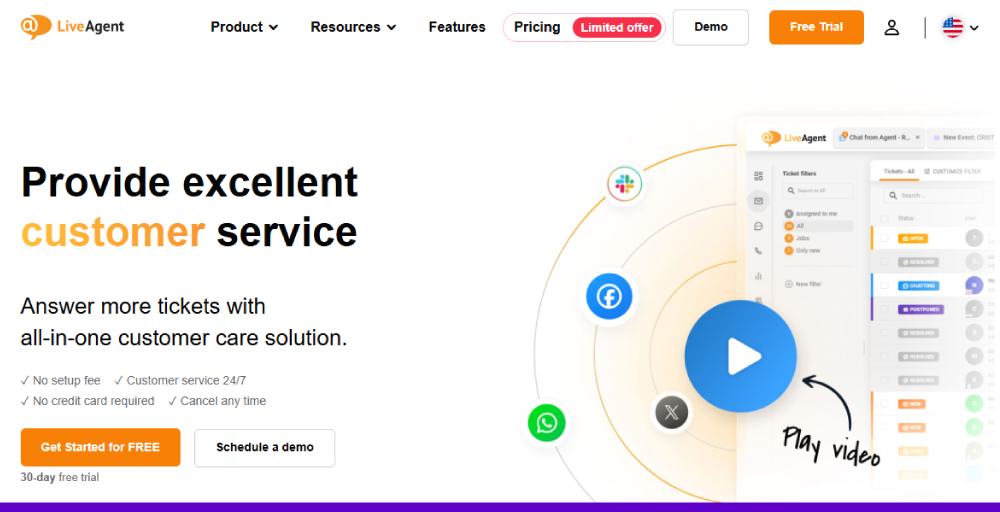
LiveAgent offers personalized customer service options, like an AI chatbot to lessen the agent’s workload, and social media support to increase the satisfaction rate and grow a loyal customer base across all communication channels, such as Twitter, Facebook, and Instagram.
Features
- AI Chatbot: Includes a live agent to answer the user’s prompt quickly
- Ticketing system: Converts all your incoming customer inquiries into trackable tickets
- Universal inbox: Integrates all emails, calls, chats, and social media mentions in one unified inbox
- Agent collision detection: Alert and prevent multiple agents from working on the same ticket
- Knowledge Base: Businesses can use a multi-language knowledge base for self-service
Pros
- Seamless switching between phone calls, emails, and social media
- Customizable reporting and smooth chat
- User-friendly and intuitive design
Cons
- Minor widget style
- Live agent online 24/7 is not available
- Some users report performance issues and occasional bugs
Pricing
- Small business: $13 per agent/month
- Medium business: $30 per agent/month
- Large business: $49 per agent/month
- Enterprise: $75 per agent/month
6. Sleekflow: Best for omnichannel conversational
Seekflow is a digital customer communication management platform designed with a focus on conversational commerce. Sleekflow AI agents help in nurturing leads, closing sales, and retaining customers on a seamless omnichannel conversational AI platform.
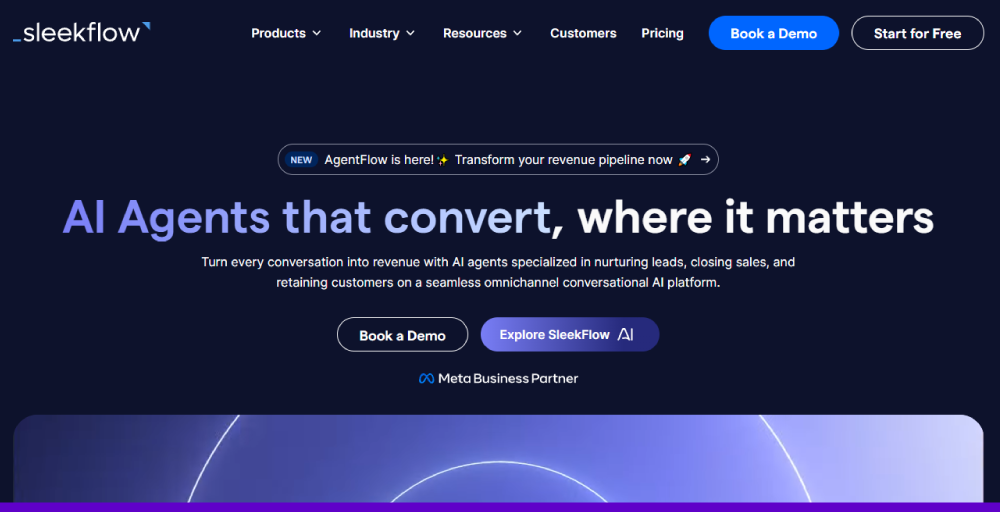
In combination with AI technology, Sleekflow automates the inbound sales process, builds a support system, such as a smart ticketing system, real-time feedback, and an omnichannel inbox with AI reply and writing assistant.
Features
- Pop-up chat: Enables a pop-up chat window to encourage website visitors
- Team inbox: Offer a central location for help requests
- Customer profiles: Profile creation for contacts and customers
- Automation rules: Custom workflows to automatically route messages, chats, and contacts
- Sales analytics: Track metrics to analyze conversational sales and marketing
Pros
- AI and automation features are effective for streamlining conversations
- Broadcast consistent messaging features are great for marketing campaigns
- Advanced messaging apps for social commerce
Cons
- AI smart reply only responds to simple questions
- Difficulty connecting to the channel for assistance, especially for newcomers
- Lacks features like CSV exports, detailed reporting, and customizable metrics
Pricing
- Pro: US$199 per month
- Premium: US $349 per month
- Enterprise: Talk to sales
7. Respond.io: Top choice for lead generation and sales
Respond.io is a leading customer communication platform designed to help businesses generate more leads and boost revenue growth through conversational messaging. Respond.io offers a unified conversation platform that can be connected to social media platforms such as Meta and TikTok.
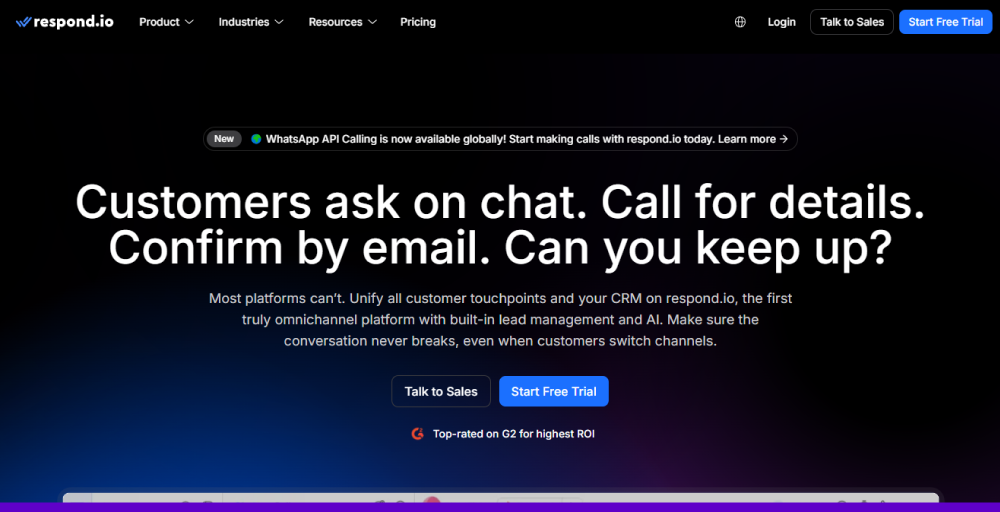
Moreover, by integrating it with WhatsApp Business Calling API, you can make and receive calls over the WhatsApp Business Platform. Respond.io combines all your conversations in a single inbox so that you never miss any leads and supercharge lead generation through ads.
Features
- Lead management: Identify qualified leads and route them to the particular sales agent based on conversation data
- Omnichannel inbox: A unified workspace to manage all messages from different platforms
- Analytics and reporting: Offer real-time insights into team performance and conversation trends
- Contact management: Ability to merge and edit customer profiles across various messaging channels
- Tools integrations: Easily connect with popular tools like Zapier, HubSpot, Salesforce, Shopify, and many more
Pros
- Provides an omnichannel solution
- Integration with third-party API and applications is easy and seamless
- Unified communication platforms integrating all the social media, such as WhatsApp, Facebook, Instagram, and Email
Cons
- Issue with the chat filtering feature
- Costly for small businesses
- Unable to assign the same person to multiple teams
Pricing
- Starter: $99 per month
- Growth: $199 per month
- Advanced: $349 per month
- Enterprise: Contact sales
8. Freshdesk: Best for integrations
Freshdesk is a cloud-based customer communication management solution that helps companies to streamline their customer support operations with an intelligent ticketing system. This unified platform offers various self-service options, reporting, automated workflows to assign chats, and tickets to particular agents.
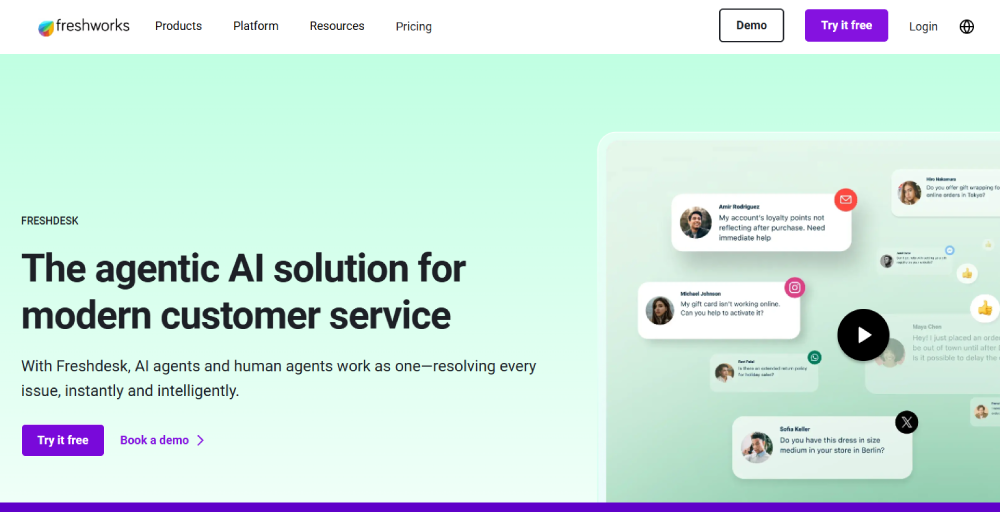
Freshdesk’s email ticketing system easily reads every incoming ticket, understands it, and responds with the correct solution. This intelligence empowers support teams and streamlines every queue, every time, handling without any complexity.
Features
- Reporting and analytics: Offer insights into customer interactions and agent performance
- Freddy AI: An AI suite for customer service that offers chatbots, performance insights, and agent assistance
- Knowledge base: Simplify complex issues with expertly crafted articles in the knowledge base
- Ticket templates: Design templates with pre-filled data, including subject, description, and ticket properties
- Multilingual translations: Provides support in different languages, ensuring a personalized experience
Pros
- Frequent update of the UI interface
- More integration apps are available in the marketplace
- Internal ticket creation, especially the “Internal Group” and “Internal Agent” fields
Cons
- Need continuous improvements regarding customer queries
- Sometimes features are deprecated without any notice
- Lacks the customizable notifications
Pricing
- Growth: $18 per agent/month
- Pro: $59 per agent/month
- Pro + AI Copilot: $94 per agent/month
- Enterprise: $95 per agent/month
9. Hiver: Best for email communication
Hiver is a robust and centralized customer communication management solution that is used to manage all your customer communication interactions in a unified platform. With Hiver’s AI, users can summarize long email threads, draft responses, and power chatbots that automatically handle routine queries.
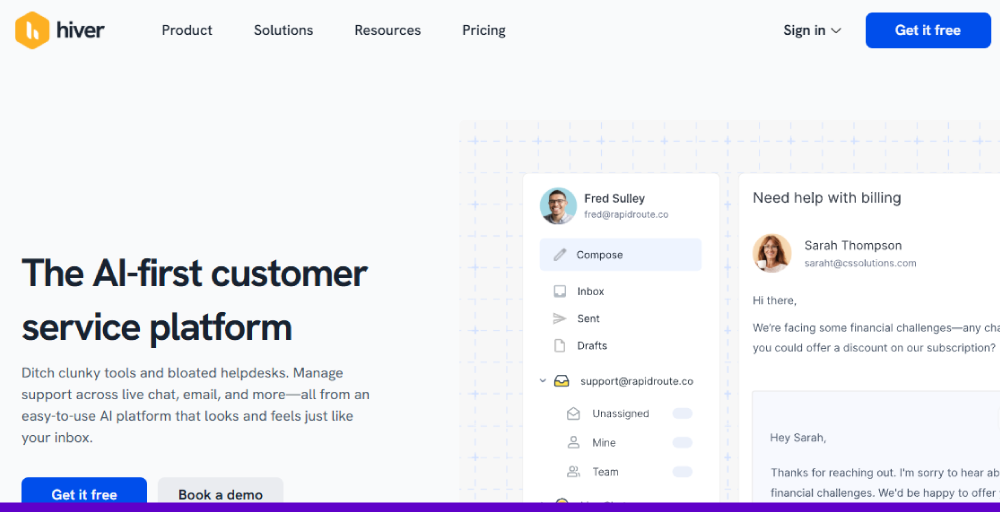
Moreover, Hiver empowers customers to find the answer on their own with a knowledge base. Its interfaces are easy to use, intuitive, familiar to known communication apps like Gmail or Outlook, and can be easily set up in less time.
Features
- Shared inboxes: Allows the team to group all the email addresses, like info and support, in a single and centralized inbox
- Multi-channel support: Centralize all customer conversations into one unified platform
- Automation: Automate the workflows, such as categorizing conversations, assigning tickets, and routine tasks
- Analytics and reporting: Offers built-in reports and dashboards to track metrics such as resolution times, response times, and team workload
- Knowledge base and customer portal: Ability to create a public knowledge base to find answers on their own
Pros
- The platform is easy to organize and collaborate as a team
- Ability to track the email ownership
- Offers free trials that are beneficial for smaller nonprofit organizations
Cons
- The knowledge base is only available in the premium version
- Gmail conversation view is not ideal
- Issues encountered with Hiver’s notifications
Pricing
- Free: $0 with basic features
- Lite: $24 per user/month
- Growth: $34 per user/month
- Pro: $59 per user/month
- Elite: Contact with sales
10. Messagepoint: Best for content management
Messagepoint is a customer communication management solution that delivers intelligent content, driving customer success and business efficiency across print and digital channels. However, at its core, Messagepoint is a cloud-based content management system (CMS) made to assist organisations in creating, managing, and sharing digital content.
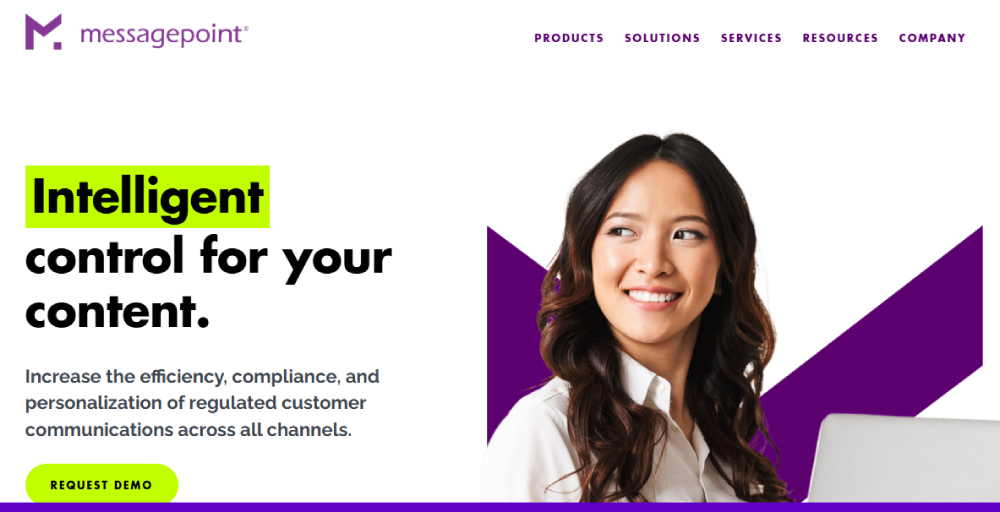
In addition, this platform leverages AI in customer service that users can make use of to offer highly personalised and relevant communication to their customers. With its no-code control, users can easily customize their code to regulate customer communications across all digital channels.
Features
- Modular content management: Reusable content can be used for different channels, such as web, SMS, chatbots, mobile apps, and print
- Headless CCM: Provides restful APIs, beneficial for developers
- Unified content hub: Centralised point of control for all the content
- No-code control for business users: Non-technical users can easily manage the content
- Security: Includes a Zero-Trust security model to validate the security and integrity of each device
Pros
- Simplicity in task automation
- Web-based tools are making it easy to test and deliver
- For communication content, it’s easy to create even complex spreadsheets
Cons
- Require more storage memory on the device
- Issue with AI communication features
- Users often encounter spammy messages
Pricing
- Talk to sales for the pricing plan
11. Quadient Inspire: Best for enterprise communications management
Quadient Inspier is an excellent customer communication management solution, designed to help businesses create, manage, and provide personalized communications in all channels. With Quadient, users can see a holistic view of the customer journey, making it easier to leverage the existing systems’ information and offer an engaging and relevant customer experience.
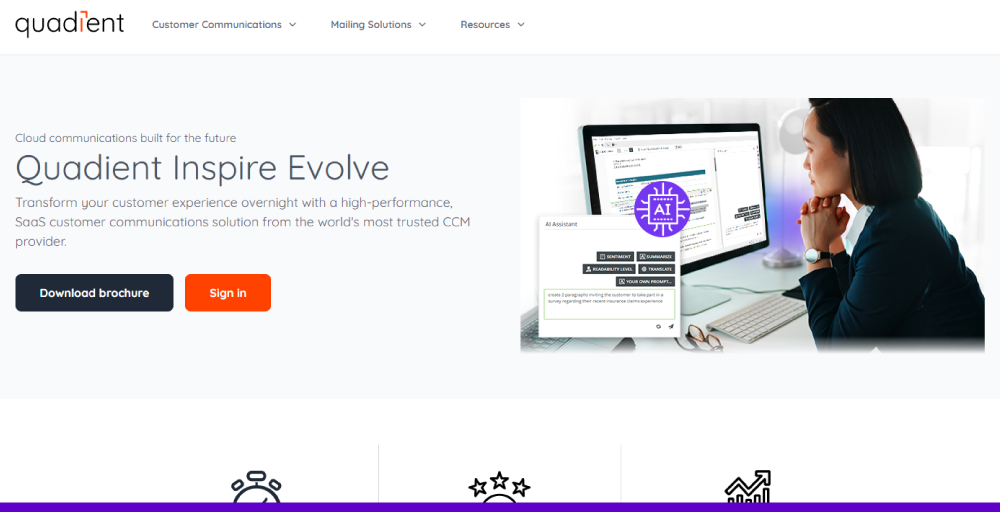
Furthermore, Quadient enables businesses to connect all the customer-facing interactions to a comprehensive customer journey map. This ensures that every customer interaction project is accountable to the enterprise CX strategy at the highest level.
Features
- Omnichannel communication: Design and deliver communications across different channels such as print, email, and digital mobile
- Intelligent forms: Inspire iForms enables seamless gathering, validation, and communication of business-critical data
- Universal content access: Centralize access to historical data for customer support efficiency
- Mapping and analytics: Map customer journey, identify painpoints, and analyze touchpoints
- Front-office empowerment: Personalize and deliver content without IT support
Pros
- Flexibility in creating, automating personalization, and managing customer communications
- Easily integrate with different third-party software
- Tools can generate and process multiple formats such as PDF, XML, CSV, TXT, etc.
Cons
- The setup file is large and takes more memory
- Prices are high for small business owners
- Improvement required for cloud support
Pricing
- Their pricing model is customized based on the desired workflow. Talk to sales.
12. Salesforce Service Cloud: Best for sales and marketing teams
Salesforce Service Cloud is considered a leading customer communication management solution, designed to help companies serve their customers better by centralizing up-to-date customer data. Salesforce leverages AI and automation to handle repetitive tasks, generate predictions, and assist human agents.
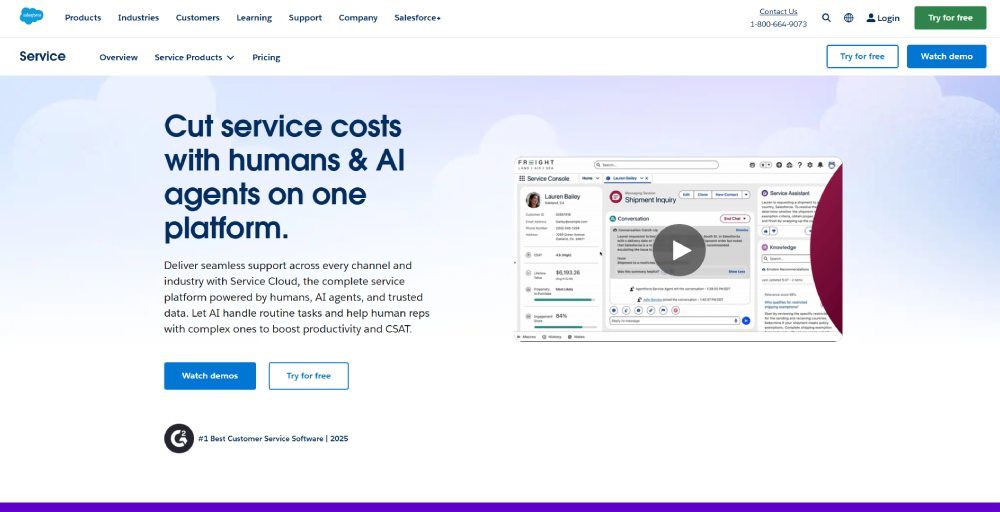
Additionally, the knowledge base combines all the information into one unified platform to leverage the AI-driven support. It enhances customer satisfaction while providing relevant knowledge article recommendations that appear directly in their reps’ work.
Features
- Cloud-based CRM: Stores data on remote servers for seamless remote access
- Contact management: Organize and access crucial information about existing and potential customers
- Automation workflows: Automate repetitive tasks and streamline business processes, such as sending notifications
- Reports and analytics: Data visualization and analysis to create customizable reports and dashboards
- Customer self-service: Offer AI-powered bots for personalized support and 24/7 assistance
Pros
- Provide modern, competitive, and innovative tools
- Customer support is proactive and responsive, particularly for Premier Support
- Ease of integration with third-party software and other Salesforce clouds
Cons
- Setup and customization can be complex
- Customization required technical expertise, time, and cost
- Issue with the system font during refresh
Pricing for small businesses
- Starter Suite: $25 per user/month
- Pro Suite: $100 per user/month
- Sales Enterprise: $165 per user/month
5 Benefits of customer communication management software
Leveraging the customer communication software improves your business’s operations and customer relationship management. Here are five advantages companies get from CCM software.
- Enhanced customer experience: By offering personalized, consistent, and timely communications across all channels, CCM software makes consumers feel understood and valued. These personalized customer experience leads to customer loyalty and satisfaction.
- Increased operational efficiency: CCM software unified all your customer interactions in a single platform, automates routine tasks, and offers a holistic view of customer data for analysis. It will minimize the data error, eliminate manual work, and result in the team focusing on more strategic approaches.
- Improved security and compliance: The CCM platform often comes with features for managing governance and regulatory compliance. Moreover, with these tools, you can track all the customer interactions to ensure all sensitive data is handled securely in accordance with legal standards while managing regulatory compliance.
- Better team collaboration: Collaboration tools like internal chat for real-time discussion, tagging for sharing information, and note-taking enable faster issue resolution. Having a unified dashboard in CCM software ensures all dedicated team members have access to the same data, resulting in instant issue resolution and better collaboration.
- Data-driven insights: The CCM solutions consist of built-in analytics and reporting tools that provide insights into agent performance, customer behaviour, and communication trends. This data-driven information helps business owners to leverage customer data for making informed decisions and improving their strategies.
How customer communication management software work?
To achieve an optimal result using the CCM platform, you need to create a seamless and integrated system for managing all customer interactions. Here is the step-by-step process of how it works:
- Data integration: Identify the data integration tools for business systems such as ERPs, CRM, and other marketing platforms. These tools help to retrieve the relevant customer data required for empowering informed decisions.
- Content creation and management: Most of the customer communication management companies provide CCM software tools to create and manage communication content and templates. This involves using reusable content blocks, ensuring consistency of brand mention across multiple channels.
- Personalization: Most of the CCM tools come with AI-powered tools, such as AI chat, to offer a personalized experience rather than generic messages. Moreover, the software retrieves relevant data from CRM systems or other business tools to provide highly personalized communication. Interaction can be personalized using purchase history, customer preferences, or other specific behaviors.
- Omnichannel delivery: The CCM solutions are integrated with various communication channels for omnichannel delivery. Customer can access or receive information on their preferred channel, including a mobile app, web portal, or email.
- Workflow automation: Using workflow automation, rules and workflows are configured to handle repetitive tasks. For instance, when a new email or enquiry is received, it is then automatically routed to particular agents, or a “thank-you” message is delivered after the purchase is done.
- Analytics and reporting: Lastly, to examine all the customer interactions and conversations, tracking and analyzing are needed. The CCM software includes features like analytics and reporting that track key metrics like call handling time, first-call resolution rates, and much more. These insights help identify areas for improvement, analyze performance, and optimize communication strategies.
Selection criteria for customer communications management software
Selecting seamless client communications management software might differ based on business needs and requirements. However, for a normal consideration, you should check the criteria before choosing an effective communication management software for your business.
- Unified agent workspace: An effective experience or unified customer experience management is possible with a unified agent workspace. Before considering software, ensure your tools unite all customer interactions across multiple channels, such as live chat, email, and phone. This will enhance efficiency by removing context switching and enhancing customer engagement.
- Integration capabilities: Ensure your CCM solutions integrate with ERP, CRM, or other business tools. These integration capabilities allow businesses to resolve issues faster as all the data is centralized and accessible to all team members. Integration eliminates the potential data silos and improves knowledge sharing among agents from a customer’s holistic data view.
- Scalability: As your business grows, the first thing you need is to adapt to the growth. Choose the solution that can handle an increasing volume of customer communication without compromising the overall performance. Accommodating the new members in an effective way is crucial for an organization to grow.
- Ease of use: Modern CCM solutions might require steep learning, especially for the trainee. This might reduce efficiency and lower the user adoption rate. A better solution includes an intuitive and user-friendly interface for both agents and administrators.
- Analytics and reporting: Examining the customer or agent behaviour is essential for further improvements. Having robust analytics features in CCM software offers actionable insights into customer satisfaction, agent performance, and business communication processes. These insights also provide valuable information required for decision-making and business success.