Automated text messaging has become a crucial part of business communication. By saving time and improving customer engagement, these text automations are transforming how companies interact with their audiences.
Automated text messaging involves sending pre-written messages to customers at scheduled times or in response to specific triggers. The latest trends include AI-driven personalization, multi-channel automation, and integration with CRM platforms, enabling businesses to create more targeted, timely, and relevant communications.
This blog explores the best automated text message tools available in 2025, examining their features, use cases, and suitability for different business needs.
✨ Key Takeaways
- Automated text message software allows users to pre-write and schedule SMS messages.
- Some of the well-known automated text message apps or software are Omnisend, SlickText, Textedly, Attentive, Klaviyo, Textmagic, and Simple Texting.
- To select text automation software, consider your business needs and goals, estimated pricing, and features, and compare it with other software.
What is an automated text message software?
Automated text message software is a platform that helps businesses send pre-written messages to a list of contacts automatically, based on schedules or predefined triggers. With this software, you can send messages to individuals or large groups without manually entering each SMS.
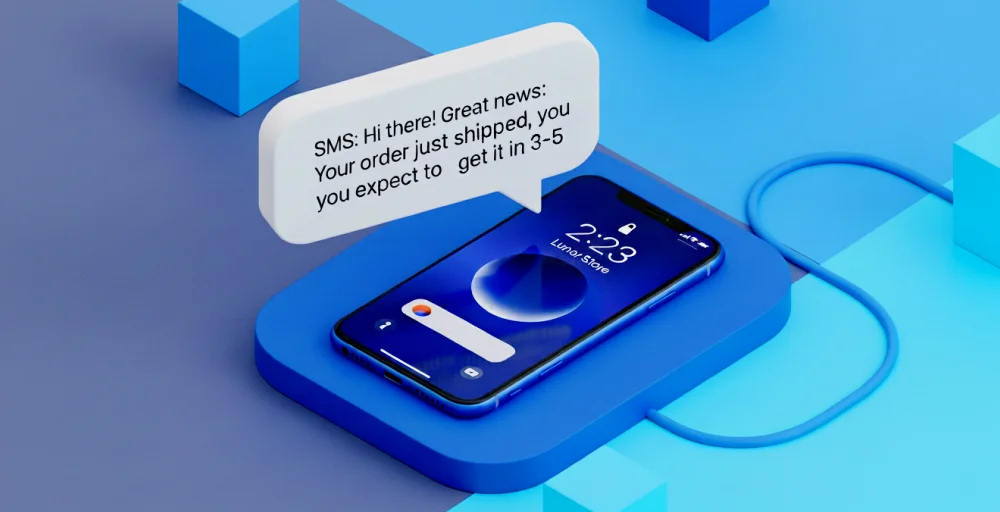
These automated text message apps allow you to track, prioritize, and respond to all your messages in one place. You can use this software to send SMS/text messages, such as reminders, billing reminders, follow-up texts, appointment confirmations, and transaction alerts.
How does automated text messaging work?
Automated text messaging works by using software to send prewritten messages triggered by specific events or a preset schedule. The process starts when an organization identifies a trigger, such as customer registration or a scheduled appointment.
This trigger starts a workflow that outlines the order of messages and decision points. When the trigger occurs, the software automatically sends the appropriate message.
Scheduling ensures timely delivery, whether immediately or during business hours. This automated text system detects triggers, populates templates, and sends messages via an SMS gateway to recipients, enabling efficient, personalized communication at scale.
7 best automated text message tools & software in 2025
Automated text message tools and software are essential to streamline business text messaging and marketing efforts. Here are some of the text automation tools explained below:
| Software | Pricing | G2 ratings |
| Omnisend | Custom pricing, while personalized content add-on starting at $5.00/month. | 4.6/5 (1,118) |
| Simple Texting | The estimated monthly cost $39.00. | 4.7/5 (640) |
| Textmagic | Pay-as-you-go, from $59 | 4.4/5 (127) |
| SlickText | Free and customer pricing. | 4.8/5 (1,786) |
| Textedly | Free for 50 text messages. | 4.6/5 (1,212) |
| Klaviyo | Free: Up to 250 profiles and 500 emails/month. | 4.6/5 (1,125) |
| Attentive | Contact sales | 4.6/5 (1,068) |
Note:- The pricing may vary based on your subscription plan. So, please check with the provider for the most up-to-date pricing information.
1. Omnisend
Omnisend is a marketing automation platform that helps businesses with email, SMS, and web push services. It is popular among e-commerce businesses that want to run campaigns across different channels.
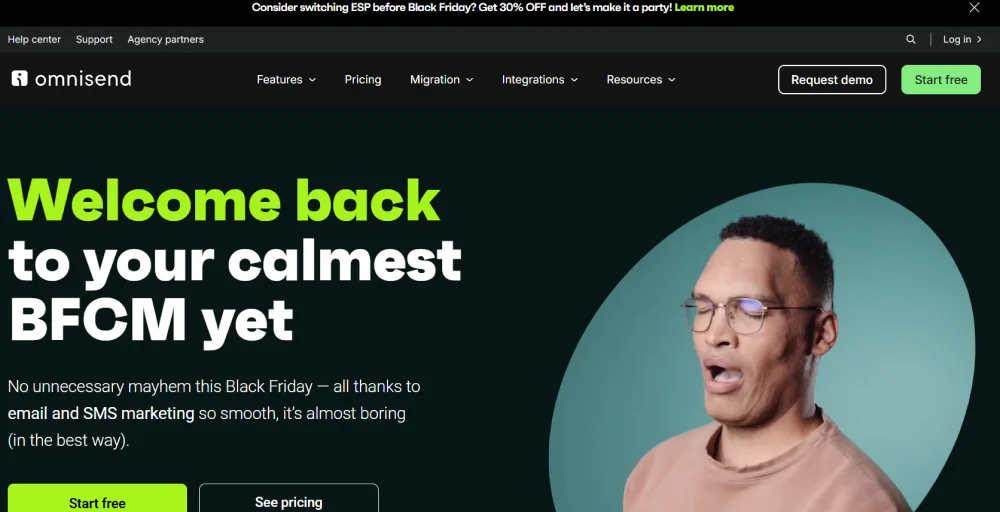
While Omnisend is primarily known as a powerful email tool, its SMS features integrate seamlessly with automation workflows. This allows businesses to create personalized customer journeys using multiple channels.
Key features
- Email campaigns
- Pre-built templates
- Conversion tracking
- Drag-and-drop editor
- Product listing blocks
Use-cases
E-commerce brands use Omnisend to send automated cart abandonment reminders, order confirmations, and promotional messages across SMS and email. Retailers leverage segmentation to deliver personalized product recommendations, while businesses use multi-channel workflows to re-engage customers and increase repeat purchases.
Best for
E-commerce brands that need multi-channel automation.
2. Simple Texting
Simple Texting is a comprehensive SMS marketing platform that enables users to create automated text messaging workflows triggered by specific events. It supports both standard SMS and MMS messages, allowing users to send images and videos.
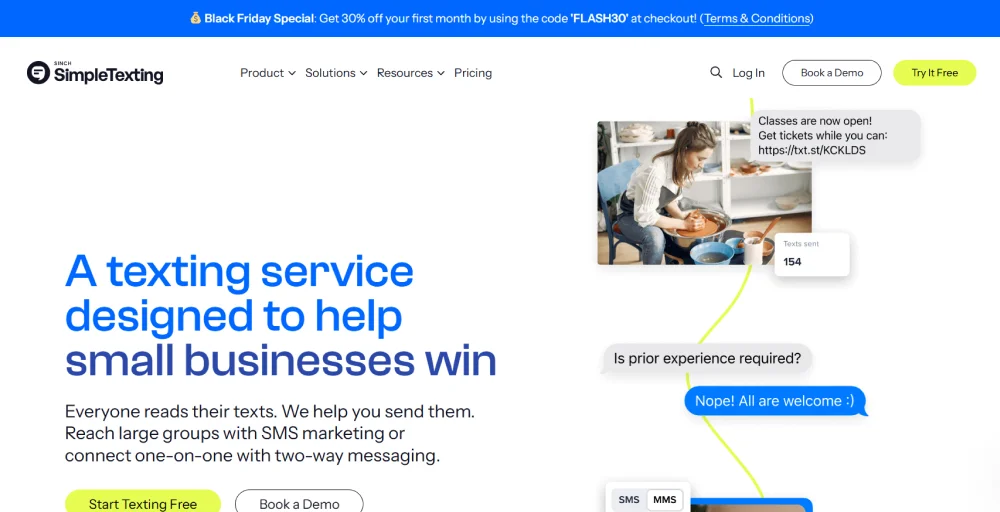
The platform helps you send automated text messages for business welcome messages, out-of-office notifications, and even more complex, behavior-based messages.
Key features
- Drip campaigns
- Conversation filters
- Internal notes
- Recurring texts
- Custom fields
Use-cases
Small and medium businesses use SimpleTexting to send appointment reminders, event notifications, and promotional offers via SMS. Nonprofits and educational institutions automate donor updates, event RSVPs, and student communications. Customer support teams rely on two-way messaging to respond quickly to inquiries.
Best for
Best SMS app for easy-to-run marketing campaigns.
3. Textmagic
Textmagic is a pay-as-you-go SMS platform known for reliable bulk messaging and a range of business features like Email-to-SMS and global coverage. It offers transparency and flexibility, allowing users to pay only for the messages they send.
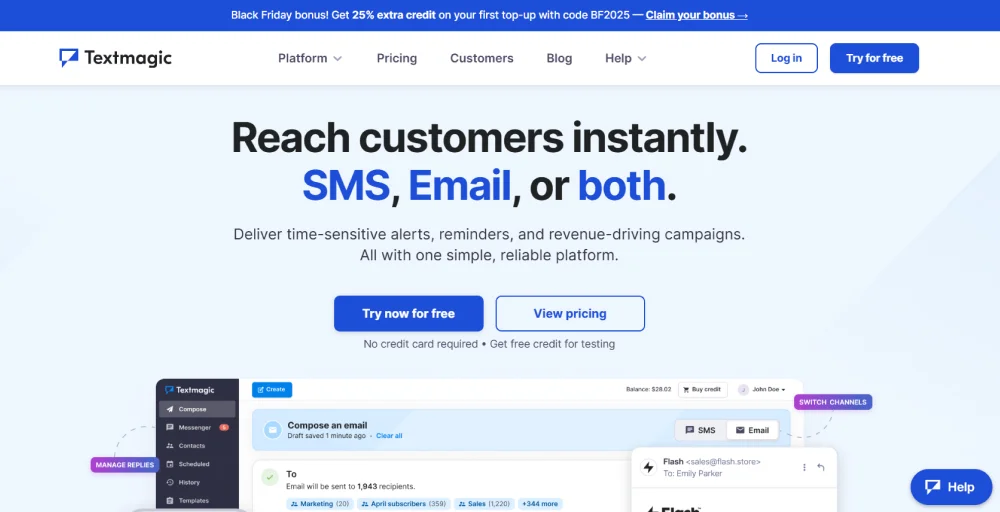
TextMagic is an SMS messaging platform for small to medium-sized businesses, enabling teams to send bulk texts, schedule campaigns, and manage customer responses without advanced technical skills.
Key features
- 10DLC
- Shared inbox
- Toll-free texting
- SMS sender ID
- Omnichannel chat widget
Use-cases
Businesses with global customers use TextMagic to send transactional alerts, appointment reminders, and payment confirmations. It’s widely used for seasonal marketing campaigns, lead nurturing, and two-way customer service where quick responses are required.
Best for
Best SMS app for quickly sending texts.
Related 👉: 35 Order Confirmation SMS Templates You Can Use Instantly
4. SlickText
SlickText is a dedicated SMS marketing software that makes text message marketing and SMS marketing easier. It offers an automated multi-branch option that triggers messaging flows automatically.
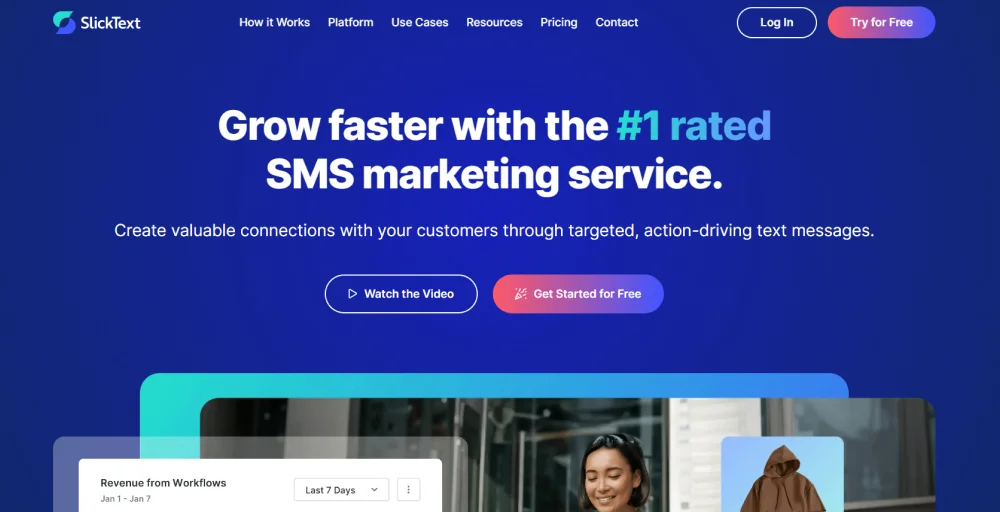
SlickText is a top-rated SMS marketing service designed to help businesses build customer loyalty and increase revenue through targeted and personalized text messages. It simplifies text message marketing, enabling users to build valuable relationships with their audience.
Key features
- Mass texting
- Tags and statuses
- Opt-out intelligence
- A/B texts
- MMS
Use-cases
Retailers and service providers use SlickText for automated drip campaigns, loyalty program updates, and promotional broadcasts. Educational institutions and nonprofits automate alerts and engagement messages, while marketing teams rely on segmentation and keyword-triggered messages to target specific audiences.
Best for
Best SMS app for collecting phone numbers and advanced marketing.
5. Textedly
Textedly is a cloud-based text message marketing (SMS) platform that automates texts and delivers messages to customers at the right times. It helps businesses to send bulk SMS and MMS messages, manage contact lists, and automate message workflows.
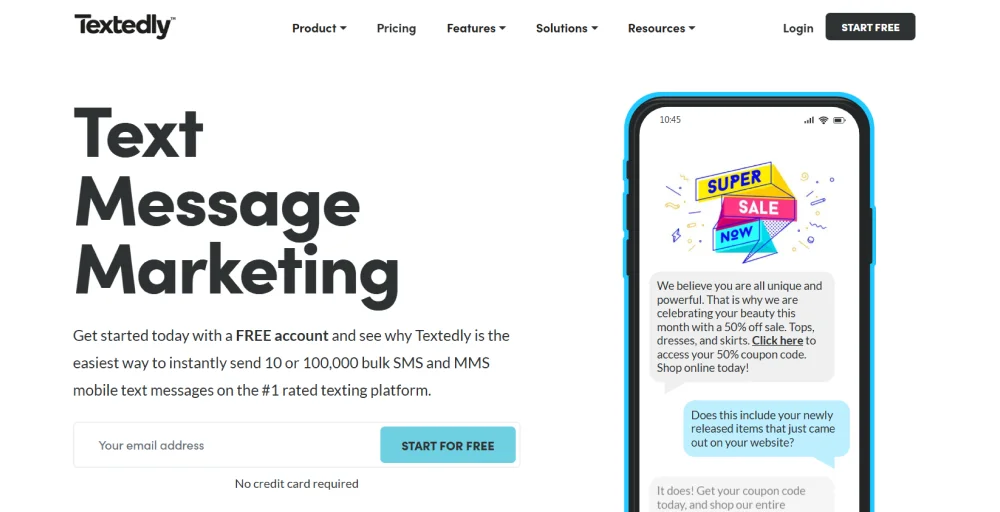
It combines campaign creation, contact management, and reporting in a single interface. Textedly helps marketing, customer support, and engagement teams across small to mid-sized businesses and enterprises deliver timely notifications, promotions, and two-way interactions via text messaging.
Key features
- Webforms
- Auto reply texts
- Two-way SMS
- SMS surveys
- Text voting
Use-cases
Event organizers and small businesses use Textedly for mass notifications, reminders, and promotions. Educational institutions automate student check-ins and enrollment follow-ups, while service providers use scheduled reminders for appointments and customer notifications.
Best for
Teams needing manageable mass texting with minimal setup.
6. Klaviyo
Klaviyo offers automated SMS marketing software designed to boost customer engagement and revenue. It allows businesses to personalize and optimize their SMS messaging through automation.
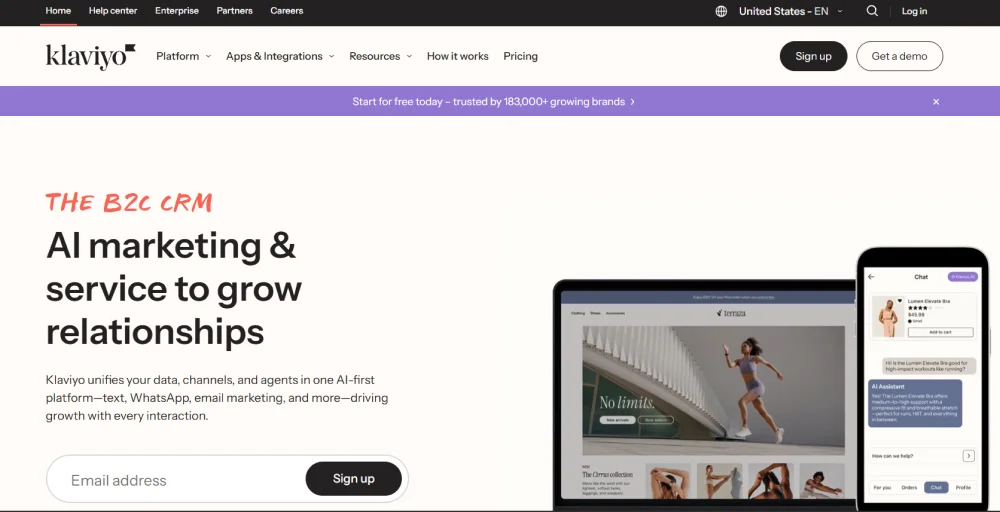
This unified platform provides a combined email and SMS marketing solution for growing businesses. Klaviyo’s SMS platform enables brands to deliver targeted text messages, improving customer interaction and sales.
Key features
- Email templates
- Automated flows
- Omnichannel campaigns
- Klaviyo AI
- Integrations & APIs
Use-cases
E-commerce brands use Klaviyo to send behavior-based SMS and email campaigns, including abandoned cart reminders, post-purchase upsells, and personalized recommendations. Retailers leverage advanced segmentation for re-engagement campaigns, while marketing teams integrate SMS with email to maximize conversions.
Best for:
Ecommerce brands focused on AI-driven SMS and email marketing automation.
7. Attentive
Attentive is a top SMS marketing solution known for creating personalized customer experiences. It uses advanced AI to manage customer data and send targeted text messages. The platform supports SMS, RCS, and email, allowing businesses to engage customers in different ways.
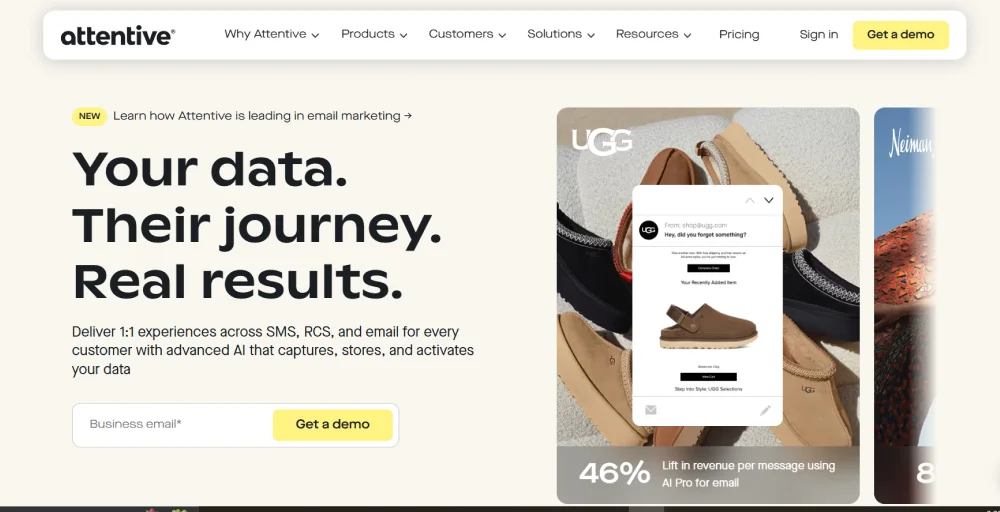
Attentive focuses on creating timely and engaging interactions to build better customer relationships and improve marketing results. This solution helps businesses automate and optimize their messaging strategies.
Key features
- Schedule journey deactivation
- Recurring campaigns
- Email preference collection
- Personalized subject lines
- Delete and archive journeys
Use-cases
Enterprise and fast-growing e-commerce brands use Attentive for high-conversion SMS campaigns, conversational messaging, and lifecycle marketing. Retailers automate cart recovery, flash-sale alerts, and loyalty-program communications. Customer support teams use two-way messaging for instant replies while ensuring seamless handoffs to agents.
Best for
Enterprise-level e-commerce businesses looking to maximize SMS revenue with a high-performance, data-driven platform.
Related 👉: How To Forward A Text Message On Any Device
Automated text message examples & use cases
Automated text messages are used across industries for business purposes to reduce manual workload and deliver timely updates. Here are the common use cases of automated text messaging along with automated text examples:
1. Healthcare
Use case: Healthcare providers use automated reminders to reduce missed appointments and improve scheduling efficiency. These reminders ensure patients don’t forget their visits and make it easy for them to confirm or reschedule without calling the clinic.
Example: “Hi [Patient Name], this is a reminder of your appointment on [Date] at [Time] with [Provider Name] at [Clinic Name]. Reply CONFIRM to confirm or RESCHEDULE to choose another time.”
2. E-commerce
Use case: Online stores send automated texts to keep customers informed at every step, from order confirmation to delivery. This reduces customer anxiety, decreases support inquiries, and builds trust by providing real-time updates.
Example: “Great news! Your order #[Order Number] has been shipped. Track your package here: [Link].”
3. Customer support/service team
Use case: Automated support notifications keep customers informed about the status of their support tickets. Whether a ticket is created, assigned, or resolved, automated messaging ensures transparency and enhances customer satisfaction.
Example: “Hello [Customer Name], your support request #[Ticket Number] has been received. Our team is working on it and will update you shortly.”
4. Marketing & Promotions
Use Case: Businesses use automated promotional texts to alert customers about discounts, flash sales, or special events. These messages help drive immediate action, boost sales during slow periods, and reward loyal customers.
Example: “Flash Sale! Enjoy 20% off all items today only. Use code SAVE20 at checkout. Shop now: [Link].”
5. Billing & Finance
Use Case: Automated payment reminders help businesses reduce late payments and improve cash flow. Customers receive clear, timely alerts before their due dates, making it easier to stay on track and pay on time.
Example: “Hi [Customer Name], this is a reminder that your invoice #[Invoice Number] is due on [Due Date]. Pay securely here: [Link].”
How to choose the right automated SMS software for your business?
Choosing the right automated SMS software for your business is necessary for running effective marketing campaigns, improving customer engagement, and streamlining communication.
So, here are a few things to look for when selecting the best automated SMS software for your business:
1. Access your needs, goals, and budget
Before finding the right solution, define why you need such SMS automation. Understanding your goals ensures you select a platform that aligns with your business objectives.
Additionally, set realistic budgets for monthly subscription fees, SMS credits, and any additional features, such as integrations or analytics tools. This prevents overspending on features you may not need.
2. Research features and capabilities
Not all SMS platforms offer the same features. Evaluate each software based on your business requirements, automation, two-way messaging, integrations, analytics, reposting, and multi-channel support.
By identifying which features are essential, you can narrow down your options to platforms that meet your business needs.
3. Compare with the competitor
Once you have shortlisted potential tools, perform a side-by-side comparison considering their pricing, compliance, support, and ease of use. Additionally, read reviews, case studies, and user feedback to understand real-world performance, reliability, and any potential limitations.
Related 👉: Conference Call Services for Modern Teams: Features & Tips
Conclusion
Automated text messaging has become an essential tool for modern businesses aiming to improve customer communication, streamline operations, and increase engagement. With powerful automation features, real-time updates, and personalized messaging, SMS remains one of the most effective channels.
By selecting the right software, one that aligns with your goals, budget, and workflow, you can build stronger customer relationships, reduce manual effort, and ultimately drive better business results.