Despite the rise of video meetings, audio conference calls haven’t disappeared—in fact, they’ve become even more essential due to the fast-paced hybrid working environment. For many teams, hopping on a quick call without the need for screens or downloads is faster, simpler, and more practical.
That being said, not all conference call services are created equally. Many teams still face issues like poor call quality, limited features, and hard-to-use platforms that slow down collaboration.
A good service, however, should support the way your team works to make conference calls more productive and efficient.
In this guide, we’ll cover what conference call platforms are, who benefits the most by using them, how to choose the right one, and a list of the top providers in the market.
✨ Key Takeaways
- A conference call service lets many people join and talk in one call using a shared line or bridge.
- A conferencing platform must deliver high-quality audio and video, screen sharing, participant controls, and cross-platform accessibility for smooth online meetings.
- Picking a suitable conference calling platform involves analyzing the reliability, ease of use, security, and integration support with your existing tools.
What are conference call services?
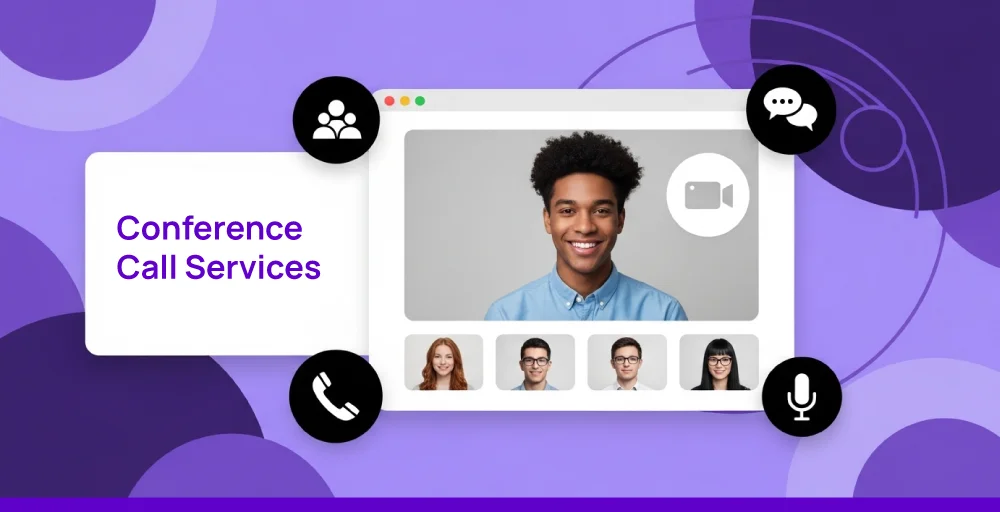
Conference call services are communication tools or platforms that allow multiple participants to join the same call and speak with each other simultaneously. These services use your Internet connection rather than traditional lines.
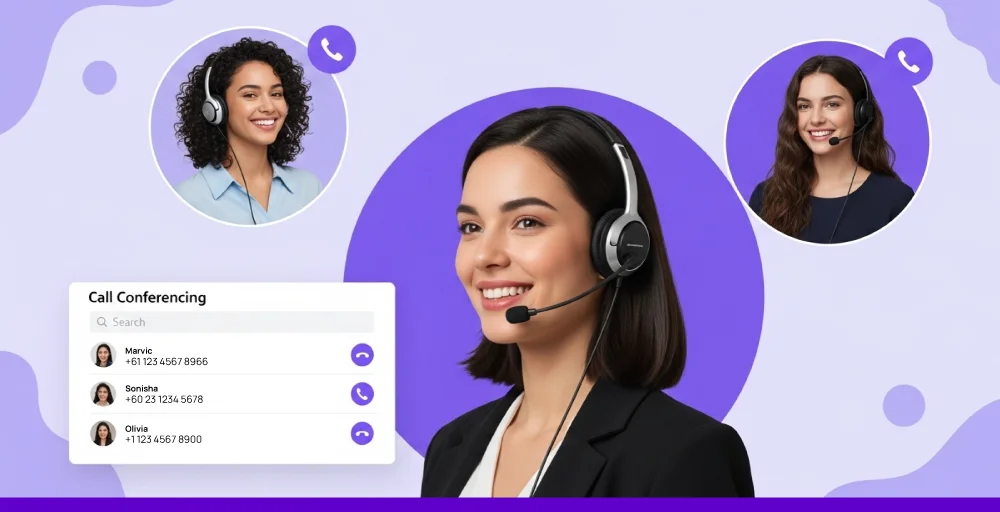
As a VoIP-enabled service, they offer multiple advanced call management features, including call recording, participant management, screen sharing, presentation tools, transcription, chat messaging, integration support, and more. These features help teams stay connected from anywhere, reduce phone bills, and collaborate more efficiently.
Who really needs conference call services?
Conference calls’ numerous features have made them a key part of daily communication for many businesses across different sectors. And while virtually anyone can benefit from connecting with multiple people remotely, certain groups and teams rely on it for smooth and efficient operations.
1. Small businesses running client briefings
Conference call platforms help small businesses to communicate effectively with their clients. Clear audio and other useful collaboration tools make it easier to share key details during briefings, project proposals, discussions, etc.
In addition to better communication, using these tools can also help build a strong rapport and a more professional brand image.
2. Remote teams needing quick syncs
For remote teams working across different regions worldwide, a reliable conference service is a must-have. It helps the team collaborate through quick meetings, address urgent matters promptly, and keep everyone aligned regardless of their location or time zone.
Unlike text messaging, the ability to jump onto a call instantly with your team helps to mitigate delays and eliminate miscommunication.
3. HR departments are conducting phone interviews
Using teleconferencing services, HR teams can easily connect with candidates no matter where they are located. It allows HR personnel and managers to take part in screenings and interviews remotely, without being physically present.
This not only helps to create a professional interview experience but also opens up access to a larger pool of talent.
4. Field agents coordinating without screens
Field agents (such as sales representatives, service technicians, emergency personnel, logistics) who are always on the go and do not have access to a computer can greatly benefit from audio conference calls. They can use it for relaying critical information or client updates with the rest of the team.
Moreover, this flexibility also allows them to join scheduled meetings remotely and stay updated.
Must have features for effective conference calling
Conference calls are no longer simply about establishing a voice connection. They are also about replicating the in-person meeting experience and making virtual interactions more engaging. To achieve this, there are certain features that teleconferencing services should offer.
- High call and video quality: Having high audio call quality and videos is a non-negotiable feature of conference call systems. Ensure it supports Opus and wideband codecs like G.722, plus noise cancellation for crisp voice clarity. Video codecs such as H.264 or VP9 ensure smooth, high-quality visuals.
- Screen sharing and collaboration: Screen sharing is a must-have feature as it provides the necessary visual aid for discussions and presentations. With proper visual context and whiteboard tools, teams can make their online meetings more interactive and engaging.
- In-meeting chat and file sharing function: Text chat and file sharing features allow for quick communication and are especially useful for sharing code or documents during calls.
- Global accessibility: Dial-in and dial-out options make it easier for international participants to join conference calls. They let users join calls using local or international business phone numbers without incurring international charges.
- Cross-platform compatibility: Not all participants may have access to a computer during a conference call, so the platform needs to offer cross-platform compatibility. This ensures users can conveniently join meetings from a smartphone, tablet, or computer, depending on what they have available.
- Breakout rooms: Breakout rooms help to make online meetings more dynamic. Users can host smaller meetings within the conference call with selective participants for quick private discussions.
7 best conference calling services
Here are the 7 best conference calling services, picked for their reliable performance, good audio and video quality, easy integrations, and strong support for remote teams.
1. Zoom
Zoom is one of the best conferencing platforms because it’s simple, widely used, and offers many useful features. It’s known for being easy to jump into, whether you’re catching up with friends or hosting an important business discussion.
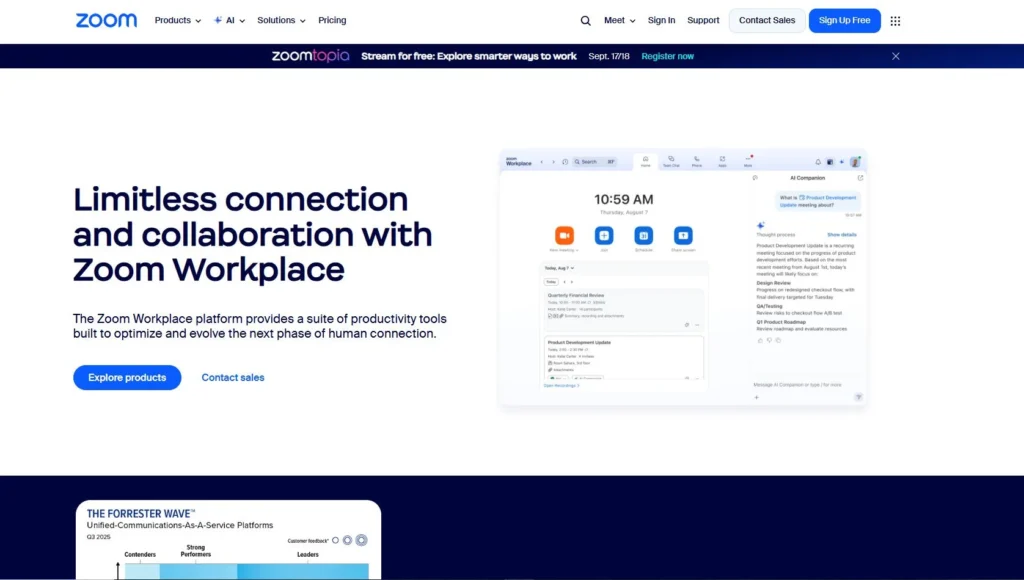
Features like breakout rooms, AI meeting summaries, and third-party app integrations make it useful for teams to manage large meetings and keep track of important discussions.
Key features
- HD video and audio quality.
- Zoom AI companion for meeting summaries and transcription.
- Screen sharing and annotations.
- Virtual background and customization tools, like a 3D avatar.
- Advanced features and participant management tools.
Pricing
- Basic: Free
- Pro: $16.99 per month
- Business: $21.99 per month
For large scale enterprises and industries, contact the sales team for pricing quotations.
2. Google Meet
Google Meet can be your top choice if your team uses Google Workspace. It seamlessly syncs with other Google applications like Gmail, Google Calendar, and Google Docs, making it easy to schedule and manage meetings. It offers high-quality audio/video and can even run in your web browser without extra software.
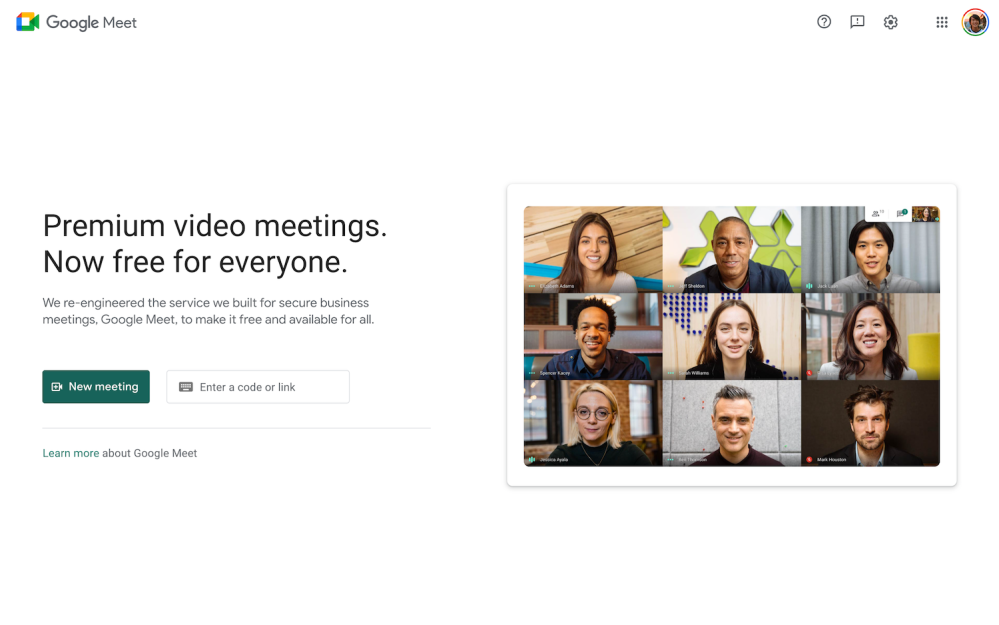
Screen sharing, cross-platform support, and a powerful AI assistant make Google Meet perfect for everyday team meetings.
Key features
- Integration with Google Workspace.
- Powerful AI-assistant integration with Google Gemini.
- Adaptive studio-level audio quality and real-time captioning.
- Virtual background and appearance customization.
- Meeting recording with cloud storage capability.
Pricing
- Starter: $7.56
- Standard: $15.12
- Plus: $26.40
- Enterprise Plus: Contact sales
3. RingCentral
RingCentral is a much bigger unified communications platform that offers more than just simple conferencing tools. It combines other communication, such as business phone (VoIP), SMS/MMS AI assistant under a single platform.
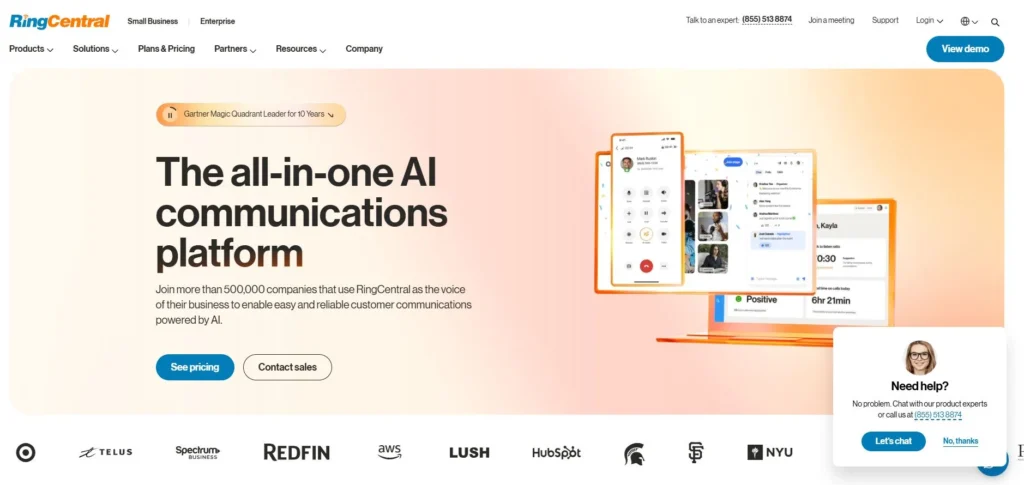
Its main highlighting feature is the industry-leading reliability with 99.99% guaranteed uptime. This makes it especially valuable for startups and large enterprises that depend on consistent, day-to-day customer interaction and support.
Key features
- Offers a comprehensive UCaaS platform.
- Advanced AI-powered tools. (RingSense AI)
- Support a large number of participants.
- Meeting recording and cloud storage.
- Seamless cross-platform capability. (Call-flip)
Pricing
- Core: $30 monthly per user
- Advanced: $35 monthly per user
- Ultra: $45 monthly per user
The mentioned pricing can change depending on whether you choose to pay monthly or annually. Moreover, if you’re planning to go above 5 concurrent users, you’ll need to contact the sales team.
4. Microsoft Teams
Microsoft Teams offers unmatched synergy for teams that already rely on Microsoft 365 products for everyday tasks such as Word, Excel, Outlook, OneDrive, etc. You can join meetings directly from the calendar, co-edit documents and spreadsheets live during meetings, access conversations, etc.
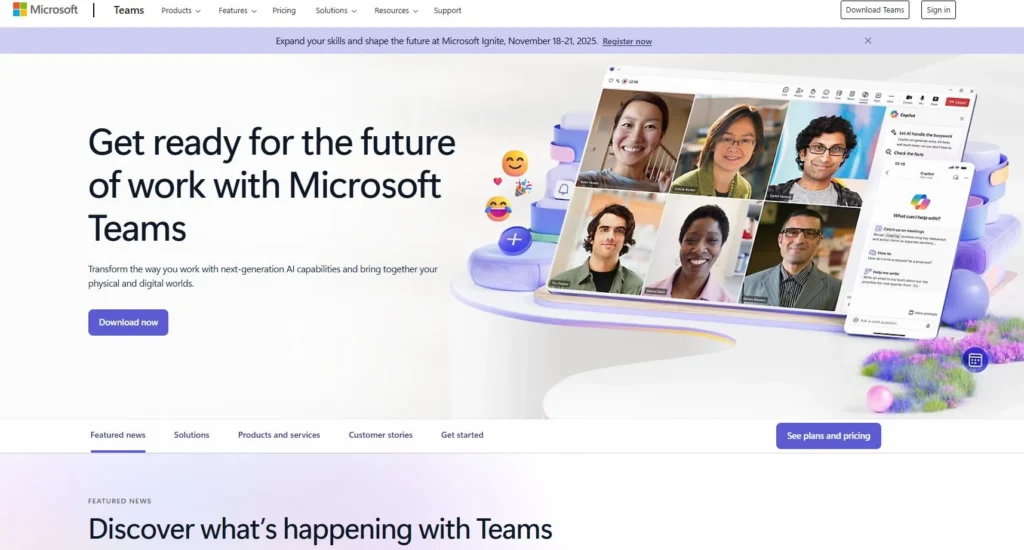
This makes Microsoft Teams ideal for teams looking to centralize all their collaborative activities within the Microsoft ecosystem.
Key features
- Seamless integration with Microsoft 365 apps (Outlook, OneDrive, SharePoint)
- AI-powered meeting transcription tools.
- Conference join flow with guest access
- File sharing and live document editing within the conference call.
- Together mode and custom virtual backgrounds.
Pricing
- Microsoft offers different tier pricing lists for the Home plan, Business plan, and Enterprise plan. Contact the sales team to pick the one that suits our needs.
5. WebEx
Cisco’s Webex is another strong and secure conferencing platform that offers enterprise-grade capabilities. It particularly excels due to its AI tools and comprehensive security framework, including features like end-to-end encryption and data residency options.
This makes it ideal for businesses handling sensitive information or operating in highly regulated industries.
Key features
- Offers global dial-in numbers and “Call Me” dial-out feature for participants.
- AI-powered meeting assistant for transcription and meeting notes.
- Digital breakout rooms and whiteboards.
- Support large-scale webinars with advanced collaboration and attendee management tools.
- Support integration with Cisco’s devices for an enhanced online meeting experience.
Pricing
- Webex offers multi-tiered pricing plans for Webinars, calls, etc. For a better pricing estimation, contact the sales team.
6. GoTo Meetings
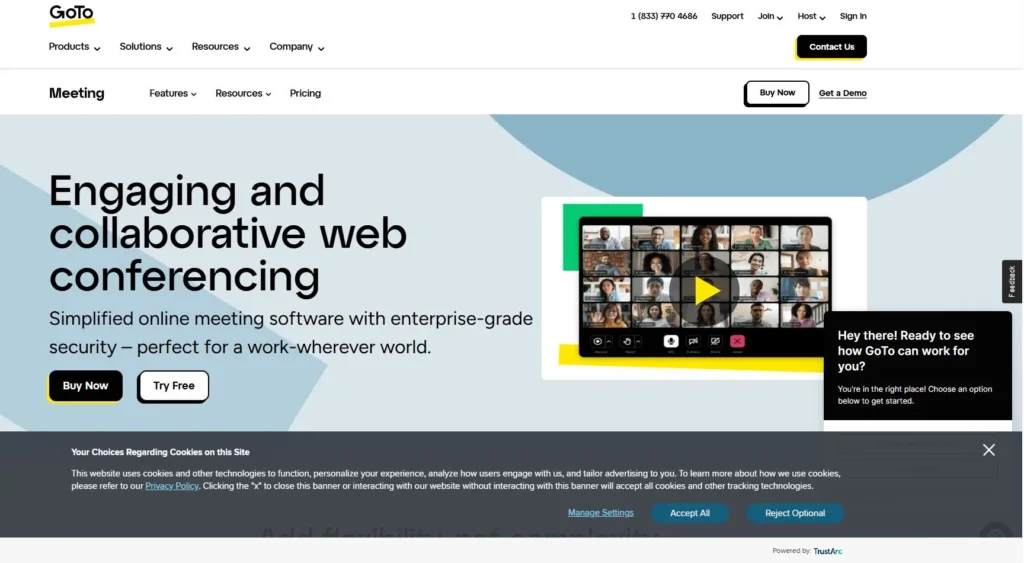
GoTo Meetings is best for teams looking for a straightforward way to conduct professional online meetings. It is designed for ease of use and reliability, especially on mobile devices and in low-bandwidth environments. With its automatic bandwidth adjustment and commuter mode, you can save 90% of your data bandwidth.
Key features
- High-quality calls with background noise suppression.
- Unlimited call center recording and cloud storage.
- Private breakout rooms.
- No time limits on meetings
- In-meeting chat box for texting and file sharing.
Pricing
- Contact sales team
7. 8×8
8×8 is another reliable cloud communication solution that offers advanced cloud telephony features, voice, video, and messaging in a single platform. So, whether you’re talking with your team or holding a big meeting, you have all the tools in one place, ensuring consistent and high-quality conference calls for everyone.
Key features
- AI-powered language translation and transcription tools.
- Immersive spatial audio and video support.
- Advanced meeting analytic tools.
- Polling, Q&As, and virtual hand-raising tools.
- Participant customization options.
Pricing
- Contact sales for pricing details and quotations.
How to choose the right conference call service?
Many business phone providers bundle conference calling features into their monthly plans. These services often deliver more reliable performance, along with high-quality audio and video.
If you’re evaluating your conference call systems, here’s what you should look for.
- Reliable call quality: Reliability is the most important aspect of conference calling, as poor call quality can often lead to miscommunication and frustration. So, ensure that the provider has a good reputation when it comes to call reliability. You can check the user reviews to get a clear understanding.
- Ease of use: Conducting an effective conference meeting is only possible if all participants can easily join the call. So, make sure that the calling platform is user-friendly and straightforward, from setting up a conference call to joining one via an invitation link.
- Cross-platform compatibility: A good conference bridge should support cross-platform access, allowing participants to join calls from any device. Whether someone is using an iPhone, Android, tablet, or desktop, cross-platform compatibility ensures no one gets left out.
- Integration support: Seamless integration allows you to connect other business or communication tools that you already use. For example, CRM software, email clients, project management software, calendar apps, collaboration tools, etc. This helps to streamline your workflow and make it more efficient.
- Security: Business conference calls often involve confidential or sensitive information, so strong security features are vital. You should look for platforms that offer end-to-end call encryption, password-protected meetings, waiting rooms, and host controls to ensure only authorized participants can join.
Conference calling: A way to bring teams together!
Conference calling remains one of the most practical ways to connect remote teams and share important updates without relying on screens or complex software. Whether you’re coordinating across time zones or managing urgent tasks, an audio bridge simplifies real-time communication and decision-making.
If your communication system feels outdated compared to today’s standards, it’s time to consider an upgrade. Modern audio conferencing services offer improved call quality, smoother collaboration, and reliable connections no matter where your team is located.