Our cellphones have become the most vital lifeline for instant communication, but have also blurred the line between professional availability and personal peace. That’s why we often use DND mode for personal downtime.
But when an emergency strikes, this silence can become the source of anxiety. You may have experienced this yourself: desperately calling someone to deliver an urgent message, only to fail because their phone was muted.
The good news is that there are reliable ways to call someone even when they’re in DND mode. You can call someone in DND mode via repeated calls, through emergency contact, or third-party apps.
In this guide, we’ll discuss what Do Not Disturb mode really is, why people use it, and, most importantly, how to call someone on DND in emergencies.
✨ Key Takeaways
- DND mode silences notifications and is mainly used to avoid distractions on your phone. It can help focus, minimize stress, maintain work-life balance, and protect privacy.
- To bypass DND mode, you can make repeated calls/SMS or use third-party apps. You can even ask the recipient to add you as an emergency or favorite contact so your call can go through.
- Though it’s difficult to tell whether a user has enabled DND mode, you can verify it by checking whether your call goes straight to voicemail, the message delivery status, whether you receive timely repeated calls, and the DND icon.
What is Do Not Disturb mode?
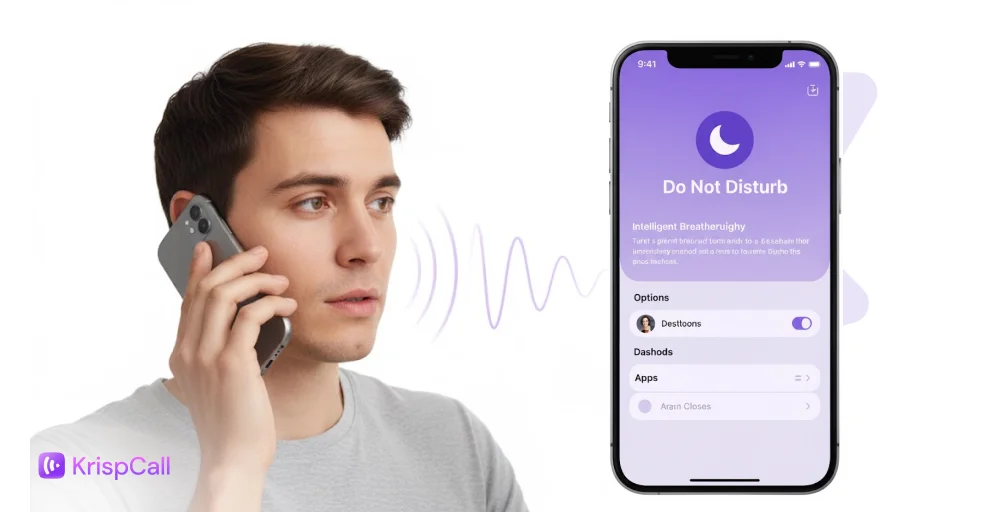
Do Not Disturb mode is a built-in telephony feature in your mobile device that silences all sounds, vibrations, and screen flashes from notifications.
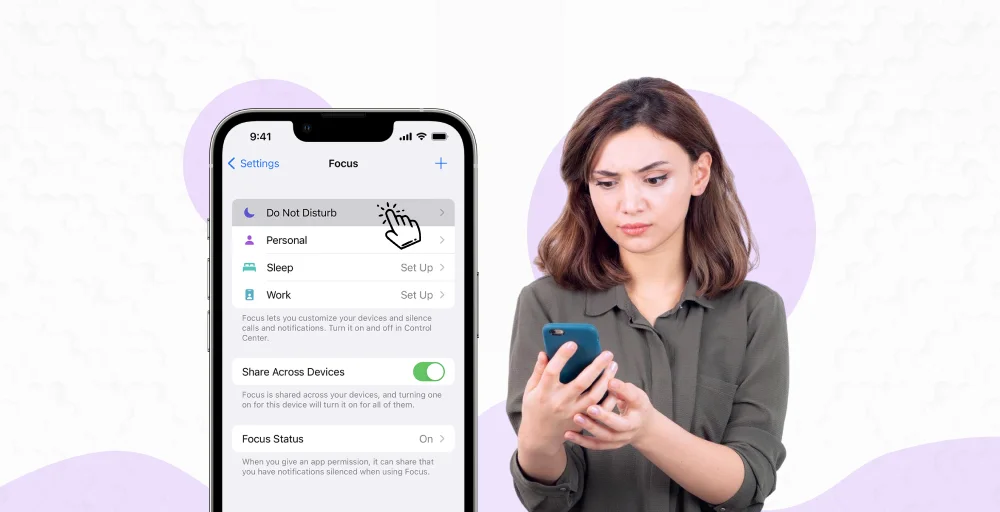
Typically, when you receive a notification, it alerts you immediately with a sound, vibration, visual banner, or screen wake-up. The banner design used by an app can also determine how prominently a notification appears on your screen. But when DND mode is active, it mutes all the sound and vibration and prevents notifications (like message previews, app banners, and lock screen alerts) from appearing on your screen.
By silencing audio and visual alerts, Do Not Disturb (DND) mode lets you avoid distractions and focus on your task at hand. Whether you’re attending essential meetings, focusing on study sessions, enjoying downtime, or sleeping, etc.
Why do people use Do Not Disturb mode?
DND mode is often handy when you want to temporarily silence your phone without switching it off. This helps you avoid distractions, set healthy work boundaries for specific contacts, and enjoy personal time without interruptions.
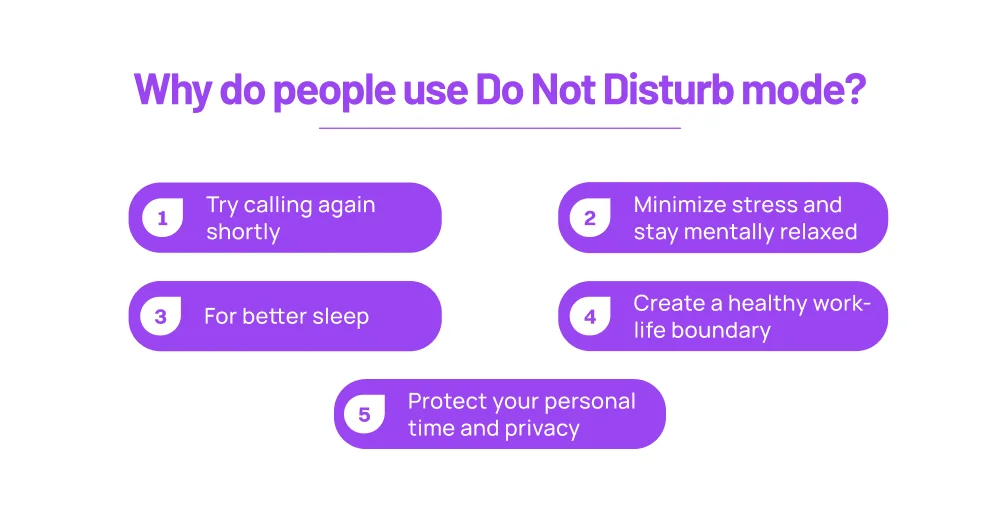
Here are some common reasons people prefer to set their mobile devices to DND mode.
- Better focus: By avoiding distractions, DND mode can help users focus on their tasks and be more productive.
- Minimize stress: Being constantly available can often be stressful and create anxiety. DND mode can serve as a way to avoid this social pressure and other unimportant communication.
- Peaceful rest & sleep: Silenced notifications keep you from getting alerts in the middle of the night. This helps you sleep peacefully and rest better.
- Maintain work-life balance: By scheduling DND mode after work, you can set digital boundaries, allowing you to fully detach from the work environment and focus on personal time. This is often essential to maintain a healthy work-life balance.
- Protect privacy: DND mode ensures no visual notifications (such as custom caller ID or message content) appear on the screen. This way, you can protect your sensitive information while you’re away from your phone.
How to bypass Do Not Disturb mode?
Although people often use DND mode to avoid being disturbed, there are times when you might need to reach someone urgently. In emergency situations, DND modes allow exceptions.
Here’s how to get past Do Not Disturb when calling someone:
1. Call again within a few minutes
In most modern cellphones (both iOS and Android), repeated calls are the most viable way to bypass DND mode. Calling the same number within a short time frame (2-3 minutes) after the first call ensures your calls reach the contact.
Note: To bypass DND mode for repeated calls, the receiver must have the “Allow Repeated Calls” setting enabled on their phone.
2. Get added to favorites or emergency contacts
Another way to reach someone in DND mode is to be added as a favorite or emergency contact. You can add frequent important callers (such as family or friends) to your favorites list, so their calls ring your device even in DND mode.
3. Use third-party apps for urgent calls
Often, DND restrictions apply only to carrier networks. This means you can use third-party apps like Messenger, WhatsApp, Telegram, or VoIP services as alternatives to contact someone in DND mode. These third-party applications operate independently of the phone’s default DND configuration. So any alerts and notifications will ring the person’s phone or show up on their screen.
4. Send a message first
If the person you’re trying to contact has DND mode enabled to silence alerts, you can send a text to notify them in advance. A simple “need to talk urgently” can prompt them to temporarily disable DND. Moreover, some devices even allow urgent alert messages to bypass DND mode if they are sent repeatedly within a short time frame.
Special methods for emergency situations
In critical situations and emergencies, such as accidents, disasters, or medical emergencies, modern smartphones have a built-in feature that overrides the Do Not Disturb (DND) mode. This allows urgent calls to get through while still silencing the non-urgent calls.
Here’s how to call someone on DND mode:
1. Enable emergency bypass
Here’s a step-by-step way to enable emergency bypass iPhone.
- Open the Contacts app and tap the person that you want to put on the emergency list.
- Tap the Edit option.
- Select a special Ringtone for when the person contacts you.
- Toggle on the Emergency Bypass option.
- Tap on Save Changes.
Here’s how to call someone if their phone is on DND on Android devices:
- Open the Settings app and tap on Notifications.
- Open Do not disturb option.
- Tap the Calls and messages option under Allowed during Do Not Disturb.
- Tap on + Add contacts.
- Select the contacts you want to add to the priority list and hit Done.
2. Calling from a different number
If the contact has enabled DND for only selective contacts (such as work colleagues or other designated groups), you can try reaching them using an alternative phone number. This also helps you determine if there’s any problem with your or the recipient’s phone.
How to tell if someone is on Do Not Disturb
By now, we’ve discussed multiple ways to reach someone on DND. However, it is difficult to tell whether a person has Do Not Disturb mode enabled or is simply unavailable. You won’t get a notification stating that the recipient is in DND mode.
That said, you can look for a few subtle clues to help you confirm their DND status.
- Calls go straight to voicemail: If the calls reach voicemail without a proper ringtone, there’s a high chance the user has enabled DND mode.
- No response after multiple calls: You can call the recipient numerous times at regular intervals. If you’re still not getting any response, their phone can be in DND mode. Do not make repeated calls immediately, as this may trigger the emergency bypass.
- Messages show “Delivered” but no reply: DND mode does not stop your phone from receiving messages; it simply silences them. So, if your messages are being delivered but not read, it could be because of DND.
- Focus status is visible: When you turn on Do Not Disturb mode on your phone, you get a small indicator about the status on the top panel. If the device is accessible, you can check this status to verify the DND mode. In iOS, you’ll get a half-moon icon, whereas on Android, you’ll get a Circled Dash icon.
Wrapping up!
Do Not Disturb mode is a reliable way to silence notifications from calls and text messages. It helps set digital boundaries to avoid distractions and focus on essential tasks or personal time. However, it can be inconvenient when you need to reach someone urgently.
Thankfully, most smartphones now offer flexible settings that let you bypass DND via repeated calls, emergency contacts, or messaging apps.
Knowing how to call someone on DND is crucial, so even when someone’s phone is silenced, you still have a reliable way to contact them.