Companies that integrate their CRM platforms with other business tools experience a 29% revenue increase and a 34% boost in productivity, demonstrating that CRM integration is now fundamental for businesses looking to transform communication and results.
However, traditional CRMs often struggle to keep up as businesses scale and customer journeys become more complex. Businesses working with an experienced software development company can overcome these limitations by building custom integrations, workflow automation, and scalable CRM ecosystems tailored to their operational needs.
Despite their value, many CRM platforms fail to enable context-rich communication and live coordination among teams. Sales, support, and service agents often work in silos, switching between apps, which leads to lost momentum and critical customer information.
That’s where smart integrations come in. By connecting your CRM to a powerful VoIP system like KrispCall, you close these gaps, unlocking instant access to call data, automating follow-ups, and enabling real-time collaboration right inside your CRM interface.
✨ Key Takeaways
- Most CRMs don’t work alone anymore due to the growing complexity of workflows, lack of productivity, and challenges in communication and data.
- The major CRM integrations that will transform your business communication are VoIP phone system integration (KrispCall), marketing automation platforms, customer support platforms, and call analytics tools.
- Beyond that, connect project management, business intelligence, accounting, calendars, and collaboration tools. Even a CRM for startups needs this foundation to scale without chaos.
Why most CRMs don’t work alone anymore?
Modern CRM (Customer Relationship Management) systems have evolved beyond simple databases; they are rarely effective in isolation.
Most CRMs can’t work alone due to:
The growing complexity of sales, support, and marketing workflows
Customer journeys are no longer linear and straightforward. It involves multiple touchpoints across various channels, requiring coordinated efforts of different departments. Like:
- Sales: Sales cycles are long and complex. They require personalized outreach and thorough lead nurturing. Sales reps need access to marketing qualified leads (MQLs), past support interactions, and social media sentiment to refine their approach.
- Support: Customer expectations for fast and personalized support are rising. Support teams require instant access to purchase history, previous inquiries, and ongoing sales discussions to deliver effective solutions.
- Market workflows: Modern marketing includes content marketing, SEO, social media, advertising, and automation. Marketers need to analyse campaign impacts, identify converting leads, and understand customer pain points to optimize strategies.
Where productivity leaks happen without key integrations?
Without the integrations, CRM becomes a data silo, causing:
- Time-consuming manual data entry
- Errors and inconsistencies
- Incomplete customer views
- Missed opportunities
- Disconnected customer experience
Additionally, a lack of real-time customer data slows down the decision-making process and leads to fragmented workflows and ineffective reporting, making it hard to track performance.
Why communication data matters in CRM success?
Communication data is key to CRM success because it provides the essential information for customer relationships. Each email, chat, or call helps build a comprehensive customer history by enabling personalized outreach and informed decision-making across sales, support, and marketing.
This centralized communication history enhances the customer experience by reducing the need for repeat information and speeding up issue resolution. Additionally, it provides business insights into customer preferences, fosters collaboration, and promotes proactive engagement for long-term loyalty.
10 high-impact CRM integrations for business efficiency
To enhance and optimize business processes, CRM integrations are a must.
These integrations connect your CRM with customer support software and contact center platforms, ensuring improved customer satisfaction, business efficiency, and streamlined data flow.
1. VoIP phone system integration (e.g., KrispCall)
The integration of a VoIP phone system, such as KrispCall, directly with your CRM software enables seamless call management.
It enables features like “click-to-call” directly from the customer’s profiles and automatically logs essential call details, including duration, timestamps, and the caller’s identity.
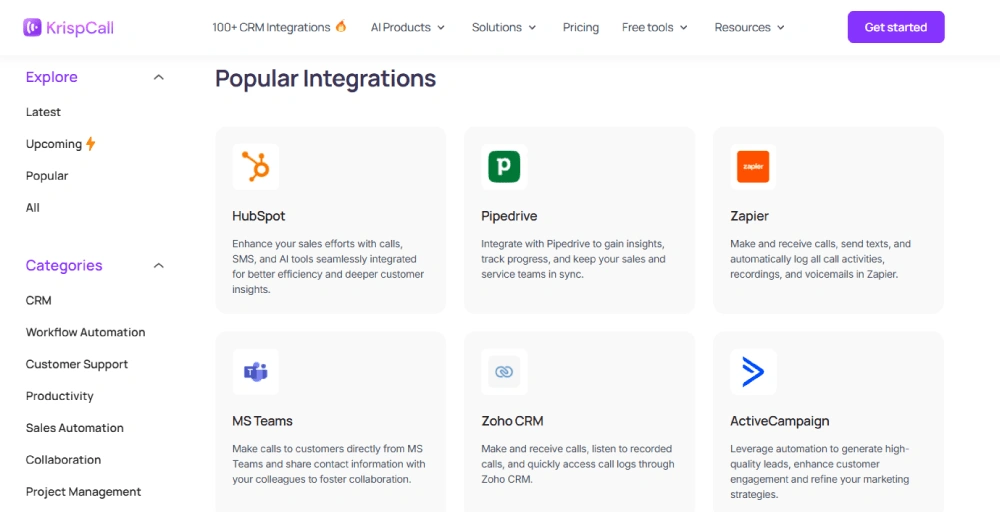
Additionally, notes taken during or after the conversation are instantly saved to the relevant CRM record, with call recording also linkable for a complete historical overview.
The main benefit is to significantly boost efficiency by eliminating the need of manual data entry and reducing the need to switch between phone and CRM apps. Integration approach using KrispCall will enhance customer interactions, improve customer service, inform sales strategies by providing instant customer history.
2. Marketing automation platforms (e.g., HubSpot, ActiveCampaign)
Connecting your CRM platform with marketing automation software like HubSpot, ActiveCampaign, Mailchimp or Mailtrap can significantly enhance your marketing operations.
These software tools are specifically designed to reduce manual efforts by automating critical processes such as personalized campaigns, learn nurturing, and email marketing workflows.
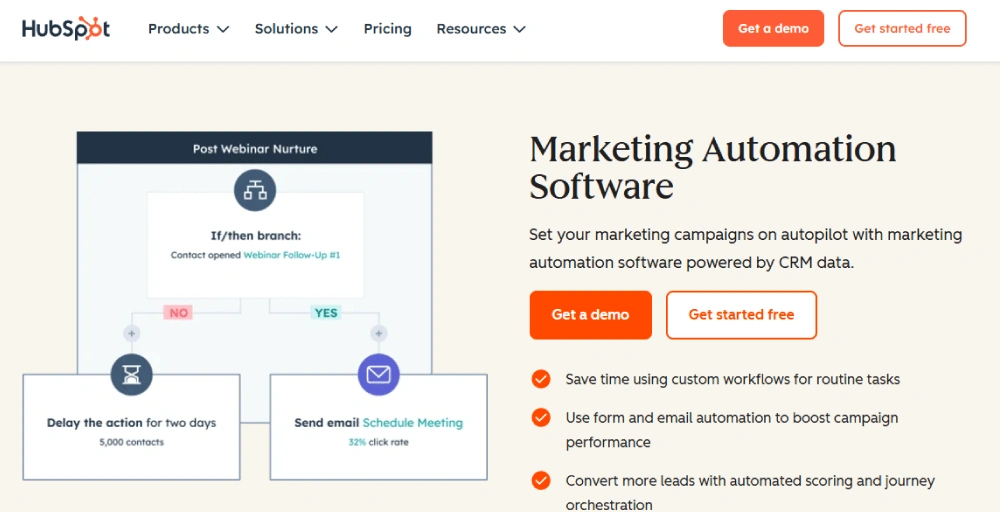
Syncing your CRM with marketing automation solutions allows seamless data sharing, providing easy access to customer insights and lead data.
This integration helps tailor communication, improve targeting, enables your team to launch effective campaigns, speed up lead qualification, and maintain consistent engagement throughout the buyer’s journey.
3. Customer support platforms (e.g., Zendesk, Freshdesk)
Both customer support platforms and CRM work together, and their integrations benefit both of them.
Like, the integration of Zendesk or Freshdesk enables teams to ensure customer service while combining the customer inquiries and ticket history with real-time calling insights.
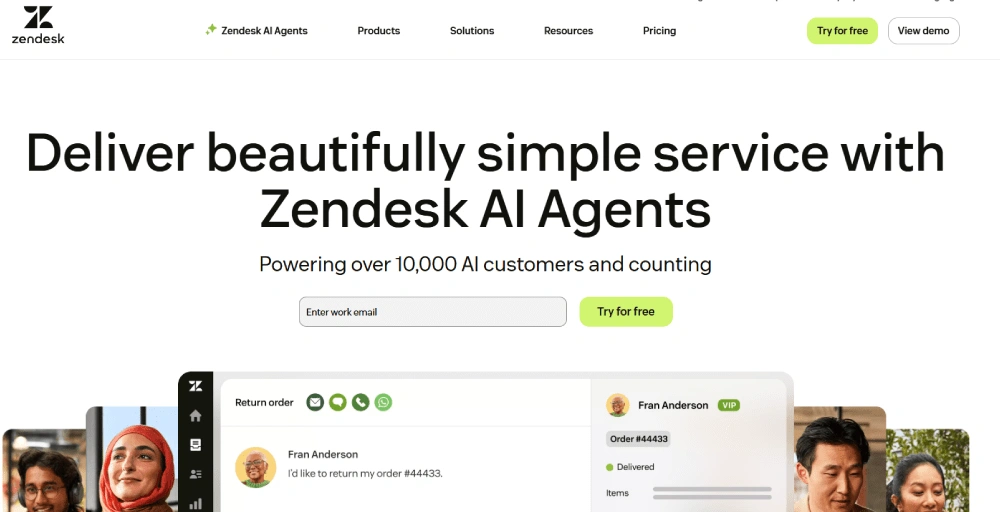
Connecting your CRM with customer software solutions gives support agents immediate access to full customer history, creates automated ticket routing, self-service portals, and knowledge based on customer data.
This will help improve resolution times with full customer context. It will also help create self-service options and route tickets efficiently, leading to agents resolving issues faster and delivering a better customer experience.
4. Contact center & call analytics tools (e.g., Nice CXone, Dialpad AI)
One of the most important steps for business efficiency is linking your CRM system with your contact center and call analytics tools like Nice CXone or Dialpad AI contact center.
This integration consolidates call queues, tracks agent performance, manages teams, and organizes customer interactions within your CRM.
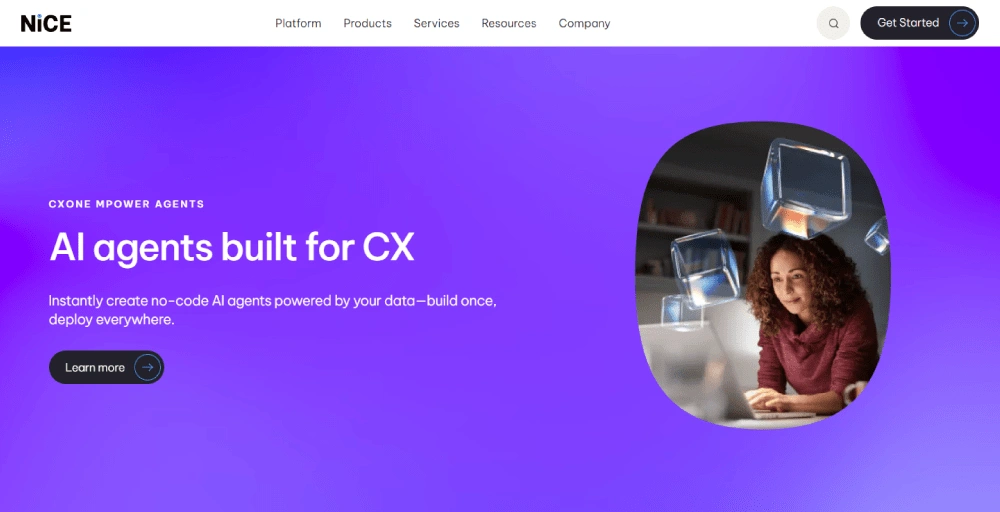
Not only does it ensure customer touchpoint logging, but it also provides organized workflows and better reporting, with the help of contact center features such as sentiment analysis, call recording, and skill-based routing.
This enables agents to handle inquiries more efficiently with the right skills, ultimately boosting customer satisfaction (CSAT).
5. Project management tools (e.g., Trello, Asana, ClickUp)
Modern project management tools like Trello, Asana, and ClickUp empower teams to effortlessly manage tasks, stay aligned on priorities, and visualize upcoming responsibilities with ease.
This connection transforms sales or support calls into follow-ups, reminders, or task assignments, right within your CRM.
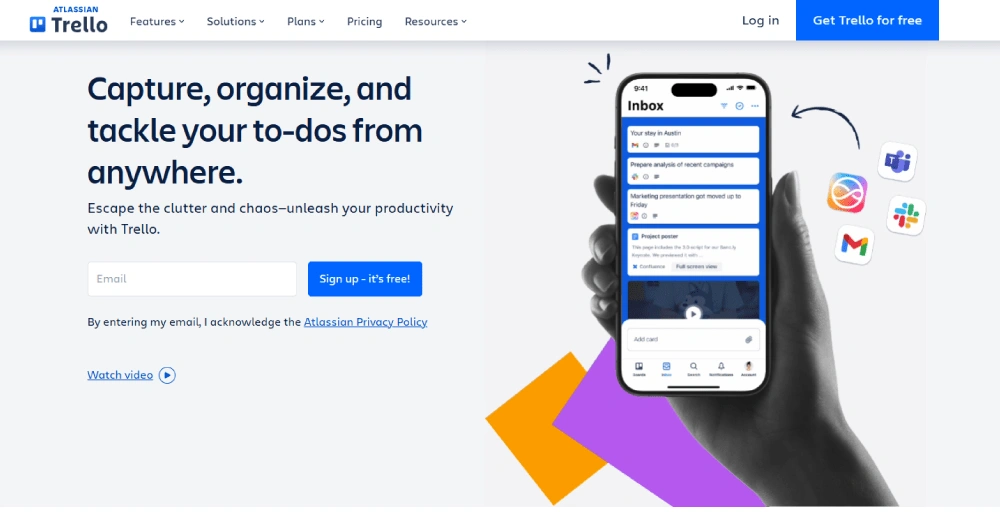
By integrating CRM with project management software, you create a unified ecosystem where client data and task execution coexist seamlessly.
It ensures that every action item, whether from sales, service, or operations, is captured, tracked, and completed. It eliminates handoff confusion and maintains a clear line of accountability throughout the customer journey.
You can also use Jira task templates to standardize recurring work, ensuring consistency and efficiency across similar projects or customer requests.
6. Business intelligence tools (e.g., Power BI, Tableau)
Business intelligence tools like Power BI or Tableau are designed to gather, process, and analyze data from various sources to help companies make smarter, data-driven decisions.
Connecting your CRM to BI applications allows these tools to create insightful data visualizations and reports using your customer information.
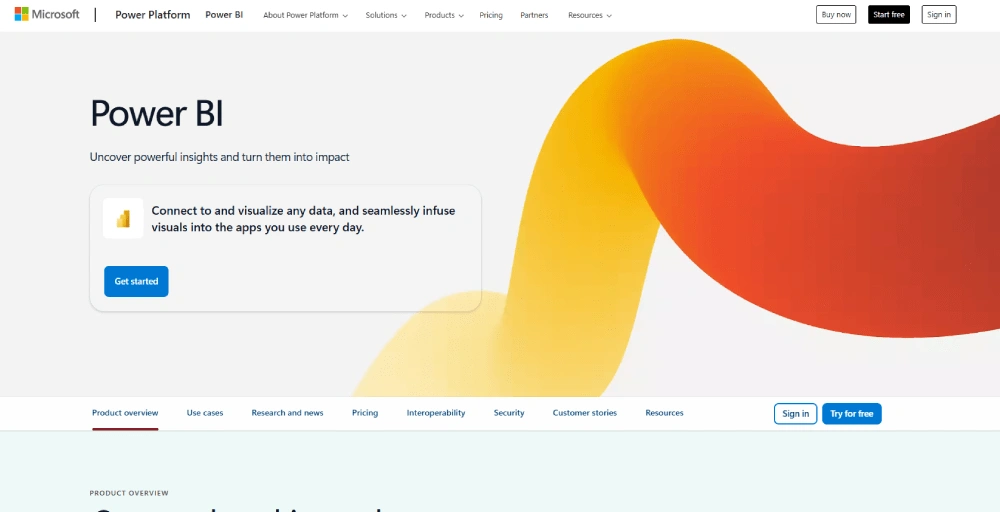
This data is perfect for tasks like sales forecasting and customer segmentation, with results easily displayed on customizable dashboards.
To maintain brand consistency and protect shared visuals, teams can also add watermarks for visual content on analytics dashboards and reports, ensuring authenticity and preventing misuse.
The combined power of your CRM’s customer details and BI tools’ analytical capabilities means you’ll make better decisions, quickly spot sales trends, and understand crucial customer behavior patterns.
7. Accounting & billing software (e.g., QuickBooks, Xero)
Accounting and billing software like QuickBooks and Xero help accounting services streamline financial operations by automating invoice generation, expense tracking, and financial reporting processes.
These online accounting solutions provide comprehensive financial management capabilities that help businesses maintain accurate records and ensure timely payment processing.
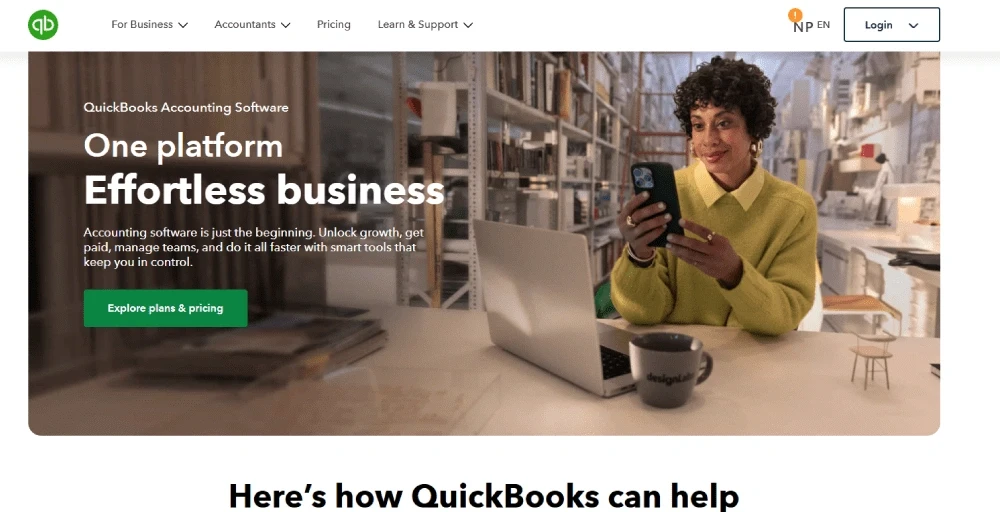
Integrating your CRM system with ecommerce accounting software automatically synchronizes customer communication history with corresponding billing records, eliminating manual data entry and reducing the risk of discrepancies.
This connection enables faster invoice generation as customer details are pulled automatically. It also reduces billing errors by automating data transfer.
8. Calendar & scheduling tools (e.g., Google Calendar, Calendly)
Integrating your CRM with calendar and scheduling platforms like Google Calendar or Calendly is a game-changer for an organization.
It allows you to schedule follow-ups directly after calls or meetings, ensuring that no lead or task ever falls through the cracks. Appointments and reminders sync automatically, keeping everyone on schedule.
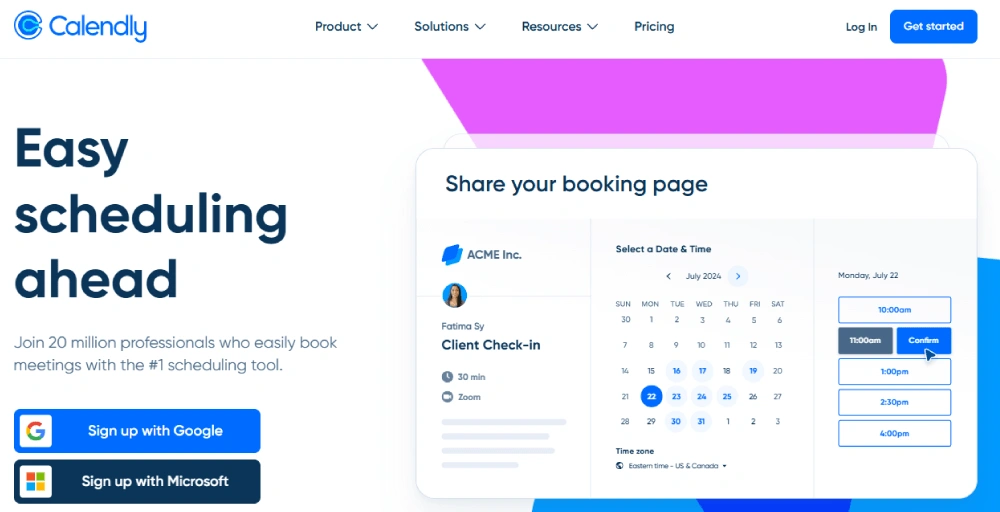
This seamless connection significantly boosts productivity, leading to improved lead nurturing and punctuality.
Your teams will be more efficient, less likely to miss important engagements, and better positioned to convert leads by consistently following up on time.
9. Collaboration platforms (e.g., Slack, Microsoft Teams)
Collaboration tools like Slack or Microsoft Teams ensure your internal teams are always in sync while integrating with CRM.
This connection allows the CRM to trigger alerts for hot leads or missed follow-ups directly within your team’s communication channels.
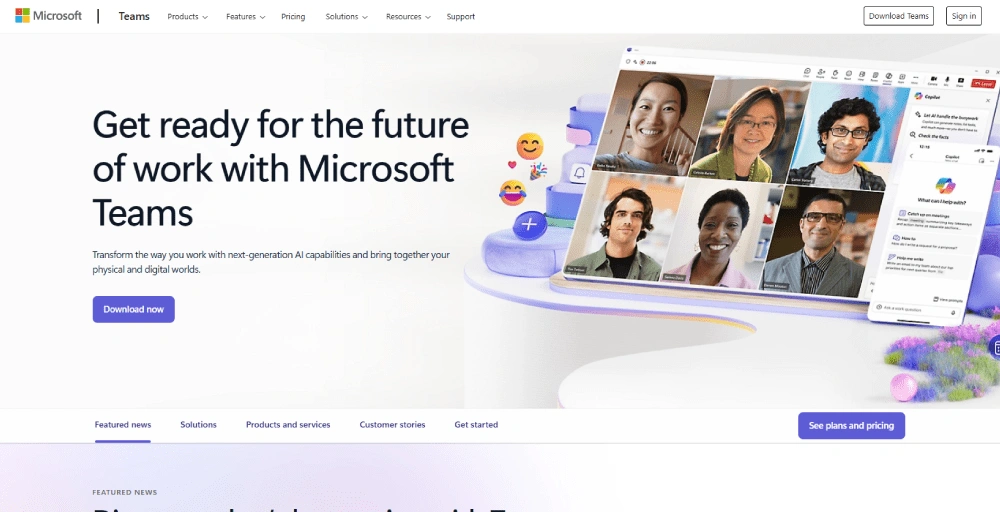
This means sales, marketing, and support can get real-time internal updates without leaving the CRM, fostering immediate discussions and preventing opportunities from slipping through the cracks.
This seamless flow of information significantly boosts team coordination and responsiveness. It transforms passive data into actionable insights that prompt instant collaboration, making sure your teams are always aligned and quick to react to critical customer-related events.
10. AI-powered sales tools (e.g., Gong, Chorus)
Connecting AI-powered sales tools like Gong or Chorus with your CRM software offers profound insights into your sales conversations.
This connection allows you to analyze CRM data alongside call recordings for sales coaching, automatically identifying key moments, talk patterns, and customer sentiment from every interaction.
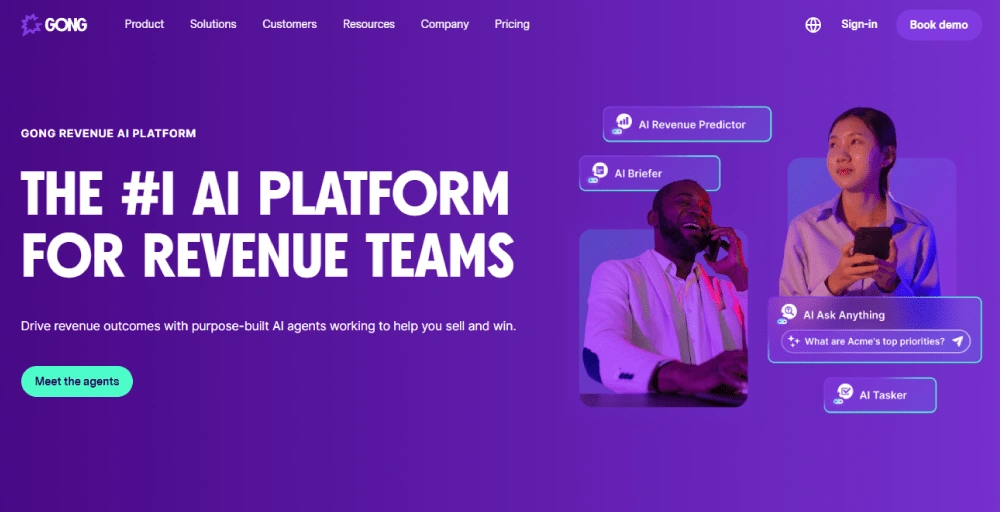
The direct benefit is a significant improvement in sales rep performance, leading to shorter sales cycles.
By understanding what works (and what doesn’t) in real-world conversations, managers can provide targeted coaching, reps can refine their techniques, and the overall sales process becomes far more efficient.
How KrispCall supercharges your CRM integrations
KrispCall transforms your CRM by directly integrating your VoIP phone system. This simple, one-click setup creates a unified workspace where all your calls and customer data live together.
The platform automatically syncs call logs, conversation notes, recordings, and contact information directly into your CRM. This means every customer interaction is captured without manual work, giving your entire team instant access to complete, up-to-date information.
Suppose an e-commerce company used KrispCall + CRM integration to revolutionize its customer support. Agents instantly saw a customer’s full purchase history, past tickets, and communication logs during calls.
This immediate context meant no more digging for info, letting agents solve problems much faster. The system also auto-created tickets for missed calls and routed calls by customer priority. The result? 40% faster response times and happier customers.
Transform your CRM into a growth engine with KrispCall.