TL;DR
Here are 10 better options for Sidelines for 2026:
- KrispCall: Best for growing businesses needing global reach and extensive CRM integrations
- RingCentral: Best for mid-to-large businesses needing an all-in-one platform
- Nextiva: Best for growing SMBs and service-heavy teams that need reliable business communications
- Dialpad: Best for remote-first teams and sales departments that need a unified AI-first communications platform
- Zoom Phone: Best for businesses & remote/hybrid teams that already use Zoom for video meetings
- JustCall: Best for high-volume sales and outbound calling teams that require deep CRM integration
- Quo (formerly OpenPhone): Best for small businesses or startups that need a basic AI-powered business phone system
- Grasshopper: Best for solopreneurs and micro-businesses that want a simple yet dedicated professional business number
- Unitel Voice: Best for startups and small business teams needing a basic business line with live support
- Textline: Best for teams that need a shared inbox to manage two-way business texting
When Sideline abruptly dropped its Enterprise plan in June 2025, it left thousands of expanding operations completely stranded. Overnight, teams lost access to administrative portals, multi-number management, and international calling.
But truth be told, this move highlighted a structural flaw that was always there: Sideline was fundamentally built as a second phone number app for solopreneurs, not as a true business phone system.
If you are a solo operator looking for a more reliable second line or a growing team seeking an upgrade path, you’re in the right place. This guide covers the 10 best Sideline alternatives for business, breaking down their pricing, standout features, and where each one fits, so you can pick a phone system that actually grows with your business.
Why businesses are moving away from Sideline
The Sideline app runs on your phone carrier’s network, and it is not true VoIP (Voice over Internet Protocol). That difference matters more than it sounds. Carrier-based second phone number apps can’t offer the advanced call routing and automation that real business phone systems run on.
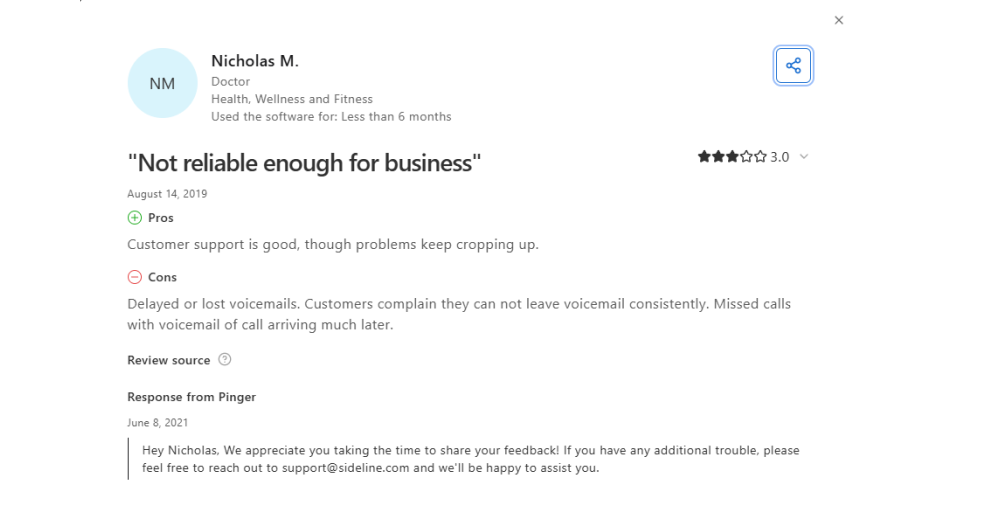
Here’s what that limitation looks like in practice:
1. No auto-attendant means callers can’t press 1 for sales or 2 for support. Every incoming call lands in one inbox, with no way to route it.
2. There’s also no call analytics and no CRM integrations, so you can’t track call patterns or log conversations automatically.
3. In June 2025, Sideline discontinued its Enterprise plan. Admin-only accounts converted to individual Sideline Standard accounts, and multi-number accounts had to either port their numbers elsewhere or migrate to individual plans.
4. On top of that, users report dropped calls, texts that don’t go through, and accounts flagged as spam without warning are common complaints. One Capterra reviewer summed it up: “Randomly and without warning, your account may be blocked due to them thinking you are spam, and you are not notified.”
Put it all together, and Sideline starts to look like what it actually is: a personal second-line app, not a business phone system. If you’re running a business, you need tools built for that job.
How we evaluated Sideline alternatives?
Picking a phone system is harder than just comparing prices. We looked at these 6 things that separate a real business tool from another second-number app.
1. A complete VoIP
We prioritized true Voice over Internet Protocol (VoIP) services that send data over an internet connection rather than piggybacking on cell phone minutes. A native cloud infrastructure guarantees stable audio quality, prevents dropped calls, and maintains high reliability even across distributed teams.
2. Business features beyond a second number
We looked closely at tools that help you manage professional communications automatically. Solutions had to offer core business management features such as multi-level auto-attendants, intelligent call routing, interactive business hours, and accurate voicemail transcription.
3. Team scalability
A viable alternative must efficiently support multiple users. We evaluated platforms based on their collaborative features, including shared team inboxes, multi-user support, and clear extension mapping.
4. CRM and app integrations
Manual data entry wastes time. So, we looked at integrations with important tools like HubSpot, Salesforce, and Zapier and noted which plans actually include them rather than lock them behind higher tiers.
5. Transparent pricing
Low starting prices can be misleading. We checked for hidden fees, per-number charges, and overage costs that can quietly push your bill higher than expected.
6. Reliable support
When your communication lines go down, you need help immediately. We compared live chat availability with ticket-only systems and examined how quickly each provider typically responds.
Why trust our product reviews?
We keep our evaluations completely transparent, balanced, and independent. To learn more about our rigorous research frameworks, feel free to review our content update process, check our content integrity standards, or read our comprehensive software review methodology.
Quick comparison of 10 best Sideline alternatives
Here’s a quick breakdown of the top Sideline alternatives 2026 has to offer, with starting prices, best-fit use cases, and standout features at a glance.
Note: Scroll down for the full breakdown of each option.
| Provider | Starting Price | Best For | Standout Feature | G2 Ratings |
| KrispCall | $12/user/month | International calling | Unified Callbox with 100+Virtual phone numbers | 4.5 / 5⭐ |
| RingCentral | $20/user/month | UCaaS communication | RingSense AI call summaries and sentiment analysis | 4.1 / 5⭐ |
| Nextiva | $15/user/month | Reliable & unified VoIP communication | 99.999% uptime guarantee | 4.5 / 5⭐ |
| Dialpad | $15/user/month | Built-in voice AI utilities | Real-time AI transcription and call summaries | 4.4 / 5⭐ |
| Zoom Phone | $10.50/user/month | Existing Zoom users | Seamless switch between phone calls and video meetings | 4.6 / 5⭐ |
| JustCall | $29/user/month | Outbound sales team | AI dialer with auto, predictive, and dynamic dialing | 4.3 / 5⭐ |
| Quo | $15/user/month | Team collaboration | Sona AI voice agent on every plan | 4.7 / 5⭐ |
| Grasshopper | $14/month | Solopreneurs wanting a simple, professional setup | Simple extensions & instant missed-call auto-replies | 3.9 / 5⭐ |
| Unitel Voice | $9.99/month | Low-volume small teams | High-quality US-based live support & clean UI | 4.9 / 5⭐ |
| Textline | Contact sales | Two-way business texting | Advanced text workflows & two-way customer chat | 4.7 / 5⭐ |
10 best Sideline alternatives in 2026
If you’re ready to move past a second-number app, these 10 providers offer the business features, reliability, and scalability Sideline can’t match. Here’s a closer look at each one, starting with the highest-rated tools for international flexibility and advanced automation.
1. KrispCall
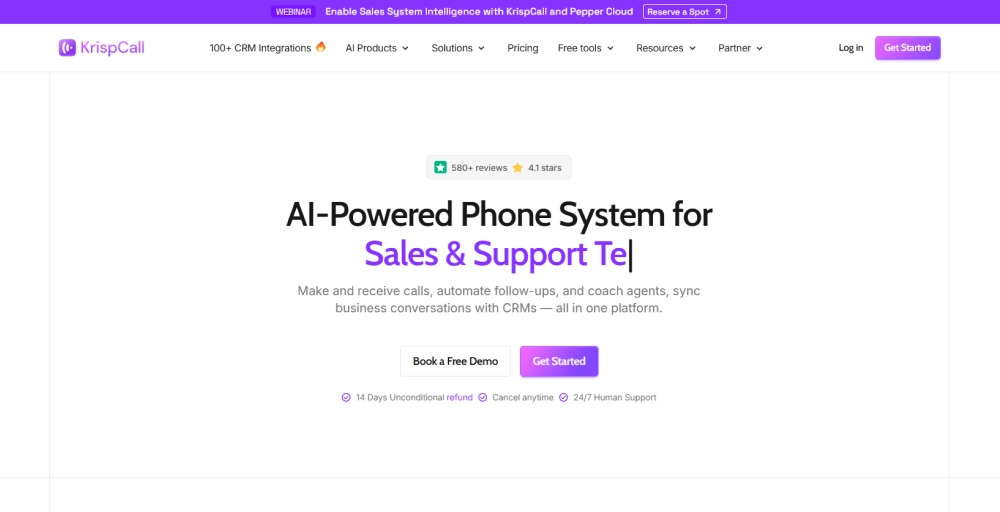
KrispCall is a cloud-based business phone system that operates as a completely borderless virtual workspace. Unlike Sideline, it runs on true VoIP infrastructure, giving you call routing, auto-attendants, and CRM integrations from day one.
Standout features
- Unified Callbox brings calls, SMS, voicemail, and notes into one shared workspace.
- Power Dialer automates outbound calling with built-in voicemail drops.
- Live call monitoring lets managers listen in or whisper-coach agents during live calls.
- Global calling covers mobile, local, and toll-free numbers across 100+ countries.
Pricing
| Plans | Monthly Price (Billed annually) |
| Essential | $12/user/month |
| Standard | $32/user/month |
| Enterprise | Custom pricing |
Why should you choose KrispCall?
KrispCall is the perfect upgrade path for expanding startups or growing SMBs that need to manage both local and global clients. It scales smoothly from a single-person business line to an international team setup, giving you a professional corporate telephone presence at a very low starting price.
Limitations of KrispCall
- The native desktop app is not currently available; it runs only in the web browser and mobile app.
- No free trial is available for testing before committing.
- The affordable Essential plan limits your team to 5 users.
2. RingCentral
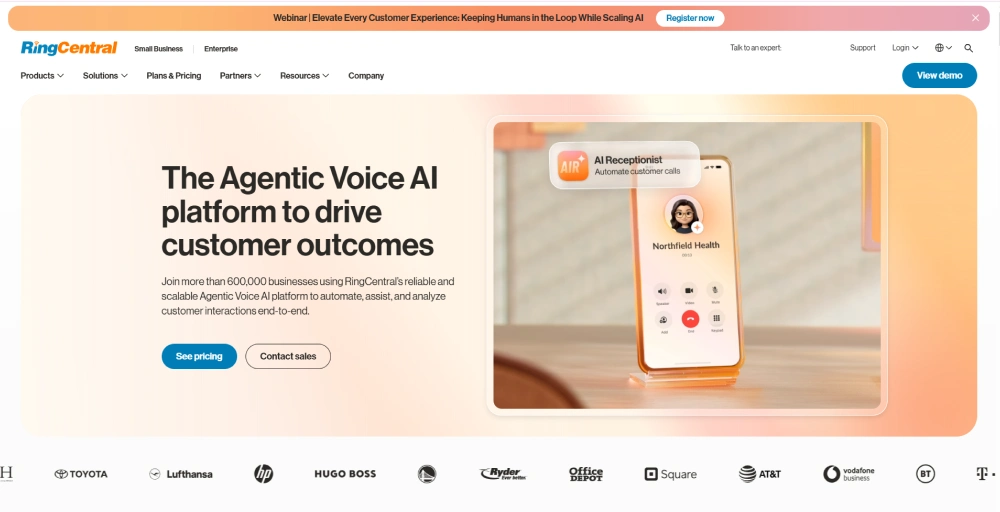
RingCentral offers enterprise-grade infrastructure and an AI layer that Sideline simply can’t match. Where Sideline offers a basic second number, RingCentral gives you a full UCaaS platform with voice, video, team messaging, and SMS in one place.
Standout features
- AI Conversation Expert (ACE) automatically generates call summaries, sentiment analyses, and action items.
- Business analytics APIs give programmatic access to call logs, SMS records, and meeting transcripts for custom reporting.
- The IVR editor lets you build custom call routing within the RingCentral RingCX platform.
- Live transcription provides real-time, searchable transcripts with speaker separation for every meeting.
RingCentral Pricing
| Plans | Monthly Price (Billed annually) |
| Core | $20/user/month |
| Advanced | $25/user/month |
| Ultra | $35/user/month |
| Customer Engagement Bundle | Contact the sales team |
Why should you choose RingCentral?
RingCentral fits best for mid-to-large businesses that need a fully unified communications platform with enterprise-level reliability. You should choose RingCentral if your team has outgrown Sideline and needs broad integration support, AI-powered call insights, and infrastructure that scales across multiple locations.
Limitations of RingCentral
- Each plan caps monthly SMS, which can be restrictive for text-heavy teams.
- The platform has a steep learning curve, and the mobile app has reported inconsistent notifications.
- Fast, direct phone support and advanced account managers are heavily gatekept behind the higher-priced tiers.
Check out 👉: RingCentral Pricing & Plans: The Complete Breakdown in 2026
3. Nextiva
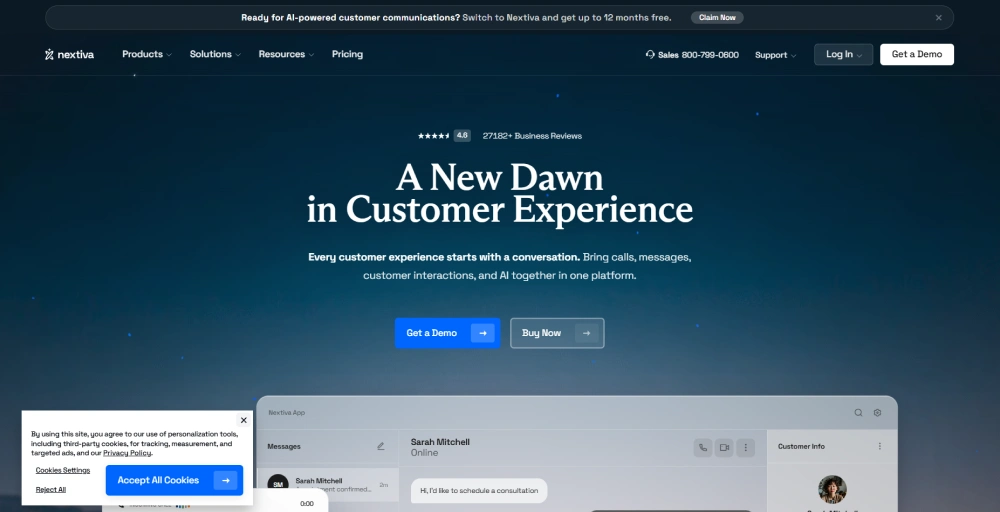
While Sideline isolates your communication into standard cellular calls and individual texts, Nextiva serves as a unified digital customer workspace. It blends text threads, emails, live web chat, voice, and video communications into a single dashboard.
Standout features
- Call screening shows the caller ID so you can determine whether a call is worth your time.
- Conversational AI handles inbound calls around the clock and escalates to live agents only when needed.
- NextivaONE app lets you make and receive calls from any device, no desk phone required.
- Built-in video conferencing: Run high-definition team video meetings and active screen-sharing sessions natively inside the phone app
Pricing
| Plans | Monthly Price (Billed annually) |
| Core | $15/user/month |
| Engage | $25/user/month |
| Scale | $75/user/month |
Why should you choose Nextiva?
Nextiva is best suited to small- to mid-sized businesses and customer service teams that prioritize call reliability above all else. If you’re moving away from Sideline because dropped calls and spam blocks hurt your business, Nextiva’s uptime guarantee and 24/7 support address that directly.
Limitations of Nextiva
- Advanced features are often locked behind expensive add-ons or higher-tier plans.
- There’s no free trial, so onboarding requires commitment without a hands-on test period.
- The mobile app has reported occasional notification delays and lag.
4. Dialpad
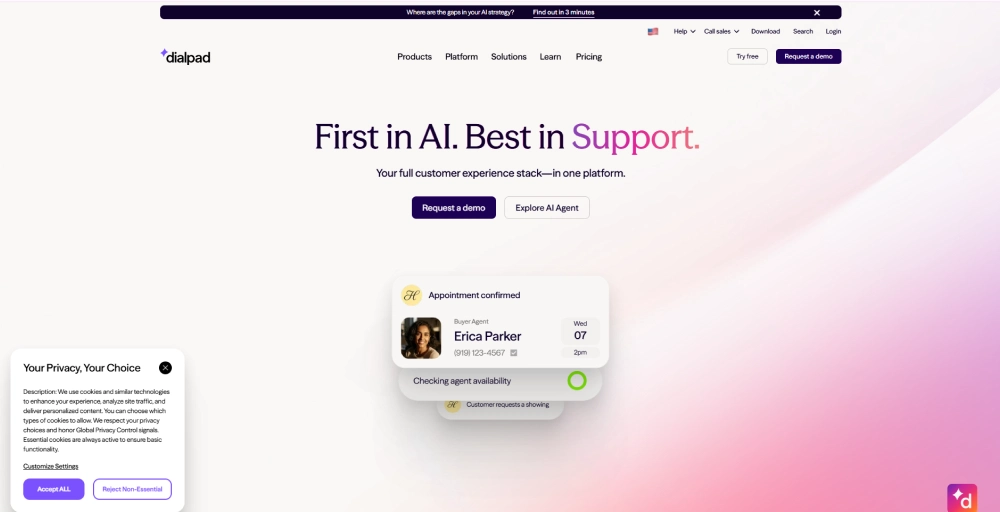
Dialpad turns every call into actionable insights. While Slideline forces you to manually type summaries or guess what was agreed upon during a call, Dialpad acts as an AI assistant. It records, analyzes, and extracts action items from your phone calls with its built-in voice intelligence engine.
Standout feature
- DialpadGPT generates post-call summaries, provides real-time call coaching, and handles routine tasks with ease.
- Built-in HD video conferencing supports up to 150 participants for meetings lasting up to 5 hours.
- Dialpad AI score automatically rates customer satisfaction based on conversation signals.
- Call recording is available across plans, with transcripts searchable by keyword or speaker.
Pricing
| Plans | Monthly Price (Billed annually) |
| Standard | $15 user/month |
| Pro | $25 user/month |
| Enterprise | Contact the sales team |
Why should you choose Dialpad?
Dialpad fits best for sales and support teams that want AI-powered call intelligence built into every conversation. If you’re leaving Sideline because it offers zero automation or insights, Dialpad’s real-time transcription, coaching tools, and automated summaries give you a major upgrade without a steep price jump.
Limitations of Dialpad
- The entry tier limits standard SMS texting to just 250 outbound customer messages per user each month.
- The Standard plan offers just one integration, Google Workspace.
- 24/7 phone support is only available on the Dialpad Pro and Enterprise plans.
Related 👉: Dialpad Pricing & Plans: The Complete Breakdown 2026
5. Zoom Phone
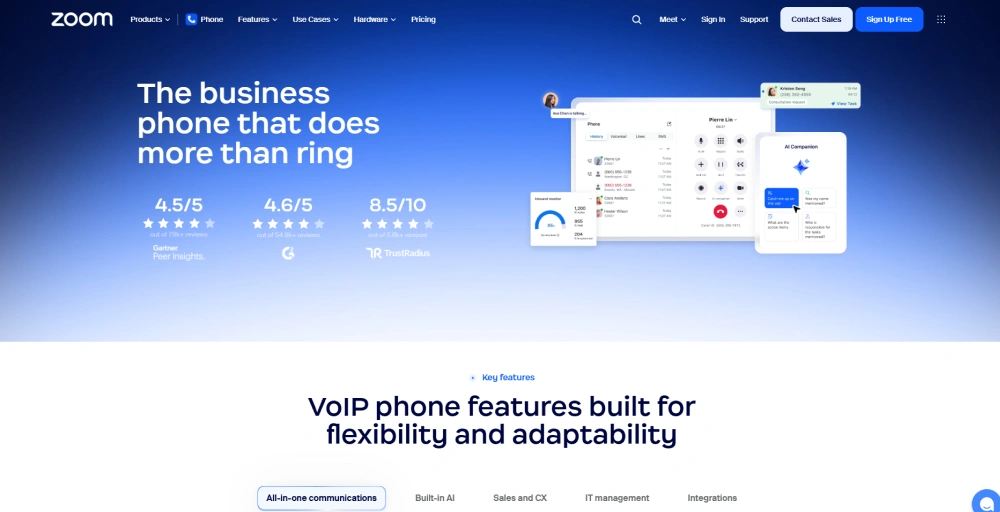
Zoom Phone is a cloud-based phone system that fits naturally into any team already running Zoom for meetings. Instead of juggling separate tools for calls and video, everything lives in one familiar interface, making it one of the easiest upgrades from Sidelines for teams already in the Zoom ecosystem.
Standout features
- Elevate to Meeting lets you instantly flip an active phone call into a full Zoom Meeting.
- Auto attendants support unlimited multi-level routing, letting you direct callers to the right queue, extension, or voicemail without any manual intervention.
- Call delegation lets admins assign assistants to make and receive calls on behalf of executives.
- Live monitoring tools include listen, whisper, barge, and takeover, giving supervisors full control over active calls.
Pricing
| Plans | Monthly Price (Billed annually) |
| US & CA Metered | $10.50/user/month |
| US & CA Unlimited | $16/user/month |
| Pro Plus | $20.50/user/month |
| Business Plus | $24.50/user/month |
Why should you choose a Zoom Phone?
Zoom Phone is the most logical upgrade path for distributed teams that are already paying for standard Zoom Workplace packages. It cleans up your software stack, giving you excellent voice lines and enterprise routing tools at a highly affordable entry cost.
Limitations of Zoom Phone
- Text messaging is restricted primarily to the US, Canada, the UK, and Australia.
- Advanced analytics are limited and require paid add-ons, such as the Power Pack, to unlock.
- The $10.50 entry plan charges you per-minute fees on every outbound call you make to the public phone network.
6. JustCall
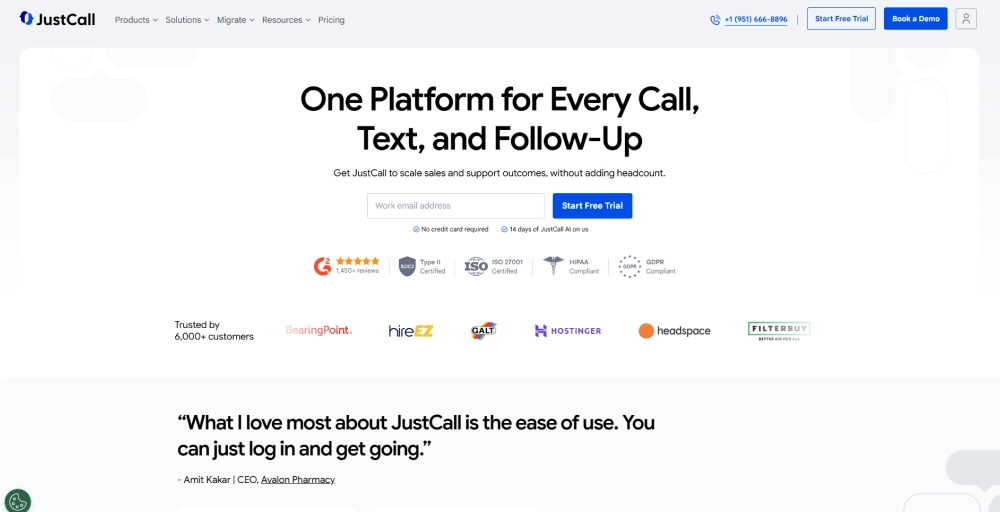
JustCall is a high-powered outbound sales engine that syncs calls, SMS, and voicemail automatically to the right contact record. It goes well beyond a second-number app, giving sales and support teams a full AI-powered communication stack.
Standout features
- The sales dialer combines five dialing modes (power, predictive, dynamic, parallel, and preview) into a single tool.
- AI agent assist provides live call guidance, pulled from your playbooks, during active conversations.
- Moment analysis automatically detects objections, pricing mentions, and buying signals across every call.
- SMS workflows trigger automated text messages based on call outcomes or CRM events, with no coding required.
Pricing
| Plans | Monthly Pricing (Billed annually) |
| Team | $29/user/month |
| Pro | $49/user/month |
| Pro Plus | $89/user/month |
| Business | Request a quote |
Why should you choose JustCall?
JustCall is best suited to sales-driven teams that rely on CRM data and need AI tools built into every conversation. If you’re leaving Sideline because it offers zero automation or visibility into your calls, JustCall closes that gap entirely.
Limitations of JustCall
- All plans require at least 2 users, so solo operators can’t access the lowest advertised rate.
- While standard calling is labeled as unlimited, international destinations and heavy automated outreach are subject to strict monthly minute caps.
- AI Voice Agents are a paid add-on even on higher-tier plans, starting at $99/month for just 100 minutes.
7. Quo
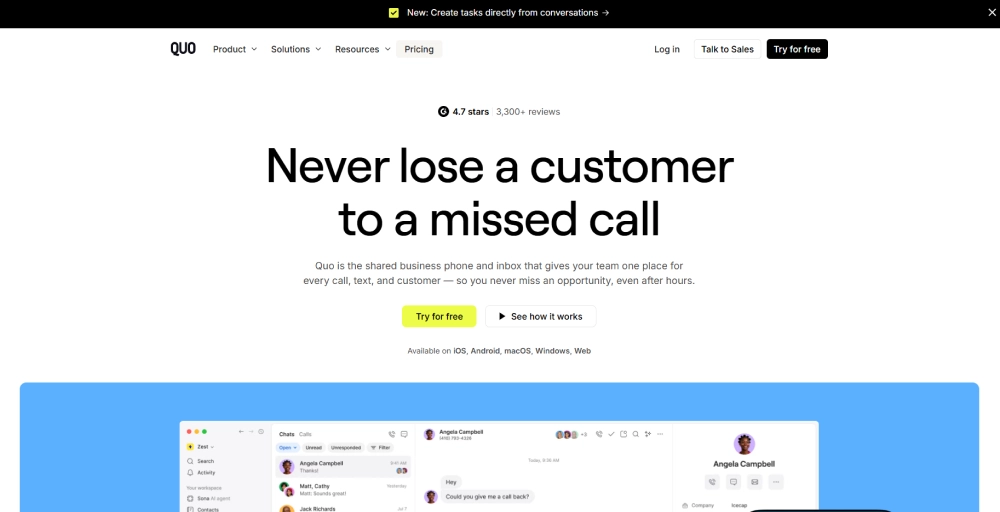
Quo takes the shared inbox concept that Sideline tried to offer and builds it into a proper collaborative phone system. Every teammate can see the full conversation history on a shared number, leave internal notes, and pick up where someone left off, all without switching apps.
Standout features
- Sona AI agent answers inbound calls 24/7, handles routine queries, and routes complex cases.
- Snippet keyboards let you create and store custom message templates and automated text shortcuts to instantly answer frequently asked customer questions.
- Custom ring groups let you control exactly which teammate gets pinged first, second, or simultaneously.
Pricing
| Plans | Monthly Pricing (Billed annually) |
| Starter | $15/user/month |
| Business | $23/user/month |
| Scale | $35/user/month |
Why should you choose Quo?
Quo fits best for small teams and solopreneurs who want a clean upgrade from Sideline without the complexity of enterprise software. If shared numbers and team collaboration on a single line are what you need, Quo handles that better than almost any other option on this list. The 7-day free trial also lets you test it before committing.
Limitations of Quo
- Quo does not have built-in video tools, forcing businesses to connect a separate video meeting tool.
- Unlimited calling and messaging only covers US and Canadian numbers.
- HubSpot and Salesforce integrations are locked behind the Business plan, not available on the entry-level Starter tier.
Check out 👉: Quo (OpenPhone) Pricing 2026: Plans, Costs & Full Breakdown
8. Grasshopper
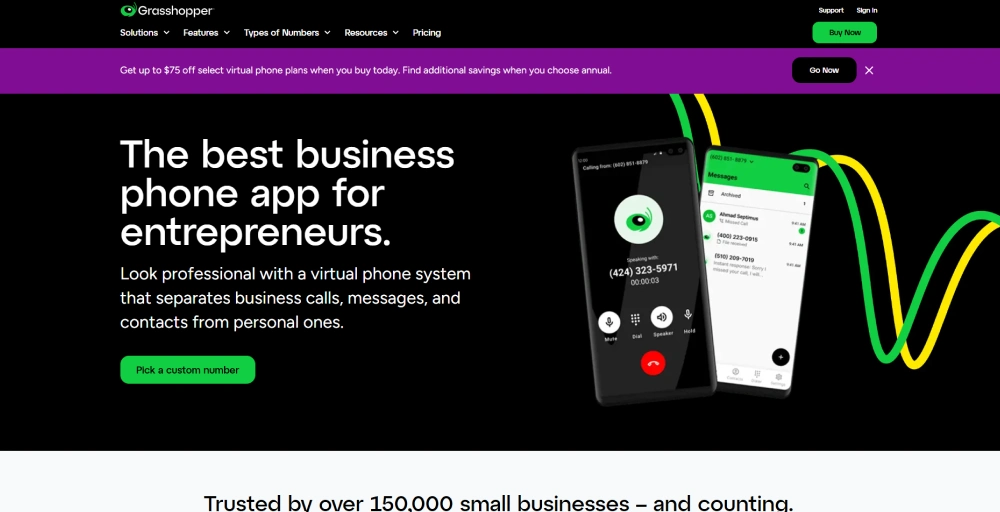
Grasshopper is one of the few options on this list that charges a flat monthly rate instead of per-user pricing. For solo operators and very small teams, that single pricing difference makes it far more predictable than Sideline’s individual plan structure or most per-seat alternatives.
Standout features
- Instant response automatically sends a text to callers you can’t answer.
- Virtual fax delivers incoming faxes as PDF attachments directly to your email inbox.
- A virtual receptionist handles every call professionally like an in-house receptionist.
- Call screening lets you listen to voicemails in real time before deciding whether to pick up.
Pricing
| Plans | Monthly Pricing (Billed annually) |
| True Solo | $14/month |
| Solo Plus | $25/month |
| Small Business | $55/month |
Why should you choose Grasshopper?
Grasshopper fits best for solopreneurs and very small teams who want a clean, professional business line without paying per seat. If you’re a freelancer or consultant leaving Sideline simply because you want something more reliable and professional, Grasshopper is the most budget-friendly step up on this list.
Limitations of Grasshopper
- The platform does not connect natively to external CRM software.
- There’s no video conferencing, team messaging, or advanced call analytics built in.
- You cannot obtain international business numbers outside of North American geographic codes.
9. Unitel Voice
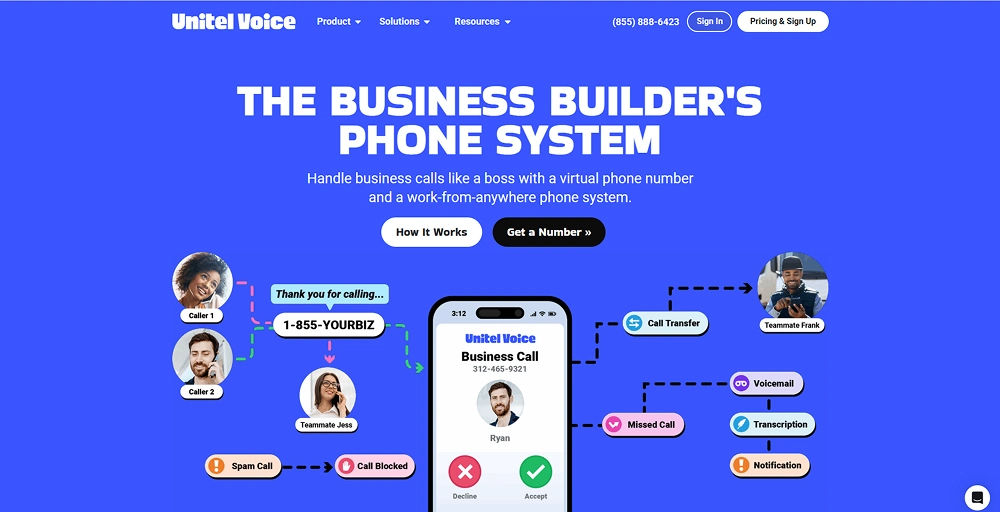
Unitel Voice stands out for something most VoIP providers overlook: genuinely human customer support. While Sideline leaves users to figure things out on their own, Unitel pairs its phone system with live, USA-based support and even a free setup consultation to build your configuration.
Standout features
- Auto attendant routes every inbound call to the right person or department, 24/7.
- Find-Me Follow-Me forwards calls across multiple devices in sequence or simultaneously, so you never miss a call.
- Voice talent studio lets you hire professional voice actors to record custom greetings directly through the platform.
- Team presence shows you which teammates are online, on a call, or free for a transfer in real time.
Pricing
| Plans | Monthly Pricing (Billed annually) |
| Start-up | $9.99/month |
| Unlimited | $24.99/month |
| Office | $29.99/month |
| Office-Max | $69.99/month |
Why should you choose Unitel Voice?
Unitel Voice is best for founders and small business owners who want a reliable business phone line without a complicated setup. If your main frustration with Sideline was unreliable service with no real help when things broke, Unitel’s live support and free setup consultation solve that directly.
Limitations of Unitel Voice
- The $9.99 entry plan limits your business to 500 combined inbound and outbound calling minutes per month before charging overages.
- The base tier requires managing communications entirely through your smartphone app or a standard web browser interface.
- There are no AI features such as call summaries, transcription, or smart routing available on any plan.
10. Textline
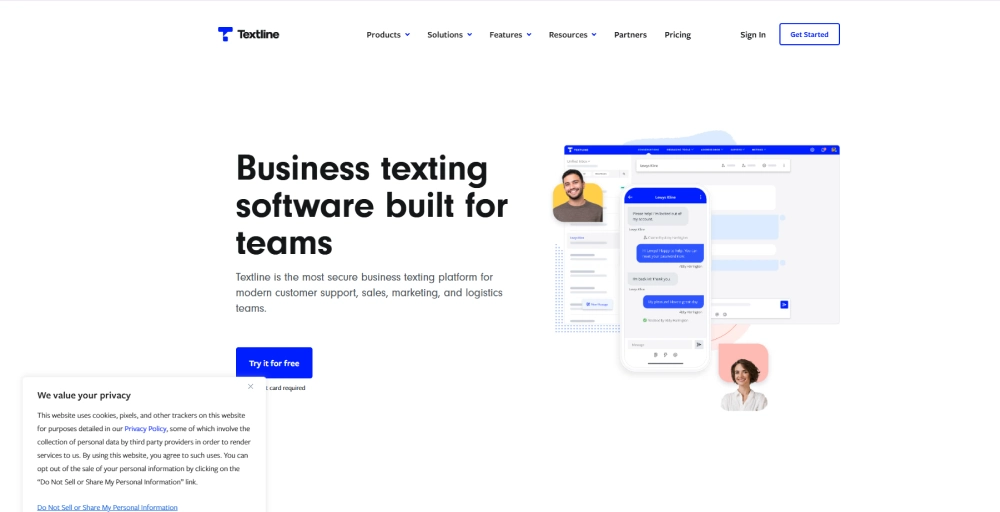
Textline takes a completely different approach to business communication than Sideline. Where Sideline treats texting as a side feature, Textline builds its entire platform around it, with a shared inbox, team-based routing, and automation tools designed specifically for high-volume business texting.
Standout features
- Universal Inbox centralizes SMS/ MMS, webchat, Facebook, and Instagram Business account messages into one shared workspace.
- Whispers let agents leave internal notes inside live conversations, visible only to teammates.
- Automations trigger messages, route conversations, or tag contacts based on keywords, time, or customer actions.
- Announcements lets you send text blasts and automated follow-up sequences to large lists simultaneously.
Pricing
Textline does not publicly list a fixed entry dollar amount on their site. Instead, they structure their rates tailored to your exact team size, the number of active phone lines you need, and your monthly message volume.
The service is split into three flexible tiers: Essentials (built for up to 3 agents with 600 monthly text credits), Pro (built for up to 5 agents with 2,000 text credits and Salesforce integration), and a custom Enterprise tier that includes advanced data security tools and HIPAA compliance. To get an exact operational quote, you must reach out directly to their sales team for a custom consultation.
Why should you choose Textline?
If your business handles high volumes of inbound and outbound SMS and you need team collaboration tools, routing, and built-in compliance features, Textline delivers without compromise. It’s a strong pick for industries like healthcare, logistics, and home services, where texting is the preferred customer channel.
Limitations of Textline
- Pricing is not publicly available, making it harder to budget before speaking with sales.
- Message credits are capped per plan, and overages add up quickly at $0.03–$0.04 per additional segment.
- Textline has no native voice calling, only call forwarding, making it unsuitable as a standalone phone system replacement.
Which Sideline alternative should you choose?
The right pick depends on what Sideline was missing for you. Here’s a quick breakdown to help you decide.
- Choose KrispCall if you need a full business phone system with global reach, CRM integrations, and AI-powered calling, all at an affordable per-user price.
- Choose RingCentral if your business is scaling fast and needs enterprise-grade infrastructure, AI call intelligence, and a unified platform for voice, video, and messaging under one roof.
- Choose Nextiva if call reliability is your top priority. Its 99.999% uptime guarantee and 24/7 support make it a safe choice for customer-facing teams that can’t afford dropped calls or slow help.
- Choose Dialpad if you want AI built into every conversation. Real-time transcription, post-call summaries, and live coaching tools make it the best fit for sales and support teams that run on call data.
- Choose Zoom Phone if your team uses pre-existing Zoom Workplace accounts. It’s the smoothest transition from Sideline for teams that want to call and video-meet on one familiar platform.
- Choose JustCall if you run a high-volume sales or support operation that depends on CRM sync, automated dialers, and AI coaching baked into every call.
- Choose Quo if you’re a small team or a solopreneur who wants a clean, collaborative phone system with AI included from day one, plus a 7-day free trial to test it first.
- Choose Grasshopper if you’re a solo operator or freelancer who just needs a professional business line with flat monthly pricing and no per-seat costs.
- Choose Unitel Voice if you want the most affordable entry point on this list with real human support included.
- Choose Textline if your business runs primarily on text rather than calls. It’s built for teams that need shared SMS inboxes, routing, and automation at scale, not a traditional phone system.
Final thoughts
The sudden removal of Sideline’s Enterprise plan made one thing clear: relying on a basic second-number app to anchor your company’s communication is an operational risk. A modern business demands a complete, scalable voice-and-text infrastructure that tracks customer data, supports intelligent routing, and scales with your team.
Whether you need the collaborative shared inboxes of Quo, the automated call logs of Dialpad, or the budget-friendly corporate presence of Unitel Voice, migrating away from Sideline ensures your communication setup matches your professionalism.
If you’re still weighing your options, start with what frustrated you most about Sideline. And for most growing businesses, KrispCall offers the right balance. It covers the core features teams actually use, integrates with the CRMs they already have, and scales without jumping to enterprise pricing.
Curious to see how it fits your setup? You can book a free KrispCall demo and see it in action before committing to anything.