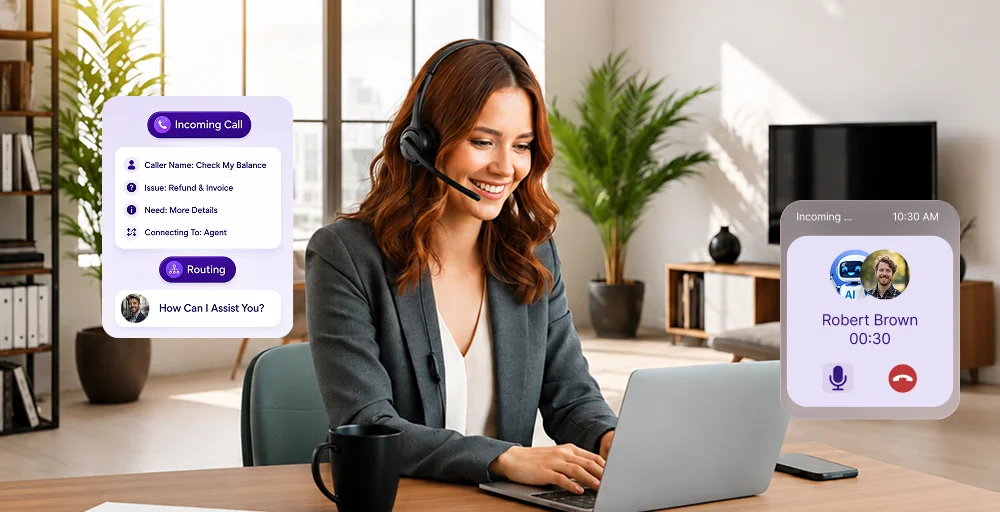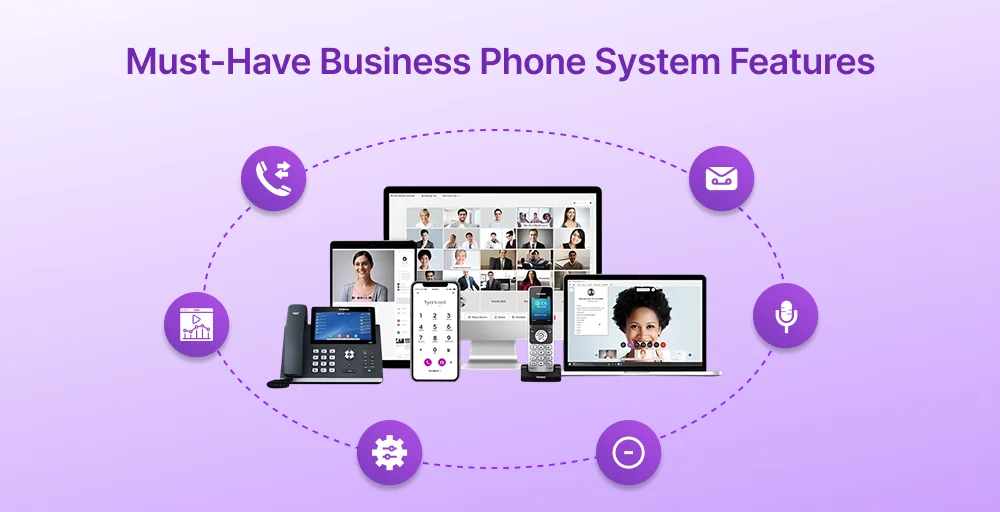
Business phone systems have come a long way from simply connecting calls. Today’s best business phone platforms handle team messaging, CRM syncing, AI-powered insights, call analytics, and remote work, all from a single interface.
This growing number of available features can quickly feel overwhelming, especially when every provider claims to offer everything.
But modern cloud-based business phone systems are built to scale with you. You don’t need to activate everything on day one. You start with what your team actually needs and expand as your operation grows.
✨ TL;DR
Modern business phone systems combine calling, messaging, analytics, and integrations into a single platform. The must-have features to prioritize are:
- Call forwarding & routing — ensure no call goes unanswered or misrouted.
- Call queues — manage high volumes without dropping caller experience.
- IVR / Auto-attendant — route callers 24/7 without a live operator.
- Call recording — essential for QA, compliance, and dispute resolution.
- CRM integrations — give agents instant caller context before they say “hello“
- Call analytics — track volume, wait times, and performance in one view.
- Mobile app / Softphone — keep teams connected from anywhere.
- AI insights — automate summaries and flag sentiment without manual review.
Essential features of a business phone system
Not every feature listed on the provider’s pricing page is worth paying for. Here are some call center phone systems features that are non-negotiable:
Call management essentials
1. Call forwarding (busy / no answer)
Never missing a lead is the golden rule of sales. Call forwarding ensures that if a specific line is busy or goes unanswered after a set number of rings, the call is instantly redirected to another extension, a mobile device, or an external number.
Most VoIP-based phone systems for businesses offer two key variants: busy call forwarding (redirects when your line is in use) and no-answer forwarding (kicks in after a set number of rings).
2. Call transfer
Call transfer moves an active telephone call from one person, department, or device to another. The two types of call transfer are warm transfer (agent briefs the receiving party first) and blind transfer (call sent directly, no introduction), each suited to different situations.
Call transfer is a staple of office phone systems. Teams without a reliable transfer feature may repeatedly put their customers on hold or ask them to call back on a different number.
3. Call routing
Call routing is the logic that dictates where a call goes the moment it enters the system. Routing can be done based on pre-set rules such as time of day, caller ID, IVR input, agent availability, or skill set. It’s what ensures a billing query reaches billing, and an after-hours call rolls to voicemail, without any manual handling.
4. Call queues
When every agent is occupied, call queues keep the experience from falling apart. Instead of hitting a busy signal, callers are placed in a virtual queue, often with hold music, position announcements, or estimated wait times, until someone is available.
Collaboration & engagement boosting features
5. Team messaging (SMS) /chat
Switching between apps or bouncing from one conversation to another can instantly kill productivity. By integrating team chat and business SMS directly into a phone system, you can handle both internal check-ins and external client updates from a single interface.
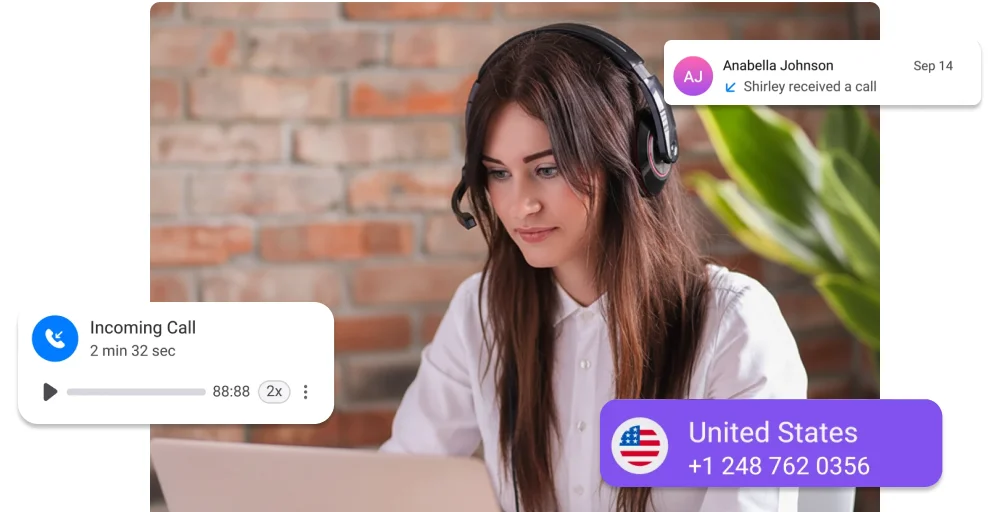
6. Unified callbox
A unified callbox consolidates all incoming communications, such as calls, voicemails, messages, faxes, and even social media messages, into a single inbox.
No more switching between tabs or missing a voicemail because it landed in a separate system.
7. Presence status
There is nothing more frustrating than transferring a high-priority call to a colleague who is already on the phone or out at lunch. Presence status provides real-time visibility into who is available, away, or on a call.
8. CRM-based team visibility
By integrating your office phone system with a CRM, your team gains instant context. Agents can immediately see who’s calling and review their recent interactions, enabling more personalized and engaging conversations.
Customer experience & service features
9. IVR / Auto-attendant
An Interactive Voice Response (IVR) or auto-attendant system acts as an automated digital receptionist. It provides a voice menu that allows callers to self-select their destination (e.g., Press 1 for Support).
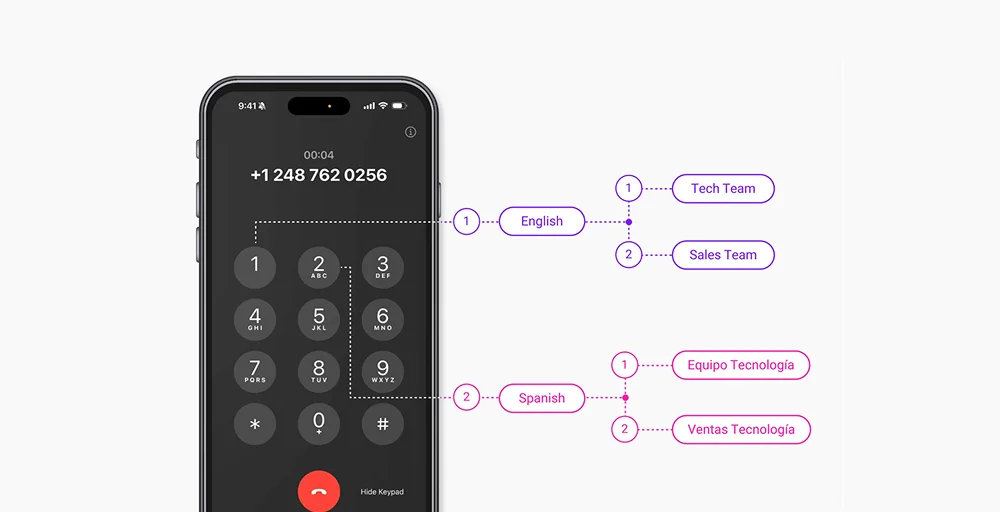
This reduces manual transfers and ensures the business telephone system remains operational 24/7 without requiring a live operator at all times.
10. Call recording
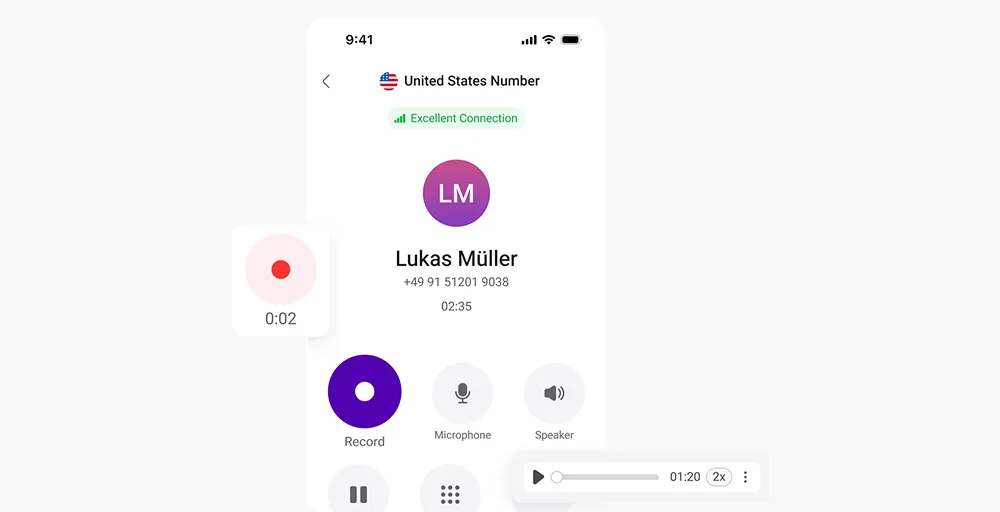
Call recording captures conversations automatically or on demand, storing them in the cloud for later review. For most businesses, it serves two purposes: quality assurance and legal compliance. Sales teams use recordings to refine pitches; support teams use them to resolve disputes.
11. Voicemail-to-email
Voicemail-to-email transcribes or forwards voicemail messages directly to an inbox as an audio file or text transcription. It means no one has to dial in to check messages, ensuring easy accessibility, faster response time, and better organization.
12. Hold music
Hold music is easy to overlook, but silence on hold is one of the fastest ways to make a caller hang up. A professional hold experience, whether that’s branded music, a promotional message, or an estimated wait time, helps keep callers engaged and improves their perception of the wait.
Call management features (Advanced layer)
13. Call monitoring
Call monitoring gives supervisors a live window into active calls across the team. It comes in three distinct modes:
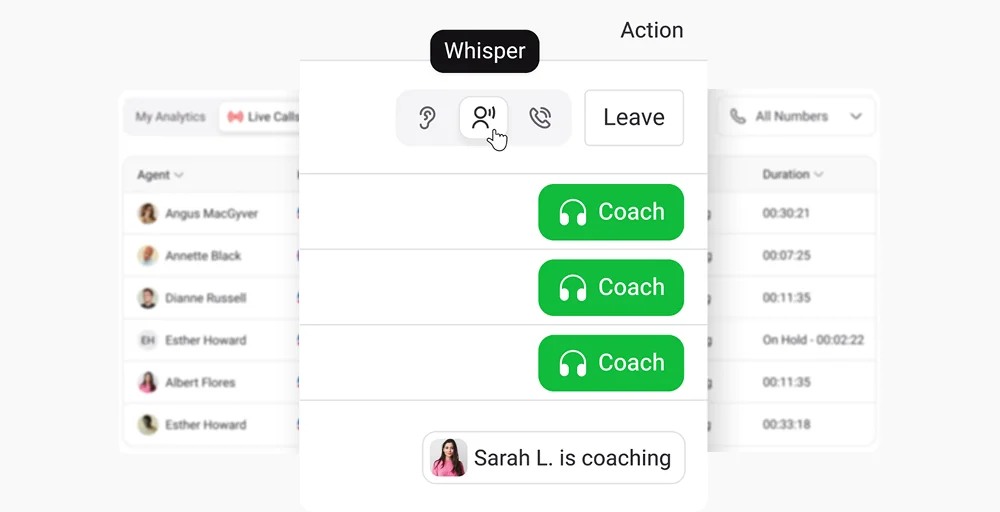
- Call whispering: This allows a supervisor to speak directly to the agent during a live call without the customer hearing a word.
- Call listening: This allows for pure observation, in which the supervisor joins silently to assess performance without intervening.
- Call barging: This allows a supervisor to join the conversation as a full participant, typically used when a call is escalating and needs immediate rescue
14. Smart routing (time/location-based)
Smart routing builds on standard call routing by adding conditional intelligence. Phone calls are directed not just by department, but by when and where (time and location), automatically shifting based on business hours, public holidays, agent location, or even the caller’s geographic region.
For businesses operating across time zones or managing distributed teams, this means calls always land with someone equipped to handle them.
Mobility and remote work capabilities
15. Mobile app
A dedicated mobile application transforms any smartphone into a fully functional business extension. This allows employees to make and receive calls using their business identity rather than a personal number, maintaining professional boundaries and consistent branding.
Download 👇
16. Softphone
A softphone is a software interface that enables voice and video calls over the internet without the need for traditional hardware. The best implementations offer a unified app for iOS, Android, and Web, serving as a complete virtual phone system.
This versatility ensures that the best business phone experience is accessible across laptops, tablets, and desktops simultaneously.
17. Work-from-anywhere
Having work-from-anywhere capability means your phone system functions the same way whether an employee is at headquarters, at home, or on the go. Calls route the same way, presence status stays accurate, and the customer experience is no different.
18. Wifi calling
Wi-Fi calling allows calls to be made over a stable internet connection instead of relying solely on cellular networks. This is especially useful for remote teams or employees working in areas with weak mobile coverage, ensuring consistent call quality regardless of location.
Analytics and performance tracking
Whatever element gets measured can be managed, and the right business phone system should provide clear, actionable data without requiring you to dig through raw call logs.
19. Call analytics
Call analytics provide a high-level overview of a company’s communication patterns. It tracks essential metrics such as total call volume, peak calling hours, and average wait times. These data points help you optimize staffing schedules and ensure that your phone system is never overwhelmed during busy periods.
20. Agent performance tracking
Monitoring individual contributions is a staple feature of high-performing call center phone systems. This tracking includes detailed reports on average handle time (AHT), first-call resolution rates, and total active talk time. These insights allow for objective performance reviews and help identify specific training needs across the team.
21. Campaign tracking
For outbound sales and marketing teams, campaign tracking ties call activity back to specific campaigns. It shows exactly which efforts are driving conversations and which aren’t converting. This allows organizations to calculate the exact ROI of their marketing spend.
22. AI insights (call summaries, sentiment)
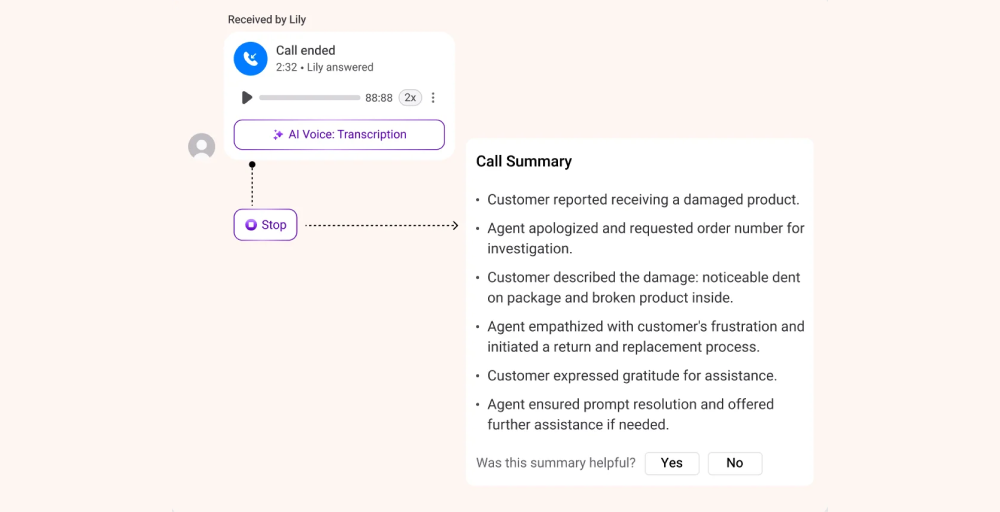
Modern business phone systems increasingly use artificial intelligence to analyze conversations. AI-powered insights provide automated call summaries and sentiment analysis, helping identify whether a customer interaction was positive, neutral, or negative.
This allows teams to address issues proactively without manually reviewing large volumes of calls.
Security and compliance features
23. GDPR
For companies interacting with users in the European Union, GDPR compliance is mandatory. Modern business phone systems should include features specifically designed to uphold privacy rights, such as consent-based call recording, data retention controls, and the ability to delete customer data on request.
24. Data encryption
Encryption is the primary defense against unauthorized interception of business communications. Transport Layer Security (TLS) encrypts SIP signaling, and Secure Real-time Transport Protocol (SRTP) protects the actual voice data packets. This dual-layer approach ensures that even if data is intercepted during transmission, it remains unreadable and secure.
25. Call security
Beyond encryption, comprehensive call security involves protecting the integrity of the entire office phone system. This includes Multi-Factor Authentication (MFA) for administrative access, real-time threat detection to prevent DDoS attacks, and STIR/SHAKEN compliance to combat caller ID spoofing.
Integration and productivity features
25. CRM integrations
Integrating phone systems with Customer Relationship Management (CRM) platforms is a standard requirement for modern efficiency. This connection enables screen pops, which display a caller’s entire history the moment the phone rings.
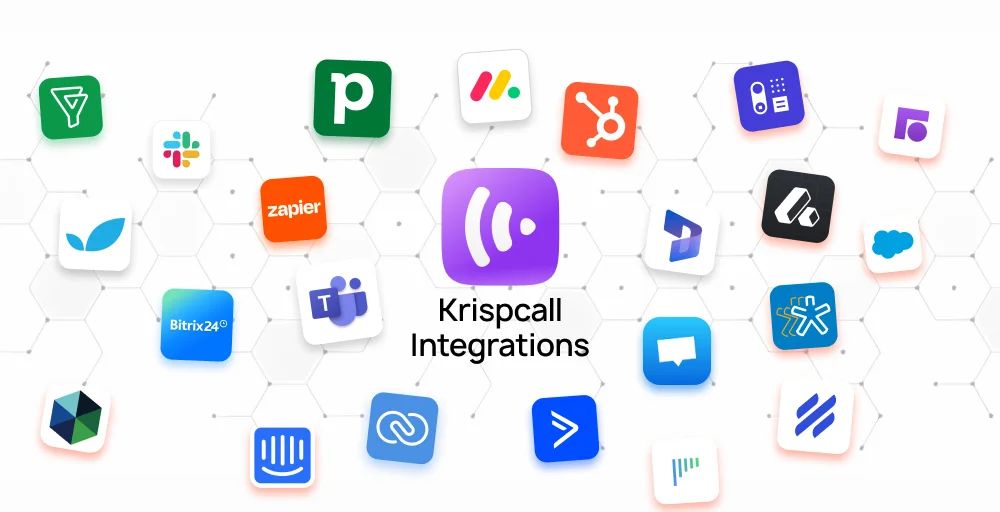
It also automates call logging, ensuring that every interaction is recorded in the CRM without requiring an agent to type a single note.
26. Helpdesk & support tool integration
Connecting office phone systems to helpdesk software allows support teams to operate within a single interface. When a customer calls, the system can automatically create a new support ticket or update an existing one, attaching the call recording and an AI-generated transcript. This unified workflow reduces tool-switching and ensures that the support history remains consistent.
27. Workflow automation
Workflow automation turns a phone system for businesses into a proactive tool. By using webhooks and APIs, businesses can trigger specific actions based on call events, for example, automatically sending a Thank You SMS after a completed sales call or scheduling a follow-up task in a project management tool like Trello or Asana if a call is missed.
Maximize your team’s efficiency with KrispCall
Choosing a business phone system with the right mix of features can significantly improve both team productivity and customer experience. However, managing multiple tools or paying for unnecessary add-ons can quickly become costly and complex.
If you’re looking for a solution that brings together essential and advanced features in one place, KrispCall is the one. It includes capabilities like call routing, IVR, CRM integrations, analytics, and AI-Copilot, while remaining simple to use and cost-effective for growing teams.
Instead of overwhelming your workflow with multiple tools, you can start with the features you need and scale as your business evolves.
Book a KrispCall demo now to see how these must-have features work.