call notes



Get a Virtual Number
Get local, mobile, and toll-free virtual phone numbers from 100+ countries and expand your business worldwide.
How to Create Call Notes on KrispCall?
Creating Call Notes on KrispCall is quite simple. Just simply press the notes button, add the notes, and save it.

Press a “Notes” button on the call screen during the call.

The text box will appear.

Write down the notes in the text box.

Save the note and access it whenever required.

To add notes after a call, click on the contact name/number. On the right side of the conversation window, you can see a Text Box beneath Notes. You can write a note in it and save it for later.

What are Call Notes?
Call notes help you capture important details from every conversation, so nothing gets missed during interactions with prospects or customers. Every key point can be easily shared among teams, helping them understand customer needs and reducing the need to repeat anything.
A typical call note should contain the caller’s name, contact information, call’s date and time, summary of the main points, action items, and follow-up notes. Unlike call recordings, call notes provide a human-readable summary of conversations without the need to replay calls.
How Do Call Notes Work on KrispCall?
KrispCall allows users to record important details while they’re still fresh. During any inbound or outbound call, simply click the Notes button in the dialer to open a note box where you can record key information, customer requests, next steps, or follow-up actions in real time.
You can also add or update notes later by opening a contact from your conversation history. All the call notes are automatically linked to the corresponding number, providing quick access to past conversations.
Every call notes stored in one place so that your team can pick up conversations with full context and never miss a detail.

Why Your Team Needs Call Notes

Best Practices for Writing Effective Call Notes

Keep notes clear and concise

Capture key call details

Update notes in real time

Integrate with your CRM
More Features like Call Notes
Call Transfer
Route calls instantly to expert agents, minimizing customer wait time for swift query resolution and improved customer support.

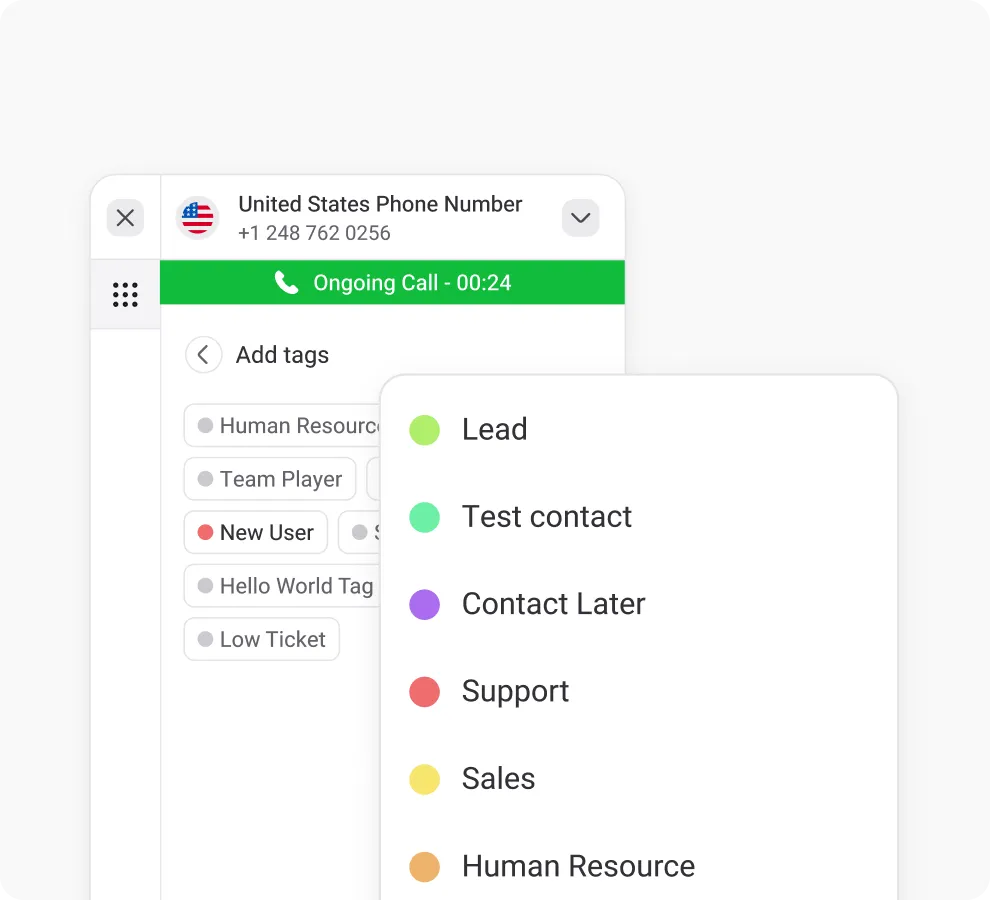
Call & Contact Tagging
Tag customers for easy sorting, streamlining navigation and enhancing customer support efficiency.
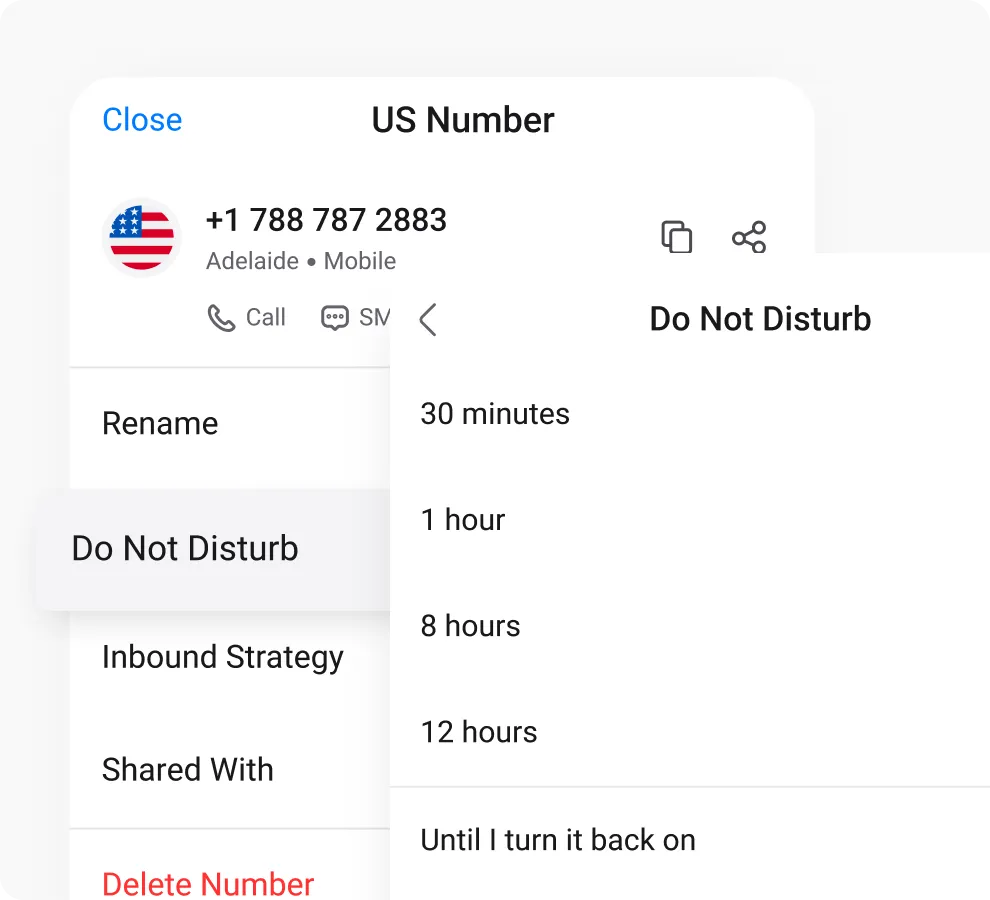
Do Not Disturb Mode
Get comprehensive call metrics in real time with KrispCall's analytics, covering volume, duration, inbound/outbound calls & more.
Frequently Asked Questions
Didn’t find the Answer you were looking for? Visit our Help Center or Contact Support
Call notes can be used to capture important details during or after calls and eliminate post-call confusion. It consists of callers’ details, information shared during the call, and concerns that can be used later to provide customized service to them and increase customer satisfaction.
Yes, you can write call notes in an active voice call in KrispCall. Simply press the “Notes” button on the call screen, add notes in the text box, and save it.
Searching and retrieving a specific call note is easy as the system automatically associates each call note with the respective contact. Just enter the contact’s name and directly access their file.
To write a call note, simply press the “notes” button during or after calls and add notes in the call note text box. Write in clear and concise language, correct format, and include the purpose of calls and key points.
You do not need to note down each and everything other than key facts. To summarize a phone call in call notes, include:
- The caller’s name, details, and date of the call.
- The caller’s main inquiry and deadlines.
- Unusual details regarding their situation and action taken.
- Pending tasks to be completed before the follow-up.
- Expected date and time for the next contact.
- A template to manage your notes easily.
Call centers use notes for maintaining thorough records of customer inquiries and issues, easy sharing among team members, providing personalized services to customers, and improving overall customer experiences.
