Using your personal number for WhatsApp is fine until your business starts growing. Customers save your private number, messages come in at midnight, and there’s no clean way for a team to share one inbox.
A virtual phone number for WhatsApp solves all of that. It’s a real, working phone number, no SIM card, no extra device, that you can use to register WhatsApp or WhatsApp Business, receive OTP verification codes, and manage customer conversations from any device, anywhere in the world.
With KrispCall, you get a virtual number from 100+ countries, activated in minutes, starting with a free demo.
In this guide, you will learn:
- How to buy a WhatsApp virtual phone number
- How to set it up step by step
- Free vs paid options — which ones genuinely work
- Which providers are worth it in 2026
- Whether WhatsApp can ban or block virtual numbers
What is a virtual phone number for WhatsApp?
A virtual phone number is an internet-based number that doesn’t require a physical SIM card or device. Unlike traditional mobile numbers, virtual numbers are not tied to a specific phone or location. They can be accessed through web dashboards, applications, or integrated platforms like HubSpot and Salesforce, which enable businesses to manage messages and calls from anywhere.
When used for WhatsApp, a virtual phone number allows businesses to set up a WhatsApp or WhatsApp Business account without relying on personal phone numbers. These numbers function just like regular mobile numbers but offer added flexibility, security, and control.
This system is especially beneficial for businesses that handle high volumes of messages, operate in multiple regions, or have teams that need to collaborate on a single WhatsApp account. Virtual numbers ensure professional communication, streamline customer support, and allow businesses to scale operations without the constraints of traditional phone systems.
How It Differs From a Regular Phone Number
| Features | Regular Phone Number | Virtual Phone Number |
| Requires a SIM card | Yes | No |
| Tied on one device | Yes | No |
| Choose your country code | No | Yes |
| Multiple team members can use it | No | Yes |
| Work across devices | No | Yes |
| Cancel or charge any time | No | Yes |
Why Businesses Use a Virtual Phone System for WhatsApp?
When WhatsApp crossed 3 billion users, it stopped being just a messaging app and became one of the most direct lines a business has to its customers. The problem is that most businesses are still running that line through a personal mobile number, and that creates more problems than it solves.
Professional Business Identity
Using a personal number for business communication looks unprofessional and can hurt your brand. A virtual number gives your business a dedicated WhatsApp identity that customers recognize and trust.
Customers are simply more likely to engage with an official business number than a personal or frequently changing mobile number.
Separation of Personal and Business Communication
A virtual number keeps your personal and business conversations completely separate. Employees stop receiving customer messages on their personal phones outside of working hours, which protects their privacy and prevents burnout.
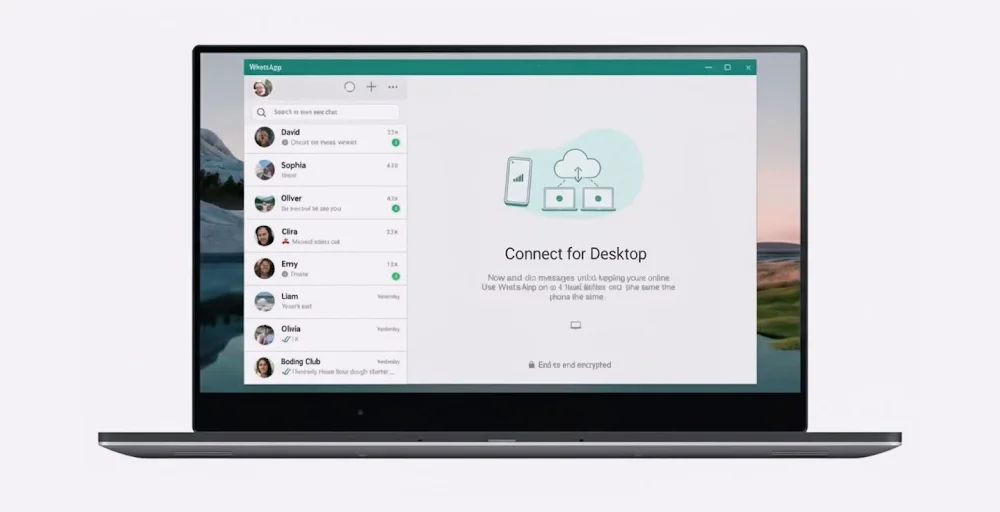
For business owners and support teams, this separate second phone number means better focus, stronger security, and a healthier work-life balance.
Team Collaboration and Multi-User Access
Standard WhatsApp accounts are tied to a single device. A virtual number connected to WhatsApp Business tools or the API allows multiple team members to manage conversations at the same time from their own devices.
This means:
- Faster response times
- Better customer support coverage
- Clear ownership of conversations
- Consistent service quality
No more sharing one phone or passing login credentials between team members.
International Presence Without a Physical Office
Virtual numbers for WhatsApp let businesses choose country-specific numbers, making them appear local to customers in any market. A customer in the US or UK is far more likely to respond to a familiar local number than an unknown international one.
This makes it possible to expand globally, handle cross-border sales, and support international customers, without the cost of opening physical offices abroad.
Cost-Effective and Easy to Scale
Virtual numbers eliminate the need for multiple SIM cards, extra devices, and traditional telecom contracts. Businesses can add or remove numbers as needed and only pay for what they actually use.
This makes virtual numbers a practical choice for startups, growing businesses, and large enterprises alike.
How to Get a Virtual Phone Number for WhatsApp?
Getting started with a virtual phone number for WhatsApp is straightforward. Here is exactly how the process works from start to finish.
1. Choose a Virtual Number Provider
The first step is picking a provider that offers virtual numbers compatible with WhatsApp verification. Look for a provider that supports SMS and voice call delivery, covers your target country, and offers a reliable dashboard to manage incoming messages.
2. Select Your Number and Country
Once you have an account, choose the country code and number that fits your business. If you are targeting US customers, get a US number. If you serve UK customers, get a UK number. The number looks and works exactly like a regular mobile number in that country.
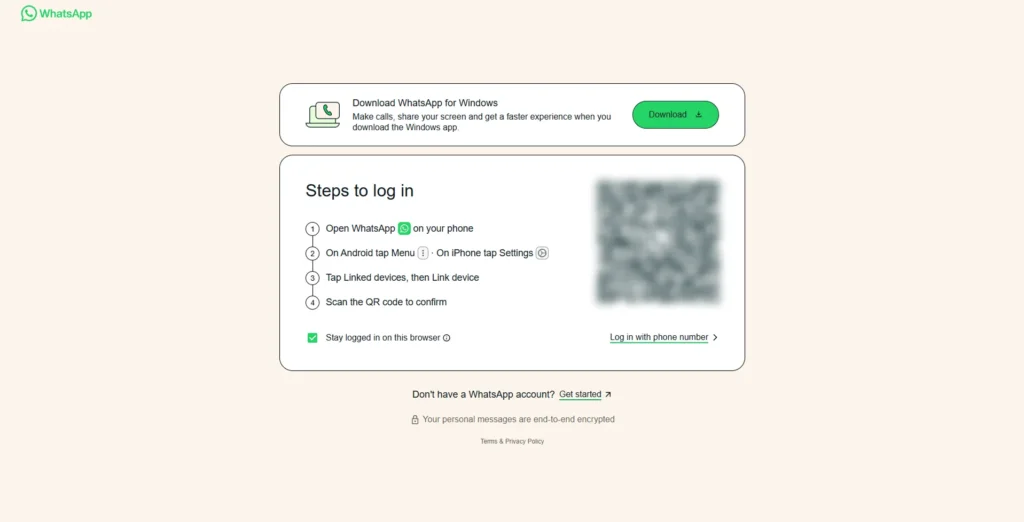
3. Register the Number on WhatsApp
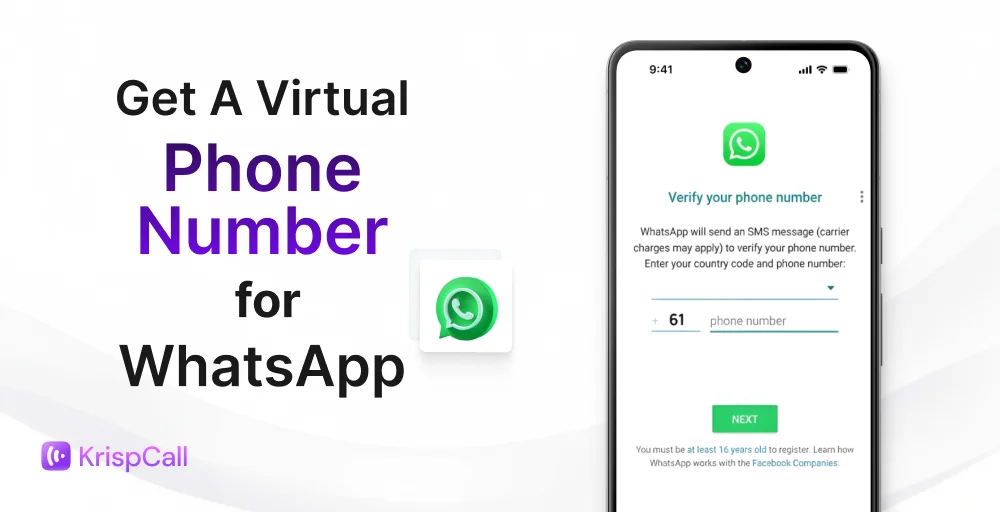
Open WhatsApp or WhatsApp Business and enter your virtual number during setup. WhatsApp will send a 6-digit OTP verification code via SMS or automated voice call to confirm the number is valid.
4. Receive Your OTP and Verify
The verification code is delivered directly to your KrispCall dashboard – no physical phone needed. Enter the code into WhatsApp to complete verification. Your WhatsApp account is now live on your virtual number.
5. Set Up Your WhatsApp Business Profile
Once verified, set up your business profile – add your business name, description, operating hours, and an automated greeting message. This is what customers see when they contact you for the first time.
Receive your WhatsApp OTP instantly with KrispCall
Get a virtual number, verify your WhatsApp account in minutes, and start connecting with customers – no SIM card, no hardware, no delays.
5 Benefits of Using a Virtual WhatsApp Number
Using a virtual phone number for WhatsApp offers businesses a range of practical advantages over using a personal mobile number. Here are the five key benefits that make it a smarter choice for businesses of all sizes.
1. Enhanced Privacy and Security
A virtual WhatsApp number ensures that personal phone numbers are never exposed to customers, vendors, or third parties. This protects employees and business owners from spam calls, SIM swapping attacks, phishing attempts, and unauthorized contact outside of business hours.
Beyond personal protection, virtual numbers keep all customer conversations within centralized, access-controlled systems, reducing data leakage risk and supporting compliance with data privacy regulations such as GDPR.
3. Multi-Agent Access and Team Collaboration
Unlike standard WhatsApp accounts that are locked to a single device, a virtual number integrated with a platform that enables multi-agent access from a shared inbox. Multiple team members can handle incoming WhatsApp conversations simultaneously, from different devices and locations, without sharing credentials or passing around a single phone.
This setup reduces average response times, improves first response rate (FRR), eliminates missed messages, and ensures business continuity regardless of individual agent availability.
4. International Reach with Local Numbers
Virtual phone numbers allow businesses to acquire country-specific numbers and establish a genuine local presence in any target market. A US area code number for American customers, a +44 number for the UK, an Indian virtual number for WhatsApp with a +91 country code for customers across India, or a +61 for Australia – all manageable from a single dashboard without physical SIM cards, local offices, or international roaming fees.
Free virtual numbers for WhatsApp – do they actually work?
Free virtual numbers are widely available, and many people try them first before considering a paid option. The short answer is: some work, most don’t, and none are reliable enough for serious business use. Here is what you need to know.
1. Google Voice – Free but Restricted
Google Voice is one of the most well-known free virtual number services. It provides a real US phone number that can receive SMS and calls, and in many cases, it works for WhatsApp OTP verification. The problem is availability.
Google Voice requires an existing US phone number to sign up and is only accessible to users with a US Google account. For anyone outside the United States, getting a Google Voice number is either impossible or requires workarounds that frequently stop working.
It is also not designed for business use – there is no shared number, no team access, and no WhatsApp Business API support.
2. TextNow and TextFree – Unreliable for WhatsApp
Apps like TextNow and TextFree offer free US virtual numbers but are built primarily for app-to-app calling and messaging. WhatsApp frequently blocks or rejects these numbers during OTP verification because they are unverified VoIP numbers with no mobile carrier backing.
This is not a problem with virtual numbers in general, it is a problem specific to free, low-quality VoIP numbers.
3. Temporary OTP Services – One Use Only
Services like SMS-MAN and Grizzly SMS offer disposable virtual numbers for a few cents per use. These are designed purely for one-time OTP verification — you get the code, verify the account, and the number is gone.
The risk is significant. These numbers are recycled, meaning they have been used by other people before you. WhatsApp may already have that number flagged as previously registered, causing verification to fail or the account to be restricted shortly after activation.
Free vs Paid – When to Upgrade
Free virtual numbers work for personal, one-time use, where reliability is not critical. But for any business purpose – customer communication, WhatsApp Business setup, team inbox management, or multi-country presence, a paid virtual number is the more dependable choice.
A paid virtual number from KrispCall gives you a clean, non-recycled number with guaranteed SMS and voice OTP support, a stable long-term presence, and full WhatsApp Business compatibility. KrispCall provides virtual numbers from 100+ countries, instant activation, a shared number, CRM integrations, and call analytics – all from a single dashboard.
Whether you are a startup needing one dedicated WhatsApp number or an enterprise managing multiple country lines, KrispCall scales with your business at a cost far lower than traditional telecom infrastructure.
Will WhatsApp ban or block a virtual number?
WhatsApp does not ban or block numbers simply because they are virtual. What matters to WhatsApp is not the type of number but how the account behaves after registration.
Does WhatsApp Detect Virtual Numbers?
WhatsApp does have systems in place to detect VoIP-based and non-mobile numbers during registration. However, this detection primarily targets free, unverified VoIP numbers with no carrier backing, not legitimate virtual numbers from registered telecom providers.
A virtual number from a provider like KrispCall is backed by real carrier infrastructure, assigned a proper mobile or geographic country code, and treated by WhatsApp’s systems the same way a physical SIM-based number would be. These numbers pass OTP verification cleanly and remain active without restriction under normal usage conditions.
Why Choose KrispCall Virtual Phone Number for WhatsApp?
Choosing the right virtual number provider makes all the difference. KrispCall is built for businesses that need reliability, simplicity, and real WhatsApp compatibility.
Instant Setup: No hardware. No SIM cards. No long-term commitments. Pick a number, activate it, and start using WhatsApp for business in minutes.
Numbers from 100+ Countries: Get local, mobile, toll-free, and national numbers from over 100 countries, including a +91 Indian virtual number for WhatsApp – activated instantly with no SIM cards required.
Full WhatsApp and WhatsApp Business Support: KrispCall numbers support SMS and voice OTP delivery for WhatsApp Messenger, WhatsApp Business App, and WhatsApp Business API — verified and active on the first attempt.
Unified Callbox and CRM Ready: Manage WhatsApp conversations as a team from a shared inbox. Connect with HubSpot, Salesforce, Pipedrive, and Zapier to keep every customer interaction logged automatically.