Telegram now serves over 1 billion monthly users, gaining 50 million in just the past year. This reflects a massive 137.5% surge in global popularity over the last five years. (Resourcera) The platform’s popularity is rising due to its strong privacy features, secure verification, support for large groups, and a range of communication tools that keep personal and professional lives separate.
However, using your personal phone number for Telegram registration has significant drawbacks. Your primary Telegram number makes personal information visible to contacts and group members, exposing you to potential spam calls, unwanted messages, and privacy breaches.
For those concerned about privacy, using a personal number isn’t ideal. Virtual phone numbers provide a secure way to verify accounts, protect personal information, and improve your Telegram experience.
In this guide, we’ll learn how to get a virtual phone number for Telegram, examining various paid and complimentary alternatives and the factors to consider when selecting a provider.
✨ Key Takeaways
- Telegram accounts can now be created using unlimited virtual phone numbers, allowing users to maintain multiple accounts without exposing their actual phone number
- A second phone number helps maintain privacy, simplifies SMS verification, and creates clear boundaries between personal and business use, especially when joining public groups or handling client communications.
- Getting a virtual number involves choosing a reliable provider, purchasing or registering a number, verifying it via SMS during Telegram sign-up, and configuring privacy settings to ensure long-term account security.
- Avoid bans by using high-quality, dedicated virtual numbers instead of free disposable fake numbers for Telegram, enabling two-factor authentication, and gradually building account activity to mimic genuine user behavior.
Can I create a Telegram account with a virtual number?
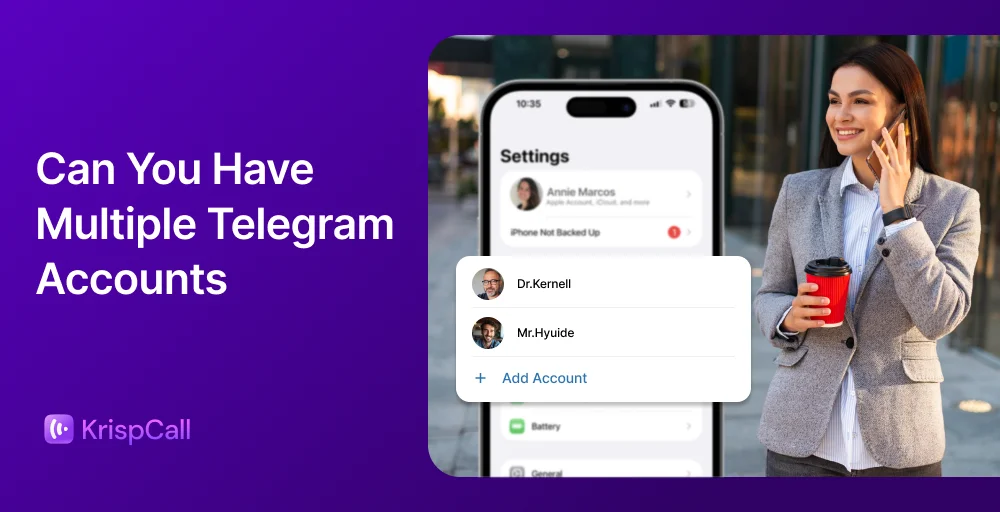
Yes, you can create a Telegram account with a virtual number. This lets you perform anonymous Telegram account creation, and helps you keep your real phone identity private and secure. It allows you to use multiple Telegram accounts without extra SIM cards and supports instant international calling, helping you stay connected without high roaming charges.
Why do you need a second phone number for Telegram?
A second phone number for Telegram is important to set digital boundaries. While Telegram is built for privacy, it still requires a unique identifies to work.
Here is why a second phone number is necessary:
1. Privacy protection
A separate virtual number keeps your personal phone number private. This prevents strangers, group members, or contacts from accessing your real phone number, helping protect you from unwanted calls, spam, and potential security risks. It’s especially valuable when joining public channels or interacting with people you don’t know personally.
2. Verification
A second number simplifies the online verification process for your Telegram account. You can get instant access to your text messages to receive SMS verification codes without using your primary phone line. This makes it easier to create multiple accounts or manage Telegram numbers to maintain backup accounts for different purposes.
3. Separate persona and business communications
Using a dedicated Telegram phone number helps you maintain clear boundaries between your personal and professional life. You can manage work-related chats, client communications, or business groups on one account while keeping personal conversations entirely separate on another.
With a virtual number for Telegram, business communications effortlessly stay organized, helping you maintain efficient contact and ensuring communication remains seamless across all your accounts.
How to get a virtual phone number for Telegram?
Getting a virtual phone number for Telegram is simple and straightforward, and it helps protect your privacy. Here’s a simple guide to set it up:
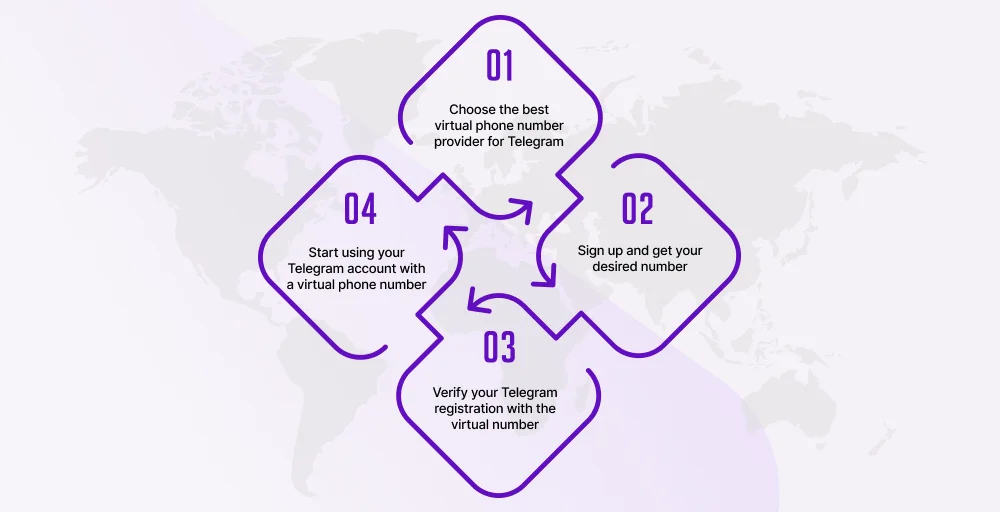
Step 1: Choose the best virtual phone number provider for Telegram
Begin by selecting trustworthy or popular services that offer Telegram-compatible virtual numbers. Look for services with clean, unused phone numbers rather than free temporary disposable numbers, which are often banned quickly.
A regular provider offers reliability, customer satisfaction, and an unwavering commitment, and reduces the risk of account issues. Take time to compare features and pricing to find the service that best fits your needs.
Related Article👉: How to Choose a VoIP Provider: 9 Essential Tips
Step 2: Sign up and get your desired number
After choosing a provider, create an account and pick your desired virtual number. Most services let you choose numbers from different countries or area codes. Once you’ve completed your purchase or registration, you’ll receive the virtual number along with instructions for accessing messages.
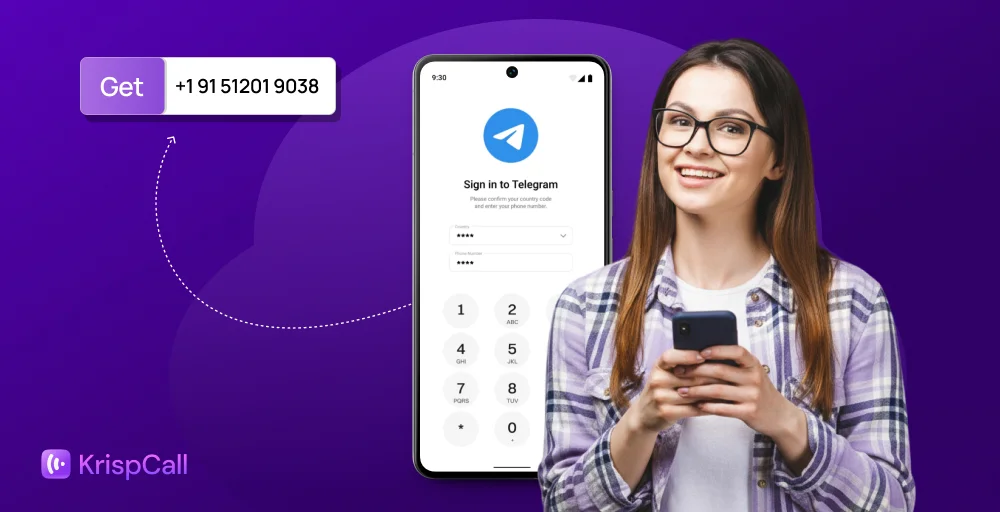
Step 3: Verify your Telegram registration with the virtual number
Open Telegram and start the registration process using your new virtual number. Enter the number when prompted, and wait for the SMS verification code to arrive. Reliable providers typically delivery codes within seconds.
Enter the code in Telegram to complete verification. For enhanced privacy, avoid syncing your contacts, turn off phone number discovery in settings, and use the virtual number solely for verification purposes.
Step 4: Start using your Telegram account with a virtual phone number
Once verified, your Telegram account is ready to use. You can now message contacts, join groups, and use all of Telegram’s features while keeping your personal phone number private. Remember to maintain access to your virtual number provider in case you need to receive future verification codes.
How to avoid a Telegram ban when using a virtual number?
To avoid a Telegram ban when using a virtual phone number, select a high-quality virtual number, preferably one that’s dedicated, clean, and unused. Here are the key safety measures to follow:
- Avoid free disposable numbers, as they are frequently flagged and banned by Telegram.
- Choose trusted VoIP or dedicated number providers that have reliable delivery rates and a clean reputation.
- Start using your account gradually, refraining from sending bulk messages or joining numerous groups right away.
- Set up two-factor authentication (2FA) and build your profile slowly, as this mimics genuine user activity.
- Apply the same careful selection process you used when setting up your virtual number, particularly when choosing a stable, reputable provider.
Get started with KrispCall’s virtual phone number
A virtual phone number for Telegram offers enhanced privacy and greater flexibility in managing your communications. Unfortunately, many providers only provide temporary numbers for single-use verification, which can cause significant issues later.
Losing your verification number can permanently lock you out of your Telegram account, which is a big problem if you also forget your password. While there are rental services to get a number, their daily fees add up quickly and can become a financial burden. Free number services might seem appealing, but they are often unreliable and usually get blocked or recycled by Telegram’s security systems.
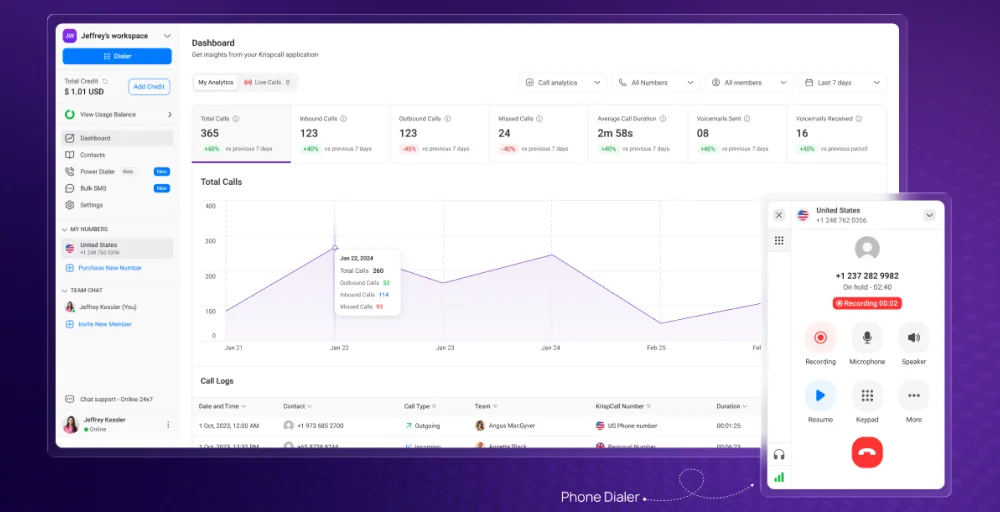
When choosing a long-term solution, it’s crucial to find a reliable option. KrispCall offers high-quality virtual phone numbers in many countries, backed by robust infrastructure and full control over your account. You keep ownership of your number, avoid repeated billing cycles, and reduce the risk of unexpected account issues.
Join KrispCall now to secure a more trustworthy and sustainable approach to establishing and maintaining your Telegram presence.
Note: KrispCall is not solely responsible for sending OTP codes for Telegram. Because verification depends on Telegram’s internal systems, we cannot guarantee that all virtual numbers will successfully receive registration or login codes.