Creating a new Gmail account sounds simple until Google asks you to verify your identity with a phone number. If you’ve been in that situation, you know the drill.
Not everyone wants to hand over their personal number. Maybe you’re setting up a business account, managing multiple Gmail addresses, or simply don’t want to share your real number with yet another platform.
That’s exactly why more and more people, from freelancers to businesses, are turning to a virtual number for Gmail verification.
In this guide, we’ll walk you through how to get a virtual phone number for Gmail verification, why Gmail asks for one, and common issues to look out for.
✨ Key Takeaways
- Gmail uses phone verification to strengthen account security, prevent spam accounts, and support account recovery.
- Not every VoIP number works with Gmail, so choose one that delivers SMS reliably.
- Using a virtual phone number for Gmail verification allows you to manage your Gmail account without sharing your personal number.
- If verification fails, switching numbers, changing regions, or using a dedicated number improves success rates.
Why does Gmail require phone number verification?
Google doesn’t ask for your phone number just to be intrusive. There are real, specific reasons behind it, and understanding them helps you see why a virtual phone number for Gmail verification is such a practical workaround.
1. Account security
Phone number verification adds an extra layer of protection to your account. If someone tries to access your Gmail from an unrecognized device or location, Google can send a code to your number to confirm it’s really you.
2. Spam and bot prevention
Creating fake or bulk Gmail accounts is a common tactic used by spammers, scammers, and automated bots. By tying each account to a phone number, Google makes it significantly harder to mass-create accounts.
3. Identity verification
Google uses phone verification as a soft way to confirm that a real person is behind an account. It’s not a full identity check, but it does add a layer of accountability.
4. Account recovery
Locked out of your account? Forgot your password? Google uses your verified phone number to send recovery codes so you can regain access quickly.
5. Preventing multiple account abuse
While you are allowed to have more than one Gmail address, Google limits how many accounts can be tied to a single phone line. It discourages people from creating dozens of accounts from a single device or identity, a common tactic used for abuse.
How to get a virtual phone number for Gmail verification (step-by-step)
Step 1: Choose a reliable virtual phone number provider
Not all virtual number providers are compatible with Gmail verification. Here’s what to look for:
- SMS support: Gmail sends codes via text, so SMS reception is a must.
- Country availability: Pick a provider that offers numbers in your region to avoid verification issues.
- Reliability: Go with trusted providers that deliver consistent service.
Step 2: Sign up and select a phone number
Create an account with your chosen provider and select a number.
- Choosing country and number type: Pick a number that matches your location. This reduces the chance of Gmail flagging your verification as suspicious.
- Temporary vs. long-term numbers: Temporary numbers are useful for one-time verification but expire quickly. If you need the account for the long term or for recovery purposes, choose a permanent virtual number.
Step 3: Enter the virtual number during Gmail sign-up
When Gmail asks for phone verification during sign-up, enter your virtual number in the “Phone number” field. Include the correct country code (e.g., +1, +44) and double-check for typos.
Step 4: Receive the Gmail verification code
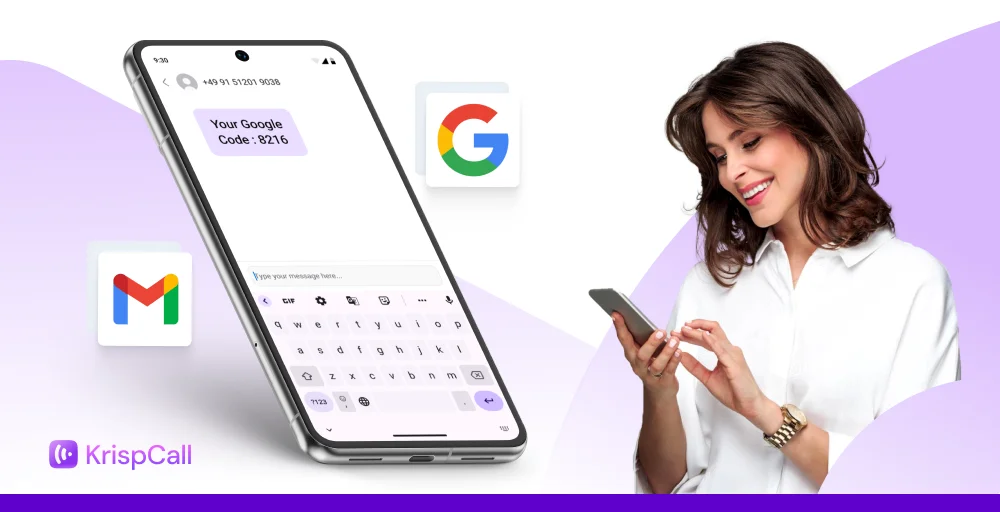
Google will send a 6-digit code via SMS to your virtual phone number. The code usually arrives within seconds in your provider’s dashboard or app.
- If the code is delayed:
- Refresh your provider’s inbox
- Wait up to 5 minutes before requesting a resend
- Confirm your number supports SMS (some VoIP numbers are call-only)
Step 5: Complete Gmail verification successfully
Enter the 6-digit code in Gmail’s verification field, then click “Verify.” Once confirmed, finish setting up your account by adding a recovery email and your preferences.
Note: Verification code delivery depends entirely on Gmail’s system, not your virtual number provider. Services like KrispCall provide working numbers that receive SMS, but whether Gmail sends the code and how quickly are controlled by Google.
Common issues when using a virtual phone number for Gmail
Even with the right virtual phone number, things don’t always go smoothly. Gmail’s security systems are strict, and virtual numbers can sometimes trigger additional hurdles.
Here are the most common issues you might run into, and ways to handle them.
1. Gmail is not sending the verification code
In some cases, the verification code fails to arrive after submitting the virtual number.
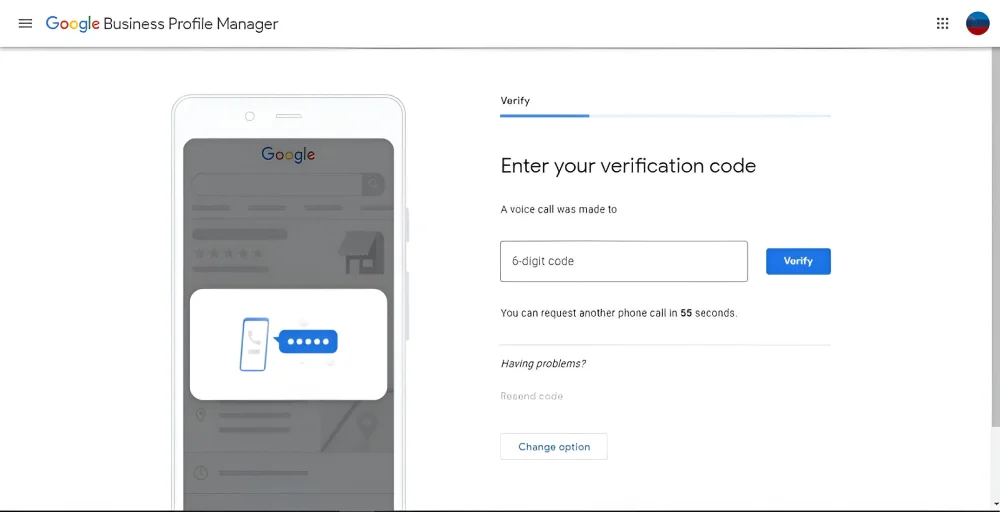
Cause: Gmail’s security algorithms may flag certain virtual numbers as high-risk, particularly if they’ve been used for multiple verification attempts. Additionally, some virtual number providers use shared number pools that Google has blacklisted due to previous abuse patterns.
Solution:
- Wait a few minutes and try requesting the code again
- Switch to a different virtual number from your provider
- Use a number from a different country if your provider allows it
- Contact your provider to confirm SMS delivery is working on their end
2. This phone number cannot be used error
This error indicates that Gmail has rejected the submitted phone number.
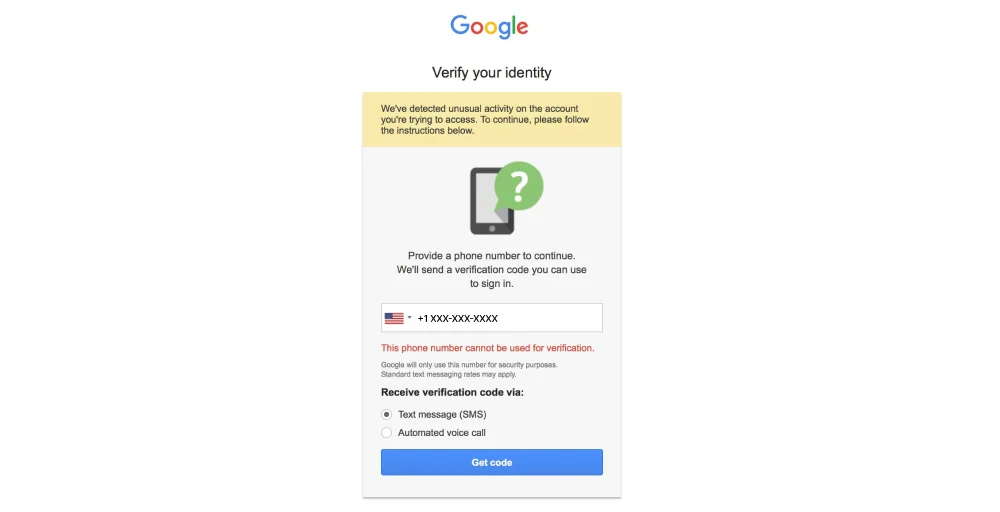
Cause: Google maintains a blocklist of virtual, VoIP, and temporary numbers that have been associated with suspicious activity or spam. Numbers used to create excessive accounts are automatically flagged and restricted.
Solution:
- Try a different virtual number from your provider
- Use a long-term virtual number instead of a temporary/disposable one
- Choose a less common country code if your provider offers multiple regions
- Consider a premium virtual number provider with a cleaner reputation
3. Verification code expired or delayed
The verification code arrives after an extended delay or expires before it can be used.
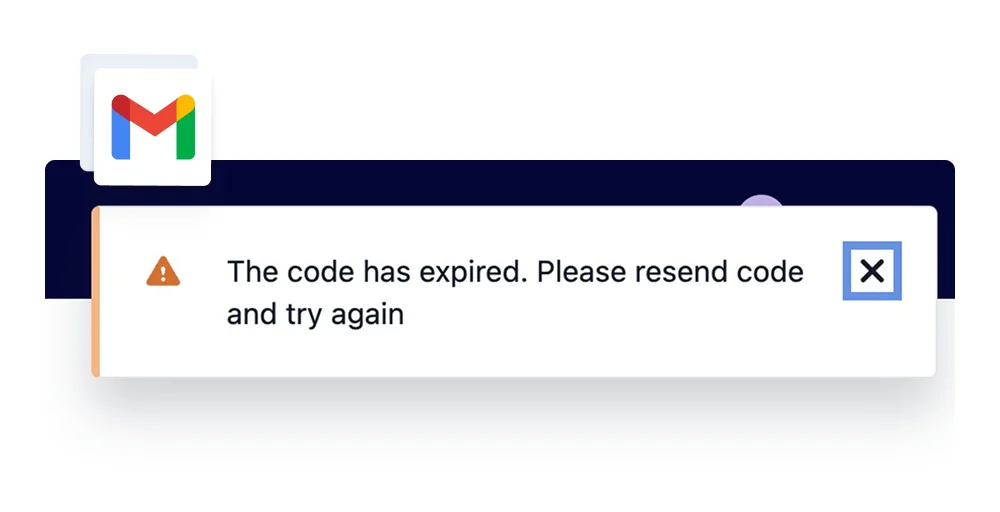
Cause: Delays can occur due to routing inefficiencies between Gmail’s SMS gateway and the virtual number provider’s infrastructure. Network congestion, provider processing times, and Gmail’s own delivery protocols can contribute to this issue.
Solution:
- Request a new code if the old one expired
- Refresh your provider’s inbox or dashboard regularly
- Avoid refreshing Gmail’s verification page too many times (it can trigger rate limits)
- If delays persist, switch providers, because slow SMS delivery is a red flag
4. Number already used for maximum accounts
Gmail restricts the number of accounts that can be verified using a single phone number.
Cause: To prevent abuse, Google limits each phone number to verifying approximately 3-5 accounts. Once this threshold is reached, the number is ineligible for further verification.
Solution:
- Get a new virtual number from your provider
- Avoid sharing or reusing the same number across multiple accounts
- Opt for dedicated numbers if you’re managing several Gmail accounts long-term
Frequently Asked Questions
Is it legal and safe to use a virtual phone number for Gmail?
Yes, using a virtual phone number for Gmail is completely legal. Google doesn't prohibit virtual numbers; it simply requires a working phone number for verification purposes. As long as you're complying with Gmail's Terms of Service and not using the account for spam or fraud, you're within legal bounds.