When you’re a freelancer or small business owner, you answer every unknown call.
Every missed call is a potential client who won’t leave a voicemail; they’ll just move on. And the data backs that up: 85% of callers who don’t get an answer won’t call back, and 62% will switch to a competitor.
But answering everything, always, from your personal number creates a different problem. Your number ends up on every marketing material, every directory listing, every cold inquiry.
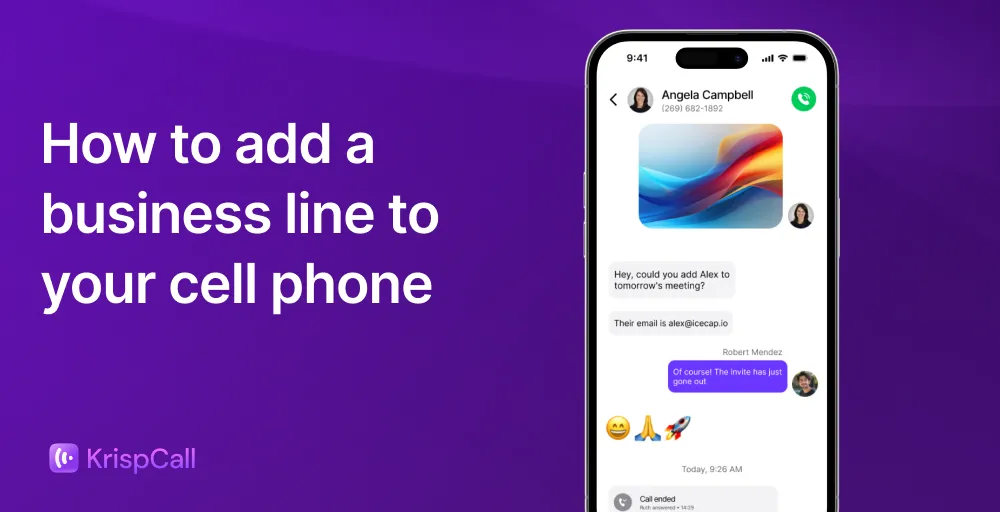
A dedicated business line on your existing cell phone changes that equation. It keeps your personal number private, gives clients a professional point of contact, and lets you set boundaries without going dark.
In this guide, we’ll break down exactly how to set up a secondary line on your existing phone and how to choose the right method for your business.
4 Ways to add a business line to your personal cell phone
Adding a business line to your cell phone requires a simple process. Here are the four most common methods, along with their trade-offs:
1. VoIP/Virtual number app
A VoIP (Voice over Internet Protocol) app gives you a fully functional second number that runs entirely over Wi-Fi or mobile data, with no SIM card required. You simply choose a provider, download an app (or use a web app), sign up and verify your account, pick a specific phone number (local, mobile, or toll-free), customize your settings such as voicemail, business hours, and greetings, and start calling.
Platforms like KrispCall go further by bundling in professional features such as call routing, voicemail, business hours settings, and CRM integrations, all from a single dashboard.
Pros:
- No new hardware or SIM card needed
- Comes with built-in business features (auto-attendants, call recording, analytics)
- Works across multiple devices simultaneously (phone, tablet, desktop)
- Easy to scale by adding numbers or team members instantly
Cons:
- Call quality depends on the internet connection
- Requires the app to be running or notifications enabled
- Some features are locked behind higher-tier plans
Best for: Freelancers, remote teams, and small businesses that want a professional setup without extra hardware costs.
2. eSIM (Embedded SIM)
An eSIM is a digital SIM card built directly into your phone. Instead of inserting a physical card, you download a carrier plan digitally and activate a second line on the same device. Most modern iPhones (XS and later) and many Android flagship phones support eSIM.
Pros:
- No physical SIM swapping required
- Clean, native calling experience through your phone’s default dialer
- Relatively easy to set up through your carrier’s app
Cons:
- Limited to carriers that support eSIM in your region
- Lacks advanced business features like auto-attendants or call analytics
- Device must support eSIM (not all phones do)
Best for: Users who want a second line with a native dialer feel and don’t need advanced business tools.
3. Dual SIM (Physical)
A dual-SIM phone holds two physical SIM cards simultaneously, allowing you to keep two active numbers on one device. You manually assign which SIM to use for each call or data session.
Pros:
- Both lines work independently, even without the internet
- Strong call reliability in areas with poor data coverage
- No app required for basic calling and texting
Cons:
- Requires a phone with a dual SIM slot (not available on all devices, especially older iPhones)
- Completely lacks business-specific features
- Managing two separate carrier plans means two separate bills
Best for: Users in regions with spotty internet who need a backup line for reliability rather than business functionality.
4. Carrier-provided second line
Some major carriers offer the option to add a second line directly to your existing plan, often as an add-on. This is the most traditional route and essentially mirrors a standard phone plan on the same device.
Pros:
- Familiar, native calling experience
- Backed by your carrier’s network reliability
- No third-party apps required
Cons:
- Adds a recurring cost to your carrier bill with little flexibility
- No business-grade features whatsoever
- Difficult to port or move the number if you switch providers
Best for: Users who want simplicity and are already committed to a single carrier ecosystem.
Benefits of adding a business line to a cell
Integrating a professional line into an existing mobile device provides several strategic advantages for entrepreneurs and small business owners. Here are the primary benefits:
1. Improved work-life balance
One of the most underrated advantages of a virtual business line on your cell phone is the ability to control notifications. Because the business line runs through its own app, you can silence it entirely on weekends or after hours without touching your personal notifications. Your personal calls still come through, but your business line goes quiet.
2. Projects a professional image
When you call a client from a virtual business line, their screen shows your business name. That single detail changes how calls get answered. Clients recognize the call, pick up, and already know who they’re dealing with before you say a word. A dedicated Business Caller ID makes every outbound call feel intentional.
3. Protects personal privacy
With a separate business phone number, your personal number stays off marketing materials, public directories, and social media profiles entirely. This protects your primary number from spam, robocalls, and the kind of unsolicited contact that comes with putting your digits anywhere public-facing.
4. Keep your personal contact separate from personal contact
On a virtual business line, your business contacts live inside the app, not in your phone’s native address book. That means no accidental texts to clients from your personal number, no business contacts bleeding into your personal iMessage threads, and no awkward moments where your phone autocompletes a client’s name mid-personal conversation.
5. Easy to scale as the business grows
Personal carrier lines are rigid, while business lines built on virtual platforms are not. New numbers, team extensions, or country-specific lines can be added in minutes from a single dashboard, without visiting a carrier store or signing a new contract.
6. Better call management and record-keeping
Business lines come with built-in call logs, message histories, and CRM integrations. Every client interaction is tracked, searchable, and organized, without relying on memory or manual note-taking after every call.
7. Cost-efficiency
A virtual business line eliminates the need for a second physical handset or a separate cellular contract. Most providers offer flat monthly subscriptions that include unlimited calling and texting, making it one of the more cost-effective infrastructure decisions a small business can make early on.
Factors to consider when adding a business line
Before committing, it’s worth comparing virtual phone services for small businesses side by side to ensure the platform delivers the features you actually need at a price that makes sense.
1. Cost
Beyond the monthly subscription fee, check for hidden costs such as activation fees, per-minute charges for international calls, or extra SMS charges. Some providers offer flat-rate unlimited domestic calling, while others use a pay-as-you-go model, which may be more economical for low-volume users.
2. Features
Identify which tools are non-negotiable for daily operations. Standard professional features often include auto-attendants, call forwarding, custom greetings, and Do Not Disturb scheduling. Advanced users should look for CRM integrations, call recording, and internal team messaging capabilities.
3. Ease of use
The platform should be intuitive enough to set up without technical expertise. Evaluate the ease of the onboarding process, including how quickly a number can be provisioned and how simple it is to toggle between personal and business lines.
4. Domestic vs international
If the business operates globally, consider international dialing rates and the availability of international virtual numbers. Some providers specialize in local domestic service, while others offer global roaming or local presence numbers in multiple countries to help avoid long-distance fees.
5. Landline
For businesses transitioning from a traditional office, the ability to forward calls from a landline to your cell phone or port (transfer) an existing landline number to a mobile app is essential. Additionally, check if the service allows the business line to be shared across multiple devices, such as a desktop computer or a physical desk phone, rather than being restricted to a smartphone.
6. Technical support
Reliable communication is the backbone of any business. Evaluate the provider’s support channels, such as 24/7 live chat, phone support, or extensive knowledge bases. In the event of a service outage or configuration issue, having access to rapid technical assistance is critical to maintaining professional continuity.
Add a business line to your cell phone with ease
Adding a business phone line doesn’t have to be a complex or expensive ordeal. It is as simple as just downloading an app. With the second business line, you can easily separate your professional and personal lives while maintaining high accessibility for your clients.
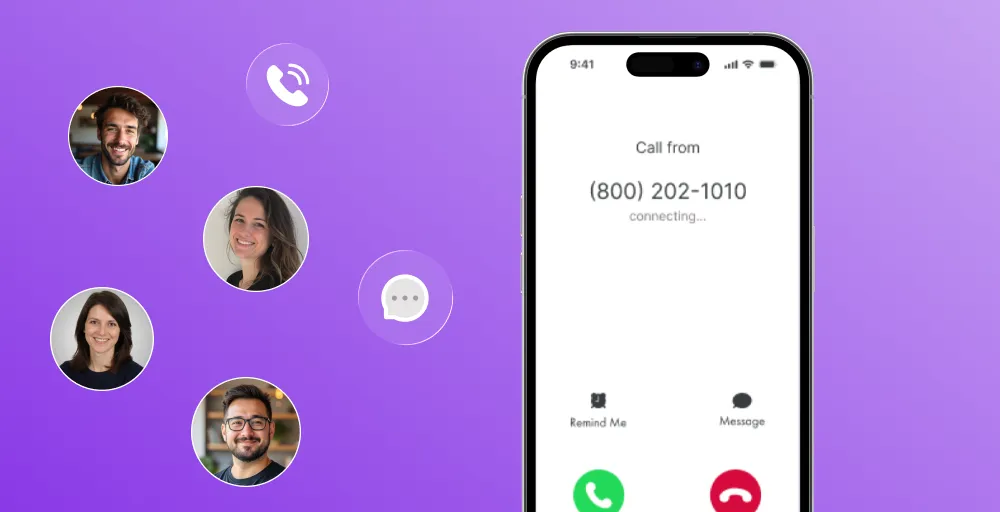
And for those seeking a strong, all-in-one solution, KrispCall offers a sophisticated cloud-based phone system designed to handle these needs with ease. It simplifies adding a second line while offering enterprise-grade features at an affordable price point.
KrispCall also transforms your mobile device into a powerful communication hub. Here are some of the standout features:
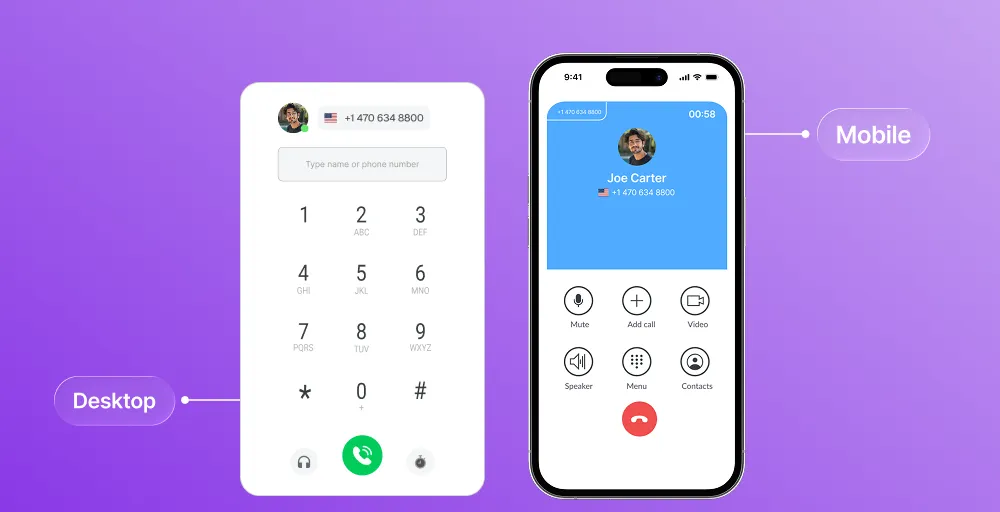
- Unified callbox: Manage all your calls, SMS, MMS, and voicemails from a single, intuitive dashboard. This ensures you never have to switch between multiple apps to keep track of client conversations.
- Global presence: Instantly acquire local, toll-free, or national numbers in over 100 countries. Easily establish a professional local presence for your business.
- Smart call routing & forwarding: Never miss a lead with advanced call handling. Set up custom rules to route calls to different team members or a specific mobile phone.
- AI-powered features: Features like AI Copilot for call transcription and sentiment analysis help understand customer needs better and improve the quality of every interaction.
- Seamless CRM integrations: KrispCall integrates with popular tools like HubSpot, Pipedrive, and Zapier. Your call logs and contact info sync automatically, reducing manual data entry and keeping your workflow organized.
Book a free demo of KrispCall today!