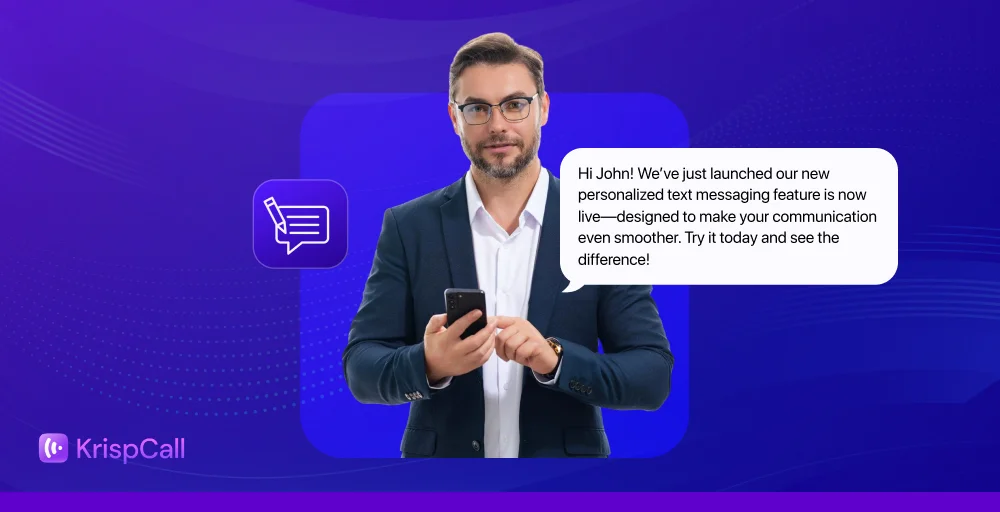
Personalized text messages are SMS communications tailored to each recipient using their name, purchase history, location, or behavior, and they outperform generic messages on every metric that matters.
SMS already has a 98% open rate. Add personalization, and you get higher click-through rates, stronger customer loyalty, and significantly more conversions. In fact, companies that excel at personalization generate 40% more revenue than average, according to McKinsey.
But most businesses still send the same message to everyone. That’s a missed opportunity.
✨In this guide, you’ll learn
- What personalized text messages are and why they work
- How to send them step by step using merge tags, segmentation, and automation
- 5 real examples and ready-to-use templates for every customer touchpoint
What Are Personalized Text Messages?
Personalized text messages are SMS communications tailored to individual recipients using customer-specific data, such as their name, purchase history, location, or behavior. Instead of sending one generic message to your entire contact list, you use merge tags or custom fields to automatically insert relevant details for each person.
For example, a generic message looks like this:
“Hi, your order has shipped. Track it here: [link]”
A personalized version looks like this:
“Hi Sarah, your order of the Blue Running Shoes has shipped! Track your delivery here: [link]”
Same message. Completely different experience.
Personalized SMS can be used across the entire customer journey, including:
- Welcome messages when a customer first subscribes
- Appointment reminders with the customer’s name, date, and staff member
- Abandoned cart nudges referencing the exact product left behind
- Birthday offers triggered by CRM data on their special day
- Re-engagement campaigns for customers who haven’t purchased in 60+ days
- Free trial reminders sent 48 hours before access expires
The key difference between mass texting and personalized messaging is data. Personalized SMS pulls from your CRM, CDP, or contact database to make every message feel like a one-to-one conversation, even when you’re sending thousands at once.
Why Personalized SMS Marketing Works?
Generic messages get ignored. Personalized ones get results. Here’s what the data shows:
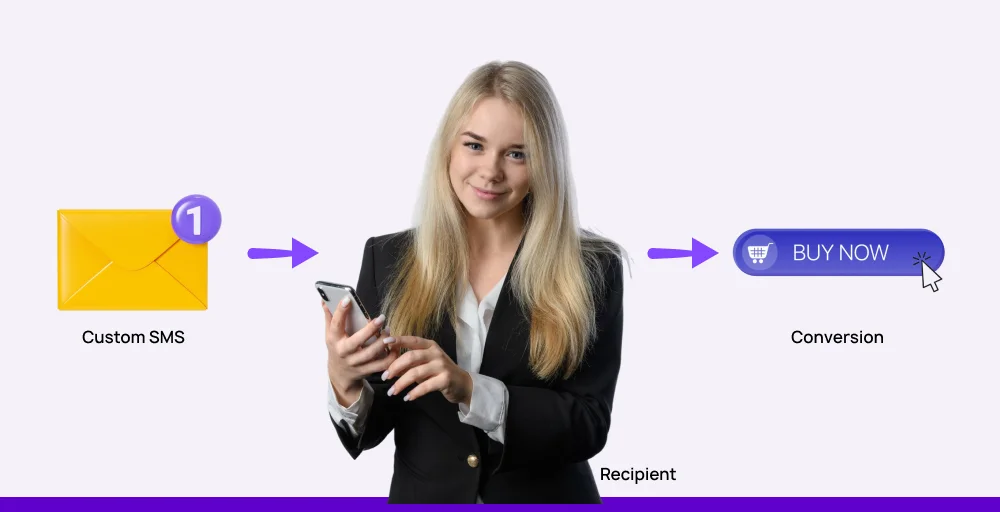
- SMS has a 98% open rate, higher than email, push notifications, or social ads
- Personalized messages are read within 3 minutes of delivery on average
- 71% of consumers expect brands to deliver personalized interactions
- Companies that excel at personalization generate 40% more revenue than average
- 80% of consumers are more likely to purchase from a brand that provides personalized experiences
Beyond the numbers, personalized SMS works for three core reasons:
1. It appears next to personal conversations SMS lands in the same inbox as messages from friends and family. A message that uses the customer’s name and references something specific to them blends into that personal context naturally.
2. It doesn’t require an app or internet connection Unlike push notifications or in-app messages, SMS works on every phone, everywhere. No app download. No data connection needed.
3. It meets customers exactly where they are in their journey A well-timed personalized text, sent right after a purchase, before a trial expires, or on a customer’s birthday, feels helpful rather than intrusive. Timing plus relevance is what separates great SMS from spam.
How to send personalized text messages?
Now let’s look at how you can send effective personalized texts that your customers love.
1. Choose a reliable business phone app
The most obvious thing is to find a business phone solution that has all of the necessary features, like contact management, segmentation, and features to create custom fields or merge tags into your message.
2. Gather opt-ins for SMS
Sending unsolicited text messages can be illegal in many areas, so always get consent from your customers before sending texts or promotional content.
3. Import phone numbers from CRM or database
Once you have a reliable platform and have collected customer data, you need to import phone numbers from CRM so you have all of the data, such as your clients’ names, purchase histories, and preferences.
4. Segment your audience
Not all customers are the same, so make sure you have proper segmentation in action. This will allow you to personalize text messages even further. Also, you can segment your clients based on demographics, purchase behavior, engagement level, or any other data you have.
5. Create a personalized message based on the customer
This is where the magic happens. Using the data you’ve imported and your audience segments, craft text messages that include specific details relevant to each recipient.
Most business phone platforms use merge tags or custom fields, which are placeholders that automatically populate with the corresponding information for each contact.
6. Send a test message
Before you send your message, always test the message by yourself or with a small group. Also, during the testing, double-check your personalization, check formatting, review the message content, and test opt-out.
7. Send the message
Once you’ve thoroughly tested your personalized message examples and are confident in their accuracy and relevance, it’s time to hit send.
8. Finally, monitor and analyze
Monitor the engagement metrics provided by your business phone app, such as delivery rates, click-through rates (if applicable), and replies. These insights will help you understand what’s working well and where you can refine your personalized text messaging strategy for even better results in the future.
5 best personalized text message examples
Now that you know the basics of sending personalized messages, let’s look at some examples so you can have a template to send to your clients.
Here are some of our best examples, which you can customize according to your needs and use to improve customer experience:
1. Appointment reminder
Appointment reminders are perfect to reduce no-shows and to make sure your customers are on time. Personalized reminders also is great way to stay in touch with your client and stay in touch with them.
Here is a quick example of appointment reminders:
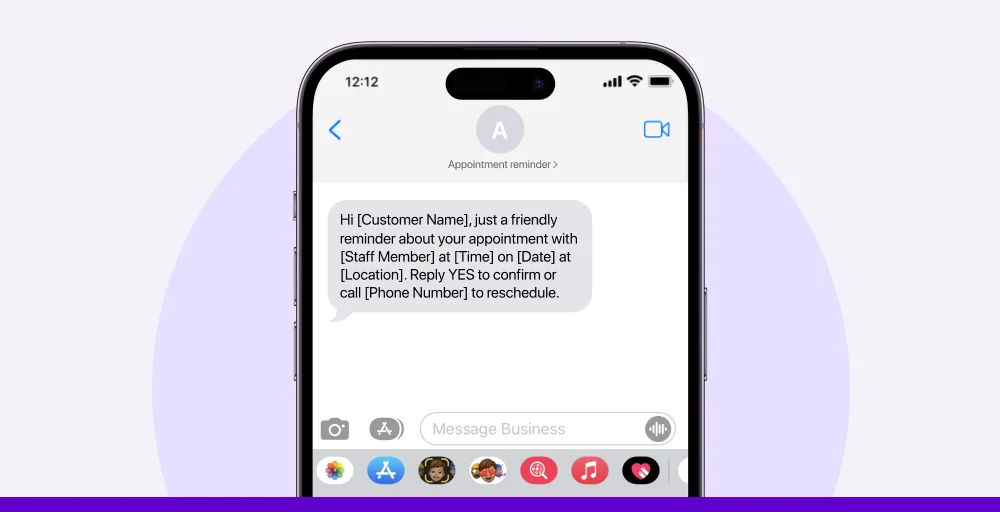
“Hi [Customer Name], just a friendly reminder about your appointment with [Staff Member] at [Time] on [Date] at [Location]. Reply YES to confirm or call [Phone Number] to reschedule.”
2. Birthday SMS
If you want to make your customers feel special on their special day, you need to start sending birthday messages.
Here is an example of a personalized birthday message that has a little gift for the client:
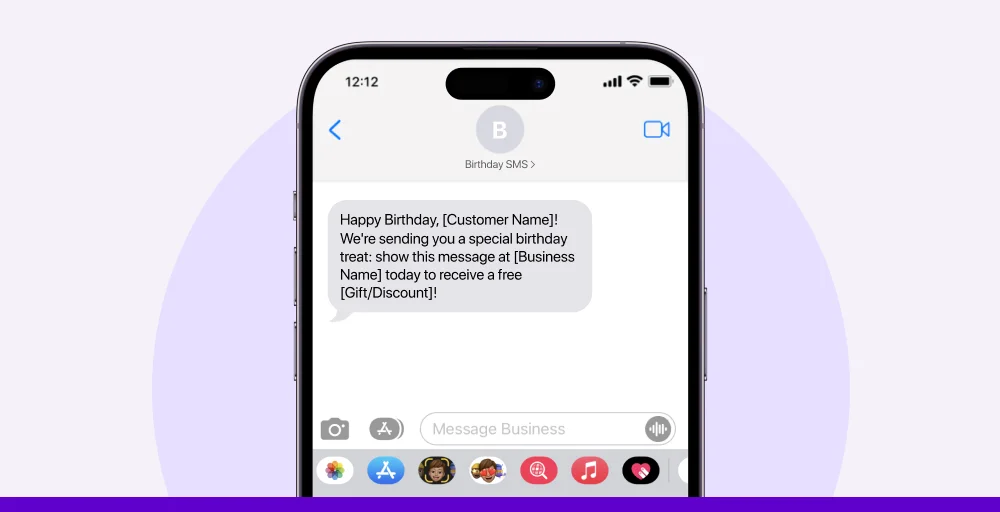
“Happy Birthday, [Customer Name]! We’re sending you a special birthday treat: show this message at [Business Name] today to receive a free [Gift/Discount]!”
3. New product launch SMS
Product marketing is necessary, and it’s a must to send to those who have already shown interest in your products or services.
Here is an Example of a new product launch SMS, which will increase the chances of a purchase:
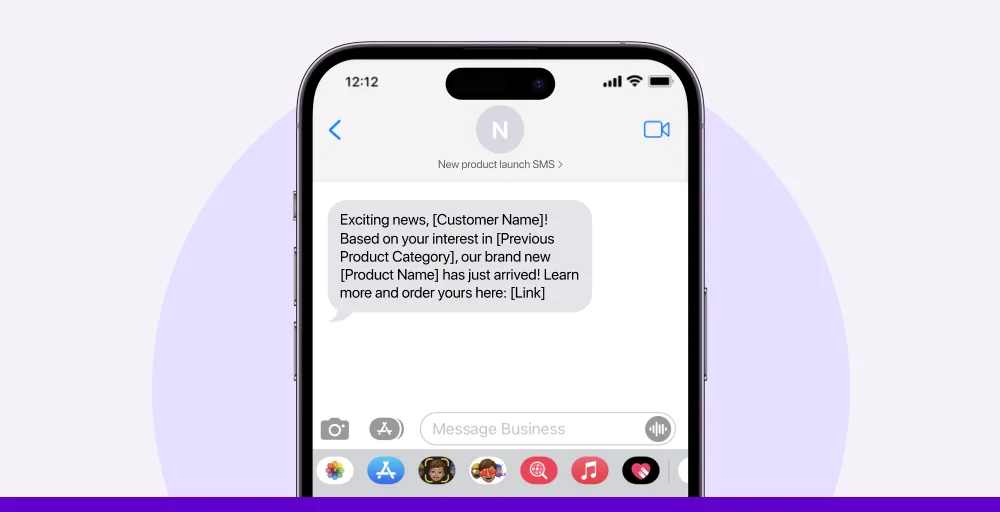
“Exciting news, [Customer Name]! Based on your interest in [Previous Product Category], our brand new [Product Name] has just arrived! Learn more and order yours here: [Link].”
4. Event reminder SMS
Event reminders are one of the best method to boost attendance and remind your invitees not to miss out. They also show your customer that you respect their time, resulting in higher engagement.
Let’s see a quick example of event reminder SMS.
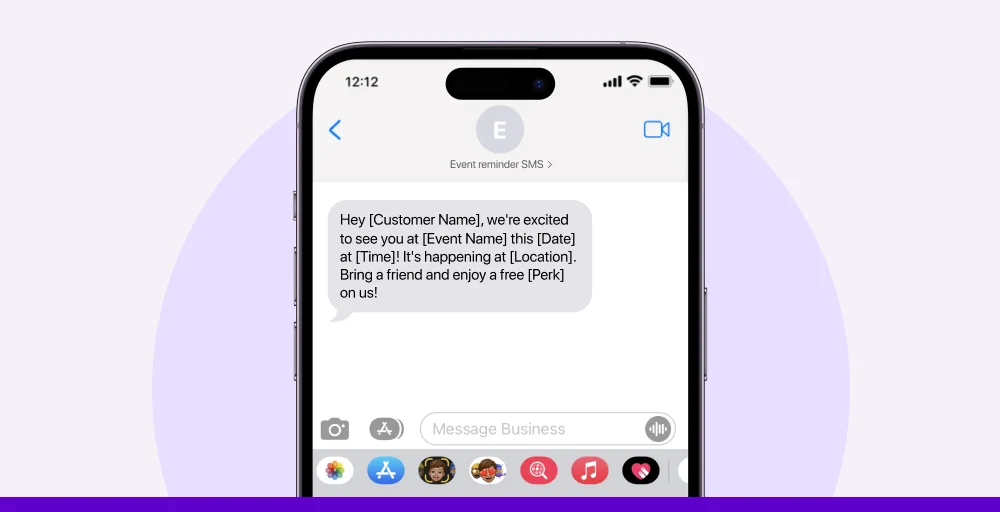
“Hey [Customer Name], we’re excited to see you at [Event Name] this [Date] at [Time]! It’s happening at [Location]. Bring a friend and enjoy a free [Perk] on us!”
5. Follow-up message
A follow-up message after an interaction or sale helps maintain the relationship and opens the door to future business. It can also be used to ask for feedback or promote complementary services.
Here is a short follow-up message that can make a positive impact on the customer.
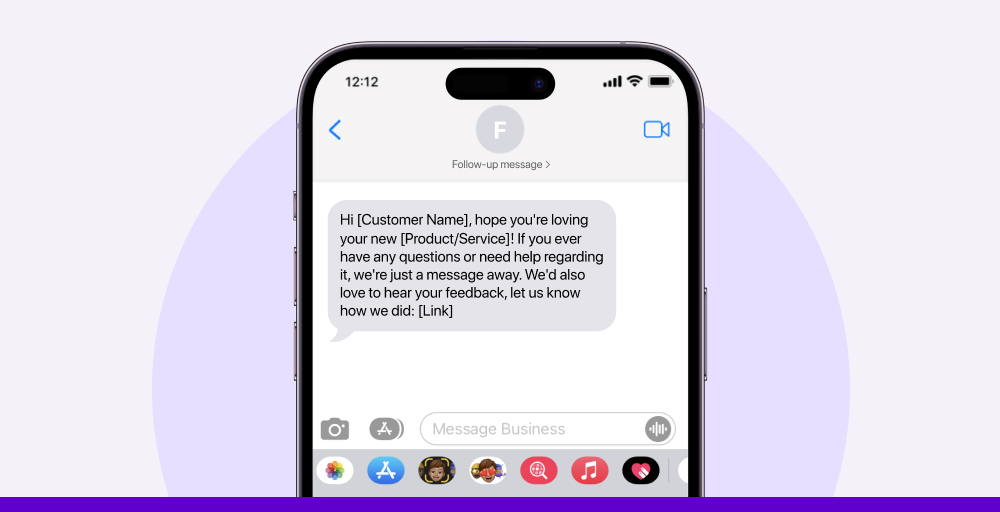
“Hi [Customer Name], hope you’re loving your new [Product/Service]! If you ever have any questions or need help regarding it, we’re just a message away. We’d also love to hear your feedback, let us know how we did: [Link]”
Related Article👉: How to Say “Sorry I Missed Your Call” Professionally: 20+ Practical Ways
Personalized SMS Message Types: Comparison Table
| Message Type | Best For | Trigger | Timing | Personalization Data Needed | Expected CTR |
| Birthday SMS | Retail, restaurants, services | CRM birthday field | Day of, 10–11 AM | Name, birthday date, offer | 8–12% |
| Appointment reminder | Healthcare, beauty, services | Booking system | 24 hrs + 1 hr before | Name, date, time, staff, location | N/A (confirmation) |
| Abandoned cart | E-commerce, SaaS | Cart event trigger | 1–3 hrs after abandonment | Name, product name, cart link | 10–15% |
| Re-engagement | All industries | 60–90 days inactivity | Tue–Thu, 10 AM–2 PM | Name, last purchase, incentive | 5–8% |
| Free trial ending | SaaS, subscription | Trial expiry date | 2 days before + day of | Name, product name, key feature | 12–18% |
| New product launch | E-commerce, retail | New SKU added | Tue–Wed, 10 AM–12 PM | Name, previous category, product | 6–10% |
| Event reminder | Events, hospitality | Registration list | 1 week + 1 day + morning | Name, event name, date, location | N/A (attendance) |
| Post-purchase follow-up | All industries | Purchase confirmed | 3–5 days after delivery | Name, product name, review link | 7–11% |
| Welcome message | All industries | New subscriber opt-in | Immediately after opt-in | Name, incentive, brand name | 14–20% |
| Win-back offer | E-commerce, SaaS | 180+ days inactive | Any weekday, 10 AM–2 PM | Name, last activity, strong offer | 3–6% |
Use KrispCall to send personalized text messages effortlessly
So, is it really necessary to craft a personalized message for every customer? Fortunately, with KrispCall’s personalized text messaging feature, that’s not a problem anymore. You can send messages to hundreds, even thousands, of customers at once, while still keeping them personalized.
Whether you’re sending promotions, appointment reminders, surveys, or follow-ups, KrispCall makes it simple to engage your audience with impactful, personalized text messaging at scale.
Using KrispCall, you’ll be able to save time, increase engagement, and improve customer experience. So, start sending personalized messages that convert.