Simultaneous Ringing
Simultaneous Ringing: Ring Multiple Devices on Every Incoming Call
Simultaneous ringing is a phone system feature that makes all designated devices ring at the same time when a single incoming call arrives, so any available team member can answer immediately. KrispCall’s simultaneous ringing eliminates missed calls for businesses of every size, from solo operators to enterprise call centers running distributed teams across multiple time zones.



Get a Virtual Number
Get local, mobile, and toll-free virtual phone numbers from 100+ countries and expand your business worldwide.
How to Set Up Simultaneous Ringing on KrispCall?
Setting up customized voicemail greetings on KrispCall is an easy process. Log in with the correct credentials, go to the dashboard, and make the necessary changes in the voicemail menu. You can set it up via web or mobile app in two ways.

Sign up for KrispCall.

Log into your KrispCall account and head over to the dashboard.

Upon clicking, four options will appear. Click on the “Numbers Settings” option.

Add members to your workspace (to create ring groups) and share the number with them using the number-sharing feature.

Once a number is shared, your team members will have access to it.

Whenever there’s an incoming call, it will ring on all the agents’ devices simultaneously.

What is simultaneous ringing?
Simultaneous ringing, also called simulring or sim ring is a telephony feature that routes a single incoming call to multiple devices or agents at the exact same time. The first person to pick up connects with the caller; all other ringing devices stop immediately.
Unlike a standard single-line phone, simultaneous ringing means a call is never waiting for one specific person to become available.With KrispCall, simultaneous ringing works by sharing a phone number with multiple team members or creating ring groups.
When a call arrives on that number, every member in the group receives the call on their device simultaneously whether that is a mobile phone, desktop app, or VoIP softphone. The call connects to whoever answers first, and the rest of the group stops ringing automatically.
How Does Simultaneous Ringing Work?
When a call arrives on a KrispCall number configured for simultaneous ringing, the system immediately routes that call to every device in the assigned ring group.
The routing happens in real time with no perceptible delay. The call is active and ringing on all devices simultaneously until one agent answers, at which point the system drops the ring signal from all remaining devices and connects the answered call.
The process runs on KrispCall’s cloud telephony infrastructure, which means it requires no on-site PBX hardware and works across any internet-connected device. Businesses control the behavior through KrispCall’s dashboard, choosing which numbers trigger simultaneous ringing, which agents are in each ring group, and what ring order is applied.

Sequential Ringing vs Simultaneous Ringing: The Differences
Sequential Ringing |
Simultaneous Ringing |
|---|---|
Incoming calls ring devices one at a time in a pre-defined order. |
Incoming calls ring all designated phones at the same time. |
Provides more control over call routing to specific individuals or groups. |
Ensures fewer missed opportunities and faster responses, and anyone can answer the calls. |
Ideal for situations where a specific person is preferred, like a personal phone followed by a work phone. |
Ideal for situations where immediate response is crucial, like a customer service line with multiple agents. |
Ensures calls reach someone, even if unavailable at first, and offers flexibility in routing based on time or availability. |
Used to increase call pick-up rate, reduce caller wait times and availability, and also spread the workload among multiple recipients. |
Benefits of Simultaneous Ringing On A Business Phone System
There are several benefits to setting up simultaneous ringing on your business phone system. Among its notable benefits are:

Setting Up Simultaneous Ringing On A Business Phone System : Best Practices
Implementing simultaneous ringing in your business’s phone system can significantly improve call responsiveness and customer satisfaction. Here are some best practices that you should consider when setting it up:

Set Call Handling Rules

Busy lamp indicators (BLIs)

Define Your Ring Groups

Use appropriate content
More Features like Simultaneous Ringing
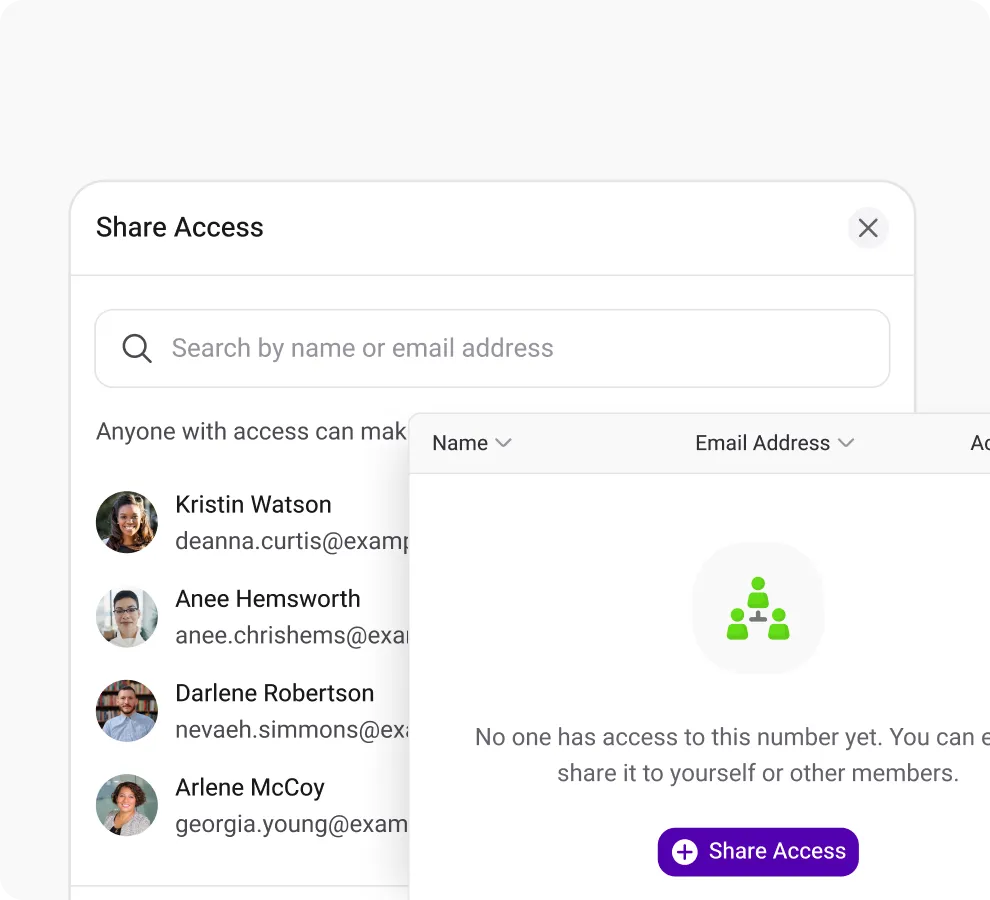
Shared Number
Boost customer response by sharing your number with your team members and eliminaing missed calls.
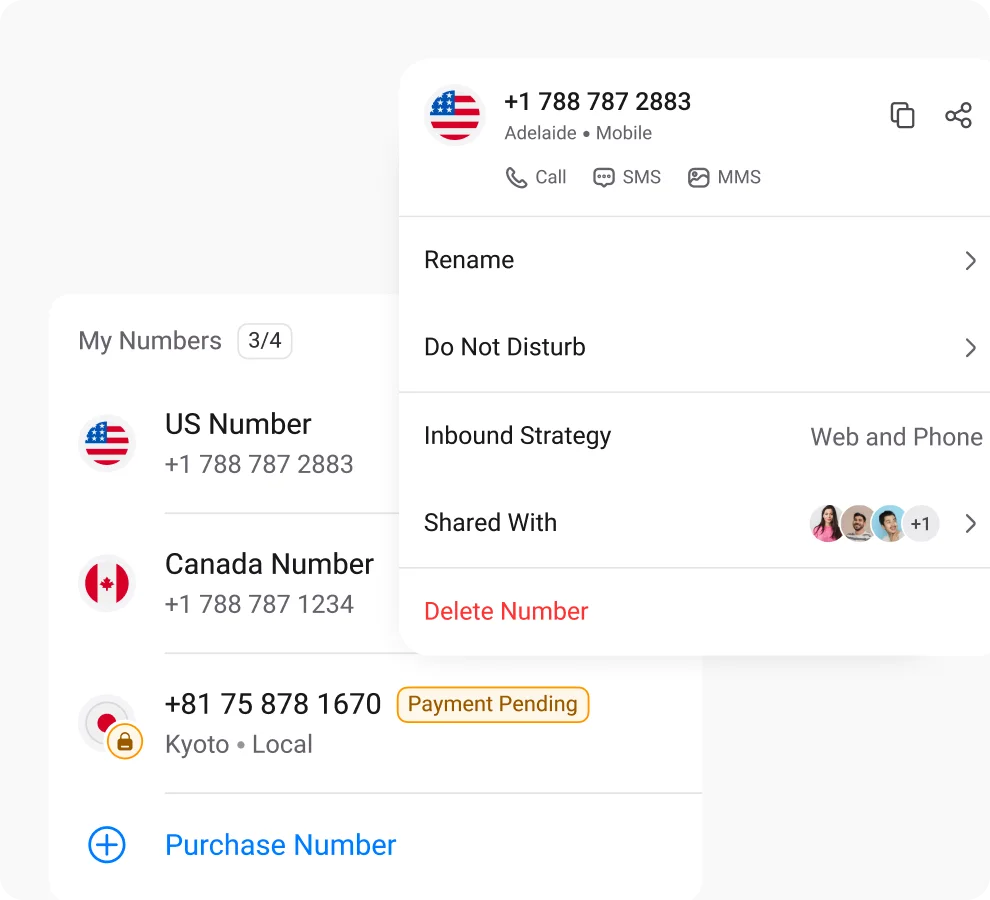
Multiple Phone Numbers
Utilize multiple phone numbers to balance work and personal life using separate numbers, ensuring privacy and communication control.
Call Listening
Boost the quality of your business calls & gain valuable insights into agent performance by listening to live calls.

Frequently Asked Questions
Didn’t find the Answer you were looking for? Visit our Help Center or Contact Support
Simulring, short for simultaneous ringing, is a telephony feature that allows all incoming calls to ring on multiple devices at the same time and be answered from any of them. It is typically used by businesses or organizations to make sure all the calls are answered as quickly as possible.
Simultaneous calls, also known as concurrent calls, is a feature of a phone system to empowers users to handle multiple phone calls at the same time. It can be achieved using the following ways:
- Using multiple traditional phone lines to handle multiple calls (using extensions)
- Using a VoIP service to handle multiple calls simultaneously via the internet (using a sharing feature)
| Simultaneous Calling | Simultaneous Ringing |
| Allows making multiple calls at the same time. | Ring for incoming calls on multiple devices simultaneously. |
| Helps to reach multiple parties quickly. | Helps not to miss calls when one device is unavailable to answer the call. |
Simultaneous Ring and Call Forwarding are two completely different features. Through the simultaneous ring feature, when a call comes in on a configured phone and other devices, it rings all the said devices at the same time, and you can answer on either device.
And using the call-forwarding feature all the incoming calls are directly sent or forwarded from one number to another one or to the voicemail. When call forwarding is in use, the original phone doesn’t ring, and the caller is notified that the call is being forwarded and they’re connected to the chosen destination.
Yes, simultaneous ringing on KrispCall works with toll-free numbers. You can share a toll-free number with your team members in exactly the same way as a standard business number, and all configured devices will ring simultaneously when a call arrives on that toll-free line. This makes simultaneous ringing on toll-free numbers particularly effective for customer service lines, where callers expect quick answers and agents should be reachable regardless of their location or device.
While several good options provide decent perks of the simultaneous ring feature, KrispCall is the best one in almost every aspect.
With KrispCall’s cloud telephony system, you get to share your phone number with your teammates, create agent groups, and let them handle all the incoming calls through the simultaneous ringing feature. Additionally, KrispCall’s app is available on web browsers, iOS, and Android devices. So you can take calls anywhere or ring multiple coworkers at once.
Yes, with the use of the simultaneous ringing feature, you can make two phones ring simultaneously on a single phone call.
You can use these steps to set up simultaneous ringing on your iPhone using KrispCall:
- Open the KrispCall app on your iPhone and log into your account
- Head to your accounts dashboard to get started with the process.
- Select a phone number to share with your agents to set up simultaneous ringing.
- Once the number is shared, all the incoming calls will ring on the devices of each member who has access to it.
Simultaneous Ring itself is a feature included in all KrispCall plans. So you don’t have to pay specifically for it! To use it, all you have to do is set it up using the shared number feature and then make the most of its benefits at no extra cost.
KrispCall allows you to share a number with multiple team members, and all of their devices will ring simultaneously on each incoming call. The number of devices that can ring at once depends on how many members are in your ring group, which is determined by your workspace size and plan. For specific limits on ring group size, refer to KrispCall’s current plan documentation or contact the KrispCall support team.
Yes, KrispCall’s simultaneous ringing works on iPhone through the KrispCall iOS app. Download the app from the App Store, log in with your account, navigate to your number’s settings, and share the number with the team members who should ring on incoming calls. Once the number is shared, your iPhone will ring alongside every other device in the ring group whenever a call comes in. The setup takes under five minutes and requires no additional hardware or configuration beyond the app.
