Voicemail to Email


Get a Virtual Number
Get local, mobile, and toll-free virtual phone numbers from 100+ countries and expand your business worldwide.
How to Set Up Voicemail to Email in KrispCall?
Follow these simple steps to set up your VoIP phone system to deliver voicemail to email:

Create a KrispCall account and log in to access the dashboard.

Head over to Settings and click on My Numbers.

You will see a list of numbers you own. Click on the number you want to set up Voicemail To Email feature.

Click the toggle button next to Email Notifications.

Once it’s activated, you will start to receive voicemails in your email.

What is Voicemail To Email?
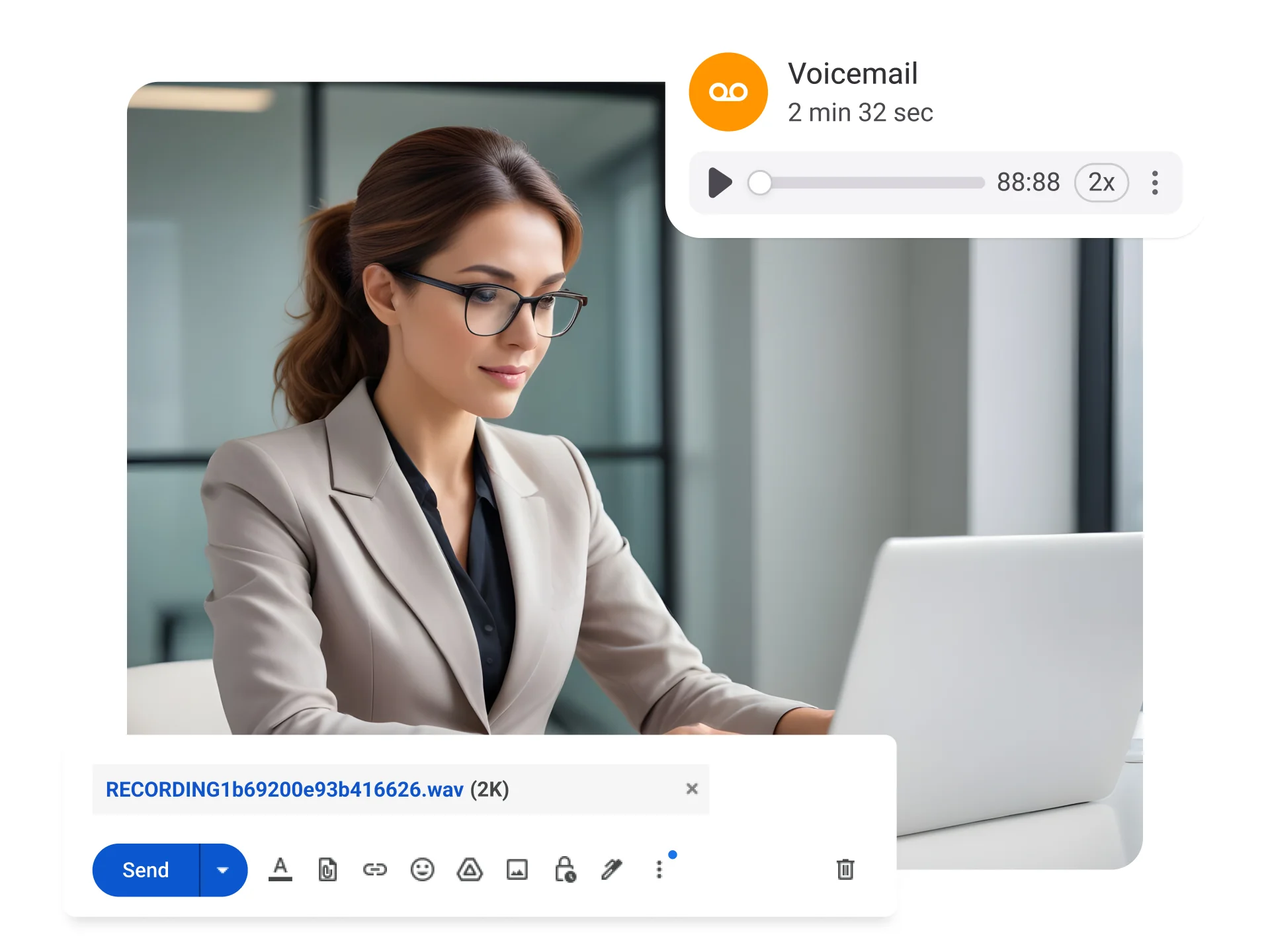
Voicemail to email is a feature that automatically sends your voicemail messages to your email inbox. This allows you to listen, read, and manage messages without checking your phone, ensuring you never miss important calls. When a caller leaves a voicemail, the recipients receive an email with call details and the audio message.
It makes business communication faster and easier. Access voicemail email from anywhere without dialing in or entering a PIN, stay instantly alerted, and share messages easily.
How Does Voicemail To Email Work?
Once the voicemail to email feature is activated on your VoIP phone system, every voicemail received on your number is automatically recorded and converted into an audio file, such as .mp3 or .wav. Then, this file is instantly sent to your chosen email address as an attachment.
You will receive the voicemail in your email inbox just like a regular email, allowing you to listen, download, forward, or store it on any device like laptops, desktop, or mobile.

Benefits of Sending a Voicemail to E-mail
Tips for Setting Up Voicemail to Email on a Business Phone

Choose a Reliable Service Provider

Secure Email Configuration

Follow Provider Guidelines

Clearly Specify Email Recipients
More Features like Voicemail To Email
Simultaneous Ringing
Use simultaneous ringing to ring multiple agents at once and ensure swift call answering & consistent customer interactions.
Global Calling
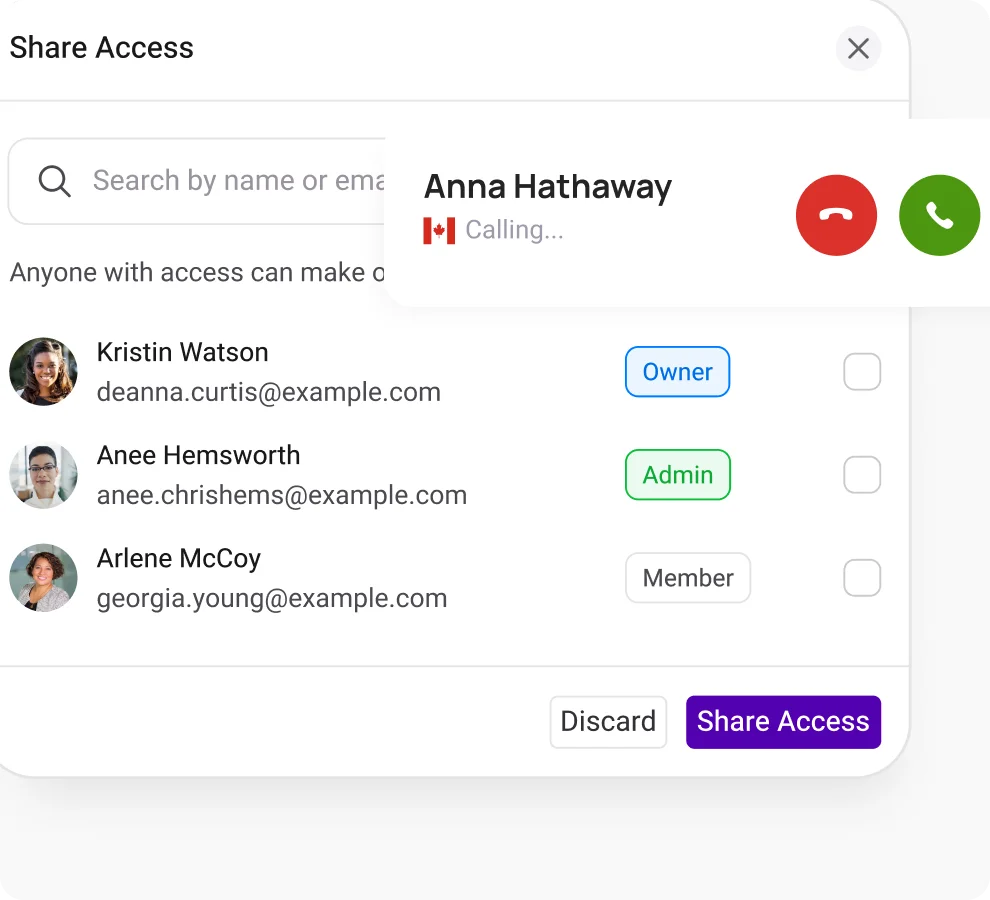
Expand your customer base worldwide with KrispCall global calling feature for making instant calls across borders.

Text Messages (SMS)
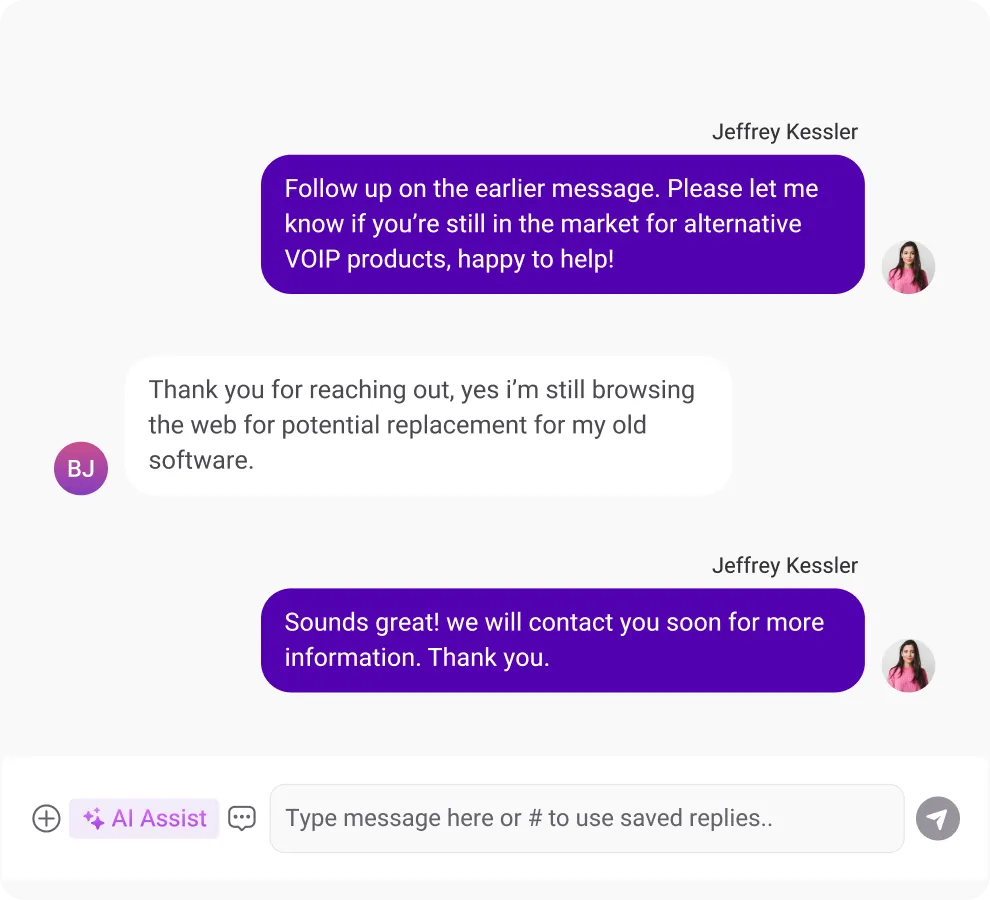
Ensure faster response by sending and receiving personalized text messages to and from your clients and customers.
Frequently Asked Questions
Didn’t find the Answer you were looking for? Visit our Help Center or Contact Support
Yes, a voicemail can be converted to an email with a phone system that offers a voicemail-to-email feature. Whenever you receive voicemail messages on your phone system, the feature converts the voicemail into an .mp3, .wav file, or a text file. It then forwards those voicemails to the specified email account as an email attachment.
A voicemail email solution offers several benefits to businesses: It improves accessibility by allowing voicemail messages to be delivered directly to email, enabling faster review and responses. This helps improve internal collaboration and boost customer satisfaction through timely communication.
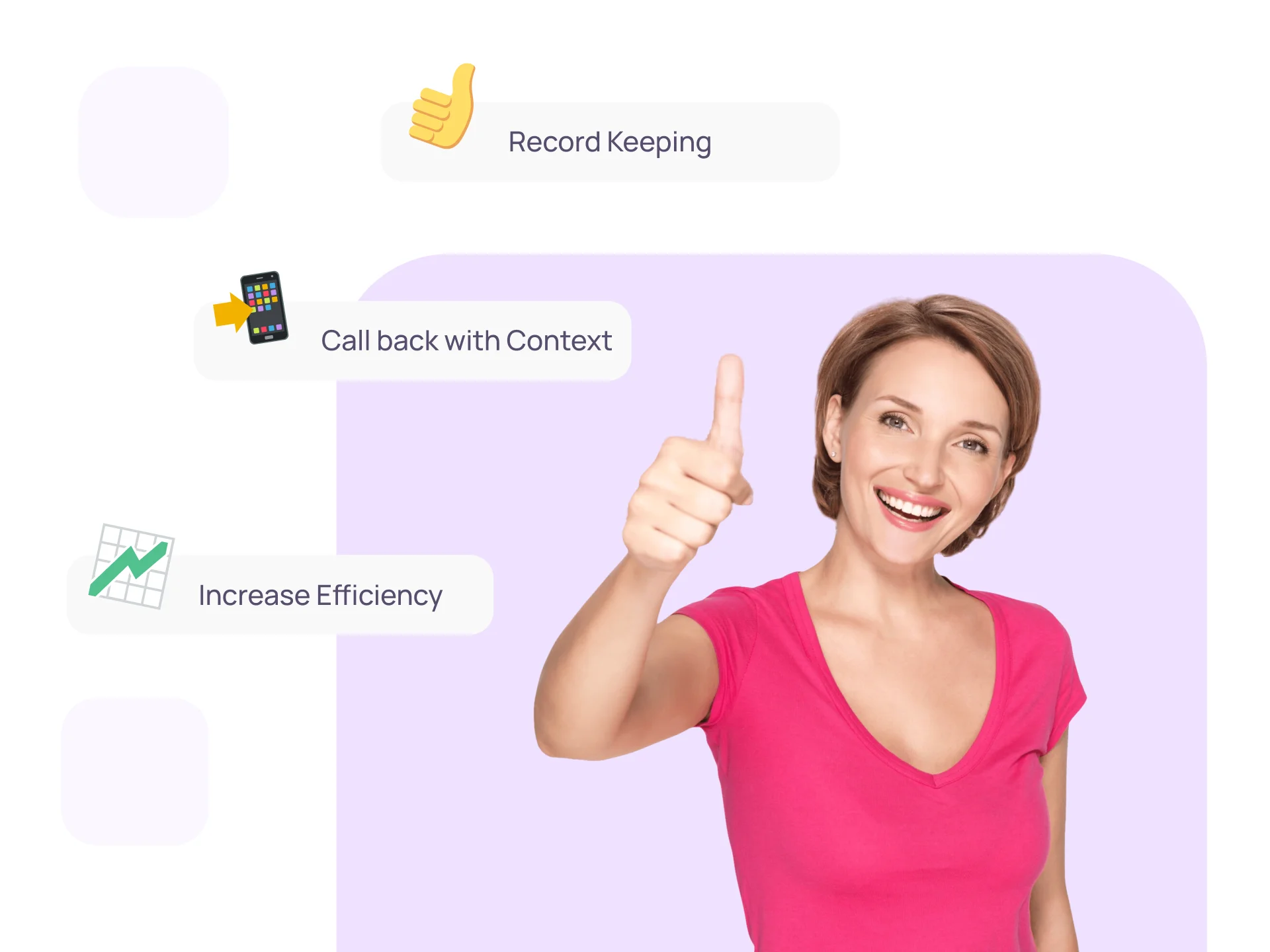
Additionally, voicemail messages received via email can be easily stored & documented, supporting better record keeping & providing a reliable reference for future use.
Yes, there are some use cases where voicemail to email isn’t the best choice for situations involving sensitive, confidential, or regulated information or where immediate responses are critical. For example, healthcare organizations receive voicemail messages that contain highly confidential information, such as medical records, which you shouldn’t store in your email inbox.
Furthermore, healthcare organizations have to abide by HIPAA regulations, and email is generally not compliant with HIPAA regulations.
Yes, voicemail to e-mail works with group calls (depending upon the provider). If a voicemail is left for a shared or individual number, each message is delivered to the associated email.
There won’t be any cost for Voicemail to Email as it is already included in your KrispCall plan, along with other VoIP features like Call Forwarding, Ring Groups, Call Analytics, and more.
Yes, you can get transcriptions with voicemail to email services, as many phone systems automatically transcribe messages and send them to your inbox as a text, along with the original audio file.
Yes, voicemail email is suitable for all types of business, but you need to ensure that each business using this service must meet specific data security and compliance requirements, like GDPR & HIPAA.
