Download

Download KrispCall for Windows

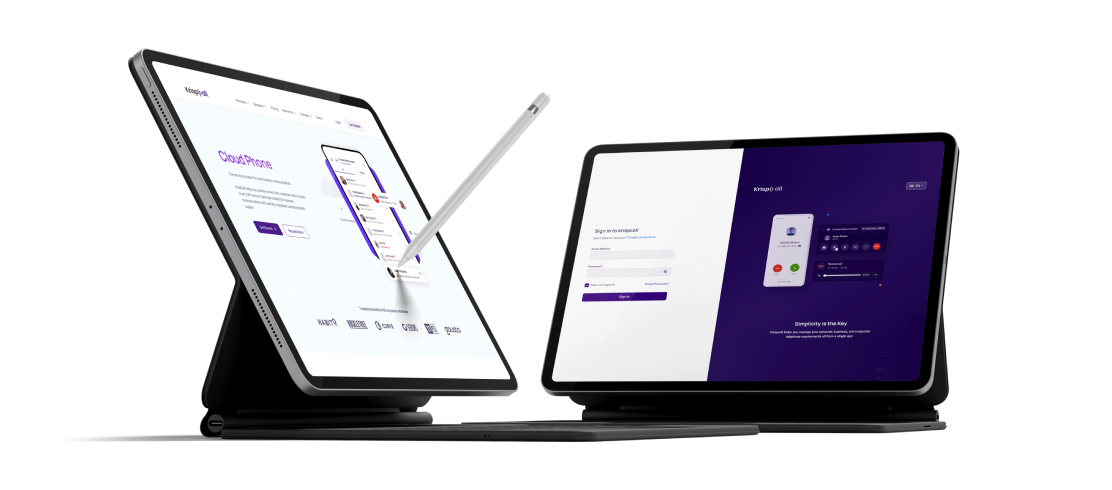
Bring your business calling, messaging, and customer conversations to your Windows desktop.

Windows Windows
class="kc-download-secondary is-disabled" aria-disabled="true" > Coming Soon class="kc-download-primary" href="http://app.krispcall.com/register/" target="_blank" rel="noopener noreferrer" > Open Web App
Download KripsCall for device
ios icon

iOS

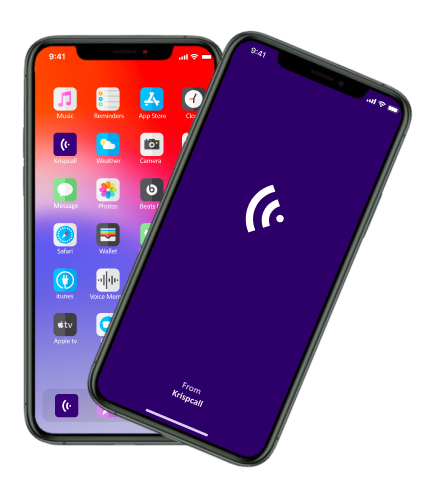
Keep your calls and texts with clients organized on your iOS device.

Get on iOS
Scan to download KrispCall for iOS
andriod icon

Android

Manage business calls, texts, and contact history on your phone.

Download App
Scan to download KrispCall for Android
webapp icon

WebApp

Call and text straight from your browser - no install, no updates.

chrome icon

Chrome Extension

Click to dial any number you see online, right from your CRM, inbox, or helpdesk.

windows icon

Windows

A native desktop app with instant notifications is almost here. We'll email you the day it's live.

Official Krissapp app

Official KrispCall app

Secure store download

Secure store download

Existing user can sign in

Existing user can sign in

HOW IT WORKS

Get Started in 3 Simple Steps

1

Download

Install KrispCall on your preferred device.

2

Sign in or create account

Log in with your work number or set up a new account.

3

Start Calling

Connect with your team and customers instantly.

Questions Before Downloading KrispCall?

Didn’t find the Answer you were looking for? Visit our Help Center or Contact Support

Choose the version for your device and click the relevant download button to install KrispCall.

KrispCall currently supports iOS, Android, the Web App, and a Google Chrome Extension, so you can stay connected on mobile and in your browser. KrispCall apps for Windows and macOS are coming soon.

Yes, you can access KrispCall through the web app without installing the desktop or mobile application.

Yes, you can sign in to KrispCall on supported devices and access your business communication from different platforms.

Make sure your device meets the system requirements, check your internet connection, and try installing the latest version of the app again. If the issue continues, contact KrispCall Support.

Book a Demo