KrispCall x Pipeliner
Pipeliner Integration Overview

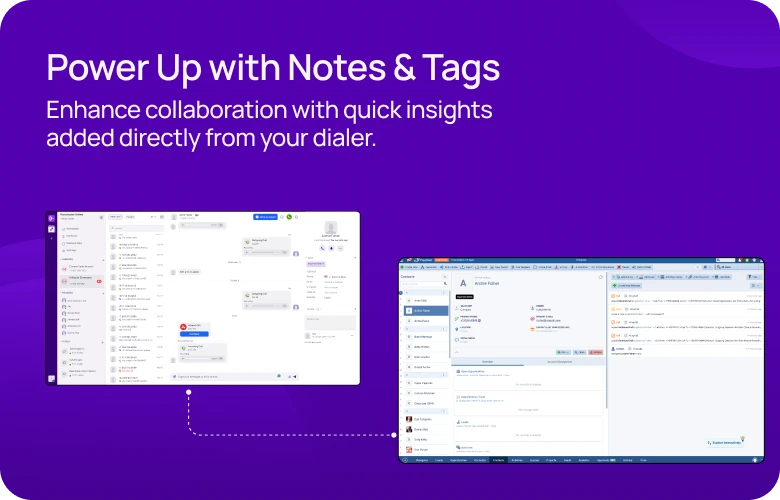
Pipeliner Integration for Increased Functionality of KrispCall Call Center
Boost your productivity and enhance your customer interactions with the integration between KrispCall and Pipeliner.

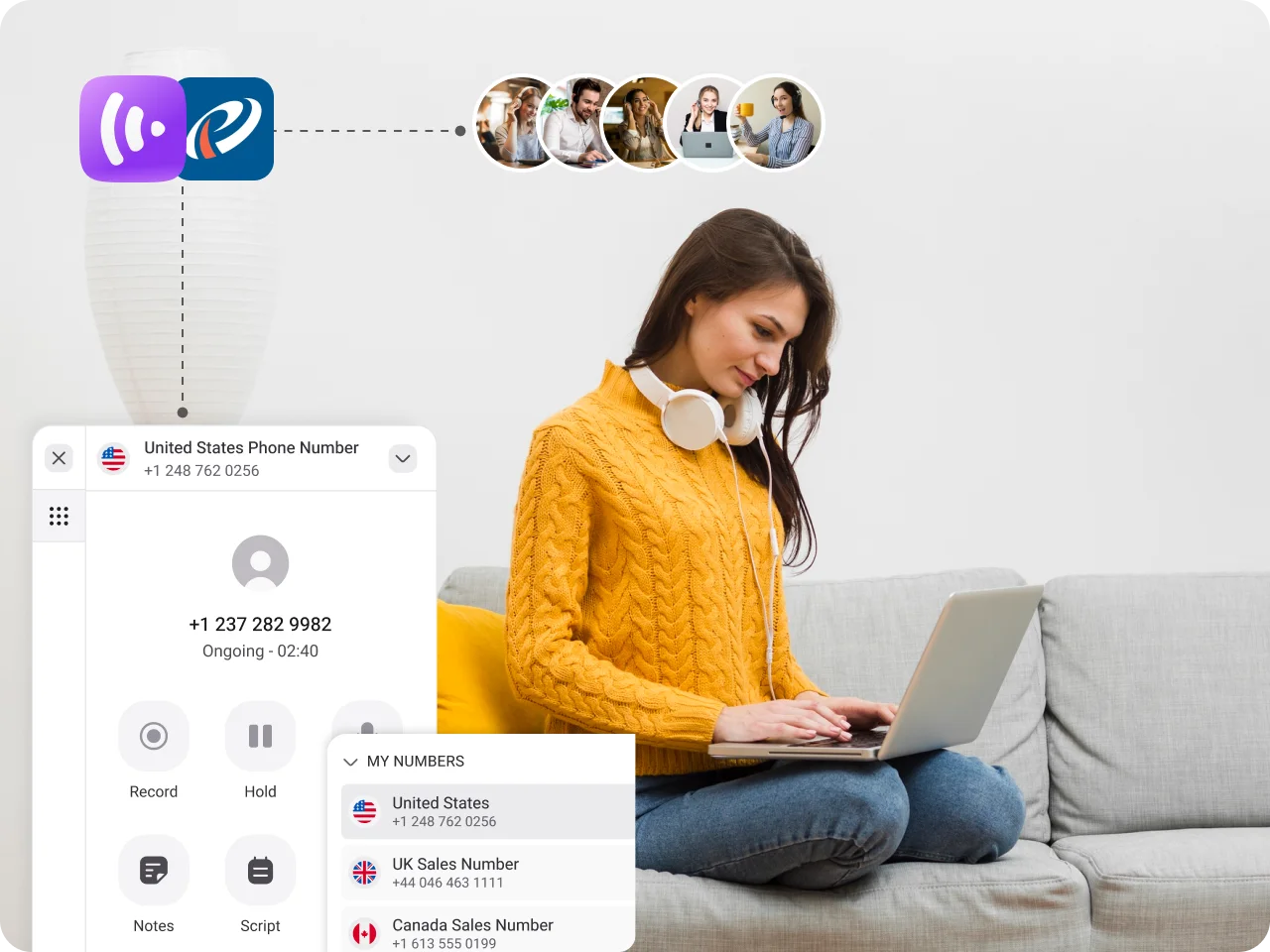
Click-to-Call for Instant Conversation

Caller ID Display for Smarter Engagement

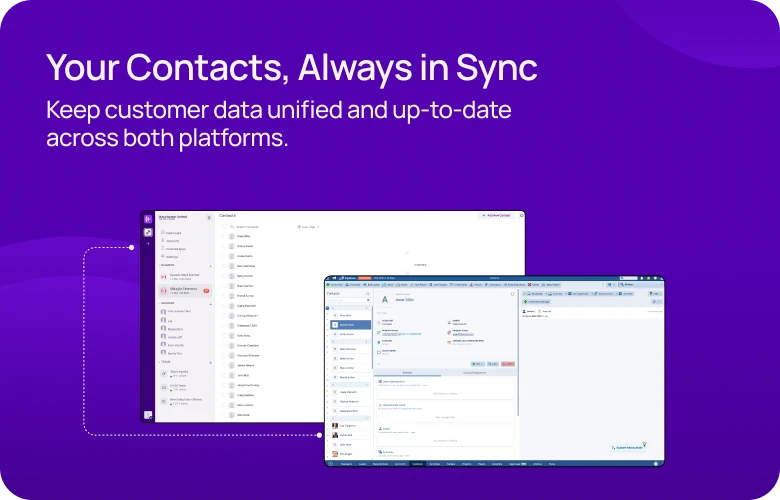
Two-Way Contact Syncing

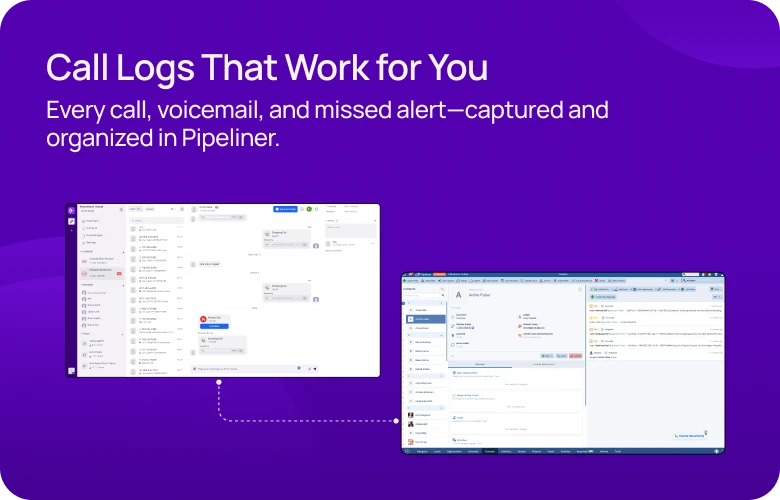
Automatic Call and Chat Logging
Install KrispCall Browser Extension to enable Click to Call functionality
Install the KrispCall Browser Extension to enhance your productivity.
With it, you can make calls directly from the Pipeliner interface without ever leaving the platform.

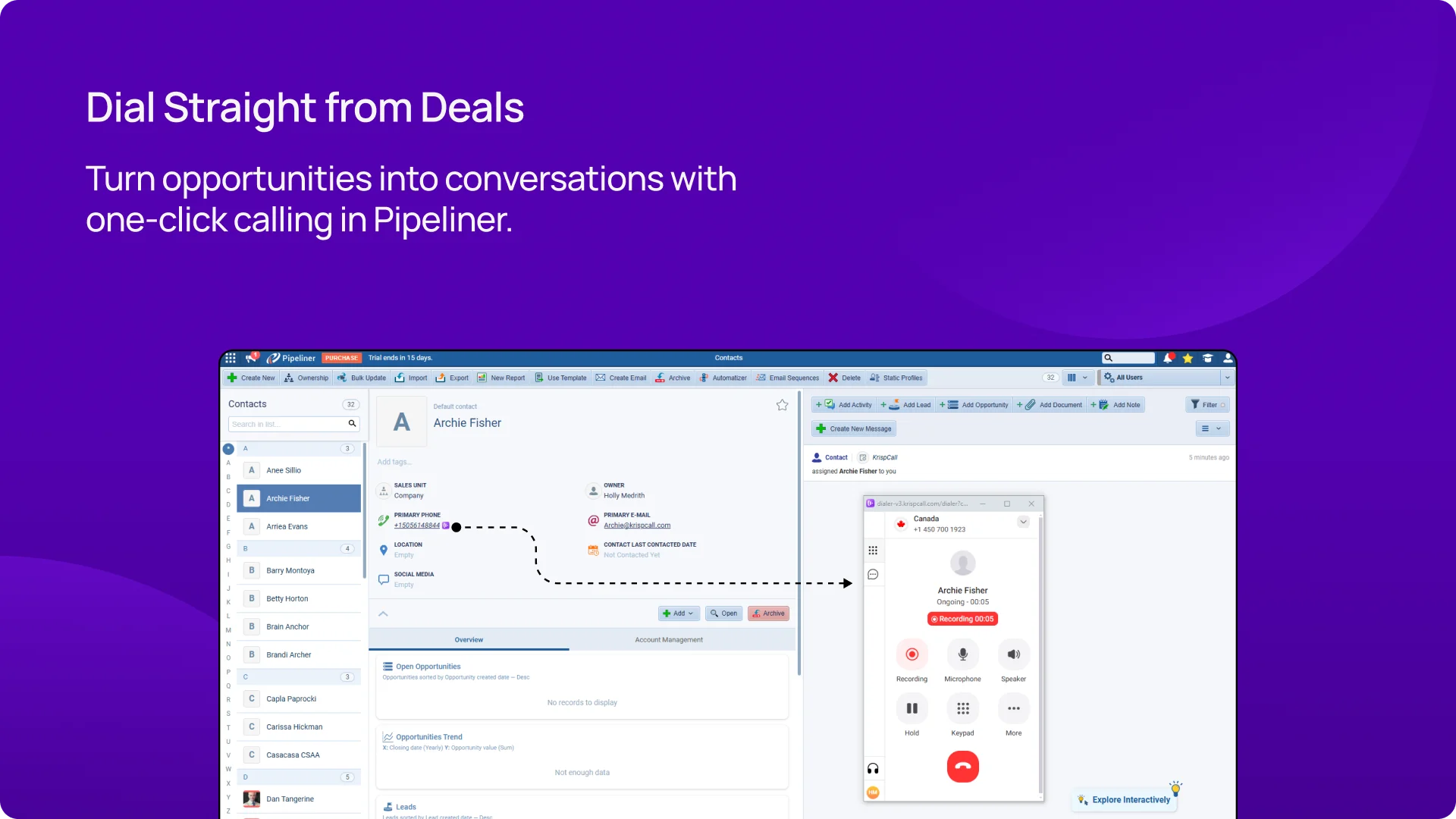
Call Instantly with Click-to-Call
KrispCall’s Click-to-Call feature allows you to dial any contact directly from Pipeliner with just one click. Skip the hassle of manually entering numbers or switching apps. This quick connection saves time, boosts productivity, and ensures smoother conversation by allowing you to reach clients without unnecessary delays.
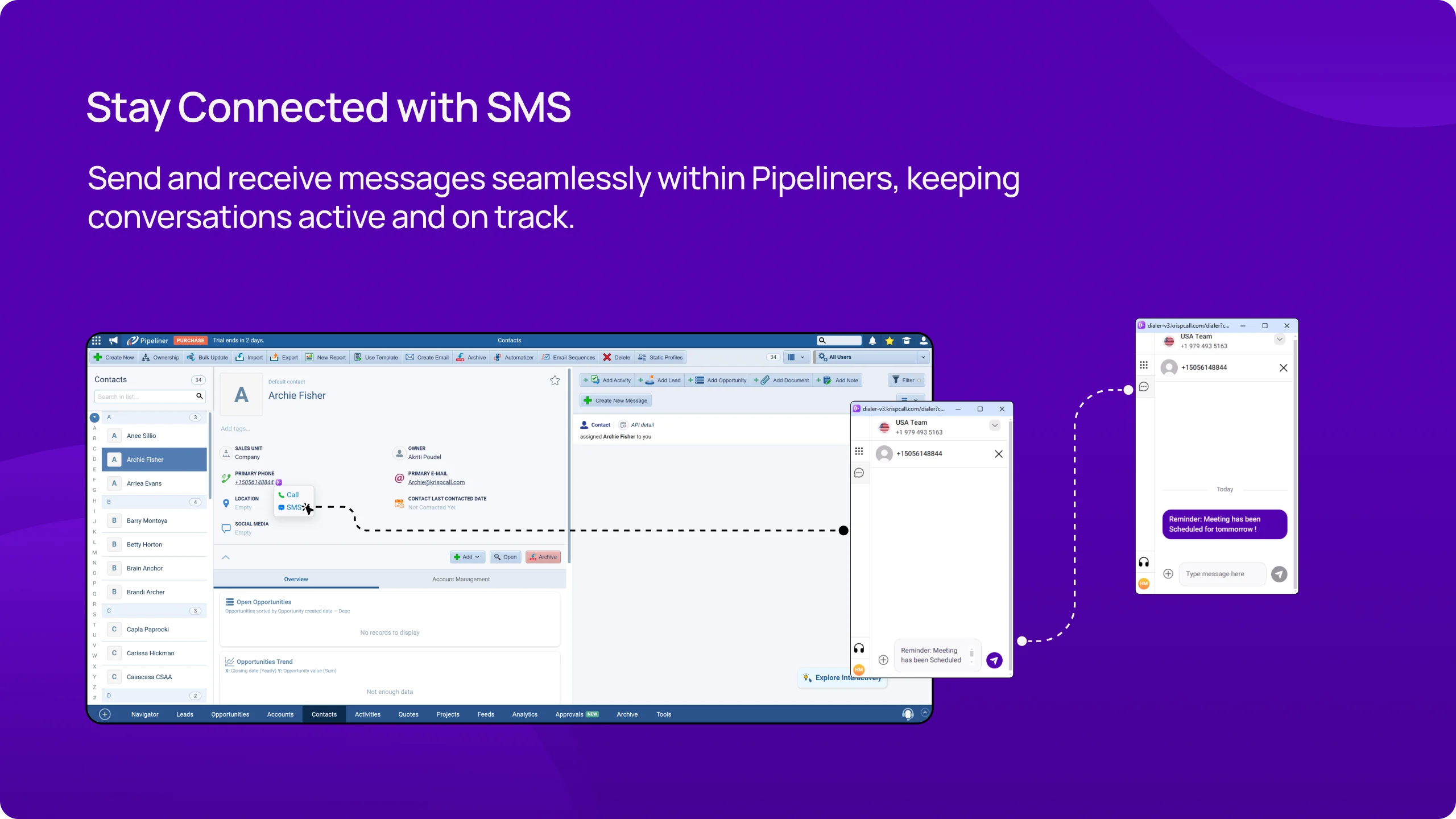
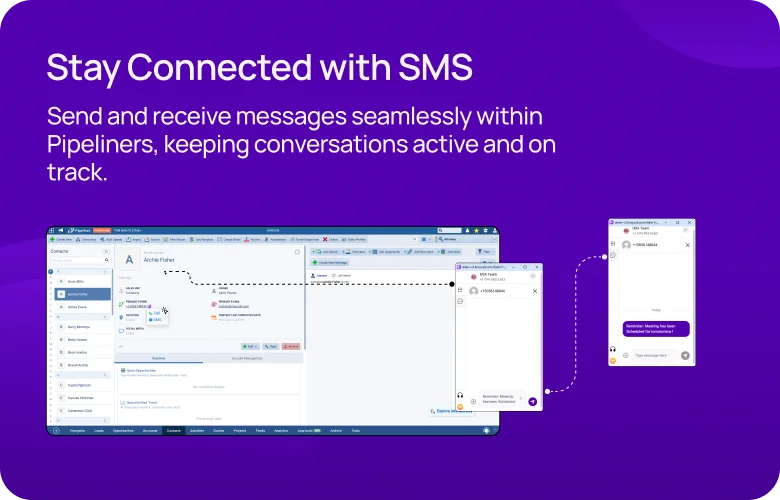
Send & Receive SMS from Pipeliner
Easily send SMS updates or confirmations and receive responses directly within Pipeliner. Every message is logged alongside customer details, ensuring a complete interaction history. This feature enables you to handle customer interactions more efficiently and provide proactive support without leaving the Pipeliner platform.
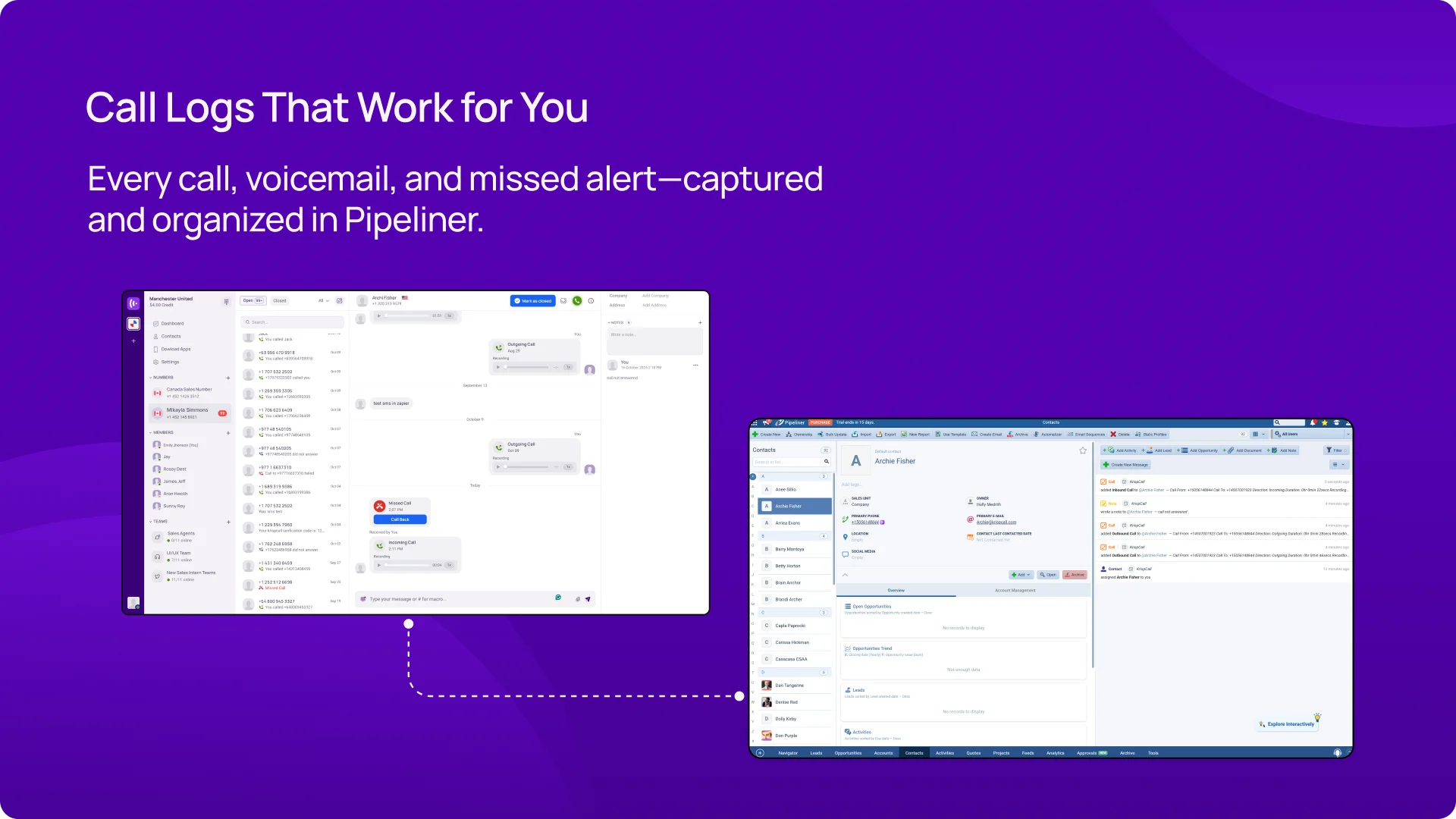
Automatic Call & Chat Logging
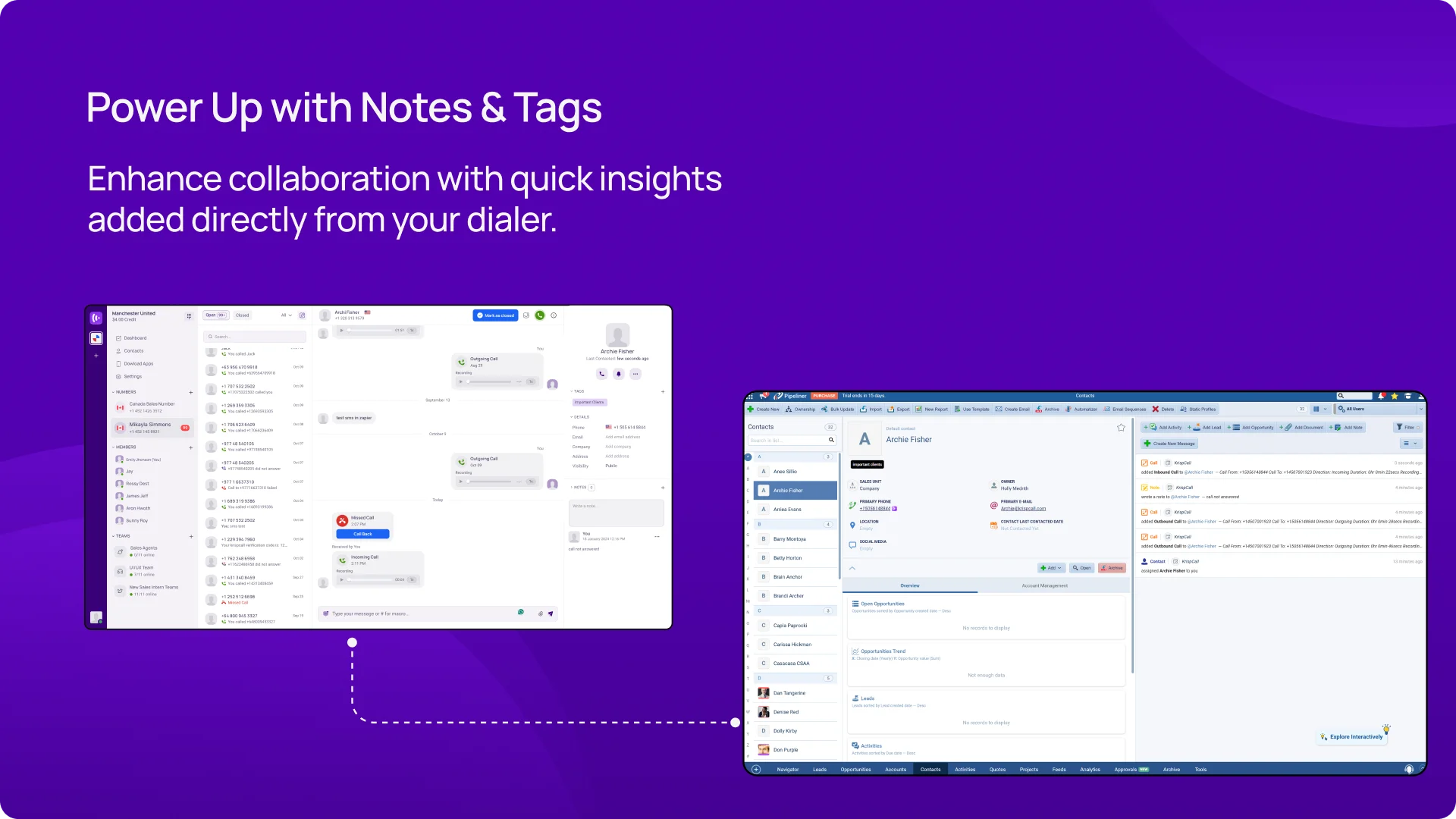
The KrispCall and Pipeliner integration automatically logs every call, chat, and message, associating them with the correct customer profile. This eliminates manual data entry and ensures all interactions are recorded in real-time. Having a complete history of conversations helps you stay organized and provides easy access for follow-ups and analysis.
See Who’s Calling With Caller ID
With the Caller ID feature, you instantly see who’s calling, including their name, number, and related details pulled from Pipeliner. This feature helps you prepare for each conversation, personalize your responses, and engage customers more effectively. It’s an ideal way to offer a more thoughtful, tailored experience every time.
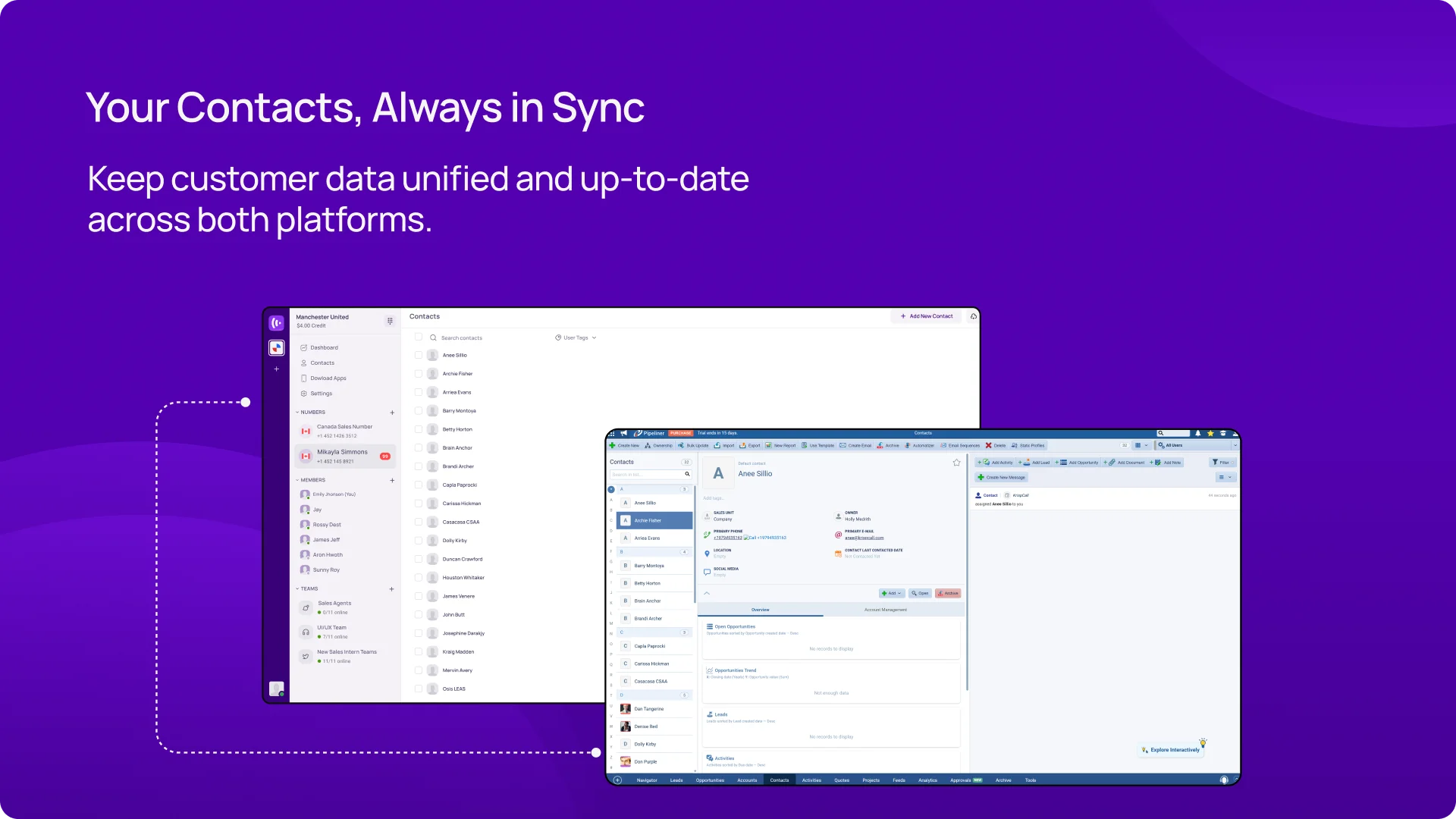
Real-Time Contact Sync
The KrispCall and Pipeliner integration ensures your contacts are always in sync across both platforms. Any updates made in one system are automatically reflected in the other, eliminating the need for manual entry. This ensures accurate, up-to-date contact information, improving conversations and preventing data errors.
Boosting Sales, Marketing, and Remote Work
Sales Team

Marketing Team

Remote Team


Integrate Pipeliner with KrispCall easily with our guide
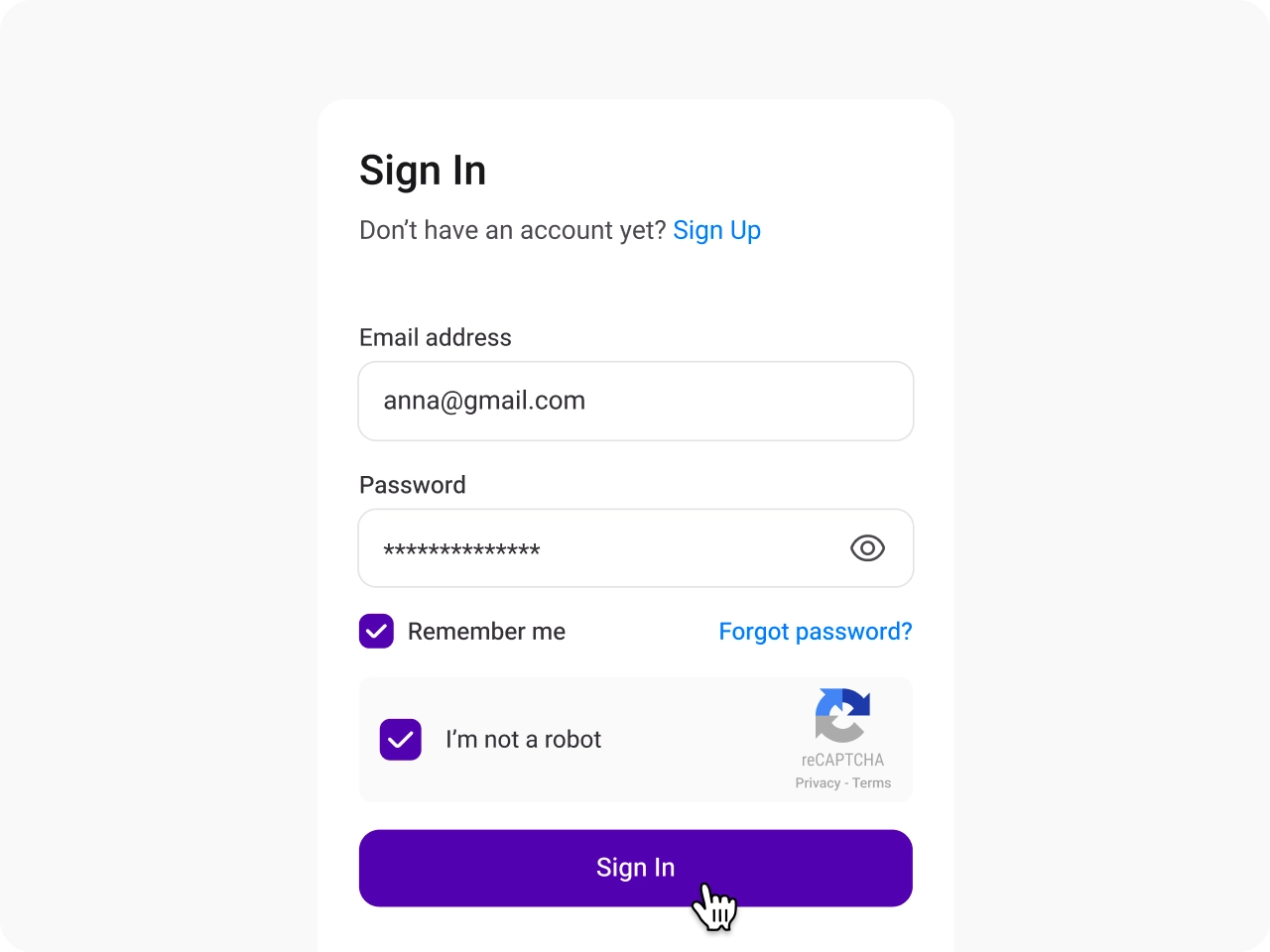
Sign in to KrispCall
Log into your KrispCall account and navigate to the Settings section to begin setting up the integration with Pipeliner.
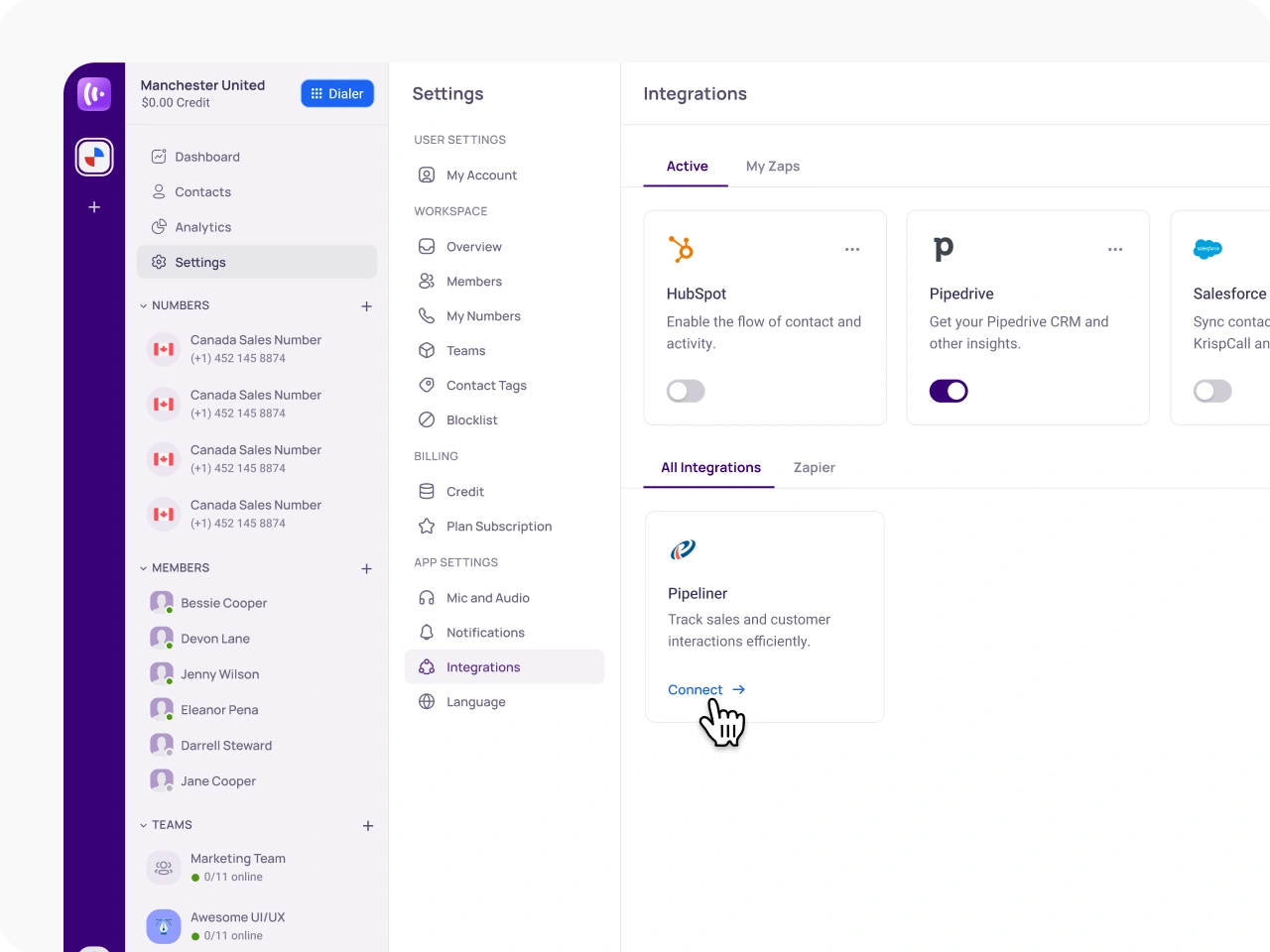
Access the Integration Menu and Select Pipeliner
In the App Settings, under the Settings menu, locate the Integration option and select Pipeliner from the available list.
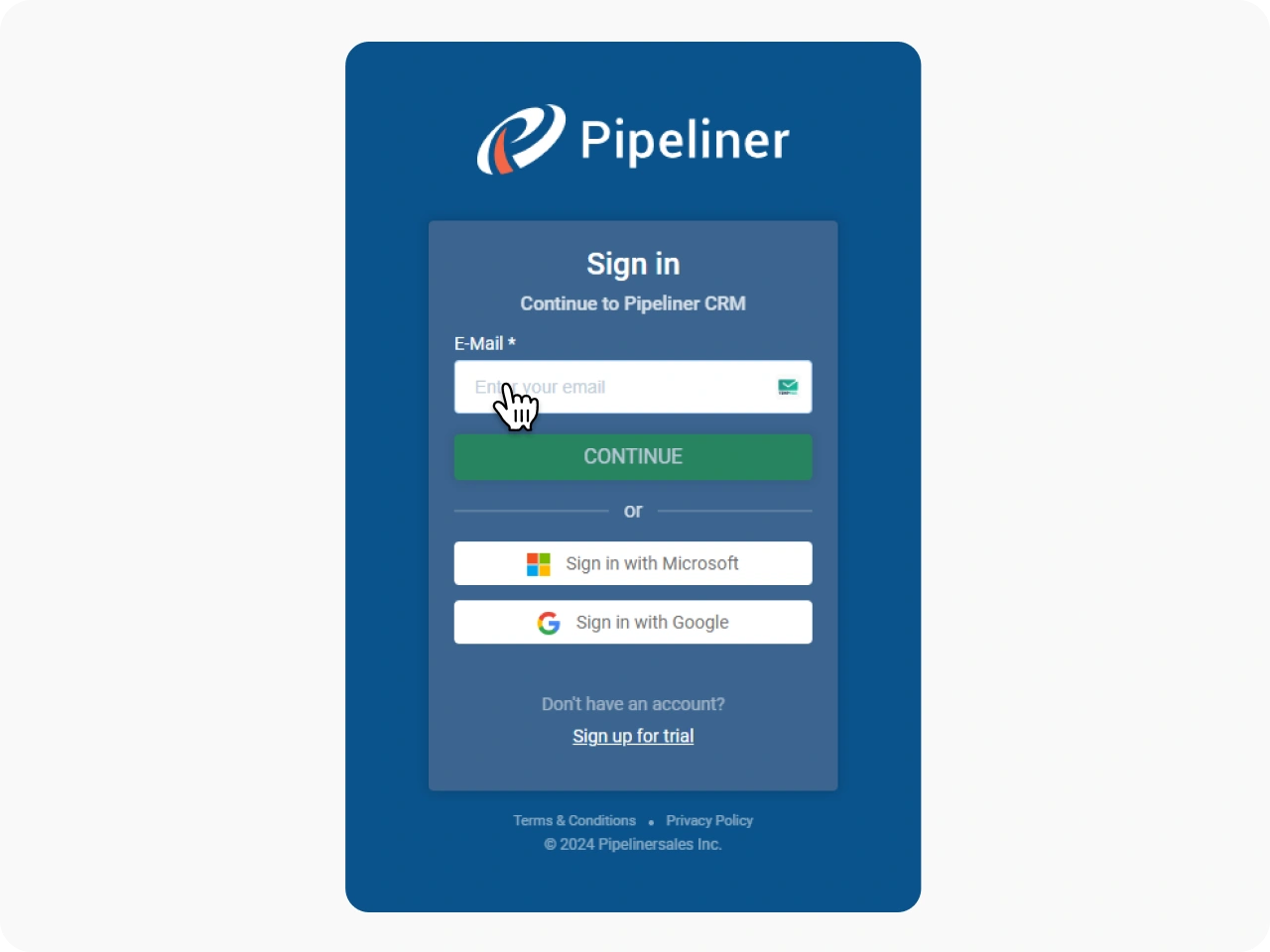
Authorize Your Pipeliner Account
Log into your Pipeliner account and click “Authorize” to grant KrispCall access, enabling seamless integration between the two platforms.
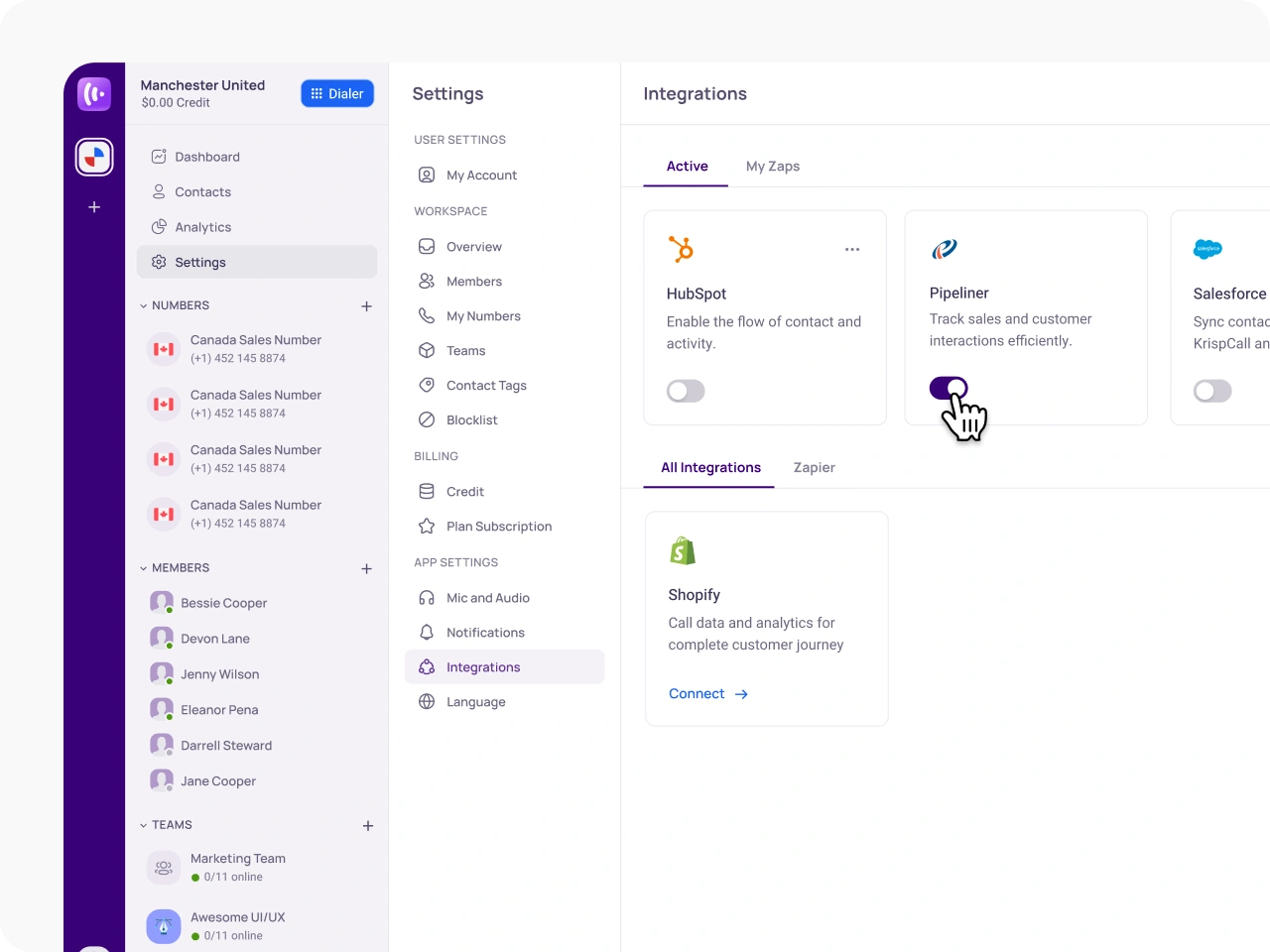
Manage Active Integration
Once the integration is active, Pipeliner will be displayed under Active Integrations. You can easily enable or disable it by using the toggle switch.
Benefits of integrating Pipeliner with KrispCall

Faster Sales Cycles

Eliminate Repetitive Data Entry Tasks

Enhanced Customer Relationships

Streamlined Remote Team Collaboration
Proud to be Recognized as VoIP Leader & Regional Leader in ANZ, EMEA, Europe, and Asia Pacific by G2







Amanda C.
CEO

Jan 22, 2025
“KrispCall’s quick, respectful customer support helped me find the perfect solution for global calls and a customer service number!”

Nagendra V.
Digital Marketing Specialist
Oct 07, 2024
“KrispCall makes global calling effortless with all the tools I need in one place—perfect for connecting with clients worldwide & my digital marketing needs!”

Brighton Tashobya
Contributing Author
Jun 21, 2024
“An all-action dashboard for monitoring and analyzing your connections makes KrispCall worthwhile. Having a local number breaks the ice on its own, and the easy-to-use interface with a great user experience simplifies your work.”

Eduardo Almeida
Member
Mar 27, 2024
“KrispCall is easy to use and simply works. Good support service”

Shazzadul Islam Fahim
CRM Administrator
Feb 13, 2024
“KrispCall is hassle-free to implement. I can now use an international number while staying in another country, which has helped my business grow.”

Lucas W.
Product Manager
Dec 3, 2024
"KrispCall’s authentic, professional service and exceptional customer understanding make staying connected with clients effortless—I’m very happy with it!"

Pushkar Verma
Director
Aug 12, 2024
“The setup process was very easy, with chat support available during our business hours. We needed a UK number with WhatsApp setup, and this solution met our needs at a reasonable price.”

James Edward Allan
Director
Jun 11, 2024
"The call quality is excellent and the customer service is miles better than so many services"

Rajendra Shrestha
Founder & CEO
Mar 23, 2024
“KrispCall solves the problem of relying on country-specific telecom providers by offering instant access to phone numbers from multiple countries, making it easy to get international numbers and make calls.”

Jeronimo Arias Gomez
Founder & CEO
Feb 10, 2024
“Great service, I can get calls from the US on my Spanish line”

Hunter F.
Business Analyst
Nov 12, 2024
"KrispCall’s amazing VoIP features and seamless number porting have been essential for managing my international business calls and remote team—highly recommended!"

Matthew Jones (JP, AFIML)
Associate Fellow
Jul 18, 2024
“Been using KrispCall for a while now and the service is great and the customer support is so responsive”

Achref Ben Hadj M.
Building Designer
Apr 05, 2024
“Navigating through calls, managing contacts, and accessing features are streamlined processes, allowing users to focus on their conversations”

Nomanqoba Mthembu
Member
Feb 19, 2024
“I enjoy the ease of the app, which allows me to make calls even without having a phone, and the support team is always there to help.”

Vuong Nguyen
AEM Developer
Jan 07, 2024
“I am able to register multiple phone numbers across different countries for SMS and phone call functionalities in a Public Sector Project”
Frequently Asked Questions
Didn’t find the Answer you were looking for? Visit our Help Center or Contact Support
Yes, all call activities, including missed calls, recordings, and voicemails, are automatically logged in Pipeliner, providing easy access and tracking.
With two-way contact syncing, any updates to contact information in either KrispCall or Pipeliner are automatically reflected across both platforms, ensuring accurate and up-to-date data.
Yes, the KrispCall integration allows you to initiate calls directly from the Pipeliner interface using the click-to-call feature, eliminating the need for app-switching.
The integration ensures instant access to customer details, automatically logs interactions, and helps agents respond more quickly and accurately, improving overall service quality.
Yes, all call details, including recordings, missed calls, and call notes, are logged in Pipeliner, making it easy to monitor call quality and coach agents effectively.
Yes, the integration allows you to monitor agent performance with detailed call records and real-time insights, helping identify areas for improvement and optimize workflows.
